service CHRYSLER ASPEN 2009 2.G User Guide
[x] Cancel search | Manufacturer: CHRYSLER, Model Year: 2009, Model line: ASPEN, Model: CHRYSLER ASPEN 2009 2.GPages: 481, PDF Size: 9.28 MB
Page 104 of 481
NOTE:The Towing Assistance number dialed is based
on the country where the vehicle is purchased (1-800-528-
2069 for the U.S., 1-877-213-4525 for Canada, 55-14-3454
for Mexico City and 1-800-712-3040 for outside Mexico
City in Mexico).
Please refer to the 24-Hour ªTowing Assistanceº cover-
age details in the Warranty Information Booklet and on
the 24±Hour Towing Assistance Card.
Paging
To learn how to page, refer to9Working with Automated
Systems.9Paging works properly except for pagers of
certain companies, which time out a little too soon to
work properly with the UConnecttsystem.
Voice Mail Calling
To learn how to access your voice mail, refer to9Working
with Automated Systems.9
Working with Automated Systems
This method is used in instances where one generally has
to press numbers on the cellular phone keypad while
navigating through an automated telephone system.
You can use your UConnecttsystem to access a voice
mail system or an automated service, such as a paging
service or automated customer service line. Some ser-
vices require immediate response selection. In some
instances, that may be too quick for use of the UConnectt
system.
When calling a number with your UConnecttsystem
that normally requires you to enter in a touch-tone
sequence on your cellular phone keypad, you can press
the ªVoice Recognitionº button and say the sequence you
wish to enter, followed by the word9Send.9For example,
if required to enter your PIN followed with a pound, (3 7
4 6 #), you can press the ªVoice Recognitionº button and
say,93746#Send.9Saying a number, or sequence of
102 UNDERSTANDING THE FEATURES OF YOUR VEHICLE
Page 105 of 481
numbers, followed by9Send,9is also to be used for
navigating through an automated customer service cen-
ter menu structure, and to leave a number on a pager.
You can also send stored UConnecttphonebook entries
as tones for fast and easy access to voice mail and pager
entries. To use this feature, dial the number you wish to
call and then press the ªVoice Recognitionº button and
say, ªSend.º The system will prompt you to enter the
name or number and say the name of the phonebook
entry you wish to send. The UConnecttsystem will then
send the corresponding phone number associated with
the phonebook entry, as tones over the phone.
NOTE:
²You may not hear all of the tones due to cellular phone
network configurations; this is normal.
²Some paging and voice mail systems have system time
out settings that are too short and may not allow the
use of this feature.
Barge In - Overriding Prompts
The ªVoice Recognitionº button can be used when you
wish to skip part of a prompt and issue your voice
recognition command immediately. For example, if a
prompt is asking9Would you like to pair a phone, clear
a{,9you could press the ªVoice Recognitionº button and
say,9Pair a Phone9to select that option without having to
listen to the rest of the voice prompt.
Turning Confirmation Prompts On/Off
Turning confirmation prompts off will stop the system
from confirming your choices (e.g., the UConnecttsys-
tem will not repeat a phone number before you dial it).
²Press the PHONE button to begin.
²After the9Ready9prompt and the following beep, say
9Setup Confirmations.9The UConnecttsystem will
play the current confirmation prompt status and you
will be given the choice to change it.
UNDERSTANDING THE FEATURES OF YOUR VEHICLE 103
3
Page 126 of 481
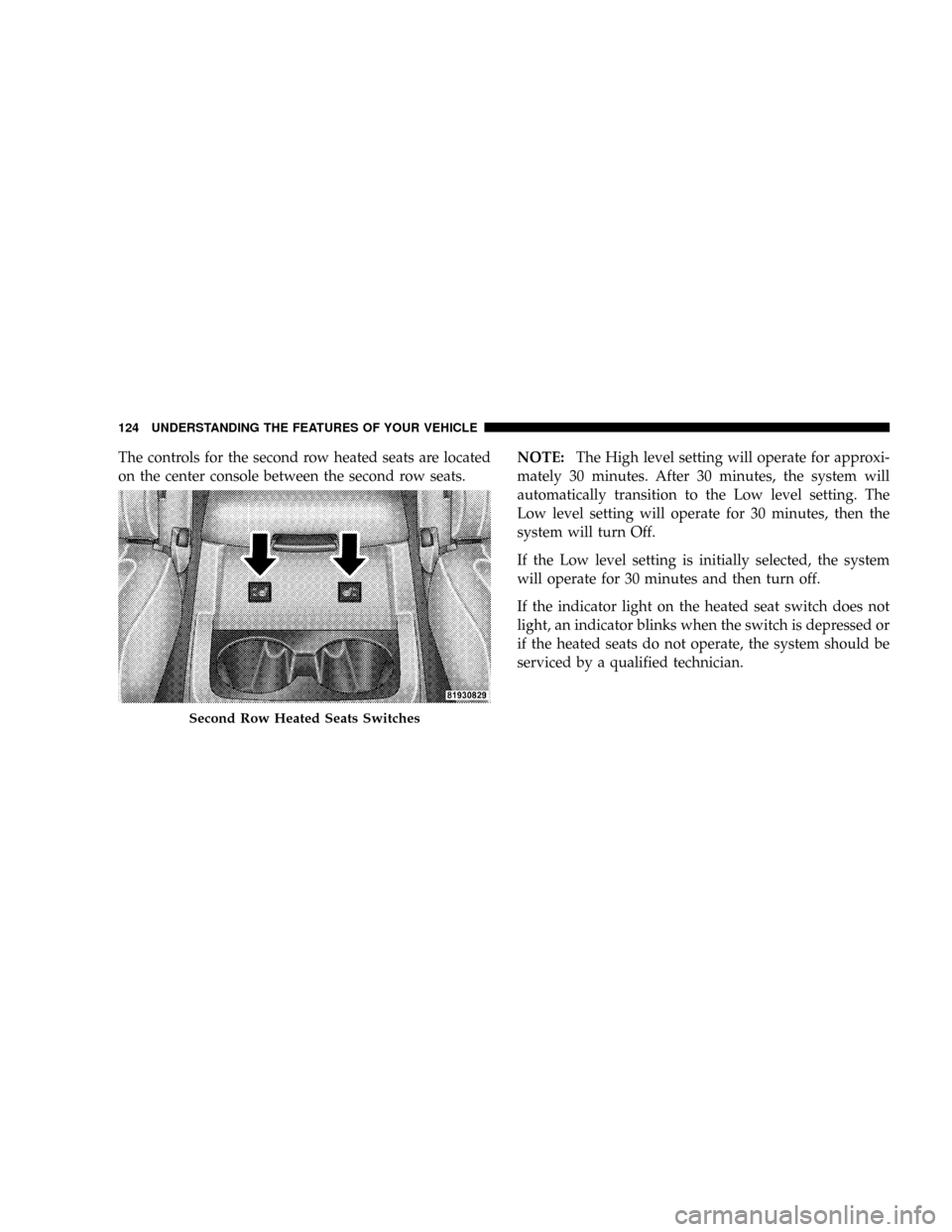
The controls for the second row heated seats are located
on the center console between the second row seats.NOTE:The High level setting will operate for approxi-
mately 30 minutes. After 30 minutes, the system will
automatically transition to the Low level setting. The
Low level setting will operate for 30 minutes, then the
system will turn Off.
If the Low level setting is initially selected, the system
will operate for 30 minutes and then turn off.
If the indicator light on the heated seat switch does not
light, an indicator blinks when the switch is depressed or
if the heated seats do not operate, the system should be
serviced by a qualified technician.
Second Row Heated Seats Switches
124 UNDERSTANDING THE FEATURES OF YOUR VEHICLE
Page 164 of 481
CAUTION!
²The Rear Park Assist system is only a parking aid
and it is unable to recognize every obstacle, in-
cluding small obstacles. Parking curbs might be
temporarily detected or not detected at all. Ob-
stacles located above or below the sensors will not
be detected when they are in close proximity.
²The vehicle must be driven slowly when using the
Rear Park Assist system to be able to stop in time
when the obstacle is detected. It is recommended
that the driver look over his/her shoulder when
using the Rear Park Assist system.
NOTE:
²Ensure that the rear bumper is free of dirt and debris
to keep the system operating properly.
²Jackhammers, large trucks, and other vibrations could
affect the performance of the system.
Enable/Disable The Rear Park Assist System
There are times when you may want to disable the Rear
Park Assist system, such as when towing a trailer.
The system can be turned ON or OFF through the
Electronic Vehicle Information (EVIC) ± if equipped.
Refer to ªPersonal Settings (Customer Programmable
Features)º under ªOverhead Console with Electronic
Vehicle Information Center (EVIC) ± If Equippedº in
Section 3.
Service The Rear Park Assist System
When the Rear Park Assist System is defective, the EVIC
will display the ªSERVICE PARK ASSIST SYSTEMº
message along with a single chime once per ignition
cycle. Refer to ªElectronic Vehicle Information Center
(EVIC)º in Section 3 of this manual. The Park Assist
display will also light the red led's indicating a problem.
Under this condition the Rear Park Assist System will not
operate.
162 UNDERSTANDING THE FEATURES OF YOUR VEHICLE
Page 165 of 481
If ªSERVICE PARK ASSIST SYSTEMº appears in the
Electronic Vehicle Information Center (EVIC) after mak-
ing sure the rear bumper is clean, please see your
authorized dealer.
Cleaning The Rear Park Assist System
Clean the Rear Park Assist sensors with water, car wash
soap and a soft cloth. Do not use rough or hard cloths.
Do not scratch or poke the sensors, you could damage the
sensors.
REAR BACKUP CAMERA Ð IF EQUIPPED
Your vehicle may be equipped with a Rear Camera
system that allows you to see an on-screen image (located
in the screen of your Radio) of the rear of your vehicle
whenever it is put into REVERSE. The camera is located
in the light bar over the rear license plate.NOTE:Refer to ªSetting Display Propertiesº under
ªSystem Settingsº in the Navigation User's Manual for
instructions regarding navigation screen brightness ad-
justments.
Use the following steps to access the Rear Camera
feature:
1. Start the engine.
2. Depress the brake pedal and place the shift lever into
REVERSE.
NOTE:The camera view will display only while the
vehicle is in REVERSE.
3. Wait one to two seconds and the camera view will
display on the radio screen.
4. Perform a visual check of the rear area.
NOTE:CHECK ENTIRE SURROUNDINGS before
backing up.
UNDERSTANDING THE FEATURES OF YOUR VEHICLE 163
3
Page 171 of 481
System Status (EVIC Displays)
When the appropriate conditions exist, the EVIC displays
the following messages:
²TURN SIGNALS ON (with a continuous warning
chime)
²PERSONAL SETTINGS NOT AVAILABLE ± Vehicle
not in PARK
²LEFT/RIGHT FRONT DOOR AJAR (one or more,
with a single chime if speed is above 1 mph/1 km/h)
²LEFT/RIGHT REAR DOOR AJAR (one or more, with
a single chime if speed is above 1 mph/1 km/h)
²DOOR(S) AJAR (with a single chime if vehicle is in
motion)
²LOW WASHER FLUID (with a single chime)
²OIL CHANGE REQUIRED (with a single chime)
²SERVICE PARK ASSIST SYSTEM (with a single chime)
²SERVICE PARK ASSIST SYSTEM
²COOLANT LOW
²LIFTGATE OPEN
²CHECK TPM SYSTEM (with single chime) (Premium
TPM System Only)
OIL CHANGE REQUIRED Ð If Equipped
Your vehicle is equipped with an engine oil change
indicator system. The ªOil Change Requiredº message
will flash in the EVIC display for approximately 10
seconds after a single chime has sounded to indicate the
next scheduled oil change interval. The engine oil change
indicator system is duty cycle based, which means the
engine oil change interval may fluctuate dependent upon
your personal driving style.
UNDERSTANDING THE FEATURES OF YOUR VEHICLE 169
3
Page 207 of 481
5. High Beam Indicator
Indicates that headlights are on high beam.
6. Seat Belt Reminder Light
This light comes on for several seconds after the
ignition is turned ON as a reminder to ªbuckle
up.º This light will remain on as long as the seat
belt remains unbuckled. If this light flashes, it indicates a
fault in the seat belt system. Have the system checked by
an authorized dealer.
7. Engine Temperature Warning Light
This light warns of an overheated engine condi-
tion. As temperatures rise and the gauge ap-
proachesH(Hot), this indicator will illuminate
and a single chime will sound after reaching a set
threshold. Further overheating will cause the tempera-
ture gauge to passH(Hot), the indicator will continu-
ously flash and a continuous chime will occur until the
engine is allowed to cool.CAUTION!
Driving with a hot engine cooling system could
damage your vehicle. If the temperature light is on,
safely pull over and stop the vehicle. Idle the vehicle
in neutral with the air conditioner turned off until
the light turns off. If the light remains on, turn the
engine off immediately, and call for service.
WARNING!
A hot engine cooling system is dangerous. You or
others could be badly burned by steam or boiling
coolant. You may want to call a service center if your
vehicle overheats. If you decide to look under the
hood yourself, see Section 7 of this manual. Follow
the warnings under the Cooling System Pressure Cap
paragraph.
UNDERSTANDING YOUR INSTRUMENT PANEL 205
4
Page 208 of 481
8. Speedometer
The speedometer shows the speed of the vehicle.
9. Charging System Light
This light shows the status of the electrical charg-
ing system. The light should come on when the
ignition switch is first turned ON and remain on briefly
as a bulb check. If the light stays on or comes on while
driving, turn off some of the vehicle's non-essential
electrical devices or increase engine speed (if at idle). If
the charging system light remains on, it means that the
vehicle is experiencing a problem with the charging
system. Obtain SERVICE IMMEDIATELY. See an autho-
rized dealer.
10. Vehicle Security Light
This light will flash rapidly for approximately 15 seconds
when the vehicle security alarm is arming. The light will
flash at a slower speed continuously after the alarm is set.The security light will also come on for about three
seconds when the ignition is first turned on.
11. Anti-Lock Brake System (ABS) Light
This light monitors the Anti-Lock Brake System
(ABS) which is described elsewhere in this
manual. This light will come on when the
ignition key is turned to the ON position and
may stay on for approximately three seconds. If this light
remains on or comes on during driving, it indicates that
the Anti-Lock portion of the brake system is not func-
tioning and that service is required. See an authorized
dealer immediately. With the ABS malfunctioning, the
Brake Assist System (BAS) and Electronic Stability Pro-
gram (ESP) are also switched off. Both malfunction
indicator lights illuminate with the engine running. If the
charging voltage falls below 10 volts, the malfunction
indicator light illuminates and the ABS is switched off.
206 UNDERSTANDING YOUR INSTRUMENT PANEL
Page 211 of 481
2. Fully depress the accelerator pedal slowly three
times within 10 seconds.
3. Turn the ignition switch to the OFF/LOCK position.
NOTE:If the indicator message illuminates when you
start the vehicle, the oil change indicator system did not
reset. If necessary repeat this procedure.
16. Odometer
The odometer shows the total distance the vehicle has
been driven.
U.S. federal regulations require that upon transfer of
vehicle ownership, the seller certify to the purchaser the
correct mileage that the vehicle has been driven. There-
fore, if the odometer reading is changed during repair or
replacement, be sure to keep a record of the reading
before and after the service so that the correct mileage can
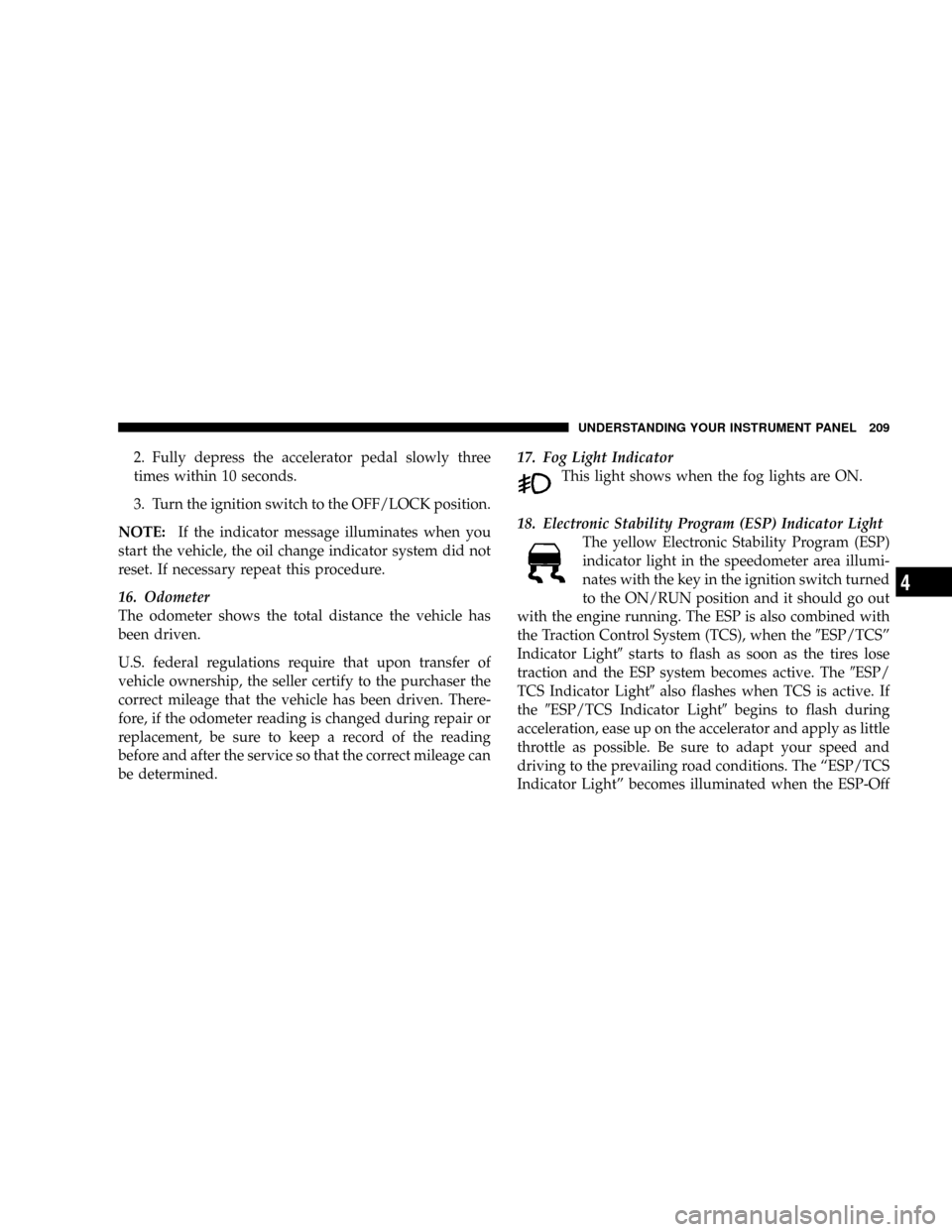
be determined.17. Fog Light Indicator
This light shows when the fog lights are ON.
18. Electronic Stability Program (ESP) Indicator Light
The yellow Electronic Stability Program (ESP)
indicator light in the speedometer area illumi-
nates with the key in the ignition switch turned
to the ON/RUN position and it should go out
with the engine running. The ESP is also combined with
the Traction Control System (TCS), when the9ESP/TCSº
Indicator Light9starts to flash as soon as the tires lose
traction and the ESP system becomes active. The9ESP/
TCS Indicator Light9also flashes when TCS is active. If
the9ESP/TCS Indicator Light9begins to flash during
acceleration, ease up on the accelerator and apply as little
throttle as possible. Be sure to adapt your speed and
driving to the prevailing road conditions. The ªESP/TCS
Indicator Lightº becomes illuminated when the ESP-Off
UNDERSTANDING YOUR INSTRUMENT PANEL 209
4
Page 212 of 481
button has been pressed or ESP is only partially available
caused by lack of engine management or brake thermal
model.
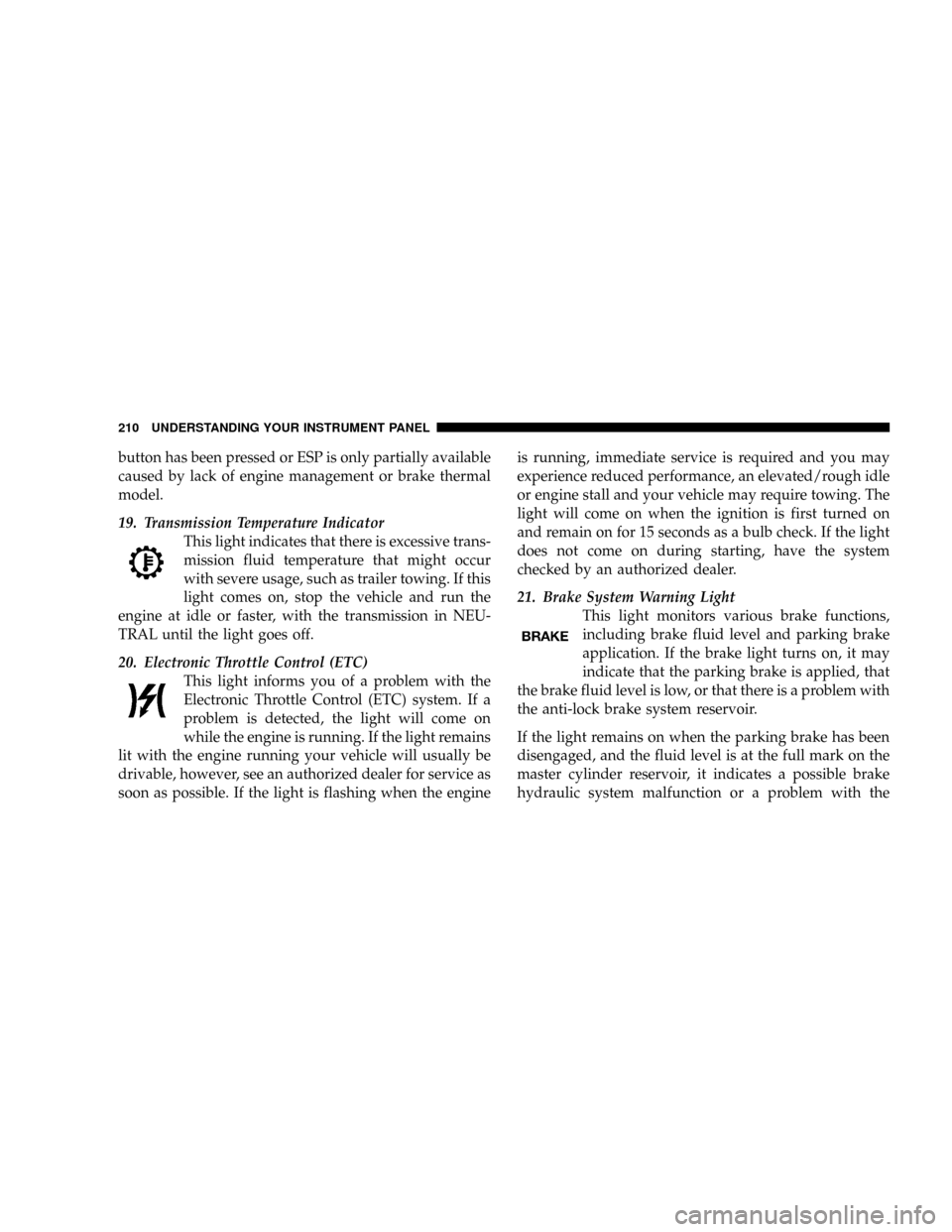
19. Transmission Temperature Indicator
This light indicates that there is excessive trans-
mission fluid temperature that might occur
with severe usage, such as trailer towing. If this
light comes on, stop the vehicle and run the
engine at idle or faster, with the transmission in NEU-
TRAL until the light goes off.
20. Electronic Throttle Control (ETC)
This light informs you of a problem with the
Electronic Throttle Control (ETC) system. If a
problem is detected, the light will come on
while the engine is running. If the light remains
lit with the engine running your vehicle will usually be
drivable, however, see an authorized dealer for service as
soon as possible. If the light is flashing when the engineis running, immediate service is required and you may
experience reduced performance, an elevated/rough idle
or engine stall and your vehicle may require towing. The
light will come on when the ignition is first turned on
and remain on for 15 seconds as a bulb check. If the light
does not come on during starting, have the system
checked by an authorized dealer.
21. Brake System Warning Light
This light monitors various brake functions,
including brake fluid level and parking brake
application. If the brake light turns on, it may
indicate that the parking brake is applied, that
the brake fluid level is low, or that there is a problem with
the anti-lock brake system reservoir.
If the light remains on when the parking brake has been
disengaged, and the fluid level is at the full mark on the
master cylinder reservoir, it indicates a possible brake
hydraulic system malfunction or a problem with the
210 UNDERSTANDING YOUR INSTRUMENT PANEL