air conditioning CITROEN C5 AIRCROSS 2020 Handbook (in English)
[x] Cancel search | Manufacturer: CITROEN, Model Year: 2020, Model line: C5 AIRCROSS, Model: CITROEN C5 AIRCROSS 2020Pages: 292, PDF Size: 8.59 MB
Page 69 of 292

67
Air distribution adjustment
You can vary the air distribution in the passenger
compartment using the three buttons 7.
Windscreen and side windows.
Central and side air vents.
Footwells.
Each press on a
button activates or deactivates
the function. The indicator lamp is on when the
button is activated. For a
uniform distribution
of air in the passenger compartment, the three
buttons can be activated simultaneously.
In AUTO mode, the indicator lamps in all three
buttons 7
are of f.
Air conditioning on/off
The air conditioning is designed to operate
effectively in all seasons, with the windows
closed.
It enables you to:
-
l
ower the temperature in summer,
-
i
ncrease the effectiveness of the demisting
in winter, above 3°C.
F
P
ress button 8 to activate/deactivate the air
conditioning system. When the indicator lamp is on, the air
conditioning function is activated.
The air conditioning does not operate
when the air flow adjustment is inhibited.
To obtain cool air more quickly, you can
use recirculation of the interior air for
a few moments. Then return to the intake
of exterior air.
Switching off the air conditioning may
result in some discomfort (humidity,
mi st ing).
Mono-zone/Dual-zone
The passenger temperature setting can be
linked to the driver's setting (mono-zone
function).
It is available in the secondary page by
pressing button 11 "OPTIONS ".
F
P
ress button 14
to activate the "MONO"
function; its status is displayed as " ON".
The function is automatically deactivated if the
passenger uses their temperature adjustment
buttons (dual-zone function).
Ventilation with the ignition on
When the ignition is switched on, you can
use the ventilation system to adjust the air
flow 5
and air distribution 7 settings in the
passenger compartment, for a
period which
depends on the battery charge.
System switch-off
F Press button 4 .
Its indicator lamp comes on and all other
indicator lamps for the system go off.
This action deactivates all functions of the air
conditioning system.
By reducing the air flow 5
to a minimum, you
are stopping ventilation.
Temperature is no longer regulated. A slight
flow of air can still be felt, resulting from the
for ward movement of the vehicle. This function does not allow the operation of
the air conditioning system.
Recirculation of interior air
The intake of exterior air prevents the formation
of mist on the windscreen and side windows.
Recirculation of the interior air isolates the
passenger compartment from outside odours
and fumes and allows the temperature required
in the passenger compartment to be reached
more rapidly.
F
P
ress this button to activate/
deactivate the function (confirmed
by the illumination/extinction of the
indicator lamp).
The system activates automatically when
reverse gear is engaged.
3
Ease of use and comfort
Page 70 of 292

68
Front demist – defrost
Automatic visibility
programme
The automatic visibility programme allows the
windscreen and side windows to be demisted
or defrosted as quickly as possible.F
P
ress this button to activate/
deactivate the function.
When the indicator lamp is on, the function is
activated.
The system automatically manages the air
conditioning (depending on version), air
flow and air intake, and provides optimum
distribution towards the windscreen and side
windows.
The system allows the manual modification of
air flow without causing automatic deactivation
of the automatic visibility programme.
With Stop & Start, when demisting –
defrosting has been activated, STOP
mode is not available. In wintry conditions, remove all snow or
ice on the camera on the windscreen
before moving off.
Other wise, this can affect the function
of the equipment associated with the
camera.
Heated windscreen
In cold weather, this system heats the bottom of
the windscreen, as well as the areas alongside
the windscreen pillars.
Without changing the settings for the air
conditioning system, it allows faster release
of the windscreen wiper blades when they
are frozen to the windscreen and helps avoid
the accumulation of snow resulting from the
operation of the windscreen wipers.
Switching on/off
F With the engine running, press this button to
activate/deactivate the function (confirmed
by the illumination/extinction of the indicator
lamp).
The function is active as soon as the outside
temperature drops below 0°C. It is deactivated
automatically each time the engine is switched
of f.
Rear screen demist –
defrost
On/Off
F Press this button to demist /defrost the rear screen and, depending
on version, the door mirrors
(confirmed by the illumination/
extinction of the indicator lamp).
Demisting/defrosting switches off automatically
to prevent an excessive consumption of
current.
Ease of use and comfort
Page 71 of 292

69
Switch off the demisting/defrosting of the
rear screen and door mirrors as soon as
possible to reduce fuel consumption.
Rear screen demisting – defrosting can
only be operated when the engine is
running.
Additional Heating/
Ventilation
Heating
This is an additional and separate system
which heats the passenger compartment and
improves defrosting performance. This indicator lamp is lit while the
system is programmed or set in
operation remotely via the remote
control.
It flashes during the whole duration
of the heating and goes off at the end
of the heating cycle or when stopped
using the remote control.
Ventilation
This system allows ventilation of the passenger
compartment with exterior air to improve the
temperature experienced on entering the
vehicle in summer.
Programming
You can programme the heating or ventilation
to come on using the second page of the "
Air
conditioning " menu of the touch screen.
F
P
ress the "Air conditioning "
menu.
F
P
ress the " OPTIONS " tab.
F
P
ress "Temperature
programming ". F
P
ress the "
Parameters " tab to select
" Heating " mode to heat the engine and
passenger compartment or " Ventilation"
mode to ventilate the passenger
compartment.
F
P
ress the " Status" tab to activate/deactivate
the system. F
T
hen programme/preset the activation time
for each selection.
F
P
ress "
OK" to confirm.
Long range remote control
This enables you to switch the heating in
the passenger compartment on or off from
a
distance.
The range of the remote control is about
0.6
miles (1 km) in open country.
Switching on
F Pressing and holding this button starts the heating immediately
(confirmed by the temporary
illumination of the green indicator
lamp).
3
Ease of use and comfort
Page 188 of 292
186
Load reduction mode
System which manages the use of certain
functions according to the level of charge
remaining in the battery.
When the vehicle is being driven, the load
reduction function temporarily deactivates
certain functions, such as air conditioning,
heated rear screen, etc.
The deactivated functions are reactivated
automatically as soon as conditions permit.
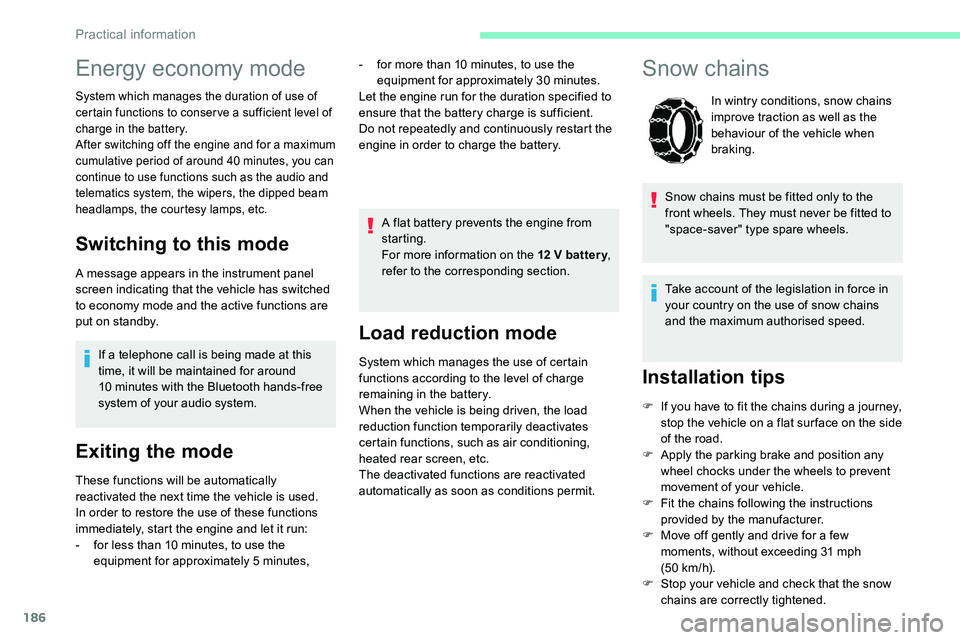
Snow chains
In wintry conditions, snow chains
improve traction as well as the
behaviour of the vehicle when
braking.
Snow chains must be fitted only to the
front wheels. They must never be fitted to
"space-saver" type spare wheels.
Take account of the legislation in force in
your country on the use of snow chains
and the maximum authorised speed.
Installation tips
F If you have to fit the chains during a journey,
stop the vehicle on a flat sur face on the side
of the road.
F
A
pply the parking brake and position any
wheel chocks under the wheels to prevent
movement of your vehicle.
F
F
it the chains following the instructions
provided by the manufacturer.
F
M
ove off gently and drive for a few
moments, without exceeding 31
mph
(50
km/h).
F
S
top your vehicle and check that the snow
chains are correctly tightened.
Energy economy mode
System which manages the duration of use of
certain functions to conser ve a sufficient level of
charge in the battery.
After switching off the engine and for a
maximum
cumulative period of around 40
minutes, you can
continue to use functions such as the audio and
telematics system, the wipers, the dipped beam
headlamps, the courtesy lamps, etc.
Switching to this mode
A message appears in the instrument panel
screen indicating that the vehicle has switched
to economy mode and the active functions are
put on standby.
If a
telephone call is being made at this
time, it will be maintained for around
10
minutes with the Bluetooth hands-free
system of your audio system.
Exiting the mode
These functions will be automatically
reactivated the next time the vehicle is used.
In order to restore the use of these functions
immediately, start the engine and let it run:
-
f
or less than 10 minutes, to use the
equipment for approximately 5
minutes,A flat battery prevents the engine from
starting.
For more information on the 12
V batter y
,
refer to the corresponding section.
-
f
or more than 10 minutes, to use the
equipment for approximately 30
minutes.
Let the engine run for the duration specified to
ensure that the battery charge is sufficient.
Do not repeatedly and continuously restart the
engine in order to charge the battery.
Practical information
Page 194 of 292

192
Versions equipped with Stop & Start are
fitted with a 12 V lead-acid battery of
specific technology and specification.
Its replacement should be carried out
only by a
CITROËN dealer or a qualified
workshop.
Cabin filter
Depending on the environment and
the use of the vehicle (e.g. dusty
atmosphere, city driving), change it
twice as often if necessar y .A clogged cabin filter may have an
adverse effect on the per formance of
the air conditioning system and generate
undesirable odours.
Air filter
Depending on the environment and
the use of the vehicle (e.g. dusty
atmosphere, city driving), change it
twice as often if necessar y
.
Oil filter
Change the oil filter each time the
engine oil is changed.
Particle filter (Diesel)
or The start of saturation of the particle
filter is signalled by the temporary
illumination of this warning lamp,
accompanied by a
message warning
of the risk of the filter clogging up.
As soon as the traffic conditions permit,
regenerate the filter by driving at a
speed of at
least 37
mph (60 km/h) until the warning lamp
goes off.
AdBlue (BlueHDi)
An alert is triggered once the reser ve level is
reached.
For more information on the AdBlue range
indicators , refer to the corresponding section.
To avoid the vehicle being immobilised as per
regulations, you must top up the AdBlue tank.
For more information on the Supply of
AdBlue , refer to the corresponding section.
Checks
Unless otherwise indicated, check these
components in accordance with the
manufacturer's service schedule and according
to your engine.
Other wise, have them checked by a
CITROËN
dealer or a
qualified workshop.
Only use products recommended by
CITROËN or products of equivalent quality
and specification.
In order to optimise the operation of
components as important as those in the
braking system, CITROËN selects and
offers very specific products.
12 V battery
The battery does not require any maintenance.
However, check regularly that the terminals
are correctly tightened (versions without quick
release terminals) and that the connections
are clean.
For more information on the precautions to
take before any work on the 12 V batter y,
refer to the corresponding section.
Practical information
Page 217 of 292

215
Fuse No.Rating
(A) Functions
F1 40Air conditioning
ventilation motor.
F16 20Heated windscreen
F18 10
Right-hand main beam headlamp.
F19 10Left-hand main beam headlamp.
F24 40Trailer power supply.
F26 25Front foglamps.
12 V battery
Procedure for starting the engine using another
battery or charging a
discharged battery.
Lead-acid starter batteries
Batteries contain harmful substances
such as sulphuric acid and lead.
They must be disposed of in accordance
with regulations and must not, in any
circumstances, be discarded with
household waste.
Take used remote control batteries and
vehicle batteries to a
special collection
point.
Protect your eyes and face before
handling the battery.
All operations on the battery must be
carried out in a
well ventilated area and
away from naked flames and sources of
sparks, so as to avoid the risk of explosion
or fire.
Wash your hands afterwards.
Access to the battery
The battery is located under the bonnet.
Engine compartment fuses
The fusebox is placed in the engine
compartment near the battery.
Access to the fuses
F Release the two latches A .
F R emove the cover.
F
C
hange the fuse.
F
W
hen you have finished, close the cover
carefully then engage the two latches A , to
ensure correct sealing of the fusebox.
8
In the event of a breakdown
Page 228 of 292
2
The touch screen is of the "capacitive"
type.
To clean the screen, use a soft, non-
abrasive cloth (e.g. spectacles cloth) with
no additional product.
Do not use sharp objects on the screen.
Do not touch the screen with wet hands.
Certain information is displayed permanently in
the upper bar of the touch screen:
-
R
eminder of the air conditioning information
(depending on version), and direct access to
the corresponding menu.
-
R
eminder of the Radio Media and
Telephone menu information.
-
R
eminder of the privacy information.
-
A
ccess to the Settings of the touch screen
and digital instrument panel.
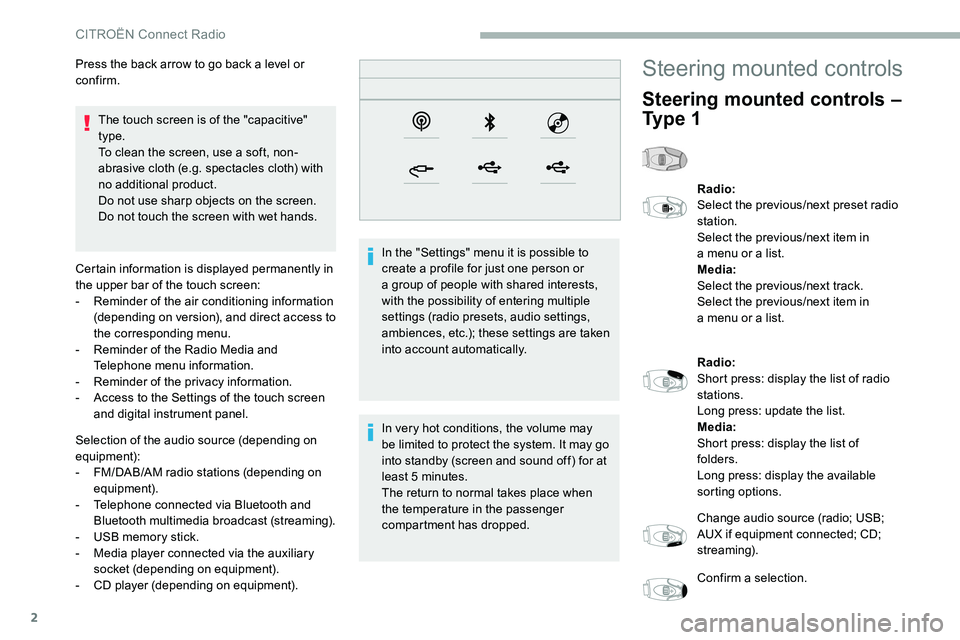
Selection of the audio source (depending on
equipment):
-
F
M/DAB/AM radio stations (depending on
equipment).
-
T
elephone connected via Bluetooth and
Bluetooth multimedia broadcast (streaming).
-
U
SB memory stick.
-
M
edia player connected via the auxiliary
socket (depending on equipment).
-
C
D player (depending on equipment). In the "Settings" menu it is possible to
create a
profile for just one person or
a
group of people with shared interests,
with the possibility of entering multiple
settings (radio presets, audio settings,
ambiences, etc.); these settings are taken
into account automatically.
In very hot conditions, the volume may
be limited to protect the system. It may go
into standby (screen and sound off) for at
least 5
minutes.
The return to normal takes place when
the temperature in the passenger
compartment has dropped.
Press the back arrow to go back a
level or
confirm.
Steering mounted controls
Steering mounted controls –
Ty p e 1
Radio:
Select the previous/next preset radio
station.
Select the previous/next item in
a
menu or a list.
Media:
Select the previous/next track.
Select the previous/next item in
a
menu or a list.
Radio:
Short press: display the list of radio
stations.
Long press: update the list.
Media:
Short press: display the list of
folders.
Long press: display the available
sorting options.
Change audio source (radio; USB;
AUX if equipment connected; CD;
streaming).
Confirm a
selection.
CITROËN Connect Radio
Page 230 of 292
4
21,518,5
Telephone
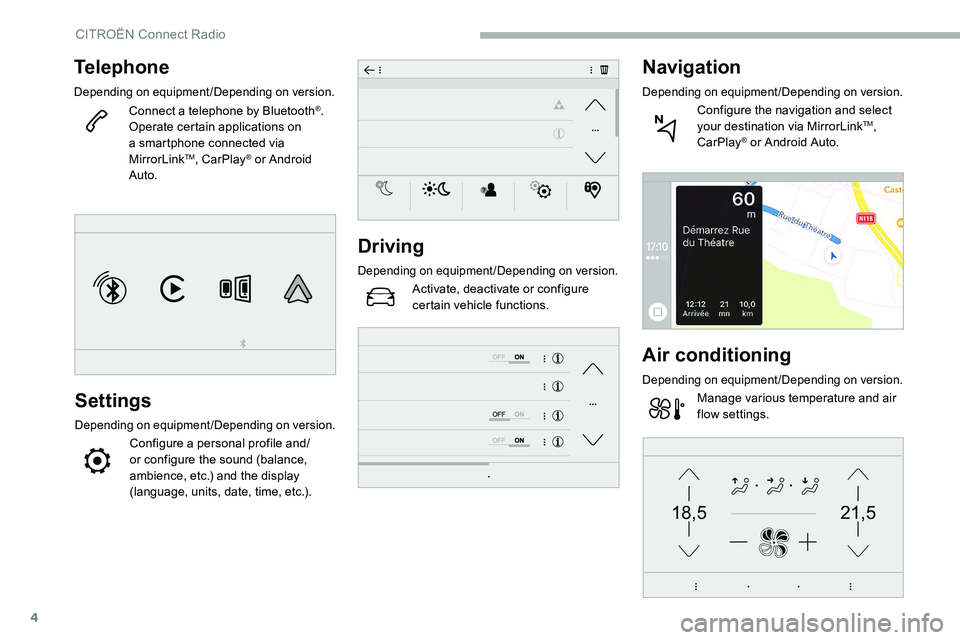
Depending on equipment/Depending on version.
Connect a telephone by Bluetooth®.
Operate certain applications on
a
smartphone connected via
MirrorLink
TM, CarPlay® or Android
Auto.
Settings
Depending on equipment/Depending on version.
Configure a personal profile and/
o r configure the sound (balance,
ambience, etc.) and the display
(language, units, date, time, etc.).
Driving
Depending on equipment/Depending on version.
Activate, deactivate or configure
certain vehicle functions.
Navigation
Depending on equipment/Depending on version.
Configure the navigation and select
your destination via MirrorLinkTM,
CarPlay® or Android Auto.
Air conditioning
Depending on equipment/Depending on version.
Manage various temperature and air
flow settings.
CITROËN Connect Radio
Page 248 of 292
2
The touch screen is of the "capacitive"
type.
To clean the screen, use a soft, non-
abrasive cloth (e.g. spectacles cloth) with
no additional product.
Do not use sharp objects on the screen.
Do not touch the screen with wet hands.
Certain information is displayed permanently
in the side bars or in the upper bar of the touch
screen (depending on equipment):
-
R
eminder of the air conditioning information
(depending on version), and direct access to
the corresponding menu.
-
G
o directly to the selection of the audio
source, to the list of radio stations (or list of
titles depending on the source).
-
G
o to the "Notifications" of messages,
emails, map updates and, depending on the
services, the navigation notifications.
-
G
o to the settings for the touch screen and
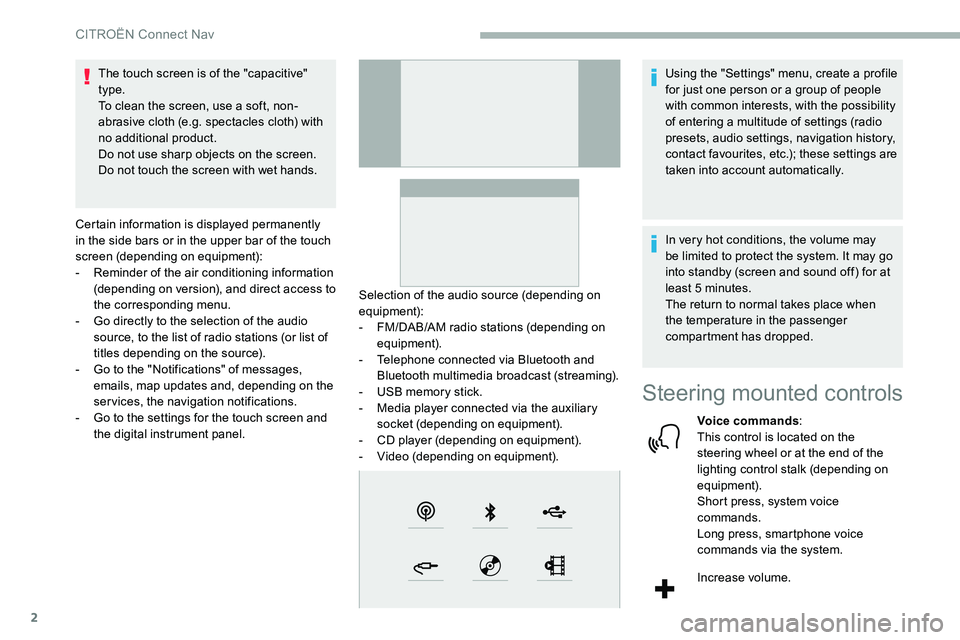
the digital instrument panel. Selection of the audio source (depending on
equipment):
-
F
M/DAB/AM radio stations (depending on
equipment).
-
T
elephone connected via Bluetooth and
Bluetooth multimedia broadcast (streaming).
-
U
SB memory stick.
-
M
edia player connected via the auxiliary
socket (depending on equipment).
-
C
D player (depending on equipment).
-
V
ideo (depending on equipment).Using the "Settings" menu, create a
profile
for just one person or a group of people
with common interests, with the possibility
of entering a
multitude of settings (radio
presets, audio settings, navigation history,
contact favourites, etc.); these settings are
taken into account automatically.
In very hot conditions, the volume may
be limited to protect the system. It may go
into standby (screen and sound off) for at
least 5
minutes.
The return to normal takes place when
the temperature in the passenger
compartment has dropped.
Steering mounted controls
Voice commands :
This control is located on the
steering wheel or at the end of the
lighting control stalk (depending on
equipment).
Short press, system voice
commands.
Long press, smartphone voice
commands via the system.
Increase volume.
CITROËN Connect Nav
Page 250 of 292

4
21,518,5
Telephone
Depending on equipment/Depending on version.
Connect a telephone via Bluetooth®,
read messages and emails and send
quick messages.
Settings
Depending on equipment/Depending on version.
Configure a personal profile and/
o r configure the sound (balance,
ambience, etc.) and the display
(language, units, date, time, etc.).
Vehicle
Depending on equipment/Depending on version.
Activate, deactivate or configure
certain vehicle functions.
Air conditioning
Depending on equipment/Depending on version.
Manage various temperature and air
flow settings.
Voice commands
Steering mounted controls
Voice commands :
Voice commands can be made from
any screen page after a
short press
on the " Voice commands" button
located on the steering wheel or
at the end of the lighting control
stalk (depending on equipment), as
long as there is no telephone call in
progress.
To ensure that voice commands are
always recognised by the system, please
follow these recommendations:
-
u
se natural language in a normal
tone without breaking up words or
raising your voice.
-
a
lways wait for the "beep" (audible
signal) before speaking.
-
f
or best operation, it is recommended
that the windows and sunroof
be closed to avoid extraneous
interference (depending on version).
-
b
efore making a voice command, ask
other passengers not to speak.
CITROËN Connect Nav