warning DODGE AVENGER 2008 Workshop Manual
[x] Cancel search | Manufacturer: DODGE, Model Year: 2008, Model line: AVENGER, Model: DODGE AVENGER 2008Pages: 467, PDF Size: 7.16 MB
Page 174 of 467
will turn off after the engine is started. If the bulb does
not come on during starting, have the system checked by
an authorized dealer.
If the light comes on and remains on while driving, stop
the vehicle and shut off the engine. DO NOT OPERATE
THE VEHICLE UNTIL THE CAUSE IS CORRECTED.
The light does not show the quantity of oil in the engine.
This can be determined using the procedure shown in
Section 7.
11. Engine Temperature Warning Light
This light warns of an overheated engine condi-
tion. If the engine is critically hot, a warning chime
will sound 10 times. After the chime turns off, the
engine will still be critically hot until the light goes out.
12. Speedometer
Indicates vehicle speed in kilometers per hour Ð Km/h. 13. Tachometer
The white area of the scale shows the permissible engine
revolutions-per-minute (rpm x 1000) for each gear range.
Before reaching the red area, ease up on the accelerator to
prevent engine damage.
14. Transmission Range Indicator
This display indicator shows the automatic transaxle gear
selection.
15. Odometer/Trip Odometer
The odometer shows the total distance the vehicle has
been driven. U.S. federal regulations require that upon
transfer of vehicle ownership, the seller certify to the
purchaser the correct mileage that the vehicle has been
driven. Therefore, if the odometer reading is changed
during repair or replacement, be sure to keep a record of
the reading before and after the service so that the correct
mileage can be determined.172 UNDERSTANDING YOUR INSTRUMENT PANEL
Page 175 of 467
The two trip odometers show individual trip mileage. To
switch from odometer to trip odometers, press and
release the Trip Odometer button. To reset a trip odom-
eter, display the desired trip odometer to be reset then
push and hold the button until the display resets (ap-
proximately 2 seconds). Refer to ªTrip Odometer Buttonº
for additional information.
Vehicle Warning Messages
When the appropriate conditions exist, ªDOOR AJAR,º
ªTRUNK AJAR,º or ªgASCAPº will display in the odom-
eter.
NOTE: If the instrument cluster is equipped with the
optional Electronic Vehicle Information Center (EVIC),
then all warnings including ªDOOR AJARº and
ªTRUNK AJARº will only display in the EVIC. (Refer to
ªElectronic Vehicle Information Center (EVIC)º in this
section for specific messages). gASCAP
If the vehicle diagnostic system detects a leak or change
in the evaporative system, or the fuel filler cap is loose,
improperly installed, or damaged, the words ªgASCAPº
will display in the odometer. If this occurs, tighten the
fuel filler cap properly and press the odometer reset
button to turn off the ªgASCAPº message. (Refer to
ªOnboard Diagnostic System Ð OBDIIº in Section 7 of
this manual for more information). If the problem con-
tinues, the message will appear the next time the vehicle
is started. See your authorized dealer service center as
soon as possible.
Change Oil
Your vehicle is equipped with an engine oil change
indicator system. The ªChange Oilº message will flash in
the instrument cluster odometer for approximately 12
seconds after a single chime has sounded to indicate the
next scheduled oil change interval. The engine oil change UNDERSTANDING YOUR INSTRUMENT PANEL 173
4
Page 180 of 467
CAUTION!The TPMS has been optimized for the original
equipment tires and wheels. TPMS pressures and
warning have been established for the tire size
equipped on your vehicle. Undesirable system opera-
tion or sensor damage may result when using re-
placement equipment that is not of the same size,
type, and/or style. Aftermarket wheels can cause
sensor damage. Do not use aftermarket tire sealants
or balance beads if your vehicle is equipped with a
TPMS, as damage to the sensors may result.
(Refer to ªTire Inflation Pressuresº under ªTires Ð Gen-
eral Informationº and to ªTire Pressure Monitor System
(TPMS)º in Section 5 of this manual for more informa-
tion). 25. Malfunction Indicator Light
This light is part of an onboard diagnostic system
called OBD that monitors emissions, engine, and
automatic transaxle control systems. The light
will illuminate when the key is in the ON/RUN position
before engine start. If the bulb does not come on when
turning the key from LOCK/OFF to ON/RUN, have the
condition checked promptly.
Certain conditions such as a loose or missing gas cap,
poor fuel quality, etc. may illuminate the light after
engine start. The vehicle should be serviced if the light
stays on through several of your typical driving cycles. In
most situations the vehicle will drive normally and will
not require towing.
If the Malfunction Indicator Light flashes when the
engine is running, serious conditions may exist that178 UNDERSTANDING YOUR INSTRUMENT PANEL
Page 181 of 467
could lead to immediate loss of power or severe catalytic
converter damage. The vehicle should be serviced as
soon as possible if this occurs.
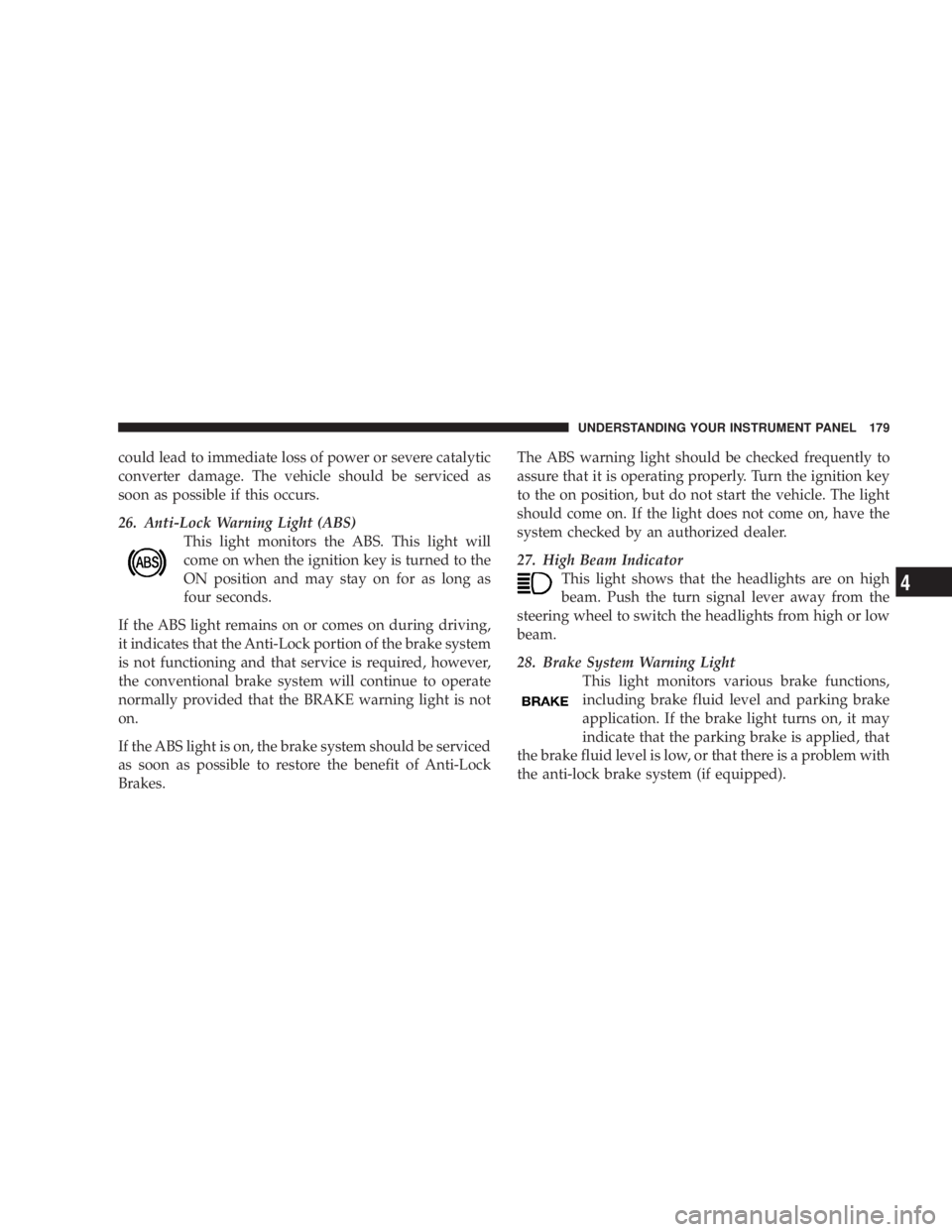
26. Anti-Lock Warning Light (ABS)
This light monitors the ABS. This light will
come on when the ignition key is turned to the
ON position and may stay on for as long as
four seconds.
If the ABS light remains on or comes on during driving,
it indicates that the Anti-Lock portion of the brake system
is not functioning and that service is required, however,
the conventional brake system will continue to operate
normally provided that the BRAKE warning light is not
on.
If the ABS light is on, the brake system should be serviced
as soon as possible to restore the benefit of Anti-Lock
Brakes. The ABS warning light should be checked frequently to
assure that it is operating properly. Turn the ignition key
to the on position, but do not start the vehicle. The light
should come on. If the light does not come on, have the
system checked by an authorized dealer.
27. High Beam Indicator
This light shows that the headlights are on high
beam. Push the turn signal lever away from the
steering wheel to switch the headlights from high or low
beam.
28. Brake System Warning Light
This light monitors various brake functions,
including brake fluid level and parking brake
application. If the brake light turns on, it may
indicate that the parking brake is applied, that
the brake fluid level is low, or that there is a problem with
the anti-lock brake system (if equipped). UNDERSTANDING YOUR INSTRUMENT PANEL 179
4
Page 182 of 467
The dual brake system provides a reserve braking capac-
ity in the event of a failure to a portion of the hydraulic
system. Failure of either half of the dual brake system is
indicated by the Brake Warning Light which will turn on
when the brake fluid level in the master cylinder has
dropped below a specified level.
The light will remain on until the cause is corrected.
NOTE: The light may flash momentarily during sharp
cornering maneuvers which change fluid level condi-
tions. The vehicle should have service performed, and
the brake fluid level checked.
If brake failure is indicated, immediate repair is neces-
sary. WARNING!Driving a vehicle with the brake light on is danger-
ous. Part of the brake system may have failed. It will
take longer to stop the vehicle. You could have an
accident. Have the vehicle checked immediately.
Vehicles equipped with Anti-Lock brakes (ABS), are also
equipped with Electronic Brake Force Distribution (EBD).
In the event of an EBD failure, the Brake Warning Light
will turn on along with the ABS Light. Immediate repair
to the ABS system is required.
The operation of the Brake Warning Light can be checked
by turning the ignition switch from the LOCK position to
the ON position. The light should illuminate for approxi-
mately two seconds. The light should then turn off unless180 UNDERSTANDING YOUR INSTRUMENT PANEL
Page 184 of 467
The Electronic Vehicle Information Center (EVIC) fea-
tures a driver-interactive display. It is located in the lower
left part of the cluster below the fuel and engine tem-
perature gauges. The EVIC consists of the following:
² System status
² Vehicle information warning message displays
² Personal settings (customer programmable features)
² Compass heading display (N, S, E, W, NE, NW, SE,
SW)
² Outside temperature display (ÉF or ÉC)
² Trip computer functions
² Audio mode displays ± 12 preset Radio Stations or CD
Title and Track number when playing
² Tire Pressure Monitor System (TPMS) displays (if
equipped) The system allows the driver to select information by
pressing the following buttons on the instrument panel
switch bank:
Press and release the MENU button to advance
the display to Trip Functions or Personal set-
tings or to return to the default System status
display.
Press and release the STEP button to advance
the display through the various Trip Functions
or Personal settings.
Press and release the COMPASS button to
display the compass heading and the outside
temperature.MENU
Button
STEP
Button
COM-
PASS
Button182 UNDERSTANDING YOUR INSTRUMENT PANEL
Page 185 of 467
Press and release the RESET button to accept a
selection. The RESET button also resets various
Trip Functions.
EVIC DISPLAYS
When the appropriate conditions exist, the Electronic
Vehicle Information Center (EVIC) displays the following
messages.
² Turn Signal On (with a continuous warning chime)
² Left Front Turn Signal Light Out (with a single chime)
² Left Rear Turn Signal Light Out (with a single chime)
² Right Front Turn Signal Light Out (with a single
chime)
² Right Rear Turn Signal Light Out (with a single chime) ² RKE (Remote Keyless Entry) Battery Low (with a
single chime)
² Personal Settings Not Available ± Vehicle Not In
PARK.
² Left/Right Door Ajar (one or more, with a single
chime if speed is above 1 mp h/1kmh)
² Door(s) Ajar (with a single chime if vehicle is in
motion)
² Trunk Ajar (with a single chime)
² Headlights On
² Key In Ignition
² Speed Too High (with a single chime)
² Oil Change Required (with a single chime)RESET
Button UNDERSTANDING YOUR INSTRUMENT PANEL 183
4
Page 261 of 467
N Tread Wear Indicators ..................306
N Life Of Tire .........................306
N Replacement Tires .....................307
N Alignment And Balance .................308
m Tire Chains ...........................309
m Snow Tires ...........................309
m Tire Rotation Recommendations ............309
m Tire Pressure Monitor System (TPMS) Ð
If Equipped ...........................310
N Base System Ð If Equipped ..............313
N Premium System Ð If Equipped ..........315
N General Information ...................319
m Fuel Requirements ......................319 N 2.4L And 2.7L Engines ..................319
N 3.5L Engine .........................320
N Reformulated Gasoline .................320
N Gasoline/Oxygenate Blends ..............321
N MMT In Gasoline .....................322
N Materials Added To Fuel ................322
N Fuel System Cautions ..................322
N Carbon Monoxide Warnings ..............323
m Flexible FuelÐ 2.7L Engines Only
(Except California Emission States) ..........324
N E-85 General Information ................324
N Ethanol Fuel (E-85) ....................325
N Fuel Requirements ....................326 STARTING AND OPERATING 259
5
Page 263 of 467
STARTING PROCEDURES
Before starting your vehicle, adjust your seat, adjust both
inside and outside mirrors, and fasten your seat belt.
Make sure all occupants have securely fastened their seat
belts.
WARNING!Never leave children alone in a vehicle. Leaving
children in a vehicle unattended is dangerous for a
number of reasons. A child or others could be seri-
ously or fatally injured. Don't leave the keys in the
ignition. A child could operate power windows,
other controls, or move the vehicle. WARNING!Be sure to turn off the engine and remove the key
from the ignition switch if you want to rest or sleep
in your car. Accidents can be caused by inadvertently
moving the gear selection lever or by pressing the
accelerator pedal. This may cause excessive heat in
the exhaust system, resulting in overheating and
vehicle fire which may cause serious or fatal injuries.
Automatic Transaxle
The gear selector must be in the PARK or NEUTRAL
position before you can start the engine. Apply the brakes
before shifting to any driving gear.
NOTE: You must press the brake pedal before shifting
out of Park. STARTING AND OPERATING 261
5
Page 264 of 467
Normal Starting
Normal Starting of either a cold or a warm engine does
not require pumping or depressing the accelerator pedal.
Simply turn the ignition switch to the START position
and release when the engine starts. If the engine fails to
start within 15 seconds, turn the ignition switch to the
LOCK position, wait 10 to 15 seconds, then repeat the
normal starting procedure. WARNING!Do not attempt to push or tow your vehicle to get it
started. Vehicles equipped with an automatic trans-
axle cannot be started this way. Unburned fuel could
enter the catalytic converter and once the engine has
started, ignite and damage the converter and vehicle.
If the vehicle has a discharged battery, booster cables
may be used to obtain a start from another vehicle.
This type of start can be dangerous if done improp-
erly, so follow the procedure carefully. See section 6
of this manual for jump starting instructions.
Tip Start Ð Automatic Transaxle Only
Do not press the accelerator. Turn the ignition key briefly
to START position, and release it. The starter motor will
continue to run, but will automatically disengage itself
when the engine is running.262 STARTING AND OPERATING