display DODGE CHALLENGER 2015 3.G Owner's Guide
[x] Cancel search | Manufacturer: DODGE, Model Year: 2015, Model line: CHALLENGER, Model: DODGE CHALLENGER 2015 3.GPages: 603, PDF Size: 14.97 MB
Page 236 of 603
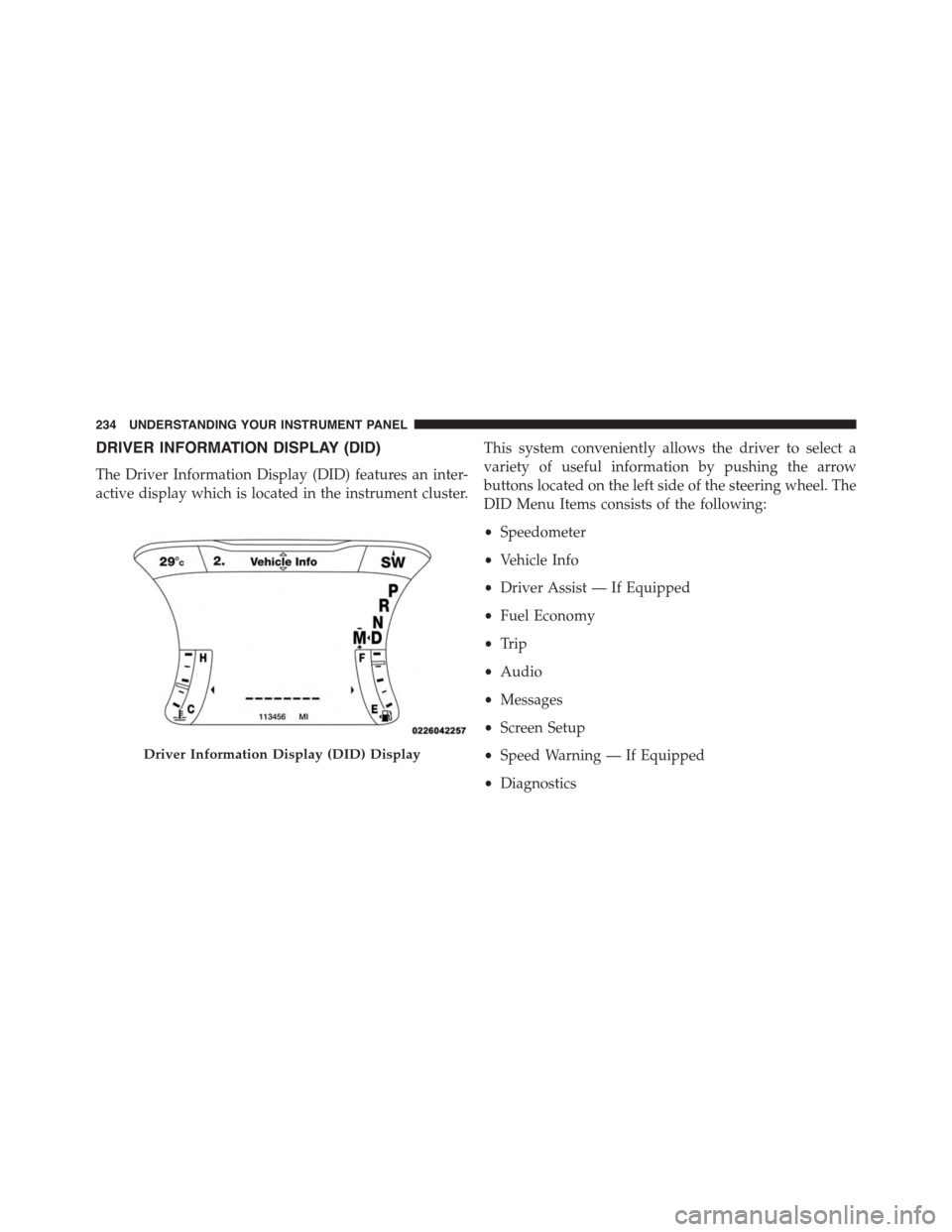
DRIVER INFORMATION DISPLAY (DID)
The Driver Information Display (DID) features an inter-
active display which is located in the instrument cluster.
This system conveniently allows the driver to select a
variety of useful information by pushing the arrow
buttons located on the left side of the steering wheel. The
DID Menu Items consists of the following:
•Speedometer
•Vehicle Info
•Driver Assist — If Equipped
•Fuel Economy
•Trip
•Audio
•Messages
•Screen Setup
•Speed Warning — If Equipped
•Diagnostics
Driver Information Display (DID) Display
234 UNDERSTANDING YOUR INSTRUMENT PANEL
Page 238 of 603
NOTE:
•Holding the Up/Down or Left/Right arrow buttons
will loop the user through the currently selected menu
or options presented on the screen.
•Main menu and submenu’s wrap for continuous
scrolling.
•Upon returning to a main menu, the last submenu
screen viewed within that main menu will be dis-
played.
OK Button:
For Digital Speedometer
•Pushing the OK button changes units (MPH or km/h).
For Screen Setup and Vehicle Settings:
•OK button allows user to enter menu and submenus.
•Within each submenu layer, the up/down arrows will
allow the user to select the item of interest.
•Pushing the OK button makes the selection and a
confirmation screen will appear (returning the user to
the 1st page of the submenu).
•Pushing the left arrow button will exit each submenu
layer and return to the main menu.
For the Trip and Fuel Economy menus (and new Perfor-
mance Timers):
•Information is reset by pushing and holding the OK
button.
Engine Oil Life Reset
Oil Change Required
Your vehicle is equipped with an engine oil change
indicator system. The “Oil Change Required” message
will display in the DID for five seconds after a single
236 UNDERSTANDING YOUR INSTRUMENT PANEL
Page 239 of 603
chime has sounded, to indicate the next scheduled oil
change interval. The engine oil change indicator system
is duty cycle based, which means the engine oil change
interval may fluctuate, dependent upon your personal
driving style.
Unless reset, this message will continue to display each
time you turn the ignition switch to the ON/RUN
position or cycle the ignition to the ON/RUN position if
equipped with Keyless Enter-N-Go™. To turn off the
message temporarily, push and release the OK button. To
reset the oil change indicator system (after performing
the scheduled maintenance) refer to the following proce-
dure.
Vehicles Equipped With Keyless Enter-N-Go™
1. Without pushing the brake pedal, push the ENGINE
START/STOP button and place the ignition to the
ON/RUN position (do not start the engine.)
2. Fully push the accelerator pedal, slowly, three times
within 10 seconds.
3. Without pushing the brake pedal, push the ENGINE
START/STOP button once to return the ignition to the
OFF/LOCK position.
NOTE:If the indicator message illuminates when you
start the vehicle, the oil change indicator system did not
reset. If necessary, repeat this procedure.
Secondary Method Of Navigating To The Oil Life
Screen In The DID And Holding Ok
Your vehicle is equipped with an engine oil change
indicator system. The “Oil Change Required” message
will flash in the DID display for approximately 10
seconds after a single chime has sounded, to indicate the
next scheduled oil change interval. The engine oil change
indicator system is duty cycle based, which means the
engine oil change interval may fluctuate, dependent
upon your personal driving style.
4
UNDERSTANDING YOUR INSTRUMENT PANEL 237
Page 240 of 603
Use the steering wheel DID controls for the following
procedure(s):
1. Without pushing the brake pedal, cycle the ignition to
the ON/RUN position (do not start the engine.)
2. Push and release theDOWNarrow button to scroll
downward through the main menu to “Vehicle Info”.
3. Push and release theRIGHTarrow button to access
the ”Oil Life” screen.
4. Push and hold theOKbutton until the ”Oil Life”
screen displays.
5. Push and release theDOWNarrow button to select “
Ye s”, then push and release theOKbutton to select
reset of the Oil Life.
6. Push and release theUparrow button to exit the sub
menu screen.
NOTE:If the indicator message illuminates when you
start the vehicle, the oil change indicator system did not
reset. If necessary, repeat this procedure.
DID Selectable Menu Items
Push and release the UP or DOWN arrow buttons until
the desired Selectable Menu item is highlighted in the
DID.
Follow the Menu or submenu prompts as desired.
238 UNDERSTANDING YOUR INSTRUMENT PANEL
Page 242 of 603
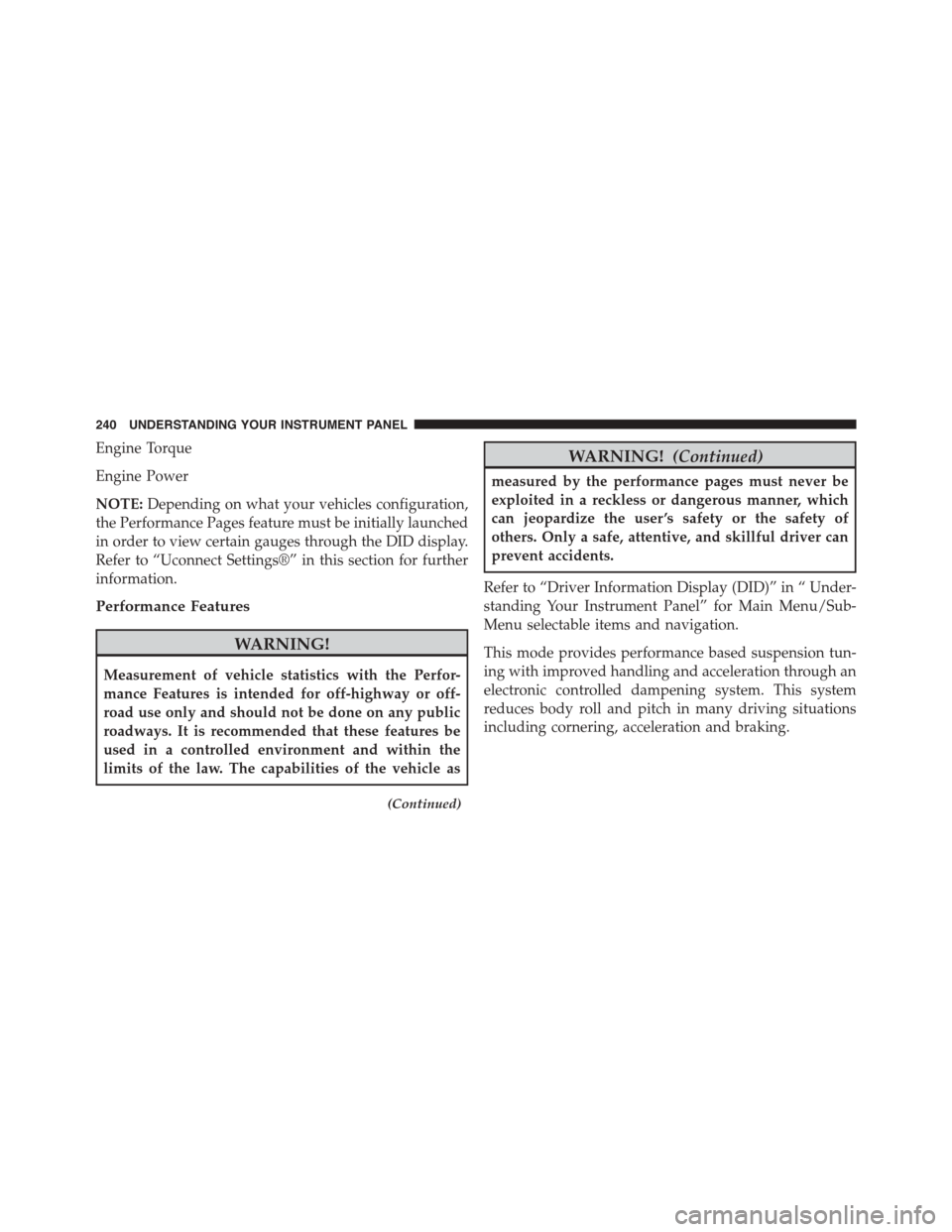
Engine Torque
Engine Power
NOTE:Depending on what your vehicles configuration,
the Performance Pages feature must be initially launched
in order to view certain gauges through the DID display.
Refer to “Uconnect Settings®” in this section for further
information.
Performance Features
WARNING!
Measurement of vehicle statistics with the Perfor-
mance Features is intended for off-highway or off-
road use only and should not be done on any public
roadways. It is recommended that these features be
used in a controlled environment and within the
limits of the law. The capabilities of the vehicle as
(Continued)
WARNING!(Continued)
measured by the performance pages must never be
exploited in a reckless or dangerous manner, which
can jeopardize the user ’s safety or the safety of
others. Only a safe, attentive, and skillful driver can
prevent accidents.
Refer to “Driver Information Display (DID)” in “ Under-
standing Your Instrument Panel” for Main Menu/Sub-
Menu selectable items and navigation.
This mode provides performance based suspension tun-
ing with improved handling and acceleration through an
electronic controlled dampening system. This system
reduces body roll and pitch in many driving situations
including cornering, acceleration and braking.
240 UNDERSTANDING YOUR INSTRUMENT PANEL
Page 244 of 603
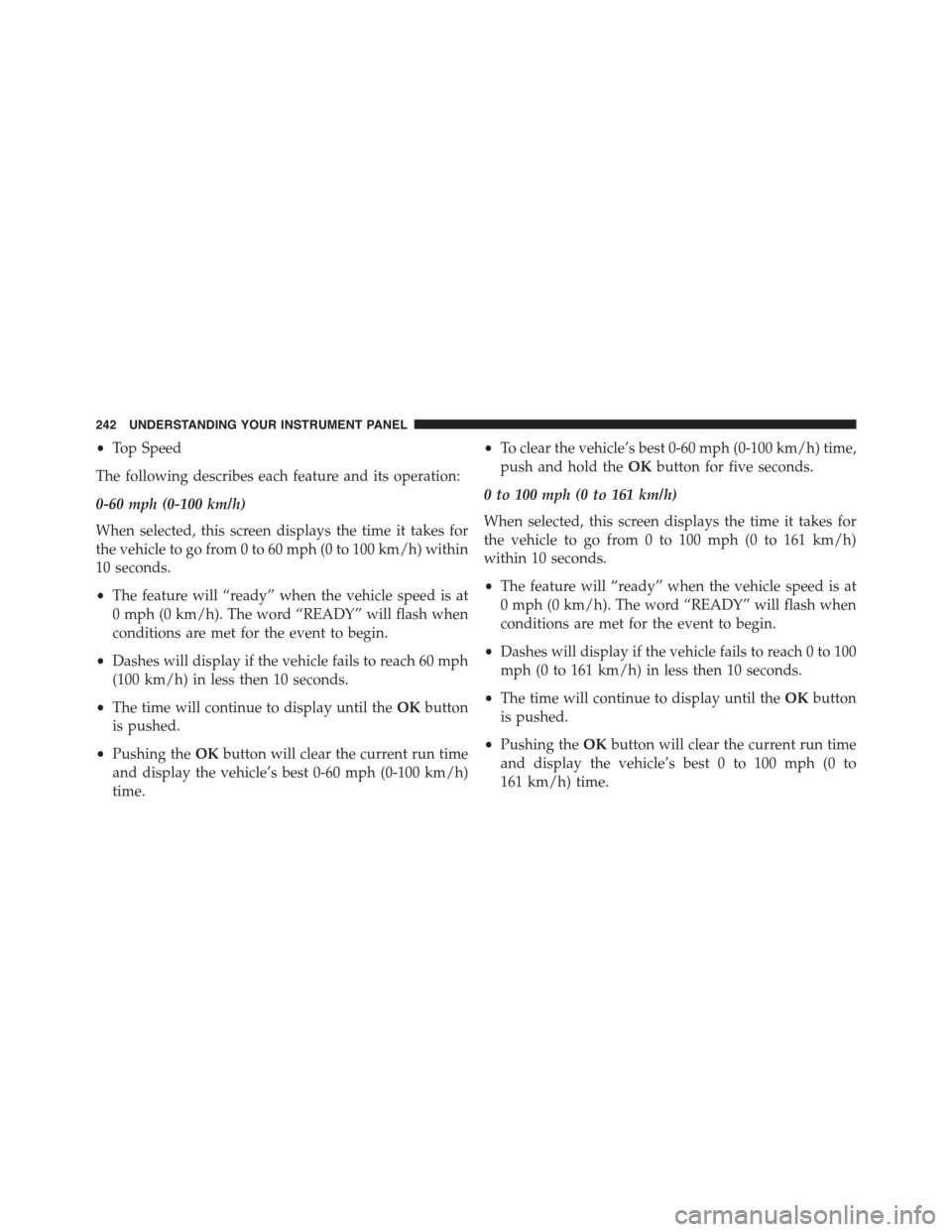
•Top Speed
The following describes each feature and its operation:
0-60 mph (0-100 km/h)
When selected, this screen displays the time it takes for
the vehicle to go from 0 to 60 mph (0 to 100 km/h) within
10 seconds.
•The feature will “ready” when the vehicle speed is at
0 mph (0 km/h). The word “READY” will flash when
conditions are met for the event to begin.
•Dashes will display if the vehicle fails to reach 60 mph
(100 km/h) in less then 10 seconds.
•The time will continue to display until theOKbutton
is pushed.
•Pushing theOKbutton will clear the current run time
and display the vehicle’s best 0-60 mph (0-100 km/h)
time.
•To clear the vehicle’s best 0-60 mph (0-100 km/h) time,
push and hold theOKbutton for five seconds.
0 to 100 mph (0 to 161 km/h)
When selected, this screen displays the time it takes for
the vehicle to go from 0 to 100 mph (0 to 161 km/h)
within 10 seconds.
•The feature will “ready” when the vehicle speed is at
0 mph (0 km/h). The word “READY” will flash when
conditions are met for the event to begin.
•Dashes will display if the vehicle fails to reach 0 to 100
mph (0 to 161 km/h) in less then 10 seconds.
•The time will continue to display until theOKbutton
is pushed.
•Pushing theOKbutton will clear the current run time
and display the vehicle’s best 0 to 100 mph (0 to
161 km/h) time.
242 UNDERSTANDING YOUR INSTRUMENT PANEL
Page 245 of 603
•To clear the vehicle’s best 0 to 100 mph (0 to 161 km/h)
time, push and hold theOKbutton for five seconds.
1/8 Mile
When selected, this screen displays the time it takes the
vehicle to travel 1/8 mile within 30 seconds and the
vehicle’s speed when it reaches 1/8 mile.
•The feature will “ready” when the vehicle is at 0 mph
(0 km/h). The word “READY” will flash when condi-
tions are met for the event to begin.
•Dashes will display if the vehicle fails to reach 1/8
mile in less then 30 seconds.
•The time and speed will continue to display until the
OKbutton is pushed.
•Pushing theOKbutton will clear the current run and
display the vehicle’s best 1/8 mile run.
•To clear the vehicle’s best 1/8 mile run, push and hold
theOKbutton for five seconds.
1/4 Mile
When selected, this screen displays the time it takes the
vehicle to travel 1/4 mile within 30 seconds and the
vehicle’s speed when it reaches 1/4 mile.
•The feature will “ready” when the vehicle is at 0 mph
(0 km/h). The word “READY” will flash when condi-
tions are met for the event to begin.
•Dashes will display if the vehicle fails to reach 1/4
mile in less then 30 seconds.
•The time and speed will continue to display until the
OKbutton is pushed.
•Pushing theOKbutton will clear the current run and
display the vehicle’s best 1/4 mile run.
•To clear the vehicle’s best 1/4 mile run, push and hold
theOKbutton for five seconds.
4
UNDERSTANDING YOUR INSTRUMENT PANEL 243
Page 246 of 603
Braking Distance
When selected, this screen displays the vehicle’s braking
distance and the speed at which the brake pedal was
depressed.
•This feature will only function when applying the
brakes at speeds above 30 mph (48 km/h).
•Engaging the parking brake will disable this feature.
•The word “READY” will display when conditions are
met for the event to begin.
•The distance and speed measurements display while
the event is taking place.
•The distance measurement will be aborted if the brake
pedal is released before the vehicle comes to a com-
plete stop.
•The distance and speed measurements will continue to
display until theOKbutton is pushed.
•Pushing theOKbutton will clear the current run and
prepare the cluster to record a new run.
Current G-Force
When selected, this screen displays the current G-Force
(lateral and longitudinal) that displays the directions of
the forces.
Peak G-Force
When selected, this screen displays all four G-Force
values (two lateral and two longitudinal).
•When a force greater than zero is measured, the
display will update the value as it climbs. As the
G-Force falls, the peak forces will continue to display.
•Pushing theOKbutton will clear the peak force
values.
244 UNDERSTANDING YOUR INSTRUMENT PANEL
Page 247 of 603
Lap Timer
When selected the Lap Timer page will show the timer
always at 0:00.00 with the previous Best and Last time
data (unless the driver has cleared it via hold to Reset).
•PushingOKwill start “current” timer from 0:00.0
•WhenOKis pushed the times are updated accord-
ingly.
•As soon as the driver exits the Lap Timer pages the
“current” timer will stop and the time will be reset to
0:00.00
•If the driver stays on the Lap Timer pages the “cur-
rent” timer will reset to 0:00.0 when ignition is placed
in the off position, or ignition placed in the ON
position (or will roll over at 59:59.99 if ever possible).
•Each time the driver pushesOKfor a Lap that current
time populates the Last time and also populates the 1st
(top) space on the Timer History page the current time
resets to 0:00.0 at every push of theOKbutton.
•The timer will stop when the driver navigates away
from this page.
Lap History
When selected, this screen displays the Lap History, and
will color highlight the time that is the best time from the
Timer Page.
•Each time the driver presses the OK button (while on
the Lap Timer page) the current Lap Time populates
the 1st spot and the rest of the data shifts down.
•Color will indicate the time that is the best time from
the Timer Page.
•Holding theOKbutton only resets the page you are
on.
•Lap History page is a static display of lap times only.
4
UNDERSTANDING YOUR INSTRUMENT PANEL 245
Page 248 of 603
Top Speed
When selected, this screen displays the To Speed during
a drive cycle:
•Populates a top speed from first drive cycle and every
time that speed is exceeded that number is stored here
unless/until the driver resets the screen.
•Latching over ignition cycles.
•Units will change with the global change in units.
Driver Assist
Adaptive Cruise Control (ACC) Menu
The DID displays the current ACC system settings. The
information displayed depends on ACC system status.
Push the ADAPTIVE CRUISE CONTROL (ACC) ON/
OFF button (located on the steering wheel) until one of
the following displays in the DID:
Adaptive Cruise Control Off
When ACC is deactivated, the display will read “Adap-
tive Cruise Control Off.”
Adaptive Cruise Control Ready
When ACC is activated but the vehicle speed setting has
not been selected, the display will read “Adaptive Cruise
Control Ready.”
Push the SET + or the SET- button (located on the steering
wheel) and the following will display in the DID:
ACC SET
When ACC is set, the set speed will display in the
instrument cluster.
The ACC screen may display once again if any ACC
activity occurs, which may include any of the following:
•Distance Setting Change
246 UNDERSTANDING YOUR INSTRUMENT PANEL