display DODGE CHARGER SRT 2015 7.G Uconnect 8.4A
[x] Cancel search | Manufacturer: DODGE, Model Year: 2015, Model line: CHARGER SRT, Model: DODGE CHARGER SRT 2015 7.GPages: 429, PDF Size: 4.01 MB
Page 348 of 429
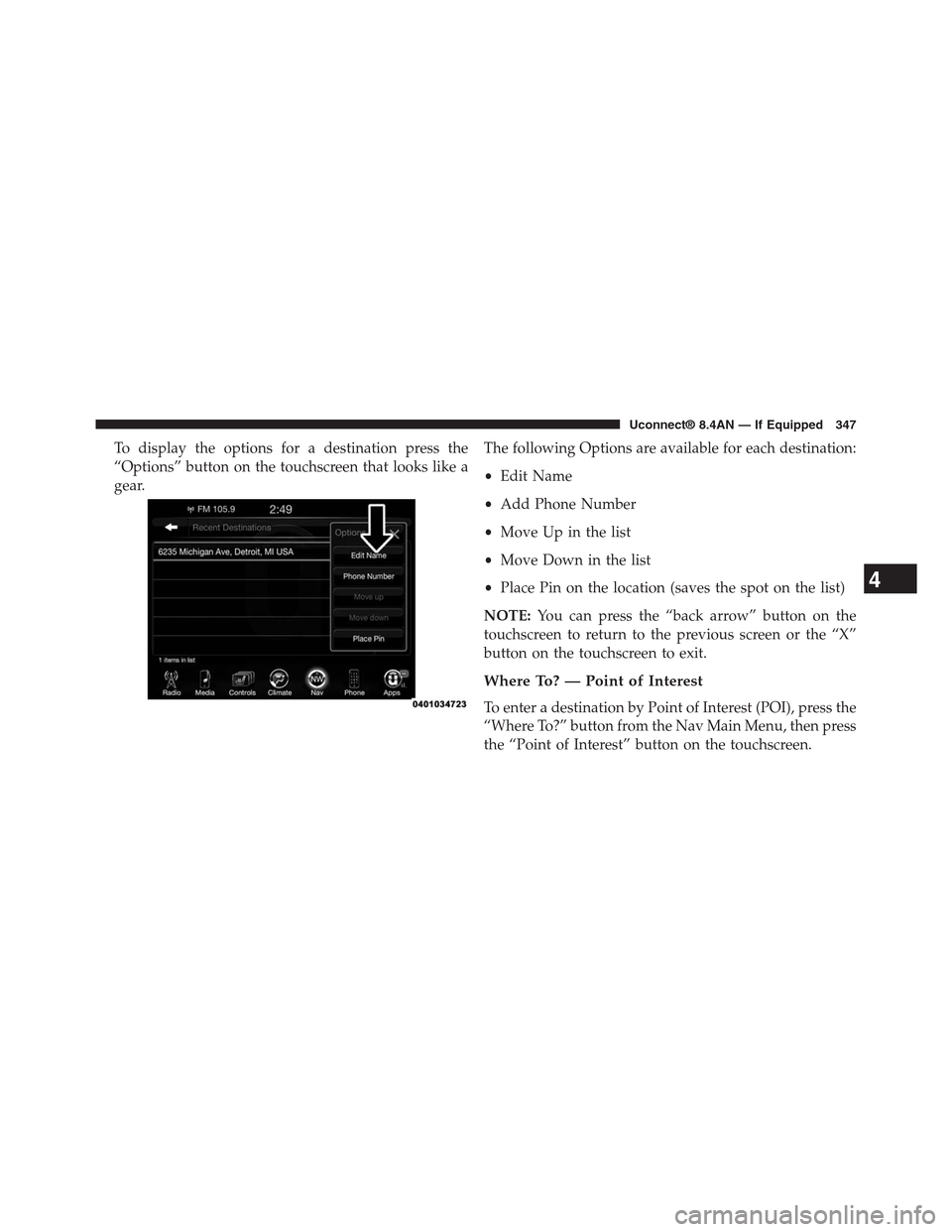
To display the options for a destination press the
“Options” button on the touchscreen that looks like a
gear.
The following Options are available for each destination:
•Edit Name
•Add Phone Number
•Move Up in the list
•Move Down in the list
•Place Pin on the location (saves the spot on the list)
NOTE:You can press the “back arrow” button on the
touchscreen to return to the previous screen or the “X”
button on the touchscreen to exit.
Where To? — Point of Interest
To enter a destination by Point of Interest (POI), press the
“Where To?” button from the Nav Main Menu, then press
the “Point of Interest” button on the touchscreen.
4
Uconnect® 8.4AN — If Equipped 347
Page 360 of 429
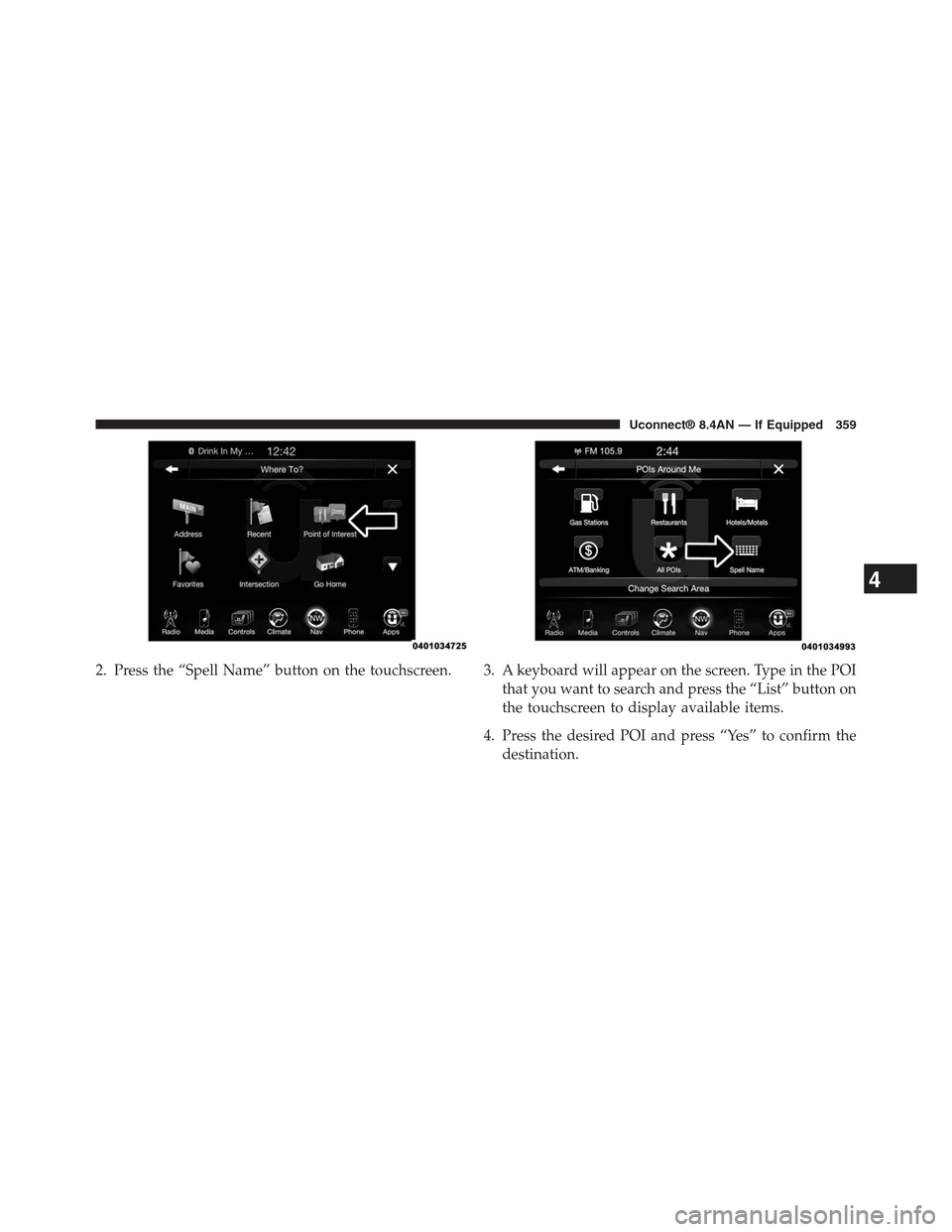
2. Press the “Spell Name” button on the touchscreen. 3. A keyboard will appear on the screen. Type in the POI
that you want to search and press the “List” button on
the touchscreen to display available items.
4. Press the desired POI and press “Yes” to confirm the
destination.
4
Uconnect® 8.4AN — If Equipped 359
Page 362 of 429
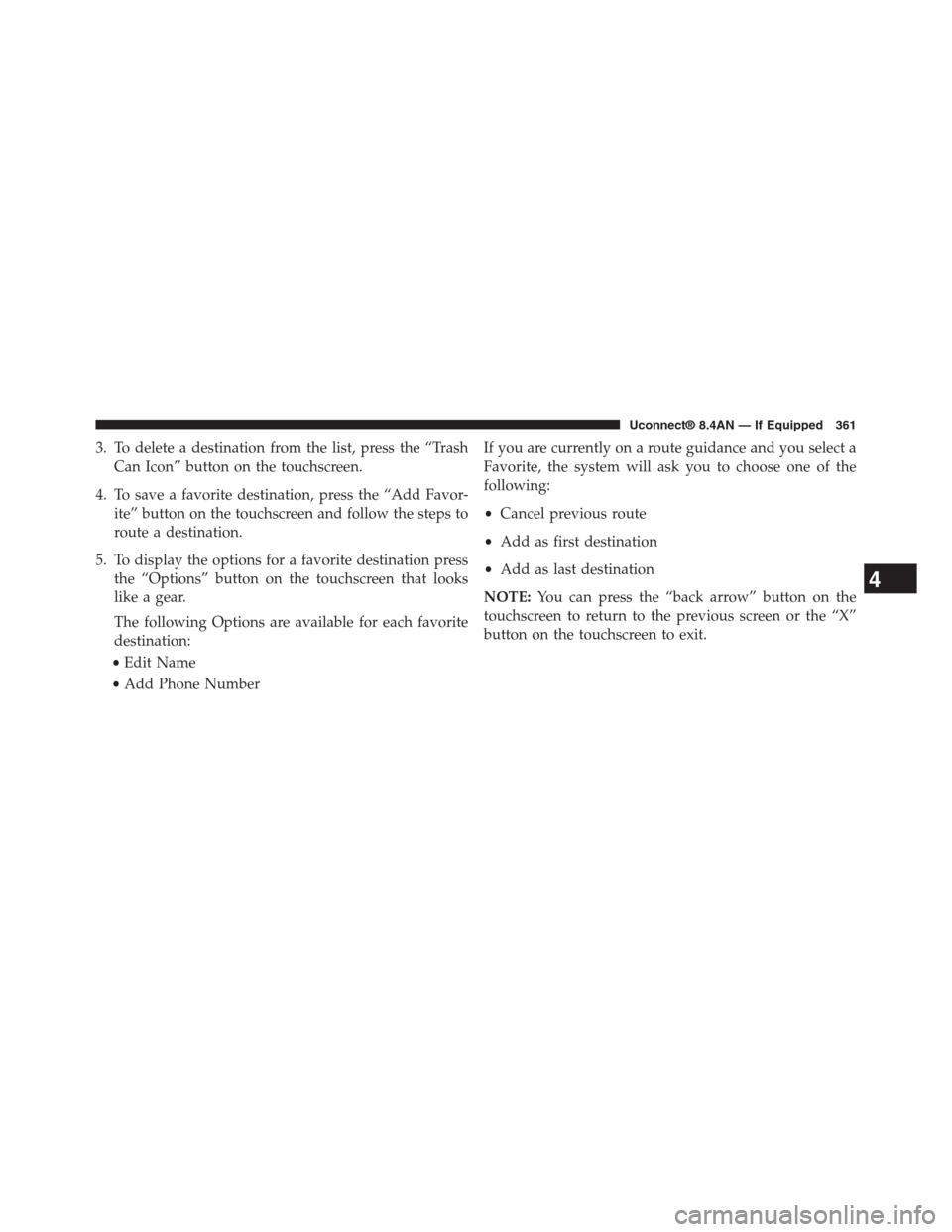
3. To delete a destination from the list, press the “Trash
Can Icon” button on the touchscreen.
4. To save a favorite destination, press the “Add Favor-
ite” button on the touchscreen and follow the steps to
route a destination.
5. To display the options for a favorite destination press
the “Options” button on the touchscreen that looks
like a gear.
The following Options are available for each favorite
destination:
•Edit Name
•Add Phone Number
If you are currently on a route guidance and you select a
Favorite, the system will ask you to choose one of the
following:
•Cancel previous route
•Add as first destination
•Add as last destination
NOTE:You can press the “back arrow” button on the
touchscreen to return to the previous screen or the “X”
button on the touchscreen to exit.
4
Uconnect® 8.4AN — If Equipped 361
Page 366 of 429
Once you have generated your Home Address, you will
be asked to Save it.
3. Press the “Save” button on the touchscreen to confirm
your destination and begin the route to your Home
Address.
4. This address will be saved as your Home Address and
it can be accessed by pressing the “Go Home” button
in the Where To? Menu.
Change/Delete Your Home Address
To change or delete your current Home Address perform
the following:
1. Press the “Go Home” button in the Where To? Menu.
2. Press the “Options” button at the bottom of the
displayed map.
3. Press “Clear Home” and then press “Yes” to clear/
delete your Home Address.
4. To enter in a new Home Address, follow the Where
To? – Go Home procedure.
NOTE:You can press the “back arrow” button on the
touchscreen to return to the previous screen or the “X”
button on the touchscreen to exit.
Where To? — Trips
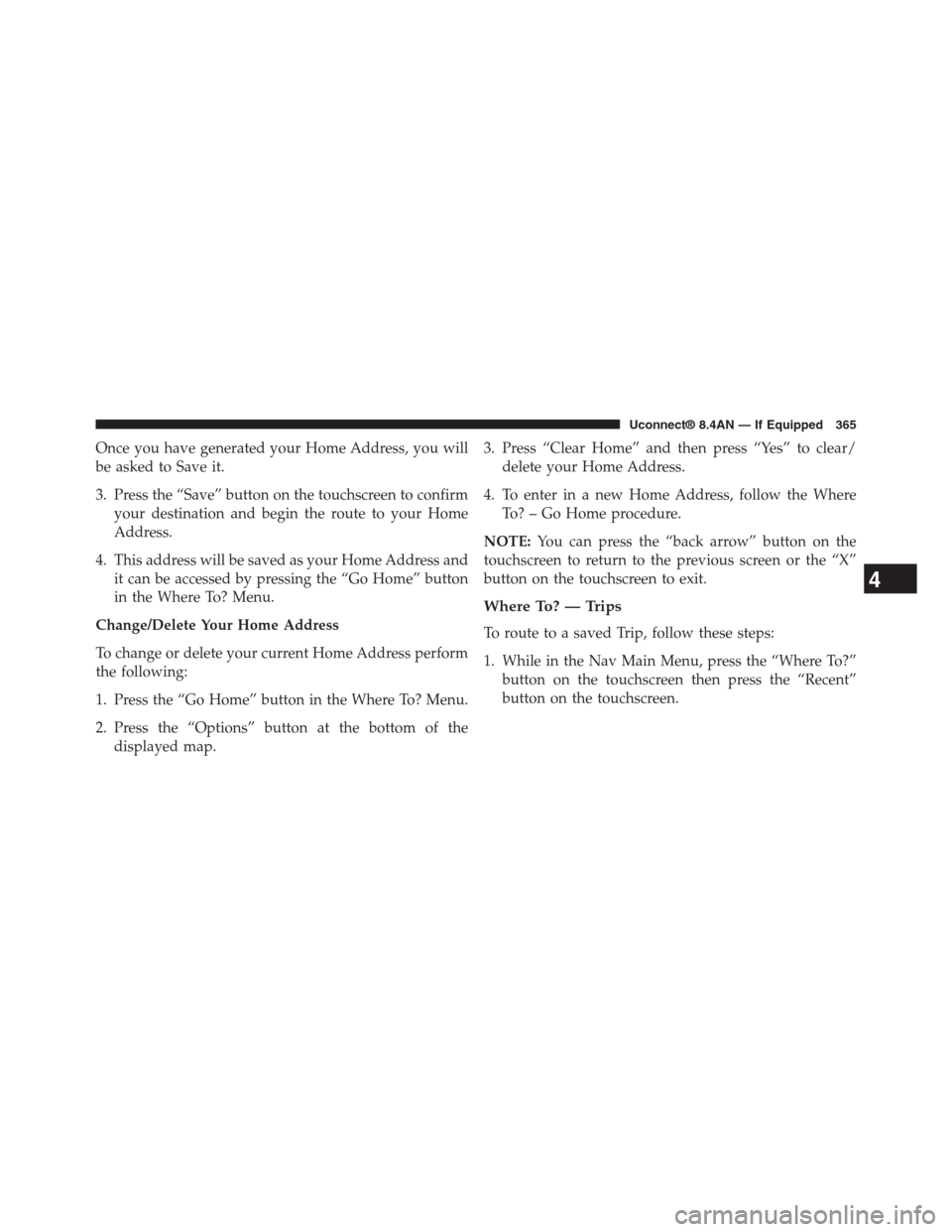
To route to a saved Trip, follow these steps:
1. While in the Nav Main Menu, press the “Where To?”
button on the touchscreen then press the “Recent”
button on the touchscreen.
4
Uconnect® 8.4AN — If Equipped 365
Page 368 of 429
To add a Trip, follow these steps:
1. Press the “Create new Trip” button on the touchscreen.
2. Type in the new Trip Name.
3. Press “Add Destination” to add destinations to your
trip.
4. Choose from the following options to add a destina-
tion
•Address
•Recent
•Point of Interest
•Favorites
•Intersection
•GEO Coordinates
•Point on Map
•City Center
•Closest Cities
•Phone Number
NOTE:Refer to the individual section of the chosen
option for further information.
5. Add more needed destinations to your trip.
NOTE:Each destination will be listed in order, with the
last destination being the final destination.
6. Your new Trip will appear on the Trips list.
To delete a Trip from the list, press the “Trash Can Icon”
button on the touchscreen.
To display the options for a trip press the “Options”
button on the touchscreen that looks like a gear.
4
Uconnect® 8.4AN — If Equipped 367
Page 371 of 429
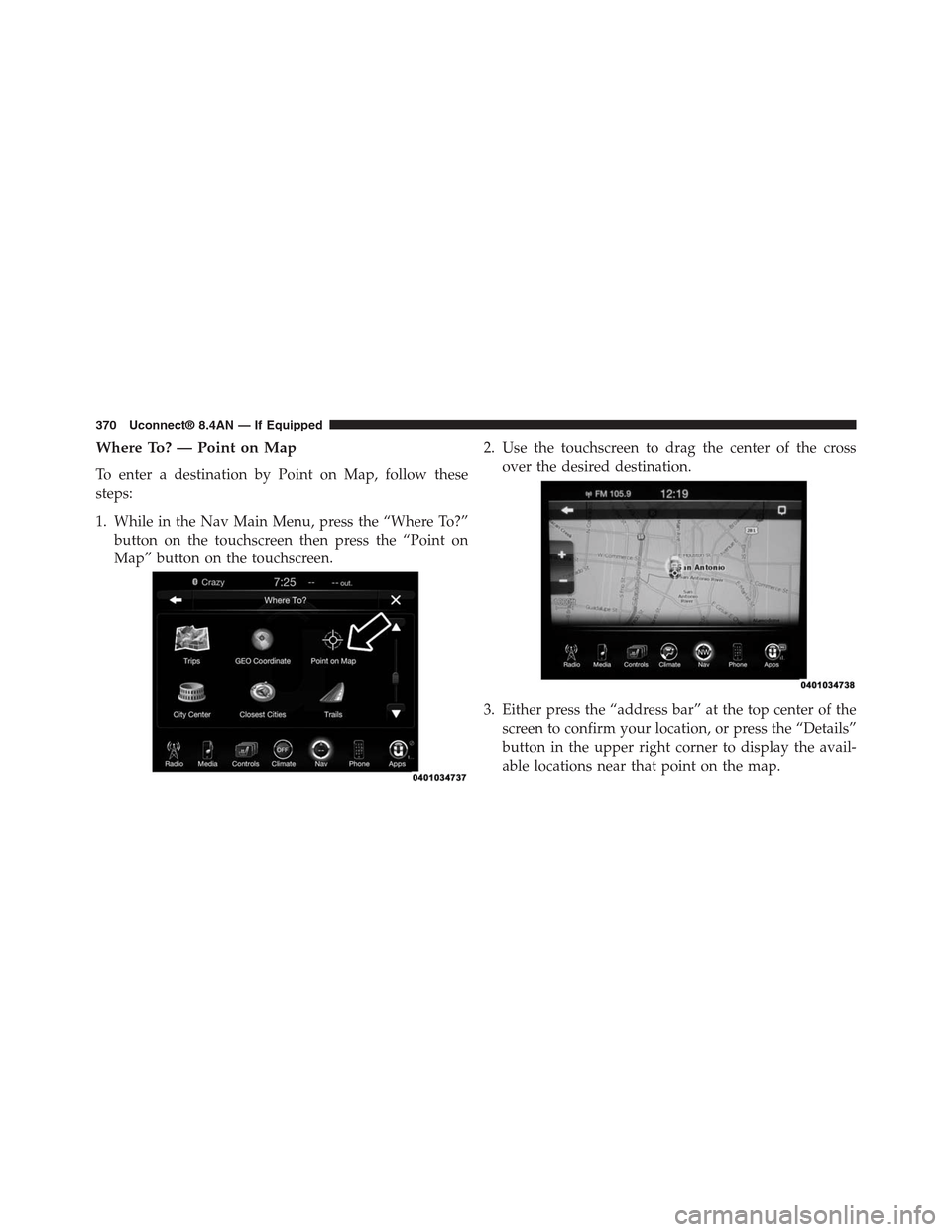
Where To? — Point on Map
To enter a destination by Point on Map, follow these
steps:
1. While in the Nav Main Menu, press the “Where To?”
button on the touchscreen then press the “Point on
Map” button on the touchscreen.
2. Use the touchscreen to drag the center of the cross
over the desired destination.
3. Either press the “address bar” at the top center of the
screen to confirm your location, or press the “Details”
button in the upper right corner to display the avail-
able locations near that point on the map.
370 Uconnect® 8.4AN — If Equipped
Page 377 of 429
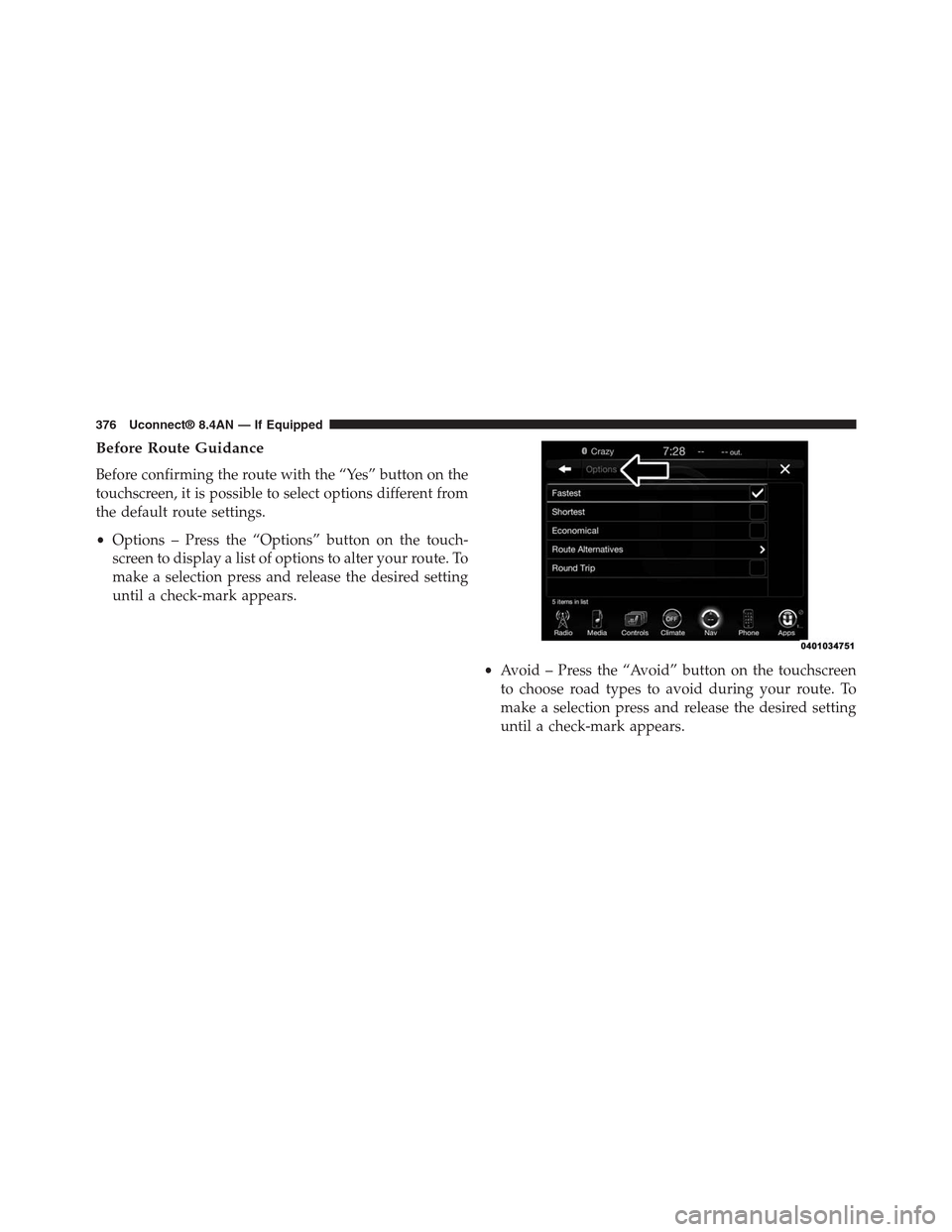
Before Route Guidance
Before confirming the route with the “Yes” button on the
touchscreen, it is possible to select options different from
the default route settings.
•Options – Press the “Options” button on the touch-
screen to display a list of options to alter your route. To
make a selection press and release the desired setting
until a check-mark appears.
•Avoid – Press the “Avoid” button on the touchscreen
to choose road types to avoid during your route. To
make a selection press and release the desired setting
until a check-mark appears.
376 Uconnect® 8.4AN — If Equipped
Page 378 of 429
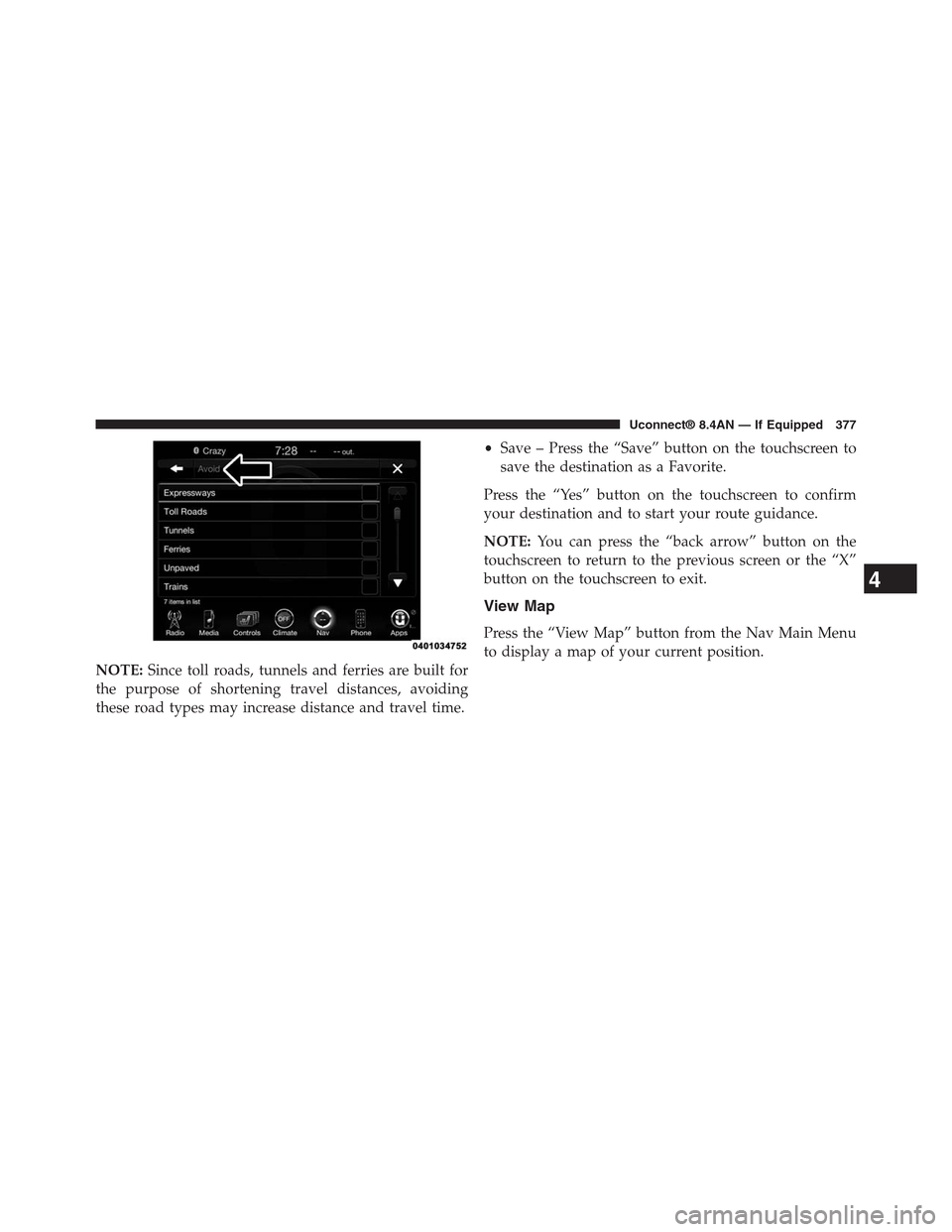
NOTE:Since toll roads, tunnels and ferries are built for
the purpose of shortening travel distances, avoiding
these road types may increase distance and travel time.
•Save – Press the “Save” button on the touchscreen to
save the destination as a Favorite.
Press the “Yes” button on the touchscreen to confirm
your destination and to start your route guidance.
NOTE:You can press the “back arrow” button on the
touchscreen to return to the previous screen or the “X”
button on the touchscreen to exit.
View Map
Press the “View Map” button from the Nav Main Menu
to display a map of your current position.
4
Uconnect® 8.4AN — If Equipped 377
Page 379 of 429
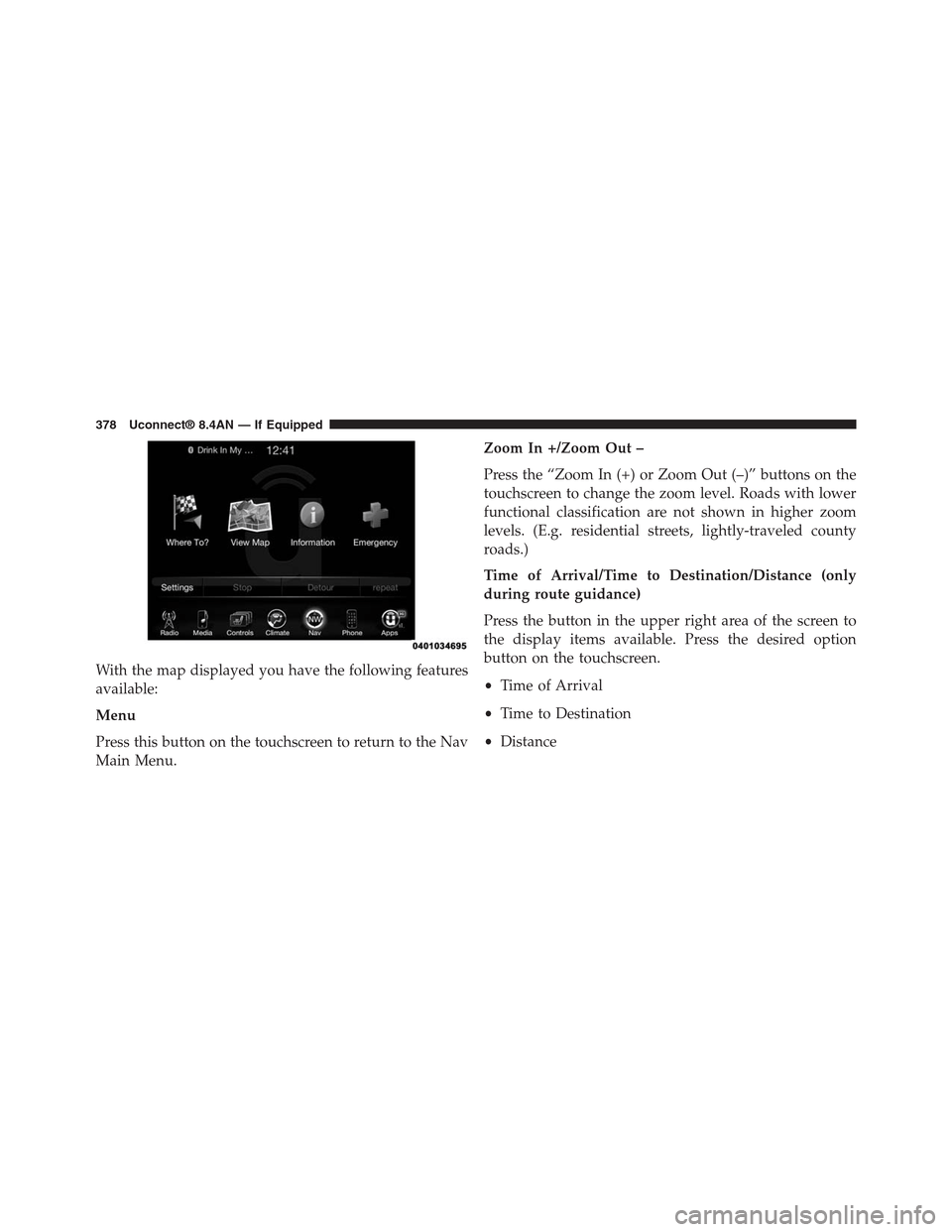
With the map displayed you have the following features
available:
Menu
Press this button on the touchscreen to return to the Nav
Main Menu.
Zoom In +/Zoom Out –
Press the “Zoom In (+) or Zoom Out (–)” buttons on the
touchscreen to change the zoom level. Roads with lower
functional classification are not shown in higher zoom
levels. (E.g. residential streets, lightly-traveled county
roads.)
Time of Arrival/Time to Destination/Distance (only
during route guidance)
Press the button in the upper right area of the screen to
the display items available. Press the desired option
button on the touchscreen.
•Time of Arrival
•Time to Destination
•Distance
378 Uconnect® 8.4AN — If Equipped
Page 380 of 429
Turn List (only during route guidance)
Press the area in the upper center part of the screen that
displays your next turn to see a Turn List for your current
route.
Press a turn in the displayed Turn List for the following
options:
•Show on Map
•Avoid Street
Options (only during route guidance)
Press the “Options” button on the touchscreen to display
the following options. Press the desired button on the
touchscreen.
•2D North Up/Map View 2D/Map View 3D (3D
Available On 8.4AN)
Press this button on the touchscreen to scroll between the
three viewing options.
•Settings
Press this button on the touchscreen to view all the
available settings. See View Map – Settings for more
information.
•Repeat
Press this button on the touchscreen to repeat the current
voice prompt.
•Turn List
Press this button on the touchscreen to view the turn list
for the current route.
•Stop Guidance
Press this button on the touchscreen to stop route
guidance.
4
Uconnect® 8.4AN — If Equipped 379