brake DODGE DURANGO 2011 3.G User Guide
[x] Cancel search | Manufacturer: DODGE, Model Year: 2011, Model line: DURANGO, Model: DODGE DURANGO 2011 3.GPages: 576, PDF Size: 3.57 MB
Page 179 of 576
•The system disengages. (Refer to the information on
ACC Activation).
The maximum braking applied by ACC is limited; how-
ever, the driver can always apply the brakes manually, if
necessary.
NOTE: The brake lights will illuminate whenever the
ACC system applies the brakes.
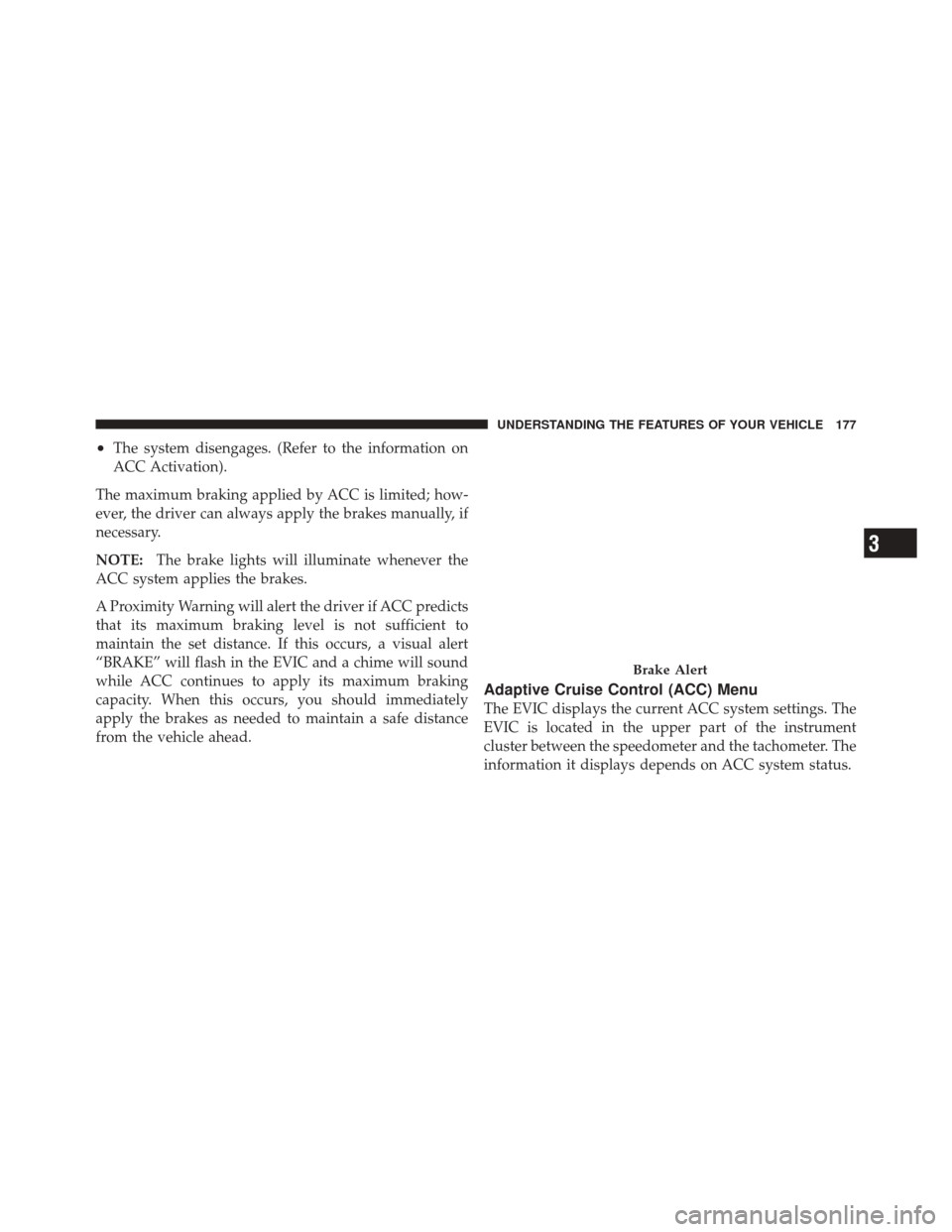
A Proximity Warning will alert the driver if ACC predicts
that its maximum braking level is not sufficient to
maintain the set distance. If this occurs, a visual alert
“BRAKE” will flash in the EVIC and a chime will sound
while ACC continues to apply its maximum braking
capacity. When this occurs, you should immediately
apply the brakes as needed to maintain a safe distance
from the vehicle ahead.
Adaptive Cruise Control (ACC) Menu
The EVIC displays the current ACC system settings. The
EVIC is located in the upper part of the instrument
cluster between the speedometer and the tachometer. The
information it displays depends on ACC system status.
Brake Alert
3
UNDERSTANDING THE FEATURES OF YOUR VEHICLE 177
Page 184 of 576
Service ACC Warning
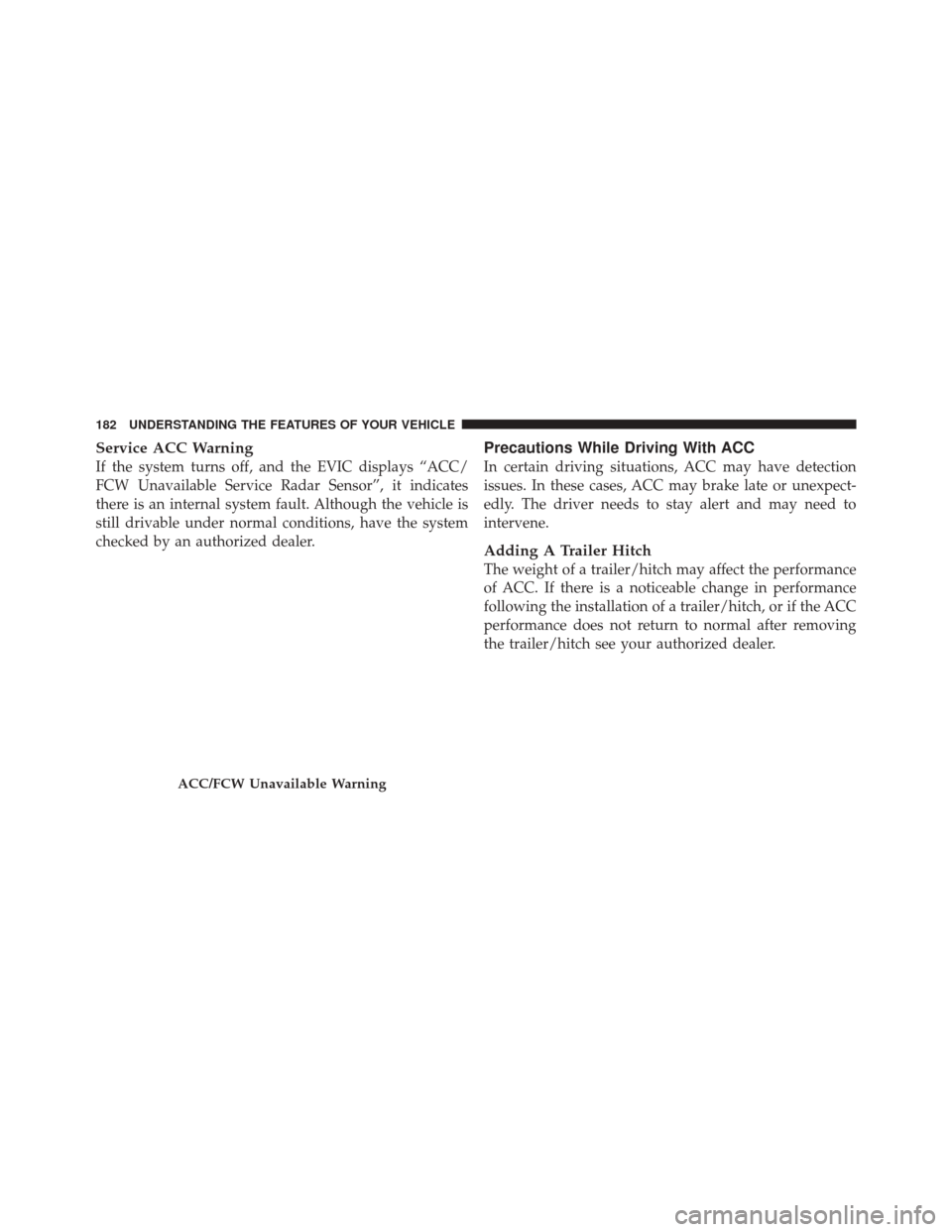
If the system turns off, and the EVIC displays “ACC/
FCW Unavailable Service Radar Sensor”, it indicates
there is an internal system fault. Although the vehicle is
still drivable under normal conditions, have the system
checked by an authorized dealer.
Precautions While Driving With ACC
In certain driving situations, ACC may have detection
issues. In these cases, ACC may brake late or unexpect-
edly. The driver needs to stay alert and may need to
intervene.
Adding A Trailer Hitch
The weight of a trailer/hitch may affect the performance
of ACC. If there is a noticeable change in performance
following the installation of a trailer/hitch, or if the ACC
performance does not return to normal after removing
the trailer/hitch see your authorized dealer.
ACC/FCW Unavailable Warning
182 UNDERSTANDING THE FEATURES OF YOUR VEHICLE
Page 185 of 576

Offset Driving
ACC may not detect a vehicle in the same lane that is
offset from your direct line of travel. There will not be
sufficient distance to the vehicle ahead. The offset vehicle
may move in and out of the line of travel, which can
cause your vehicle to brake or accelerate unexpectedly.
Turns And Bends
In turns or bends, ACC may detect a vehicle ahead too
late or too early. This may cause your vehicle to brake late
or unexpectedly. Give extra attention in curves and be
ready to apply the brakes if necessary. Be sure to select an
appropriate speed while driving in curves.
3
UNDERSTANDING THE FEATURES OF YOUR VEHICLE 183
Page 186 of 576
Using ACC On Hills
When driving on hills, ACC may not detect a vehicle in
your lane. Depending on the speed, vehicle load, traffic
conditions, and the steepness of the hills, ACC perfor-
mance may be limited.
Lane Changing
ACC will not detect a vehicle until it is completely in the
lane in which you are traveling. In the illustration shown,
ACC has not yet detected the vehicle changing lanes and
it may not detect the vehicle until it’s too late for the ACC
system to take action. ACC will not detect a vehicle until
it is completely in the lane. There will not be sufficient
distance to the lane-changing vehicle. Always be atten-
tive and ready to apply the brakes if necessary.
184 UNDERSTANDING THE FEATURES OF YOUR VEHICLE
Page 188 of 576
Stationary Objects And Vehicles
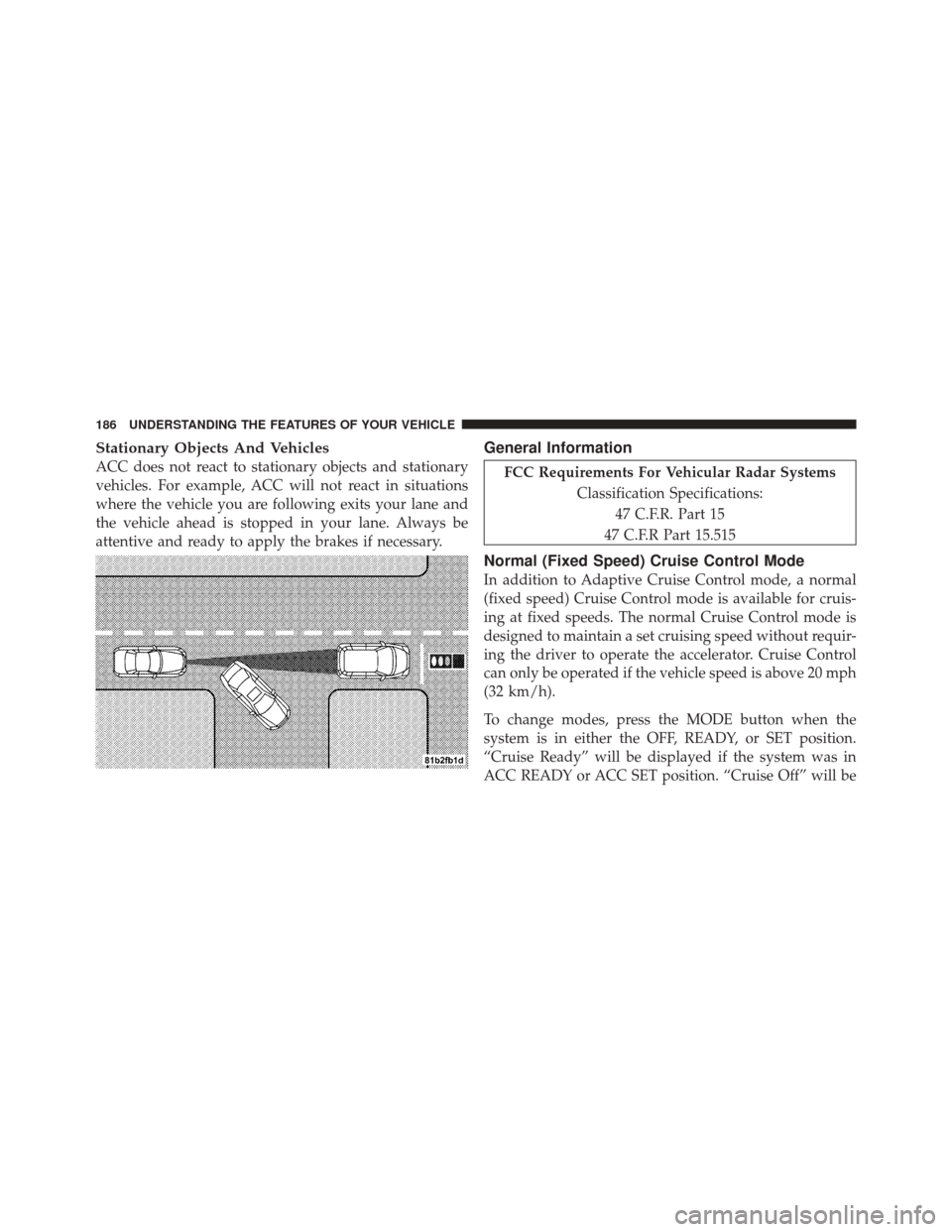
ACC does not react to stationary objects and stationary
vehicles. For example, ACC will not react in situations
where the vehicle you are following exits your lane and
the vehicle ahead is stopped in your lane. Always be
attentive and ready to apply the brakes if necessary.
General Information
FCC Requirements For Vehicular Radar SystemsClassification Specifications:47 C.F.R. Part 15
47 C.F.R Part 15.515
Normal (Fixed Speed) Cruise Control Mode
In addition to Adaptive Cruise Control mode, a normal
(fixed speed) Cruise Control mode is available for cruis-
ing at fixed speeds. The normal Cruise Control mode is
designed to maintain a set cruising speed without requir-
ing the driver to operate the accelerator. Cruise Control
can only be operated if the vehicle speed is above 20 mph
(32 km/h).
To change modes, press the MODE button when the
system is in either the OFF, READY, or SET position.
“Cruise Ready” will be displayed if the system was in
ACC READY or ACC SET position. “Cruise Off” will be
186 UNDERSTANDING THE FEATURES OF YOUR VEHICLE
Page 189 of 576
displayed if the system was in the ACC OFF position. To
switch back to Adaptive Cruise Control mode, press the
MODE button a second time.
WARNING!
In the normal Cruise Control mode, the system will
not react to vehicles ahead. In addition, the proximity
warning does not activate and no alarm will sound
even if you are too close to the vehicle ahead since
the presence of the vehicle ahead nor the vehicle-to-
vehicle distance is detected. Be sure to maintain a
safe distance between your vehicle and the vehicle
ahead. Always be aware which mode is selected.
To Set A Desired Speed
When the vehicle reaches the speed desired, press the
SET-button and release. The EVIC will display the set
speed. NOTE:
You must observe the display when setting or
changing speed, not the speedometer.
To Vary The Speed Setting
There are two ways to change the set speed:
•Use the accelerator pedal to adjust the vehicle to the
desired speed and press the SET -button.
•Tap the RES +or SET -button to increase or decrease
the set speed in 1 mph (1.6 km/h) increments respec-
tively. Hold the RES +or SET -button for 5 mph
(8 km/h) increments.
To Cancel
The system will disable normal Cruise Control without
erasing the memory if:
•You softly tap or depress the brake pedal.
•You press the CANCEL button.
3
UNDERSTANDING THE FEATURES OF YOUR VEHICLE 187
Page 190 of 576
•The Electronic Stability Control/Traction Control Sys-
tem (ESC/TCS) activates.
To Resume
Press the RES+button and then remove your foot from
the accelerator pedal. The EVIC will display the last set
speed.
To Turn Off
The system will turn off and erase the set speed in
memory if:
•You push the ON/OFF button.
•You turn off the ignition.
•You engage Four-Wheel Drive Low.
If the Cruise Control system is turned off and reactivated,
the system will return to the last driver setting (ACC or
Normal Cruise Control).
Forward Collision Warning — If Equipped
Forward Collision Warning (FCW) warns the driver of a
potential collision with the vehicle in front of you and
prompts the driver to take action in order to avoid the
collision.
FCW monitors the information from the forward looking
sensor as well as the Electronic Brake Controller (EBC),
wheel speed sensors, i.e., to calculate a probable rear-end
collision. When the system determines that a rear-end
collision is probable a warning message (both audible
and visual) will be displayed on the EVIC. When the
system determines a collision with the vehicle in front of
you is no longer probable, the warning message will be
deactivated.
188 UNDERSTANDING THE FEATURES OF YOUR VEHICLE
Page 249 of 576
system. If this light remains on after several ignition
cycles, and the vehicle has been driven several miles
(kilometers) at speeds greater than 30 mph (48 km/h), see
your authorized dealer as soon as possible to have the
problem diagnosed and corrected.
NOTE:
•The “ESC Off Indicator Light” and the “ESC
Activation/Malfunction Indicator Light” come on mo-
mentarily each time the ignition switch is turned to
ON/RUN.
•Each time the ignition is turned to ON/RUN, the ESC
system will be ON, even if it was turned off previously.
•The ESC system will make buzzing or clicking sounds
when it is active. This is normal; the sounds will stop
when ESC becomes inactive following the maneuver
that caused the ESC activation.5. Electronic Stability Control (ESC) OFF Indicator
Light — If Equipped
This light indicates the Electronic Stability Con-
trol (ESC) is off.
6. Anti-Lock Brake (ABS) Light This light monitors the Anti-Lock Brake System
(ABS). The light will turn on when the ignition
switch is turned to the ON/RUN position and
may stay on for as long as four seconds.
If the ABS light remains on or turns on while driving, it
indicates that the Anti-Lock portion of the brake system
is not functioning and that service is required. However,
the conventional brake system will continue to operate
normally if the BRAKE warning light is not on.
If the ABS light is on, the brake system should be serviced
as soon as possible to restore the benefits of Anti-Lock
4
UNDERSTANDING YOUR INSTRUMENT PANEL 247
Page 250 of 576
brakes. If the ABS light does not turn on when the
ignition switch is turned to the ON/RUN position, have
the light inspected by an authorized dealer.
7. Front Fog Light Indicator — If EquippedThis indicator will illuminate when the front fog
lights are on.
8. Park/Headlight ON Indicator — If Equipped This indicator will illuminate when the park
lights or headlights are turned on.
9. Turn Signal Indicator The arrows will flash with the exterior turn signals
when the turn signal lever is operated. A tone will
chime, and an EVIC message will appear if the turn
signals are left on for more than 1 mile (1.6 km).
NOTE: If either indicator flashes at a rapid rate, check
for a defective outside light bulb. 10. High Beam Indicator
This light indicates that the headlights are on high
beam. Pull the turn signal lever toward the steer-
ing wheel to switch the headlights to low beam.
11. Electronic Vehicle Information Center (EVIC) Red
Telltale Area
This area will display the EVIC reconfigurable red tell-
tales. For further information, refer to “Electronic vehicle
Information Center (EVIC)”.
12. Electronic Vehicle Information Center (EVIC)
Display/Odometer Display
The odometer display shows the total distance the ve-
hicle has been driven.
U.S. Federal regulations require that upon transfer of
vehicle ownership, the seller certify to the purchaser the
correct mileage that the vehicle has been driven. If your
odometer needs to be repaired or serviced, the repair
technician should leave the odometer reading the same
248 UNDERSTANDING YOUR INSTRUMENT PANEL
Page 252 of 576
17. Fuel Door ReminderThe fuel pump symbol points to the side of the
vehicle where the fuel door is located.
18. Fuel Gauge
The pointer shows the level of fuel in the fuel tank when
the ignition switch is in the ON/RUN position.
19. Airbag Warning Light This light will turn on for four to eight seconds
as a bulb check when the ignition switch is first
turned to the ON/RUN position. If the light is
either not on during starting, stays on, or turns
on while driving, have the system inspected at an autho-
rized dealer as soon as possible. Refer to “Occupant
Restraints” in “Things To Know Before Starting Your
Vehicle” for further information. 20. Electronic Vehicle Information Center (EVIC)
Amber Telltale Area
This area will display the EVIC reconfigurable amber
caution telltales. For further information, refer to “Elec-
tronic vehicle Information Center (EVIC)”.
21. Vehicle Security Light
This light will flash rapidly for approximately
15 seconds when the vehicle theft alarm is
arming. The light will flash at a slower speed
continuously after the alarm is set. The security
light will also come on for about three seconds when the
ignition is first turned on.
22. Brake Warning Light This light monitors various brake functions,
including brake fluid level and parking brake
application. If the brake light turns on it may
250 UNDERSTANDING YOUR INSTRUMENT PANEL