instrument panel DODGE VIPER 2015 VX / 3.G Owner's Manual
[x] Cancel search | Manufacturer: DODGE, Model Year: 2015, Model line: VIPER, Model: DODGE VIPER 2015 VX / 3.GPages: 400, PDF Size: 9.59 MB
Page 110 of 400
Interior Light Defeat (OFF)
Rotate the dimmer control to the extreme bottom OFF
position. The interior lights will remain off when the
doors are open.
Parade Mode (Daytime Brightness Feature)
Rotate the instrument panel dimmer control upward to
the first detent. This feature brightens all text displays
such as the odometer, Driver Information Display (DID),
and radio when the position lights or headlights are on.
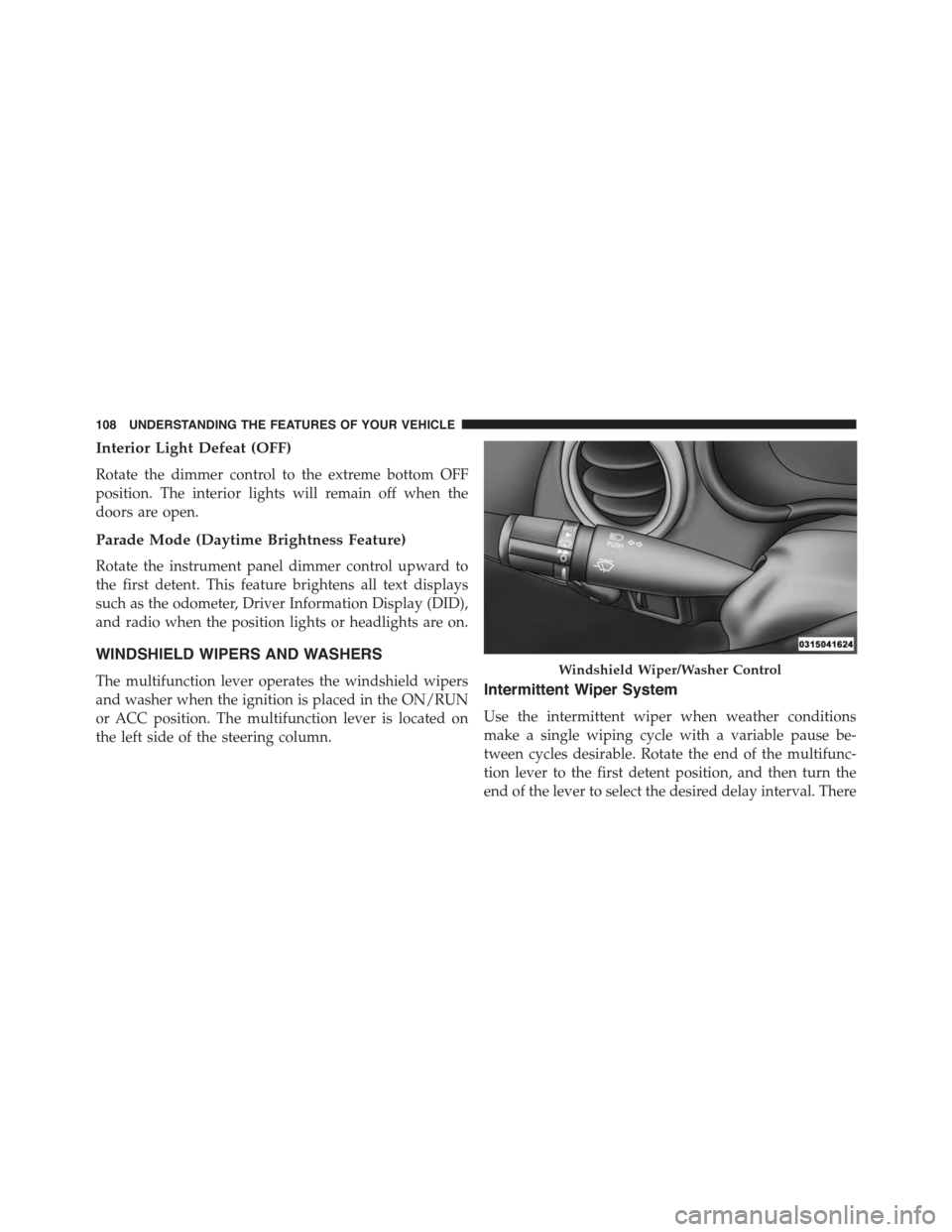
WINDSHIELD WIPERS AND WASHERS
The multifunction lever operates the windshield wipers
and washer when the ignition is placed in the ON/RUN
or ACC position. The multifunction lever is located on
the left side of the steering column.
Intermittent Wiper System
Use the intermittent wiper when weather conditions
make a single wiping cycle with a variable pause be-
tween cycles desirable. Rotate the end of the multifunc-
tion lever to the first detent position, and then turn the
end of the lever to select the desired delay interval. There
Windshield Wiper/Washer Control
108 UNDERSTANDING THE FEATURES OF YOUR VEHICLE
Page 113 of 400
Headlights On With Wipers (Available With
Automatic Headlights Only)
When this feature is active, the headlights will turn on
after the wipers are turned on if the headlight switch is
placed in the AUTO position and programmable feature
is set to ON. In addition, the headlights will turn off
when the wipers are turned off if they were turned on by
this feature.
NOTE:The Headlights On with Wipers feature can be
turned on or off using the Uconnect® System. Refer to
“Uconnect® Settings/Customer Programmable Fea-
tures” in “Understanding Your Instrument Panel” for
further information.
TILT STEERING COLUMN
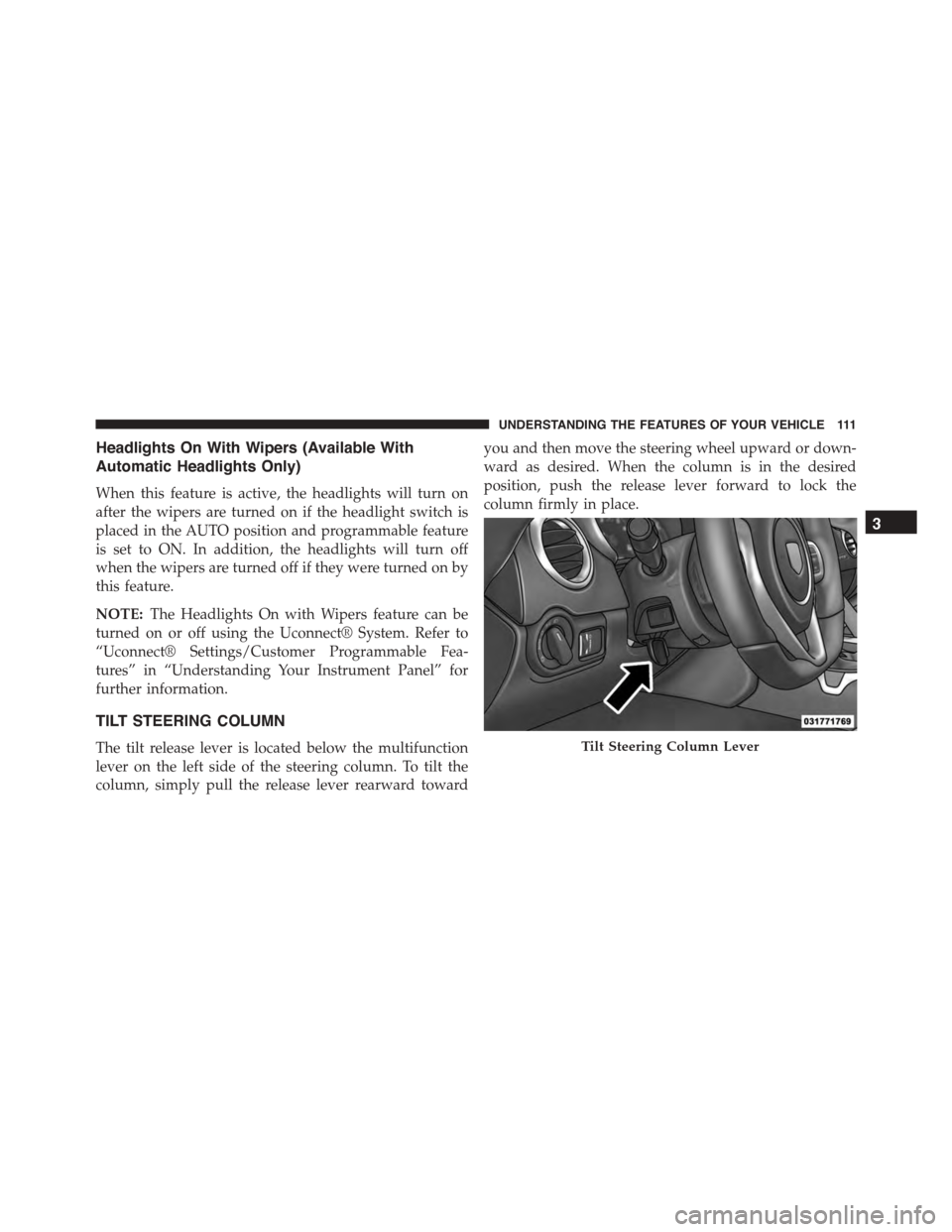
The tilt release lever is located below the multifunction
lever on the left side of the steering column. To tilt the
column, simply pull the release lever rearward toward
you and then move the steering wheel upward or down-
ward as desired. When the column is in the desired
position, push the release lever forward to lock the
column firmly in place.
Tilt Steering Column Lever
3
UNDERSTANDING THE FEATURES OF YOUR VEHICLE 111
Page 118 of 400
WARNING!
Leaving the Electronic Speed Control system on
when not in use is dangerous. You could accidentally
set the system or cause it to go faster than you want.
You could lose control and have an accident. Always
leave the system OFF when you are not using it.
To Set A Desired Speed
Turn the Electronic Speed Control ON. When the vehicle
has reached the desired speed, push the SET (-) button
and release. Release the accelerator and the vehicle will
operate at the selected speed.
NOTE:The vehicle should be traveling at a steady speed
and on level ground before pushing the SET (-) button.
To Deactivate
A soft tap on the brake pedal, pushing the CANCEL
button, manually accelerating 10 mph (16 km/h) above
the set speed or normal brake pressure while slowing the
vehicle will deactivate the Electronic Speed Control with-
out erasing the set speed memory.
Pushing the ON/OFF button or turning the ignition
switch OFF erases the set speed memory.
To Resume Speed
To resume a previously set speed, push the RES (+)
button and release. Resume can be used at any speed
above 20 mph (32 km/h).
To Vary The Speed Setting
To Increase Speed
When the Electronic Speed Control is set, you can in-
crease speed by pushing the RES (+) button.
The drivers preferred units can be selected through the
instrument panel settings if equipped. Refer to “ Under-
standing Your Instrument Panel” for more information.
11 6 U N D E R S TA N D I N G T H E F E AT U R E S O F Y O U R V E H I C L E
Page 119 of 400
The speed increment shown is dependent on the selected
speed unit of U.S. (mph) or Metric (km/h):
U.S. Speed (mph)
•Pushing the RES (+) button once will result ina1mph
increase in set speed. Each subsequent tap of the
button results in an increase of 1 mph.
•If the button is continually pushed, the set speed will
continue to increase until the button is released, then
the new set speed will be established.
Metric Speed (km/h)
•Pushing the RES (+) button once will result in a
1 km/h increase in set speed. Each subsequent tap of
the button results in an increase of 1 km/h.
•If the button is continually pushed, the set speed will
continue to increase until the button is released, then
the new set speed will be established.
To Decrease Speed
When the Electronic Speed Control is set, you can de-
crease speed by pushing the SET (-) button.
The drivers preferred units can be selected through the
instrument panel settings if equipped. Refer to “ Under-
standing Your Instrument Panel” for more information.
The speed decrement shown is dependant on the selected
speed unit of U.S. (mph) or Metric (km/h):
U.S. Speed (mph)
•Pushing the SET (-) button once will result ina1mph
decrease in set speed. Each subsequent tap of the
button results in a decrease of 1 mph.
•If the button is continually pushed, the set speed will
continue to decrease until the button is released, then
the new set speed will be established.
3
UNDERSTANDING THE FEATURES OF YOUR VEHICLE 117
Page 120 of 400
Metric Speed (km/h)
•Pushing the SET (-) button once will result in a 1 km/h
decrease in set speed. Each subsequent tap of the
button results in a decrease of 1 km/h.
•If the button is continually pushed, the set speed will
continue to decrease until the button is released, then
the new set speed will be established.
To Accelerate For Passing
Push the accelerator as you would normally. When the
pedal is released, the vehicle will return to the set speed.
NOTE:If the accelerated speed goes above 10 mph
(16 km/h) of the set speed, the Electronic Speed Control
will deactivate.
PARKVIEW® REAR BACK UP CAMERA — IF
EQUIPPED
Your vehicle may be equipped with the ParkView® Rear
Back Up Camera that allows you to see an on-screen
image of the rear surroundings of your vehicle whenever
the shift lever/gear selector is put into REVERSE. The
ParkView® camera is located on the rear of the vehicle
above the rear license plate. The image will be displayed
in the touchscreen display along with a caution note to
“check entire surroundings” across the top of the screen.
After five seconds this note will disappear.
NOTE:The ParkView® Rear Back Up Camera has pro-
grammable modes of operation that may be selected
through the Uconnect® System. Refer to “Uconnect®
Settings” in “Understanding Your Instrument Panel” for
further information.
If your vehicle is equipped with the Camera Delay
feature and it is turned ON, the rear camera image will be
11 8 U N D E R S TA N D I N G T H E F E AT U R E S O F Y O U R V E H I C L E
Page 136 of 400
CUPHOLDERS — IF EQUIPPED
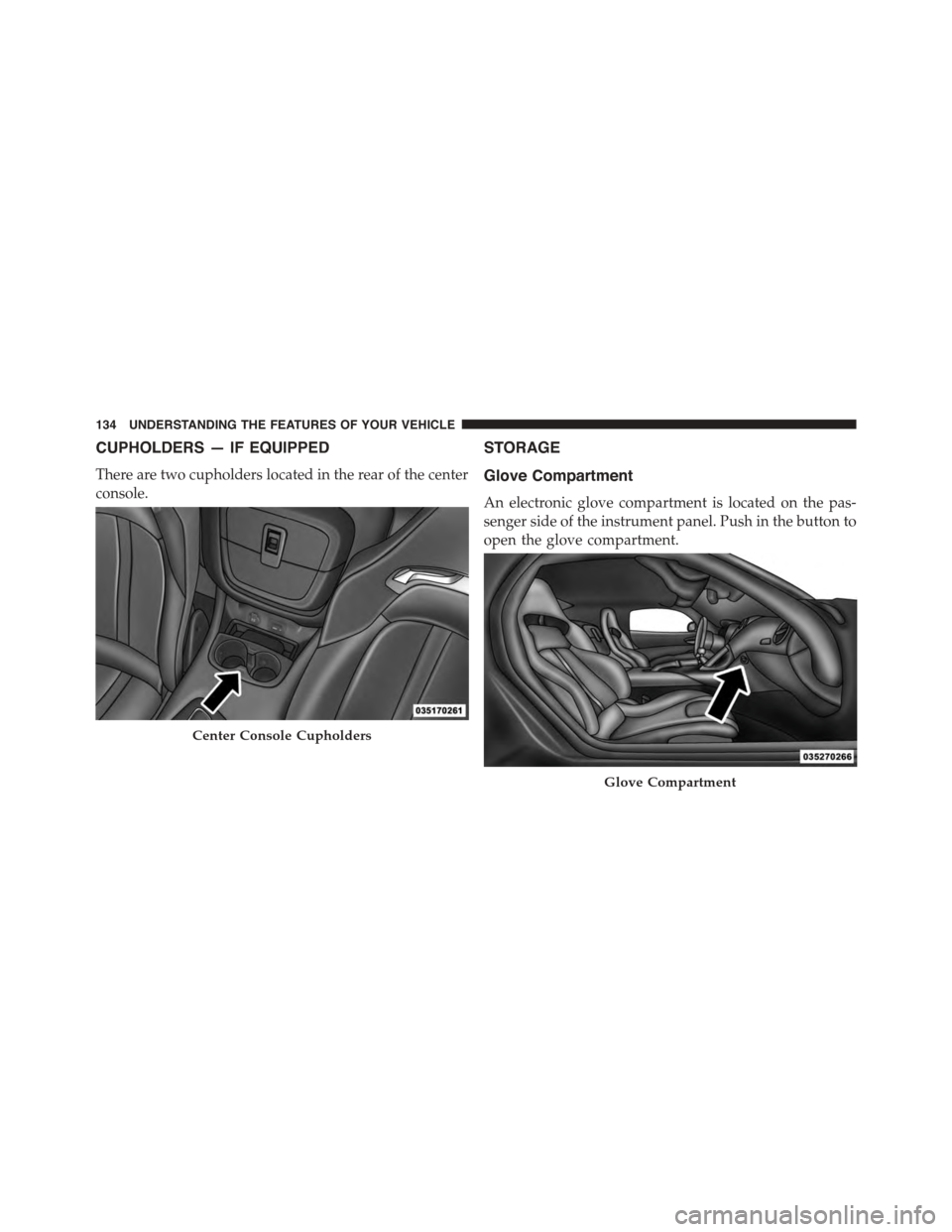
There are two cupholders located in the rear of the center
console.
STORAGE
Glove Compartment
An electronic glove compartment is located on the pas-
senger side of the instrument panel. Push in the button to
open the glove compartment.
Center Console Cupholders
Glove Compartment
134 UNDERSTANDING THE FEATURES OF YOUR VEHICLE
Page 140 of 400
REAR WINDOW FEATURES
Rear Window Defroster
The rear window defroster button is located on
the climate control panel. Push this button to turn
on the rear window defroster. An indicator in the button
will illuminate when the rear window defroster is on. The
rear window defroster automatically turns off after ap-
proximately 10 minutes. For an additional five minutes of
operation, push the button a second time.
NOTE:To prevent excessive battery drain, use the rear
window defroster only when the engine is operating.
CAUTION!
Failure to follow these cautions can cause damage to
the heating elements:
•Use care when washing the inside of the rear
window. Do not use abrasive window cleaners on
the interior surface of the window. Use a soft cloth
and a mild washing solution, wiping parallel to the
heating elements. Labels can be peeled off after
soaking with warm water.
•Do not use scrapers, sharp instruments, or abrasive
window cleaners on the interior surface of the
window.
•Keep all objects a safe distance from the window.
138 UNDERSTANDING THE FEATURES OF YOUR VEHICLE
Page 141 of 400
UNDERSTANDING YOUR INSTRUMENT PANEL
CONTENTS
!INSTRUMENT PANEL FEATURES..........142
!INSTRUMENT CLUSTER.................143
!INSTRUMENT CLUSTER DESCRIPTIONS.....144
!DRIVER INFORMATION DISPLAY (DID).....156
▫DID Display.........................158
▫Driver Information Display (DID) Messages . . .161
▫DID Yellow Telltales....................162
▫DID Red Telltales......................163
▫DID Green Telltales....................165
▫Driver Information Display (DID) Selectable
Menu Items..........................165
!Uconnect® SETTINGS....................174
▫Buttons On the Faceplate................175
▫Buttons On The Touchscreen..............175
▫Customer Programmable Features/Personal
Settings — Uconnect® 8.4 System Settings . . . .175
▫SRT Performance Pages.................189
!Uconnect® RADIOS — IF EQUIPPED........193
!iPod®/USB/MP3 CONTROL — IF EQUIPPED . .194
4
Page 142 of 400
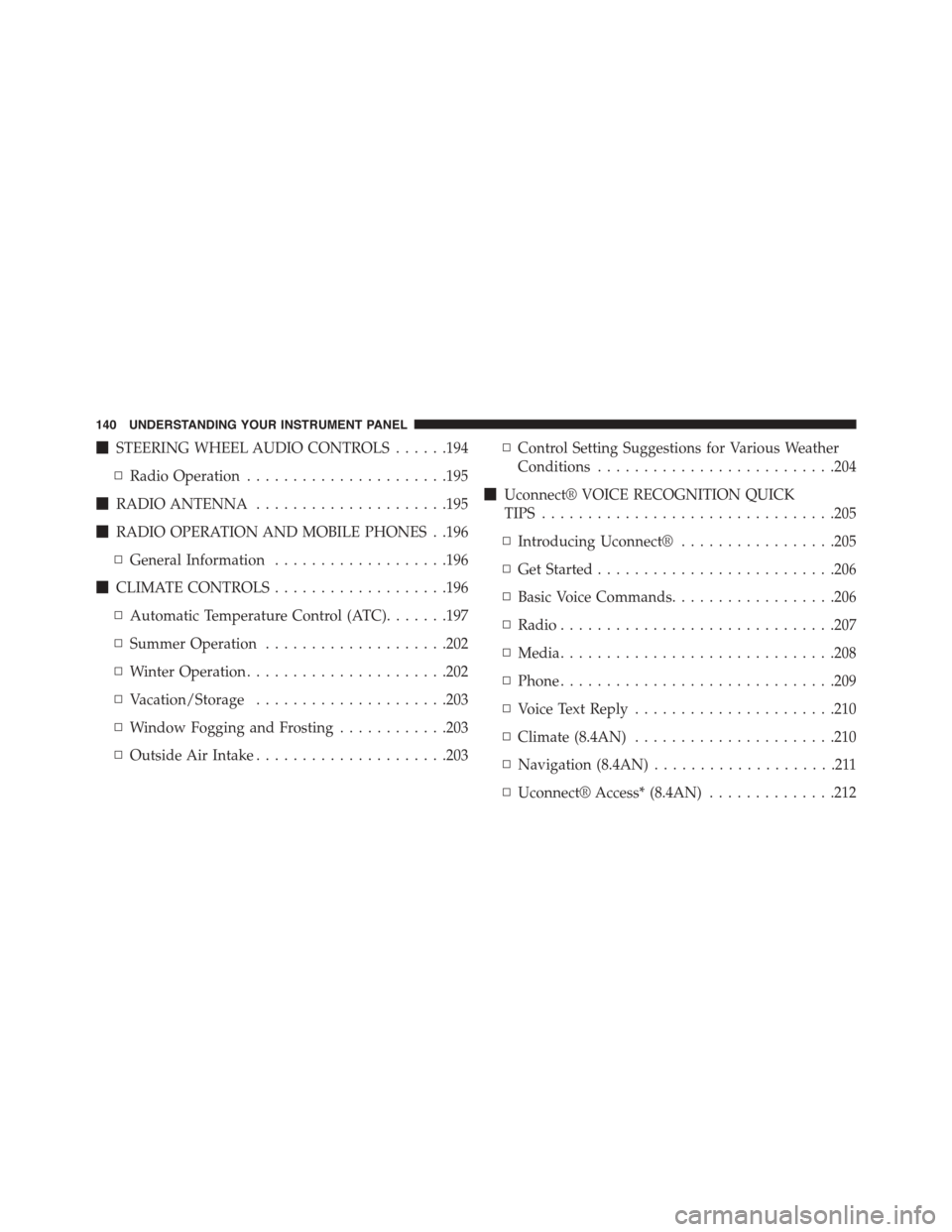
!STEERING WHEEL AUDIO CONTROLS......194
▫Radio Operation......................195
!RADIO ANTENNA.....................195
!RADIO OPERATION AND MOBILE PHONES . .196
▫General Information...................196
!CLIMATE CONTROLS...................196
▫Automatic Temperature Control (ATC).......197
▫Summer Operation....................202
▫Winter Operation......................202
▫Vacation/Storage.....................203
▫Window Fogging and Frosting............203
▫Outside Air Intake.....................203
▫Control Setting Suggestions for Various Weather
Conditions..........................204
!Uconnect® VOICE RECOGNITION QUICK
TIPS................................205
▫Introducing Uconnect®.................205
▫Get Started..........................206
▫Basic Voice Commands..................206
▫Radio..............................207
▫Media..............................208
▫Phone..............................209
▫Voice Text Reply......................210
▫Climate (8.4AN)......................210
▫Navigation (8.4AN)....................211
▫Uconnect® Access* (8.4AN)..............212
140 UNDERSTANDING YOUR INSTRUMENT PANEL
Page 143 of 400
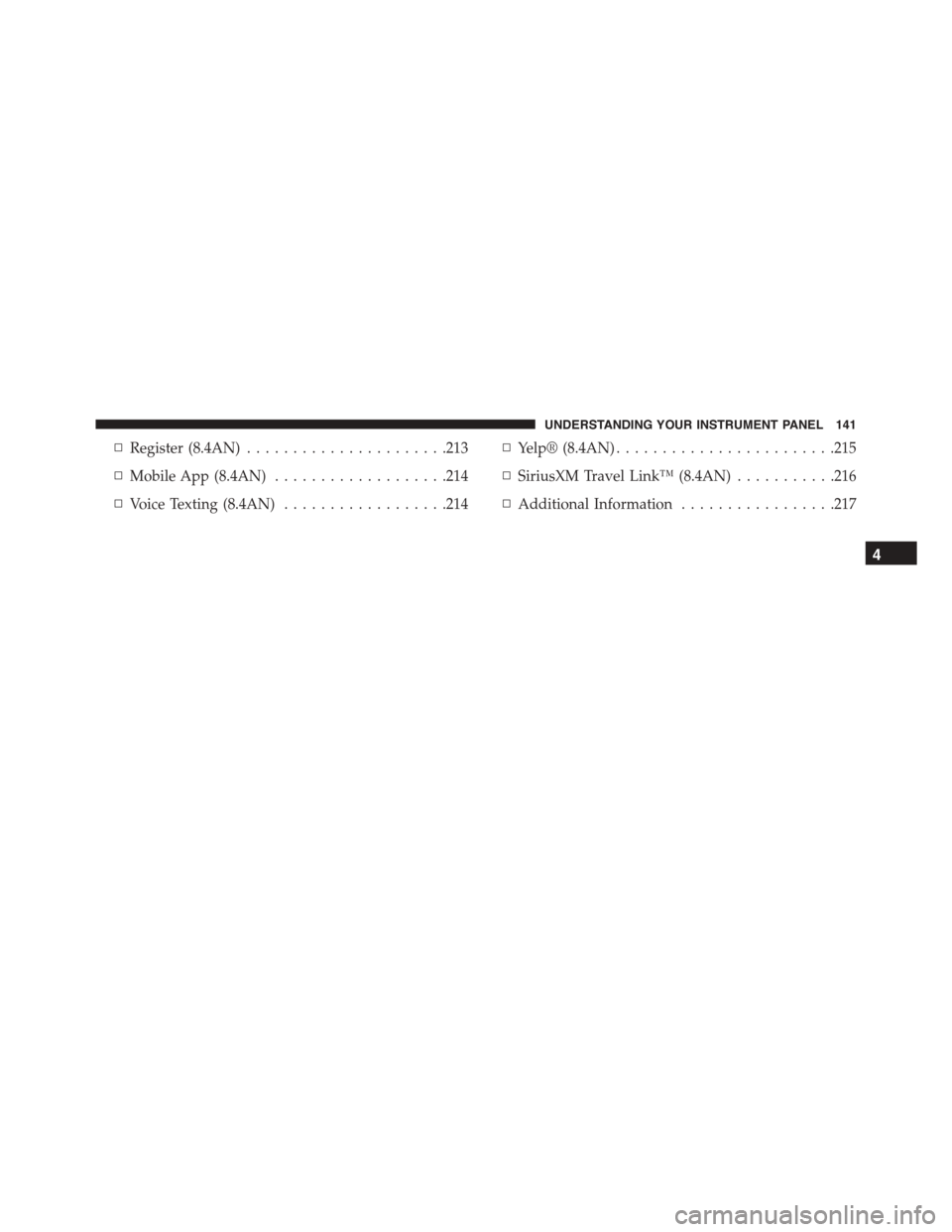
▫Register (8.4AN)......................213
▫Mobile App (8.4AN)...................214
▫Voice Texting (8.4AN)..................214
▫Yelp® (8.4AN)........................215
▫SiriusXM Travel Link™ (8.4AN)...........216
▫Additional Information.................217
4
UNDERSTANDING YOUR INSTRUMENT PANEL 141