lock FIAT 500 ABARTH 2013 2.G Service Manual
[x] Cancel search | Manufacturer: FIAT, Model Year: 2013, Model line: 500 ABARTH, Model: FIAT 500 ABARTH 2013 2.GPages: 388, PDF Size: 9.03 MB
Page 153 of 388
CAUTION!
The TPMS has been optimized for the original
equipment tires and wheels. TPMS pressures and
warning have been established for the tire size
equipped on your vehicle. Undesirable system opera-
tion or sensor damage may result when using re-
placement equipment that is not of the same size,
type, and/or style. Aftermarket wheels can cause
sensor damage. Do not use tire sealant from a can or
balance beads if your vehicle is equipped with a
TPMS, as damage to the sensors may result.
16. Automatic Gearbox Failure
This light will illuminate when there is an
automatic transmission fault.
17. Oil Pressure Warning Light
This light indicates low engine oil pressure. The
light should turn on momentarily when the engine is
started. If the light turns on while driving, stop the
vehicle and shut off the engine as soon as possible. A
chime will sound when this light turns on.
Do not operate the vehicle until the cause is corrected.
This light does not indicate how much oil is in the engine.
The engine oil level must be checked under the hood.
18. Malfunction Indicator Light (MIL)
The Malfunction Indicator Light (MIL) is part of
an onboard diagnostic system, called OBDII, that
monitors engine and automatic transmission con-
trol systems. The light will illuminate when the key is in
the ON/RUN position before engine start. If the bulb
does not come on when turning the key from OFF/LOCK
to ON/RUN, have the condition checked promptly.
4
UNDERSTANDING YOUR INSTRUMENT PANEL 151
Page 155 of 388
If the light turns on while driving, safely pull over and
stop the vehicle. If the A/C system is on, turn it off. Also,
shift the transmission into NEUTRAL and idle the ve-
hicle. If the temperature reading does not return to
normal, turn the engine off immediately and call for
service. Refer to “If Your Engine Overheats” in “What To
Do In Emergencies” for further information.
20. Brake Warning Light
This light monitors various brake functions,
including brake fluid level and parking brake
application. If the Brake Warning Light turns
on it may indicate that the parking brake is
applied, that the brake fluid level is low, or that there is
a problem with the brake system reservoir.
The light will remain on until the cause is corrected.
If brake failure is indicated, immediate repair is neces-
sary.
WARNING!
Driving a vehicle with the red brake light on is
dangerous. You could have a collision. Have the
vehicle checked immediately.
Vehicles equipped with the Anti-Lock Brake System
(ABS), are also equipped with Electronic Brake Force
Distribution (EBD). In the event of an EBD failure, the
Brake Warning Light will turn on along with the ABS
Light. Immediate repair to the ABS system is required.
Operation of the Brake Warning Light can be checked by
turning the ignition switch from the OFF/LOCK position
to the ON/RUN position. The light should illuminate for
approximately two seconds. The light should then turn
off unless the parking brake is applied or a brake fault is
detected. If the light does not illuminate, have the light
inspected by an authorized studio.
4
UNDERSTANDING YOUR INSTRUMENT PANEL 153
Page 156 of 388
The light also will turn on when the parking brake is
applied with the ignition switch in the ON/RUN posi-
tion.
NOTE:This light shows only that the parking brake is
applied. It does not show the degree of brake application.
21. Electronic Stability Control OFF (ESC OFF) Indica-
tor Light
This light indicates the Electronic Stability Con-
trol system (ESC) has been turned off by the
driver.
22. Electronic Stability Control (ESC) Activation / Mal-
function Indicator Light
The ESC Activation/Malfunction Indicator
Light in the instrument cluster will come on for
four seconds when the ignition switch is
turned to the ON/RUN position. If the ESC
Activation/Malfunction Indicator Light comes on con-
tinuously with the engine running, a malfunction has
been detected in the ESC system. If this light remains on,
see your authorized studio as soon as possible to have the
problem diagnosed and corrected.
NOTE:
•The ESC Off Indicator Light and the ESC Activation/
Malfunction Indicator Light come on momentarily
each time the ignition switch is turned to ON/RUN.
•Each time the ignition is turned to ON/RUN, the
ESC system will be on, even if it was turned off
previously.
23. Anti-Lock Brake (ABS) Light
This light monitors the Anti-Lock Brake System
(ABS). The light will turn on when the ignition
switch is turned to the ON/RUN position and
may stay on for as long as four seconds.
154 UNDERSTANDING YOUR INSTRUMENT PANEL
Page 157 of 388
If the ABS light remains on or turns on while driving, it
indicates that the Anti-Lock portion of the brake system
is not functioning and that service is required. However,
the conventional brake system will continue to operate
normally if the BRAKE warning light is not on.
If the ABS light is on, the brake system should be serviced
as soon as possible to restore the benefits of Anti-Lock
brakes. If the ABS light does not turn on when the
ignition switch is turned to the ON/RUN position, have
the light inspected by an authorized studio.
24. Door Ajar
This light will turn on to indicate that one or
more doors or the trunk may be ajar.
25. Vehicle Security Light
If during starting, the key code is not correctly
recognized, the Vehicle Security Light comes
on in the instrument panel. In this case, turn
the key to OFF and then to ON/RUN; if it is
still locked, try again with the other keys that come with
the vehicle. Contact a Fiat studio if you still cannot start
the engine.
If with the engine running the warning light flashes, this
means that the car is not protected by the engine inhibitor
device. Contact Fiat studio to have all the keys
programmed.
4
UNDERSTANDING YOUR INSTRUMENT PANEL 155
Page 161 of 388
Press the DOWNbutton to scroll downward
through the displayed menu and the related options
or to decrease the value displayed.
NOTE:UPand DOWNbuttons activate differ-
ent functions according to the following situations:
•To scroll the menu options upwards or downwards.
•To increase or decrease values during settings.
NOTE:When opening one of the front doors, the EVIC
display will turn on the clock and the miles or kilometers
covered (for versions/markets, where provided) for a
few seconds.
Electronic Vehicle Information Center (EVIC)
Setup Menu
The menu comprises a series of functions arranged in a
cycle. Press the UPand DOWNbuttons to access
the different options and settings (setup).
The setup menu can be activated by pressing theSET
ESCbutton. Single presses on the UPor DOWN
buttons will scroll through the setup menu op-
tions. The menu includes the following functions:
•Speed Beep
•Trip B Data
•Set Time
•Set Date
•See Radio
•Speed Display
•Autoclose
•Units
•Language
•Buzzer Volume
4
UNDERSTANDING YOUR INSTRUMENT PANEL 159
Page 163 of 388
6. Press and hold theSET ESCbutton to return to the
main menu (short hold) or the main screen (longer
hold).
Change Engine Oil Indicator System
Change Engine Oil
Your vehicle is equipped with an engine oil change
indicator system. The “Change Engine Oil” message will
flash in the EVIC display for approximately 10 seconds
after a single chime has sounded to indicate the next
scheduled oil change interval. The engine oil change
indicator system is duty cycle based, which means the
engine oil change interval may fluctuate, dependent
upon your personal driving style.
Unless reset, this message will continue to display each
time you turn the ignition switch to the ON/RUN
position. To turn off the message temporarily, press and
release theSET ESCbutton. To reset the oil change
indicator system (after performing the scheduled main-
tenance), refer to the following procedure.
1. Turn the ignition switch to the ON position.(Do not
start the engine.)
2. Fully depress the accelerator pedal slowly, three times
within 10 seconds.
3. Turn the ignition switch to the OFF/LOCK position.
NOTE:If the indicator message illuminates when you
start the vehicle, the oil change indicator system did not
reset. If necessary, repeat this procedure.
Trip Computer
The Trip Computer is located in the instrument cluster. It
features a driver-interactive display (displays informa-
tion such as; trip information, range, fuel consumption,
average speed and travel time).
4
UNDERSTANDING YOUR INSTRUMENT PANEL 161
Page 168 of 388
2. Press the DOWNbutton. “Off” will flash on the
display.
3. Briefly press theSET ESCbutton to go back to the
menu screen, or press and hold theSET ESCbutton
(approximately one second) to go back to the main
screen without storing the settings.
Trip B Data (Trip B On)
Through this option, it is possible to activate (On) or
deactivate (Off) the Trip B (partial trip) display.
For further information see “Trip Computer.”
For activation / deactivation, proceed as follows:
1. Briefly press theSET ESCbutton. “On” or “Off” will
flash on the display (according to previous setting).
2. Press the UPor DOWNbutton to select the
setting.
3. Briefly press theSET ESCbutton to go back to the
menu screen, or press and hold theSET ESCbutton
(approximately one second) to go back to the main
screen without storing the settings.
Set Time (Clock)
This function may be used to set the clock through two
sub-menu items: “Time” and “Mode.”
Proceed as follows:
1. Briefly press theSET ESCbutton. The display will
show the two sub-menu items “Time” and “Mode.”
2. Press the UPor DOWNbutton to navigate
the two sub-menu items.
3. Select the required option and then press theSET ESC
button.
166 UNDERSTANDING YOUR INSTRUMENT PANEL
Page 171 of 388
If the radio has BLUE&ME™, refer to the appropriate
“BLUE&ME™ User ’s Manual” for further information.
Speed Display
When this function is activated the cluster will display
the vehicle speed (MPH or km/h).
To activate (On) or to deactivate (Off) the speed display
feature, proceed as follows:
1. Briefly press theSET ESCbutton. “MPH”, “km/h”,
then “Off” will flash on the display (according to
previous setting).
2. Press the UPor DOWNbutton to select
display deactivation “Off”, “MPH” or “km/h”.
3. Briefly press theSET ESCbutton to go back to the
menu screen, or press and hold theSET ESCbutton
(approximately one second) to go back to the main
screen.
Autoclose
With this function active, the doors will automatically
lock at when the vehicle’s speed exceeds 15 mph
(24 km/h).
To change the setting proceed as follows:
1. Briefly press theSET ESCbutton “On” or “Off” will
flash on the display (according to the previous set-
ting).
2. Press the UPor DOWNbutton for setting.
3. Briefly press theSET ESCbutton to go back to the
menu screen, or press and hold theSET ESCbutton
(approximately one second) to go back to the main
screen without storing the settings.
4
UNDERSTANDING YOUR INSTRUMENT PANEL 169
Page 224 of 388
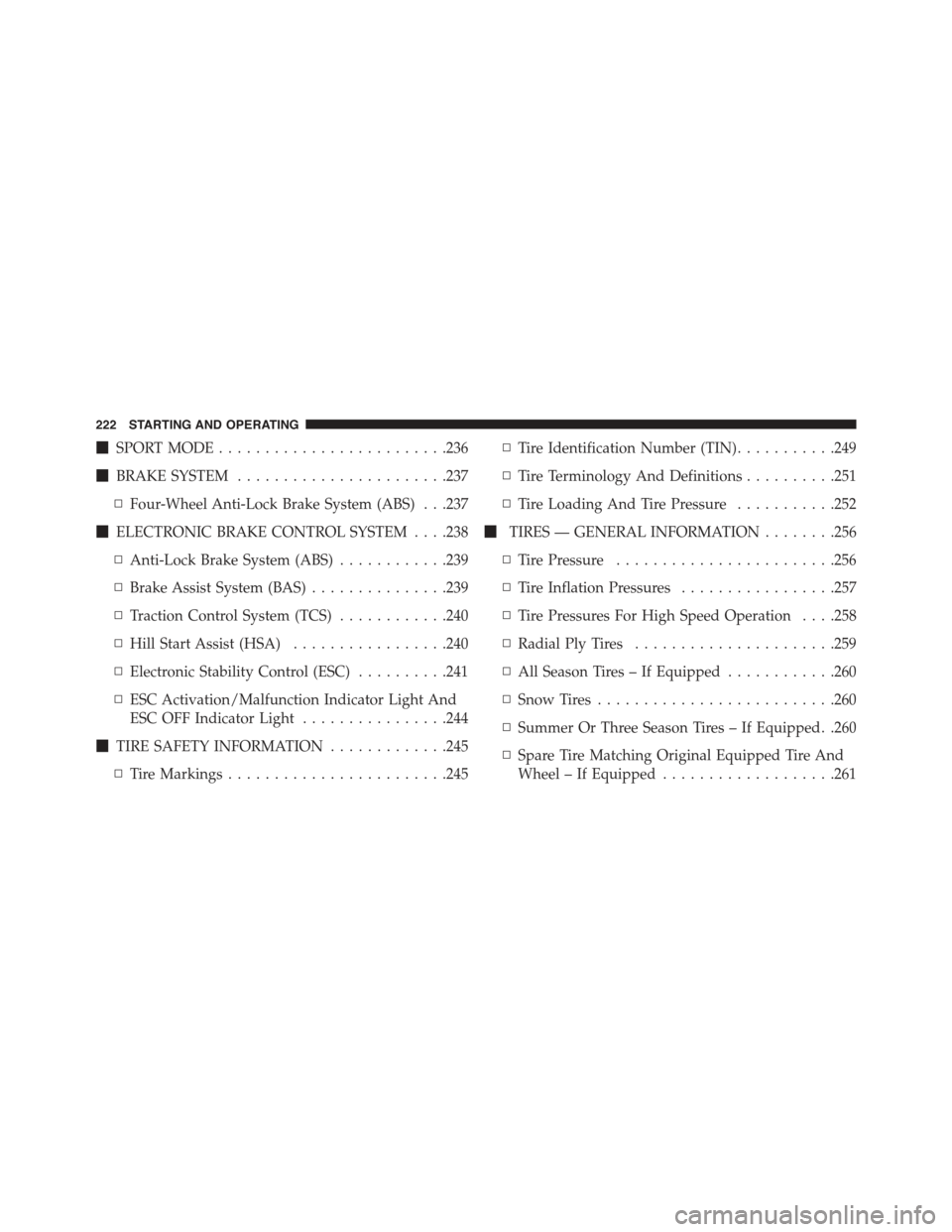
!SPORT MODE.........................236
!BRAKE SYSTEM.......................237
▫Four-Wheel Anti-Lock Brake System (ABS) . . .237
!ELECTRONIC BRAKE CONTROL SYSTEM . . . .238
▫Anti-Lock Brake System (ABS)............239
▫Brake Assist System (BAS)...............239
▫Traction Control System (TCS)............240
▫Hill Start Assist (HSA).................240
▫Electronic Stability Control (ESC)..........241
▫ESC Activation/Malfunction Indicator Light And
ESC OFF Indicator Light................244
!TIRE SAFETY INFORMATION.............245
▫Tire Markings........................245
▫Tire Identification Number (TIN)...........249
▫Tire Terminology And Definitions..........251
▫Tire Loading And Tire Pressure...........252
!TIRES — GENERAL INFORMATION........256
▫Tire Pressure........................256
▫Tire Inflation Pressures.................257
▫Tire Pressures For High Speed Operation . . . .258
▫Radial Ply Tires......................259
▫All Season Tires – If Equipped............260
▫Snow Tires..........................260
▫Summer Or Three Season Tires – If Equipped. .260
▫Spare Tire Matching Original Equipped Tire And
Wheel – If Equipped...................261
222 STARTING AND OPERATING
Page 226 of 388
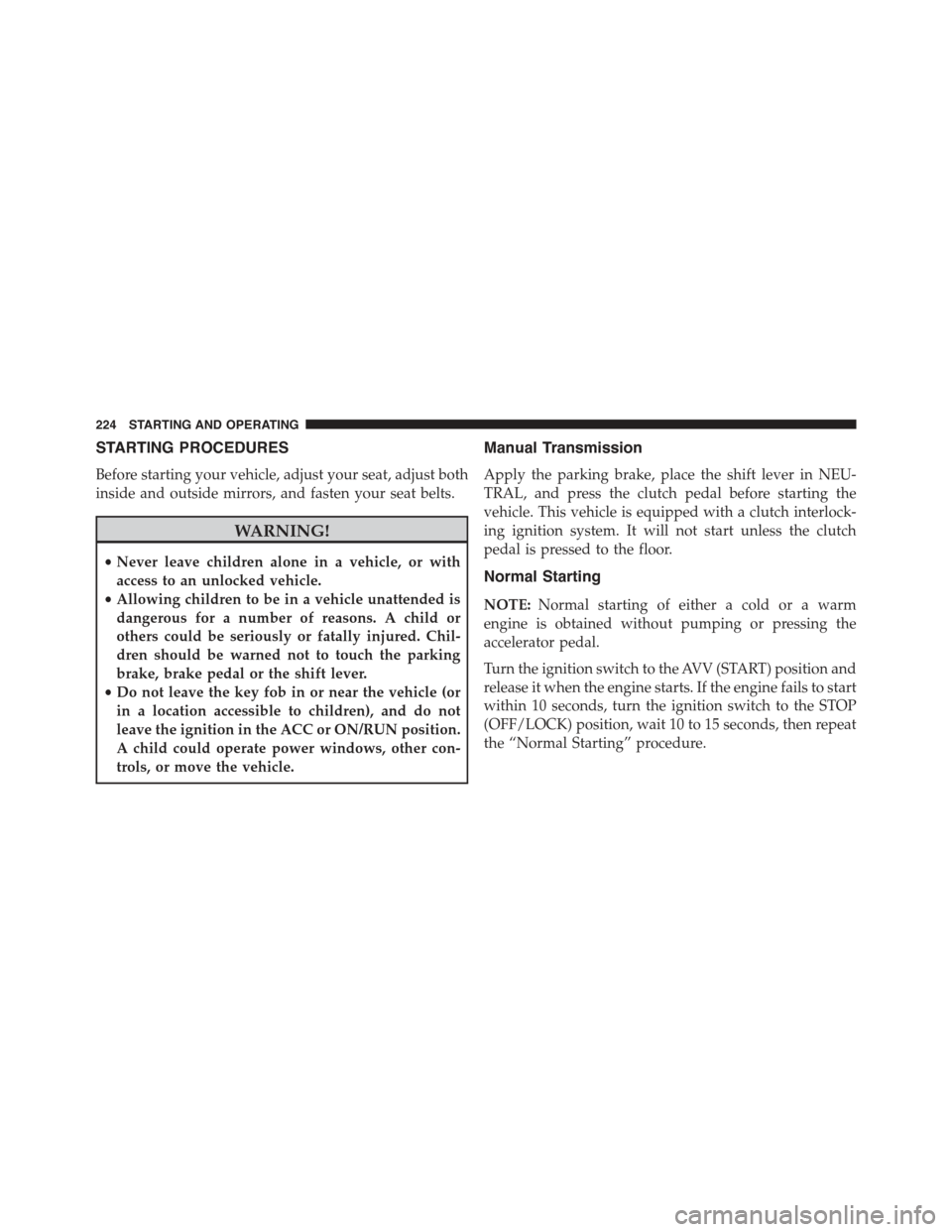
STARTING PROCEDURES
Before starting your vehicle, adjust your seat, adjust both
inside and outside mirrors, and fasten your seat belts.
WARNING!
•Never leave children alone in a vehicle, or with
access to an unlocked vehicle.
•Allowing children to be in a vehicle unattended is
dangerous for a number of reasons. A child or
others could be seriously or fatally injured. Chil-
dren should be warned not to touch the parking
brake, brake pedal or the shift lever.
•Do not leave the key fob in or near the vehicle (or
in a location accessible to children), and do not
leave the ignition in the ACC or ON/RUN position.
A child could operate power windows, other con-
trols, or move the vehicle.
Manual Transmission
Apply the parking brake, place the shift lever in NEU-
TRAL, and press the clutch pedal before starting the
vehicle. This vehicle is equipped with a clutch interlock-
ing ignition system. It will not start unless the clutch
pedal is pressed to the floor.
Normal Starting
NOTE:Normal starting of either a cold or a warm
engine is obtained without pumping or pressing the
accelerator pedal.
Turn the ignition switch to the AVV (START) position and
release it when the engine starts. If the engine fails to start
within 10 seconds, turn the ignition switch to the STOP
(OFF/LOCK) position, wait 10 to 15 seconds, then repeat
the “Normal Starting” procedure.
224 STARTING AND OPERATING