light FORD C MAX ENERGI 2016 Owners Manual
[x] Cancel search | Manufacturer: FORD, Model Year: 2016, Model line: C MAX ENERGI, Model: FORD C MAX ENERGI 2016Pages: 395, PDF Size: 6.78 MB
Page 286 of 395
GENERAL INFORMATION
Radio Frequencies and ReceptionFactors
AM and FM frequencies are established bythe Federal Communications Commission(FCC) and the Canadian Radio andTelecommunications Commission (CRTC).Those frequencies are:
•AM: 530, 540-1700, 1710 kHz
•FM: 87.9-107.7, 107.9 MHz
Radio Reception Factors
The further you travel from an AM or FM station, theweaker the signal and the weaker the reception.Distance and strength
Hills, mountains, tall buildings, bridges, tunnels, freewayoverpasses, parking garages, dense tree foliage andthunderstorms can interfere with the reception.
Terrain
When you pass a ground-based broadcast repeatingtower, a stronger signal may overtake a weaker one andresult in the audio system muting.
Station overload
CD and CD Player Information
Note:CD units play commercially pressed4.75-inch (12 centimeter) audio compactdiscs only. Due to technical incompatibility,certain recordable and re-recordablecompact discs may not function correctlywhen used in Ford CD players.
Note:Do not insert CDs with homemadepaper (adhesive) labels into the CD playeras the label may peel and cause the CD tobecome jammed. You should use apermanent felt tip marker rather thanadhesive labels on your homemade CDs.Ballpoint pens may damage CDs. Pleasecontact an authorized dealer for furtherinformation.
Note:Do not use any irregularly shapeddiscs or discs with a scratch protection filmattached.
Always handle discs by their edges only.Clean the disc with an approved CDcleaner only. Wipe it from the center of thedisc toward the edge. Do not clean in acircular motion.
Do not expose discs to direct sunlight orheat sources for extended periods.
MP3 and WMA Track and FolderStructure
Audio systems capable of recognizing andplaying MP3 and WMA individual tracksand folder structures work as follows:
•There are two different modes for MP3and WMA disc playback: MP3 andWMA track mode (system default) andMP3 and WMA folder mode.
•MP3 and WMA track mode ignores anyfolder structure on the MP3 and WMAdisc. The player numbers each MP3and WMA track on the disc (noted bythe MP3 or WMA file extension) fromT001 to a maximum of T255. Themaximum number of playable MP3 andWMA files may be less depending onthe structure of the CD and exactmodel of radio present.
283
C-MAX (CCG) Canada/United States of America, enUSA, First Printing
Audio System
Page 292 of 395
Seek, Fast Forward and Reverse: In radio mode, select a frequency bandand press this button. The system stops at the first station it finds in thatdirection. In SIRIUS mode, press to select the next or previous satellite radiostation. If a specific category is selected (such as jazz, rock or news), press tofind the next or previous in the selected category. In CD mode, press to selectthe previous or next track. Press and hold to move quickly forward through thecurrent track.
C
TUNE: In radio mode, press to manually search through the radio frequencyband. In SIRIUS mode, press to find the previous or next available satellite radiostation.
D
Volume: Turn to adjust the volume.E
SOUND: Press to access settings for Treble, Midrange, Bass, Fade or Balance.F
Eject: Press to eject a CD.G
Menu Structure
Note:Depending on your system, someoptions may appear slightly different.
Press MENU.
Press the up and down arrow buttons toscroll through the options.
Press the right arrow to enter a menu.Press the left arrow to exit a menu.
Press OK to confirm a selection.
Radio
Use the left and right arrows to go up or down thefrequency band.Manual tune
Select for a brief sampling of all available channels.Scan
Select to store the six strongest local stations on the AM2 and FM 2 frequency bands.AST
Select to have the system search by certain musiccategories (such as Rock, Pop or Country).PTY/Set Category
Select to view additional broadcast data, if available. Thisfeature defaults to off. RBDS must be on for you to set acategory.
RBDS/RDS
289
C-MAX (CCG) Canada/United States of America, enUSA, First Printing
Audio System
Page 295 of 395
The multicast indicator appears in FMmode (only) if the current station isbroadcasting multiple digital broadcasts.The highlighted numbers signify availabledigital channels where new or differentcontent is available. HD1 signifies the mainprogramming status and is available inanalog and digital broadcasts. Othermulticast stations (HD2 through HD7) areonly available digitally.
When HD Radio broadcasts are active, youcan access the following functions:
•Scan allows you to hear a briefsampling of all available stations. Thisfeature still works when HD Radioreception is on, although it does notscan for HD2-HD7 channels. You maysee the HD logo appear if the stationhas a digital broadcast.
•Memory presets allow you to save anactive channel as a memory preset.Touch and hold a memory preset slotuntil the sound returns. There is a briefmute while the radio saves the station.Sound returns when finished. Whenswitching to an HD2 or HD3 memorypreset, the sound mutes before thedigital audio plays, because the systemhas to reacquire the digital signal.
Note:As with any saved radio station, youcannot access the saved station if yourvehicle is outside the station’s receptionarea.
HD Radio Reception and Station Troubleshooting
Potential reception issues
If you are listening to a multicast station and you are onthe fringe of the reception area, the station may mute dueto weak signal strength.
Reception area
If you are listening to HD1, the system switches back tothe analog broadcast until the digital broadcast is availableagain. However, if you are listening to any of the possibleHD2-HD7 multicast channels, the station mutes and staysmuted unless it is able to connect to the digital signalagain.
When the system first receives a station (aside from HD2-HD7 multicast stations), it first plays the station in theanalog version. Once the receiver verifies the station is anHD Radio station, it shifts to the digital version. Dependingon the station quality, you may hear a slight sound changewhen the station changes from analog to digital. Blendingis the shift from analog to digital sound or digital back toanalog sound.
Station blending
292
C-MAX (CCG) Canada/United States of America, enUSA, First Printing
Audio System
Page 347 of 395
For a complete listing of the accessoriesthat are available for your vehicle, pleasecontact your authorized dealer or visit theonline store web site:
Web Address (United States)
www.Accessories.Ford.com
Web Address (Canada)
www.Accessories.Ford.ca
Ford Motor Company will repair or replaceany properly authorized dealer-installedFord Original Accessory found to bedefective in factory-supplied materials orworkmanship during the warranty period,as well as any component damaged by thedefective accessories.
Ford Motor Company warrants yourvehicle's accessory through the warrantythat provides the greatest benefit:
•24 months, unlimited mileage.
•The remainder of your new vehiclelimited warranty.
Contact an authorized dealer for detailsand a copy of the warranty.
Exterior style
•Custom graphics*.
•Hood deflector*.
•Side window deflectors.
•Splash guards.
Interior style
•Accent lighting.
•Cargo area protector.
•Door sill plates.
•Floor mats.
Lifestyle
•Ash cup or smoker's packages.
•Cargo net*.
•Roof racks and carriers*.
•Soft cargo organizers.
Peace of mind
•Bumper-mounted parking assistsystem*.
•Car covers.
•Charge cord storage bag*.
•Keyless entry keypad.
•Rear bumper protector.
•Remote start.
•Vehicle security systems.
•Wheel locks.
344
C-MAX (CCG) Canada/United States of America, enUSA, First Printing
Accessories
Page 353 of 395
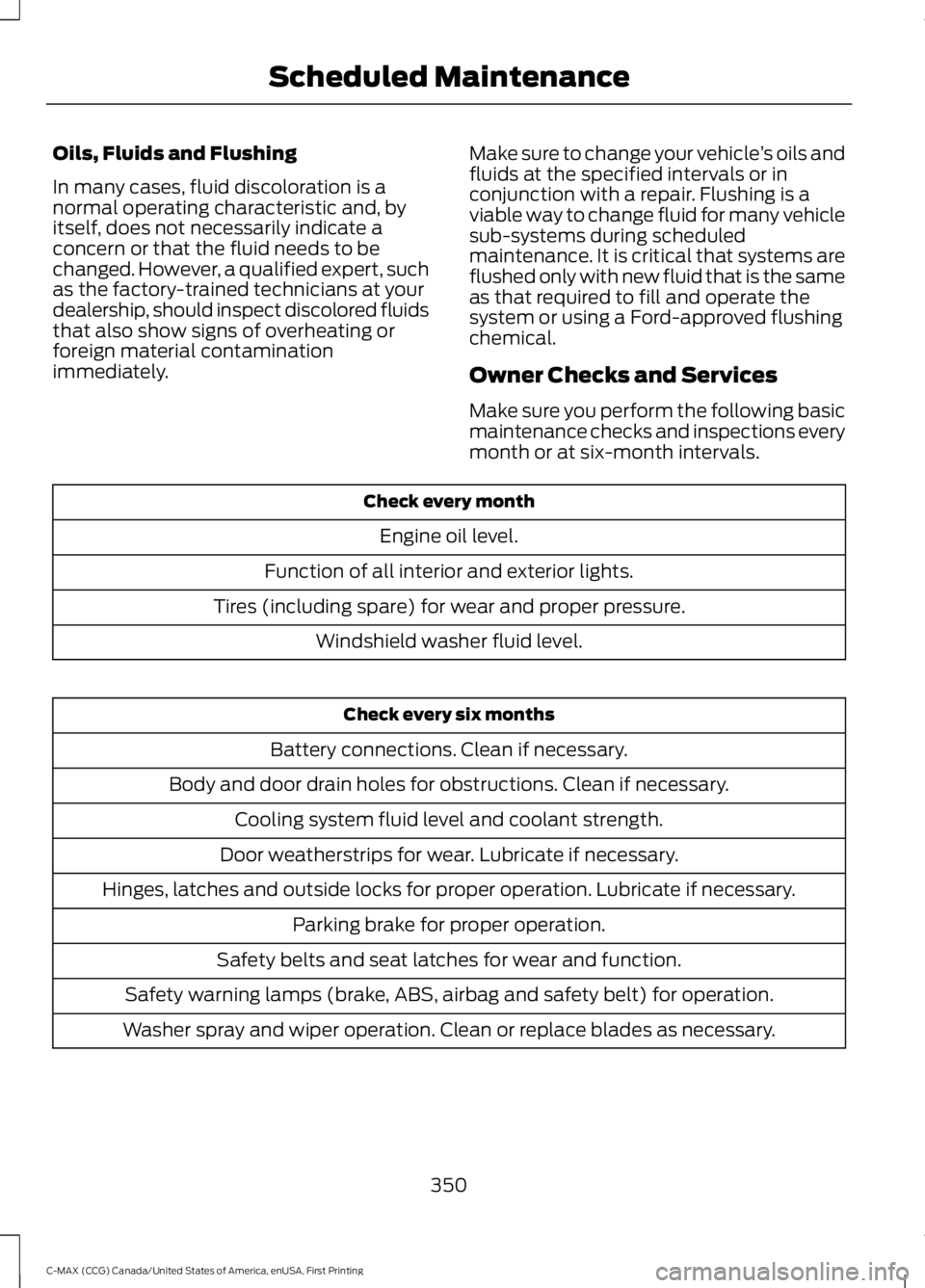
Oils, Fluids and Flushing
In many cases, fluid discoloration is anormal operating characteristic and, byitself, does not necessarily indicate aconcern or that the fluid needs to bechanged. However, a qualified expert, suchas the factory-trained technicians at yourdealership, should inspect discolored fluidsthat also show signs of overheating orforeign material contaminationimmediately.
Make sure to change your vehicle’s oils andfluids at the specified intervals or inconjunction with a repair. Flushing is aviable way to change fluid for many vehiclesub-systems during scheduledmaintenance. It is critical that systems areflushed only with new fluid that is the sameas that required to fill and operate thesystem or using a Ford-approved flushingchemical.
Owner Checks and Services
Make sure you perform the following basicmaintenance checks and inspections everymonth or at six-month intervals.
Check every month
Engine oil level.
Function of all interior and exterior lights.
Tires (including spare) for wear and proper pressure.
Windshield washer fluid level.
Check every six months
Battery connections. Clean if necessary.
Body and door drain holes for obstructions. Clean if necessary.
Cooling system fluid level and coolant strength.
Door weatherstrips for wear. Lubricate if necessary.
Hinges, latches and outside locks for proper operation. Lubricate if necessary.
Parking brake for proper operation.
Safety belts and seat latches for wear and function.
Safety warning lamps (brake, ABS, airbag and safety belt) for operation.
Washer spray and wiper operation. Clean or replace blades as necessary.
350
C-MAX (CCG) Canada/United States of America, enUSA, First Printing
Scheduled Maintenance
Page 386 of 395
A
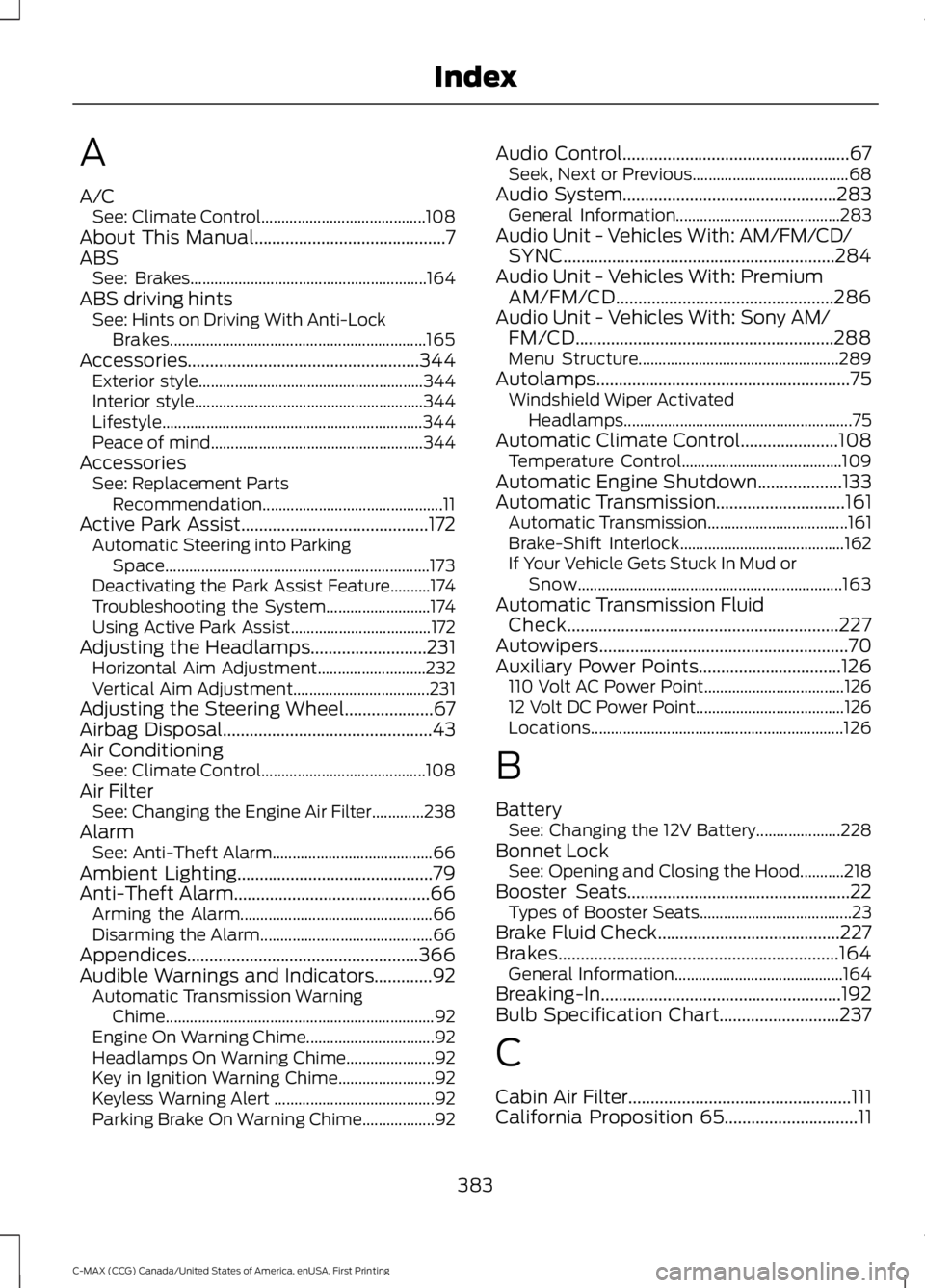
A/CSee: Climate Control.........................................108About This Manual...........................................7ABSSee: Brakes...........................................................164ABS driving hintsSee: Hints on Driving With Anti-LockBrakes................................................................165Accessories....................................................344Exterior style........................................................344Interior style.........................................................344Lifestyle.................................................................344Peace of mind.....................................................344AccessoriesSee: Replacement PartsRecommendation.............................................11Active Park Assist..........................................172Automatic Steering into ParkingSpace..................................................................173Deactivating the Park Assist Feature..........174Troubleshooting the System..........................174Using Active Park Assist...................................172Adjusting the Headlamps..........................231Horizontal Aim Adjustment...........................232Vertical Aim Adjustment..................................231Adjusting the Steering Wheel....................67Airbag Disposal...............................................43Air ConditioningSee: Climate Control.........................................108Air FilterSee: Changing the Engine Air Filter.............238AlarmSee: Anti-Theft Alarm........................................66Ambient Lighting............................................79Anti-Theft Alarm............................................66Arming the Alarm................................................66Disarming the Alarm...........................................66Appendices....................................................366Audible Warnings and Indicators.............92Automatic Transmission WarningChime...................................................................92Engine On Warning Chime................................92Headlamps On Warning Chime......................92Key in Ignition Warning Chime........................92Keyless Warning Alert ........................................92Parking Brake On Warning Chime..................92
Audio Control...................................................67Seek, Next or Previous.......................................68Audio System................................................283General Information.........................................283Audio Unit - Vehicles With: AM/FM/CD/SYNC.............................................................284Audio Unit - Vehicles With: PremiumAM/FM/CD.................................................286Audio Unit - Vehicles With: Sony AM/FM/CD..........................................................288Menu Structure..................................................289Autolamps.........................................................75Windshield Wiper ActivatedHeadlamps.........................................................75Automatic Climate Control......................108Temperature Control........................................109Automatic Engine Shutdown...................133Automatic Transmission.............................161Automatic Transmission...................................161Brake-Shift Interlock.........................................162If Your Vehicle Gets Stuck In Mud orSnow..................................................................163Automatic Transmission FluidCheck.............................................................227Autowipers........................................................70Auxiliary Power Points................................126110 Volt AC Power Point...................................12612 Volt DC Power Point.....................................126Locations...............................................................126
B
BatterySee: Changing the 12V Battery.....................228Bonnet LockSee: Opening and Closing the Hood...........218Booster Seats..................................................22Types of Booster Seats......................................23Brake Fluid Check.........................................227Brakes...............................................................164General Information..........................................164Breaking-In......................................................192Bulb Specification Chart...........................237
C
Cabin Air Filter..................................................111California Proposition 65..............................11
383
C-MAX (CCG) Canada/United States of America, enUSA, First Printing
Index
Page 390 of 395
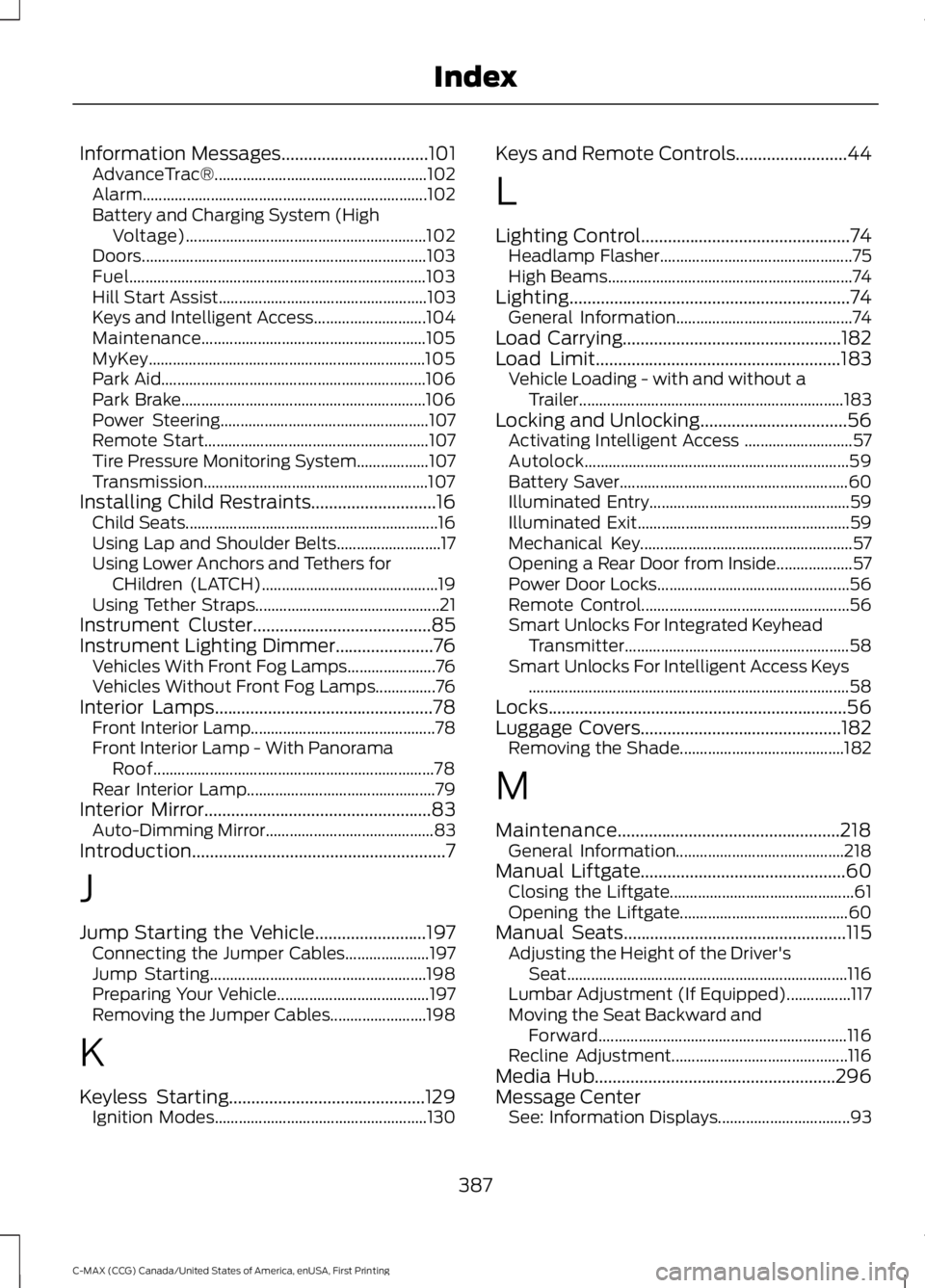
Information Messages.................................101AdvanceTrac®.....................................................102Alarm.......................................................................102Battery and Charging System (HighVoltage)............................................................102Doors.......................................................................103Fuel..........................................................................103Hill Start Assist....................................................103Keys and Intelligent Access............................104Maintenance........................................................105MyKey.....................................................................105Park Aid..................................................................106Park Brake.............................................................106Power Steering....................................................107Remote Start........................................................107Tire Pressure Monitoring System..................107Transmission........................................................107Installing Child Restraints............................16Child Seats...............................................................16Using Lap and Shoulder Belts..........................17Using Lower Anchors and Tethers forCHildren (LATCH)............................................19Using Tether Straps..............................................21Instrument Cluster........................................85Instrument Lighting Dimmer......................76Vehicles With Front Fog Lamps......................76Vehicles Without Front Fog Lamps...............76Interior Lamps.................................................78Front Interior Lamp..............................................78Front Interior Lamp - With PanoramaRoof......................................................................78Rear Interior Lamp...............................................79Interior Mirror...................................................83Auto-Dimming Mirror..........................................83Introduction.........................................................7
J
Jump Starting the Vehicle.........................197Connecting the Jumper Cables.....................197Jump Starting......................................................198Preparing Your Vehicle......................................197Removing the Jumper Cables........................198
K
Keyless Starting............................................129Ignition Modes.....................................................130
Keys and Remote Controls.........................44
L
Lighting Control...............................................74Headlamp Flasher................................................75High Beams.............................................................74Lighting...............................................................74General Information............................................74Load Carrying.................................................182Load Limit.......................................................183Vehicle Loading - with and without aTrailer..................................................................183Locking and Unlocking.................................56Activating Intelligent Access ...........................57Autolock..................................................................59Battery Saver.........................................................60Illuminated Entry..................................................59Illuminated Exit.....................................................59Mechanical Key.....................................................57Opening a Rear Door from Inside...................57Power Door Locks................................................56Remote Control....................................................56Smart Unlocks For Integrated KeyheadTransmitter........................................................58Smart Unlocks For Intelligent Access Keys................................................................................58Locks...................................................................56Luggage Covers.............................................182Removing the Shade.........................................182
M
Maintenance..................................................218General Information..........................................218Manual Liftgate..............................................60Closing the Liftgate..............................................61Opening the Liftgate..........................................60Manual Seats..................................................115Adjusting the Height of the Driver'sSeat......................................................................116Lumbar Adjustment (If Equipped)................117Moving the Seat Backward andForward..............................................................116Recline Adjustment............................................116Media Hub......................................................296Message CenterSee: Information Displays.................................93
387
C-MAX (CCG) Canada/United States of America, enUSA, First Printing
Index
Page 394 of 395
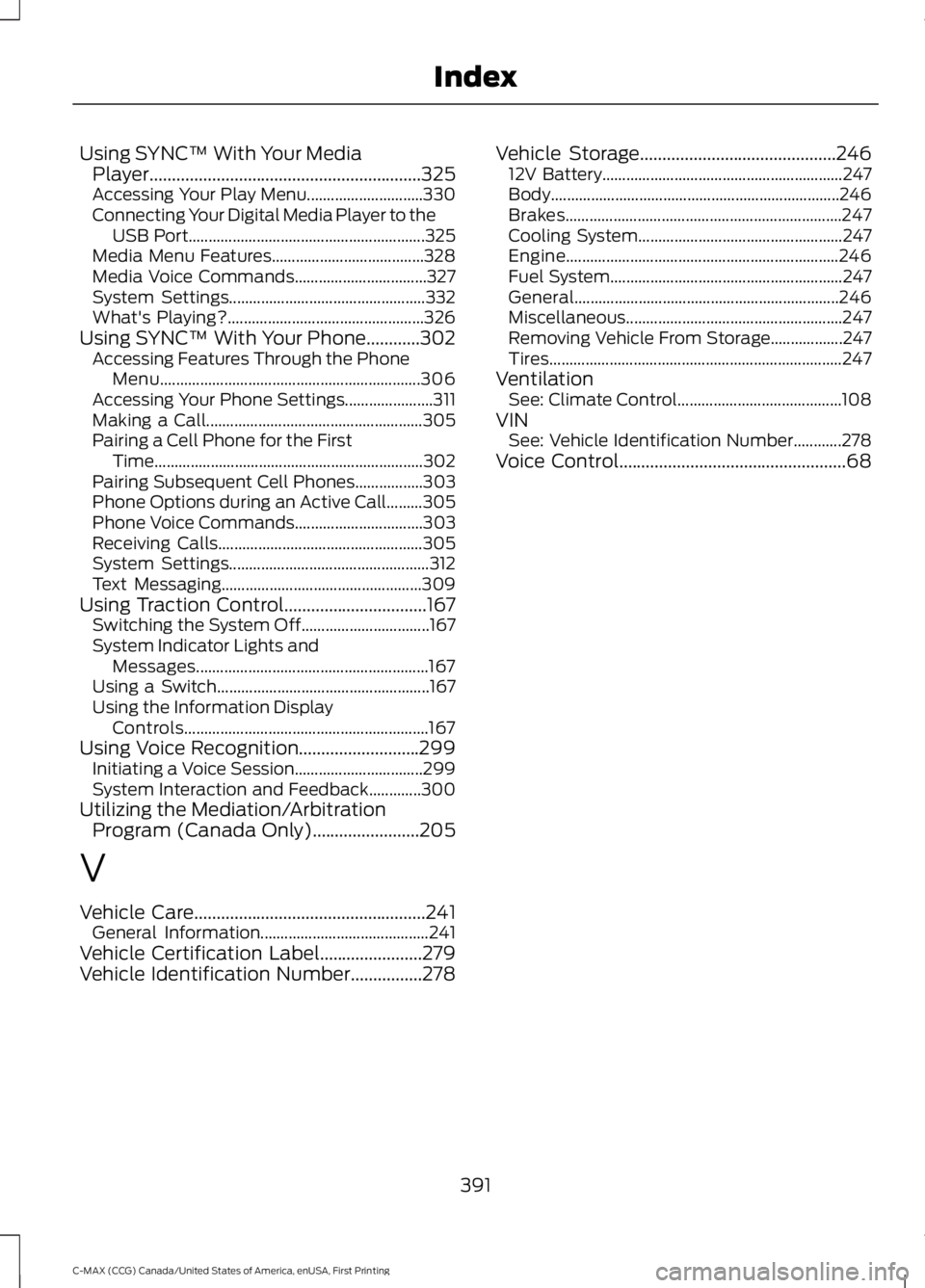
Using SYNC™ With Your MediaPlayer.............................................................325Accessing Your Play Menu.............................330Connecting Your Digital Media Player to theUSB Port...........................................................325Media Menu Features......................................328Media Voice Commands.................................327System Settings.................................................332What's Playing?.................................................326Using SYNC™ With Your Phone............302Accessing Features Through the PhoneMenu.................................................................306Accessing Your Phone Settings......................311Making a Call......................................................305Pairing a Cell Phone for the FirstTime...................................................................302Pairing Subsequent Cell Phones.................303Phone Options during an Active Call.........305Phone Voice Commands................................303Receiving Calls...................................................305System Settings..................................................312Text Messaging..................................................309Using Traction Control................................167Switching the System Off................................167System Indicator Lights andMessages..........................................................167Using a Switch.....................................................167Using the Information DisplayControls.............................................................167Using Voice Recognition...........................299Initiating a Voice Session................................299System Interaction and Feedback.............300Utilizing the Mediation/ArbitrationProgram (Canada Only)........................205
V
Vehicle Care....................................................241General Information..........................................241Vehicle Certification Label.......................279Vehicle Identification Number................278
Vehicle Storage............................................24612V Battery............................................................247Body........................................................................246Brakes.....................................................................247Cooling System...................................................247Engine....................................................................246Fuel System..........................................................247General..................................................................246Miscellaneous......................................................247Removing Vehicle From Storage..................247Tires.........................................................................247VentilationSee: Climate Control.........................................108VINSee: Vehicle Identification Number............278Voice Control...................................................68
391
C-MAX (CCG) Canada/United States of America, enUSA, First Printing
Index