radio FORD E SERIES 2015 4.G Owner's Manual
[x] Cancel search | Manufacturer: FORD, Model Year: 2015, Model line: E SERIES, Model: FORD E SERIES 2015 4.GPages: 360, PDF Size: 3.28 MB
Page 281 of 360
Helpful Hints
•Make sure the interior of the vehicle is as quiet as possible. Wind
noise from open windows and road vibrations may prevent the system
from correctly recognizing spoken commands.
•After pressing the voice icon, wait until after the tone sounds and
Listening appears before saying a command. Any command spoken
prior to this does not register with the system.
•Speak naturally, without long pauses between words.
•At any time you can interrupt the system while it is speaking by
pressing the voice icon.
USING SYNC WITH YOUR PHONE
Hands-free calling is one of the main features of SYNC. While the system
supports a variety of features, many are dependent on your cellular
phone’s functionality. At a minimum, most cellular phones with Bluetooth
wireless technology support the following functions:
•Answering an incoming call
•Ending a call
•Using privacy mode
•Dialing a number
•Redialing
•Call waiting notification
•Caller ID.
Other features, such as text messaging using Bluetooth and automatic
phonebook download, are phone-dependent features. To check your
phone’s compatibility, see your phone’s user manual and visit
www.SYNCMyRide.com, www.SYNCMyRide.ca or www.syncmaroute.ca.
Pairing a Phone for the First Time
Note:SYNC can support downloading up to approximately 1000 entries
per Bluetooth-enabled cellular phone.
Note:Make sure the vehicle ignition and radio are turned on and the
transmission is in positionP.
Note:To scroll through the menus, press the up and down arrows on
your audio system.
Wirelessly pairing your phone with SYNC allows you to make and receive
hands-free calls.
280SYNC®
2015 Econoline(eco)
Owners Guide gf, 1st Printing, June 2014
USA(fus)
Page 282 of 360
1. Press the phone button; when the display indicates no phone is
paired, pressOK.
2. WhenFind SYNCappears in the display, pressOK.
3. Put your phone into Bluetooth discovery mode. See your phone’s
user guide if necessary.
4. When prompted on your phone’s display, enter the six-digit PIN
provided by SYNC in the radio display.
5. The display indicates when the pairing is successful.
Depending on your phone’s capability and your market, the system may
prompt you with questions such as setting the current phone as the
primary phone (the phone SYNC automatically tries to connect with first
upon vehicle start-up), downloading your phone book, etc.
Pairing Subsequent Phones
Note:To scroll through the menus, press the up and down arrows on
your audio system.
Note:Make sure the vehicle ignition and radio are turned on and that
the transmission is in positionP.
1. Press the phone button and scroll until System Settings is selected.
2. Press OK and scroll until Bluetooth Devices is selected and press OK.
3. Scroll until Add Bluetooth Device is selected and press OK.
4. When Find SYNC appears in the display, press OK.
5. Put your phone into Bluetooth discovery mode. See your phone’s
user guide if necessary.
6. When prompted on your phone’s display, enter the six-digit PIN
provided by SYNC in the radio display. The display indicates when
the pairing is successful.
7. The system then prompts with questions such as if you would like to
set the current phone as the primary phone (the phone SYNC
automatically tries to connect with first upon vehicle start-up),
download your phone book, etc.
SYNC®281
2015 Econoline(eco)
Owners Guide gf, 1st Printing, June 2014
USA(fus)
Page 295 of 360
Advanced Menu Options
This menu allows you to access settings such as prompts, languages,
defaults, perform a master reset, install an application and view system
information.
1. Press the phone button to enter the Phone Menu.
2. Scroll until System Settings appears and press OK.
3. Scroll until Advanced appears and select OK.
4. Scroll to select from the following options:
If you select: You can:
PromptsGet help from SYNC by using questions,
helpful hints or asking you for a specific
action. To turn these prompts on or off:
1. Press OK to select and scroll to select
between on or off.
2. Press OK when the desired selection
appears in the display. SYNC takes you back
to the Advanced menu.
LanguagesChoose between English, Espanol and
Francais. Once selected, all of SYNC’s radio
displays and prompts are in the selected
language.
1. Press OK to select and then scroll through
the languages.
2. Press OK when the desired selection
appears in the display. If you change the
language setting, the display indicates that
the system is updating. When complete, SYNC
takes you back to the Advanced menu.
Factory DefaultsReturn to the factory default settings. This
selection does not erase your indexed
information (phonebook, call history, text
messages and paired devices).
1. Press OK to select and then press OK again
when Restore Defaults? appears in the display.
2. Press OK to confirm.
294SYNC®
2015 Econoline(eco)
Owners Guide gf, 1st Printing, June 2014
USA(fus)
Page 298 of 360
Setting 911 Assist On
Perform the following:
1. Press the phone button to enter the Phone Menu.
2. Scroll until 911 Assist is selected.
3. Press OK to confirm and enter the 911 Assist menu.
4. Scroll to select between On and Off selections.
5. Press OK when the desired option appears in the radio display. Set
On or Set Off appears in the display as confirmation.
Off selections include: Off with reminder and Off without reminder. Off
with reminder provides a display and voice reminder at phone
connection at vehicle start. Off without reminder provides a display
reminder only without a voice reminder at phone connection.
To make sure that 911 Assist works properly:
•SYNC must be powered and working properly at the time of the
incident and throughout feature activation and use.
•SYNC 911 Assist feature must be set on prior to the incident.
•A Bluetooth-enabled and compatible phone has to be paired and
connected to SYNC.
•A connected Bluetooth-enabled phone must have the ability to make
and maintain an outgoing call at the time of the incident.
•A connected Bluetooth-enabled phone must have adequate network
coverage, battery power and signal strength.
•
The vehicle must have battery power and be located in the United
States, Canada or in a territory in which 911 is the emergency number.
In the Event of a Crash
Not all crashes deploy an airbag or activate the fuel pump shut-off
(which would activate 911 Assist); however, if 911 Assist is triggered,
SYNC tries to contact emergency services. If a connected phone is
damaged or loses connection to SYNC, SYNC searches for, and tries to
connect to, any available previously paired phone and tries to make the
call to 911.
Before making the call:
•
SYNC provides a short window of time (about 10 seconds) to cancel the
call. Failure to cancel the call results in SYNC attempting to dial 911.
•SYNC says the following, or a similar message: “SYNC will attempt to call
911, to cancel the call, press Cancel on your screen or press and hold the
phone button on your steering wheel.”
SYNC®297
2015 Econoline(eco)
Owners Guide gf, 1st Printing, June 2014
USA(fus)
Page 306 of 360
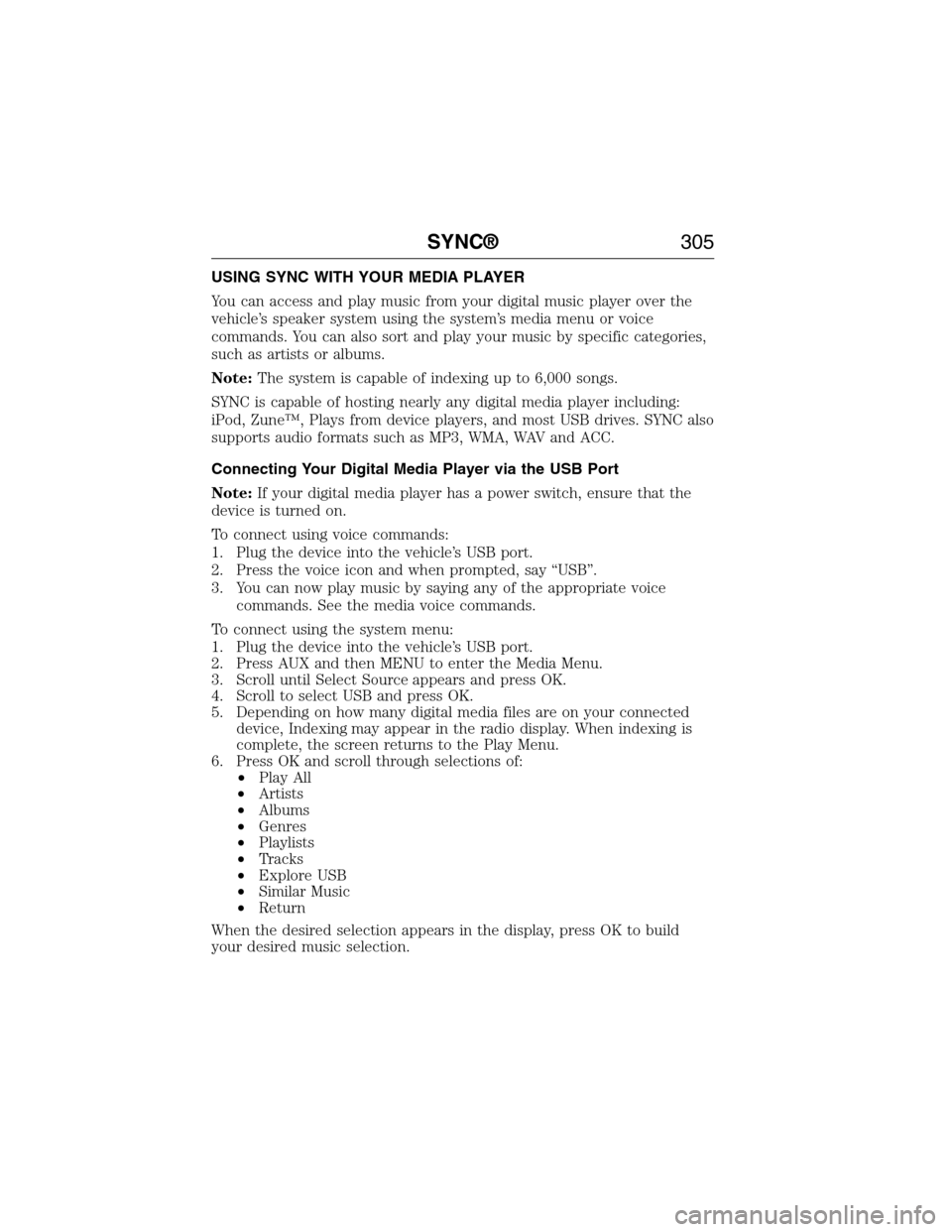
USING SYNC WITH YOUR MEDIA PLAYER
You can access and play music from your digital music player over the
vehicle’s speaker system using the system’s media menu or voice
commands. You can also sort and play your music by specific categories,
such as artists or albums.
Note:The system is capable of indexing up to 6,000 songs.
SYNC is capable of hosting nearly any digital media player including:
iPod, Zune™, Plays from device players, and most USB drives. SYNC also
supports audio formats such as MP3, WMA, WAV and ACC.
Connecting Your Digital Media Player via the USB Port
Note:If your digital media player has a power switch, ensure that the
device is turned on.
To connect using voice commands:
1. Plug the device into the vehicle’s USB port.
2. Press the voice icon and when prompted, say “USB”.
3. You can now play music by saying any of the appropriate voice
commands. See the media voice commands.
To connect using the system menu:
1. Plug the device into the vehicle’s USB port.
2. Press AUX and then MENU to enter the Media Menu.
3. Scroll until Select Source appears and press OK.
4. Scroll to select USB and press OK.
5. Depending on how many digital media files are on your connected
device, Indexing may appear in the radio display. When indexing is
complete, the screen returns to the Play Menu.
6. Press OK and scroll through selections of:
•Play All
•Artists
•Albums
•Genres
•Playlists
•Tracks
•Explore USB
•Similar Music
•Return
When the desired selection appears in the display, press OK to build
your desired music selection.
SYNC®305
2015 Econoline(eco)
Owners Guide gf, 1st Printing, June 2014
USA(fus)
Page 338 of 360
WARNING:Changes or modifications not expressively approved
by the party responsible for compliance could void the user’s
authority to operate the equipment. The term “IC:” before the radio
certification number only signifies that Industry Canada technical
specifications were met.
The antenna used for this transmitter must not be co-located or
operating in conjunction with any other antenna or transmitter.
Appendices337
2015 Econoline(eco)
Owners Guide gf, 1st Printing, June 2014
USA(fus)
Page 355 of 360
911 Assist™ ..............................296
A
ABS (see Brakes) .....................113
Accessing call history/phone
book during active call .............284
Accessing your media menu
features ......................................308
Accessing your phone menu
features ......................................286
Accessory delay ..........................63
Active call menu options .........284
Advanced menu options ...294, 315
Advanced menu options
(prompts, languages, defaults,
master reset, installing
applications) ..............................294
Airbag supplemental restraint
system ..........................................40
and child safety seats ..............41
description ................................40
disposal ......................................47
driver airbag ..............................40
passenger airbag .......................40
passenger deactivation
switch ........................................41
side airbag .................................40
Air cleaner filter .......190–191, 255
Air conditioning ....................82–83
manual heating and air
conditioning system ...........82–83
Ambulance packages ..................14
Antifreeze (see Engine
coolant) .....................................172
Anti-lock brake system (see
Brakes) ......................................113Anti-theft system ........................55
arming the system ....................56
AppLink™ .................................303
Audio system
Single CD ........................266–267
Audio system
(see Radio) ........................266–267
Automatic transmission
driving an automatic
overdrive .................................108
fluid, adding ............................177
fluid, checking ........................177
fluid, refill capacities ..............250
fluid, specification ..................250
Auxiliary input jack (Line in) ..272
Auxiliary powerpoint ..................90
Axle
lubricant specifications ..........250
refill capacities ........................250
traction lok ..............................112
B
Battery .......................................186
acid, treating emergencies .....186
jumping a disabled battery ....148
maintenance-free ....................186
replacement, specifications ...255
servicing ..................................186
Booster seats ...............................21
Brakes ........................................113
anti-lock ...................................113
anti-lock brake system (ABS)
warning light ...........................113
brake warning light ................113
fluid, checking and adding ....184
fluid, refill capacities ..............250
fluid, specifications .................250
lubricant specifications ..........250
354Index
2015 Econoline(eco)
Owners Guide gf, 1st Printing, June 2014
USA(fus)
Page 359 of 360
R
Radio ..................................266–267
Single CD ........................266–267
Radio reception .........................264
Rear window defroster .........82–83
Receiving a text message .........288
Recommendations for
attaching safety restraints for
children ........................................23
Relays ................................159–160
Remote entry system
illuminated entry ......................53
locking/unlocking doors ...........51
replacing the batteries .............49
Roadside assistance ..................145
S
Safety Belt Maintenance ............37
Safety belts (see Safety
restraints) ....................................34
Safety defects, reporting ..........158
Safety information ....................276
Safety restraints ..............31–32, 34
Belt-Minder® ............................35
extension assembly ..................34
for adults .............................31–32
for children ...............................23
safety belt maintenance ...........37
seat belt maintenance ..............37
warning light and chime ..........35
Safety seats for children ............23
Safety Compliance
Certification Label ....................257Scheduled Maintenance Guide
Normal Scheduled
Maintenance and Log .............343
Seats
child safety seats ......................23
front seats ...........................87, 89
SecuriLock passive anti-theft
system ..........................................55
Selecting your media source
(USB, Line in, BT audio) .........308
Setting the clock ...............266–267
SOS Post Crash Alert .................39
Spark plugs,
specifications .............248–249, 255
Special notice
ambulance conversions ............14
utility-type vehicles ..................14
Specification chart,
lubricants ...................................250
Starting a flex fuel vehicle .........96
Starting your vehicle ............94, 96
jump starting ..........................148
Steering wheel ............................58
tilting .........................................58
Sun visor ......................................67
Supplemental Restraint System
(SRS) (see airbags) ....................40
SYNC® AppLink™ ...................303
SYNC® customer support ........276
SYNC® Services ........................300
T
Temperature control (see
Climate control) ....................82–83
Text messaging .........................287
358Index
2015 Econoline(eco)
Owners Guide gf, 1st Printing, June 2014
USA(fus)