manual transmission FORD EDGE 2015 2.G Owner's Manual
[x] Cancel search | Manufacturer: FORD, Model Year: 2015, Model line: EDGE, Model: FORD EDGE 2015 2.GPages: 508, PDF Size: 6.2 MB
Page 361 of 508
Changing the Voice Settings
In addition to using voice commands to
change the voice settings, you can also use
the menu in the audio display.
1. Press the MENU button.
2. Select
SYNC-Settings.
3. Select
Voice Settings.
USING SYNC™ WITH YOUR
PHONE
Hands-free calling is one of the main
features of SYNC. While the system
supports a variety of features, many are
dependent on your cellular phone's
functionality. At a minimum, most cellular
phones with Bluetooth wireless technology
support the following functions:
• Answering an incoming call.
• Ending a call.
• Using privacy mode.
• Dialing a number.
• Redialing.
• Call waiting notification.
• Caller ID.
Other features, such as text messaging
using Bluetooth and automatic phonebook
download, are phone-dependent features.
To check your phone's compatibility, see
your phone's manual and visit
www.SYNCMyRide.com,
www.SYNCMyRide.ca or
www.syncmaroute.ca.
Pairing a Phone for the First Time
Wirelessly pairing your phone with SYNC
allows you to make and receive hands-free
calls.
Note: SYNC can support downloading up
to approximately 4000 entries per
Bluetooth-enabled cellular phone. Note:
Make sure to switch on the ignition
and the radio. Put the transmission in park
(P).
Using the Audio System
Note: To scroll through the menus, press
the up and down arrows on your audio
system.
1. Make sure to switch on your phone's Bluetooth feature before starting the
search. See your device's manual if
necessary.
2. Press the
PHONE button. When the
audio display indicates there is no
paired phone, select the option to add.
3. When a message to begin pairing appears in the audio display, search for
SYNC on your phone to start the pairing
process.
4. When prompted on your phone's display, enter the six-digit PIN provided
by the system in the radio display. The
display indicates when the pairing is
successful.
Depending on your phone's capability and
your market, the system may prompt you
with questions, such as setting the current
phone as the primary phone (the phone
SYNC automatically tries to connect with
first upon vehicle start-up) and
downloading your phonebook.
Using Voice Commands 1. Make sure to switch on your phone's
Bluetooth feature before starting the
search. See your device's manual if
necessary.
2. Start a voice session, and then say "Pair device".
3. Follow the instructions on the audio display.
358
Edge/Galaxy/S-MAX (CDQ), enUSA, First Printing SYNC™E142599
Page 362 of 508
Depending on your phone's capability and
your market, the system may prompt you
with questions, such as setting the current
phone as the primary phone (the phone
SYNC automatically tries to connect with
first upon vehicle start-up) and
downloading your phonebook.
Pairing Subsequent Phones
Note:
Make sure to switch on the ignition
and the radio. Put the transmission in park
(P).
Note: To scroll through the menus, press
the up and down arrows on your audio
system.
1. Make sure to switch on your phone's Bluetooth feature before starting the
search. See your device's manual if
necessary.
2. Press the PHONE button.
3. Select the option for Bluetooth Devices.
4. Press the
OK button.
5. Select the option to add. This starts the pairing process.
6. When a message to begin pairing appears in the audio display, search for
SYNC on your device.
7. When prompted on your phone's display, enter the six-digit PIN provided
by the system in the audio display. The
display indicates when the pairing is
successful.
Depending on your phone's capability and
your market, the system may prompt you
with questions, such as setting the current
phone as the primary phone (the phone
SYNC automatically tries to connect with
first upon vehicle start-up) and
downloading your phonebook. Phone Voice Commands Press the voice button. When
prompted, say any of the
following:
"PHONE"
"Call
"Call
"Call
"Dial"1
"Go to handsfree" 2
"Hold call
"Join calls" 2
"Messages" 3
"Mute call" 2
"Phone help" "Privacy on" 2
"Turn ringer
1 See
Dial table below.
2 These commands are only valid while in
a phone call.
3 See
Messages table below.
359
Edge/Galaxy/S-MAX (CDQ), enUSA, First Printing SYNC™E142599
Page 428 of 508
Hands-free calling is one of the main
features of SYNC. Once you pair your
phone, you can access many options using
the touchscreen or voice commands. While
the system supports a variety of features,
many are dependent on your cellular
phone
’s functionality.
At a minimum, most cellular phones with
Bluetooth wireless technology support the
following functions:
• Answering an incoming call.
• Ending a call.
• Using privacy mode.
• Dialing a number.
• Redialing.
• Call waiting notification.
• Caller ID.
Other features, such as text messaging
using Bluetooth and automatic phonebook
download, are phone-dependent features.
To check your phone ’s compatibility, see
your phone ’s user manual and visit
www.SYNCMyRide.com,
www.SYNCMyRide.ca or
www.syncmaroute.ca.
Pairing Your Phone for the First
Time WARNING
Driving while distracted can result in
loss of vehicle control, crash and
injury. We strongly recommend that
you use extreme caution when using any
device that may take your focus off the
road. Your primary responsibility is the safe
operation of your vehicle. We recommend
against the use of any handheld device
while driving and encourage the use of
voice-operated systems when possible.
Make sure you are aware of all applicable
local laws that may affect the use of
electronic devices while driving. The first thing you must do to use the
phone features of SYNC is to pair your
Bluetooth-enabled cellular phone with
SYNC. This allows you to use your phone
in a hands-free manner.
Note:
Put the transmission in park (P).
Switch on your vehicle ignition and the radio.
1. Touch Add Phone in the upper left
corner of the touchscreen. Find SYNC
appears on the screen, and instructs
you to begin the pairing process from
your device.
2. Make sure that Bluetooth is set to
On
and that your cellular phone is in the
proper mode. See your phone ’s manual
if necessary.
Note: Select
SYNC, and a six-digit PIN
appears on your device.
3. If prompted to enter a PIN on your device, it does not support Secure
Simple Pairing. To pair, enter the PIN
displayed on the touchscreen. Skip the
next step.
4. When prompted on your phone ’s
display, confirm that the PIN provided
by SYNC matches the PIN displayed
on your cellular phone.
5. The display indicates when the pairing
is successful.
SYNC may prompt you with more phone
options. For more information on your
phone's capability, see your phone's
manual and visit the website.
Pairing Subsequent Phones
Note: Put the transmission in park (P).
Switch on your vehicle ignition and the radio.
1. Press the
Phone corner of the
touchscreen > Settings > BT Devices
>
Add Device.
425
Edge/Galaxy/S-MAX (CDQ), enUSA, First Printing MyFord Touch
™
(If Equipped)
Page 498 of 508
A
A/C
See: Climate Control......................................... 124
About This Manual...........................................7
ABS See: Brakes............................................................ 175
ABS driving hints See: Hints on Driving With Anti-Lock
Brakes................................................................. 175
Accessories.....................................................451 Exterior Style........................................................ 451
Interior Style......................................................... 451
Lifestyle.................................................................. 451
Peace of Mind...................................................... 451
Accessories See: Replacement Parts
Recommendation............................................. 11
ACC See: Using Adaptive Cruise Control.............197
Active Park Assist.........................................187 Deactivating the Active Park Assist
Feature ................................................................ 191
Parallel Parking, Perpendicular Parking, Park Out Assist............................................... 187
Troubleshooting the System........................... 191
Adjusting the Headlamps
.........................272
Vertical Aim Adjustment................................. 272
Adjusting the Steering Wheel - Vehicles With: Manual Adjustable Steering
Column............................................................74
Adjusting the Steering Wheel - Vehicles With: Power Adjustable Steering
Column............................................................74
Easy Entry and Exit Feature.............................. 75
End of Travel Position......................................... 75
Memory Feature.................................................... 75
Airbag Disposal
..............................................46
Air Conditioning See: Climate Control......................................... 124
Alarm See: Anti-Theft Alarm......................................... 73
All-Wheel Drive
.............................................170
Ambient Lighting............................................87
Anti-Theft Alarm............................................73 Arming the Alarm................................................. 73
Disarming the Alarm........................................... 73
Appendices.....................................................471 Audible Warnings and Indicators
.............98
Headlamps On Warning Chime..................... 99
Key in Ignition Warning Chime........................ 98
Keyless Warning Alert........................................ 99
Parking Brake On Warning Chime.................99
Audio Control
...................................................75
MEDIA....................................................................... 75
Seek, Next or Previous........................................ 75
Audio Input Jack
...........................................352
Audio System................................................339
General Information......................................... 339
Audio Unit - Vehicles With: AM/FM/CD/ SYNC.............................................................340
Audio Unit - Vehicles With: Premium AM/FM/CD
..................................................343
Audio Unit - Vehicles With: Sony AM/ FM/CD..........................................................344
Menu Structure................................................... 345
Autolamps........................................................82 Windshield Wiper Activated
Headlamps........................................................ 82
Automatic Climate Control - Vehicles With: Dual Automatic Temperature
Control (DATC)/Sony Audio
System...........................................................127
Automatic Climate Control - Vehicles With: Dual Automatic Temperature
Control (DATC)
...........................................126
Automatic High Beam Control.................84 Activating the System........................................ 84
Manually Overriding the System.................... 85
Automatic Transmission
...........................166
Automatic Transmission Adaptive
Learning............................................................ 168
Brake-Shift Interlock.......................................... 167
If Your Vehicle Gets Stuck In Mud or Snow.................................................................. 168
SelectShift Automatic ™
Transmission................................................... 166
Understanding the Positions of Your Automatic Transmission............................ 166
Automatic Transmission Fluid Check - 2.0L EcoBoost™.......................................266
Automatic Transmission Fluid Check - 2.7L EcoBoost™/3.5L
..............................267
Adding Transmission Fluid ............................ 268
Checking the Transmission Fluid Level ........................................................................\
...... 267
495
Edge/Galaxy/S-MAX (CDQ), enUSA, First Printing Index
Page 500 of 508
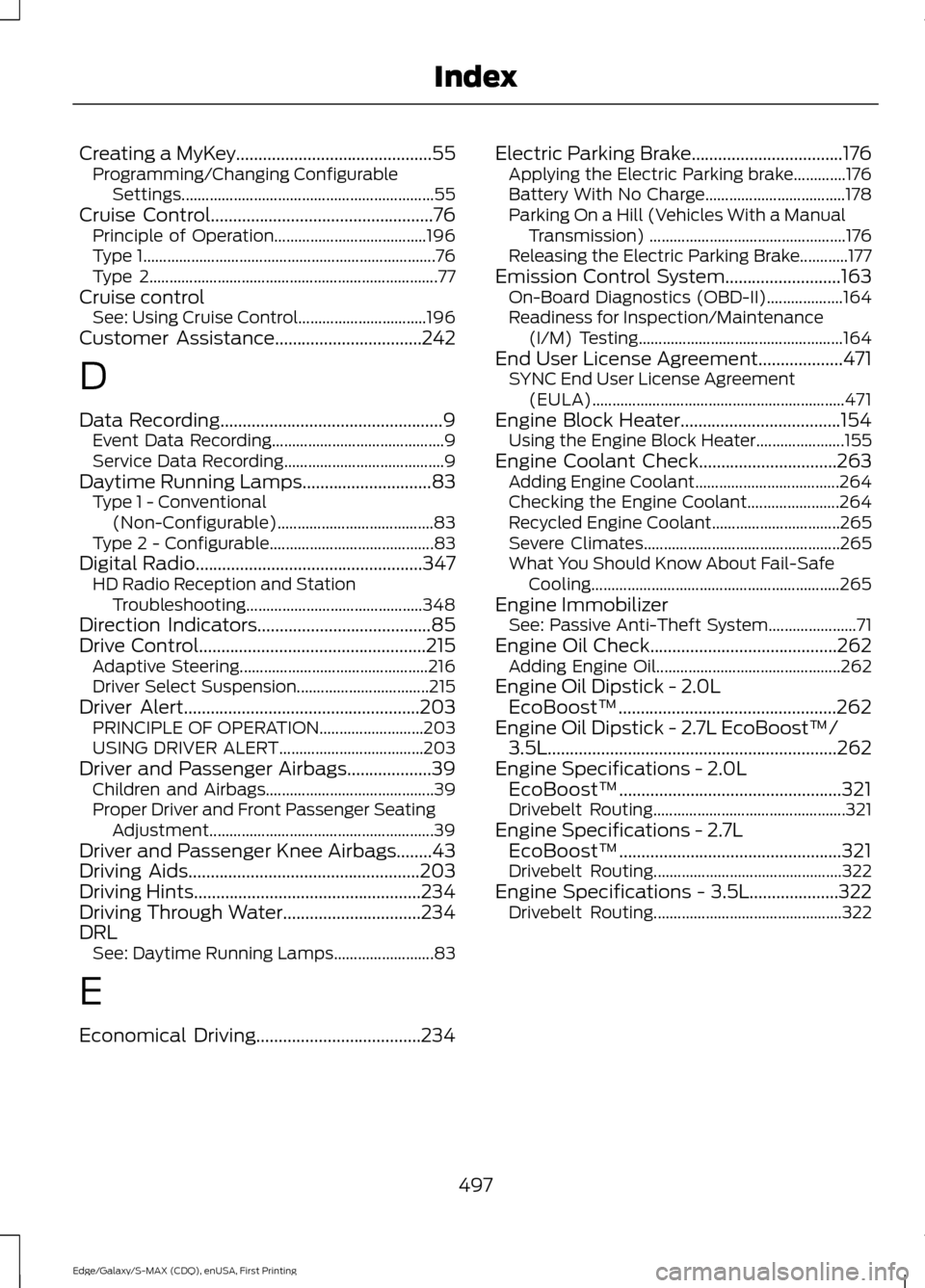
Creating a MyKey............................................55
Programming/Changing Configurable
Settings............................................................... 55
Cruise Control
..................................................76
Principle of Operation...................................... 196
Type 1........................................................................\
. 76
Type 2........................................................................\
77
Cruise control See: Using Cruise Control................................ 196
Customer Assistance.................................242
D
Data Recording
..................................................9
Event Data Recording........................................... 9
Service Data Recording........................................ 9
Daytime Running Lamps
.............................83
Type 1 - Conventional
(Non-Configurable)....................................... 83
Type 2 - Configurable......................................... 83
Digital Radio
...................................................347
HD Radio Reception and Station
Troubleshooting............................................ 348
Direction Indicators
.......................................85
Drive Control...................................................215
Adaptive Steering............................................... 216
Driver Select Suspension................................. 215
Driver Alert.....................................................203 PRINCIPLE OF OPERATION.......................... 203
USING DRIVER ALERT.................................... 203
Driver and Passenger Airbags...................39 Children and Airbags.......................................... 39
Proper Driver and Front Passenger Seating Adjustment........................................................ 39
Driver and Passenger Knee Airbags........43
Driving Aids
....................................................203
Driving Hints...................................................234
Driving Through Water...............................234
DRL See: Daytime Running Lamps......................... 83
E
Economical Driving.....................................234 Electric Parking Brake
..................................176
Applying the Electric Parking brake.............176
Battery With No Charge................................... 178
Parking On a Hill (Vehicles With a Manual Transmission) ................................................. 176
Releasing the Electric Parking Brake............177
Emission Control System..........................163 On-Board Diagnostics (OBD-II)................... 164
Readiness for Inspection/Maintenance (I/M) Testing................................................... 164
End User License Agreement...................471 SYNC End User License Agreement
(EULA)............................................................... 471
Engine Block Heater....................................154 Using the Engine Block Heater...................... 155
Engine Coolant Check
...............................263
Adding Engine Coolant.................................... 264
Checking the Engine Coolant....................... 264
Recycled Engine Coolant................................ 265
Severe Climates................................................. 265
What You Should Know About Fail-Safe Cooling.............................................................. 265
Engine Immobilizer See: Passive Anti-Theft System...................... 71
Engine Oil Check..........................................262 Adding Engine Oil.............................................. 262
Engine Oil Dipstick - 2.0L EcoBoost™.................................................262
Engine Oil Dipstick - 2.7L EcoBoost™/ 3.5L
.................................................................262
Engine Specifications - 2.0L EcoBoost™..................................................321
Drivebelt Routing................................................ 321
Engine Specifications - 2.7L EcoBoost™..................................................321
Drivebelt Routing............................................... 322
Engine Specifications - 3.5L....................322 Drivebelt Routing............................................... 322
497
Edge/Galaxy/S-MAX (CDQ), enUSA, First Printing Index
Page 506 of 508
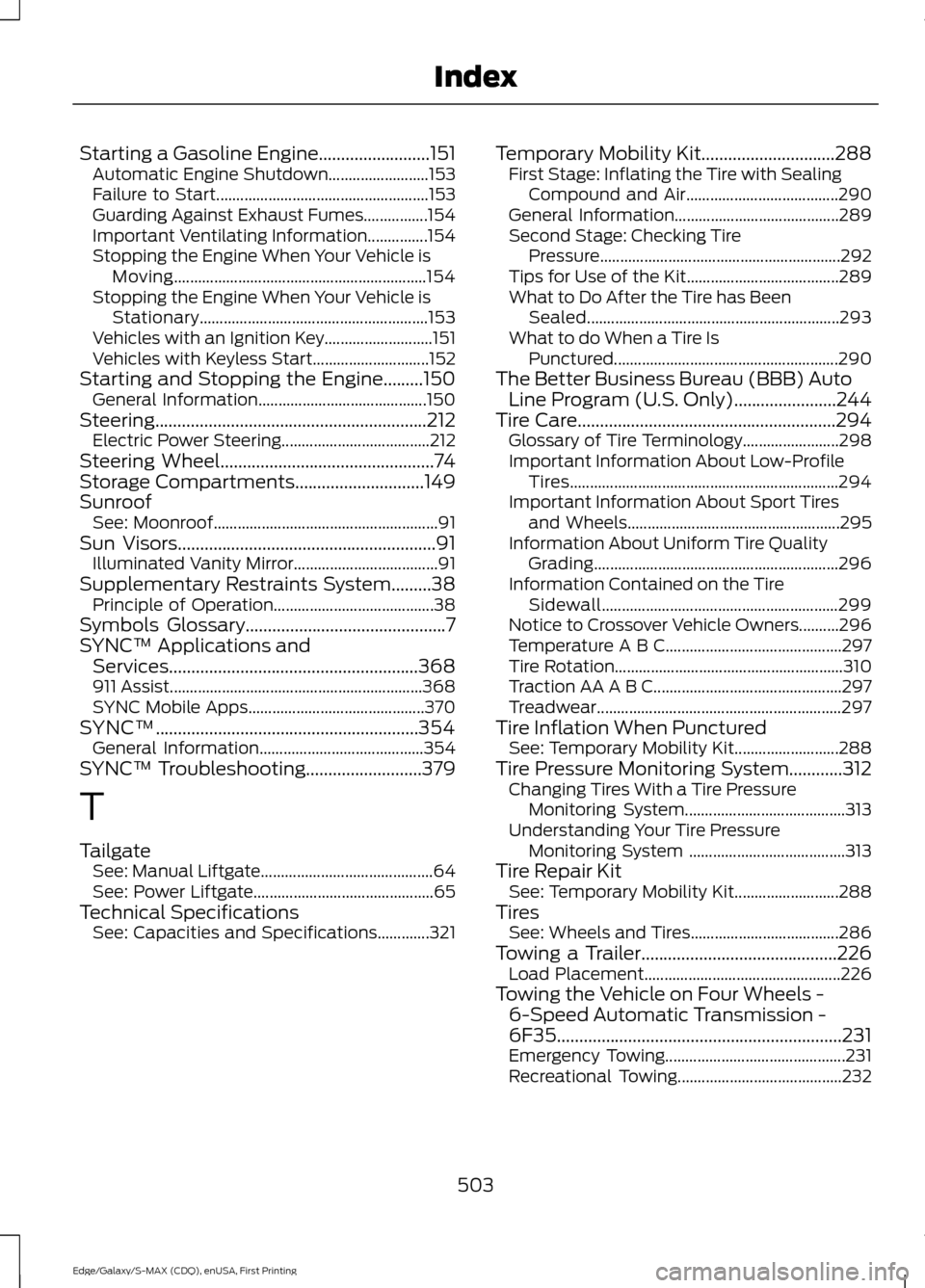
Starting a Gasoline Engine.........................151
Automatic Engine Shutdown......................... 153
Failure to Start..................................................... 153
Guarding Against Exhaust Fumes................154
Important Ventilating Information...............154
Stopping the Engine When Your Vehicle is Moving............................................................... 154
Stopping the Engine When Your Vehicle is Stationary......................................................... 153
Vehicles with an Ignition Key........................... 151
Vehicles with Keyless Start............................. 152
Starting and Stopping the Engine.........150 General Information.......................................... 150
Steering.............................................................212 Electric Power Steering..................................... 212
Steering Wheel................................................74
Storage Compartments.............................149
Sunroof See: Moonroof........................................................ 91
Sun Visors
..........................................................91
Illuminated Vanity Mirror.................................... 91
Supplementary Restraints System.........38 Principle of Operation........................................ 38
Symbols Glossary
.............................................7
SYNC™ Applications and Services
........................................................368
911 Assist............................................................... 368
SYNC Mobile Apps............................................ 370
SYNC™...........................................................354 General Information......................................... 354
SYNC™ Troubleshooting
..........................379
T
Tailgate See: Manual Liftgate........................................... 64
See: Power Liftgate............................................. 65
Technical Specifications See: Capacities and Specifications.............321 Temporary Mobility Kit..............................288
First Stage: Inflating the Tire with Sealing
Compound and Air...................................... 290
General Information......................................... 289
Second Stage: Checking Tire Pressure............................................................ 292
Tips for Use of the Kit...................................... 289
What to Do After the Tire has Been Sealed............................................................... 293
What to do When a Tire Is Punctured........................................................ 290
The Better Business Bureau (BBB) Auto Line Program (U.S. Only)
.......................244
Tire Care..........................................................294
Glossary of Tire Terminology........................ 298
Important Information About Low-Profile Tires................................................................... 294
Important Information About Sport Tires and Wheels..................................................... 295
Information About Uniform Tire Quality Grading............................................................. 296
Information Contained on the Tire Sidewall........................................................... 299
Notice to Crossover Vehicle Owners..........296
Temperature A B C............................................ 297
Tire Rotation......................................................... 310
Traction AA A B C............................................... 297
Treadwear............................................................. 297
Tire Inflation When Punctured See: Temporary Mobility Kit.......................... 288
Tire Pressure Monitoring System............312 Changing Tires With a Tire Pressure
Monitoring System........................................ 313
Understanding Your Tire Pressure Monitoring System ....................................... 313
Tire Repair Kit See: Temporary Mobility Kit.......................... 288
Tires See: Wheels and Tires..................................... 286
Towing a Trailer
............................................226
Load Placement................................................. 226
Towing the Vehicle on Four Wheels - 6-Speed Automatic Transmission -
6F35
................................................................231
Emergency Towing............................................. 231
Recreational Towing......................................... 232
503
Edge/Galaxy/S-MAX (CDQ), enUSA, First Printing Index