brakes FORD EXPEDITION 2023 Workshop Manual
[x] Cancel search | Manufacturer: FORD, Model Year: 2023, Model line: EXPEDITION, Model: FORD EXPEDITION 2023Pages: 658, PDF Size: 16.16 MB
Page 394 of 658
DRIVING IN SPECIAL
CONDITIONS
DRIVING THROUGH MUD ANDWATER
Mud
Be cautious of sudden changes in vehiclespeed or direction when you are driving inmud. Even all-wheel drive and four-wheeldrive vehicles can lose traction in mud. Ifyour vehicle slides, steer in the direction ofthe slide until you regain control of yourvehicle. After driving through mud, cleanoff residue stuck to rotating driveshaftsand tires. Excess residue can cause animbalance that could damage drivecomponents.
Note:If your vehicle gets stuck in mud, itcould be rocked out by shifting betweenforward and reverse gears, stoppingbetween shifts in a steady pattern. Presslightly on the accelerator in each gear.
Note:Do not rock your vehicle if the engineis not at normal operating temperature, asdamage to the transmission could occur.
Note:Do not rock your vehicle for morethan a minute, as damage to thetransmission and tires could occur or theengine could overheat.
Water
If you must drive though deep water, driveslowly. The water could limit traction orbrake capability. See Driving ThroughShallow Water (page 391).
When driving though water, determine thedepth and avoid water higher than thecenter of the wheel.
Once through water, always try the brakes.Wet brakes do not stop your vehicle asquickly as dry brakes. Apply light pressureto the brake pedal while slowly moving thevehicle to dry the brakes.
Note:Driving through deep water couldcause damage to the transmission. If thefront or rear axle is submerged in water,have the axle lubricant and power transferunit lubricant checked and changed ifnecessary.
DRIVING ON HILLY OR SLOPINGTERRAIN
WARNING: Extreme care shouldbe used when steering the vehicle inreverse down a slope so as not to causethe vehicle to swerve out of control.
Although natural obstacles could make itnecessary to travel diagonally up or downa hill or steep incline, you should try to drivestraight up or straight down.
Note:Avoid turning on steep slopes or hills.A danger lies in losing traction, slippingsideways and possible vehicle roll over.Whenever driving on a hill, determinebeforehand the route you can use. Do notdrive over the crest of a hill without seeingwhat conditions are on the other side. Donot drive in reverse over a hill without theaid of an observer.
Apply just enough power to the wheels toclimb the hill. Too much power causes thetires to slip, spin or lose traction, and youcould lose control of your vehicle. Whendescending a steep hill, do not descendthe hill in neutral. Avoid sudden hardbraking to keep the front wheels rolling andto maintain your vehicle's steering.
Note:Your vehicle has anti-lock brakes,apply the brakes steadily. Do not pump thebrakes.
390
2023 Expedition (TB8) Canada/United States of America, enUSA, Edition date: 202207, DOMDriving Hints
Page 395 of 658
Note:If your vehicle gets stuck driving onhilly or sloping terrain, it could be rocked outby shifting between forward and reversegears, stopping between shifts in a steadypattern. Press lightly on the accelerator ineach gear.
Note:Do not rock your vehicle if the engineis not at normal operating temperature, asdamage to the transmission could occur.
Note:Do not rock your vehicle for morethan a minute, as damage to thetransmission and tires could occur or theengine could overheat.
DRIVING IN SAND
When driving over sand, try to keep all fourwheels on the most solid area of the trail.Steadily drive through the terrain. Applythe accelerator slowly and avoid excessivewheel slip. Do not drive your vehicle indeep sand for an extended period of time.This could overheat the system. Amessage appears in the instrument clusterdisplay.
Note:If your vehicle gets stuck driving onhilly or sloping terrain, it could be rocked outby shifting between forward and reversegears, stopping between shifts in a steadypattern. Press lightly on the accelerator ineach gear.
Note:Do not rock your vehicle if the engineis not at normal operating temperature, asdamage to the transmission could occur.
Note:Do not rock your vehicle for morethan a minute, as damage to thetransmission and tires could occur or theengine could overheat
DRIVING THROUGH SHALLOW
WATER
WARNING: Do not attempt tocross a deep or flowing body of water.Failure to follow this instruction couldresult in the loss of control of yourvehicle, personal injury or death.
Note:Driving through standing water cancause vehicle damage.
Note:Engine damage can occur if waterenters the air filter.
Before driving through standing water,check the depth. Never drive through waterthat is higher than the bottom of the frontrocker area of your vehicle.
When driving through standing water, drivevery slowly and do not stop your vehicle.Your brake performance and traction couldbe limited. After driving through water andas soon as it is safe to do so:
•Lightly press the brake pedal to dry thebrakes and to check that they work.
•Turn the steering wheel to check thatthe steering power assist works.
Check the function of the following:
•Horn
•Exterior lights
391
2023 Expedition (TB8) Canada/United States of America, enUSA, Edition date: 202207, DOMDriving Hints E266447
Page 439 of 658
PREPARING YOUR VEHICLE
FOR STORAGE
If you plan on storing your vehicle for 30days or more, the following maintenancerecommendations ensures your vehiclestays in good operating condition.
Under various conditions, long-termstorage may lead to degraded engineperformance or failure unless you usespecific precautions to preserve yourvehicle.
General
•Store all vehicles in a dry, ventilatedplace.
•If vehicles are stored outside, theyrequire regular maintenance to protectagainst rust and weather damage.
•Make sure all linkages, cables, leversand pins under your vehicle are coveredwith grease to prevent rust.
•Move vehicles at least 25 ft (7.5 m)every 15 days to lubricate working partsand prevent corrosion.
•Fill the fuel tank with high-quality fueluntil the first automatic shutoff of thefuel pump nozzle.
Engine
•Change the engine oil and filter prior tostorage because used engine oilcontains contaminants which maycause engine damage.
•Start the engine every 15 days for aminimum of 15 minutes. Run at fastidle with the climate controls set todefrost until the engine reaches normaloperating temperature.
•With your foot on the brake, shiftthrough all the gears while the engineis running.
Body
•Wash your vehicle thoroughly toremove dirt, grease, oil, tar or mud fromexterior surfaces, rear wheel housingsand the underside of front fenders.
•Periodically wash your vehicle if it isstored in exposed locations.
•Touch-up exposed or primed metal toprevent rust.
•Cover chrome and stainless steel partswith a thick coat of auto wax to preventdiscoloration. Rewax as necessarywhen you wash your vehicle.
•Lubricate all hood, door and luggagecompartment hinges and latches witha light grade oil.
•Cover interior trim to prevent fading.
•Keep all rubber parts free from oil andsolvents.
12 Volt Battery
•When storing your vehicle for greaterthan 30 days the state of chargeshould be approximately 50%.Additionally, we recommenddisconnecting the 12v battery whichwill reduce system loads on thebattery.
•Check and recharge as necessary. Keepconnections clean.
Note:It is necessary to reset memoryfeatures if you disconnect the batterycables.
Brakes
Make sure the brakes and parking brakerelease fully.
Note:If you intend on parking your vehiclefor an extended period after cleaning thewheels with a wheel cleaner, drive yourvehicle for a few minutes before doing so toreduce the risk of increased corrosion of thebrake discs, brake pads and linings.
435
2023 Expedition (TB8) Canada/United States of America, enUSA, Edition date: 202207, DOMStoring Your Vehicle
Page 440 of 658
Tires
Maintain recommended air pressure.
Note:If you intend on parking your vehiclefor an extended period after cleaning thewheels with a wheel cleaner, drive yourvehicle for a few minutes before doing so.This reduces the risk of corrosion of thebrake discs, brake pads and linings.
REMOVING YOUR VEHICLE
FROM STORAGE
When your vehicle is ready to come out ofstorage, do the following:
•We recommend that you change theengine oil before you use your vehicleagain.
•Wash your vehicle to remove any dirtor grease film build-up on windowsurfaces.
•Check windshield wipers for anydeterioration.
•Check the underhood for any foreignmaterials such as mice or squirrelnests.
•Check the exhaust for any foreignmaterials.
•Check tire pressures and set tireinflation per the Tire Label.
•Check brake pedal operation. Corrodedbrake rotors could cause brake noise.Drive your vehicle and gently apply andrelease the brakes repeatedly over a10-minute drive to reduce the corrosionfrom the brakes.
•Check fluid levels (including coolant,oil and gas) to make sure there are noleaks, and fluids are at recommendedlevels.
•If you remove the battery, clean thebattery cable ends and check fordamage.
Contact an authorized dealer if you haveany concerns or issues.
436
2023 Expedition (TB8) Canada/United States of America, enUSA, Edition date: 202207, DOMStoring Your Vehicle
Page 633 of 658
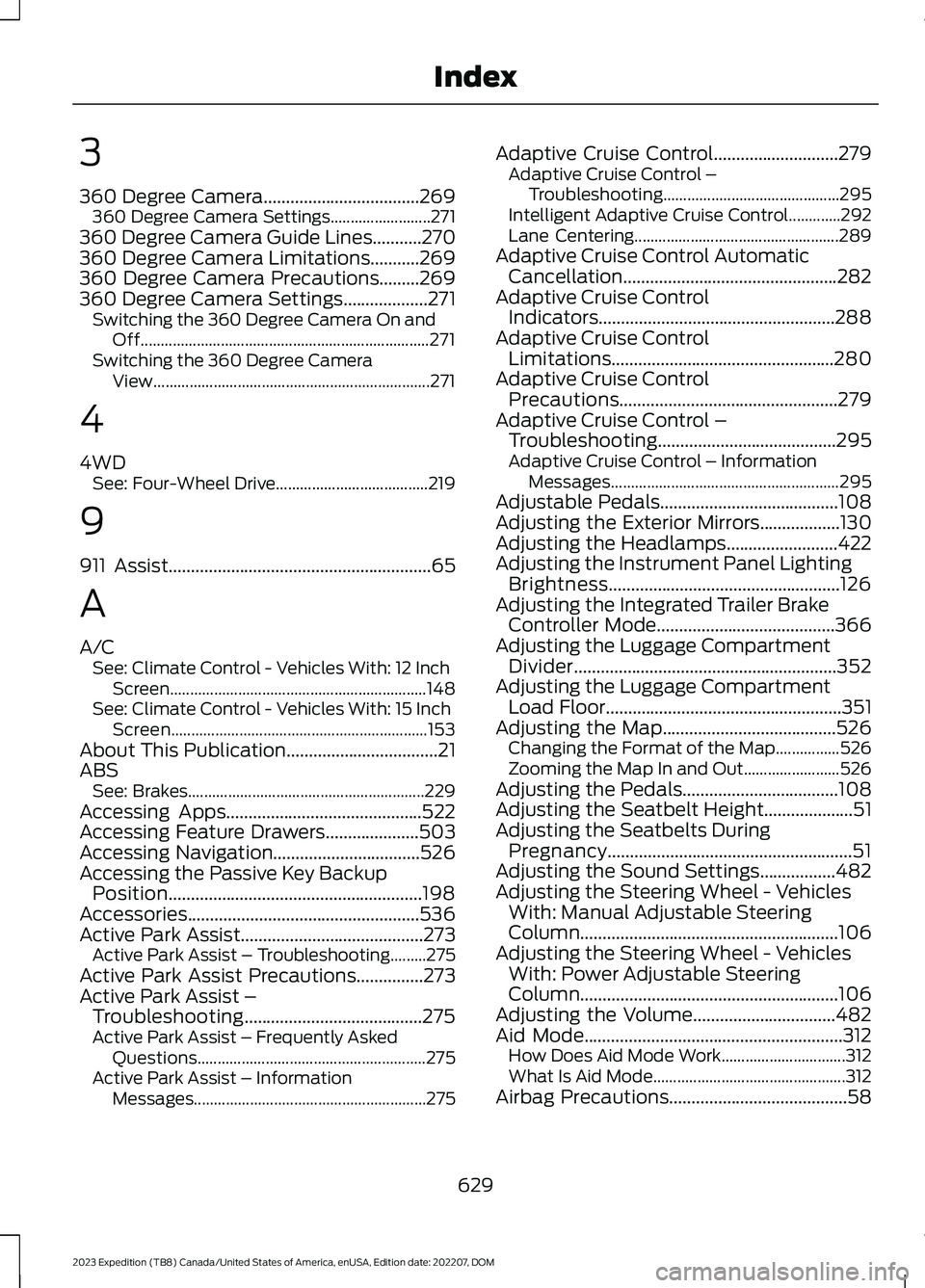
3
360 Degree Camera...................................269360 Degree Camera Settings.........................271360 Degree Camera Guide Lines...........270360 Degree Camera Limitations...........269360 Degree Camera Precautions.........269360 Degree Camera Settings...................271Switching the 360 Degree Camera On andOff........................................................................271Switching the 360 Degree CameraView.....................................................................271
4
4WDSee: Four-Wheel Drive......................................219
9
911 Assist...........................................................65
A
A/CSee: Climate Control - Vehicles With: 12 InchScreen................................................................148See: Climate Control - Vehicles With: 15 InchScreen................................................................153About This Publication..................................21ABSSee: Brakes...........................................................229Accessing Apps............................................522Accessing Feature Drawers.....................503Accessing Navigation.................................526Accessing the Passive Key BackupPosition.........................................................198Accessories....................................................536Active Park Assist.........................................273Active Park Assist – Troubleshooting.........275Active Park Assist Precautions...............273Active Park Assist –Troubleshooting........................................275Active Park Assist – Frequently AskedQuestions.........................................................275Active Park Assist – InformationMessages..........................................................275
Adaptive Cruise Control............................279Adaptive Cruise Control –Troubleshooting............................................295Intelligent Adaptive Cruise Control.............292Lane Centering...................................................289Adaptive Cruise Control AutomaticCancellation................................................282Adaptive Cruise ControlIndicators.....................................................288Adaptive Cruise ControlLimitations..................................................280Adaptive Cruise ControlPrecautions.................................................279Adaptive Cruise Control –Troubleshooting........................................295Adaptive Cruise Control – InformationMessages.........................................................295Adjustable Pedals........................................108Adjusting the Exterior Mirrors..................130Adjusting the Headlamps.........................422Adjusting the Instrument Panel LightingBrightness....................................................126Adjusting the Integrated Trailer BrakeController Mode........................................366Adjusting the Luggage CompartmentDivider...........................................................352Adjusting the Luggage CompartmentLoad Floor.....................................................351Adjusting the Map.......................................526Changing the Format of the Map................526Zooming the Map In and Out........................526Adjusting the Pedals...................................108Adjusting the Seatbelt Height....................51Adjusting the Seatbelts DuringPregnancy.......................................................51Adjusting the Sound Settings.................482Adjusting the Steering Wheel - VehiclesWith: Manual Adjustable SteeringColumn..........................................................106Adjusting the Steering Wheel - VehiclesWith: Power Adjustable SteeringColumn..........................................................106Adjusting the Volume................................482Aid Mode..........................................................312How Does Aid Mode Work...............................312What Is Aid Mode................................................312Airbag Precautions........................................58
629
2023 Expedition (TB8) Canada/United States of America, enUSA, Edition date: 202207, DOMIndex
Page 636 of 658
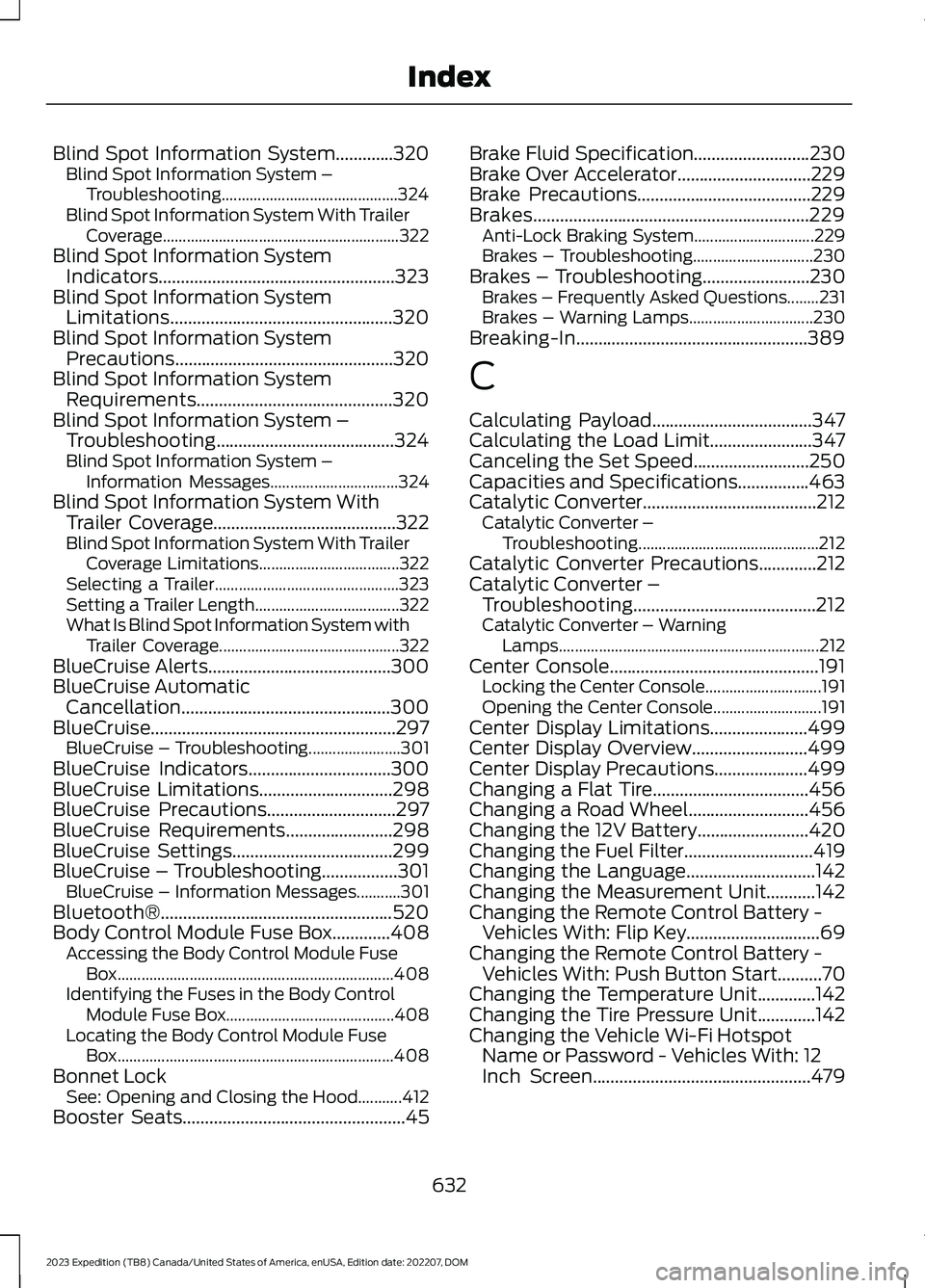
Blind Spot Information System.............320Blind Spot Information System –Troubleshooting............................................324Blind Spot Information System With TrailerCoverage...........................................................322Blind Spot Information SystemIndicators.....................................................323Blind Spot Information SystemLimitations..................................................320Blind Spot Information SystemPrecautions.................................................320Blind Spot Information SystemRequirements............................................320Blind Spot Information System –Troubleshooting........................................324Blind Spot Information System –Information Messages................................324Blind Spot Information System WithTrailer Coverage.........................................322Blind Spot Information System With TrailerCoverage Limitations...................................322Selecting a Trailer..............................................323Setting a Trailer Length....................................322What Is Blind Spot Information System withTrailer Coverage.............................................322BlueCruise Alerts.........................................300BlueCruise AutomaticCancellation...............................................300BlueCruise.......................................................297BlueCruise – Troubleshooting.......................301BlueCruise Indicators................................300BlueCruise Limitations..............................298BlueCruise Precautions.............................297BlueCruise Requirements........................298BlueCruise Settings....................................299BlueCruise – Troubleshooting.................301BlueCruise – Information Messages...........301Bluetooth®....................................................520Body Control Module Fuse Box.............408Accessing the Body Control Module FuseBox.....................................................................408Identifying the Fuses in the Body ControlModule Fuse Box..........................................408Locating the Body Control Module FuseBox.....................................................................408Bonnet LockSee: Opening and Closing the Hood...........412Booster Seats..................................................45
Brake Fluid Specification..........................230Brake Over Accelerator..............................229Brake Precautions.......................................229Brakes..............................................................229Anti-Lock Braking System..............................229Brakes – Troubleshooting..............................230Brakes – Troubleshooting........................230Brakes – Frequently Asked Questions........231Brakes – Warning Lamps...............................230Breaking-In....................................................389
C
Calculating Payload....................................347Calculating the Load Limit.......................347Canceling the Set Speed..........................250Capacities and Specifications................463Catalytic Converter.......................................212Catalytic Converter –Troubleshooting.............................................212Catalytic Converter Precautions.............212Catalytic Converter –Troubleshooting.........................................212Catalytic Converter – WarningLamps.................................................................212Center Console...............................................191Locking the Center Console.............................191Opening the Center Console...........................191Center Display Limitations......................499Center Display Overview..........................499Center Display Precautions.....................499Changing a Flat Tire...................................456Changing a Road Wheel...........................456Changing the 12V Battery.........................420Changing the Fuel Filter.............................419Changing the Language.............................142Changing the Measurement Unit...........142Changing the Remote Control Battery -Vehicles With: Flip Key..............................69Changing the Remote Control Battery -Vehicles With: Push Button Start..........70Changing the Temperature Unit.............142Changing the Tire Pressure Unit.............142Changing the Vehicle Wi-Fi HotspotName or Password - Vehicles With: 12Inch Screen.................................................479
632
2023 Expedition (TB8) Canada/United States of America, enUSA, Edition date: 202207, DOMIndex