lights FORD F-150 2019 Owner's Manual
[x] Cancel search | Manufacturer: FORD, Model Year: 2019, Model line: F-150, Model: FORD F-150 2019Pages: 644, PDF Size: 14.81 MB
Page 327 of 644
Note:
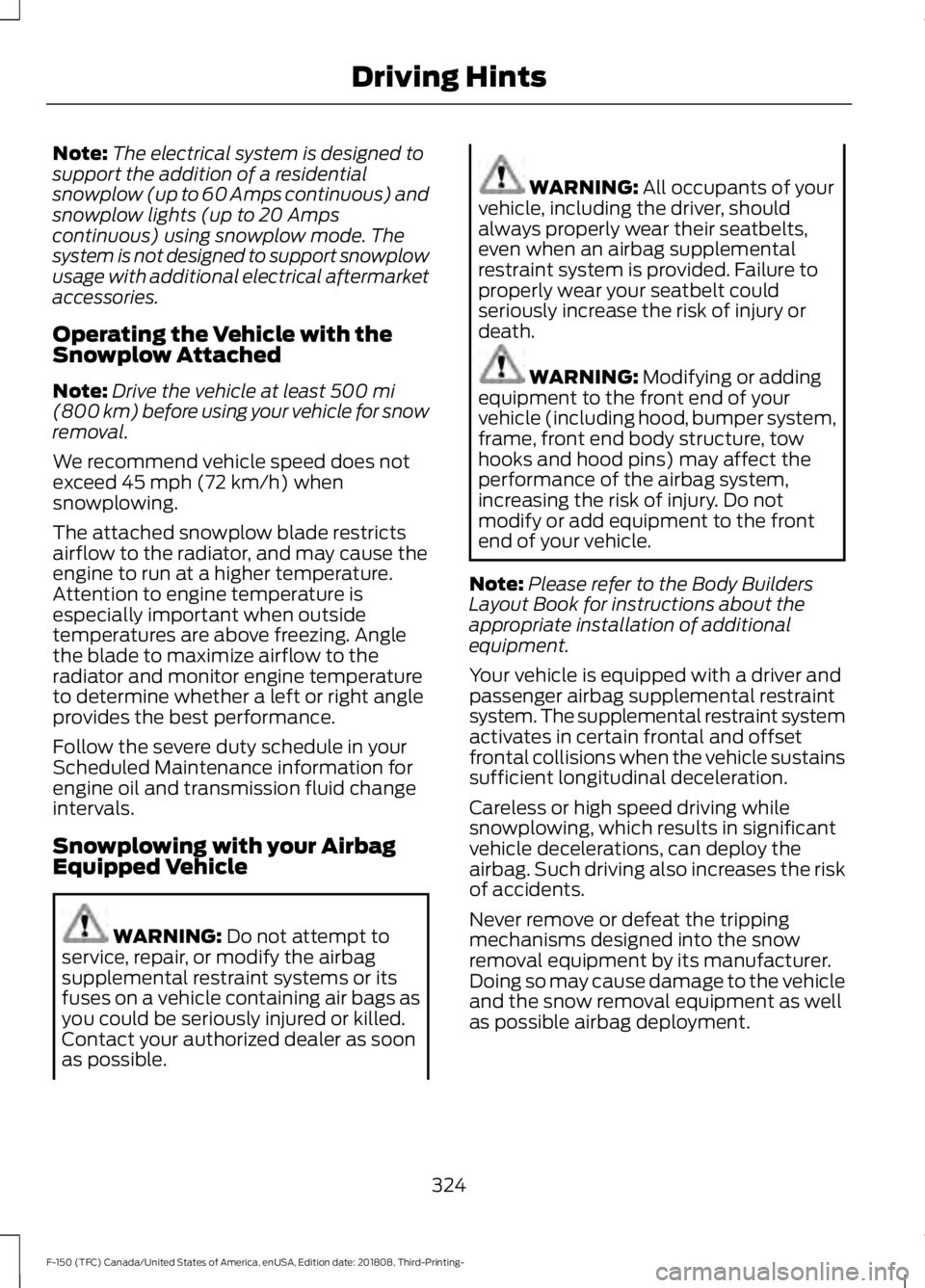
The electrical system is designed to
support the addition of a residential
snowplow (up to 60 Amps continuous) and
snowplow lights (up to 20 Amps
continuous) using snowplow mode. The
system is not designed to support snowplow
usage with additional electrical aftermarket
accessories.
Operating the Vehicle with the
Snowplow Attached
Note: Drive the vehicle at least 500 mi
(800 km) before using your vehicle for snow
removal.
We recommend vehicle speed does not
exceed
45 mph (72 km/h) when
snowplowing.
The attached snowplow blade restricts
airflow to the radiator, and may cause the
engine to run at a higher temperature.
Attention to engine temperature is
especially important when outside
temperatures are above freezing. Angle
the blade to maximize airflow to the
radiator and monitor engine temperature
to determine whether a left or right angle
provides the best performance.
Follow the severe duty schedule in your
Scheduled Maintenance information for
engine oil and transmission fluid change
intervals.
Snowplowing with your Airbag
Equipped Vehicle WARNING:
Do not attempt to
service, repair, or modify the airbag
supplemental restraint systems or its
fuses on a vehicle containing air bags as
you could be seriously injured or killed.
Contact your authorized dealer as soon
as possible. WARNING:
All occupants of your
vehicle, including the driver, should
always properly wear their seatbelts,
even when an airbag supplemental
restraint system is provided. Failure to
properly wear your seatbelt could
seriously increase the risk of injury or
death. WARNING:
Modifying or adding
equipment to the front end of your
vehicle (including hood, bumper system,
frame, front end body structure, tow
hooks and hood pins) may affect the
performance of the airbag system,
increasing the risk of injury. Do not
modify or add equipment to the front
end of your vehicle.
Note: Please refer to the Body Builders
Layout Book for instructions about the
appropriate installation of additional
equipment.
Your vehicle is equipped with a driver and
passenger airbag supplemental restraint
system. The supplemental restraint system
activates in certain frontal and offset
frontal collisions when the vehicle sustains
sufficient longitudinal deceleration.
Careless or high speed driving while
snowplowing, which results in significant
vehicle decelerations, can deploy the
airbag. Such driving also increases the risk
of accidents.
Never remove or defeat the tripping
mechanisms designed into the snow
removal equipment by its manufacturer.
Doing so may cause damage to the vehicle
and the snow removal equipment as well
as possible airbag deployment.
324
F-150 (TFC) Canada/United States of America, enUSA, Edition date: 201808, Third-Printing- Driving Hints
Page 522 of 644
3D city models are complete 3D models
of entire city areas including navigable
roads, parks, rivers and rendered buildings.
3D landmarks and city models appear in
3D map mode only. Coverage of these
varies and improves with updated map
releases.
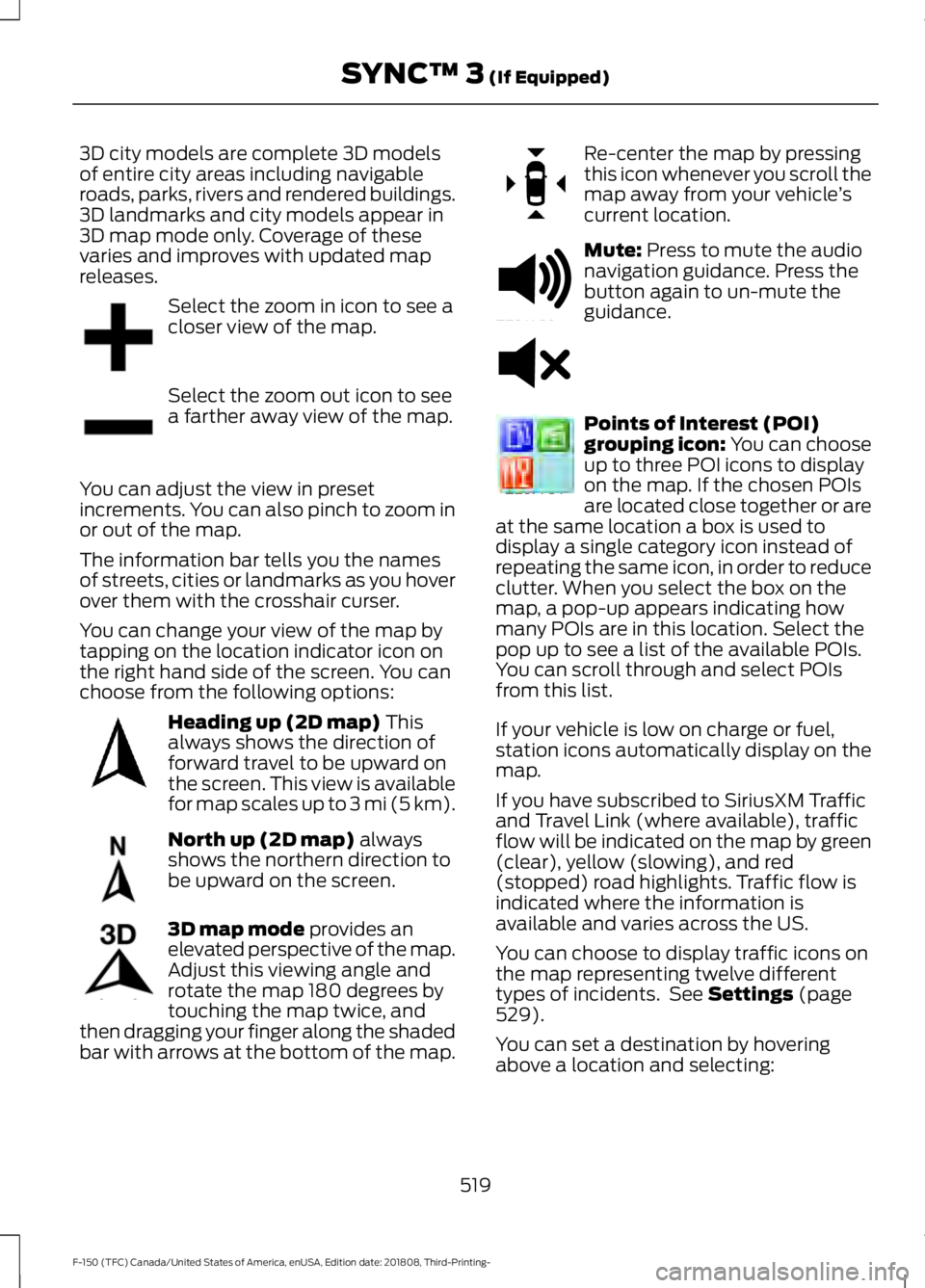
Select the zoom in icon to see a
closer view of the map.
Select the zoom out icon to see
a farther away view of the map.
You can adjust the view in preset
increments. You can also pinch to zoom in
or out of the map.
The information bar tells you the names
of streets, cities or landmarks as you hover
over them with the crosshair curser.
You can change your view of the map by
tapping on the location indicator icon on
the right hand side of the screen. You can
choose from the following options: Heading up (2D map) This
always shows the direction of
forward travel to be upward on
the screen. This view is available
for map scales up to
3 mi (5 km). North up (2D map)
always
shows the northern direction to
be upward on the screen. 3D map mode
provides an
elevated perspective of the map.
Adjust this viewing angle and
rotate the map 180 degrees by
touching the map twice, and
then dragging your finger along the shaded
bar with arrows at the bottom of the map. Re-center the map by pressing
this icon whenever you scroll the
map away from your vehicle
’s
current location. Mute:
Press to mute the audio
navigation guidance. Press the
button again to un-mute the
guidance. Points of Interest (POI)
grouping icon: You can choose
up to three POI icons to display
on the map. If the chosen POIs
are located close together or are
at the same location a box is used to
display a single category icon instead of
repeating the same icon, in order to reduce
clutter. When you select the box on the
map, a pop-up appears indicating how
many POIs are in this location. Select the
pop up to see a list of the available POIs.
You can scroll through and select POIs
from this list.
If your vehicle is low on charge or fuel,
station icons automatically display on the
map.
If you have subscribed to SiriusXM Traffic
and Travel Link (where available), traffic
flow will be indicated on the map by green
(clear), yellow (slowing), and red
(stopped) road highlights. Traffic flow is
indicated where the information is
available and varies across the US.
You can choose to display traffic icons on
the map representing twelve different
types of incidents. See
Settings (page
529).
You can set a destination by hovering
above a location and selecting:
519
F-150 (TFC) Canada/United States of America, enUSA, Edition date: 201808, Third-Printing- SYNC™ 3
(If Equipped)E207752 E207753 E207750 E207749 E207748 E207751 E251780 E251779 E207754
Page 545 of 644
Camera Settings
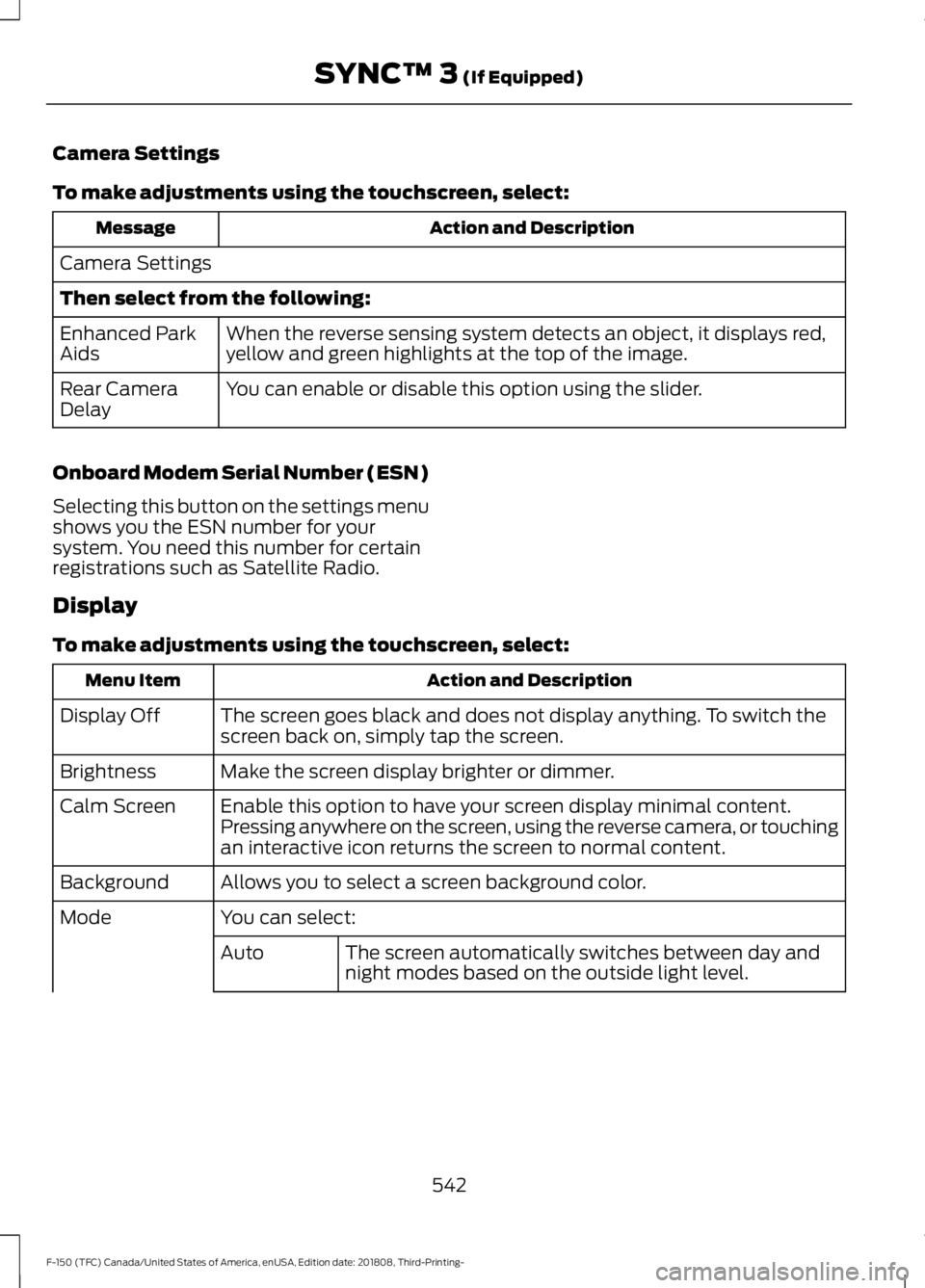
To make adjustments using the touchscreen, select:
Action and Description
Message
Camera Settings
Then select from the following: When the reverse sensing system detects an object, it displays red,
yellow and green highlights at the top of the image.
Enhanced Park
Aids
You can enable or disable this option using the slider.
Rear Camera
Delay
Onboard Modem Serial Number (ESN)
Selecting this button on the settings menu
shows you the ESN number for your
system. You need this number for certain
registrations such as Satellite Radio.
Display
To make adjustments using the touchscreen, select: Action and Description
Menu Item
The screen goes black and does not display anything. To switch the
screen back on, simply tap the screen.
Display Off
Make the screen display brighter or dimmer.
Brightness
Enable this option to have your screen display minimal content.
Pressing anywhere on the screen, using the reverse camera, or touching
an interactive icon returns the screen to normal content.
Calm Screen
Allows you to select a screen background color.
Background
You can select:
Mode
The screen automatically switches between day and
night modes based on the outside light level.
Auto
542
F-150 (TFC) Canada/United States of America, enUSA, Edition date: 201808, Third-Printing- SYNC™ 3 (If Equipped)
Page 567 of 644
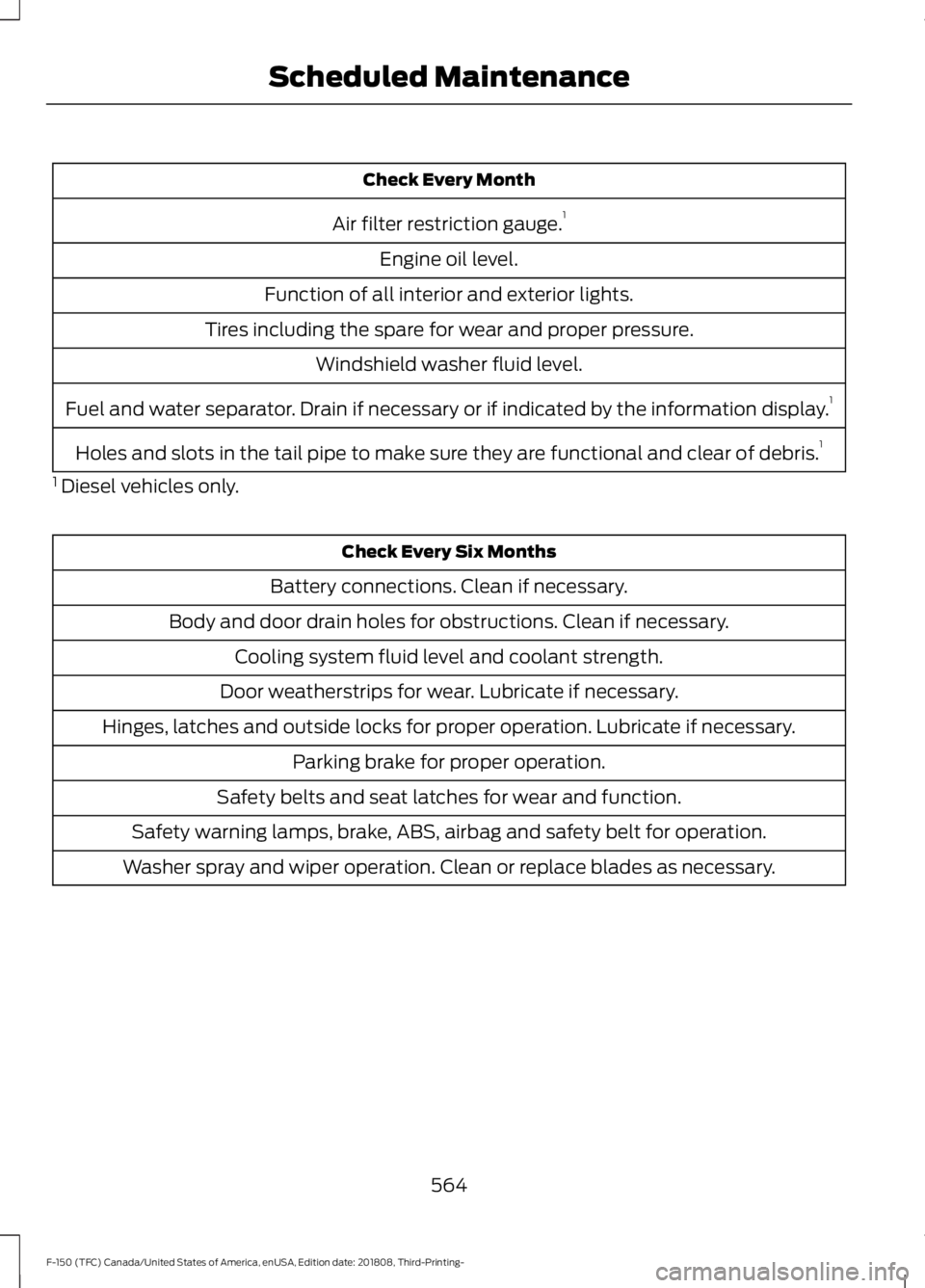
Check Every Month
Air filter restriction gauge. 1
Engine oil level.
Function of all interior and exterior lights.
Tires including the spare for wear and proper pressure. Windshield washer fluid level.
Fuel and water separator. Drain if necessary or if indicated by the information display. 1
Holes and slots in the tail pipe to make sure they are functional and clear of debris. 1
1 Diesel vehicles only. Check Every Six Months
Battery connections. Clean if necessary.
Body and door drain holes for obstructions. Clean if necessary. Cooling system fluid level and coolant strength.
Door weatherstrips for wear. Lubricate if necessary.
Hinges, latches and outside locks for proper operation. Lubricate if necessary. Parking brake for proper operation.
Safety belts and seat latches for wear and function.
Safety warning lamps, brake, ABS, airbag and safety belt for operation.
Washer spray and wiper operation. Clean or replace blades as necessary.
564
F-150 (TFC) Canada/United States of America, enUSA, Edition date: 201808, Third-Printing- Scheduled Maintenance
Page 633 of 644
Checking MyKey System Status...............67
MyKey Distance..................................................... 67
Number of Admin Keys...................................... 68
Number of MyKeys.............................................. 68
Checking the Wiper Blades.....................368
Child Restraint and Seatbelt Maintenance.................................................46
Child Restraint Positioning.........................35
Child Safety......................................................20 General Information............................................ 20
Child Safety Locks..........................................37 Left-Hand Side...................................................... 37
Right-Hand Side................................................... 37
Cleaning Leather Seats.............................382 With King Ranch Edition................................. 382
Without King Ranch Edition.......................... 382
Cleaning Products........................................377 Materials................................................................ 377
Cleaning the Engine....................................379
Cleaning the Exhaust - Diesel.................379
Cleaning the Exterior...................................377 Cleaning the Headlamps................................ 378
Exterior Chrome Parts...................................... 378
Exterior Plastic Parts........................................ 378
Stripes or Graphics............................................ 378
Underbody............................................................ 378
Under Hood.......................................................... 378
Cleaning the Instrument Panel and Instrument Cluster Lens.........................381
Cleaning the Interior..................................380 Mirrors..................................................................... 381
Cleaning the Wheels..................................383
Cleaning the Windows and Wiper Blades...........................................................380
Clearing All MyKeys.......................................67
Climate.............................................................510 Accessing Rear Climate Controls.................512
Accessing the Climate Control Menu.........510
Directing the Airflow..........................................510
Rear Climate Control Lock Indicator...........512
Setting the Blower Motor Speed.................. 510
Setting the Temperature................................. 510
Switching Auto Mode On and Off................510
Switching Dual Zone Mode On and Off........................................................................\
. 511
Switching Maximum Air Conditioning On and Off................................................................ 511Switching Maximum Defrost On and
Off........................................................................\
. 511
Switching Rear Auto Mode On and Off........................................................................\
512
Switching Recirculated Air On and Off........................................................................\
. 511
Switching the Air Conditioning On and Off....................................................................... 510
Switching the Climate Controlled Seats On and Off................................................................ 511
Switching the Climate Control On and Off........................................................................\
. 511
Switching the Heated Exterior Mirrors On and Off................................................................ 511
Switching the Heated Rear Window On and Off........................................................................\
. 511
Switching the Heated Seats On and Off........................................................................\
. 511
Switching the Heated Steering Wheel On and Off................................................................ 511
Switching the Rear Climate Controlled Seats On and Off........................................... 512
Switching the Rear Heated Seats On and Off........................................................................\
512
Switching the Rear Ventilated Seats On and Off............................................................... 512
Switching the Ventilated Seats On and Off........................................................................\
512
Climate Control
.............................................147
Coolant Check See: Engine Coolant Check........................... 359
Crash Sensors and Airbag Indicator
.......56
Creating a MyKey...........................................66
Programming and Changing Configurable
Settings............................................................... 67
Creating a Wi-Fi Hotspot..........................452 Connecting a Device to the Wi-Fi
Hotspot............................................................ 452
Finding the Wi-Fi Hotspot Name and Password......................................................... 452
Cross Traffic Alert........................................266 Blocked Sensors................................................ 268
Switching the System Off and On..............268
System Errors...................................................... 268
System Lights, Messages and Audible Alerts................................................................. 268
System Limitations........................................... 268
Using the Cross Traffic Alert System.........266
630
F-150 (TFC) Canada/United States of America, enUSA, Edition date: 201808, Third-Printing- Index
Page 643 of 644
Using Cruise Control...................................249
Canceling the Set Speed................................ 250
Changing the Set Speed................................. 249
Resuming the Set Speed................................ 250
Setting the Cruise Speed................................ 249
Switching Cruise Control Off........................ 250
Switching Cruise Control On......................... 249
Using Four-Wheel Drive.............................218 4WD Indicator Lights........................................ 218
Driving Off-Road With Truck and Utility Vehicles............................................................. 222
How Your Vehicle Differs From Other Vehicles.............................................................. 221
Using the 2-Speed Automatic 4WD System............................................................... 219
Using the Electronic Shift on the Fly 4WD system................................................................ 218
Using Hill Descent Control.......................236 Hill descent modes........................................... 236
Using MyKey With Remote Start Systems..........................................................68
Using Power Running Boards....................84
Automatic Power Deploy.................................. 84
Automatic Power Stow..................................... 84
Bounce-back......................................................... 85
Enabling and Disabling...................................... 85
Manual Power Deploy........................................ 84
Using Snow Chains.....................................402
Using Stability Control...............................234 AdvanceTrac ™ with Roll Stability Control ™
(RSC™)............................................................ 234
Using SYNC™ With Your Media Player..............................................................471
Audio Voice Commands................................... 471
Media Sources...................................................... 471
Using SYNC™ With Your Phone...........466 Accessing Features through the Phone
Menu.................................................................. 467
Pairing a Phone.................................................. 466
Phone Controls................................................... 467
Phone Voice Commands................................ 467
Using Traction Control...............................232 Switching the System Off .............................. 232
System Indicator Lights and Messages......................................................... 232
Using Voice Recognition...........................464 Audio Voice Commands................................. 494Climate Voice Commands.............................
495
Initiating a Voice Session............................... 464
Mobile App Voice Commands..................... 498
Navigation Voice Commands....................... 497
Phone Voice Commands................................ 495
SiriusXM Traffic and Travel Link Voice Commands..................................................... 498
System Interaction and Feedback..............465
Voice Settings Commands............................ 499
Utilizing the Mediation/Arbitration Program (Canada Only)
........................335
V
Vehicle Care....................................................377 General Information.......................................... 377
Vehicle Certification Label.......................426
Vehicle Identification Number................425
Vehicle Storage............................................383 Battery................................................................... 384
Body....................................................................... 384
Brakes.................................................................... 384
Cooling system................................................... 384
Engine.................................................................... 384
Fuel system......................................................... 384
General.................................................................. 384
Miscellaneous..................................................... 385
Removing Vehicle From Storage.................385
Tires........................................................................\
384
Ventilated Seats
...........................................164
Ventilation See: Climate Control.......................................... 147
VIN See: Vehicle Identification Number............425
Voice Control
...................................................88
W
Warning Lamps and Indicators................110 Adaptive Cruise Control Indicator.................110
Anti-Lock Braking System............................... 110
Automatic Headlamp High Beam Indicator............................................................. 110
Automatic Regen Control Off......................... 110
Auto-Start-Stop Indicator............................... 110
Battery....................................................................... 111
Blind Spot Monitor............................................... 111
Brake System Warning Lamp........................... 111
640
F-150 (TFC) Canada/United States of America, enUSA, Edition date: 201808, Third-Printing- Index