ECO mode FORD F-150 2021 Owners Manual
[x] Cancel search | Manufacturer: FORD, Model Year: 2021, Model line: F-150, Model: FORD F-150 2021Pages: 796, PDF Size: 13.89 MB
Page 631 of 796
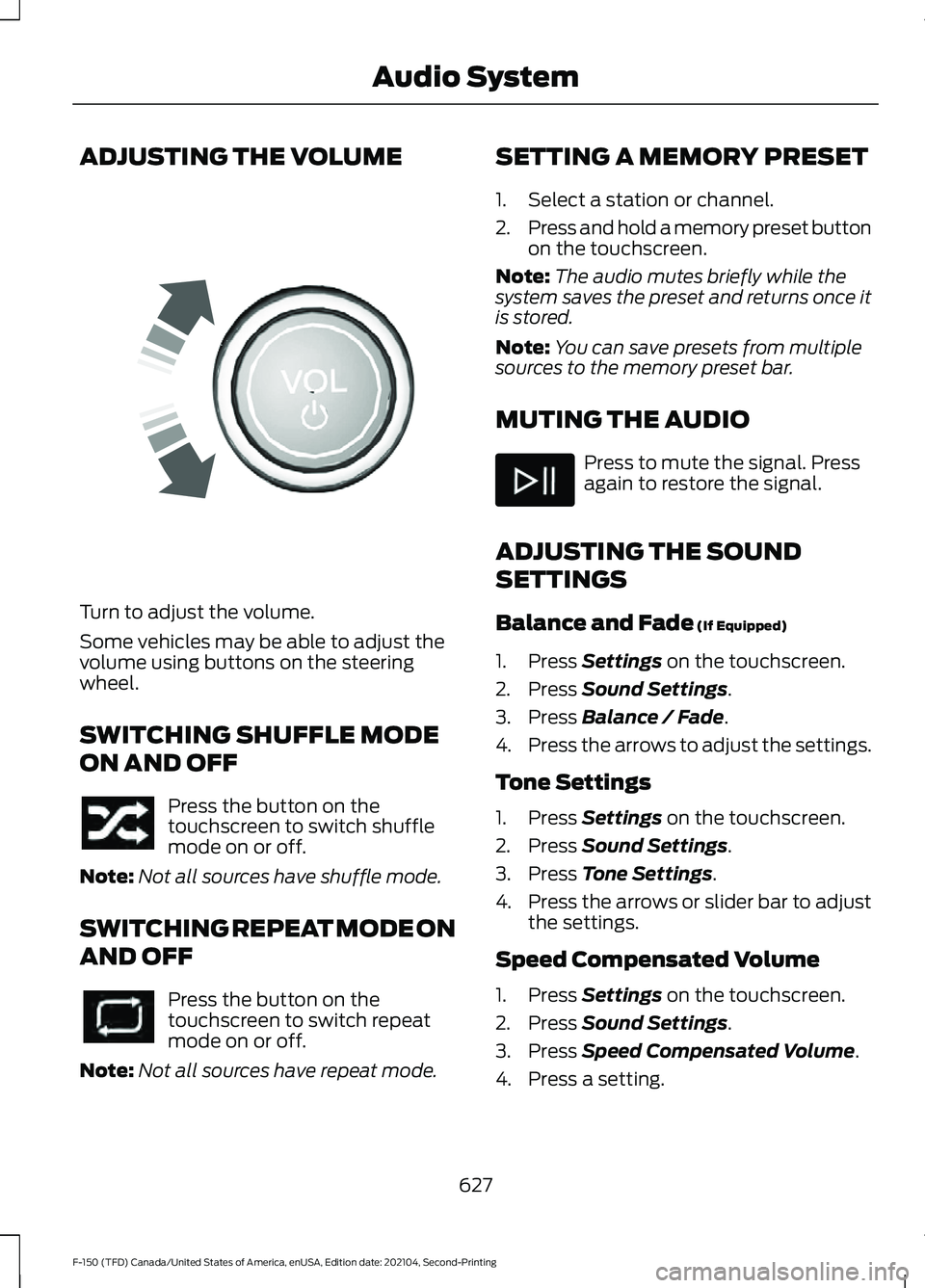
ADJUSTING THE VOLUME
Turn to adjust the volume.
Some vehicles may be able to adjust the
volume using buttons on the steering
wheel.
SWITCHING SHUFFLE MODE
ON AND OFF
Press the button on the
touchscreen to switch shuffle
mode on or off.
Note: Not all sources have shuffle mode.
SWITCHING REPEAT MODE ON
AND OFF Press the button on the
touchscreen to switch repeat
mode on or off.
Note: Not all sources have repeat mode. SETTING A MEMORY PRESET
1. Select a station or channel.
2.
Press and hold a memory preset button
on the touchscreen.
Note: The audio mutes briefly while the
system saves the preset and returns once it
is stored.
Note: You can save presets from multiple
sources to the memory preset bar.
MUTING THE AUDIO Press to mute the signal. Press
again to restore the signal.
ADJUSTING THE SOUND
SETTINGS
Balance and Fade (If Equipped)
1. Press
Settings on the touchscreen.
2. Press
Sound Settings.
3. Press
Balance / Fade.
4. Press the arrows to adjust the settings.
Tone Settings
1. Press
Settings on the touchscreen.
2. Press
Sound Settings.
3. Press
Tone Settings.
4. Press the arrows or slider bar to adjust
the settings.
Speed Compensated Volume
1. Press
Settings on the touchscreen.
2. Press
Sound Settings.
3. Press
Speed Compensated Volume.
4. Press a setting.
627
F-150 (TFD) Canada/United States of America, enUSA, Edition date: 202104, Second-Printing Audio SystemE248939
Page 632 of 796
Occupancy Mode (If Equipped)
1. Press
Settings on the touchscreen.
2. Press
Sound Settings.
3. Press
Occupancy Mode.
4. Press a setting.
Sound Mode
(If Equipped)
1. Press
Settings on the touchscreen.
2. Press
Sound Settings.
3. Press
Sound Mode.
4. Press a setting.
SETTING THE CLOCK AND
DATE
1. Press
Settings on the touchscreen.
2. Press
Clock Settings.
3. Set the time.
Note: The
AM and PM options are not
available if 24-hour mode is on.
Switching Automatic Time
Updates On and Off
1. Press
Settings on the touchscreen.
2. Press
Clock Settings.
3. Switch
Automatic time zone update
on or off.
AM/FM RADIO
AM/FM RADIO LIMITATIONS
The further you travel from an AM or FM
station, the weaker the signal and the
weaker the reception. Hills, mountains, tall buildings, bridges,
tunnels, freeway overpasses, parking
garages, dense tree foliage and
thunderstorms can interfere with the
reception.
When you pass a ground-based broadcast
repeating tower, a stronger signal may
overtake a weaker one and result in the
audio system muting.
SELECTING A RADIO STATION
Manually Selecting a Radio
Station
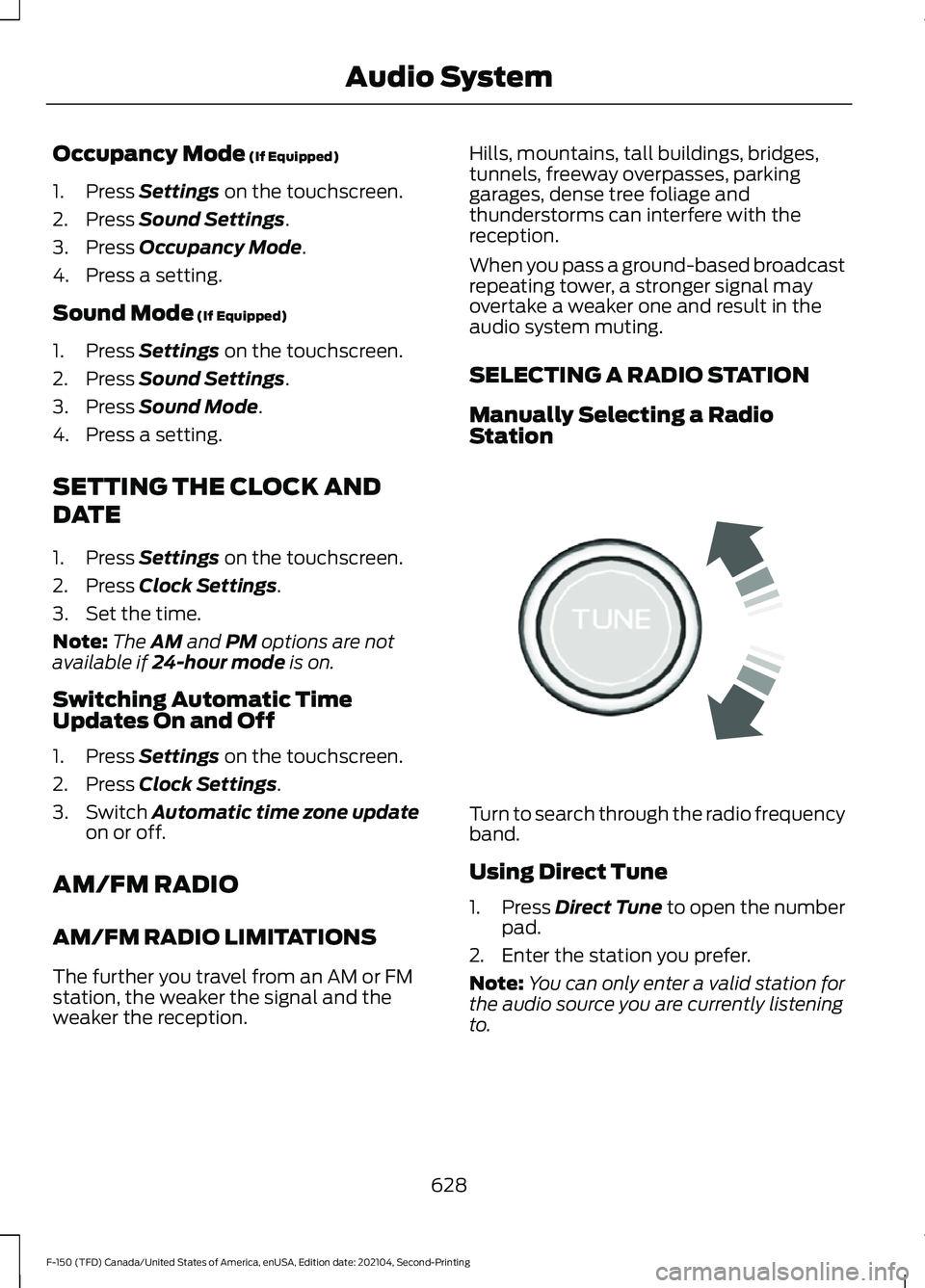
Turn to search through the radio frequency
band.
Using Direct Tune
1.
Press
Direct Tune to open the number
pad.
2. Enter the station you prefer.
Note: You can only enter a valid station for
the audio source you are currently listening
to.
628
F-150 (TFD) Canada/United States of America, enUSA, Edition date: 202104, Second-Printing Audio SystemE270235
Page 641 of 796
CENTER DISPLAY
PRECAUTIONS
WARNING: Driving while distracted
can result in loss of vehicle control, crash
and injury. We strongly recommend that
you use extreme caution when using any
device that may take your focus off the
road. Your primary responsibility is the
safe operation of your vehicle. We
recommend against the use of any
hand-held device while driving and
encourage the use of voice-operated
systems when possible. Make sure you
are aware of all applicable local laws
that may affect the use of electronic
devices while driving. CENTER DISPLAY
LIMITATIONS
Speed-restricted Features
For your safety, some features are not
available while the vehicle is in motion at
or above 6 mph (10 km/h).
Settings that are not critical while driving
your vehicle will be shown as restricted on
your display. See the following chart for
specific examples. Restricted Features
System updates.
System Functionality
Personal profiles setup.
Valet mode setup.
Driver assistance settings.
Auto start-stop speed threshold.
30 minute max idle.
Vehicle Settings
MyKey setup.
Keyless entry keypad code setup.
Restricted features will become available
again once the vehicle is no longer in
motion.
STATUS BAR
The bar is on top of the display and
indicates the status of your vehicle's
features. Audio System Audio system muted.
Connected Device Cell phone microphone muted.
637
F-150 (TFD) Canada/United States of America, enUSA, Edition date: 202104, Second-Printing Center Display OverviewE353221
Page 644 of 796
WHAT IS VOICE INTERACTION
Voice Interaction allows you to control
vehicle features using conversational
requests.
SETTING THE WAKE WORD
1. Press the Settings option on the
feature bar.
2. Press the Voice Control button.
3. Switch on Listen for Wake Word.
4. Press Preferred Wake Word
5. Select a wake word.
BEGINNING A VOICE
INTERACTION
Say the selected wake word. Press the voice interaction
button on the steering wheel.
VOICE INTERACTION
EXAMPLES
Note: You may need to enable your
vehicle's modem to use certain voice
commands. See Enabling and Disabling
the Modem (page 620). General Examples Result
Command
The system resetsthe current voice interaction.
Start Over.
The system endsthe current voice interaction.
Cancel.
The system goes tothe next page.
Next Page.
The system goes tothe previous page.
Previous Page.
The system
displays a list of available
commands you can use on the current screen.
Help.
Entertainment Examples Result
Command
The system plays
the selected music.
Play The Beatles.
The system shows
the selected music.
Show music by The
Beatles.
The system tunesthe radio to 101.9 FM.
Tune to FM 101.9.
The system tunesthe radio to Sirius Channel 2.
Set the station to
Sirius Channel 2.
640
F-150 (TFD) Canada/United States of America, enUSA, Edition date: 202104, Second-Printing Voice InteractionE142599
Page 660 of 796
UPDATING THE VEHICLE
SYSTEMS WIRELESSLY
Over the air system updates
allow you to update your vehicle
system software wirelessly. To
make sure you receive all updates, set a
recurring schedule and connect to Wi-Fi.
Updates may take longer if not connected
to Wi-Fi, or may not download at all. See
Connected Vehicle (page 620).
Over the Air System Update
Requirements
Before updating, reference this list to make
sure your vehicle is ready be updated. If
these requirements are not met during a
scheduled update, the update will be
canceled and you can reschedule.
• Your vehicle is not running.
• Your vehicle is stopped.
• Your vehicle is parked.
• The hazard indicators are switched off.
• The alarm is not sounding.
• The doors are closed.
• The parking lights are switched off.
• You are not pressing the brake pedal.
• An emergency call is not in progress.
• Your vehicle is not in limp mode.
Enabling Over the Air Updates
1. Press
Settings on the touchscreen.
2. Press
Software Update.
3. Switch
Automatic Updates on or off.
Note: Over the air updates are enabled by
default.
Note: If you do not want to receive over the
air updates you can turn them off. You will
not be notified of new updates. Scheduling an Update
Scheduling an update allows you to set a
convenient time for the update to
complete. We recommend updating
overnight when your vehicle is not in use.
Ensure Vehicle Connectivity and Automatic
Updates are enabled. Once you complete
these steps, your schedule will be saved
for future updates. As long as an update is
not in process you can adjust your
schedule.
Note:
Some updates may be applied
outside of your set schedule. Information
about the unscheduled update appears on
the touchscreen after it is applied.
Using the Settings Menu
1. Press
Settings on the touchscreen.
2. Press
Software Update.
3. Press
Schedule Updates.
4. Use the controls to set the time and day of the update.
5. Save the schedule.
Note: You can set the updates to occur at
any time.
Using the Status Bar Icon When an update is available, tap
the notification icon and follow
the prompts on the screen.
Applying an Over the Air Update
You can see the progress of the update on
the touchscreen. An update cannot be
canceled once it has been started.
656
F-150 (TFD) Canada/United States of America, enUSA, Edition date: 202104, Second-Printing Vehicle System UpdatesE327789 E327785
Page 665 of 796
BASE WARRANTY
The F-150 Raptor carries the same New
Vehicle Limited Warranty as other Ford
F-150 models. This information is covered
in its entirety in your warranty information.
Warranty service for the F-150 Raptor or
any Ford Performance vehicle can be
obtained at any Ford dealer nationwide.
Ford Performance does not recommend
modifying or racing Ford Performance
vehicles, as they are designed and built to
be driven as delivered from the factory.
The warranty information discusses vehicle
usage and the installation of aftermarket
parts and their effect on warranty
coverage.
These modifications may not necessarily
protect your engine from damage in
competition conditions. Subjecting your
vehicle to competition conditions even
with these modifications may render
repairs non-reimbursable under the New
Vehicle Limited Warranty.
Ford Performance has engineered your
F-150 Raptor for off-road use beyond what
is normal for a F-150. However, it can incur
damage if driven beyond its capabilities.
Skid plates, shock guards and running
boards were designed to help limit damage
to vital components and exterior finishes,
but cannot prevent all damage if driven in
extreme off-road conditions. Damage to
skid plates, shock guards, running boards
and exterior finishes as well as bent,
cracked or broken body, frame and chassis
components may not be covered by
warranty.
Vehicle damage caused by driving through
deep water at excessive speeds may not
be covered under warranty. See What Is
Off-Road Driving (page 470).
Please see the warranty information for
complete information. Perform Multi-Point Inspection and the
inspections outlined in Scheduled
Maintenance information. Refer to the
vehicle
’s Workshop Manual for removal
and installation procedures. Replace with
genuine Ford and Motorcraft service parts
as needed.
661
F-150 (TFD) Canada/United States of America, enUSA, Edition date: 202104, Second-Printing Warranty Terms and Conditions - Raptor
Page 671 of 796
Multi-Point Inspection
Windshield for cracks, chips or pits
For oil and fluid leaks
Washer spray and wiper operation
Half-shaft dust boots
1 Brake, coolant recovery reservoir, automatic transmission and window washer.
2 If your vehicle has a temporary mobility kit, check the tire sealant expiration Use By date
on the canister. Replace as needed.
Be sure to ask your dealership service
advisor or technician about the multi-point
vehicle inspection. It is a comprehensive
way to perform a thorough inspection of
your vehicle. Your checklist gives you
immediate feedback on the overall
condition of your vehicle.
NORMAL SCHEDULED
MAINTENANCE
Oil Change Reminder
Your vehicle comes with an oil change
reminder that determines when you should
change the engine oil based on how you
use your vehicle. Your vehicle lets you know when an oil
change is due by displaying a message in
the information display.
The following table provides examples of
vehicle use and its impact on oil change
intervals. It is a guideline only. Actual oil
change intervals depend on several factors
and generally decrease with severity of
use.When to Expect the OIL CHANGE REQUIRED Message
Vehicle Use and Example
Interval 1
Normal
7,500– 10,000 mi
(12,000– 16,000 km) Normal commuting with highway driving.
No, or moderate, load or towing.
Flat to moderately hilly roads.
No extended idling.
Severe
5,000– 7,500 mi
(8,000– 12,000 km) Moderate to heavy load or towing.
Mountainous or off-road conditions.
Extended idling.
Extended hot or cold operation.
667
F-150 (TFD) Canada/United States of America, enUSA, Edition date: 202104, Second-Printing Scheduled Maintenance
Page 763 of 796
IMPLIED WARRANTIES OF
MERCHANTABILITY, FITNESS FOR A
PARTICULAR PURPOSE, TITLE, AND
NON-INFRINGEMENT. NEITHER
GRACENOTE WARRANTS THE RESULTS
THAT WILL BE OBTAINED BY YOUR USE
OF THE GRACENOTE SOFTWARE OR ANY
GRACENOTE SERVER. IN NO CASE WILL
GRACENOTE BE LIABLE FOR ANY
CONSEQUENTIAL OR INCIDENTAL
DAMAGES OR FOR ANY LOST PROFITS
OR LOST REVENUES FOR ANY REASON
WHATSOEVER. © Gracenote 2007.
Taiwan Territory
Note: In accordance with the management
approach of low-power radio wave
radiation motors:
Article 12: For approved and certified
low-power radiation motor models,
companies, firms or users must not alter
the frequency, increase the power or
change the characteristics and functions
of the original design without authorization.
Article 14: The usage of low-power
radio-frequency motors must not affect
aviation safety and interfere with legal
telecommunications. Should interference
be detected, immediately stop using the
device and only resume usage after
ensuring that there is no longer any
interference. For the legal
telecommunication and wireless
telecommunication of the telco, the
low-power radio frequency motor must be
able to tolerate legal limits of interference
from telecommunication, industrial,
scientific and radio wave equipment.
SUNA TRAFFIC CHANNEL – TERMS
AND CONDITIONS
By activating, using and/or accessing the
SUNA Traffic Channel, SUNA Predictive or
other content or material provided by
Intelematics (together,
SUNA Products
and/or Services), you must accept
certain terms and conditions. The following
is a brief summary of the terms and
conditions that apply to you. To view the
full terms and conditions relevant to your
use of the SUNA Products and/or Services,
please consult: Website
www.sunatraffic.com.au/termsandcon- ditions/
1. Acceptance
By using SUNA Products and/or Services,
you will be deemed to have accepted and
agreed to be bound by the terms and
conditions fully detailed at: Website
www.sunatraffic.com.au/termsandcon- ditions/
2. Intellectual Property
SUNA Products and/or Services are for
your personal use. You may not record, or
retransmit the content, nor use the content
in association with any other traffic
information or route guidance service or
device not approved by Intelematics. You
obtain no right of ownership in any
Intellectual Property Rights (including
copyright) in the data that is used to
provide SUNA Products and/or Services.
3. Appropriate Use
759
F-150 (TFD) Canada/United States of America, enUSA, Edition date: 202104, Second-Printing Customer Information
Page 771 of 796
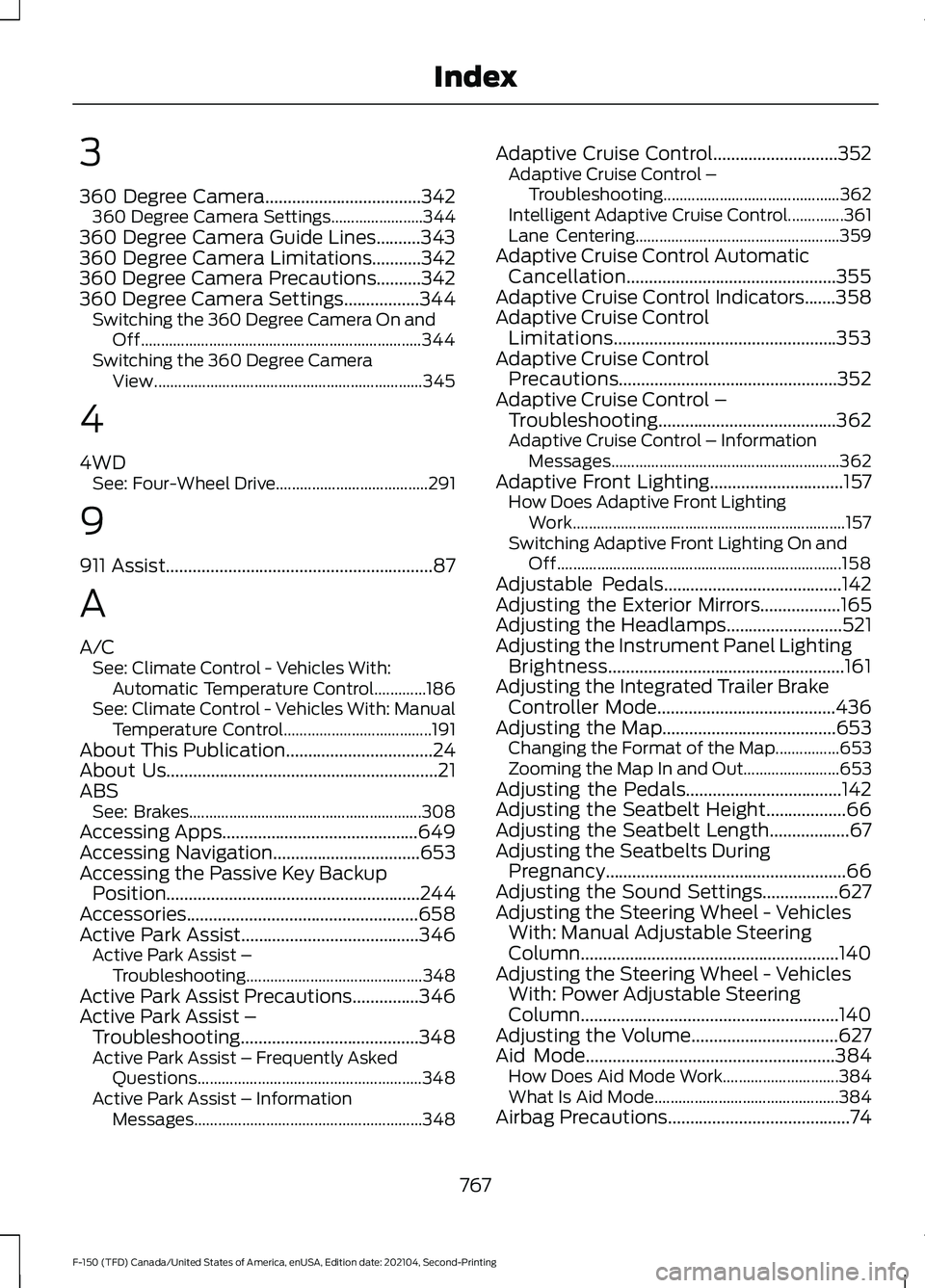
3
360 Degree Camera...................................342
360 Degree Camera Settings.......................344
360 Degree Camera Guide Lines..........343
360 Degree Camera Limitations...........342
360 Degree Camera Precautions..........342
360 Degree Camera Settings.................344 Switching the 360 Degree Camera On and
Off...................................................................... 344
Switching the 360 Degree Camera View................................................................... 345
4
4WD See: Four-Wheel Drive...................................... 291
9
911 Assist
............................................................87
A
A/C See: Climate Control - Vehicles With:
Automatic Temperature Control.............186
See: Climate Control - Vehicles With: Manual Temperature Control..................................... 191
About This Publication.................................24
About Us
.............................................................21
ABS See: Brakes.......................................................... 308
Accessing Apps
............................................649
Accessing Navigation.................................653
Accessing the Passive Key Backup Position
.........................................................244
Accessories....................................................658
Active Park Assist........................................346 Active Park Assist –
Troubleshooting............................................ 348
Active Park Assist Precautions
...............346
Active Park Assist – Troubleshooting........................................348
Active Park Assist – Frequently Asked Questions........................................................ 348
Active Park Assist – Information Messages......................................................... 348Adaptive Cruise Control............................352
Adaptive Cruise Control –
Troubleshooting............................................ 362
Intelligent Adaptive Cruise Control..............361
Lane Centering................................................... 359
Adaptive Cruise Control Automatic Cancellation...............................................355
Adaptive Cruise Control Indicators
.......358
Adaptive Cruise Control Limitations..................................................353
Adaptive Cruise Control Precautions.................................................352
Adaptive Cruise Control – Troubleshooting........................................362
Adaptive Cruise Control – Information Messages......................................................... 362
Adaptive Front Lighting..............................157 How Does Adaptive Front Lighting
Work.................................................................... 157
Switching Adaptive Front Lighting On and Off....................................................................... 158
Adjustable Pedals
........................................142
Adjusting the Exterior Mirrors..................165
Adjusting the Headlamps
..........................521
Adjusting the Instrument Panel Lighting Brightness.....................................................161
Adjusting the Integrated Trailer Brake Controller Mode
........................................436
Adjusting the Map.......................................653 Changing the Format of the Map................653
Zooming the Map In and Out........................ 653
Adjusting the Pedals...................................142
Adjusting the Seatbelt Height..................66
Adjusting the Seatbelt Length..................67
Adjusting the Seatbelts During Pregnancy......................................................66
Adjusting the Sound Settings.................627
Adjusting the Steering Wheel - Vehicles With: Manual Adjustable Steering
Column..........................................................140
Adjusting the Steering Wheel - Vehicles With: Power Adjustable Steering
Column..........................................................140
Adjusting the Volume
.................................627
Aid Mode........................................................384
How Does Aid Mode Work............................. 384
What Is Aid Mode.............................................. 384
Airbag Precautions
.........................................74
767
F-150 (TFD) Canada/United States of America, enUSA, Edition date: 202104, Second-Printing Index
Page 772 of 796
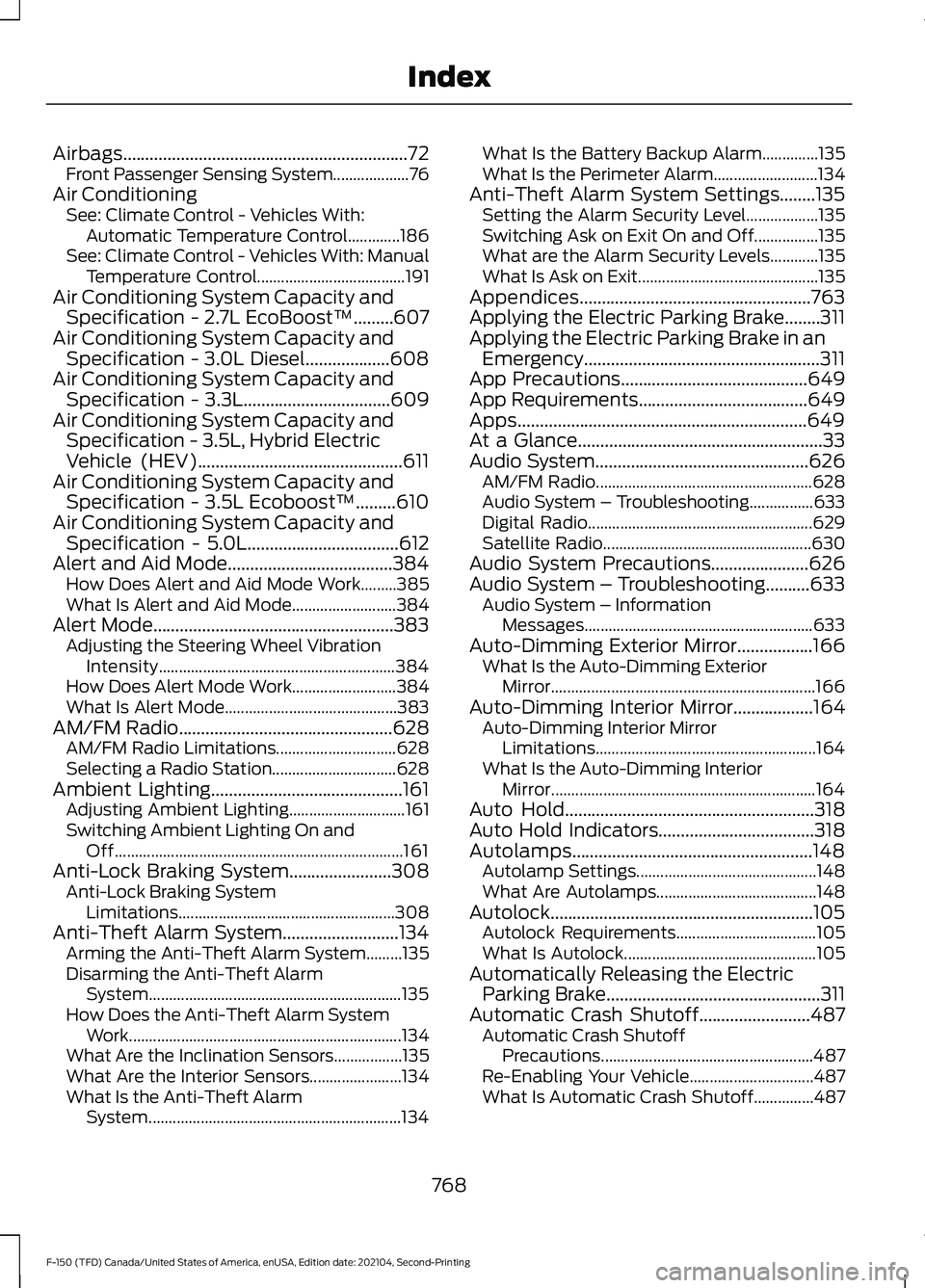
Airbags................................................................72
Front Passenger Sensing System...................76
Air Conditioning See: Climate Control - Vehicles With:
Automatic Temperature Control.............186
See: Climate Control - Vehicles With: Manual Temperature Control..................................... 191
Air Conditioning System Capacity and Specification - 2.7L EcoBoost™.........607
Air Conditioning System Capacity and Specification - 3.0L Diesel...................608
Air Conditioning System Capacity and Specification - 3.3L.................................609
Air Conditioning System Capacity and Specification - 3.5L, Hybrid Electric
Vehicle (HEV)
..............................................611
Air Conditioning System Capacity and Specification - 3.5L Ecoboost™.........610
Air Conditioning System Capacity and Specification - 5.0L
..................................612
Alert and Aid Mode.....................................384 How Does Alert and Aid Mode Work.........385
What Is Alert and Aid Mode.......................... 384
Alert Mode......................................................383 Adjusting the Steering Wheel Vibration
Intensity........................................................... 384
How Does Alert Mode Work.......................... 384
What Is Alert Mode........................................... 383
AM/FM Radio
................................................628
AM/FM Radio Limitations.............................. 628
Selecting a Radio Station............................... 628
Ambient Lighting...........................................161 Adjusting Ambient Lighting............................. 161
Switching Ambient Lighting On and Off........................................................................\
161
Anti-Lock Braking System
.......................308
Anti-Lock Braking System
Limitations...................................................... 308
Anti-Theft Alarm System..........................134 Arming the Anti-Theft Alarm System.........135
Disarming the Anti-Theft Alarm
System............................................................... 135
How Does the Anti-Theft Alarm System Work.................................................................... 134
What Are the Inclination Sensors.................135
What Are the Interior Sensors....................... 134
What Is the Anti-Theft Alarm System............................................................... 134What Is the Battery Backup Alarm..............135
What Is the Perimeter Alarm..........................
134
Anti-Theft Alarm System Settings........135 Setting the Alarm Security Level..................135
Switching Ask on Exit On and Off................135
What are the Alarm Security Levels............135
What Is Ask on Exit............................................. 135
Appendices....................................................763
Applying the Electric Parking Brake........311
Applying the Electric Parking Brake in an Emergency.....................................................311
App Precautions..........................................649
App Requirements
......................................649
Apps.................................................................649
At a Glance
.......................................................33
Audio System................................................626
AM/FM Radio...................................................... 628
Audio System – Troubleshooting................633
Digital Radio........................................................ 629
Satellite Radio.................................................... 630
Audio System Precautions......................626
Audio System – Troubleshooting
..........633
Audio System – Information
Messages......................................................... 633
Auto-Dimming Exterior Mirror
.................166
What Is the Auto-Dimming Exterior
Mirror
.................................................................. 166
Auto-Dimming Interior Mirror..................164
Auto-Dimming Interior Mirror
Limitations....................................................... 164
What Is the Auto-Dimming Interior Mirror.................................................................. 164
Auto Hold........................................................318
Auto Hold Indicators
...................................318
Autolamps......................................................148 Autolamp Settings............................................. 148
What Are Autolamps........................................ 148
Autolock...........................................................105 Autolock Requirements................................... 105
What Is Autolock................................................ 105
Automatically Releasing the Electric Parking Brake
................................................311
Automatic Crash Shutoff.........................487 Automatic Crash Shutoff
Precautions..................................................... 487
Re-Enabling Your Vehicle............................... 487
What Is Automatic Crash Shutoff...............487
768
F-150 (TFD) Canada/United States of America, enUSA, Edition date: 202104, Second-Printing Index