display FORD F150 2004 11.G Owners Manual
[x] Cancel search | Manufacturer: FORD, Model Year: 2004, Model line: F150, Model: FORD F150 2004 11.GPages: 280, PDF Size: 4.13 MB
Page 12 of 280
On vehicles equipped with a message center, ªENGINE FAILSAFE
MODEº will be displayed, refer toMessage Centerin theDriver
Controlschapter.
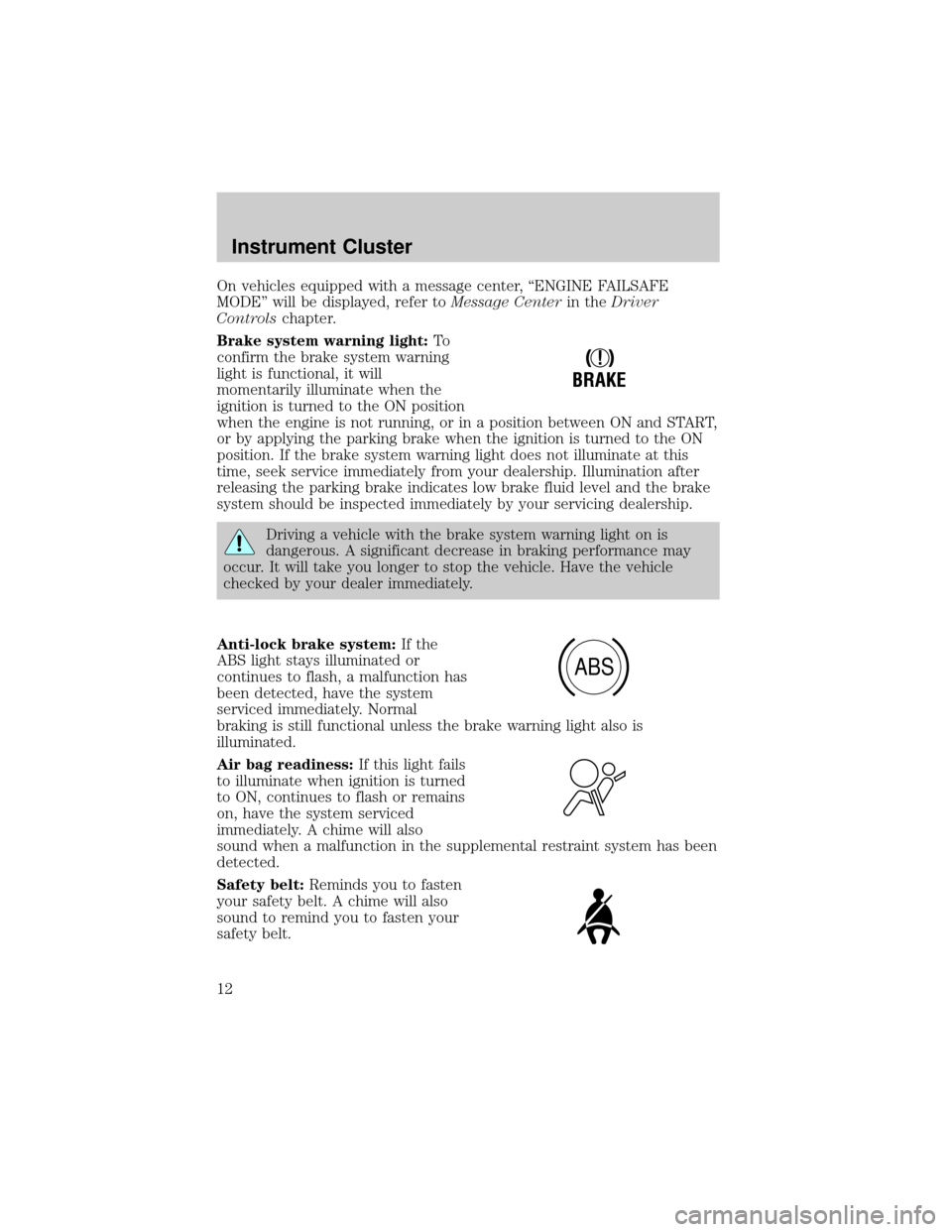
Brake system warning light:To
confirm the brake system warning
light is functional, it will
momentarily illuminate when the
ignition is turned to the ON position
when the engine is not running, or in a position between ON and START,
or by applying the parking brake when the ignition is turned to the ON
position. If the brake system warning light does not illuminate at this
time, seek service immediately from your dealership. Illumination after
releasing the parking brake indicates low brake fluid level and the brake
system should be inspected immediately by your servicing dealership.
Driving a vehicle with the brake system warning light on is
dangerous. A significant decrease in braking performance may
occur. It will take you longer to stop the vehicle. Have the vehicle
checked by your dealer immediately.
Anti-lock brake system:If the
ABS light stays illuminated or
continues to flash, a malfunction has
been detected, have the system
serviced immediately. Normal
braking is still functional unless the brake warning light also is
illuminated.
Air bag readiness:If this light fails
to illuminate when ignition is turned
to ON, continues to flash or remains
on, have the system serviced
immediately. A chime will also
sound when a malfunction in the supplemental restraint system has been
detected.
Safety belt:Reminds you to fasten
your safety belt. A chime will also
sound to remind you to fasten your
safety belt.
!
BRAKE
ABS
Instrument Cluster
12
Page 14 of 280
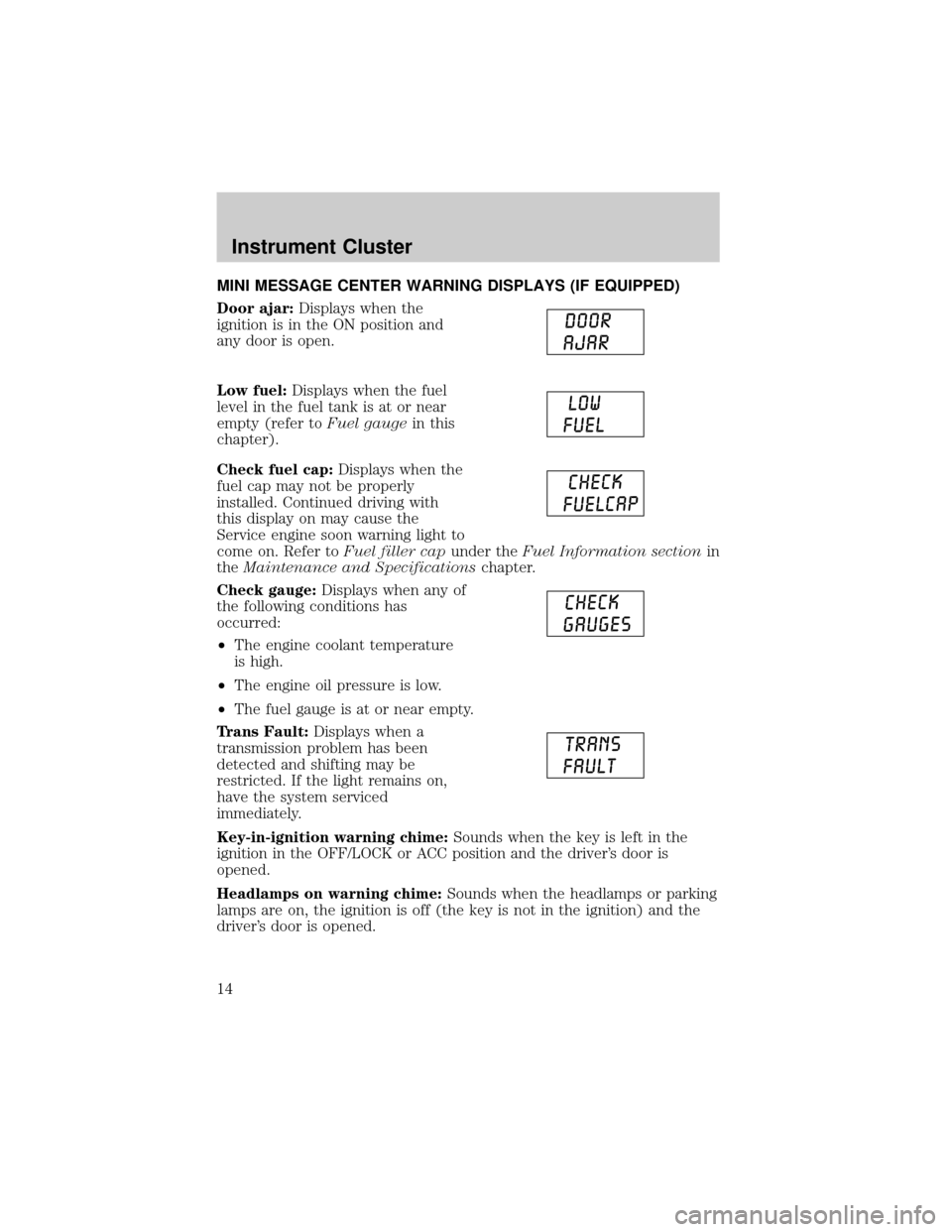
MINI MESSAGE CENTER WARNING DISPLAYS (IF EQUIPPED)
Door ajar:Displays when the
ignition is in the ON position and
any door is open.
Low fuel:Displays when the fuel
level in the fuel tank is at or near
empty (refer toFuel gaugein this
chapter).
Check fuel cap:Displays when the
fuel cap may not be properly
installed. Continued driving with
this display on may cause the
Service engine soon warning light to
come on. Refer toFuel filler capunder theFuel Information sectionin
theMaintenance and Specificationschapter.
Check gauge:Displays when any of
the following conditions has
occurred:
²The engine coolant temperature
is high.
²The engine oil pressure is low.
²The fuel gauge is at or near empty.
Trans Fault:Displays when a
transmission problem has been
detected and shifting may be
restricted. If the light remains on,
have the system serviced
immediately.
Key-in-ignition warning chime:Sounds when the key is left in the
ignition in the OFF/LOCK or ACC position and the driver's door is
opened.
Headlamps on warning chime:Sounds when the headlamps or parking
lamps are on, the ignition is off (the key is not in the ignition) and the
driver's door is opened.
Instrument Cluster
14
Page 16 of 280
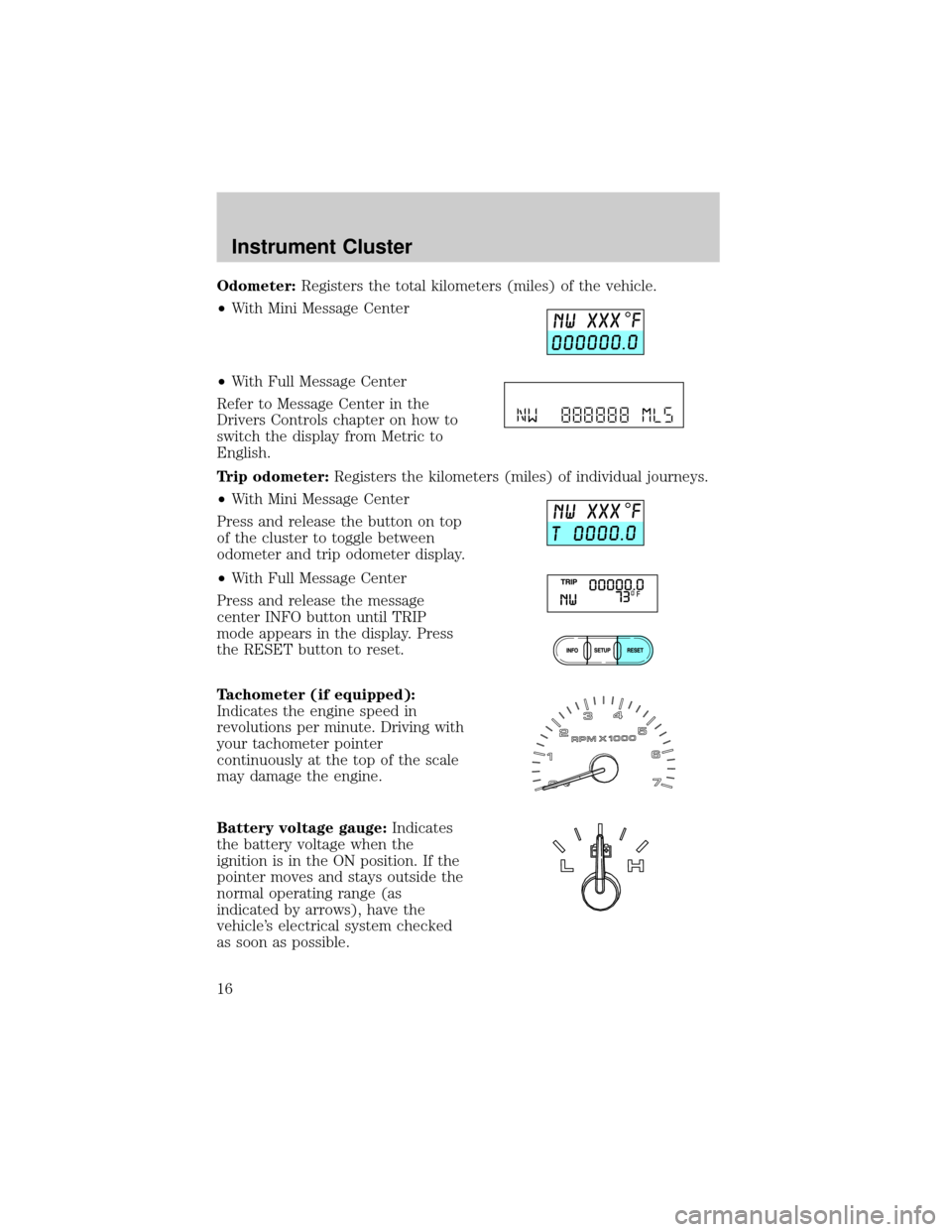
Odometer:Registers the total kilometers (miles) of the vehicle.
²With Mini Message Center
²With Full Message Center
Refer to Message Center in the
Drivers Controls chapter on how to
switch the display from Metric to
English.
Trip odometer:Registers the kilometers (miles) of individual journeys.
²With Mini Message Center
Press and release the button on top
of the cluster to toggle between
odometer and trip odometer display.
²With Full Message Center
Press and release the message
center INFO button until TRIP
mode appears in the display. Press
the RESET button to reset.
Tachometer (if equipped):
Indicates the engine speed in
revolutions per minute. Driving with
your tachometer pointer
continuously at the top of the scale
may damage the engine.
Battery voltage gauge:Indicates
the battery voltage when the
ignition is in the ON position. If the
pointer moves and stays outside the
normal operating range (as
indicated by arrows), have the
vehicle's electrical system checked
as soon as possible.
Instrument Cluster
16
Page 19 of 280
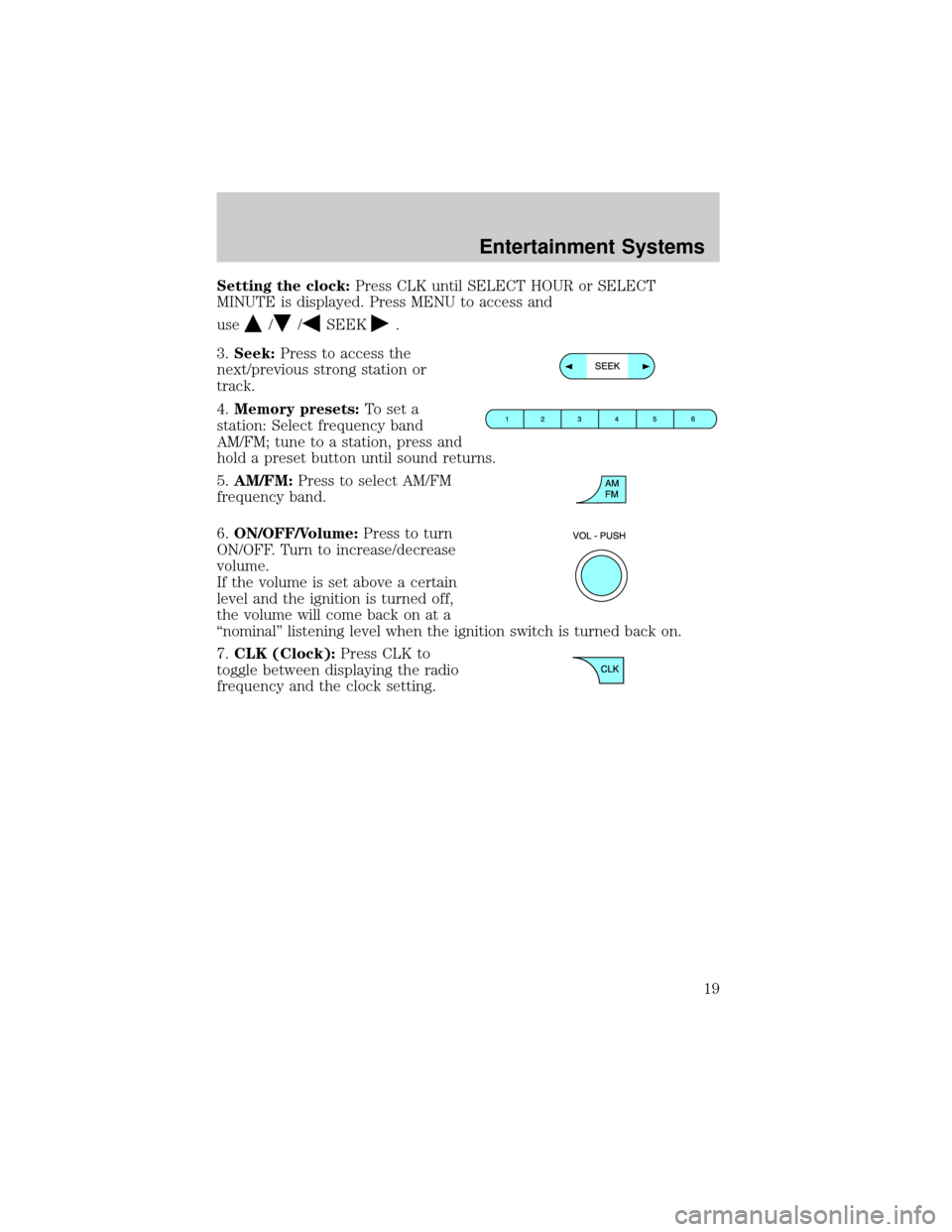
Setting the clock:Press CLK until SELECT HOUR or SELECT
MINUTE is displayed. Press MENU to access and
use
//SEEK.
3.Seek:Press to access the
next/previous strong station or
track.
4.Memory presets:To set a
station: Select frequency band
AM/FM; tune to a station, press and
hold a preset button until sound returns.
5.AM/FM:Press to select AM/FM
frequency band.
6.ON/OFF/Volume:Press to turn
ON/OFF. Turn to increase/decrease
volume.
If the volume is set above a certain
level and the ignition is turned off,
the volume will come back on at a
ªnominalº listening level when the ignition switch is turned back on.
7.CLK (Clock):Press CLK to
toggle between displaying the radio
frequency and the clock setting.
Entertainment Systems
19
Page 21 of 280
Fade:Press to adjust the audio between the front and rear speakers.
Use
//SEEK, SEEK.
Speed sensitive volume:Radio volume automatically changes slightly
with vehicle speed to compensate for road and wind noise. Press MENU
to access and use
//SEEK, SEEKto adjust.
Compression:Brings soft and loud CD passages together for a more
consistent listening level.
Autoset:Allows you to set the strongest local radio stations without
losing your original manually set preset stations for AM/FM1/FM2 . Press
MENU to access. Use
//SEEK, SEEKto set.
When the six strongest stations are filled, the station stored in preset 1
will begin playing. If there are less than six strong stations, the system
will store the last one in the remaining presets.
Setting the clock:Press MENU until SELECT HOUR or SELECT
MINUTE is displayed. Use SEL to manually increase (
) or decrease
(
) the hours/minutes. Press MENU again to disengage clock mode.
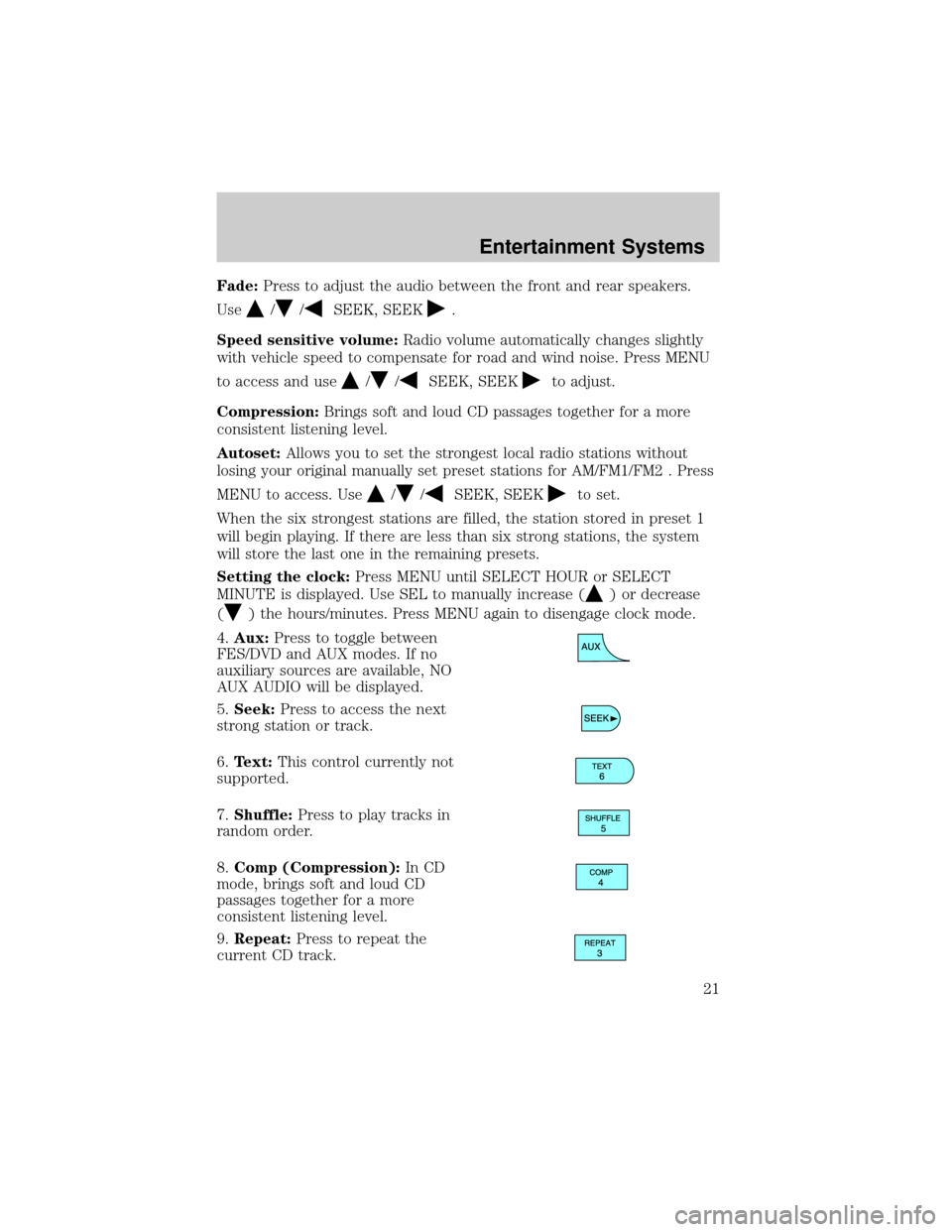
4.Aux:Press to toggle between
FES/DVD and AUX modes. If no
auxiliary sources are available, NO
AUX AUDIO will be displayed.
5.Seek:Press to access the next
strong station or track.
6.Text:This control currently not
supported.
7.Shuffle:Press to play tracks in
random order.
8.Comp (Compression):In CD
mode, brings soft and loud CD
passages together for a more
consistent listening level.
9.Repeat:Press to repeat the
current CD track.
Entertainment Systems
21
Page 24 of 280
Balance:Press to adjust the audio between the left and right speakers.
Use
//SEEK, SEEK.
Fade:Press to adjust the audio between the front and rear speakers.
Use
//SEEK, SEEK.
Speed sensitive volume:Radio volume automatically changes slightly
with vehicle speed to compensate for road and wind noise. Press MENU
to access and use
//SEEK, SEEKto adjust.
Compression:Brings soft and loud CD passages together for a more
consistent listening level.
Autoset:Allows you to set the strongest local radio stations without
losing your original manually set preset stations for AM/FM1/FM2 . Press
MENU to access. Use
//SEEK, SEEKto set.
When the six strongest stations are filled, the station stored in preset 1
will begin playing. If there are less than six strong stations, the system
will store the last one in the remaining presets.
Setting the clock:Press MENU until SELECT HOUR or SELECT
MINUTE is displayed. Press
//SEEK, SEEKto adjust the
hours/minutes.
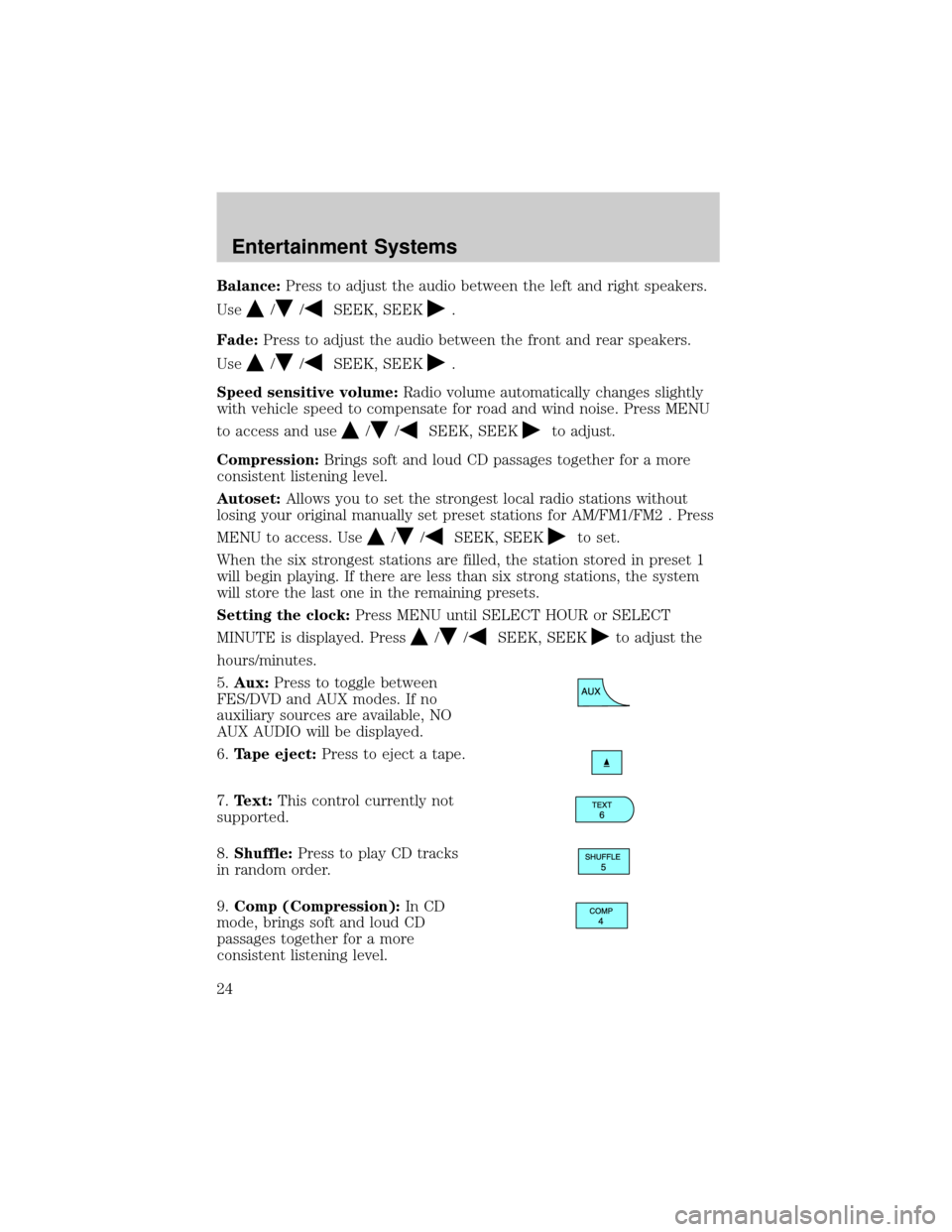
5.Aux:Press to toggle between
FES/DVD and AUX modes. If no
auxiliary sources are available, NO
AUX AUDIO will be displayed.
6.Tape eject:Press to eject a tape.
7.Text:This control currently not
supported.
8.Shuffle:Press to play CD tracks
in random order.
9.Comp (Compression):In CD
mode, brings soft and loud CD
passages together for a more
consistent listening level.
Entertainment Systems
24
Page 28 of 280
Setting the clock:Press MENU until SELECT HOUR or SELECT
MINUTE is displayed. Press
//SEEK, SEEKto adjust the
hours/minutes.
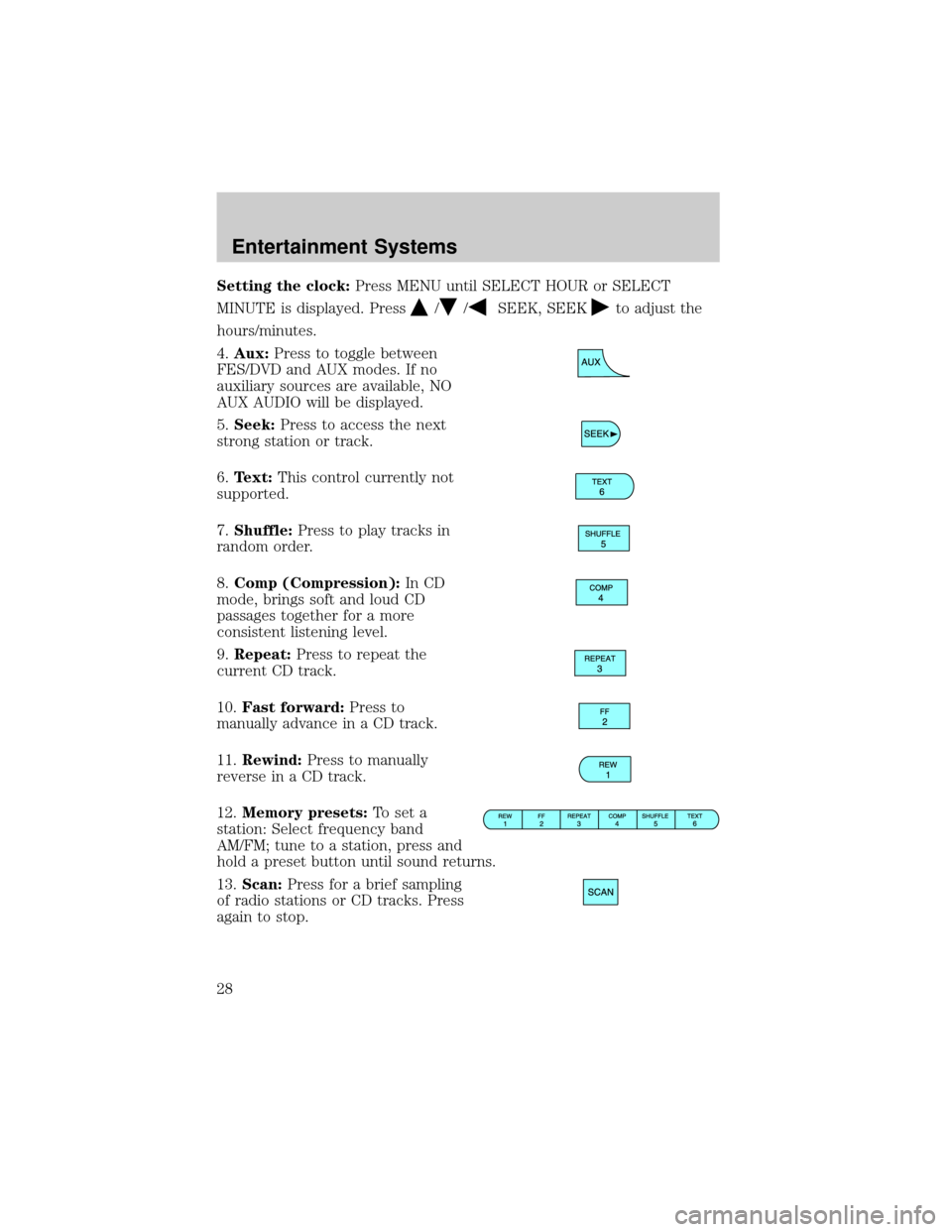
4.Aux:Press to toggle between
FES/DVD and AUX modes. If no
auxiliary sources are available, NO
AUX AUDIO will be displayed.
5.Seek:Press to access the next
strong station or track.
6.Text:This control currently not
supported.
7.Shuffle:Press to play tracks in
random order.
8.Comp (Compression):In CD
mode, brings soft and loud CD
passages together for a more
consistent listening level.
9.Repeat:Press to repeat the
current CD track.
10.Fast forward:Press to
manually advance in a CD track.
11.Rewind:Press to manually
reverse in a CD track.
12.Memory presets:To set a
station: Select frequency band
AM/FM; tune to a station, press and
hold a preset button until sound returns.
13.Scan:Press for a brief sampling
of radio stations or CD tracks. Press
again to stop.
Entertainment Systems
28
Page 30 of 280
RADIO RECEPTION FACTORS
There are three factors that can affect radio reception:
²Distance/strength: The further you travel from an FM station, the
weaker the signal and the weaker the reception.
²Terrain: Hills, mountains, tall buildings, power lines, electric fences,
traffic lights and thunderstorms can interfere with your reception.
²Station overload: When you pass a broadcast tower, a stronger signal
may overtake a weaker one and play while the weak station frequency
is displayed.
CASSETTE/PLAYER CARE
Do:
²Use only cassettes that are 90 minutes long or less.
²Tighten very loose tapes by inserting a finger or pencil into the hole
and turning the hub.
²Remove loose labels before inserting tapes.
²Allow tapes which have been subjected to extreme heat, humidity or
cold to reach a moderate temperature before playing.
²Clean the cassette player head with a cassette cleaning cartridge after
10±12 hours of play to maintain good sound/operation.
Don't:
²Expose tapes to direct sunlight, extreme humidity, heat or cold.
²Leave tapes in the cassette player for a long time when not being
played.
CD/CD PLAYER CARE
Do:
²Handle discs by their edges only. Never touch the playing surface.
²Inspect discs before playing. Clean only with an approved CD cleaner
and wipe from the center out.
Don't:
²Expose discs to direct sunlight or heat sources for extended periods
of time.
²Insert more than one disc into each slot of the CD changer magazine.
²Clean using a circular motion.
Entertainment Systems
30
Page 35 of 280
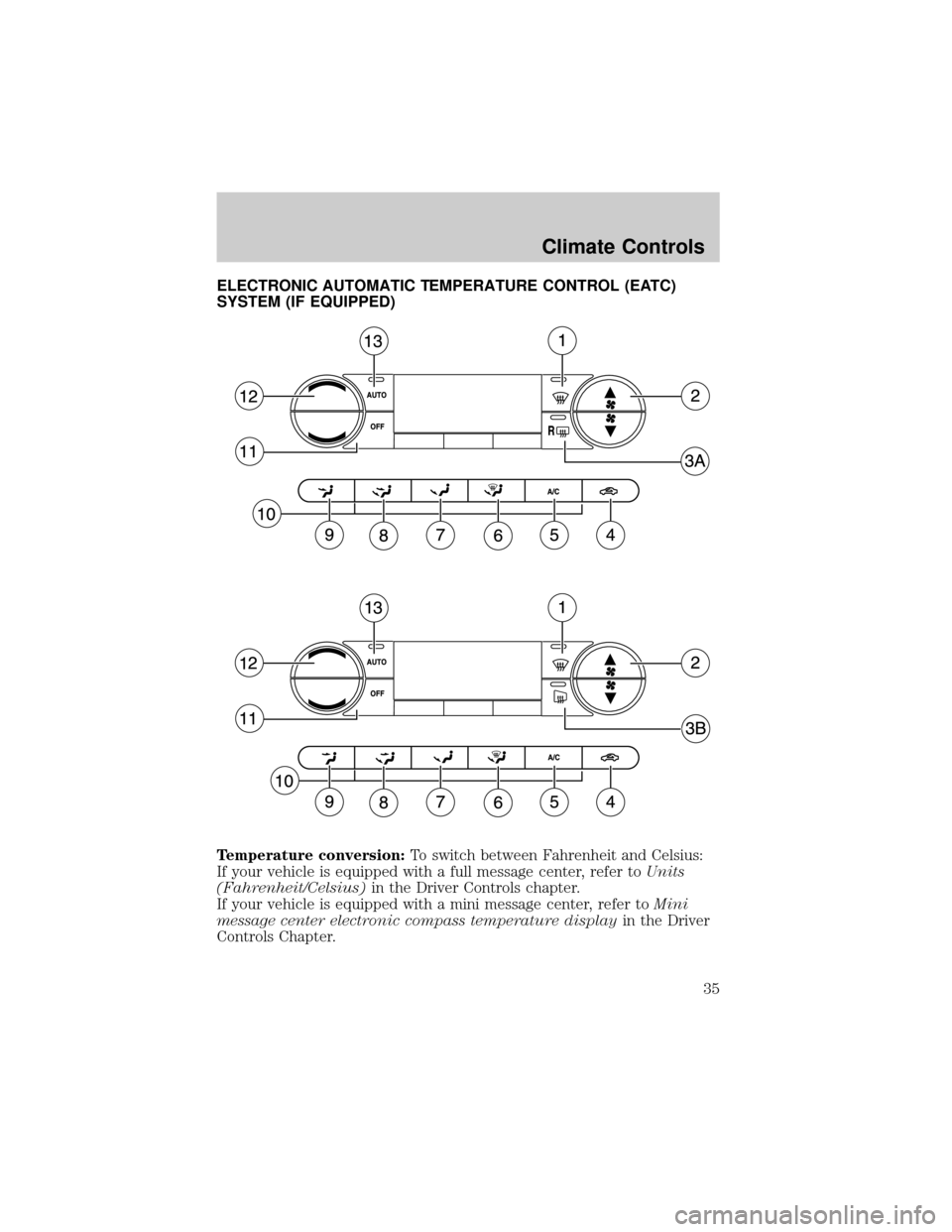
ELECTRONIC AUTOMATIC TEMPERATURE CONTROL (EATC)
SYSTEM (IF EQUIPPED)
Temperature conversion:To switch between Fahrenheit and Celsius:
If your vehicle is equipped with a full message center, refer toUnits
(Fahrenheit/Celsius)in the Driver Controls chapter.
If your vehicle is equipped with a mini message center, refer toMini
message center electronic compass temperature displayin the Driver
Controls Chapter.
Climate Controls
35
Page 38 of 280
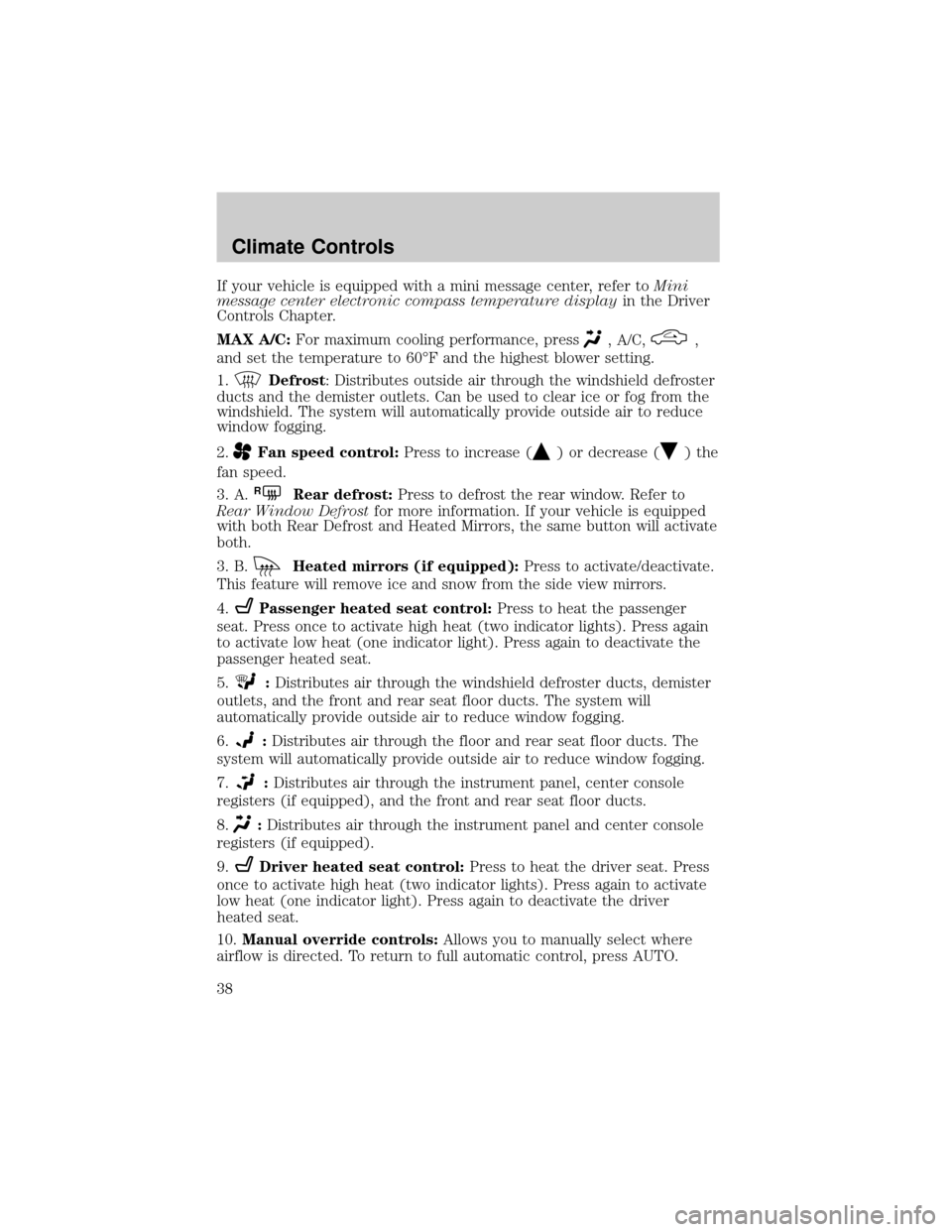
If your vehicle is equipped with a mini message center, refer toMini
message center electronic compass temperature displayin the Driver
Controls Chapter.
MAX A/C:For maximum cooling performance, press
, A/C,,
and set the temperature to 60ÉF and the highest blower setting.
1.
Defrost: Distributes outside air through the windshield defroster
ducts and the demister outlets. Can be used to clear ice or fog from the
windshield. The system will automatically provide outside air to reduce
window fogging.
2.
Fan speed control:Press to increase () or decrease () the
fan speed.
3. A.
RRear defrost:Press to defrost the rear window. Refer to
Rear Window Defrostfor more information. If your vehicle is equipped
with both Rear Defrost and Heated Mirrors, the same button will activate
both.
3. B.
Heated mirrors (if equipped):Press to activate/deactivate.
This feature will remove ice and snow from the side view mirrors.
4.
Passenger heated seat control:Press to heat the passenger
seat. Press once to activate high heat (two indicator lights). Press again
to activate low heat (one indicator light). Press again to deactivate the
passenger heated seat.
5.
:Distributes air through the windshield defroster ducts, demister
outlets, and the front and rear seat floor ducts. The system will
automatically provide outside air to reduce window fogging.
6.
:Distributes air through the floor and rear seat floor ducts. The
system will automatically provide outside air to reduce window fogging.
7.
:Distributes air through the instrument panel, center console
registers (if equipped), and the front and rear seat floor ducts.
8.
:Distributes air through the instrument panel and center console
registers (if equipped).
9.
Driver heated seat control:Press to heat the driver seat. Press
once to activate high heat (two indicator lights). Press again to activate
low heat (one indicator light). Press again to deactivate the driver
heated seat.
10.Manual override controls:Allows you to manually select where
airflow is directed. To return to full automatic control, press AUTO.
Climate Controls
38