display FORD MAVERICK 2023 Owner's Manual
[x] Cancel search | Manufacturer: FORD, Model Year: 2023, Model line: MAVERICK, Model: FORD MAVERICK 2023Pages: 556, PDF Size: 14.79 MB
Page 120 of 556
INSTRUMENT CLUSTER
DISPLAY MAIN MENU -
VEHICLES WITH: 6.5 INCH
SCREEN
Menu Item
Select Screens
Audio
Phone
Settings
Display Setup
CUSTOMIZING THE
INSTRUMENT CLUSTER
DISPLAY - VEHICLES WITH: 4.2
INCH SCREEN
1.Using the information display controlson the steering wheel, select MyView.
2.Press the menu button.
3.Select a screen.
4.Press the OK button.
CUSTOMIZING THE
INSTRUMENT CLUSTER
DISPLAY - VEHICLES WITH: 6.5
INCH SCREEN
Adding Screens Using SelectScreens
You can select various screens to show onthe instrument cluster display.
1.Select Select Screens.
2.Use the controls on the steering wheelto highlight a screen to add.
3.Press the OK button.
Note:The amount of screens you can addis limited. If the selected screen does notappear, you must deselect items from themenu.
Select Screens
Calm screen
Fuel economy
Trip 1
Trip 2
This trip
EV Coach
Tire pressure
Intelligent AWD
Off-Road
Trailer light check
Seatbelts
Auto StartStop
Now playing
Note:Some options may appear slightlydifferent or not at all if items are optional.
Configuring Gauges
You can select which values yourspeedometer shows in the instrumentcluster display.
1.Select Display Setup.
2.Select a speed unit to display.
116
2023 Maverick (CFE) Canada/United States of America, enUSA, Edition date: 202208, First-PrintingInstrument Cluster Display
Page 121 of 556
PERSONALIZED SETTINGS
CHANGING THE INSTRUMENTCLUSTER DISPLAY LANGUAGE -VEHICLES WITH: 4.2 INCHSCREEN
You can change the language using theinstrument cluster display.
1.Select Settings and press the menubutton.
2.Select Display.
3.Select Language.
4.Select a language.
CHANGING THE INSTRUMENTCLUSTER DISPLAY LANGUAGE -VEHICLES WITH: 6.5 INCHSCREEN
You can change the language using theinstrument cluster display.
1.Select Display Setup.
2.Select Language.
3.Select a language.
Note:Available languages vary by region.
CHANGING THE MEASUREMENTUNIT - VEHICLES WITH: 4.2 INCHSCREEN
You can change the measurement unitusing the instrument cluster display.
1.Select Settings and press the menubutton.
2.Select Display.
3.Select Measurement Unit.
4.Select a measurement unit.
CHANGING THE MEASUREMENTUNIT - VEHICLES WITH: 6.5 INCHSCREEN
You can change the measurement unitusing the instrument cluster display.
1.Select Display Setup.
2.Select Measurement Units.
3.Select a measurement unit.
CHANGING THE TEMPERATUREUNIT - VEHICLES WITH: 4.2 INCHSCREEN
You can change the temperature unit usingthe instrument cluster display.
1.Select Settings and press the menubutton.
2.Select Display.
3.Select Temperature Unit.
4.Select a temperature unit.
CHANGING THE TEMPERATUREUNIT - VEHICLES WITH: 6.5 INCHSCREEN
You can change the temperature unit usingthe instrument cluster display.
1.Select Display Setup.
2.Select Temperature units.
3.Select a temperature unit.
CHANGING THE TIRE PRESSUREUNIT - VEHICLES WITH: 4.2 INCHSCREEN
You can change the tire pressure unit usingthe instrument cluster display.
1.Select Settings and press the menubutton.
2.Select Display.
3.Select Tire Pressure.
117
2023 Maverick (CFE) Canada/United States of America, enUSA, Edition date: 202208, First-PrintingInstrument Cluster Display
Page 122 of 556
4.Select a tire pressure unit.
CHANGING THE TIRE PRESSUREUNIT - VEHICLES WITH: 6.5 INCHSCREEN
You can change the tire pressure unit usingthe instrument cluster display.
1.Select Display Setup.
2.Select Tire pressure.
3.Select a pressure unit.
FUEL ECONOMY DISPLAY -
GASOLINE
An instant fuel economy gauge is providedalong with average fuel economy. Averagefuel economy is continuously averagedsince the last reset.
Note:Press and hold the OK button on thecontrols on the steering wheel to reset youraverage fuel economy.
FUEL ECONOMY DISPLAY -
HYBRID ELECTRIC VEHICLE
(HEV)
An instant fuel economy gauge is providedalong with average fuel economy. Averagefuel economy is continuously averagedsince the last reset.
When the gasoline engine is off, the instantfuel economy gauge is replaced with anelectric driving message.
Note:Press and hold the OK button on thecontrols on the steering wheel to reset youraverage fuel economy.
Note:Fuel economy display is a selectablescreen. See Customizing the InstrumentCluster Display (page 116). SeeCustomizing the Instrument ClusterDisplay (page 116).
EV COACH - HYBRID ELECTRIC
VEHICLE (HEV)
EV coach can help you get the most out ofyour vehicle's electric driving capabilities.
Note:EV coach is a selectable screen. SeeCustomizing the Instrument ClusterDisplay (page 116).
When you are accelerating or maintainingspeed you see a blue or white solid barindicating vehicle power. You may also seea blue rectangular box which shows thepower level at which the engine turns on.
•When the power level is within the box,the color of the bar is blue. This meansyou are in electric operation and theengine is off.
•When the power level is outside of thebox, the color of the bar is white. Thismeans you are in hybrid operation witha combination of the electric motorand the engine providing vehicle power.
When you are decelerating with either yourfoot off the accelerator pedal or on thebrake pedal, a green or white solid bardisplays indicating the power being usedto slow down your vehicle. You may alsosee a green rectangular box which showsthe amount of power that can berecaptured by the regenerative brakingsystem and returned to the high voltagebattery.
•When the power level is within the box,the color of the bar is green. Thismeans that the regenerative brakingsystem is being used to efficiently slowyour vehicle down and return themaximum percentage of energy to thehigh voltage battery.
•When the power level is outside of thebox, the color of the bar is white. Thismeans both the regenerative brakingsystem and conventional brakingsystem are being used.
118
2023 Maverick (CFE) Canada/United States of America, enUSA, Edition date: 202208, First-PrintingInstrument Cluster Display
Page 123 of 556
BRAKE COACH - HYBRID
ELECTRIC VEHICLE (HEV)
The brake coach appears after your vehiclehas come to a stop. It coaches you to brakein a manner that maximizes the amountof energy returned through theregenerative braking system.
The percent displayed indicates theregenerative braking efficiency, with 100%representing the maximum amount ofenergy recovered.
Note:While regenerative braking works inall drive modes, brake coach display maynot be available in all drive modes.
You can switch brake coach on or off in thesettings menu. See Instrument ClusterDisplay Main Menu (page 116).
TRIP SUMMARY - HYBRID
ELECTRIC VEHICLE (HEV)
The trip summary displays upon shuttingoff your vehicle. The values are cumulativesince you last started your vehicle.
The information shown is the same as theThis Trip screen. See Trip Data (page 120).
119
2023 Maverick (CFE) Canada/United States of America, enUSA, Edition date: 202208, First-PrintingInstrument Cluster Display
Page 124 of 556
ACCESSING THE TRIP
COMPUTER - VEHICLES WITH:
4.2 INCH SCREEN
1.Use the instrument cluster displaycontrols to navigate the home screen.
2.Select the trip screen.
3.Press the menu button on the steeringwheel.
4.Select Trip 1 or Trip 2.
ACCESSING THE TRIP
COMPUTER - VEHICLES WITH:
6.5 INCH SCREEN
Using Select Screens
1.Use the instrument cluster displaycontrols to navigate the home menu.
2.Select Select Screens.
3.Use the control on the steering wheelto navigate the menu. SeeCustomizing the Instrument ClusterDisplay (page 116).
Using the Home Screen
Once the screens have been added, usethe instrument cluster display controls onthe steering wheel to view each trip screen.
RESETTING THE TRIP
COMPUTER
1.Use the instrument cluster displaycontrols to navigate the home screen.
2.Select the trip screen you want to reset.
3.Press and hold the OK button until thesystem reset confirmation appears.
RESETTING THE INDIVIDUAL
TRIP VALUES - VEHICLES
WITH: 4.2 INCH SCREEN
1.Use the instrument cluster displaycontrols to navigate the home screen.
2.Select the trip screen.
3.Press the menu button on the steeringwheel.
4.Select Reset Individual Values.
5.Select a trip value to reset.
6.Press and hold the OK button until thesystem reset confirmation appears.
CONFIGURING THE TRIP
COMPUTER - VEHICLES WITH:
4.2 INCH SCREEN
1.Use the instrument cluster displaycontrols to navigate the home screen.
2.Select the trip screen.
3.Press the menu button on the steeringwheel.
4.Select Configure View.
5.Select values to display.
TRIP DATA
Trip 1 and 2
Provides trip timer, trip average fueleconomy and total trip distance traveled.For hybrid vehicles, the trip also shows thedistance traveled on electric power onlywith the engine off.
Note:Trip 1 and 2 are selectable screens.See Accessing the Trip Computer (page120).
120
2023 Maverick (CFE) Canada/United States of America, enUSA, Edition date: 202208, First-PrintingTrip Computer
Page 126 of 556
WHAT IS REMOTE START
The system allows you to remotely startyour vehicle and to adjust the interiortemperature according to the settings thatyou chose.
REMOTE START
PRECAUTIONS
WARNING: Do not start the enginein a closed garage or in other enclosedareas. Exhaust fumes are toxic. Alwaysopen the garage door before you startthe engine. Failure to follow thisinstruction could result in personal injuryor death.
REMOTE START LIMITATIONS
Remote start does not work under thefollowing conditions:
•The alarm horn is sounding.
•The hood is open.
•The transmission is not in park (P).
•The ignition is on.
•The battery voltage is below theminimum operating voltage.
•Remote start is not enabled.
Note:Do not use remote start if the fuellevel is low.
ENABLING REMOTE START
1.Using the information display controlson the steering wheel, select Settings.
2.Select Vehicle Settings.
3.Select Remote Start.
4.Switch System on.
Note:To use remote start, make sure thatthe modem is enabled. See Enabling andDisabling the Modem (page 377).
REMOTELY STARTING AND
STOPPING THE VEHICLE
Remotely Starting the Vehicle
Press the button on the remotecontrol.
Within three seconds, press thebutton twice on the remotecontrol.
Note:You can also use the FordPass Appto start the vehicle.
Note:The turn signals flash twice.
Note:The parking lamps turn on when thevehicle is running.
Note:The horn sounds if the system failsto start.
Note:All other vehicle systems remain offwhen you have remotely started the vehicle.
Note:The vehicle remains secured whenyou have remotely started the vehicle. Avalid key must be inside your vehicle toswitch the ignition on and drive your vehicle.
Remotely Stopping the Vehicle
Within three seconds, press thebutton twice on the remotecontrol.
EXTENDING THE REMOTE
START DURATION
To extend the remote start duration duringremote start, do the following:
Press the button on the remotecontrol.
122
2023 Maverick (CFE) Canada/United States of America, enUSA, Edition date: 202208, First-PrintingRemote Start (If Equipped)E138623 E138625 E138625 E138623
Page 127 of 556
Within three seconds, press thebutton on the remote control.
Within three seconds, press thebutton again.
If the duration is set to 15 minutes, theduration extends by another 15 minutes.This provides a total of 30 minutes.
Note:Remote start can only be extendedonce.
Note:A maximum of two remote starts, orone remote start with an extension, areallowed. To reset the restart procedureswitch the vehicle to on, then to off.
REMOTE START REMOTE
CONTROL INDICATORS
Remote Control Feedback
An LED on the remote control providesstatus feedback of remote start or stopcommands.
StatusLED
Remote startsuccessful.Solid green.
Remote stopsuccessful.Solid red.
Request failed orstatus not received.Blinking red.
Status incomplete.Blinking green.
REMOTE START SETTINGS
Switching Climate Control AutoMode On and Off
1.Using the instrument cluster displaycontrols on the steering wheel, selectSettings.
2.Select Vehicle.
3.Select Remote Start.
4.Select Climate Control.
5.Select Auto or Last settings.
Note:If you switch the auto mode on, thesystem attempts to heat or cool the interiorto 72°F (22°C). When you switch the vehicleon, the climate control system returns tothe last used settings.
Note:If you switch the last settings on, thesystem remembers the last used settings.
Heated Seat Settings (If Equipped)
1.Using the instrument cluster displaycontrols on the steering wheel, selectSettings.
2.Select Vehicle.
3.Select Remote Start.
4.Select Seats.
5.Select Auto or Off.
Note:If you switch the heated seat settingson, the heated seats turn on during coldweather.
Note:You cannot adjust the heated seatsettings when you remotely start yourvehicle.
Heated Steering Wheel Settings (If
Equipped)
1.Using the instrument cluster displaycontrols on the steering wheel, selectSettings.
2.Select Vehicle.
3.Select Remote Start.
4.Select Seats and Wheel.
5.Select Auto or Off.
Note:If you switch the heated steeringwheel settings on, the heated steering wheelturns on during cold weather.
123
2023 Maverick (CFE) Canada/United States of America, enUSA, Edition date: 202208, First-PrintingRemote Start (If Equipped)E138625
Page 128 of 556
Note:You cannot adjust the heatedsteering wheel settings when you remotelystart your vehicle.
Remote Start Duration
1.Using the instrument cluster displaycontrols on the steering wheel, selectSettings.
2.Select Vehicle.
3.Select Remote Start.
4.Select Duration.
5.Press the duration you prefer.
124
2023 Maverick (CFE) Canada/United States of America, enUSA, Edition date: 202208, First-PrintingRemote Start (If Equipped)
Page 145 of 556
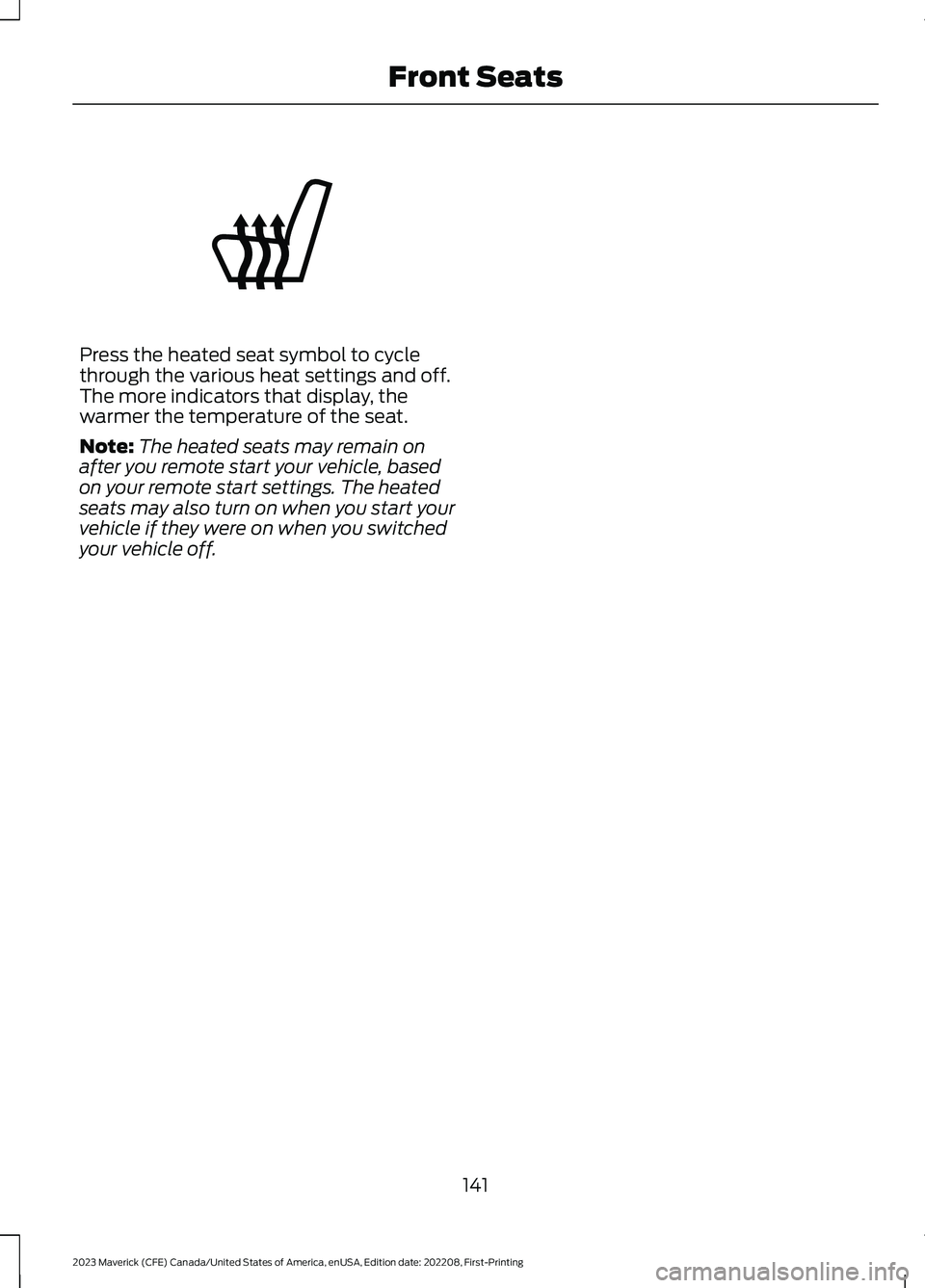
Press the heated seat symbol to cyclethrough the various heat settings and off.The more indicators that display, thewarmer the temperature of the seat.
Note:The heated seats may remain onafter you remote start your vehicle, basedon your remote start settings. The heatedseats may also turn on when you start yourvehicle if they were on when you switchedyour vehicle off.
141
2023 Maverick (CFE) Canada/United States of America, enUSA, Edition date: 202208, First-PrintingFront SeatsE146322
Page 149 of 556

WHAT IS THE REAR
OCCUPANT ALERT SYSTEM
The rear occupant alert system monitorsvehicle conditions and notifies you to checkfor rear seat occupants when you switchthe ignition off.
HOW DOES THE REAR
OCCUPANT ALERT SYSTEM
WORK
The system monitors when rear doors havebeen opened and closed to indicate thepotential presence of an occupant in therear seat.
A message displays in the information andentertainment display screen and anaudible warning sounds when you switchthe ignition off after any of the followingconditions have been met:
•A rear door is opened or closed whilethe ignition is on.
•You switch the ignition on within 15minutes of a rear door opening andclosing.
•You switch the ignition on within 15minutes of the alert having displayedor sounded.
REAR OCCUPANT ALERT
SYSTEM PRECAUTIONS
WARNING: On hot days, thetemperature inside the vehicle can risevery quickly. Exposure of people oranimals to these high temperatures foreven a short time can cause death orserious heat related injuries, includingbrain damage. Small children areparticularly at risk.
WARNING: Do not leave childrenor pets unattended in your vehicle.Failure to follow this instruction couldresult in personal injury or death.
REAR OCCUPANT ALERT
SYSTEM LIMITATIONS
The system does not function if any dooris removed.
The system does not detect the presenceof objects or passengers in the rear seat.It monitors when rear doors are openedand closed.
Note:It is possible to receive an alert whenthere is no rear seat occupant, but alertconditions are met.
Note:It is possible to receive no alert whenthere is an occupant in the rear seat, if alertconditions are not met. For example, if a rearseat occupant does not enter the vehiclethrough a rear door.
Note:The audible warning does not soundwhen the front door is opened before youswitch the ignition off.
SWITCHING REAR OCCUPANT
ALERT SYSTEM ON AND OFF
1.Press Settings on the touchscreen.
2.Press Vehicle.
3.Switch Rear Occupant Alert on or off.
Note:The default setting is on.
Note:Performing a master reset causes thesystem to switch on again.
145
2023 Maverick (CFE) Canada/United States of America, enUSA, Edition date: 202208, First-PrintingRear Occupant Alert System - Vehicles With: SYNC 3