ignition FORD MUSTANG 2002 4.G User Guide
[x] Cancel search | Manufacturer: FORD, Model Year: 2002, Model line: MUSTANG, Model: FORD MUSTANG 2002 4.GPages: 264, PDF Size: 2.56 MB
Page 70 of 264
REAR WINDOW DEFROSTER
(IF EQUIPPED)
The rear defroster
control is located on
the instrument panel.
Press the rear defroster
control to clear the
rear window of thin ice
and fog.
²A small LED will illuminate when the rear
defroster is activated.
The ignition must be in the ON position to operate
the rear window defroster.
The defroster turns off automatically after 10
minutes or when the ignition is turned to the OFF
position. To manually turn off the defroster before
10 minutes have passed, push the control again.
Climate Controls
70
Page 71 of 264
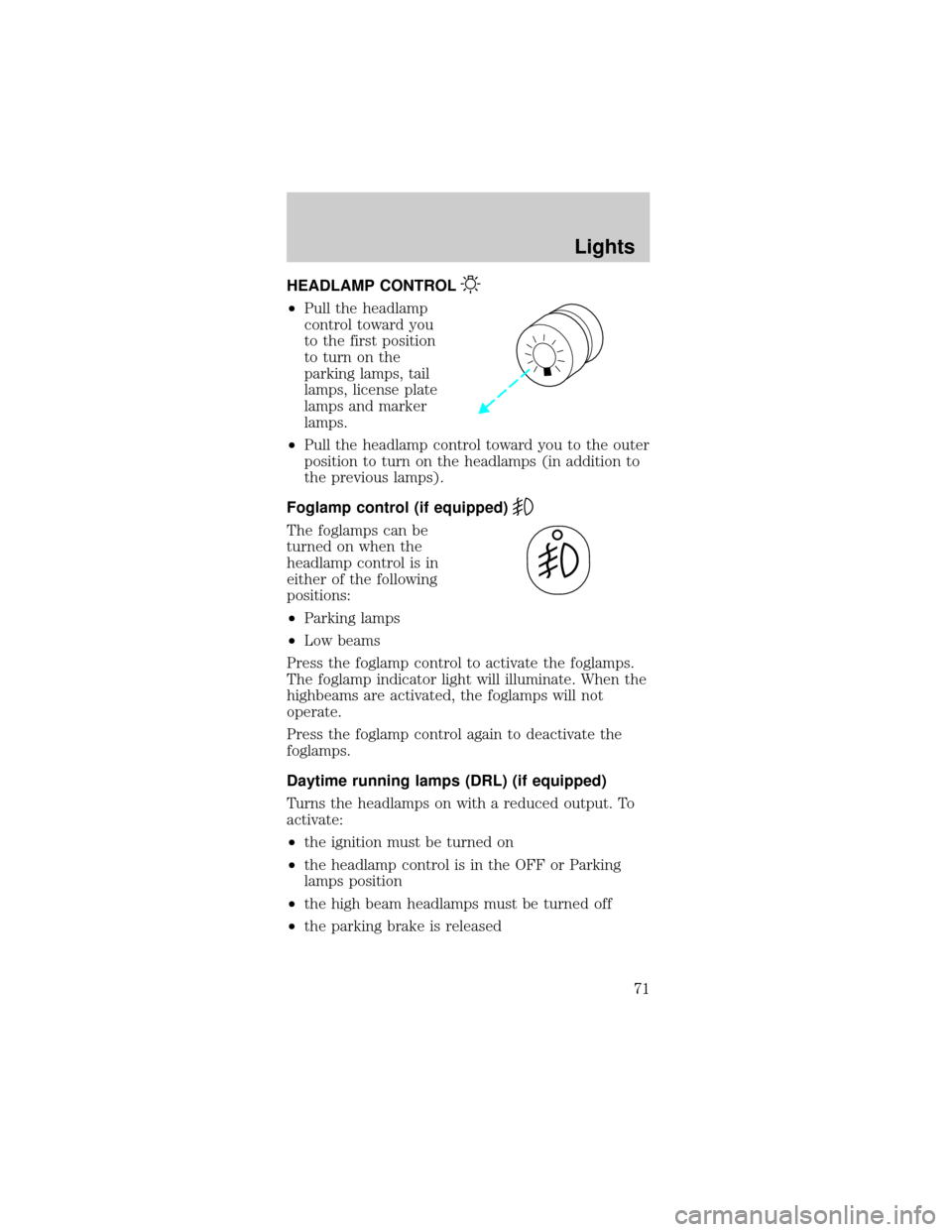
HEADLAMP CONTROL
²Pull the headlamp
control toward you
to the first position
to turn on the
parking lamps, tail
lamps, license plate
lamps and marker
lamps.
²Pull the headlamp control toward you to the outer
position to turn on the headlamps (in addition to
the previous lamps).
Foglamp control (if equipped)
The foglamps can be
turned on when the
headlamp control is in
either of the following
positions:
²Parking lamps
²Low beams
Press the foglamp control to activate the foglamps.
The foglamp indicator light will illuminate. When the
highbeams are activated, the foglamps will not
operate.
Press the foglamp control again to deactivate the
foglamps.
Daytime running lamps (DRL) (if equipped)
Turns the headlamps on with a reduced output. To
activate:
²the ignition must be turned on
²the headlamp control is in the OFF or Parking
lamps position
²the high beam headlamps must be turned off
²the parking brake is released
Lights
71
Page 85 of 264
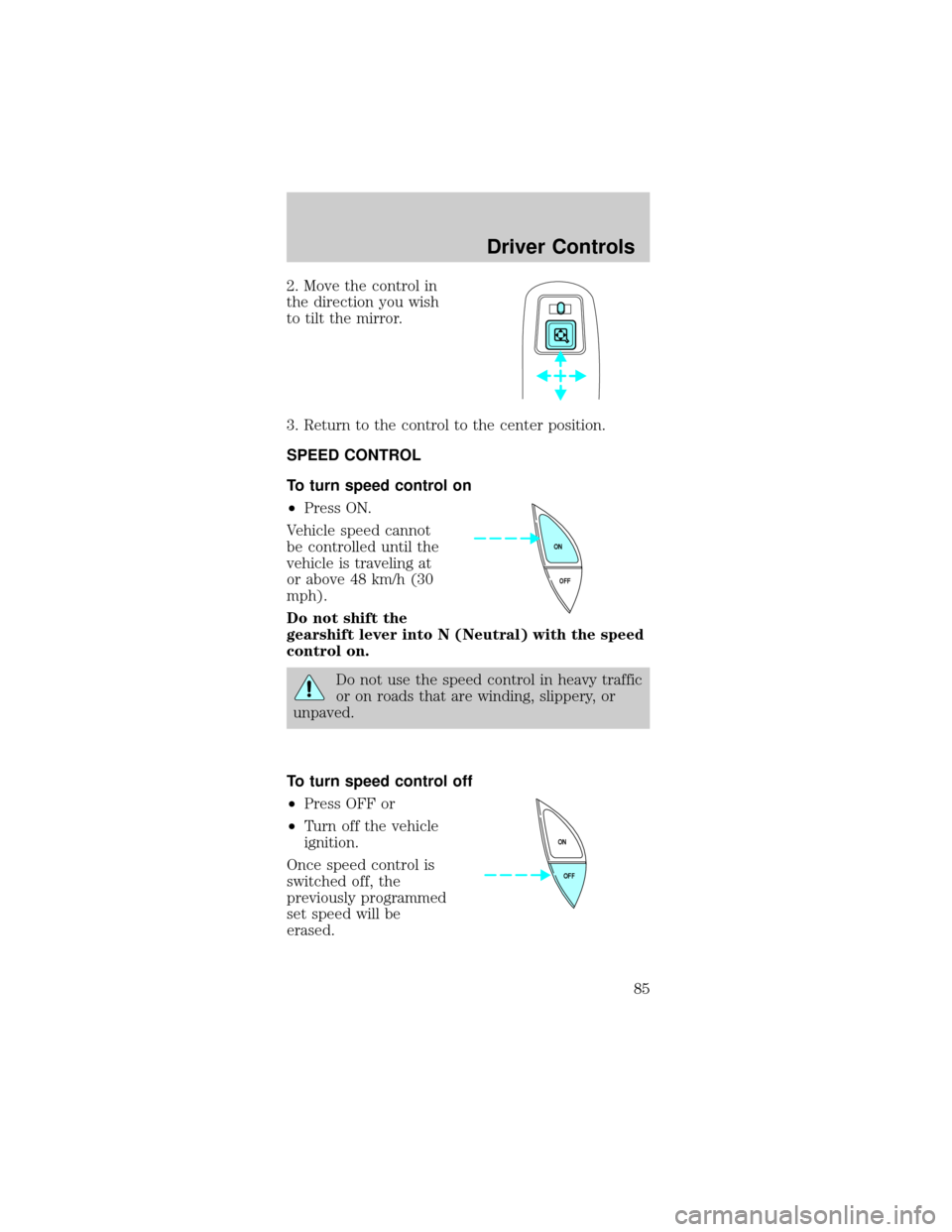
2. Move the control in
the direction you wish
to tilt the mirror.
3. Return to the control to the center position.
SPEED CONTROL
To turn speed control on
²Press ON.
Vehicle speed cannot
be controlled until the
vehicle is traveling at
or above 48 km/h (30
mph).
Do not shift the
gearshift lever into N (Neutral) with the speed
control on.
Do not use the speed control in heavy traffic
or on roads that are winding, slippery, or
unpaved.
To turn speed control off
²Press OFF or
²Turn off the vehicle
ignition.
Once speed control is
switched off, the
previously programmed
set speed will be
erased.
OFF ON
OFF ON
Driver Controls
85
Page 96 of 264
On hot days, the temperature in the trunk
or vehicle interior can rise very quickly.
Exposure of people or animals to these high
temperatures for even a short time can cause
death or serious heat-related injuries, including
brain damage. Small children are particularly at
risk.
REMOTE ENTRY SYSTEM
This device complies with part 15 of the FCC rules
and with RS-210 of Industry Canada. Operation is
subject to the following two conditions: (1) This
device may not cause harmful interference, and (2)
This device must accept any interference received,
including interference that may cause undesired
operation.
Changes or modifications not expressly
approved by the party responsible for
compliance could void the user's authority to
operate the equipment.
The remote entry system allows you to:
²lock or unlock all vehicle doors without a key
²open the trunk
²activate the panic alarm
²confirms that the vehicle is locked with a short
ªbeepº from the horn.
The remote entry features only operate with the
ignition in the LOCK position.
If there is any potential remote keyless entry
problem with your vehicle, ensureALL key fobs
(remote entry transmitters) are brought to the
dealership, to aid in troubleshooting.
Locks and Security
96
Page 97 of 264
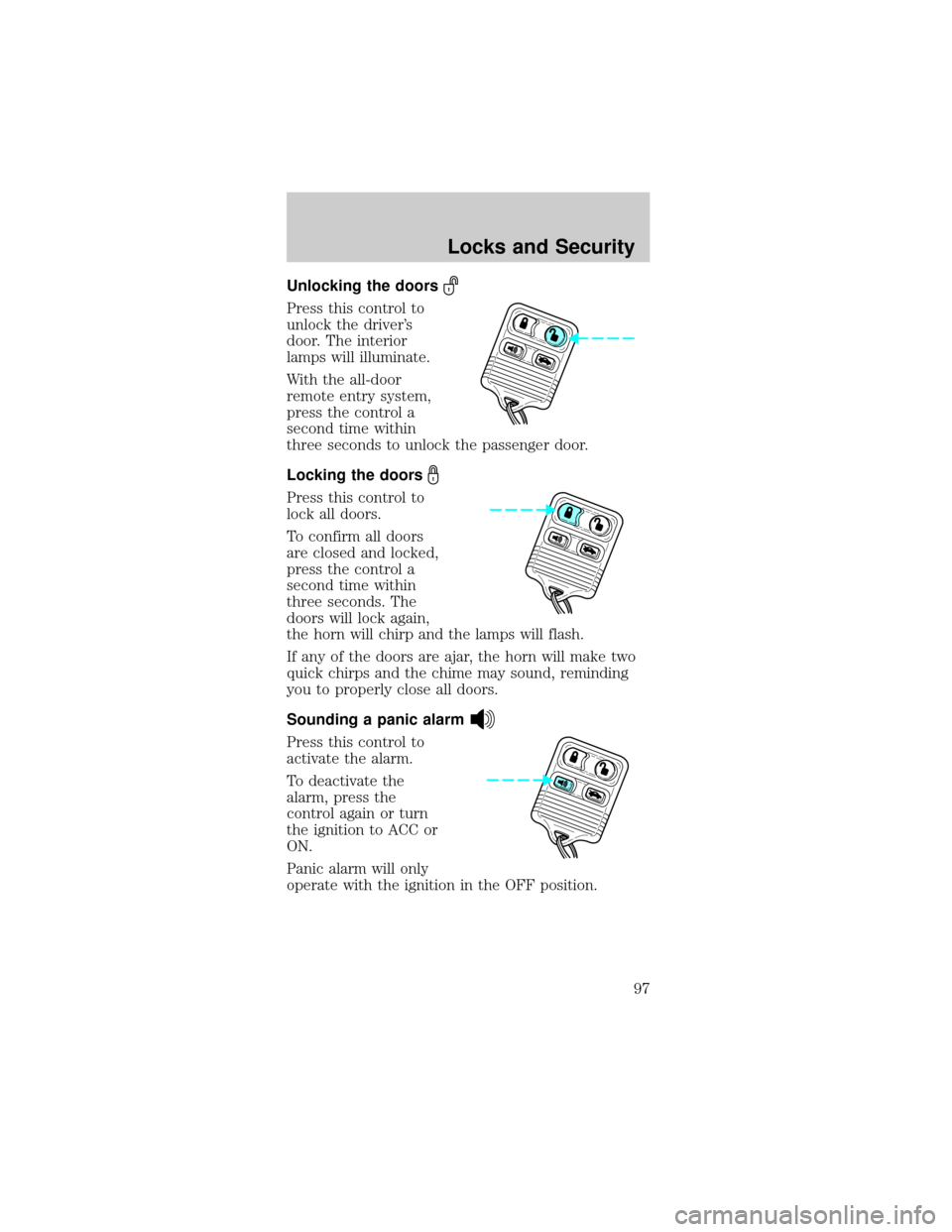
Unlocking the doors
Press this control to
unlock the driver's
door. The interior
lamps will illuminate.
With the all-door
remote entry system,
press the control a
second time within
three seconds to unlock the passenger door.
Locking the doors
Press this control to
lock all doors.
To confirm all doors
are closed and locked,
press the control a
second time within
three seconds. The
doors will lock again,
the horn will chirp and the lamps will flash.
If any of the doors are ajar, the horn will make two
quick chirps and the chime may sound, reminding
you to properly close all doors.
Sounding a panic alarm
Press this control to
activate the alarm.
To deactivate the
alarm, press the
control again or turn
the ignition to ACC or
ON.
Panic alarm will only
operate with the ignition in the OFF position.
Locks and Security
97
Page 98 of 264
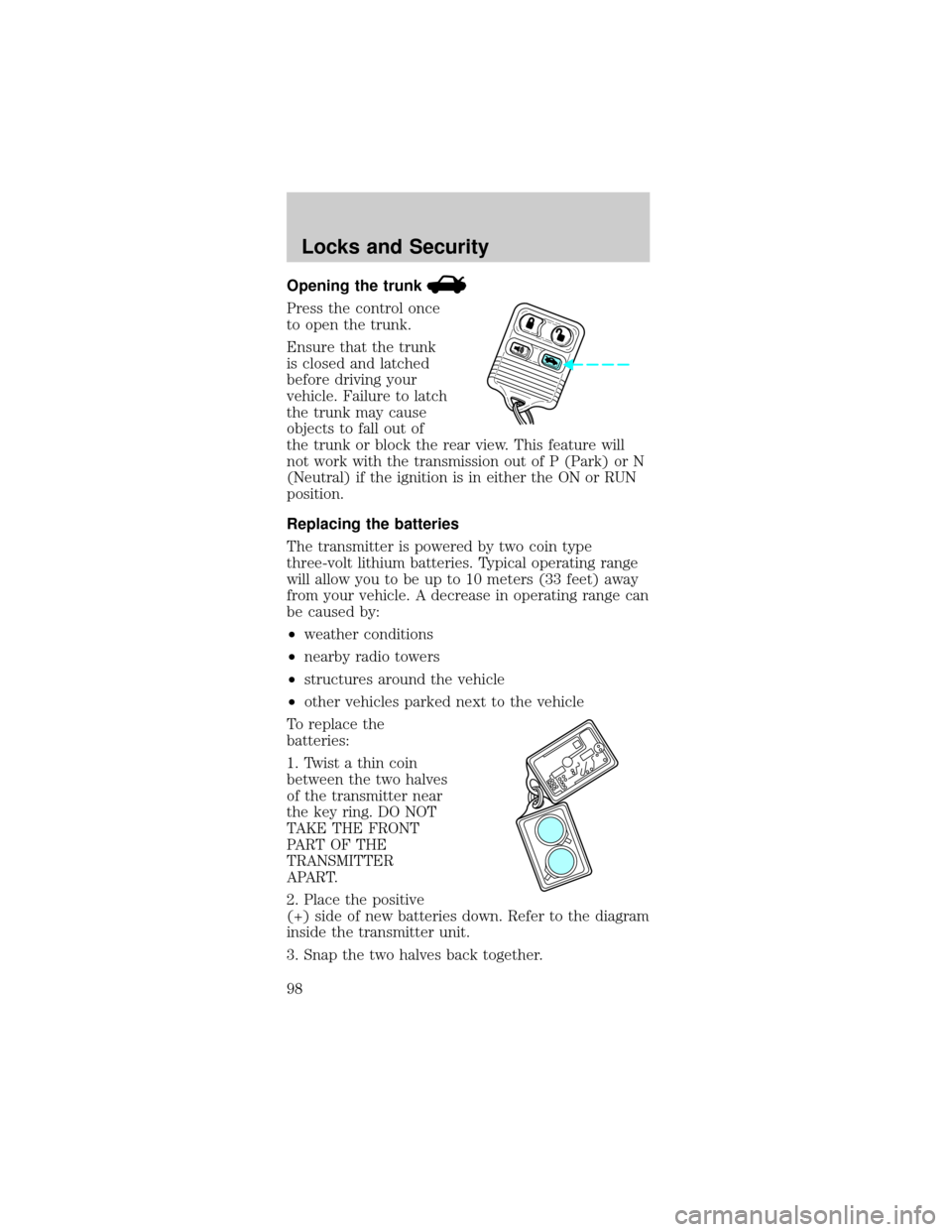
Opening the trunk
Press the control once
to open the trunk.
Ensure that the trunk
is closed and latched
before driving your
vehicle. Failure to latch
the trunk may cause
objects to fall out of
the trunk or block the rear view. This feature will
not work with the transmission out of P (Park) or N
(Neutral) if the ignition is in either the ON or RUN
position.
Replacing the batteries
The transmitter is powered by two coin type
three-volt lithium batteries. Typical operating range
will allow you to be up to 10 meters (33 feet) away
from your vehicle. A decrease in operating range can
be caused by:
²weather conditions
²nearby radio towers
²structures around the vehicle
²other vehicles parked next to the vehicle
To replace the
batteries:
1. Twist a thin coin
between the two halves
of the transmitter near
the key ring. DO NOT
TAKE THE FRONT
PART OF THE
TRANSMITTER
APART.
2. Place the positive
(+) side of new batteries down. Refer to the diagram
inside the transmitter unit.
3. Snap the two halves back together.
Locks and Security
98
Page 99 of 264
Replacement of the battery willnotcause the
remote transmitter to become deprogrammed from
your vehicle. The remote transmitter should operate
normally after battery replacement.
Replacing lost transmitters
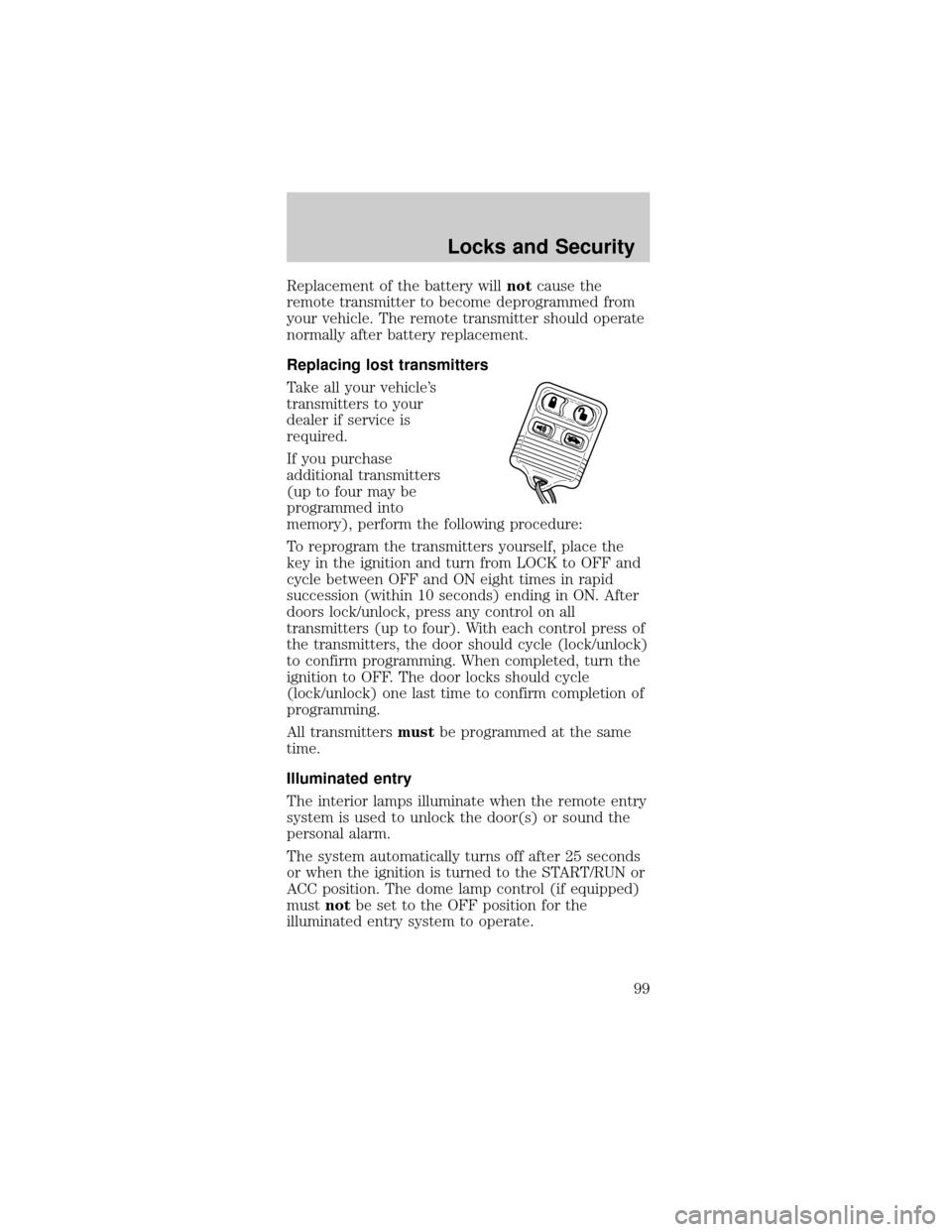
Take all your vehicle's
transmitters to your
dealer if service is
required.
If you purchase
additional transmitters
(up to four may be
programmed into
memory), perform the following procedure:
To reprogram the transmitters yourself, place the
key in the ignition and turn from LOCK to OFF and
cycle between OFF and ON eight times in rapid
succession (within 10 seconds) ending in ON. After
doors lock/unlock, press any control on all
transmitters (up to four). With each control press of
the transmitters, the door should cycle (lock/unlock)
to confirm programming. When completed, turn the
ignition to OFF. The door locks should cycle
(lock/unlock) one last time to confirm completion of
programming.
All transmittersmustbe programmed at the same
time.
Illuminated entry
The interior lamps illuminate when the remote entry
system is used to unlock the door(s) or sound the
personal alarm.
The system automatically turns off after 25 seconds
or when the ignition is turned to the START/RUN or
ACC position. The dome lamp control (if equipped)
mustnotbe set to the OFF position for the
illuminated entry system to operate.
Locks and Security
99
Page 100 of 264
The inside lights will not turn off if:
²they have been turned on with the dimmer
control or
²any door is open
The battery saver will shut off the interior lamps 30
minutes after the ignition has been turned to the
OFF position, 10 minutes after if the door is left
open, and 30 minutes after if the trunk is left open
or the dome lamp switch is left on.
SECURILOCKYPASSIVE ANTI-THEFT SYSTEM
SecuriLockypassive anti-theft system is an engine
immobilization system. This system prevents the
engine from being started unless acoded key
programmed to your vehicleis used.
The SecuriLockypassive anti-theft system is not
compatible with non-Ford aftermarket remote start
systems. Use of these systems may result in vehicle
starting problems and a loss of security protection.
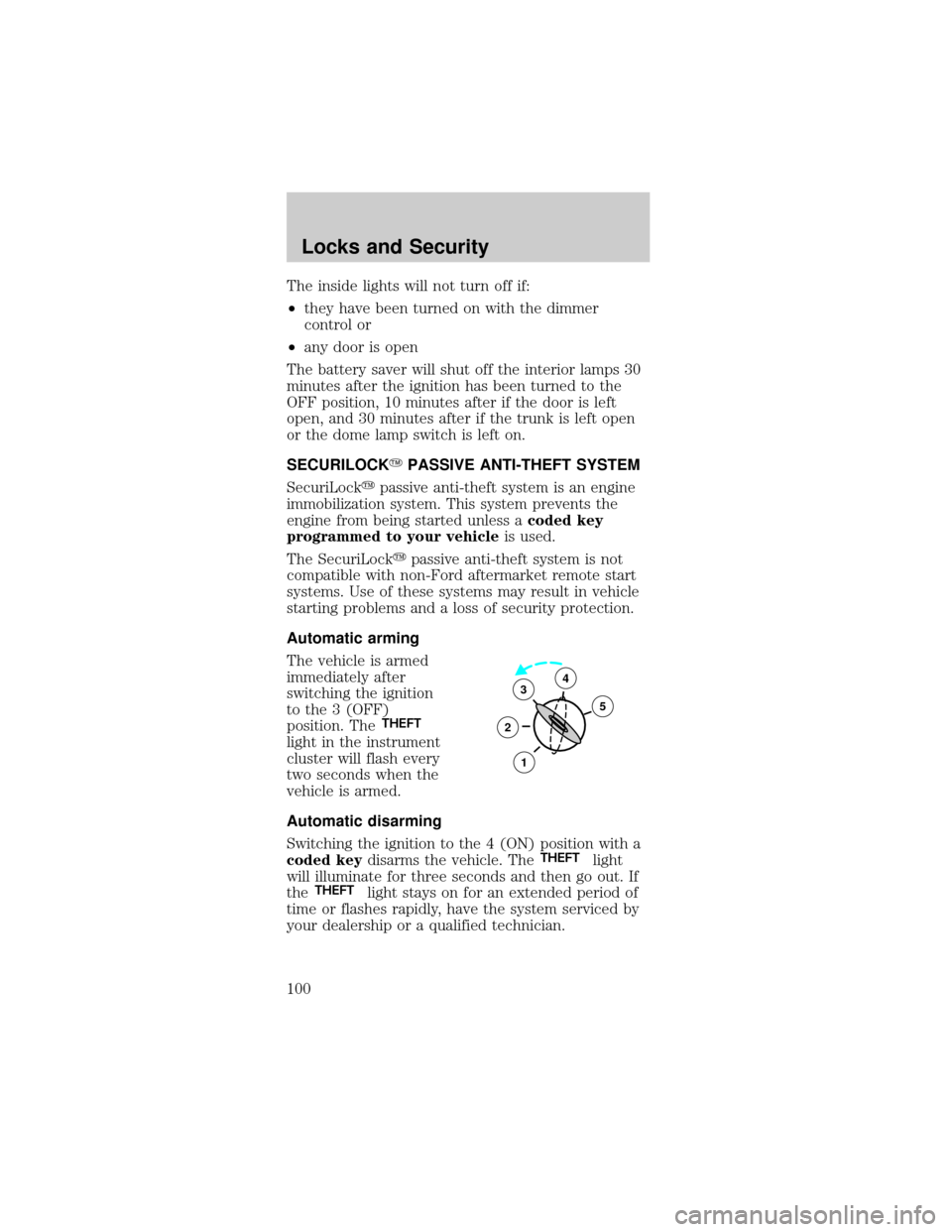
Automatic arming
The vehicle is armed
immediately after
switching the ignition
to the 3 (OFF)
position. The
THEFT
light in the instrument
cluster will flash every
two seconds when the
vehicle is armed.
Automatic disarming
Switching the ignition to the 4 (ON) position with a
coded keydisarms the vehicle. The
THEFTlight
will illuminate for three seconds and then go out. If
the
THEFTlight stays on for an extended period of
time or flashes rapidly, have the system serviced by
your dealership or a qualified technician.
3
2
1
5
4
Locks and Security
100
Page 101 of 264
Key information
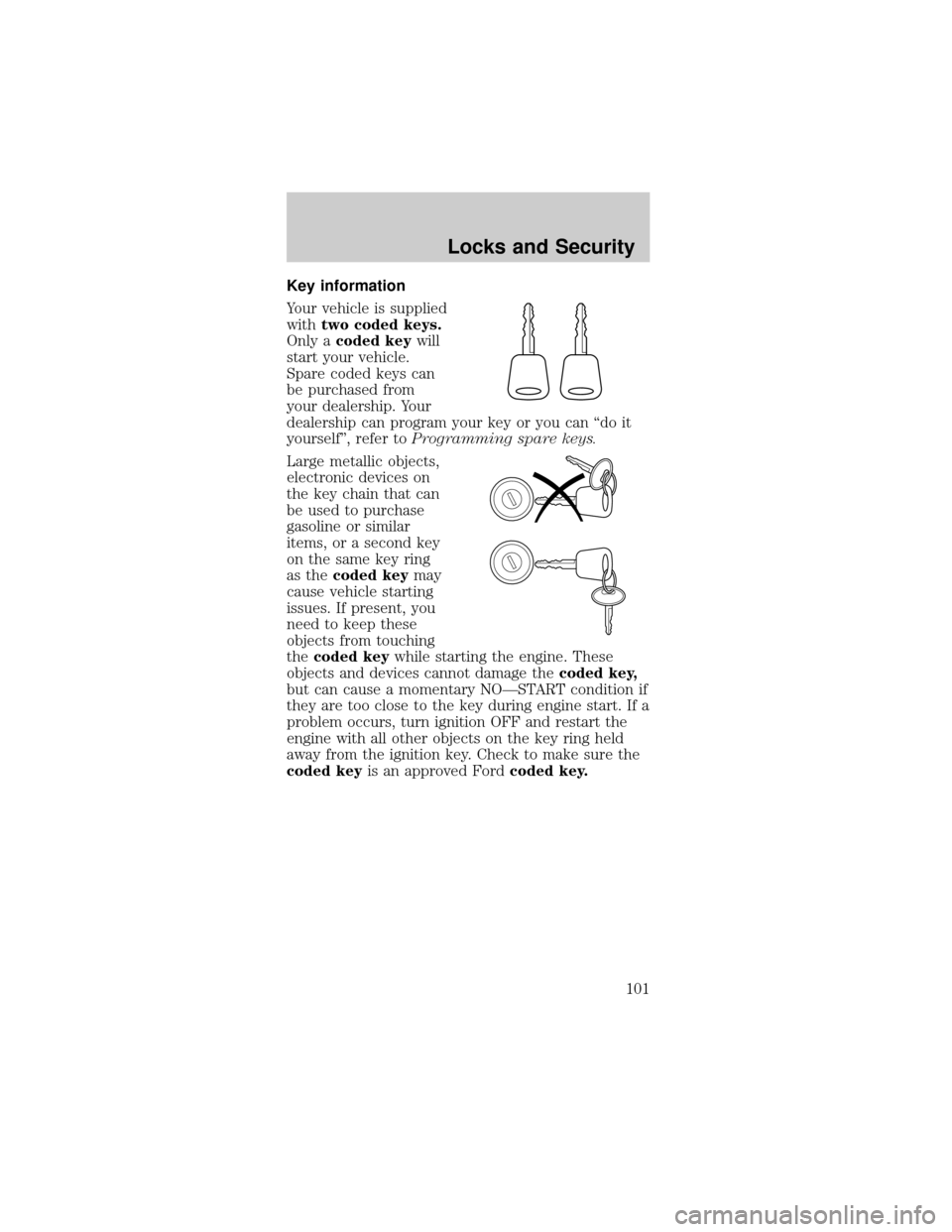
Your vehicle is supplied
withtwo coded keys.
Only acoded keywill
start your vehicle.
Spare coded keys can
be purchased from
your dealership. Your
dealership can program your key or you can ªdo it
yourselfº, refer toProgramming spare keys.
Large metallic objects,
electronic devices on
the key chain that can
be used to purchase
gasoline or similar
items, or a second key
on the same key ring
as thecoded keymay
cause vehicle starting
issues. If present, you
need to keep these
objects from touching
thecoded keywhile starting the engine. These
objects and devices cannot damage thecoded key,
but can cause a momentary NOÐSTART condition if
they are too close to the key during engine start. If a
problem occurs, turn ignition OFF and restart the
engine with all other objects on the key ring held
away from the ignition key. Check to make sure the
coded keyis an approved Fordcoded key.
Locks and Security
101
Page 102 of 264
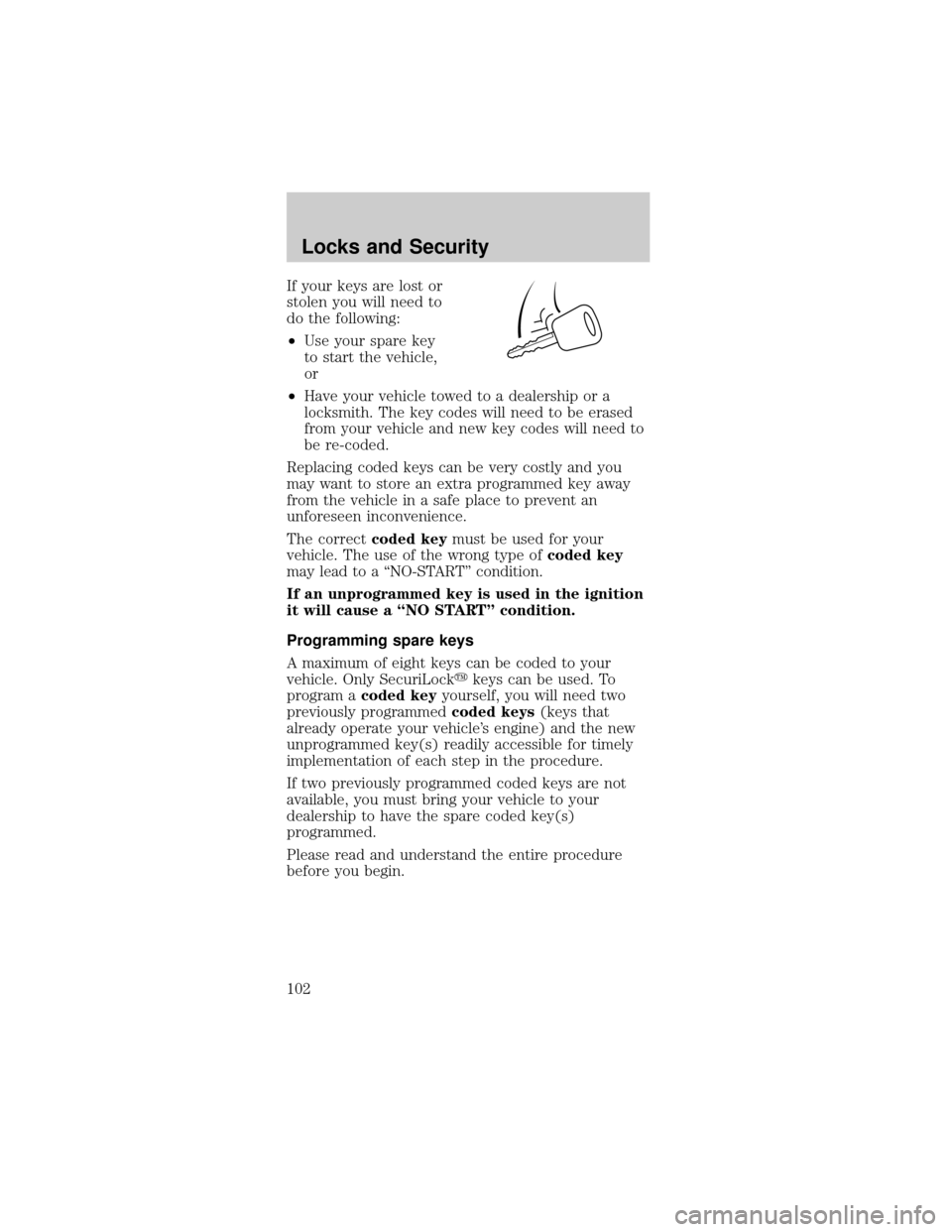
If your keys are lost or
stolen you will need to
do the following:
²Use your spare key
to start the vehicle,
or
²Have your vehicle towed to a dealership or a
locksmith. The key codes will need to be erased
from your vehicle and new key codes will need to
be re-coded.
Replacing coded keys can be very costly and you
may want to store an extra programmed key away
from the vehicle in a safe place to prevent an
unforeseen inconvenience.
The correctcoded keymust be used for your
vehicle. The use of the wrong type ofcoded key
may lead to a ªNO-STARTº condition.
If an unprogrammed key is used in the ignition
it will cause a ªNO STARTº condition.
Programming spare keys
A maximum of eight keys can be coded to your
vehicle. Only SecuriLockykeys can be used. To
program acoded keyyourself, you will need two
previously programmedcoded keys(keys that
already operate your vehicle's engine) and the new
unprogrammed key(s) readily accessible for timely
implementation of each step in the procedure.
If two previously programmed coded keys are not
available, you must bring your vehicle to your
dealership to have the spare coded key(s)
programmed.
Please read and understand the entire procedure
before you begin.
Locks and Security
102