reset FORD MUSTANG 2005 5.G User Guide
[x] Cancel search | Manufacturer: FORD, Model Year: 2005, Model line: MUSTANG, Model: FORD MUSTANG 2005 5.GPages: 240, PDF Size: 2.08 MB
Page 51 of 240
Selectable features
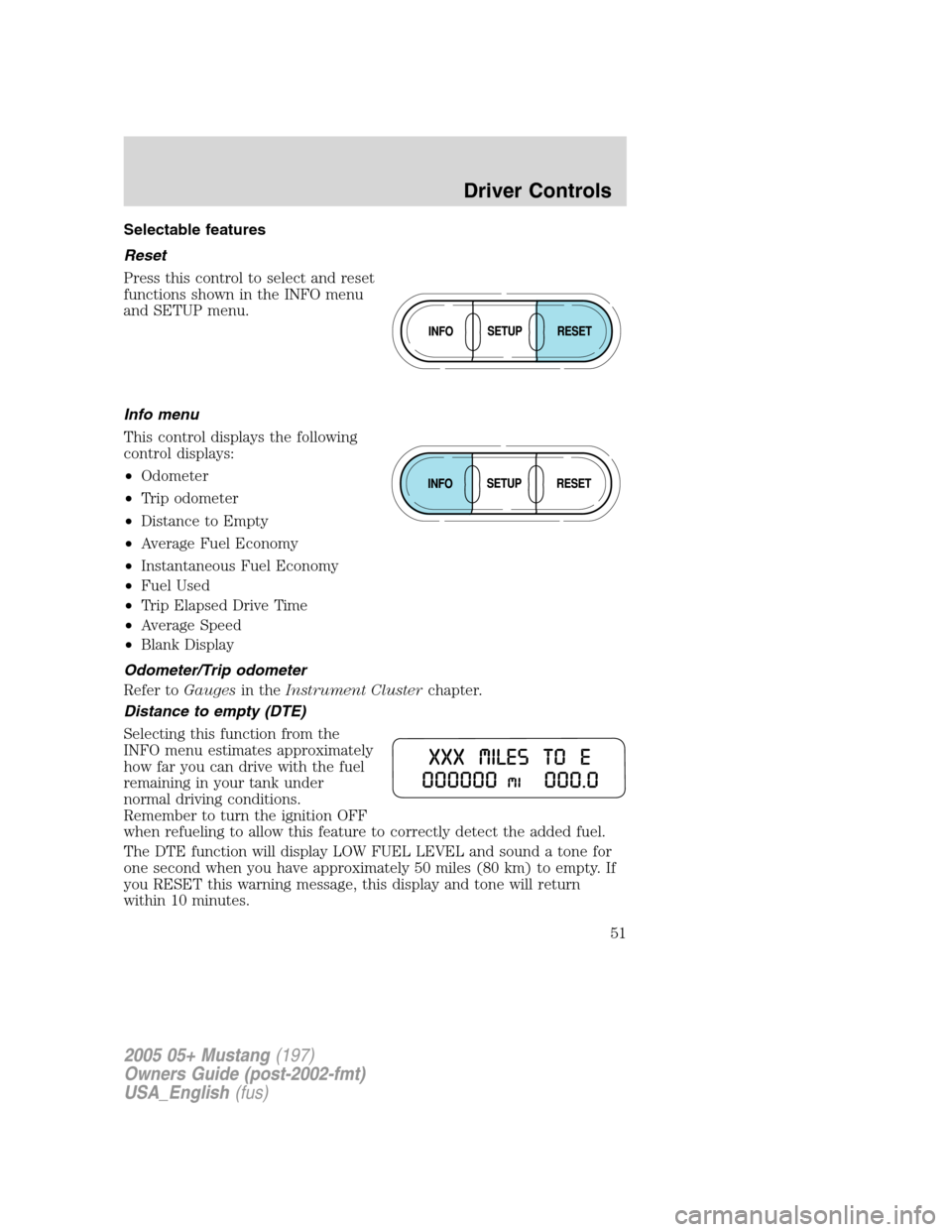
Reset
Press this control to select and reset
functions shown in the INFO menu
and SETUP menu.
Info menu
This control displays the following
control displays:
•Odometer
•Trip odometer
•Distance to Empty
•Average Fuel Economy
•Instantaneous Fuel Economy
•Fuel Used
•Trip Elapsed Drive Time
•Average Speed
•Blank Display
Odometer/Trip odometer
Refer toGaugesin theInstrument Clusterchapter.
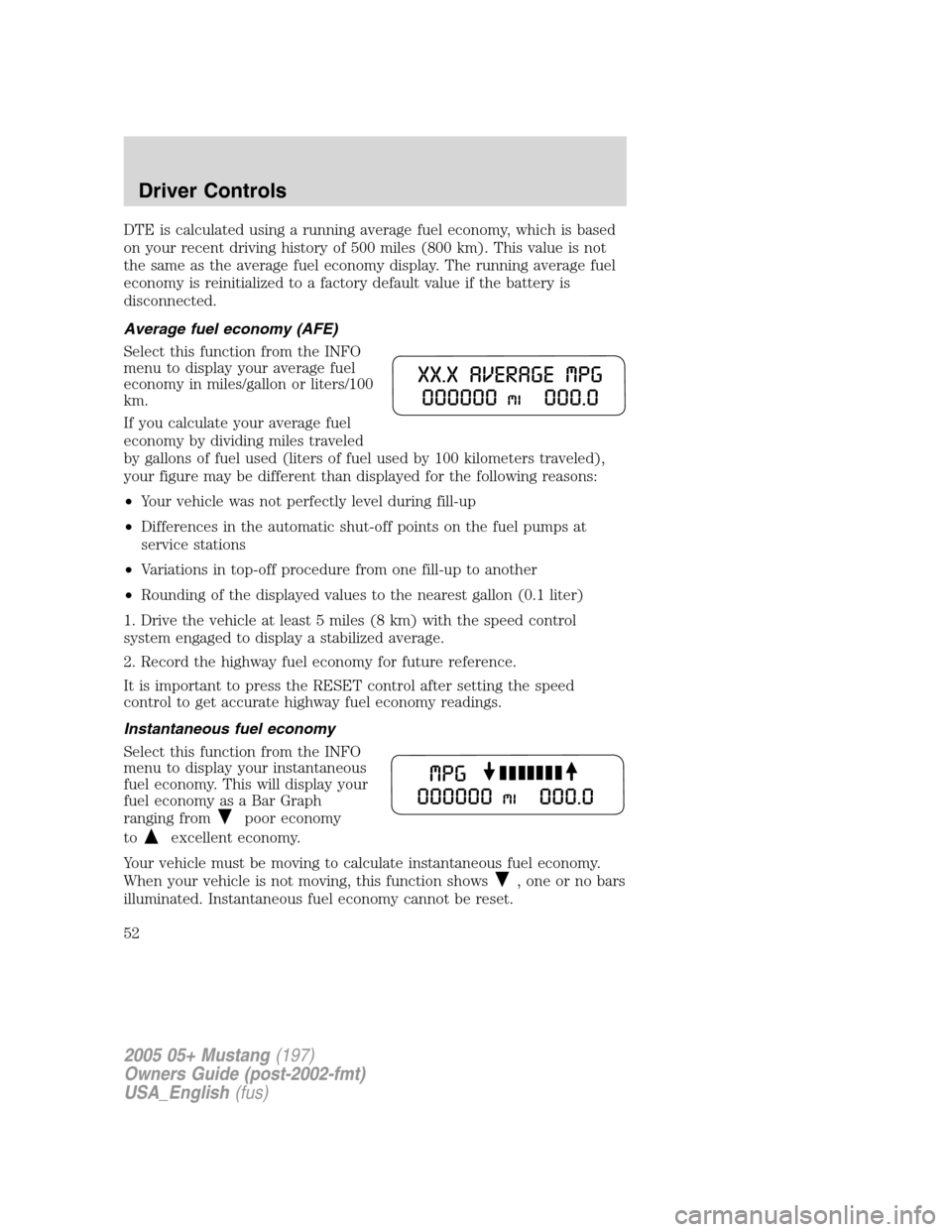
Distance to empty (DTE)
Selecting this function from the
INFO menu estimates approximately
how far you can drive with the fuel
remaining in your tank under
normal driving conditions.
Remember to turn the ignition OFF
when refueling to allow this feature to correctly detect the added fuel.
The DTE function will display LOW FUEL LEVEL and sound a tone for
one second when you have approximately 50 miles (80 km) to empty. If
you RESET this warning message, this display and tone will return
within 10 minutes.
2005 05+ Mustang(197)
Owners Guide (post-2002-fmt)
USA_English(fus)
Driver Controls
51
Page 52 of 240
DTE is calculated using a running average fuel economy, which is based
on your recent driving history of 500 miles (800 km). This value is not
the same as the average fuel economy display. The running average fuel
economy is reinitialized to a factory default value if the battery is
disconnected.
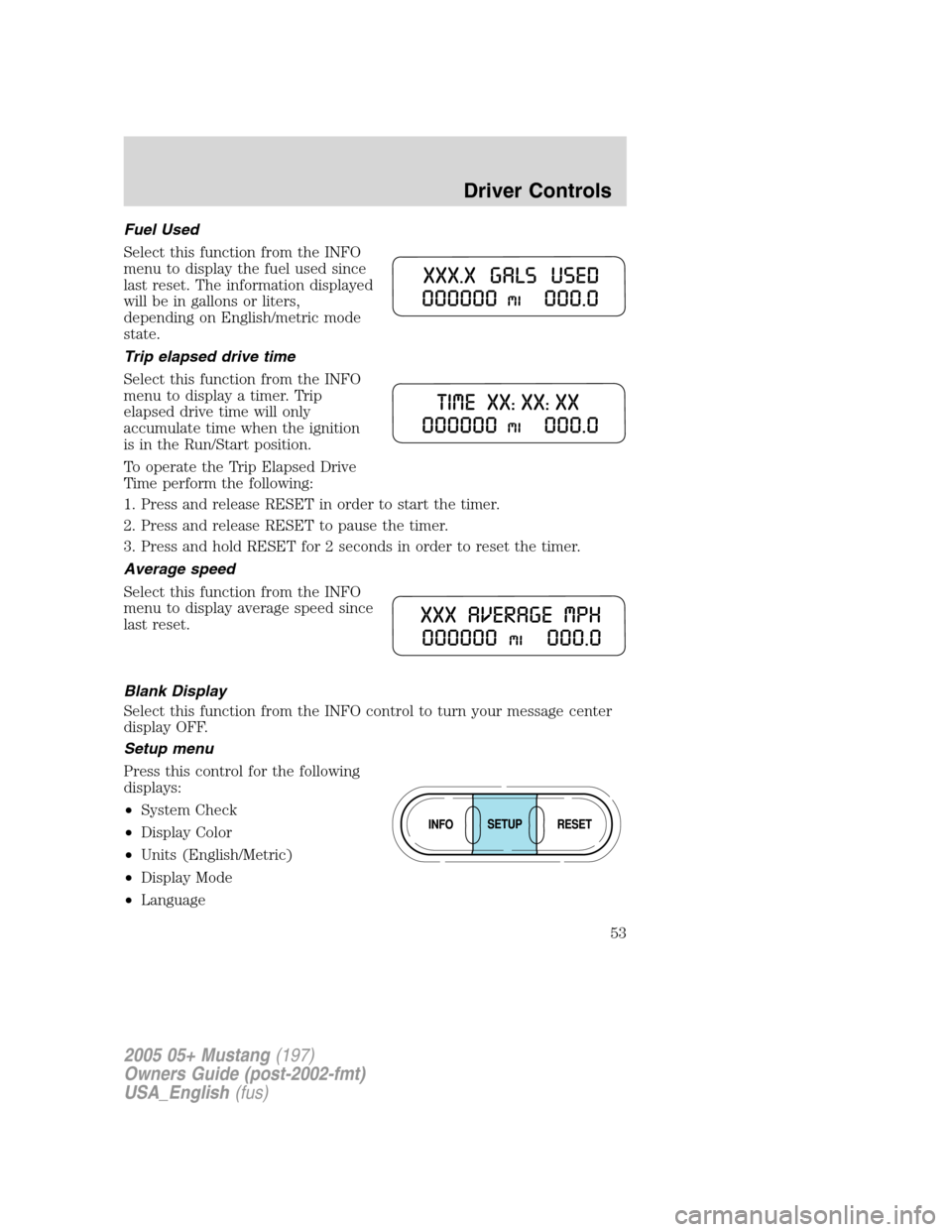
Average fuel economy (AFE)
Select this function from the INFO
menu to display your average fuel
economy in miles/gallon or liters/100
km.
If you calculate your average fuel
economy by dividing miles traveled
by gallons of fuel used (liters of fuel used by 100 kilometers traveled),
your figure may be different than displayed for the following reasons:
•Your vehicle was not perfectly level during fill-up
•Differences in the automatic shut-off points on the fuel pumps at
service stations
•Variations in top-off procedure from one fill-up to another
•Rounding of the displayed values to the nearest gallon (0.1 liter)
1. Drive the vehicle at least 5 miles (8 km) with the speed control
system engaged to display a stabilized average.
2. Record the highway fuel economy for future reference.
It is important to press the RESET control after setting the speed
control to get accurate highway fuel economy readings.
Instantaneous fuel economy
Select this function from the INFO
menu to display your instantaneous
fuel economy. This will display your
fuel economy as a Bar Graph
ranging from
poor economy
to
excellent economy.
Your vehicle must be moving to calculate instantaneous fuel economy.
When your vehicle is not moving, this function shows
, one or no bars
illuminated. Instantaneous fuel economy cannot be reset.
2005 05+ Mustang(197)
Owners Guide (post-2002-fmt)
USA_English(fus)
Driver Controls
52
Page 53 of 240
Fuel Used
Select this function from the INFO
menu to display the fuel used since
last reset. The information displayed
will be in gallons or liters,
depending on English/metric mode
state.
Trip elapsed drive time
Select this function from the INFO
menu to display a timer. Trip
elapsed drive time will only
accumulate time when the ignition
is in the Run/Start position.
To operate the Trip Elapsed Drive
Time perform the following:
1. Press and release RESET in order to start the timer.
2. Press and release RESET to pause the timer.
3. Press and hold RESET for 2 seconds in order to reset the timer.
Average speed
Select this function from the INFO
menu to display average speed since
last reset.
Blank Display
Select this function from the INFO control to turn your message center
display OFF.
Setup menu
Press this control for the following
displays:
•System Check
•Display Color
•Units (English/Metric)
•Display Mode
•Language
2005 05+ Mustang(197)
Owners Guide (post-2002-fmt)
USA_English(fus)
Driver Controls
53
Page 54 of 240
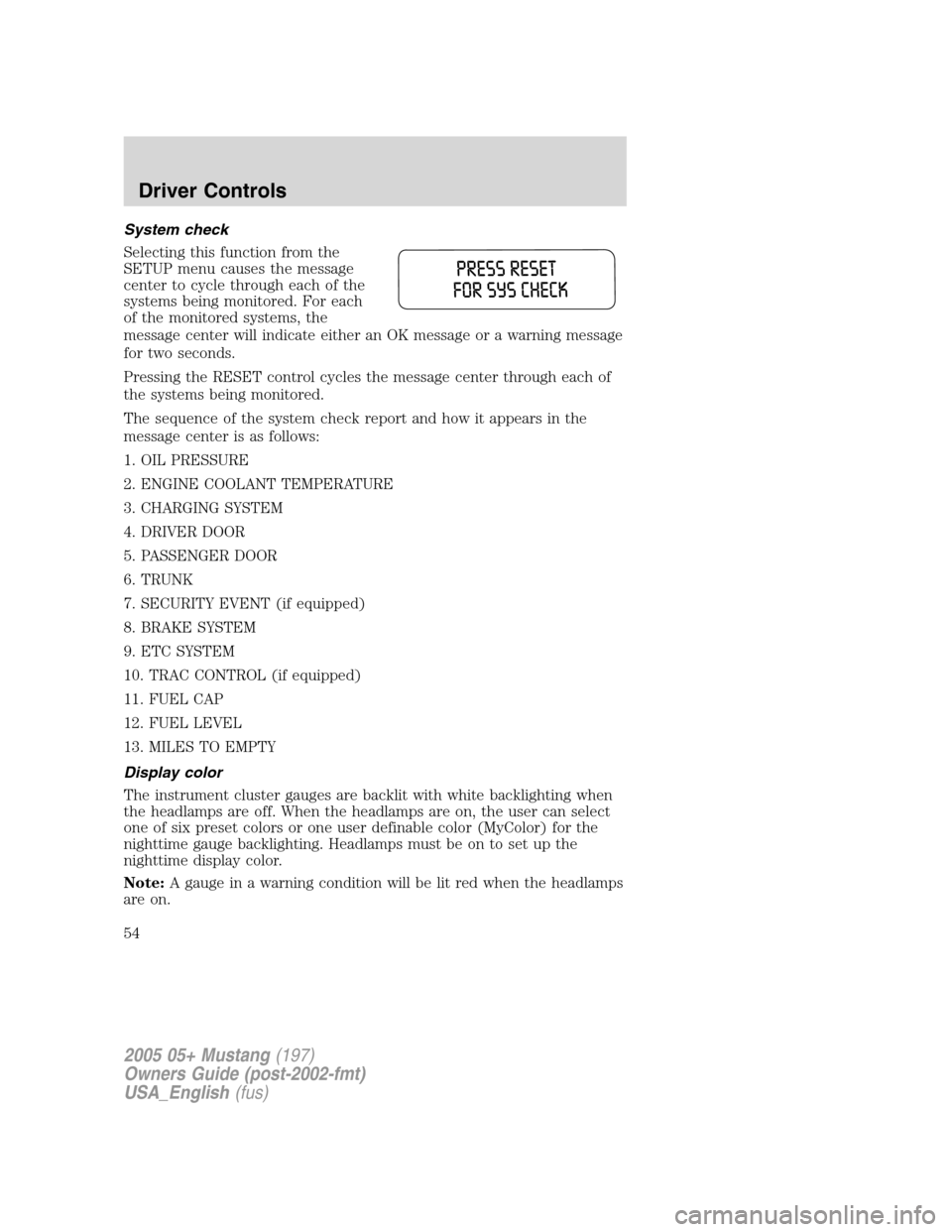
System check
Selecting this function from the
SETUP menu causes the message
center to cycle through each of the
systems being monitored. For each
of the monitored systems, the
message center will indicate either an OK message or a warning message
for two seconds.
Pressing the RESET control cycles the message center through each of
the systems being monitored.
The sequence of the system check report and how it appears in the
message center is as follows:
1. OIL PRESSURE
2. ENGINE COOLANT TEMPERATURE
3. CHARGING SYSTEM
4. DRIVER DOOR
5. PASSENGER DOOR
6. TRUNK
7. SECURITY EVENT (if equipped)
8. BRAKE SYSTEM
9. ETC SYSTEM
10. TRAC CONTROL (if equipped)
11. FUEL CAP
12. FUEL LEVEL
13. MILES TO EMPTY
Display color
The instrument cluster gauges are backlit with white backlighting when
the headlamps are off. When the headlamps are on, the user can select
one of six preset colors or one user definable color (MyColor) for the
nighttime gauge backlighting. Headlamps must be on to set up the
nighttime display color.
Note:A gauge in a warning condition will be lit red when the headlamps
are on.
2005 05+ Mustang(197)
Owners Guide (post-2002-fmt)
USA_English(fus)
Driver Controls
54
Page 55 of 240
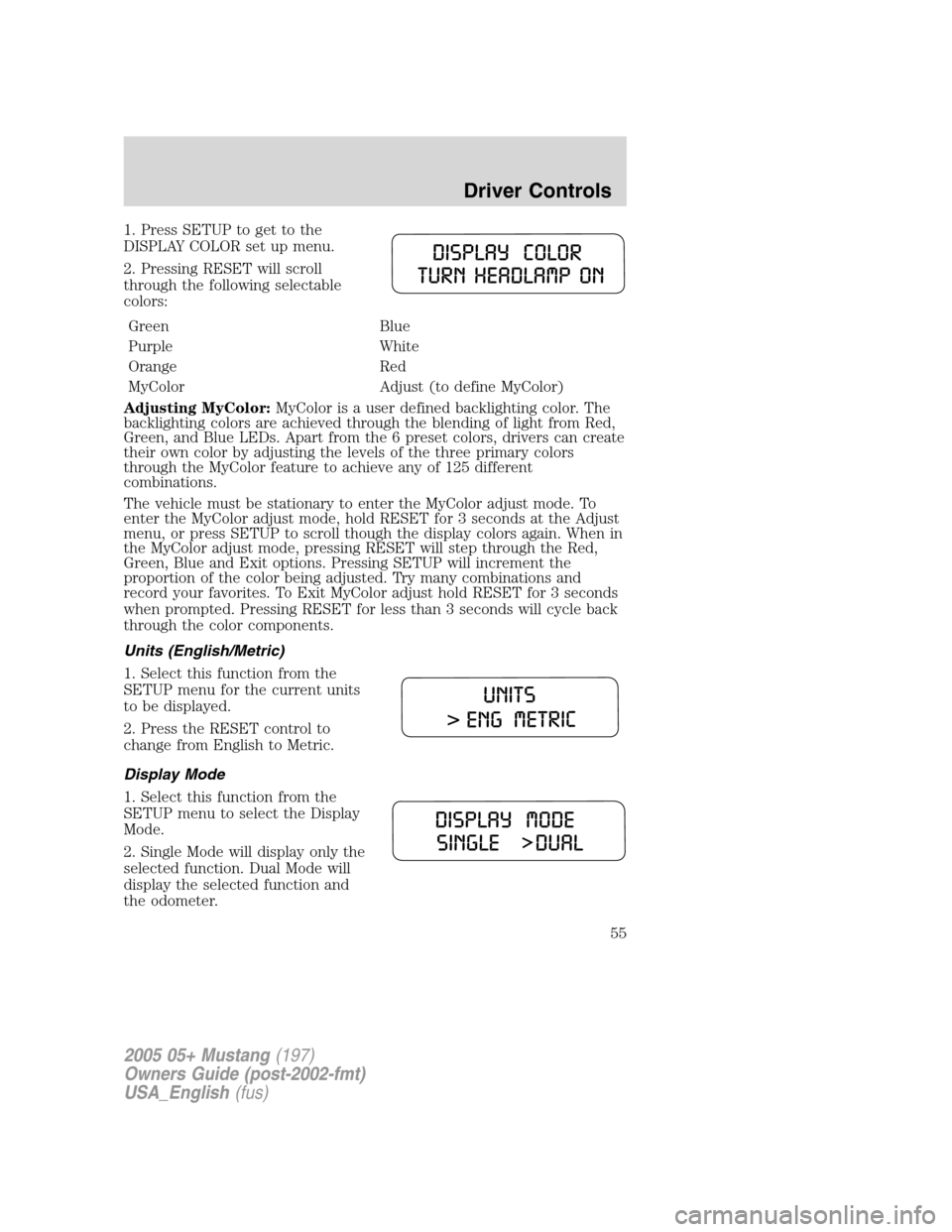
1. Press SETUP to get to the
DISPLAY COLOR set up menu.
2. Pressing RESET will scroll
through the following selectable
colors:
Green Blue
Purple White
Orange Red
MyColor Adjust (to define MyColor)
Adjusting MyColor:MyColor is a user defined backlighting color. The
backlighting colors are achieved through the blending of light from Red,
Green, and Blue LEDs. Apart from the 6 preset colors, drivers can create
their own color by adjusting the levels of the three primary colors
through the MyColor feature to achieve any of 125 different
combinations.
The vehicle must be stationary to enter the MyColor adjust mode. To
enter the MyColor adjust mode, hold RESET for 3 seconds at the Adjust
menu, or press SETUP to scroll though the display colors again. When in
the MyColor adjust mode, pressing RESET will step through the Red,
Green, Blue and Exit options. Pressing SETUP will increment the
proportion of the color being adjusted. Try many combinations and
record your favorites. To Exit MyColor adjust hold RESET for 3 seconds
when prompted. Pressing RESET for less than 3 seconds will cycle back
through the color components.
Units (English/Metric)
1. Select this function from the
SETUP menu for the current units
to be displayed.
2. Press the RESET control to
change from English to Metric.
Display Mode
1. Select this function from the
SETUP menu to select the Display
Mode.
2. Single Mode will display only the
selected function. Dual Mode will
display the selected function and
the odometer.
2005 05+ Mustang(197)
Owners Guide (post-2002-fmt)
USA_English(fus)
Driver Controls
55
Page 56 of 240
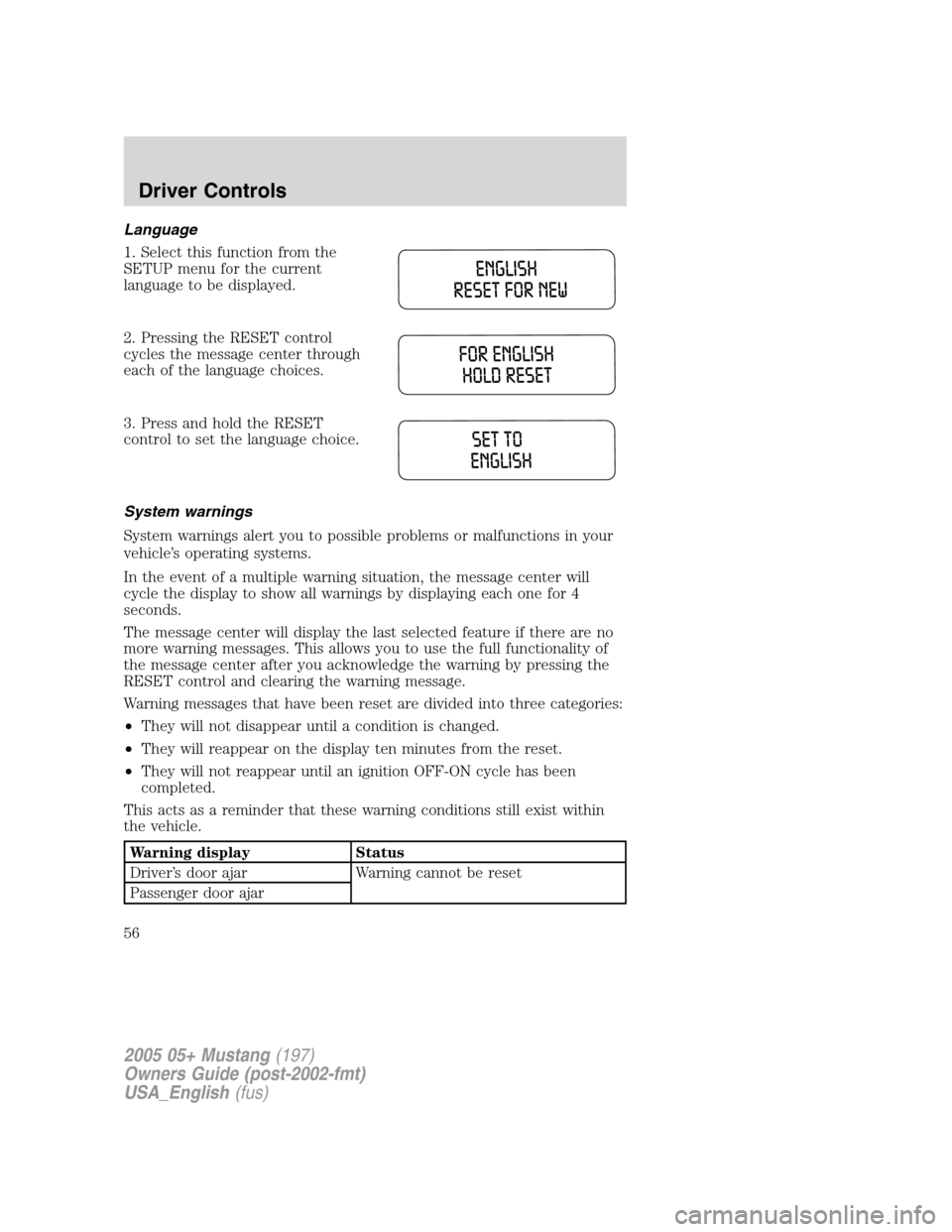
Language
1. Select this function from the
SETUP menu for the current
language to be displayed.
2. Pressing the RESET control
cycles the message center through
each of the language choices.
3. Press and hold the RESET
control to set the language choice.
System warnings
System warnings alert you to possible problems or malfunctions in your
vehicle’s operating systems.
In the event of a multiple warning situation, the message center will
cycle the display to show all warnings by displaying each one for 4
seconds.
The message center will display the last selected feature if there are no
more warning messages. This allows you to use the full functionality of
the message center after you acknowledge the warning by pressing the
RESET control and clearing the warning message.
Warning messages that have been reset are divided into three categories:
•They will not disappear until a condition is changed.
•They will reappear on the display ten minutes from the reset.
•They will not reappear until an ignition OFF-ON cycle has been
completed.
This acts as a reminder that these warning conditions still exist within
the vehicle.
Warning display Status
Driver’s door ajar Warning cannot be reset
Passenger door ajar
2005 05+ Mustang(197)
Owners Guide (post-2002-fmt)
USA_English(fus)
Driver Controls
56
Page 153 of 240
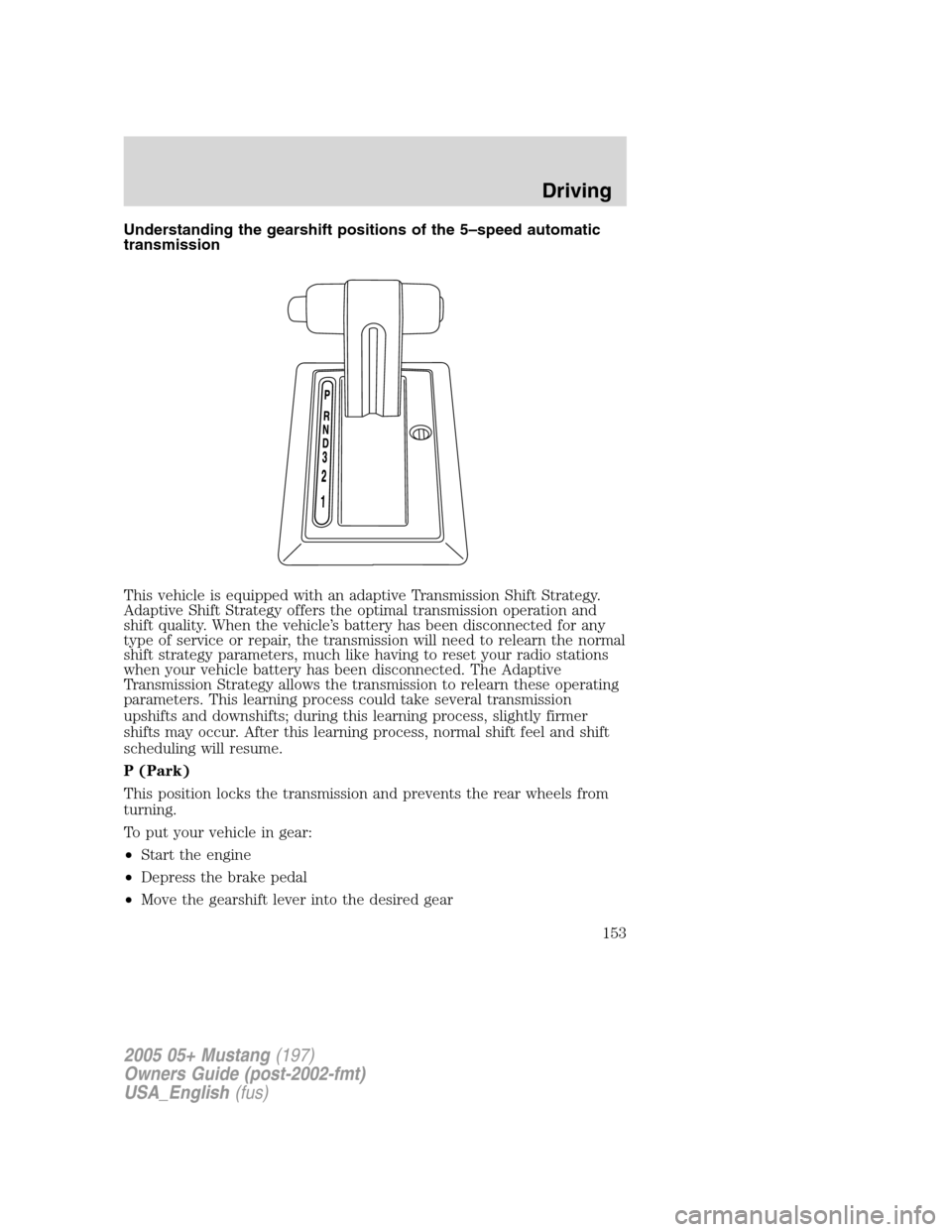
Understanding the gearshift positions of the 5–speed automatic
transmission
This vehicle is equipped with an adaptive Transmission Shift Strategy.
Adaptive Shift Strategy offers the optimal transmission operation and
shift quality. When the vehicle’s battery has been disconnected for any
type of service or repair, the transmission will need to relearn the normal
shift strategy parameters, much like having to reset your radio stations
when your vehicle battery has been disconnected. The Adaptive
Transmission Strategy allows the transmission to relearn these operating
parameters. This learning process could take several transmission
upshifts and downshifts; during this learning process, slightly firmer
shifts may occur. After this learning process, normal shift feel and shift
scheduling will resume.
P (Park)
This position locks the transmission and prevents the rear wheels from
turning.
To put your vehicle in gear:
•Start the engine
•Depress the brake pedal
•Move the gearshift lever into the desired gear
2005 05+ Mustang(197)
Owners Guide (post-2002-fmt)
USA_English(fus)
Driving
153
Page 160 of 240
FUEL PUMP SHUT-OFF SWITCHFUEL
RESET
This device stops the electric fuel pump from sending fuel to the engine
when your vehicle has had a substantial jolt.
After an accident, if the engine cranks but does not start, this switch
may have been activated.
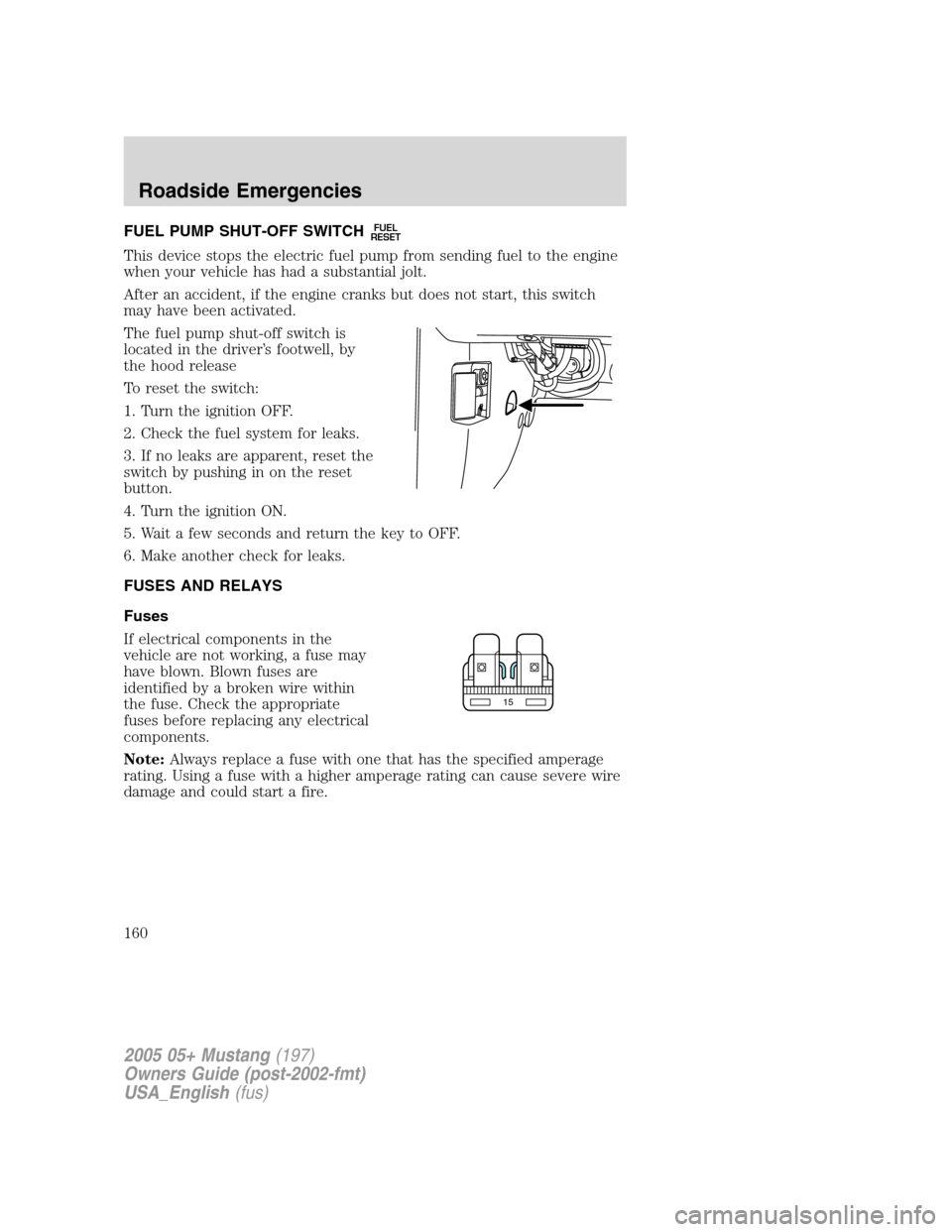
The fuel pump shut-off switch is
located in the driver’s footwell, by
the hood release
To reset the switch:
1. Turn the ignition OFF.
2. Check the fuel system for leaks.
3. If no leaks are apparent, reset the
switch by pushing in on the reset
button.
4. Turn the ignition ON.
5. Wait a few seconds and return the key to OFF.
6. Make another check for leaks.
FUSES AND RELAYS
Fuses
If electrical components in the
vehicle are not working, a fuse may
have blown. Blown fuses are
identified by a broken wire within
the fuse. Check the appropriate
fuses before replacing any electrical
components.
Note:Always replace a fuse with one that has the specified amperage
rating. Using a fuse with a higher amperage rating can cause severe wire
damage and could start a fire.
15
2005 05+ Mustang(197)
Owners Guide (post-2002-fmt)
USA_English(fus)
Roadside Emergencies
160
Page 200 of 240
will not affect function or durability of the transmission. Over time the
adaptive learning process will fully update transmission operation to its
optimum shift feel.
If the battery has been disconnected or a new battery has been installed,
the clock and the preset radio stations must be reset once the battery is
reconnected.
•Always dispose of automotive
batteries in a responsible manner.
Follow your local authorized
standards for disposal. Call your
local authorized recycling center
to find out more about recycling
automotive batteries.
ENGINE COOLANT
Checking engine coolant
The concentration and level of engine coolant should be checked at the
mileage intervals listed in theScheduled Maintenance Guide. The
coolant concentration should be maintained at 50/50 coolant and distilled
water, which equates to a freeze point of -34°F (-36°C). Coolant
concentration testing is possible with a hydrometer or antifreeze tester
(such as the Rotunda Battery and Antifreeze Tester, 014–R1060). The
level of coolant should be maintained at the“FULL COLD”level or
within the“COLD FILL RANGE”in the coolant reservoir. If the level falls
below, add coolant per the instructions in theAdding engine coolant
section.
Your vehicle was factory-filled with a 50/50 engine coolant and water
concentration. If the concentration of coolant falls below 40% or above
60%, the engine parts could become damaged or not work properly.A
50–50 mixture of coolant and water provides the following:
•Freeze protection down to -34°F (-36°C).
•Boiling protection up to 265°F (129°C).
•Protection against rust and other forms of corrosion.
•Enables calibrated gauges to work properly.
LEAD
RETURN
RECYCLE
2005 05+ Mustang(197)
Owners Guide (post-2002-fmt)
USA_English(fus)
Maintenance and Specifications
200
Page 205 of 240
How fail-safe cooling works
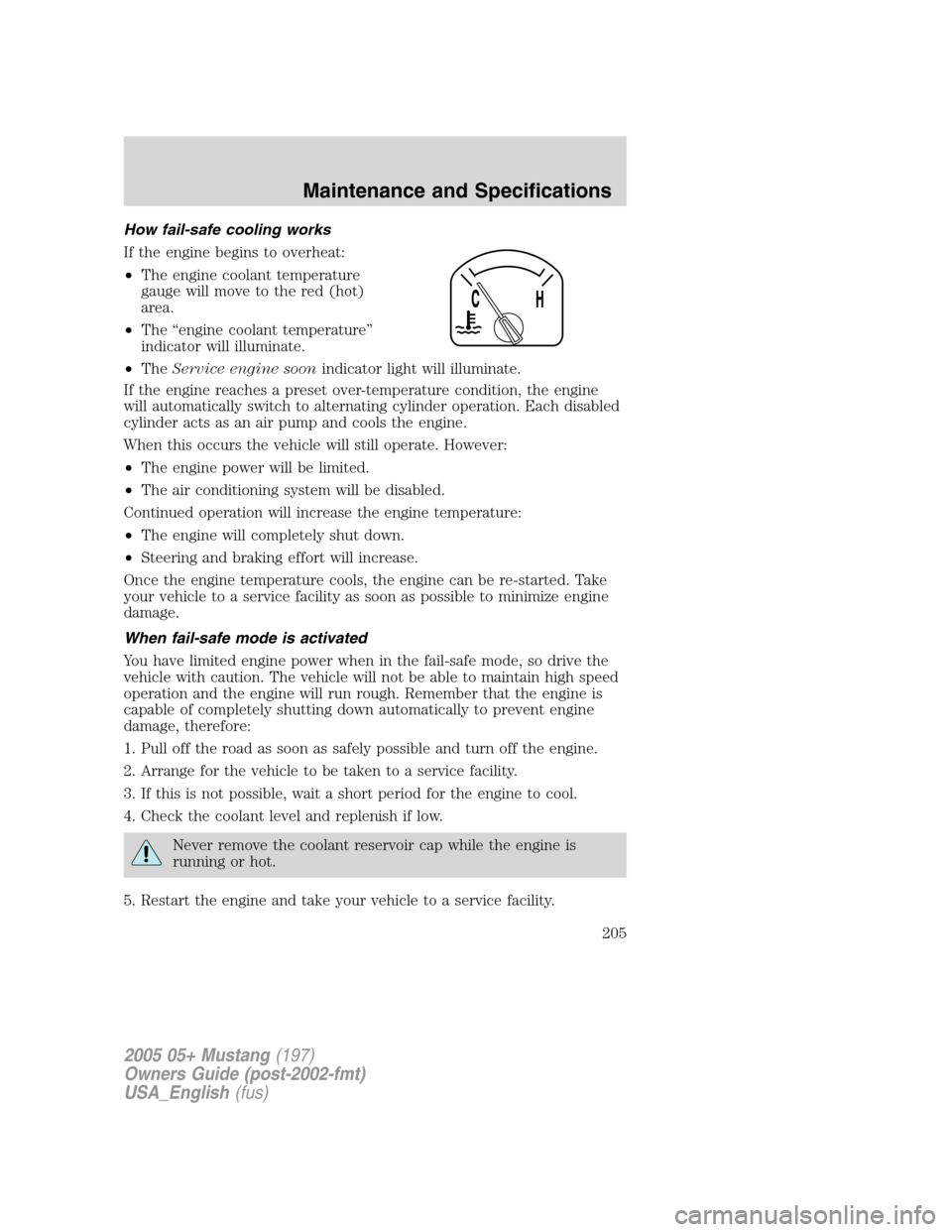
If the engine begins to overheat:
•The engine coolant temperature
gauge will move to the red (hot)
area.
•The“engine coolant temperature”
indicator will illuminate.
•TheService engine soonindicator light will illuminate.
If the engine reaches a preset over-temperature condition, the engine
will automatically switch to alternating cylinder operation. Each disabled
cylinder acts as an air pump and cools the engine.
When this occurs the vehicle will still operate. However:
•The engine power will be limited.
•The air conditioning system will be disabled.
Continued operation will increase the engine temperature:
•The engine will completely shut down.
•Steering and braking effort will increase.
Once the engine temperature cools, the engine can be re-started. Take
your vehicle to a service facility as soon as possible to minimize engine
damage.
When fail-safe mode is activated
You have limited engine power when in the fail-safe mode, so drive the
vehicle with caution. The vehicle will not be able to maintain high speed
operation and the engine will run rough. Remember that the engine is
capable of completely shutting down automatically to prevent engine
damage, therefore:
1. Pull off the road as soon as safely possible and turn off the engine.
2. Arrange for the vehicle to be taken to a service facility.
3. If this is not possible, wait a short period for the engine to cool.
4. Check the coolant level and replenish if low.
Never remove the coolant reservoir cap while the engine is
running or hot.
5. Restart the engine and take your vehicle to a service facility.
2005 05+ Mustang(197)
Owners Guide (post-2002-fmt)
USA_English(fus)
Maintenance and Specifications
205