lock FORD TRANSIT 2017 5.G Service Manual
[x] Cancel search | Manufacturer: FORD, Model Year: 2017, Model line: TRANSIT, Model: FORD TRANSIT 2017 5.GPages: 484, PDF Size: 11.45 MB
Page 141 of 484
mileage can vary greatly depending upon
engine and vehicle operating conditions.
The filter may need to be replaced at
approximately 248,500 mi (400,000 km)
depending upon vehicle operating
conditions.
In both cases, the engine control system
will set a service light to inform you to have
your vehicle checked by an authorized
dealer.
If there are any issues with the diesel
particulate filter, the engine control system
will turn on a service light to inform you to
have your vehicle checked by an authorized
dealer. Powertrain fault indicator.
Service engine soon indicator.
Resonator and Tailpipe Assembly
Maintenance WARNINGS
Failure to maintain the functional
holes, in the tailpipe section of the
exhaust, clean and free of debris or
foreign material may result in the holes
becoming blocked or plugged. Do not
modify or remove the tail-pipe section.
Blocked or plugged holes or
removal/modification of the system could
result in elevated exhaust gas
temperatures which may result in
vehicle/property damage or personal
injury. The normal operating temperature
of the exhaust system is very high.
Never work around or attempt to
repair any part of the exhaust system until
it has cooled. Use special care when
working around the diesel oxidation
catalytic converter and/or the diesel
particulate filter (DPF). The diesel WARNINGS
oxidation catalytic converter and/or the
DPF heats up to a high temperature after
only a short period of engine operation and
can stay hot even after the engine is turned
off. Failure to follow these instructions may
result in personal injury. Note:
Additions of aftermarket devices or
modifications to the exhaust system can
reduce the effectiveness of the exhaust
system as well as cause damage to the
exhaust system or engine. These actions
may also affect your vehicle ’s warranty. See
the Warranty Guide for more information.
The diesel resonator tail-pipe assembly is
a uniquely functioning device that
accompanies the diesel particulate filter
assembly. The tail-pipe assembly serves
multiple functions. First, it serves as an
acoustic device to attenuate exhaust noise.
Second, it provides an exit path for the
exhaust from your vehicle. It also helps
control the temperature of the exhaust
during diesel particulate filter regeneration
events. The visible holes in each leg of the
twin tip and the holes under the shield just
inboard of the right rear tire(s) are
functional. You need to keep the holes
clear of mud, debris or foreign material to
maintain proper function of the exhaust
system. Clean and remove debris or foreign
material if present as needed. Spraying
with a hose during regular washing of your
vehicle should help keep holes clean and
clear of debris or foreign material.
138
Transit (TTH) Canada/United States of America, HK3J 19A321 AA enUSA, Edition date: 04/2016, First Printing Fuel and Refueling
Page 144 of 484
AUTOMATIC TRANSMISSION
WARNINGS
Always apply the parking brake fully
and make sure you shift into park (P).
Switch the ignition off and remove
the key whenever you leave your vehicle. Do not apply the brake pedal and
accelerator pedal simultaneously.
Applying both pedals simultaneously
for more than a few seconds will limit
engine performance, which may result in
difficulty maintaining speed in traffic and
could lead to serious injury. Understanding the Positions of
Your Automatic Transmission
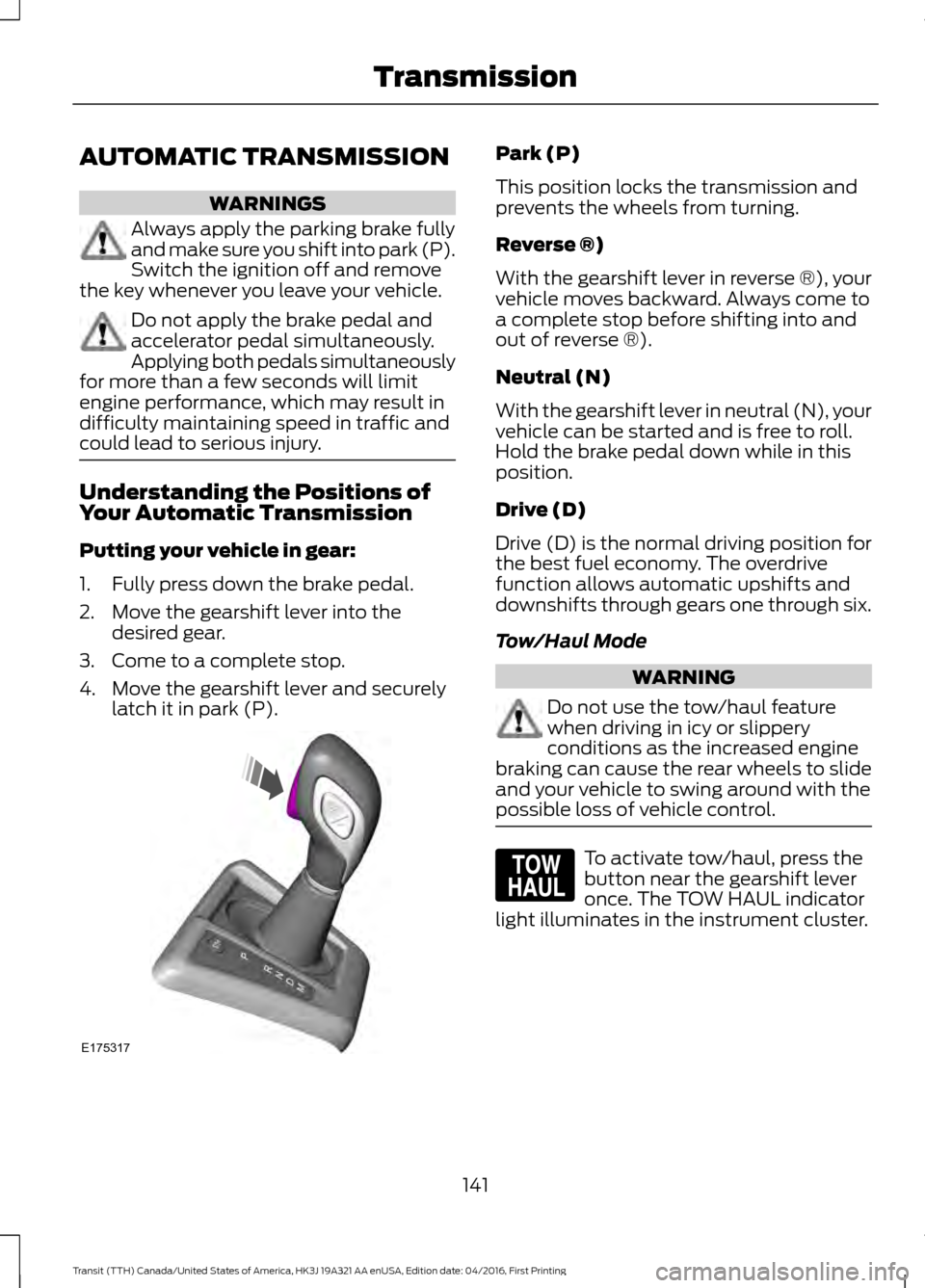
Putting your vehicle in gear:
1. Fully press down the brake pedal.
2. Move the gearshift lever into the
desired gear.
3. Come to a complete stop.
4. Move the gearshift lever and securely latch it in park (P). Park (P)
This position locks the transmission and
prevents the wheels from turning.
Reverse ®)
With the gearshift lever in reverse ®), your
vehicle moves backward. Always come to
a complete stop before shifting into and
out of reverse ®).
Neutral (N)
With the gearshift lever in neutral (N), your
vehicle can be started and is free to roll.
Hold the brake pedal down while in this
position.
Drive (D)
Drive (D) is the normal driving position for
the best fuel economy. The overdrive
function allows automatic upshifts and
downshifts through gears one through six.
Tow/Haul Mode
WARNING
Do not use the tow/haul feature
when driving in icy or slippery
conditions as the increased engine
braking can cause the rear wheels to slide
and your vehicle to swing around with the
possible loss of vehicle control. To activate tow/haul, press the
button near the gearshift lever
once. The TOW HAUL indicator
light illuminates in the instrument cluster.
141
Transit (TTH) Canada/United States of America, HK3J 19A321 AA enUSA, Edition date: 04/2016, First Printing TransmissionE175317 E161509
Page 146 of 484
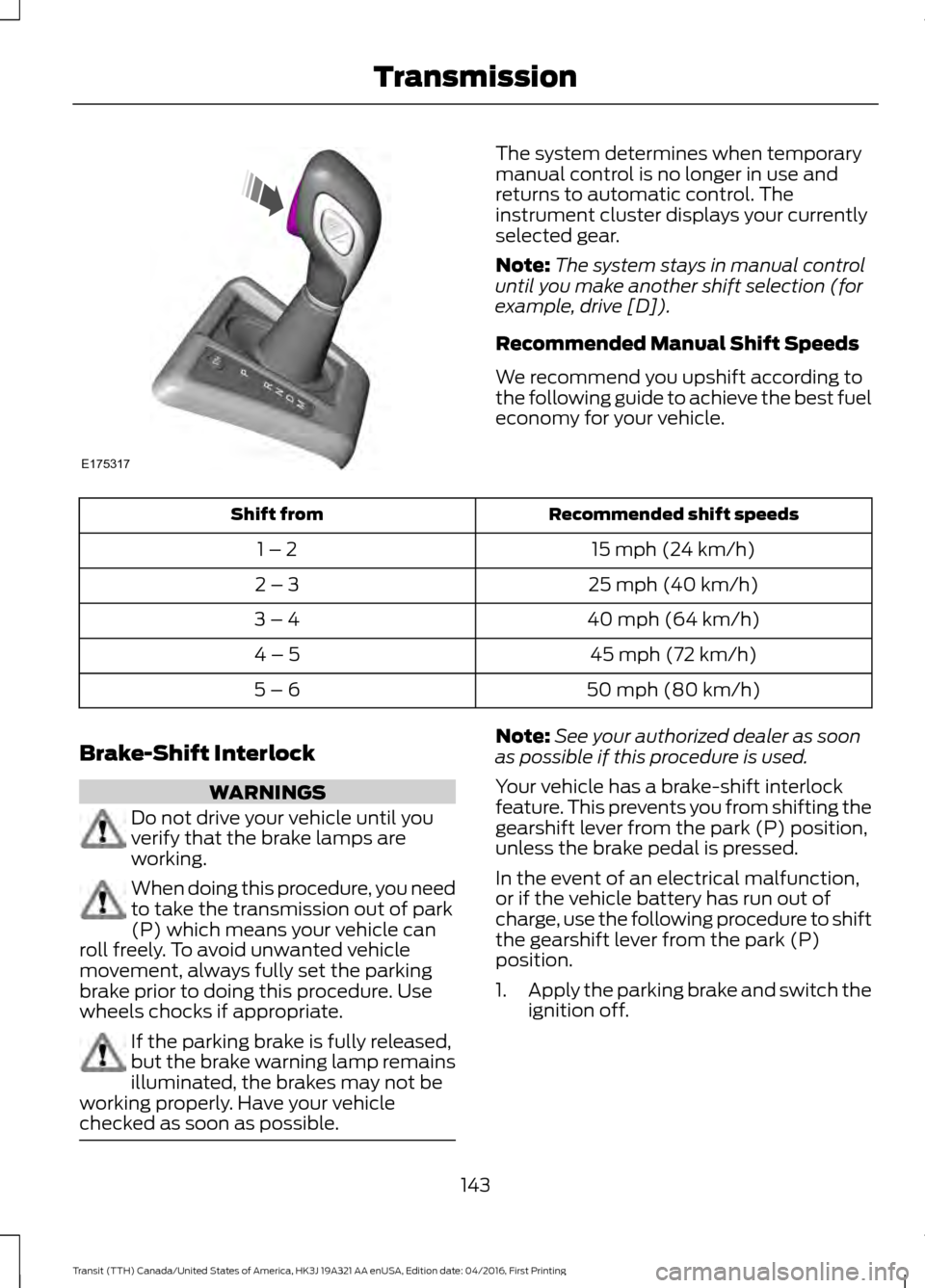
The system determines when temporary
manual control is no longer in use and
returns to automatic control. The
instrument cluster displays your currently
selected gear.
Note:
The system stays in manual control
until you make another shift selection (for
example, drive [D]).
Recommended Manual Shift Speeds
We recommend you upshift according to
the following guide to achieve the best fuel
economy for your vehicle. Recommended shift speeds
Shift from
15 mph (24 km/h)
1 – 2
25 mph (40 km/h)
2 – 3
40 mph (64 km/h)
3 – 4
45 mph (72 km/h)
4 – 5
50 mph (80 km/h)
5 – 6
Brake-Shift Interlock WARNINGS
Do not drive your vehicle until you
verify that the brake lamps are
working.
When doing this procedure, you need
to take the transmission out of park
(P) which means your vehicle can
roll freely. To avoid unwanted vehicle
movement, always fully set the parking
brake prior to doing this procedure. Use
wheels chocks if appropriate. If the parking brake is fully released,
but the brake warning lamp remains
illuminated, the brakes may not be
working properly. Have your vehicle
checked as soon as possible. Note:
See your authorized dealer as soon
as possible if this procedure is used.
Your vehicle has a brake-shift interlock
feature. This prevents you from shifting the
gearshift lever from the park (P) position,
unless the brake pedal is pressed.
In the event of an electrical malfunction,
or if the vehicle battery has run out of
charge, use the following procedure to shift
the gearshift lever from the park (P)
position.
1. Apply the parking brake and switch the
ignition off.
143
Transit (TTH) Canada/United States of America, HK3J 19A321 AA enUSA, Edition date: 04/2016, First Printing TransmissionE175317
Page 149 of 484
GENERAL INFORMATION
Note:
Occasional brake noise is normal. If
a metal-to-metal, continuous grinding or
continuous squeal sound is present, the
brake linings may be worn-out. Have the
system checked by an authorized dealer. If
your vehicle has continuous vibration or
shudder in the steering wheel while braking,
have it checked by an authorized dealer.
Note: Brake dust may accumulate on the
wheels, even under normal driving
conditions. Some dust is inevitable as the
brakes wear and does not contribute to
brake noise. See Cleaning the Wheels
(page 244). See
Warning Lamps and
Indicators (page 81).
Wet brakes result in reduced braking
efficiency. Gently press the brake pedal a
few times when driving from a car wash or
standing water to dry the brakes.
Brake Over Accelerator
In the event the accelerator pedal
becomes stuck or entrapped, apply steady
and firm pressure to the brake pedal to
slow the vehicle and reduce engine power.
If you experience this condition, apply the
brakes and bring your vehicle to a safe
stop. Move the gearshift lever to park (P),
switch the engine off and apply the parking
brake. Inspect the accelerator pedal for
any interference. If none are found and the
condition persists, have your vehicle towed
to the nearest authorized dealer.
Brake Assist
Brake assist detects when you brake
rapidly by measuring the rate at which you
press the brake pedal. It provides
maximum braking efficiency as long as you
press the pedal, and can reduce stopping
distances in critical situations. Anti-lock Brake System
This system helps you maintain steering
control during emergency stops by keeping
the brakes from locking. This lamp momentarily
illuminates when you turn the
ignition on. If the light does not
illuminate during start up, remains on or
flashes, the system may be disabled. Have
the system checked by an authorized
dealer. If the system is disabled, normal
braking is still effective. If the
brake warning lamp illuminates
when you release the parking brake, have
the system checked by an authorized
dealer.
HINTS ON DRIVING WITH
ANTI-LOCK BRAKES
Note: When the system is operating, the
brake pedal may pulse and may travel
further. Maintain pressure on the brake
pedal. You may also hear a noise from the
system. This is normal.
The anti-lock braking system will not
eliminate the risks when:
• You drive too closely to the vehicle in
front of you.
• Your vehicle is hydroplaning.
• You take corners too fast.
• The road surface is poor.
146
Transit (TTH) Canada/United States of America, HK3J 19A321 AA enUSA, Edition date: 04/2016, First Printing BrakesE138644 E138644
Page 155 of 484
PRINCIPLE OF OPERATION
WARNINGS
To help avoid personal injury, please
read and understand the limitations
of the system as contained in this
section. Sensing is only an aid for some
(generally large and fixed) objects when
moving on a flat surface at parking speeds.
Certain objects with surfaces that absorb
ultrasonic waves, surrounding vehicle's
parking aid systems, traffic control
systems, fluorescent lamps, inclement
weather, air brakes, and external motors
and fans may also affect the function of
the sensing system; this may include
reduced performance or a false activation. To help avoid personal injury, always
use caution when in reverse (R) and
when using the sensing system.
This system is not designed to
prevent contact with small or moving
objects. The system is designed to
provide a warning to assist the driver in
detecting large stationary objects to avoid
damaging your vehicle. The system may
not detect smaller objects, particularly
those close to the ground. Certain add-on devices such as large
trailer hitches, bike or surfboard racks
and any device that may block the
normal detection zone of the system, may
create false beeps. Note:
Keep the sensors, located on the
bumper or fascia, free from snow, ice and
large accumulations of dirt. If the sensors
are covered, the system ’s accuracy can be
affected. Do not clean the sensors with
sharp objects.
Note: If your vehicle sustains damage to
the bumper or fascia, leaving it misaligned
or bent, the sensing zone may be altered
causing inaccurate measurement of
obstacles or false alarms. Note:
The sensing system cannot be turned
off when a MyKey is present. See Principle
of Operation (page 51).
Note: If you attach certain add-on devices
such as a trailer or bike rack, the rear sensing
system may detect that add-on device and
therefore provide warnings. It is suggested
that you disable the rear sensing system
when you attach an add-on device to your
vehicle to prevent these warnings.
The sensing system warns the driver of
obstacles within a certain range of your
vehicle. The system turns on automatically
whenever you switch the ignition on. You can turn the system on or
off by pressing the parking aid
button. If your vehicle does not
have a parking aid button, the system can
be switched off through the information
display menu or from the pop-up message
that appears once you shift the
transmission into reverse (R). See
Information Messages
(page 89).
If a fault is present in the system, a warning
message appears in the information
display. See
General Information (page
85).
PARKING AID WARNINGS
The parking aid system can only
assist you to detect objects when
your vehicle is moving at parking
speeds. To help avoid personal injury you
must take care when using the parking aid
system. Traffic control systems, inclement
weather, air brakes, external motors
and fans may affect the correct
operation of the sensing system.This may
cause reduced performance or false alerts.
152
Transit (TTH) Canada/United States of America, HK3J 19A321 AA enUSA, Edition date: 04/2016, First Printing Parking Aids
(If Equipped)E139213
Page 156 of 484
WARNINGS
The system may not detect small or
moving objects, particularly those
close to the ground.
The system warns you of objects that are
within the detection zone of the bumper
areas. When you switch the ignition on,
the system automatically turns on. The
system becomes active when you shift into
reverse (R) and the speed of your vehicle
is 7 mph (12 km/h) or less.
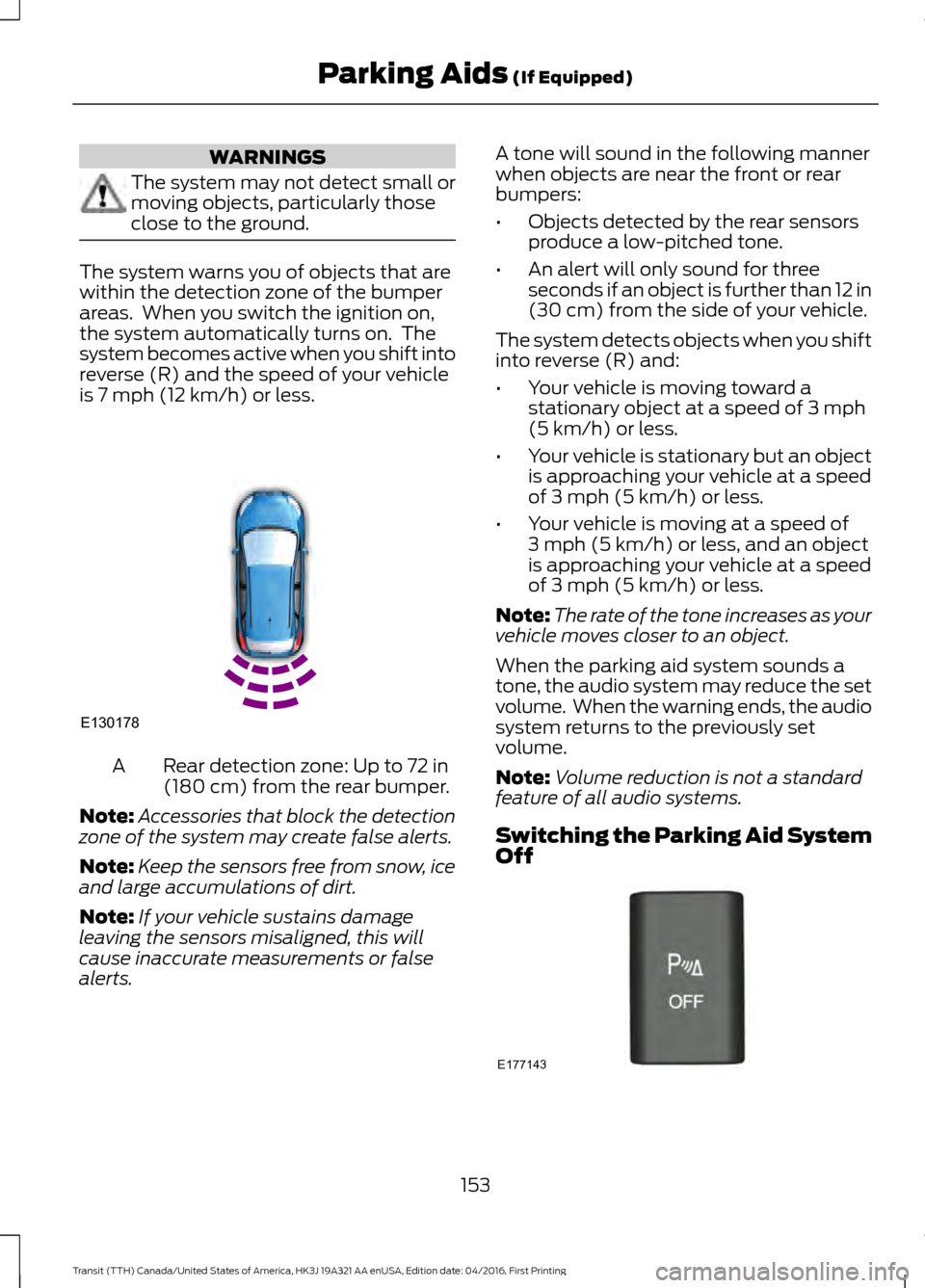
Rear detection zone: Up to 72 in
(180 cm) from the rear bumper.
A
Note: Accessories that block the detection
zone of the system may create false alerts.
Note: Keep the sensors free from snow, ice
and large accumulations of dirt.
Note: If your vehicle sustains damage
leaving the sensors misaligned, this will
cause inaccurate measurements or false
alerts. A tone will sound in the following manner
when objects are near the front or rear
bumpers:
•
Objects detected by the rear sensors
produce a low-pitched tone.
• An alert will only sound for three
seconds if an object is further than 12 in
(30 cm)
from the side of your vehicle.
The system detects objects when you shift
into reverse (R) and:
• Your vehicle is moving toward a
stationary object at a speed of
3 mph
(5 km/h) or less.
• Your vehicle is stationary but an object
is approaching your vehicle at a speed
of
3 mph (5 km/h) or less.
• Your vehicle is moving at a speed of
3 mph (5 km/h)
or less, and an object
is approaching your vehicle at a speed
of
3 mph (5 km/h) or less.
Note: The rate of the tone increases as your
vehicle moves closer to an object.
When the parking aid system sounds a
tone, the audio system may reduce the set
volume. When the warning ends, the audio
system returns to the previously set
volume.
Note: Volume reduction is not a standard
feature of all audio systems.
Switching the Parking Aid System
Off 153
Transit (TTH) Canada/United States of America, HK3J 19A321 AA enUSA, Edition date: 04/2016, First Printing Parking Aids
(If Equipped)E130178 E177143
Page 162 of 484
SPEED LIMITER
Engine Speed Limiter
Engine speed is limited to protect the
engine.
Vehicle Speed Limiter - Fixed
The system prevents you from driving
faster than a programmed speed.
DRIVER ALERT
Principle of Operation
WARNINGS
The system is designed to aid the
driver. It is not intended to replace
your attention and judgment. You are
still responsible to drive with due care and
attention. At all times, you are responsible for
controlling your vehicle, supervising
the system and intervening, if
required. Failure to take care may result in
the loss of control of your vehicle, serious
personal injury or death. The system may not function if the
sensor is blocked.
Take regular rest breaks if you feel
tired. Do not wait for the system to
warn you.
Certain driving styles may result in
the system warning you even if you
are not feeling tired.
In cold and severe weather
conditions the system may not
function. Rain, snow and spray can
all limit sensor performance. The system will not operate if the
sensor cannot track the road lane
markings. WARNINGS
If damage occurs in the immediate
area surrounding the sensor, have
your vehicle checked as soon as
possible. The system may not correctly
operate if your vehicle is fitted with
a suspension kit not approved by us.
Note:
Keep the windshield free from
obstructions for example bird droppings,
insects and snow or ice.
Note: The system assists you when driving
on fast main roads and freeways.
Note: The system calculates an alertness
level at vehicle speeds above approximately
40 mph (65 km/h).
The system automatically monitors your
driving behavior.
The system is designed to alert you if it
detects that you are becoming drowsy or
if your driving deteriorates.
Using Driver Alert
Switching the System On and Off
Switch the system on using the information
display. See Information Displays (page
85
).
Note: The system remains on or off
depending on how it was last set.
The system calculates your alertness level
based upon your driving behavior in relation
to the lane markings and other factors.
System Warnings
Note: The system does not warn you if the
vehicle speed falls below approximately
40 mph (65 km/h)
.
159
Transit (TTH) Canada/United States of America, HK3J 19A321 AA enUSA, Edition date: 04/2016, First Printing Driving Aids
Page 163 of 484
The warning system has two stages:
1.
A temporary warning is issued to advise
you to take a rest. This message only
appears for a short time.
2. If you do not rest and the system continues to detect that your driving
deteriorates, it issues a further warning.
This remains in the information display
until you cancel it. See Information
Messages (page 89).
Press
OK on the steering wheel control to
remove the warning.
System Display
When active the system runs automatically
in the background and only issue warnings
if required. You can view the status at any
time using the information display. See
General Information
(page 85).
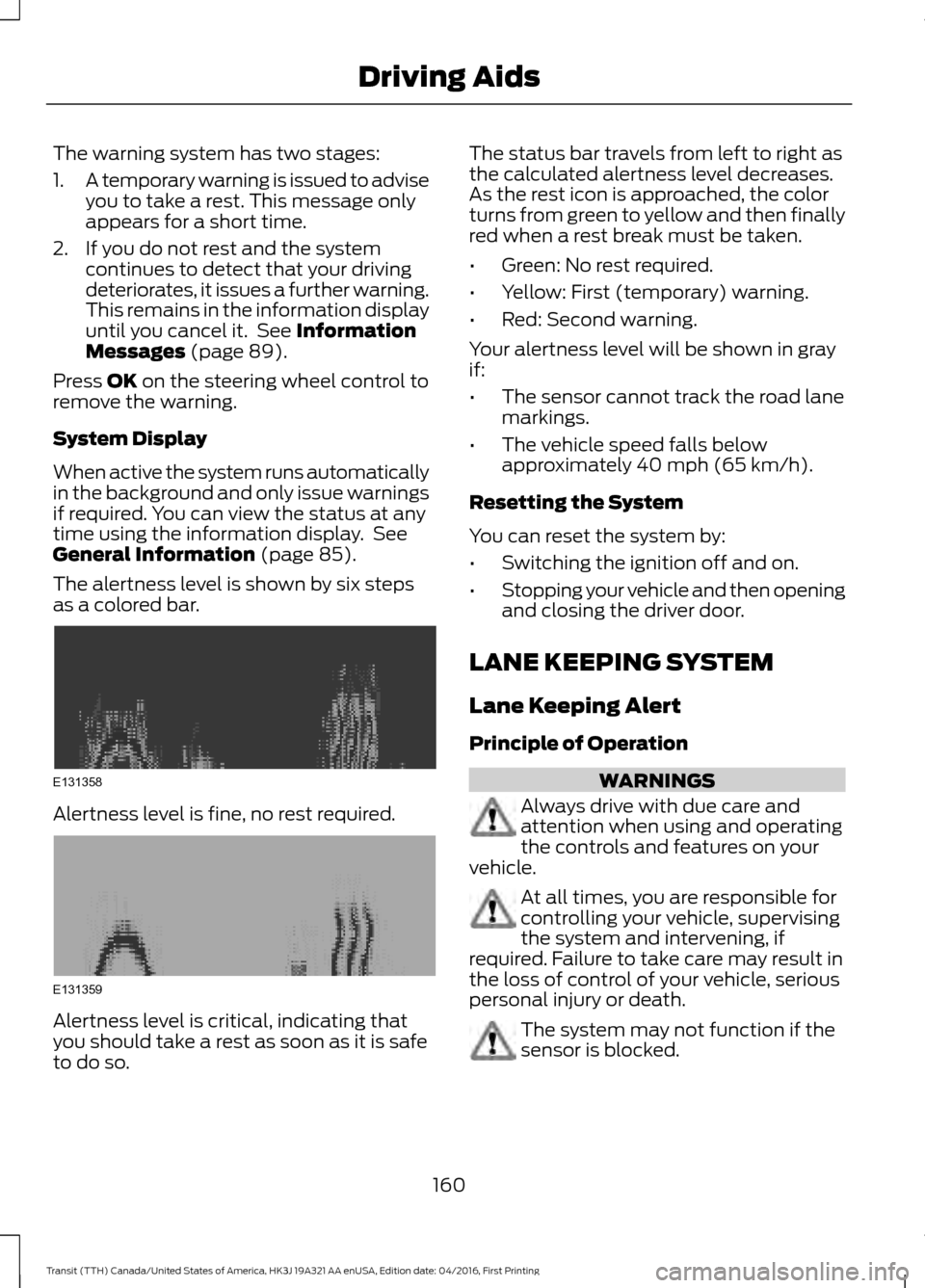
The alertness level is shown by six steps
as a colored bar. Alertness level is fine, no rest required.
Alertness level is critical, indicating that
you should take a rest as soon as it is safe
to do so. The status bar travels from left to right as
the calculated alertness level decreases.
As the rest icon is approached, the color
turns from green to yellow and then finally
red when a rest break must be taken.
•
Green: No rest required.
• Yellow: First (temporary) warning.
• Red: Second warning.
Your alertness level will be shown in gray
if:
• The sensor cannot track the road lane
markings.
• The vehicle speed falls below
approximately
40 mph (65 km/h).
Resetting the System
You can reset the system by:
• Switching the ignition off and on.
• Stopping your vehicle and then opening
and closing the driver door.
LANE KEEPING SYSTEM
Lane Keeping Alert
Principle of Operation WARNINGS
Always drive with due care and
attention when using and operating
the controls and features on your
vehicle. At all times, you are responsible for
controlling your vehicle, supervising
the system and intervening, if
required. Failure to take care may result in
the loss of control of your vehicle, serious
personal injury or death. The system may not function if the
sensor is blocked.
160
Transit (TTH) Canada/United States of America, HK3J 19A321 AA enUSA, Edition date: 04/2016, First Printing Driving AidsE131358 E131359
Page 165 of 484
Setting the System Sensitivity
Some vehicles can adjust how quickly the
system warns you. The system has two
sensitivity levels which you can set using
the information display. See General
Information (page 85).
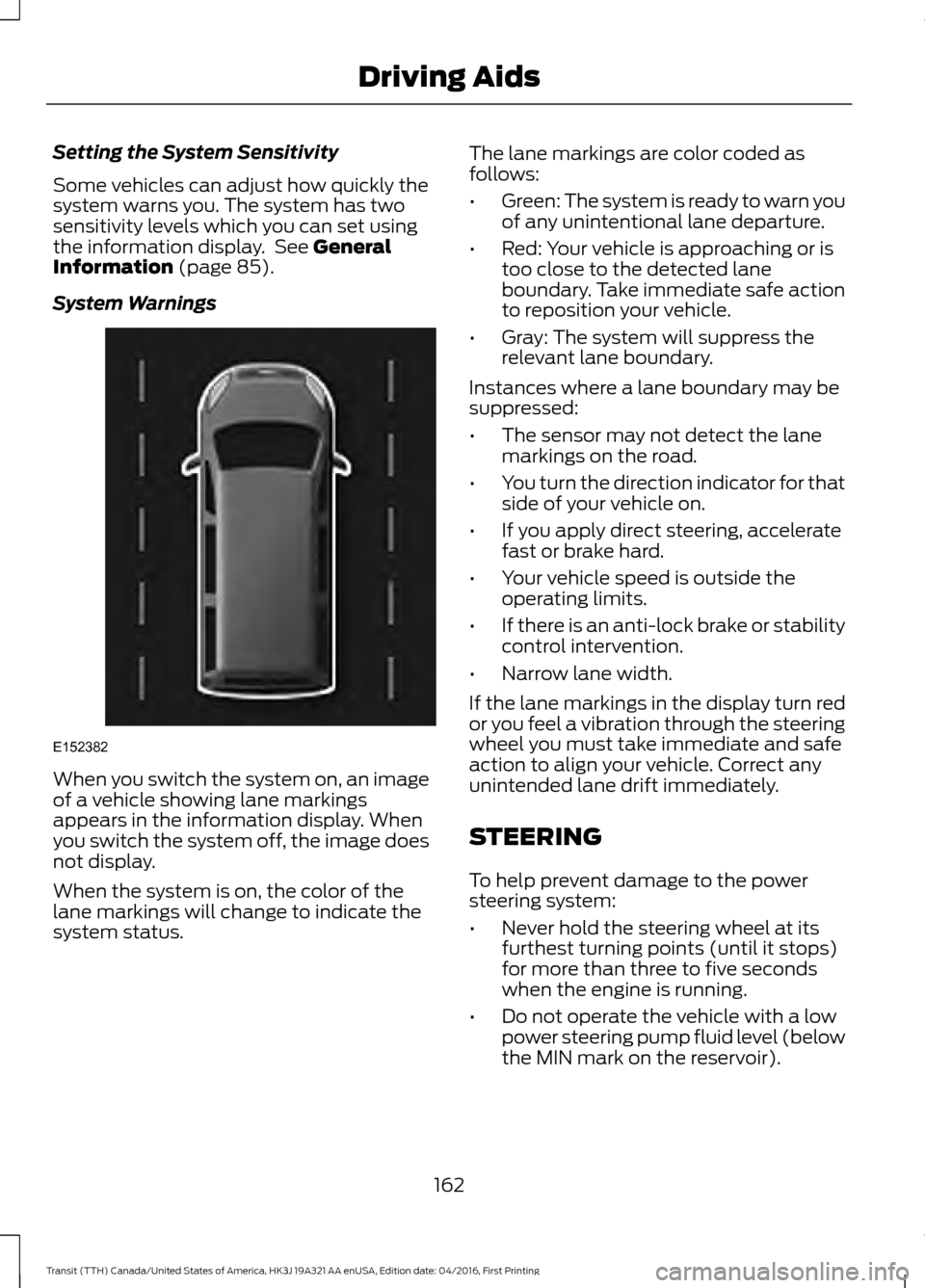
System Warnings When you switch the system on, an image
of a vehicle showing lane markings
appears in the information display. When
you switch the system off, the image does
not display.
When the system is on, the color of the
lane markings will change to indicate the
system status. The lane markings are color coded as
follows:
•
Green: The system is ready to warn you
of any unintentional lane departure.
• Red: Your vehicle is approaching or is
too close to the detected lane
boundary. Take immediate safe action
to reposition your vehicle.
• Gray: The system will suppress the
relevant lane boundary.
Instances where a lane boundary may be
suppressed:
• The sensor may not detect the lane
markings on the road.
• You turn the direction indicator for that
side of your vehicle on.
• If you apply direct steering, accelerate
fast or brake hard.
• Your vehicle speed is outside the
operating limits.
• If there is an anti-lock brake or stability
control intervention.
• Narrow lane width.
If the lane markings in the display turn red
or you feel a vibration through the steering
wheel you must take immediate and safe
action to align your vehicle. Correct any
unintended lane drift immediately.
STEERING
To help prevent damage to the power
steering system:
• Never hold the steering wheel at its
furthest turning points (until it stops)
for more than three to five seconds
when the engine is running.
• Do not operate the vehicle with a low
power steering pump fluid level (below
the MIN mark on the reservoir).
162
Transit (TTH) Canada/United States of America, HK3J 19A321 AA enUSA, Edition date: 04/2016, First Printing Driving AidsE152382
Page 175 of 484
Calculating the Maximum
Loaded Trailer Weight for Your
Vehicle
1. Start with the gross combined
weight rating for your vehicle
model and axle ratio. See the
previous charts.
2. Subtract all of the following
that apply to your vehicle:
• Vehicle curb weight
• Hitch hardware weight, such as
a draw bar, ball, locks or weight
distributing hardware
• Driver weight
• Passenger(s) weight
• Payload, cargo and luggage
weight
• Aftermarket equipment weight.
This equals the maximum loaded
trailer weight for this combination.
Note: The trailer tongue load is
considered part of the payload for
your vehicle. Reduce the total
payload by the final trailer tongue
weight.
Note: Consult an authorized dealer
to determine the maximum trailer
weight allowed for your vehicle if
you are not sure. ESSENTIAL TOWING CHECKS
Follow these guidelines for safe towing:
•
Do not tow a trailer until your vehicle
has covered at least 1,000 mi
(1,600 km). See Breaking-In (page
180).
• Consult your local motor vehicle laws
for towing a trailer.
• See the instructions included with
towing accessories for the correct
installation and adjustment
specifications.
• Service your vehicle more frequently if
you tow a trailer. See
Scheduled
Maintenance (page 427).
• If you use a rental trailer, follow the
instructions the rental agency gives
you.
Refer to
Load Carrying for load
specification terms found on the tire label,
Safety Compliance label and instructions
on calculating your vehicle's maximum
load. See
Load Limit (page 164).
Remember to account for the trailer
tongue weight as part of your vehicle load
when calculating the total vehicle weight.
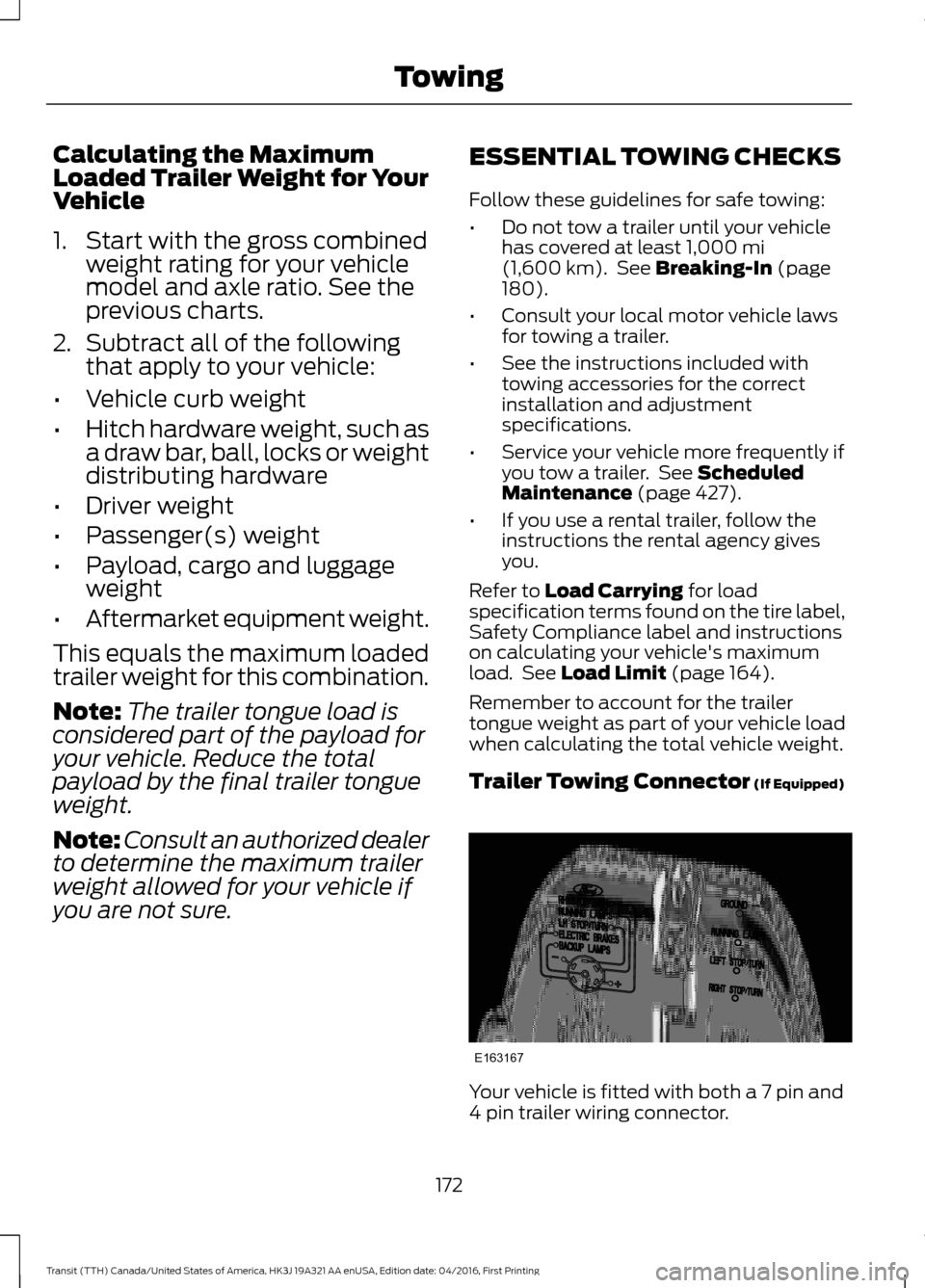
Trailer Towing Connector
(If Equipped) Your vehicle is fitted with both a 7 pin and
4 pin trailer wiring connector.
172
Transit (TTH) Canada/United States of America, HK3J 19A321 AA enUSA, Edition date: 04/2016, First Printing TowingE163167