GENESIS GV70 2023 Owners Manual
Manufacturer: GENESIS, Model Year: 2023, Model line: GV70, Model: GENESIS GV70 2023Pages: 637
Page 321 of 637
Driving Your Vehicle
6-46
OJK060048LOJK060048L
6. During vehicle launching, continue to
depress the accelerator pedal to keep
the Launch Control system active until
desired duration.
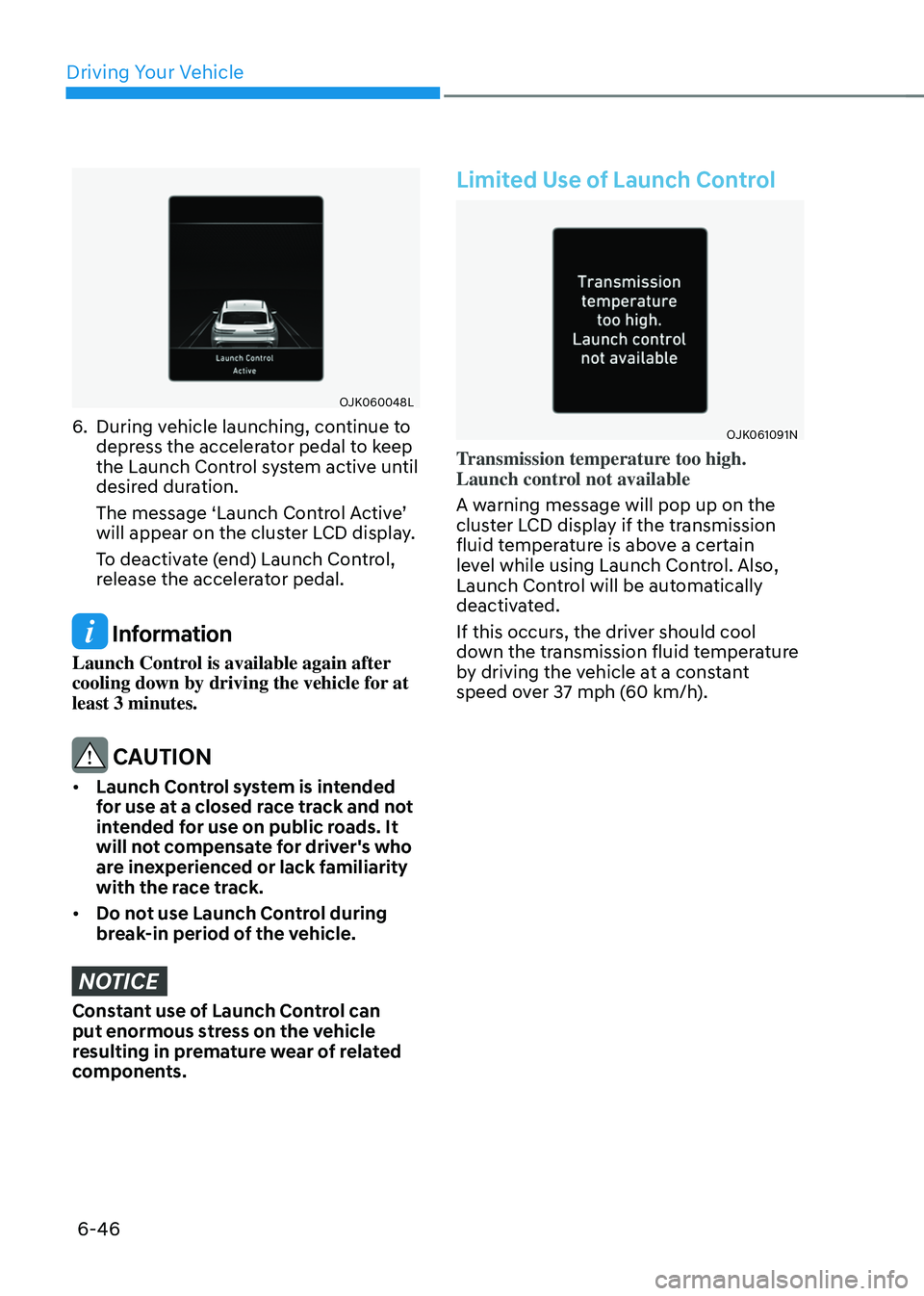
The message ‘Launch Control Active’
will appear on the cluster LCD display.
To deactivate (end) Launch Control,
release the accelerator pedal.
Information
Launch Control is available again after
cooling down by driving the vehicle for at
least 3 minutes.
CAUTION
• Launch Control system is intended
for use at a closed race track and not
intended for use on public roads. It
will not compensate for driver's who
are inexperienced or lack familiarity
with the race track.
• Do not use Launch Control during
break-in period of the vehicle.
NOTICE
Constant use of Launch Control can
put enormous stress on the vehicle
resulting in premature wear of related
components.
Limited Use of Launch Control
OJK061091NOJK061091N
Transmission temperature too high.
Launch control not available
A warning message will pop up on the
cluster LCD display if the transmission
fluid temperature is above a certain
level while using Launch Control. Also,
Launch Control will be automatically
deactivated.
If this occurs, the driver should cool
down the transmission fluid temperature
by driving the vehicle at a constant
speed over 37 mph (60 km/h).
Page 322 of 637
06
6-47
Idle Stop and Go helps reduce fuel
consumption by automatically shutting
down the engine, when the vehicle is
at a standstill (for example, red stop
light, stop sign, and traffic jam) subject
to certain prerequisite conditions being
satisfied as listed below.
The engine is automatically started upon
satisfying the starting conditions.
ISG system is always active, when the
engine is running.
Information
When the engine is automatically started
by ISG system, warning lights (for
example, ABS, ESC, ESC OFF, EPS,
and parking brake warning light) may
illuminate for a few seconds due to low
battery voltage.
However, it does not indicate a
malfunction with ISG system.
ISG System Operation
Prerequisite for activation
ISG system operates in the following
situations.
• The driver's seatbelt is fastened
• The driver's door and hood are closed
• The brake vacuum pressure is
adequate
• The battery sensor is activated and
the battery is sufficiently charged
• Outside temperature is not too low or
too high
• The vehicle is driven over a constant
speed and stops
• The climate control system satisfies
the conditions
• The vehicle is sufficiently warmed up
• ISG related parts are working properly
• The incline is gradual
• The steering wheel is turned less than
180 degrees and then the vehicle
stops
• The drive mode is not set to SPORT+
or multi terrain mode
Information
ISG system is not activated, when the
prerequisites to activate the ISG system
are unsatisfied.
Auto stop
When ISG is on the engine will be
stopped automatically when both of the
following occurs:
1. Vehicle speed decreases to 0 mph (0 km/h) full stop condition.
2. Brake pedal is depressed and gear is
in D (Drive) or N (Neutral).
The Auto Stop (
) indicator illuminates
in green on the instrument cluster, when
the engine stops.
Information
Idle stop cannot reoccur again until the
vehicle speed goes above 3 mph (5 km/h)
and then returns again to the automatic
stop conditions as previously mentioned.
IDLE STOP AND GO (ISG) (IF EQUIPPED)
Page 323 of 637
Driving Your Vehicle
6-48
In the Auto Stop mode, if the engine
hood is opened, ISG system will be
deactivated.
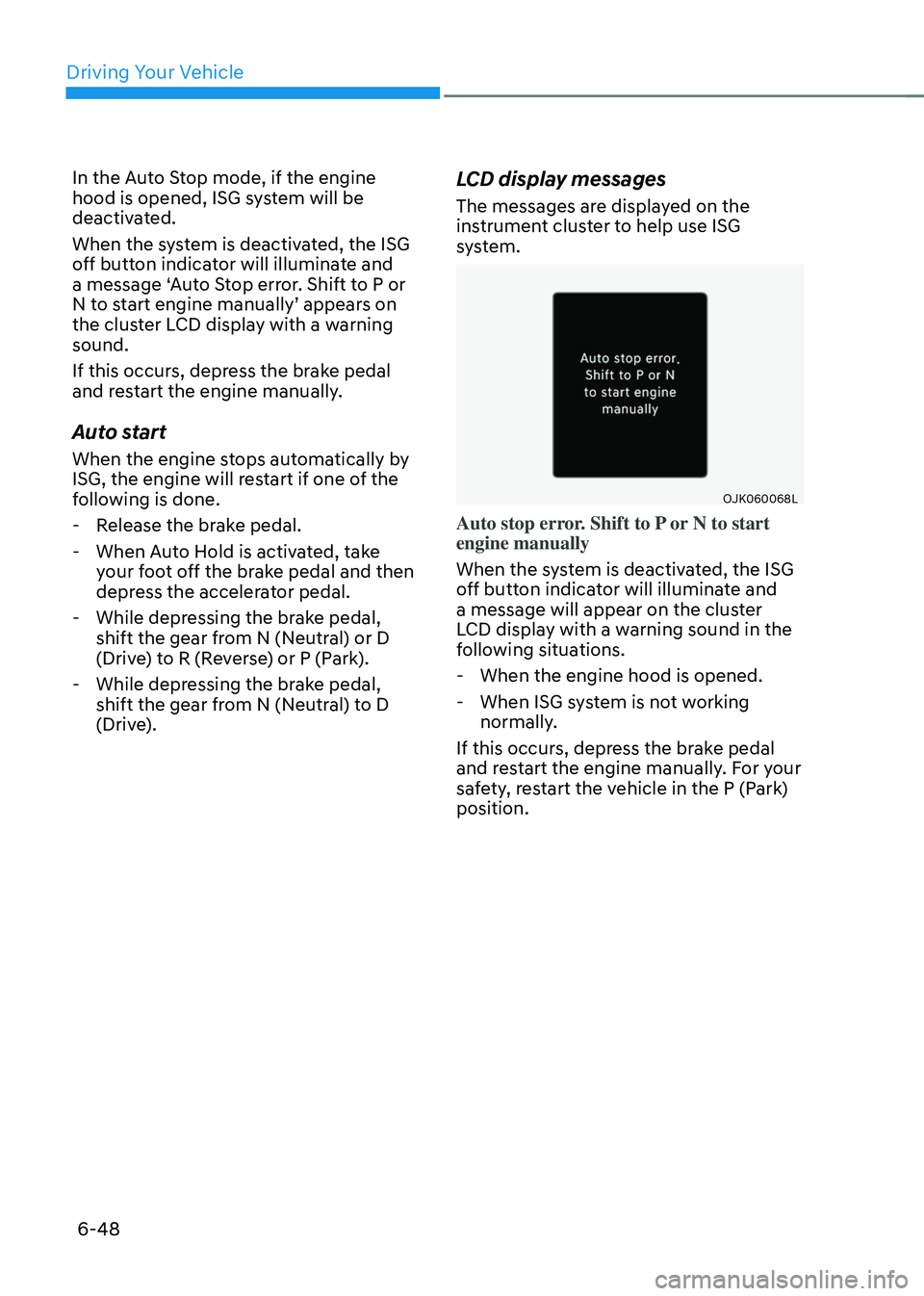
When the system is deactivated, the ISG
off button indicator will illuminate and
a message ‘Auto Stop error. Shift to P or
N to start engine manually’ appears on
the cluster LCD display with a warning
sound.
If this occurs, depress the brake pedal
and restart the engine manually.
Auto start
When the engine stops automatically by
ISG, the engine will restart if one of the
following is done.
-Release the brake pedal.
-When Auto Hold is activated, take
your foot off the brake pedal and then
depress the accelerator pedal.
-While depressing the brake pedal,
shift the gear from N (Neutral) or D
(Drive) to R (Reverse) or P (Park).
-While depressing the brake pedal,
shift the gear from N (Neutral) to D
(Drive).
LCD display messages
The messages are displayed on the
instrument cluster to help use ISG
system.
OJK060068LOJK060068L
Auto stop error. Shift to P or N to start
engine manually
When the system is deactivated, the ISG
off button indicator will illuminate and
a message will appear on the cluster
LCD display with a warning sound in the
following situations.
-When the engine hood is opened.
-When ISG system is not working
normally.
If this occurs, depress the brake pedal
and restart the engine manually. For your
safety, restart the vehicle in the P (Park)
position.
Page 324 of 637
06
6-49
OJK060043OJK060043
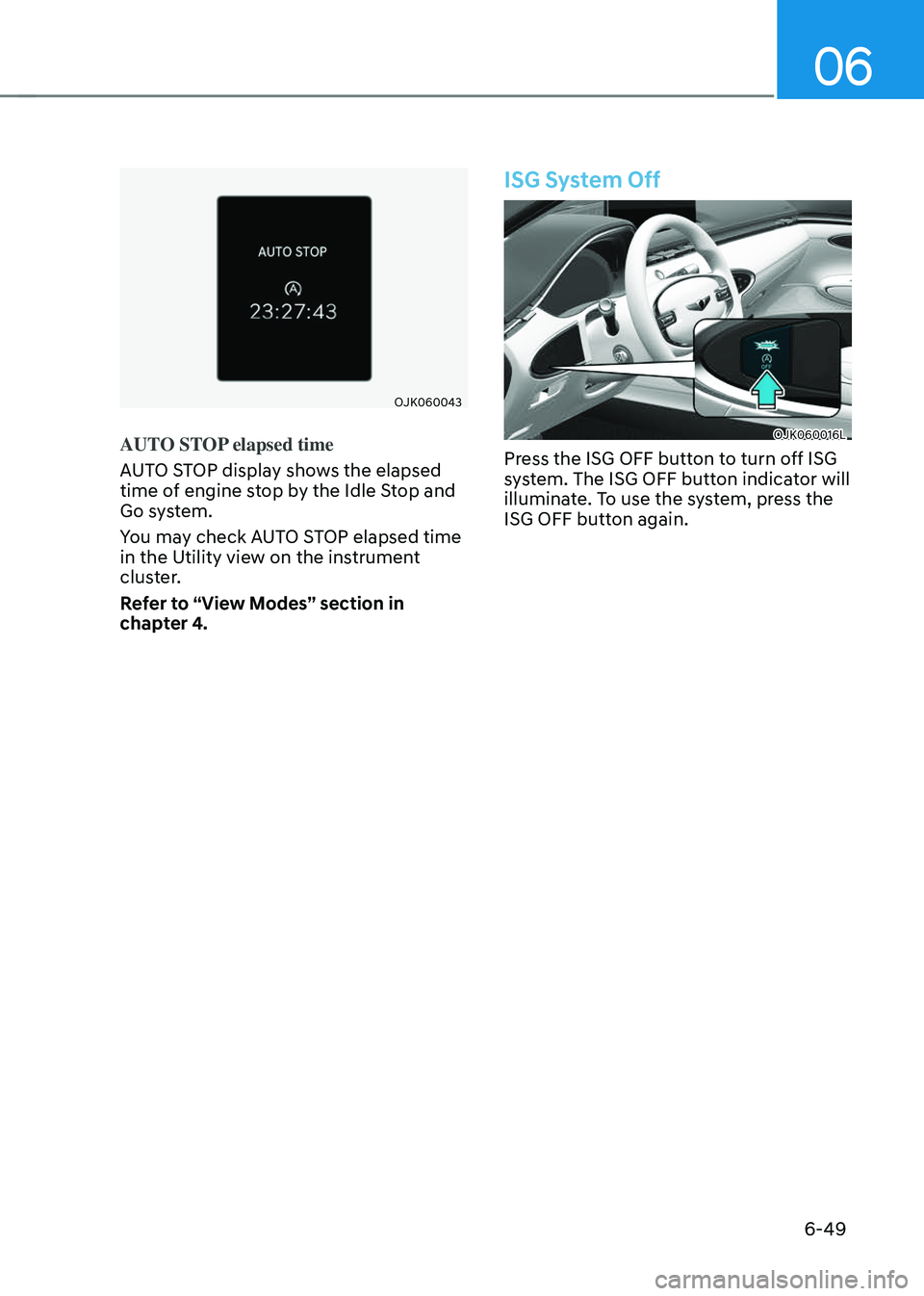
AUTO STOP elapsed time
AUTO STOP display shows the elapsed
time of engine stop by the Idle Stop and
Go system.
You may check AUTO STOP elapsed time
in the Utility view on the instrument
cluster.
Refer to “View Modes” section in
chapter 4.
ISG System Off
OJK060016LOJK060016L
Press the ISG OFF button to turn off ISG
system. The ISG OFF button indicator will
illuminate. To use the system, press the
ISG OFF button again.
Page 325 of 637
Driving Your Vehicle
6-50
Forced to Restart Engine
The engine is automatically restarted in
the following situations.
• The brake vacuum pressure is low
• The engine has stopped for about 5
minutes
• The air conditioning is ON with the fan
speed set to a certain high level
• The front defroster is ON
• The battery is weak
• The cooling and heating performance
of the climate control system is
unsatisfactory
• The vehicle is shifted to P (Park) or R
(Reverse)
• The door is opened or the seatbelt is
unfastened
• The EPB switch is pressed when Auto
Hold is activated
The Auto Stop (
) indicator blinks in
green for 5 seconds on the instrument
cluster when the engine is restarted.
WARNING
When the engine is in Idle Stop mode,
the engine may restart without the
driver taking any action. Before leaving
the vehicle or working on the engine
compartment, turn off the engine by
pressing the ENGINE START/STOP
button to the OFF position.
ISG Malfunction
ISG system may not operate when there
is a malfunction with the ISG sensors or
ISG system.
The following will occur, when there is a
malfunction with the ISG system:
• The Auto Stop () indicator will
illuminate in yellow on the instrument
cluster.
• The light on the ISG OFF button will
illuminate.
Contact an authorized retailer of Genesis
Branded products.
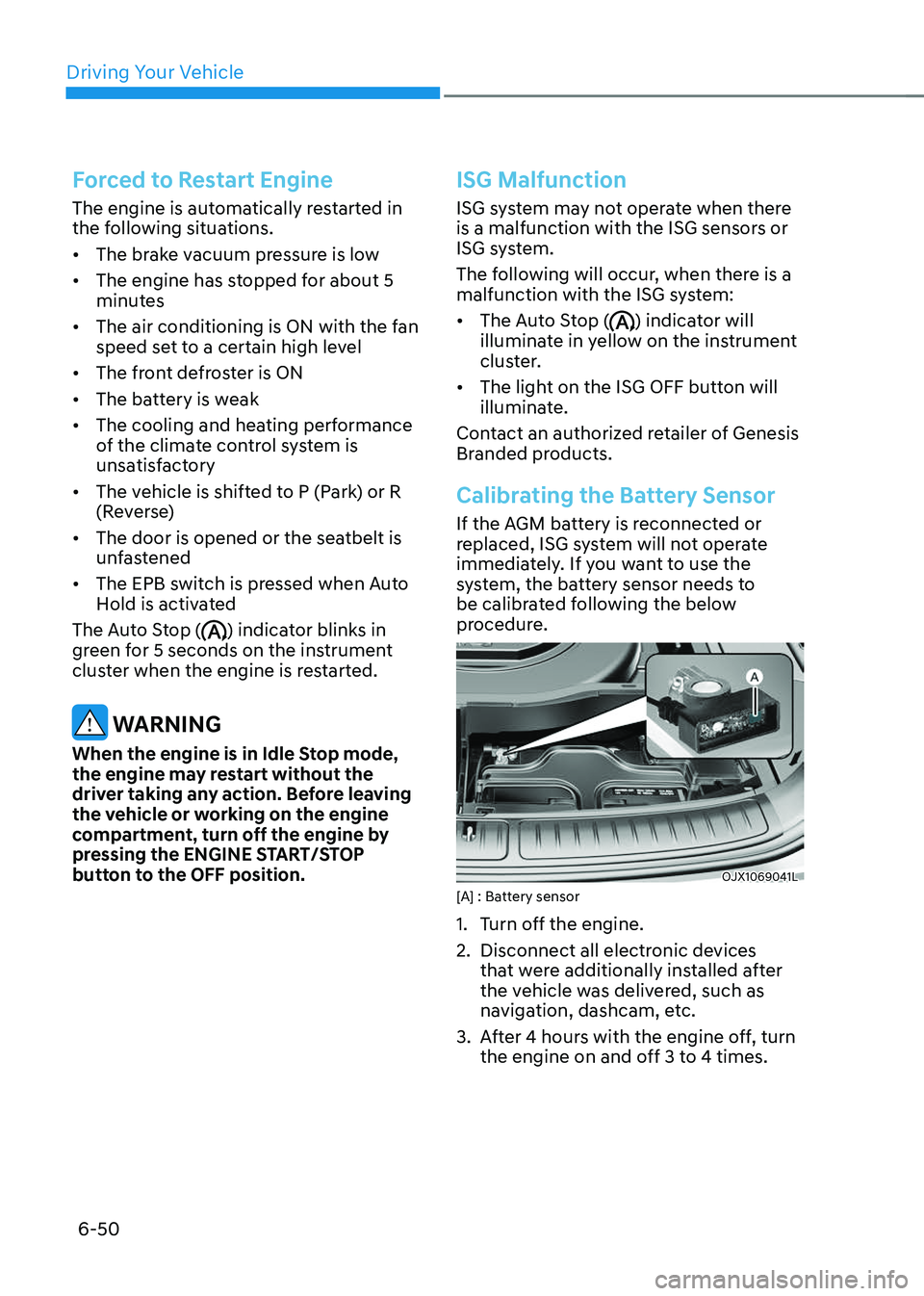
Calibrating the Battery Sensor
If the AGM battery is reconnected or
replaced, ISG system will not operate
immediately. If you want to use the
system, the battery sensor needs to
be calibrated following the below
procedure.
OJX1069041LOJX1069041L[A] : Battery sensor
1. Turn off the engine.
2. Disconnect all electronic devices
that were additionally installed after
the vehicle was delivered, such as
navigation, dashcam, etc.
3. After 4 hours with the engine off, turn
the engine on and off 3 to 4 times.
Page 326 of 637
06
6-51
Information
The ISG system may not operate in the
following situations.
-There is a malfunction with the ISG
system.
-The battery is weak.
-The brake vacuum pressure is low.
If this occurs, have the ISG system
checked by an authorized retailer of
Genesis Branded products.
NOTICE
• Use only a genuine Genesis ISG
battery for replacement. If not,
the ISG system may not properly
operate.
• Do not recharge the ISG battery with
a general battery charger. It may
damage or explode the ISG battery.
• Do not remove the battery cap. The
battery electrolyte, which is harmful
to the human body, may leak out.
Page 327 of 637
Driving Your Vehicle
6-52
When certain conditions are met, the
engine is automatically decoupled from
the transmission while gear remains in D
(Drive). When Coasting is operating, the
engine stays at idling speed to reduce
fuel consumption and increase coasting
distance.
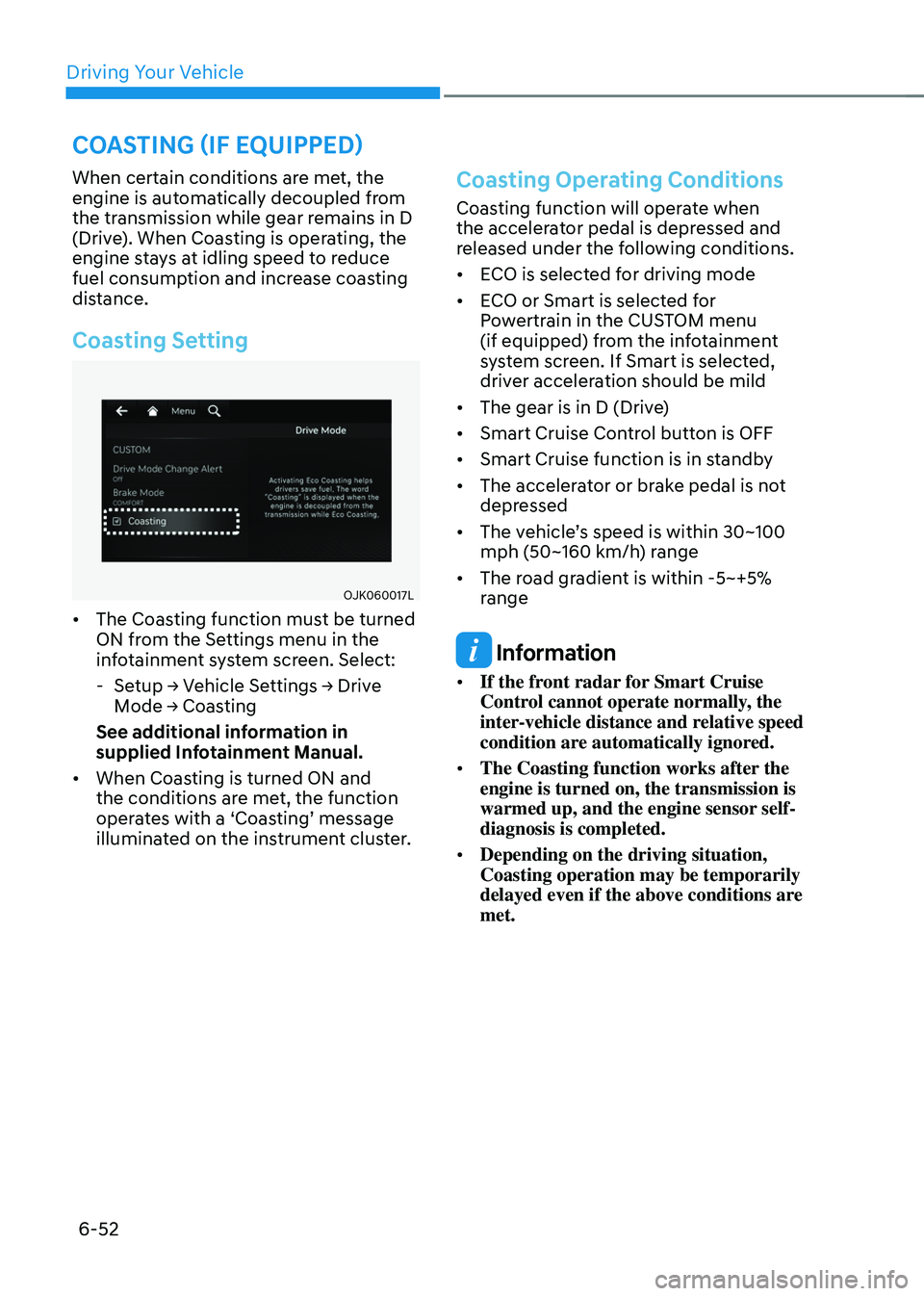
Coasting Setting
OJK060017LOJK060017L
• The Coasting function must be turned
ON from the Settings menu in the
infotainment system screen. Select:
-Setup → Vehicle Settings → Drive
Mode → Coasting
See additional information in
supplied Infotainment Manual.
• When Coasting is turned ON and
the conditions are met, the function
operates with a ‘Coasting’ message
illuminated on the instrument cluster.
Coasting Operating Conditions
Coasting function will operate when
the accelerator pedal is depressed and
released under the following conditions.
• ECO is selected for driving mode
• ECO or Smart is selected for
Powertrain in the CUSTOM menu
(if equipped) from the infotainment
system screen. If Smart is selected,
driver acceleration should be mild
• The gear is in D (Drive)
• Smart Cruise Control button is OFF
• Smart Cruise function is in standby
• The accelerator or brake pedal is not
depressed
• The vehicle’s speed is within 30~100
mph (50~160 km/h) range
• The road gradient is within -5~+5%
range
Information
• If the front radar for Smart Cruise
Control cannot operate normally, the
inter-vehicle distance and relative speed
condition are automatically ignored.
• The Coasting function works after the
engine is turned on, the transmission is
warmed up, and the engine sensor self-
diagnosis is completed.
• Depending on the driving situation,
Coasting operation may be temporarily
delayed even if the above conditions are
met.
COASTING (IF EQUIPPED)
Page 328 of 637
06
6-53
Coasting Release Conditions
The Coasting function will be
automatically released when the
following conditions are met.
• COMFORT, SPORT, or SPORT+ mode
is selected for driving mode
• The driver uses the paddle shifter
• Smart Cruise Control is activated (Set
speed appears on the cluster)
• The vehicle’s speed exceeds 30~100
mph (50~160 km/h) range
• The road gradient is under -5% or over
+5%
• If the distance between the vehicle
ahead is too close or the relative
speed changes momentarily in Smart
mode
• If lane change is predicated in Smart
mode (for example, the turn signal is
turned ON or a LKA warning appears
due to steering wheel control, etc.)
Information
It is recommended to turn off the
Coasting function if you are driving under
frequently stop-and-go condition. Change
the drive mode to Comfort or Sport or
deselect Coasting from the infotainment
system screen.
NOTICE
• If the accelerator pedal is pressed
quickly for accelerating with the
Coasting function in operation,
acceleration may occur after the
engagement of the clutch inside the
transmission. In turn, the driver may
continue to feel acceleration even
after the system is turned off.
• Driving with the Coasting function
off may be required in some cases
since the engine brake is not applied
while the Coasting function is
operating.
• Operating the infotainment system
screen to activate or deactivate
the Coasting function while driving
may be dangerous as the driver’s
attention is distracted.
Page 329 of 637
Driving Your Vehicle
6-54
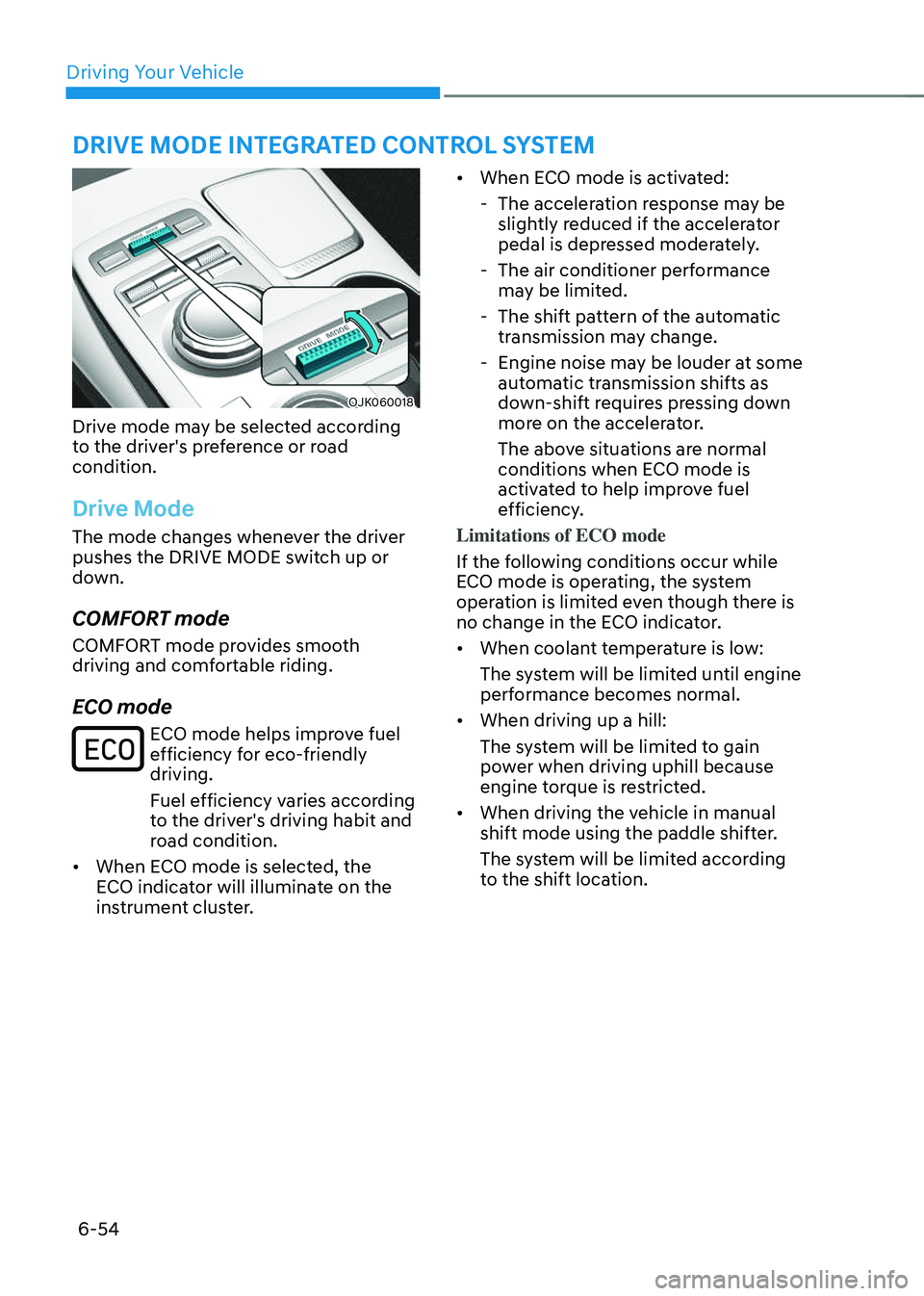
OJK060018OJK060018
Drive mode may be selected according
to the driver's preference or road
condition.
Drive Mode
The mode changes whenever the driver
pushes the DRIVE MODE switch up or
down.
COMFORT mode
COMFORT mode provides smooth
driving and comfortable riding.
ECO mode
ECO mode helps improve fuel efficiency for eco-friendly
driving.
Fuel efficiency varies according
to the driver's driving habit and
road condition.
• When ECO mode is selected, the
ECO indicator will illuminate on the
instrument cluster.
• When ECO mode is activated:
-The acceleration response may be
slightly reduced if the accelerator
pedal is depressed moderately.
-The air conditioner performance
may be limited.
-The shift pattern of the automatic
transmission may change.
-Engine noise may be louder at some
automatic transmission shifts as
down-shift requires pressing down
more on the accelerator.
The above situations are normal
conditions when ECO mode is
activated to help improve fuel
efficiency.
Limitations of ECO mode
If the following conditions occur while
ECO mode is operating, the system
operation is limited even though there is
no change in the ECO indicator.
• When coolant temperature is low:
The system will be limited until engine
performance becomes normal.
• When driving up a hill:
The system will be limited to gain
power when driving uphill because
engine torque is restricted.
• When driving the vehicle in manual
shift mode using the paddle shifter.
The system will be limited according
to the shift location.
DRIVE MODE INTEGRATED CONTROL SYSTEM
Page 330 of 637
06
6-55
SPORT mode
SPORT mode provides sporty but firm riding.
In SPORT mode, the fuel
efficiency may decrease.
• When SPORT mode is selected, the
SPORT indicator will illuminate on the
instrument cluster.
• Whenever the engine is restarted,
the drive mode will revert back to
COMFORT mode. If SPORT mode is
desired, re-select SPORT mode.
• When SPORT mode is activated:
-The engine RPM will tend to remain
raised over a certain length of time
even after releasing the accelerator
-Upshifts are delayed when
accelerating
SPORT+ mode (if equipped)
SPORT+ mode provides sporty but firm riding.
In SPORT+ mode, the fuel
efficiency may decrease.
• When SPORT+ mode is selected, the
SPORT+ indicator will illuminate on
the instrument cluster.
• Whenever the engine is restarted,
the drive mode will revert back to
COMFORT mode. If SPORT+ mode is
desired, re-select SPORT+ mode.
• When SPORT+ mode is activated:
-RPM increase while idling
-The engine RPM will tend to remain
raised over a certain length of time
even after releasing the accelerator
-Upshifts are delayed when
accelerating
-ESC OFF state 1 will be
automatically set
NOTICE
• In SPORT or SPORT+ mode, the fuel
efficiency may decrease.
• ISG and Smart Cruise Control are
deactivated in SPORT+ mode.
CUSTOM mode (if equipped)
In CUSTOM mode, the driver can select separate modes for
each items in the infotainment
system screen.
- Powertrain
Standard model: ECO/Comfort/Sport/
Smart
Sport model: ECO/Comfort/Sport/
Sport +/Smart
-Steering wheel: Comfort/Sport
-Suspension: Comfort/Sport
(if equipped with ECS)
-AWD: ECO/Comfort/Sport (if
equipped with AWD system)
See additional information in supplied
Infotainment Manual.
• When CUSTOM mode is selected, the
CUSTOM indicator will illuminate on
the instrument cluster.
• Whenever the engine is restarted,
the drive mode will revert back to
COMFORT mode. If CUSTOM mode is
desired, re-select CUSTOM mode.