GENESIS GV70 2023 Owners Manual
Manufacturer: GENESIS, Model Year: 2023, Model line: GV70, Model: GENESIS GV70 2023Pages: 637
Page 361 of 637
Driver Assistance System
7-10
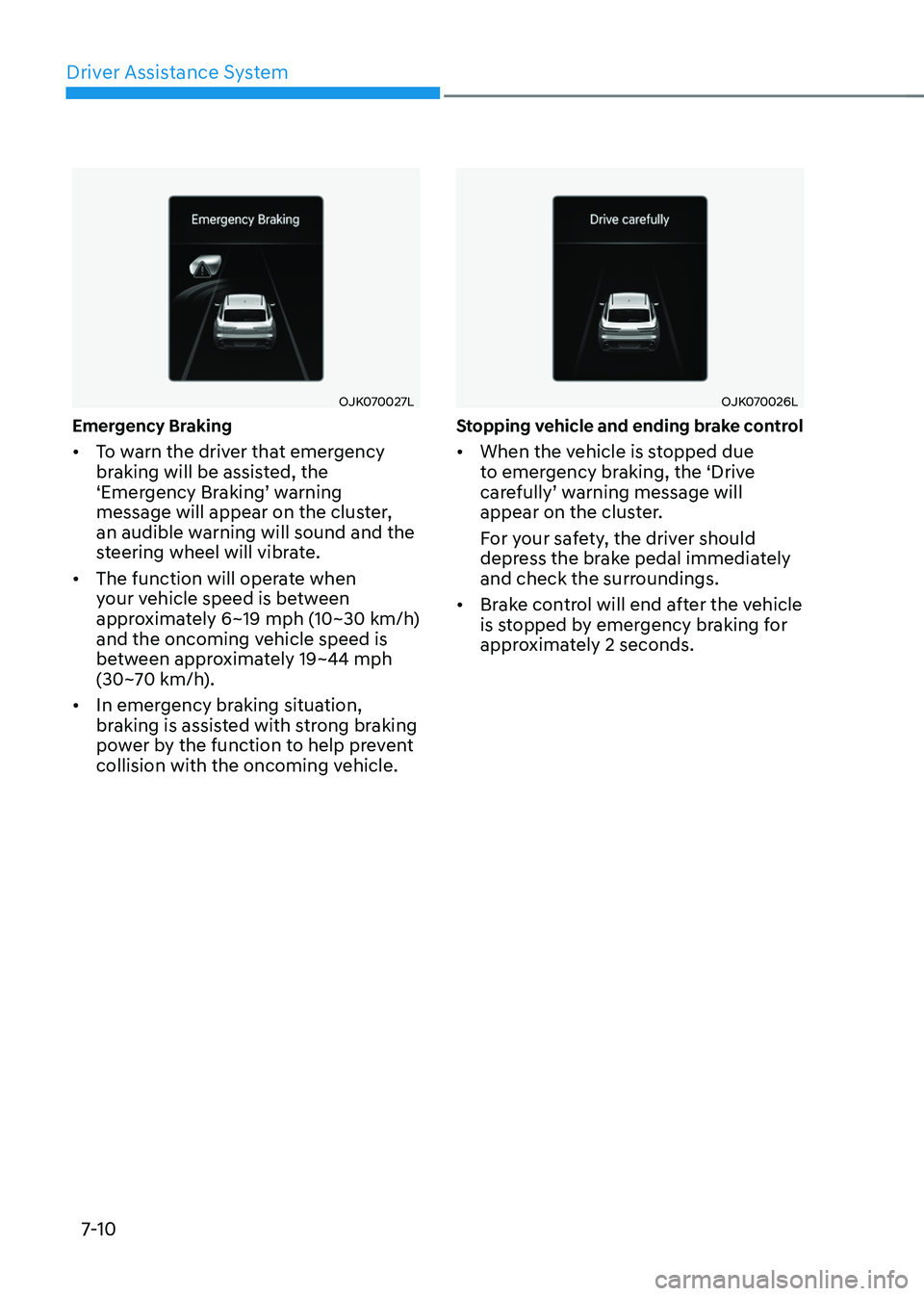
OJK070027LOJK070027L
Emergency Braking
• To warn the driver that emergency
braking will be assisted, the
‘Emergency Braking’ warning
message will appear on the cluster,
an audible warning will sound and the
steering wheel will vibrate.
• The function will operate when
your vehicle speed is between
approximately 6~19 mph (10~30 km/h)
and the oncoming vehicle speed is
between approximately 19~44 mph
(30~70 km/h).
• In emergency braking situation,
braking is assisted with strong braking
power by the function to help prevent
collision with the oncoming vehicle.
OJK070026LOJK070026L
Stopping vehicle and ending brake control
• When the vehicle is stopped due
to emergency braking, the ‘Drive
carefully’ warning message will
appear on the cluster.
For your safety, the driver should
depress the brake pedal immediately
and check the surroundings.
• Brake control will end after the vehicle
is stopped by emergency braking for
approximately 2 seconds.
Page 362 of 637
07
7-11
Junction Crossing function (if
equipped)
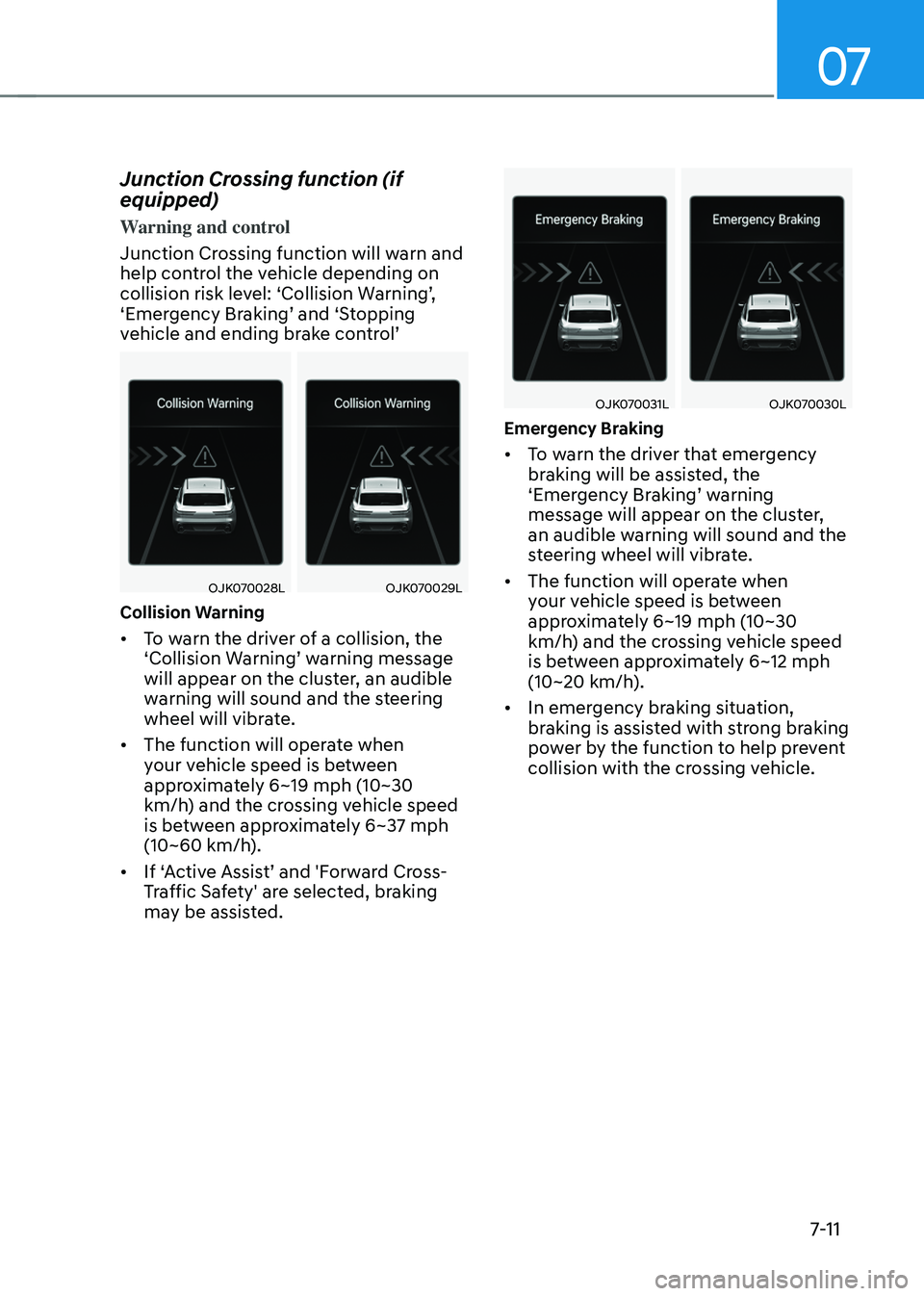
Warning and control
Junction Crossing function will warn and
help control the vehicle depending on
collision risk level: ‘Collision Warning’,
‘Emergency Braking’ and ‘Stopping
vehicle and ending brake control’
OJK070028LOJK070028LOJK070029LOJK070029L
Collision Warning
• To warn the driver of a collision, the
‘Collision Warning’ warning message
will appear on the cluster, an audible
warning will sound and the steering
wheel will vibrate.
• The function will operate when
your vehicle speed is between
approximately 6~19 mph (10~30
km/h) and the crossing vehicle speed
is between approximately 6~37 mph
(10~60 km/h).
• If ‘Active Assist’ and 'Forward Cross-
Traffic Safety' are selected, braking
may be assisted.
OJK070031LOJK070031LOJK070030LOJK070030L
Emergency Braking
• To warn the driver that emergency
braking will be assisted, the
‘Emergency Braking’ warning
message will appear on the cluster,
an audible warning will sound and the
steering wheel will vibrate.
• The function will operate when
your vehicle speed is between
approximately 6~19 mph (10~30
km/h) and the crossing vehicle speed
is between approximately 6~12 mph
(10~20 km/h).
• In emergency braking situation,
braking is assisted with strong braking
power by the function to help prevent
collision with the crossing vehicle.
Page 363 of 637
Driver Assistance System
7-12
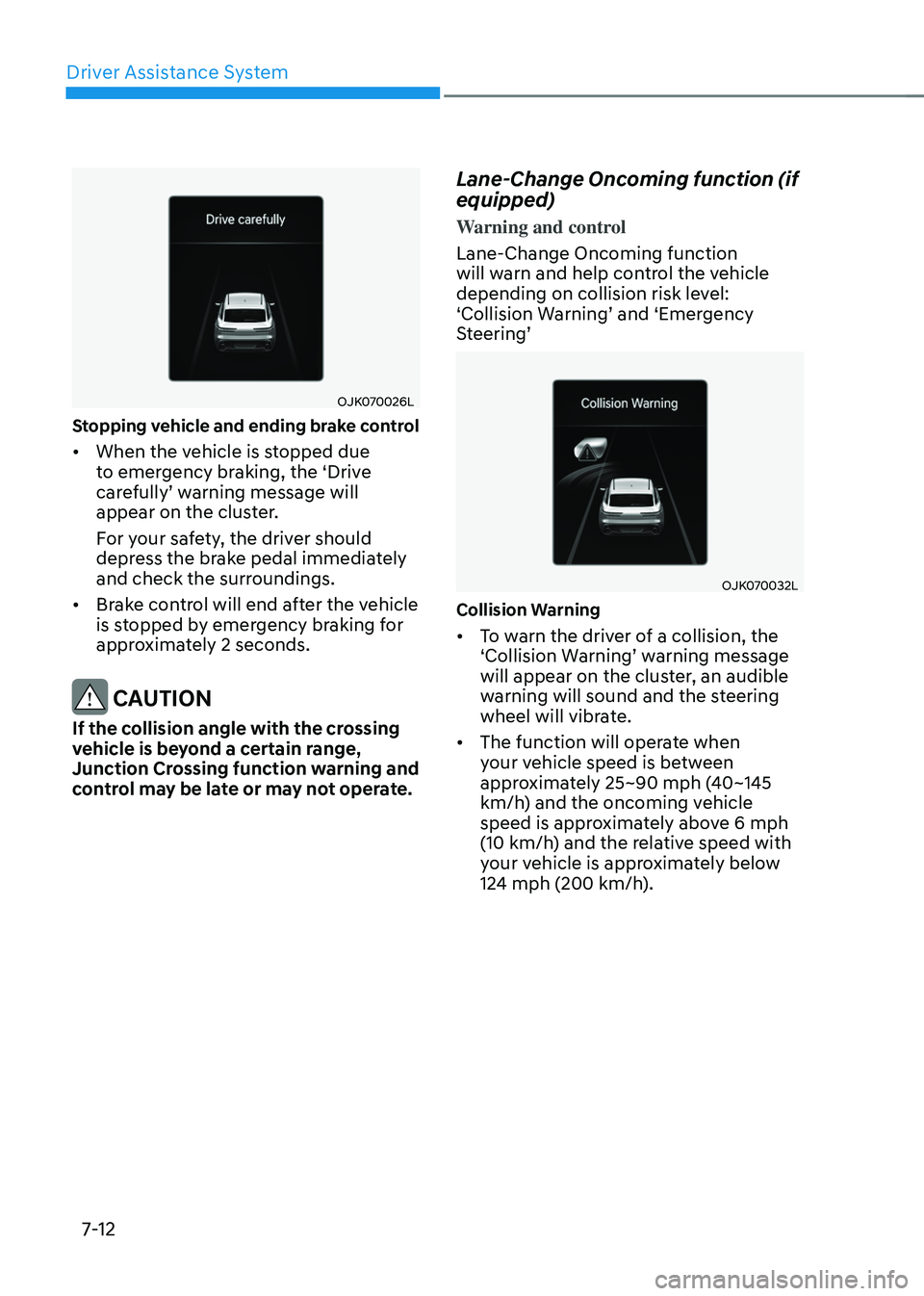
OJK070026LOJK070026L
Stopping vehicle and ending brake control
• When the vehicle is stopped due
to emergency braking, the ‘Drive
carefully’ warning message will
appear on the cluster.
For your safety, the driver should
depress the brake pedal immediately
and check the surroundings.
• Brake control will end after the vehicle
is stopped by emergency braking for
approximately 2 seconds.
CAUTION
If the collision angle with the crossing
vehicle is beyond a certain range,
Junction Crossing function warning and
control may be late or may not operate.
Lane-Change Oncoming function (if
equipped)
Warning and control
Lane-Change Oncoming function
will warn and help control the vehicle
depending on collision risk level:
‘Collision Warning’ and ‘Emergency
Steering’
OJK070032LOJK070032L
Collision Warning
• To warn the driver of a collision, the
‘Collision Warning’ warning message
will appear on the cluster, an audible
warning will sound and the steering
wheel will vibrate.
• The function will operate when
your vehicle speed is between
approximately 25~90 mph (40~145
km/h) and the oncoming vehicle
speed is approximately above 6 mph
(10 km/h) and the relative speed with
your vehicle is approximately below
124 mph (200 km/h).
Page 364 of 637
07
7-13
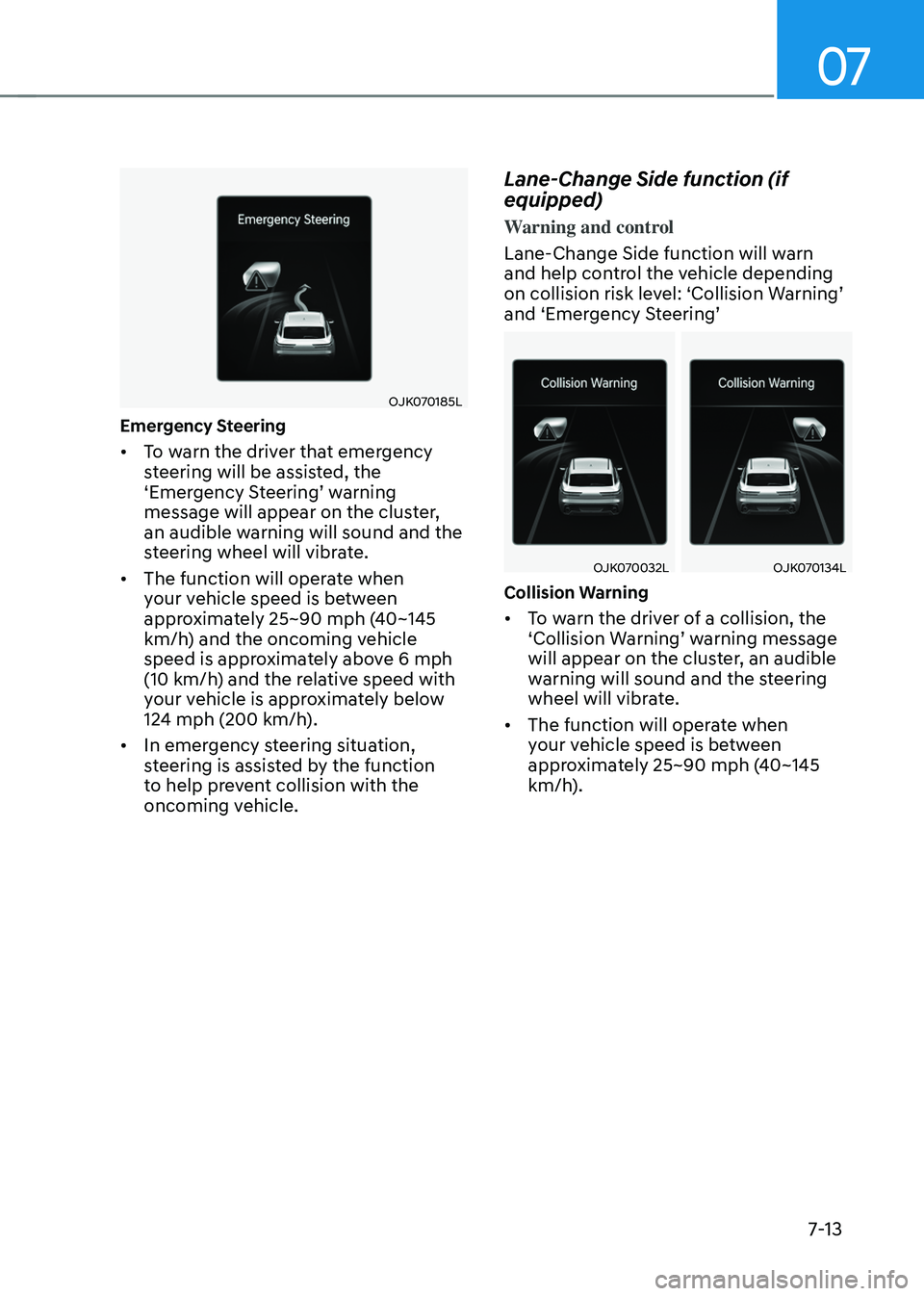
OJK070185LOJK070185L
Emergency Steering
• To warn the driver that emergency
steering will be assisted, the
‘Emergency Steering’ warning
message will appear on the cluster,
an audible warning will sound and the
steering wheel will vibrate.
• The function will operate when
your vehicle speed is between
approximately 25~90 mph (40~145
km/h) and the oncoming vehicle
speed is approximately above 6 mph
(10 km/h) and the relative speed with
your vehicle is approximately below
124 mph (200 km/h).
• In emergency steering situation,
steering is assisted by the function
to help prevent collision with the
oncoming vehicle.
Lane-Change Side function (if
equipped)
Warning and control
Lane-Change Side function will warn
and help control the vehicle depending
on collision risk level: ‘Collision Warning’
and ‘Emergency Steering’
OJK070032LOJK070032LOJK070134LOJK070134L
Collision Warning
• To warn the driver of a collision, the
‘Collision Warning’ warning message
will appear on the cluster, an audible
warning will sound and the steering
wheel will vibrate.
• The function will operate when
your vehicle speed is between
approximately 25~90 mph (40~145
km/h).
Page 365 of 637
Driver Assistance System
7-14
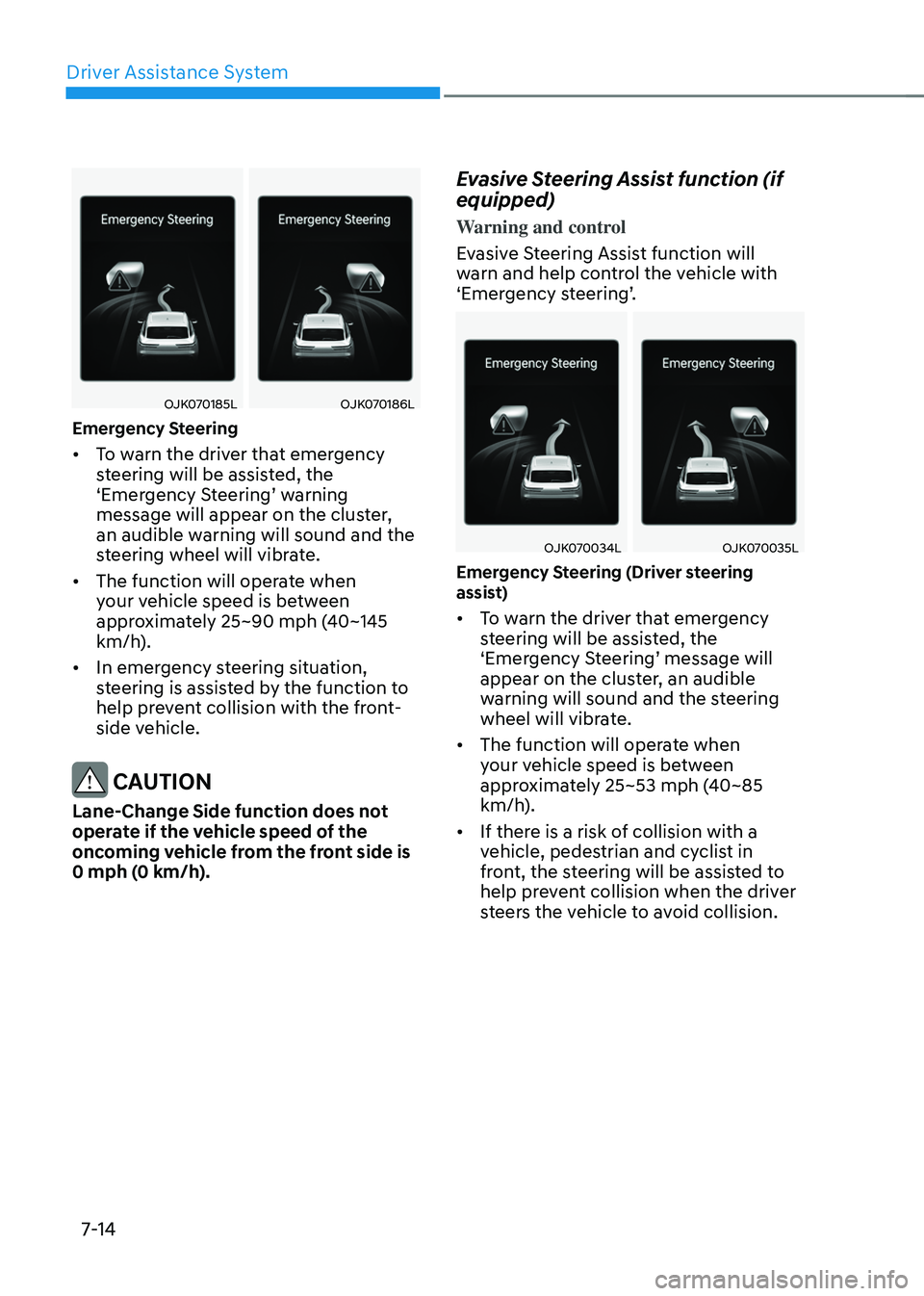
OJK070185LOJK070185LOJK070186LOJK070186L
Emergency Steering
• To warn the driver that emergency
steering will be assisted, the
‘Emergency Steering’ warning
message will appear on the cluster,
an audible warning will sound and the
steering wheel will vibrate.
• The function will operate when
your vehicle speed is between
approximately 25~90 mph (40~145
km/h).
• In emergency steering situation,
steering is assisted by the function to
help prevent collision with the front-
side vehicle.
CAUTION
Lane-Change Side function does not
operate if the vehicle speed of the
oncoming vehicle from the front side is
0 mph (0 km/h).
Evasive Steering Assist function (if
equipped)
Warning and control
Evasive Steering Assist function will
warn and help control the vehicle with
‘Emergency steering’.
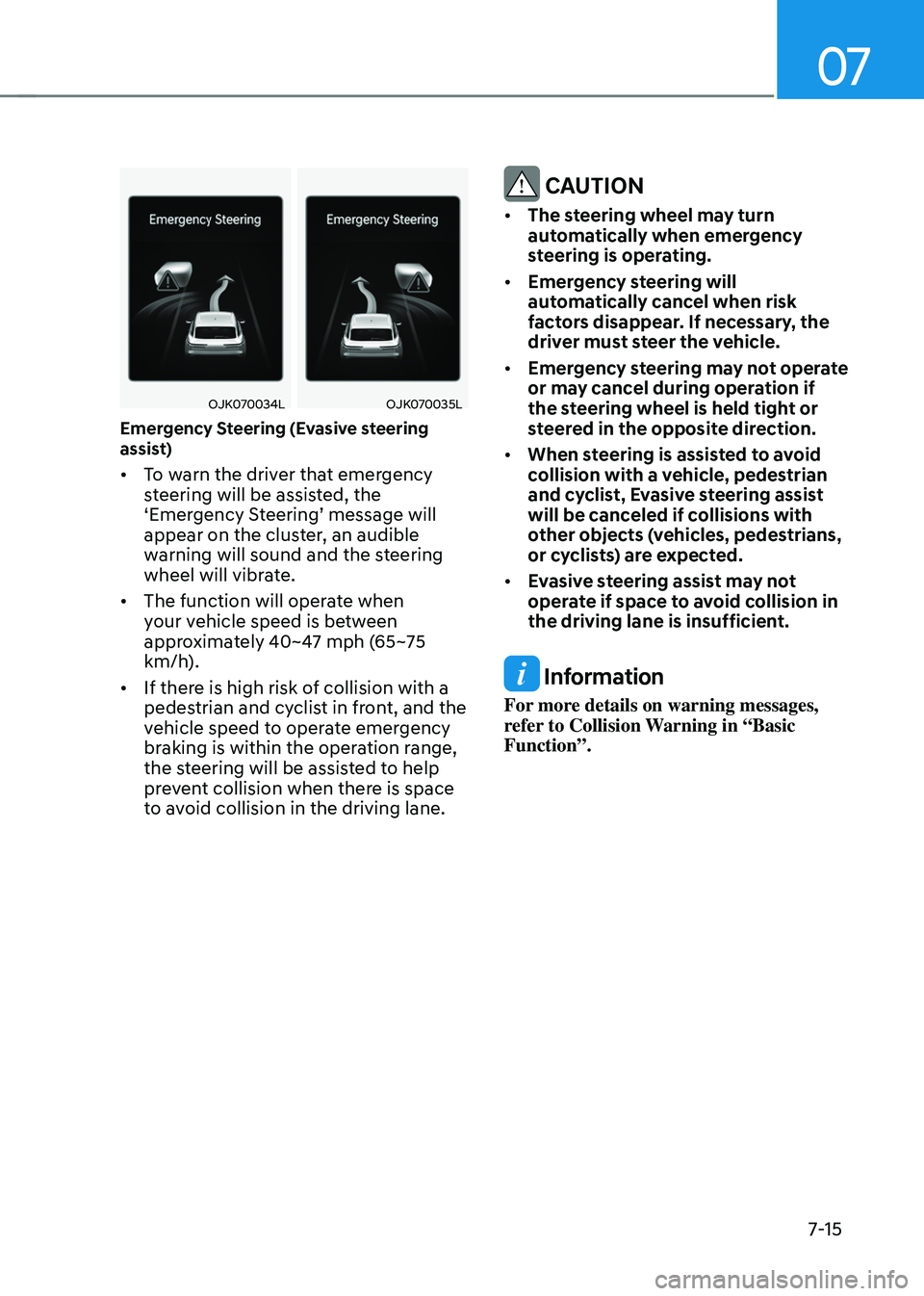
OJK070034LOJK070034LOJK070035LOJK070035L
Emergency Steering (Driver steering
assist)
• To warn the driver that emergency
steering will be assisted, the
‘Emergency Steering’ message will
appear on the cluster, an audible
warning will sound and the steering
wheel will vibrate.
• The function will operate when
your vehicle speed is between
approximately 25~53 mph (40~85
km/h).
• If there is a risk of collision with a
vehicle, pedestrian and cyclist in
front, the steering will be assisted to
help prevent collision when the driver
steers the vehicle to avoid collision.
Page 366 of 637
07
7-15
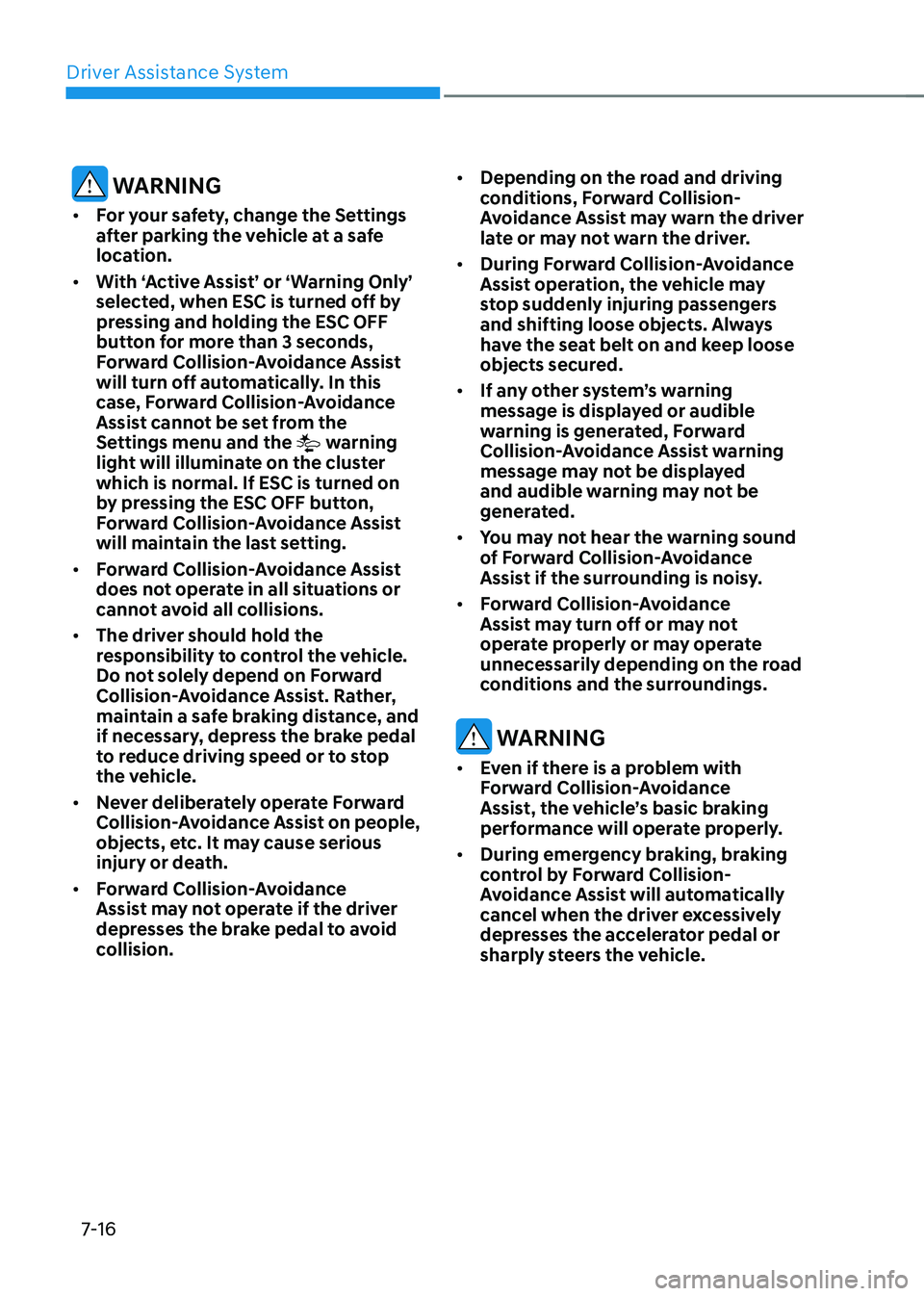
OJK070034LOJK070034LOJK070035LOJK070035L
Emergency Steering (Evasive steering
assist)
• To warn the driver that emergency
steering will be assisted, the
‘Emergency Steering’ message will
appear on the cluster, an audible
warning will sound and the steering
wheel will vibrate.
• The function will operate when
your vehicle speed is between
approximately 40~47 mph (65~75
km/h).
• If there is high risk of collision with a
pedestrian and cyclist in front, and the
vehicle speed to operate emergency
braking is within the operation range,
the steering will be assisted to help
prevent collision when there is space
to avoid collision in the driving lane.
CAUTION
• The steering wheel may turn
automatically when emergency
steering is operating.
• Emergency steering will
automatically cancel when risk
factors disappear. If necessary, the
driver must steer the vehicle.
• Emergency steering may not operate
or may cancel during operation if
the steering wheel is held tight or
steered in the opposite direction.
• When steering is assisted to avoid
collision with a vehicle, pedestrian
and cyclist, Evasive steering assist
will be canceled if collisions with
other objects (vehicles, pedestrians,
or cyclists) are expected.
• Evasive steering assist may not
operate if space to avoid collision in
the driving lane is insufficient.
Information
For more details on warning messages,
refer to Collision Warning in “Basic
Function”.
Page 367 of 637
Driver Assistance System
7-16
WARNING
• For your safety, change the Settings
after parking the vehicle at a safe
location.
• With ‘Active Assist’ or ‘Warning Only’
selected, when ESC is turned off by
pressing and holding the ESC OFF
button for more than 3 seconds,
Forward Collision-Avoidance Assist
will turn off automatically. In this
case, Forward Collision-Avoidance
Assist cannot be set from the
Settings menu and the
warning
light will illuminate on the cluster
which is normal. If ESC is turned on
by pressing the ESC OFF button,
Forward Collision-Avoidance Assist
will maintain the last setting.
• Forward Collision-Avoidance Assist
does not operate in all situations or
cannot avoid all collisions.
• The driver should hold the
responsibility to control the vehicle.
Do not solely depend on Forward
Collision-Avoidance Assist. Rather,
maintain a safe braking distance, and
if necessary, depress the brake pedal
to reduce driving speed or to stop
the vehicle.
• Never deliberately operate Forward
Collision-Avoidance Assist on people,
objects, etc. It may cause serious
injury or death.
• Forward Collision-Avoidance
Assist may not operate if the driver
depresses the brake pedal to avoid
collision.
• Depending on the road and driving
conditions, Forward Collision-
Avoidance Assist may warn the driver
late or may not warn the driver.
• During Forward Collision-Avoidance
Assist operation, the vehicle may
stop suddenly injuring passengers
and shifting loose objects. Always
have the seat belt on and keep loose
objects secured.
• If any other system’s warning
message is displayed or audible
warning is generated, Forward
Collision-Avoidance Assist warning
message may not be displayed
and audible warning may not be
generated.
• You may not hear the warning sound
of Forward Collision-Avoidance
Assist if the surrounding is noisy.
• Forward Collision-Avoidance
Assist may turn off or may not
operate properly or may operate
unnecessarily depending on the road
conditions and the surroundings.
WARNING
• Even if there is a problem with
Forward Collision-Avoidance
Assist, the vehicle’s basic braking
performance will operate properly.
• During emergency braking, braking
control by Forward Collision-
Avoidance Assist will automatically
cancel when the driver excessively
depresses the accelerator pedal or
sharply steers the vehicle.
Page 368 of 637
07
7-17
CAUTION
• Depending on the condition of the
vehicle, pedestrian and cyclist in
front and the surroundings, the
speed range to operate Forward
Collision-Avoidance Assist may
reduce. Forward Collision-Avoidance
Assist may only warn the driver, or it
may not operate.
• Forward Collision-Avoidance Assist
will operate under certain conditions
by judging the risk level based on
the condition of the oncoming
vehicle, driving direction, speed and
surroundings.
• When a collision with a surrounding
vehicle is expected, Lane-Change
Oncoming, Lane-Change Side and
Evasive Steering Assist functions will
only warn the driver (if equipped).
Information
In a situation where collision is imminent,
braking may be assisted by Forward
Collision-Avoidance Assist when braking
is insufficient by the driver.
Forward Collision-Avoidance
Assist Malfunction and
Limitations
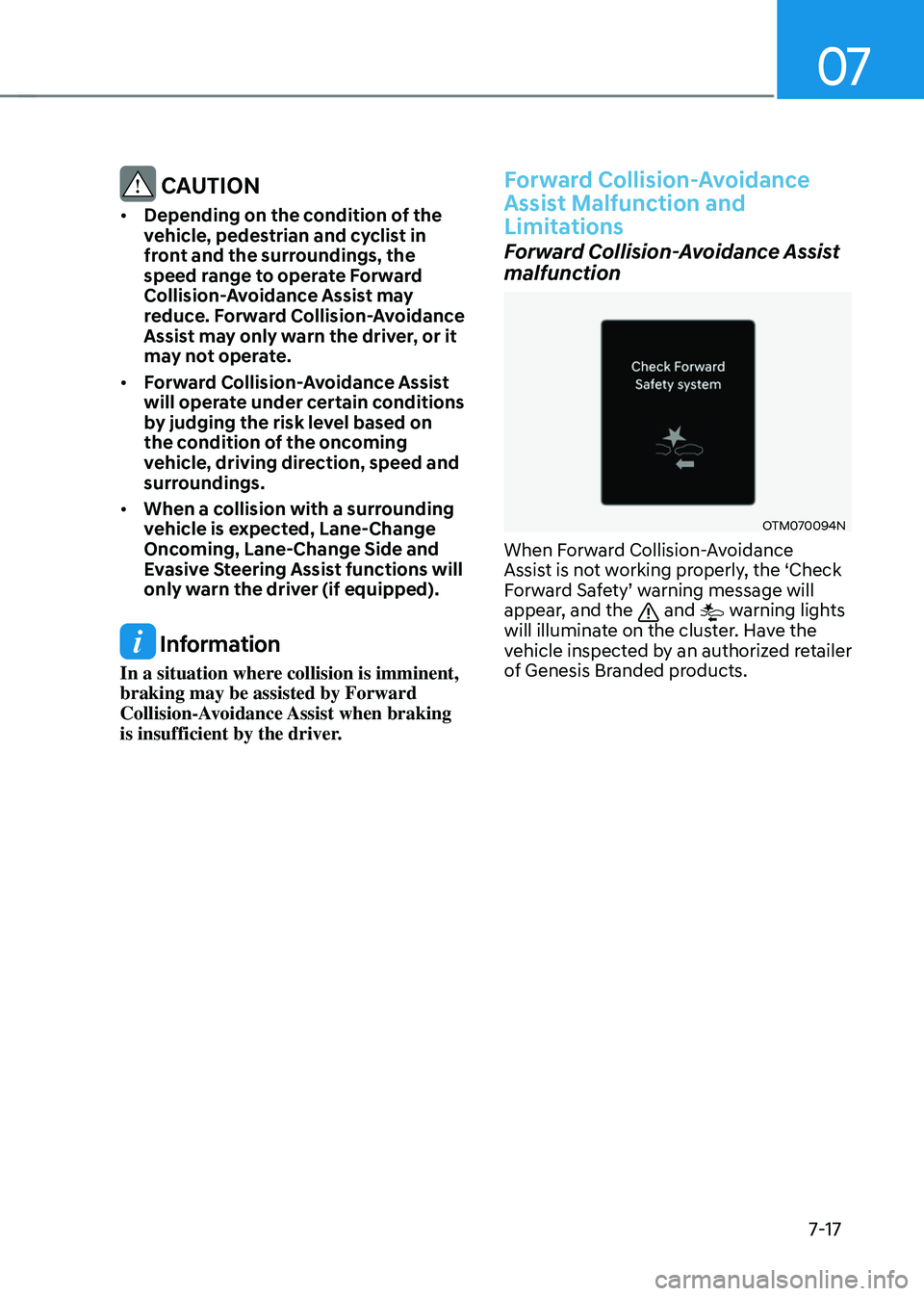
Forward Collision-Avoidance Assist
malfunction
OTM070094NOTM070094N
When Forward Collision-Avoidance
Assist is not working properly, the ‘Check
Forward Safety’ warning message will
appear, and the
and warning lights
will illuminate on the cluster. Have the
vehicle inspected by an authorized retailer
of Genesis Branded products.
Page 369 of 637
Driver Assistance System
7-18
Forward Collision-Avoidance Assist
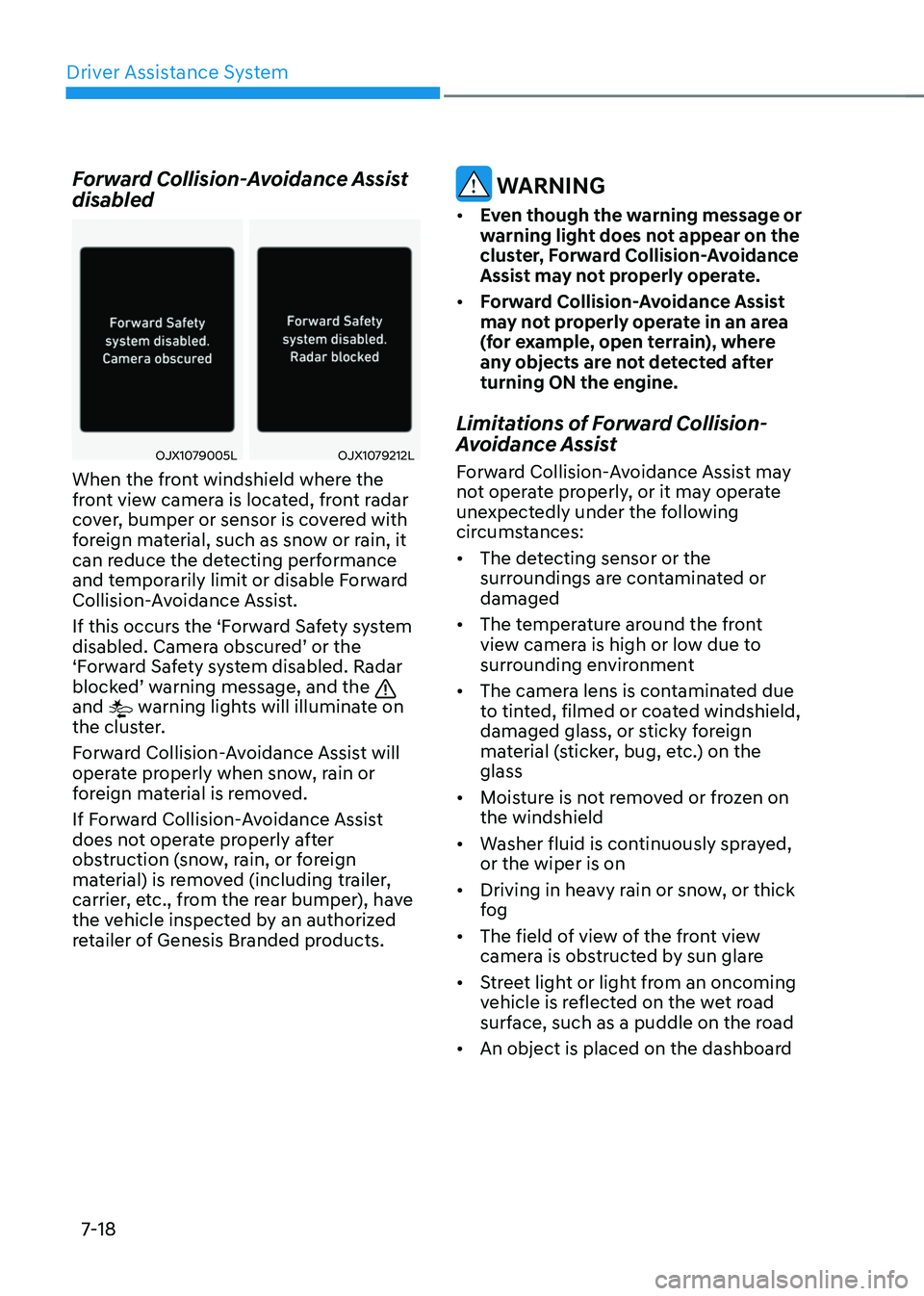
disabled
OJX1079005LOJX1079005LOJX1079212LOJX1079212L
When the front windshield where the
front view camera is located, front radar
cover, bumper or sensor is covered with
foreign material, such as snow or rain, it
can reduce the detecting performance
and temporarily limit or disable Forward
Collision-Avoidance Assist.
If this occurs the ‘Forward Safety system
disabled. Camera obscured’ or the
‘Forward Safety system disabled. Radar
blocked’ warning message, and the
and warning lights will illuminate on
the cluster.
Forward Collision-Avoidance Assist will
operate properly when snow, rain or
foreign material is removed.
If Forward Collision-Avoidance Assist
does not operate properly after
obstruction (snow, rain, or foreign
material) is removed (including trailer,
carrier, etc., from the rear bumper), have
the vehicle inspected by an authorized
retailer of Genesis Branded products.
WARNING
• Even though the warning message or
warning light does not appear on the
cluster, Forward Collision-Avoidance
Assist may not properly operate.
• Forward Collision-Avoidance Assist
may not properly operate in an area
(for example, open terrain), where
any objects are not detected after
turning ON the engine.
Limitations of Forward Collision-
Avoidance Assist
Forward Collision-Avoidance Assist may
not operate properly, or it may operate
unexpectedly under the following
circumstances:
• The detecting sensor or the
surroundings are contaminated or
damaged
• The temperature around the front
view camera is high or low due to
surrounding environment
• The camera lens is contaminated due
to tinted, filmed or coated windshield,
damaged glass, or sticky foreign
material (sticker, bug, etc.) on the
glass
• Moisture is not removed or frozen on
the windshield
• Washer fluid is continuously sprayed,
or the wiper is on
• Driving in heavy rain or snow, or thick
fog
• The field of view of the front view
camera is obstructed by sun glare
• Street light or light from an oncoming
vehicle is reflected on the wet road
surface, such as a puddle on the road
• An object is placed on the dashboard
Page 370 of 637
07
7-19
• Your vehicle is being towed
• The surrounding is very bright
• The surrounding is very dark, such as
in a tunnel, etc.
• The brightness changes suddenly, for
example when entering or exiting a
tunnel
• The brightness outside is low, and the
headlamps are not on or are not bright
• Driving through steam, smoke or
shadow
• Only part of the vehicle, pedestrian or
cyclist is detected
• The vehicle in front is a bus, heavy
truck, truck with an unusually shaped
cargo, trailer, etc.
• The vehicle in front has no tail lights,
tail lights are located unusually, etc.
• The brightness outside is low, and the
tail lamps are not on or are not bright
• The rear of the front vehicle is small
or the vehicle does not look normal,
such as when the vehicle is tilted,
overturned, or the side of the vehicle
is visble, etc.
• The front vehicle’s ground clearance is
low or high
• A vehicle, pedestrian or cyclist
suddenly cuts in front
• The bumper around the front radar is
impacted, damaged or the front radar
is out of position
• The temperature around the front
radar is high or low
• Driving through a tunnel or iron bridge
• Driving in vast areas where there
are few vehicles or structures (for
example, desert, meadow, suburb,
etc.)
• Driving near areas containing metal
substances, such as a construction
zone, railroad, etc.
• A material is near that reflects very
well on the front radar, such as a
guardrail, nearby vehicle, etc.
• The cyclist in front is on a bicycle
made of material that does not reflect
on the front radar
• The vehicle in front is detected late
• The vehicle in front is suddenly
blocked by an obstacle
• The vehicle in front suddenly changes
lane or suddenly reduces speed
• The vehicle in front is bent out of
shape
• The front vehicle’s speed is fast or
slow
• The vehicle in front steers in the
opposite direction of your vehicle to
avoid a collision
• With a vehicle in front, your vehicle
changes lane at low speed
• The vehicle in front is covered with
snow
• You are departing or returning to the
lane
• Unstable driving
• You are on a roundabout and the
vehicle in front is not detected
• You are continuously driving in a circle
• The vehicle in front has an unusual
shape
• The vehicle in front is driving uphill or
downhill
• The pedestrian or cyclist is not
fully detected, for example, if the
pedestrian is leaning over or is not
fully walking upright
• The pedestrian or cyclist is wearing
clothing or equipment that makes it
difficult to detect