turn signal GMC SIERRA 1993 Owners Manual
[x] Cancel search | Manufacturer: GMC, Model Year: 1993, Model line: SIERRA, Model: GMC SIERRA 1993Pages: 436, PDF Size: 23.88 MB
Page 13 of 436
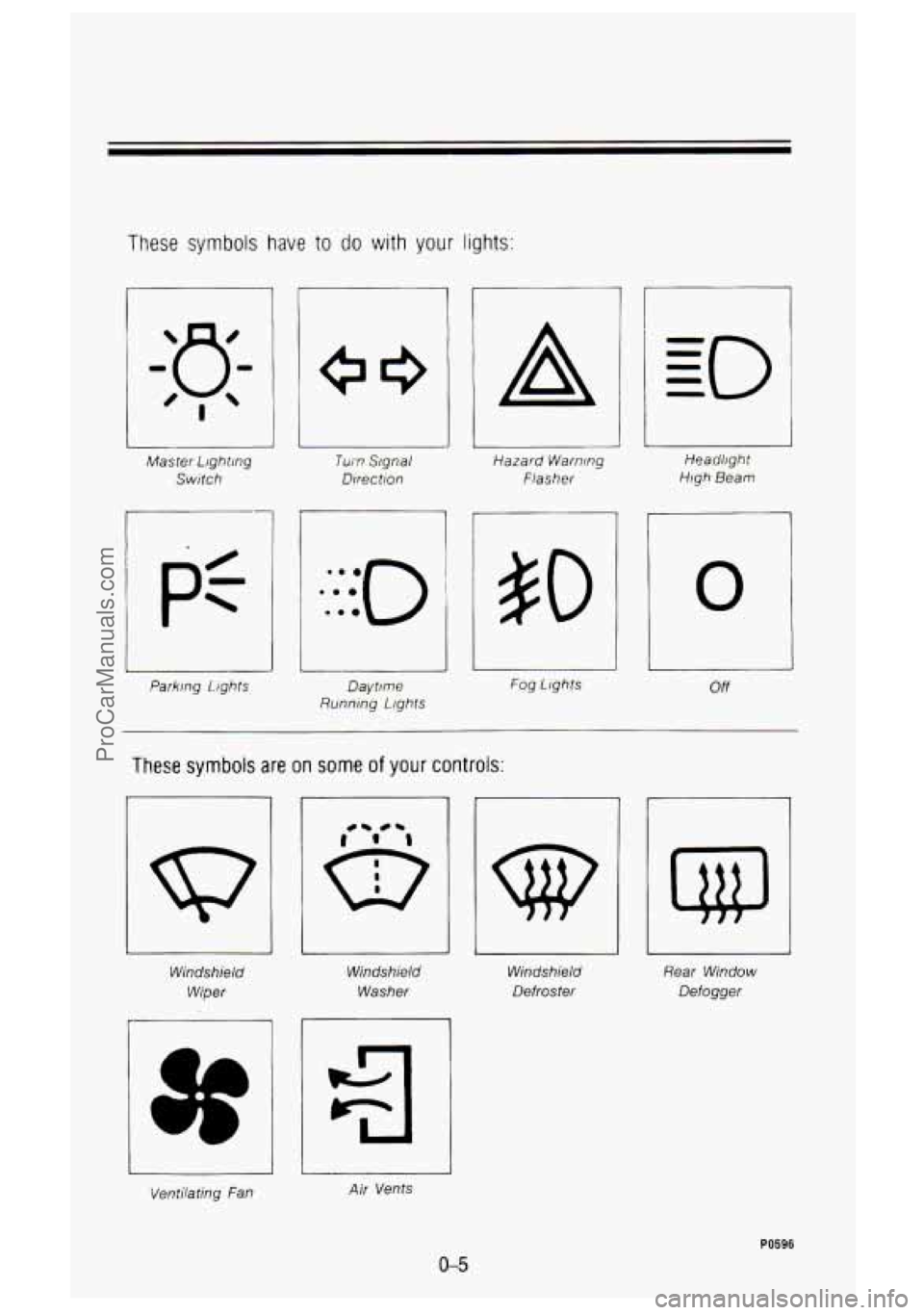
These symbols have to do with your lights:
Master Lighting
Switch
pt
Parking 1.ight.s
Turn Signal
Direction Hazard
Warning
Flasher Heao'lighr
High Beam
#O
Daytime
Running Lfghts Fog
Llghts
0
I
L
Off
These symbols are on some of your controls:
Windshield
Wiper
3f
Windshield
Washer
1 IL 1
Windshield Rear
Window
Defroster Defogger
Ventilating fan Air Vents
0-5
PO596
ProCarManuals.com
Page 70 of 436

Featums & Contmls
Parking Brake ........................................................................\
.............................. 2-29
Parking Over Things That Burn
........................................................................\
. 2-33
Engine Exhaust
........................................................................\
........................... 2-34
Running Your Engine While You’re Parked
...................................................... 2-35
Four-wheel Drive
........................................................................\
........................ 2-36
Transfer Case
........................................................................\
.......................... 2-37
Front Axle Locking Feature
........................................................................\
.... 2-38
Windows
........................................................................\
....................................... 2-39
Horn
........................................................................\
.............................................. 2-41
Tilt Wheel
........................................................................\
..................................... 2-41
Multifunction Lever
........................................................................\
...................... 2-42
Turn Signal and Lane Change Indicator
....................................................... 2-43
Headlight High-Low Beam
........................................................................\
...... 2-44
Windshield Wipers
........................................................................\
................... 2-45
Windshield Washer
........................................................................\
.................. 2-46
Cruise Control
........................................................................\
.......................... 2-47
Headlights and Vehicle Lighting
........................................................................\
. 2-53
Mirrors
........................................................................\
.......................................... 2-59
Sun Visors
........................................................................\
................................... 2-61
Cigarette LighterlAshtrays
........................................................................\
........... 2-62
Storage Compartments
........................................................................\
............... 2-63
Instrument Cluster ........................................................................\
....................... 2-70
Warning and Indicator Lights
........................................................................\
.. 2-78
Gages
........................................................................\
....................................... 2-87
Camper Wiring Harness
........................................................................\
............. 2-91
Trailer Wiring Harness
........................................................................\
................ 2-91
2-2
ProCarManuals.com
Page 110 of 436
Features & ContrOrs
To tilt the wheel, hold the steering wheel and pull the lever. Move the
steering wheel to a comfortable level, then release the lever to
lock the wheel
in place.
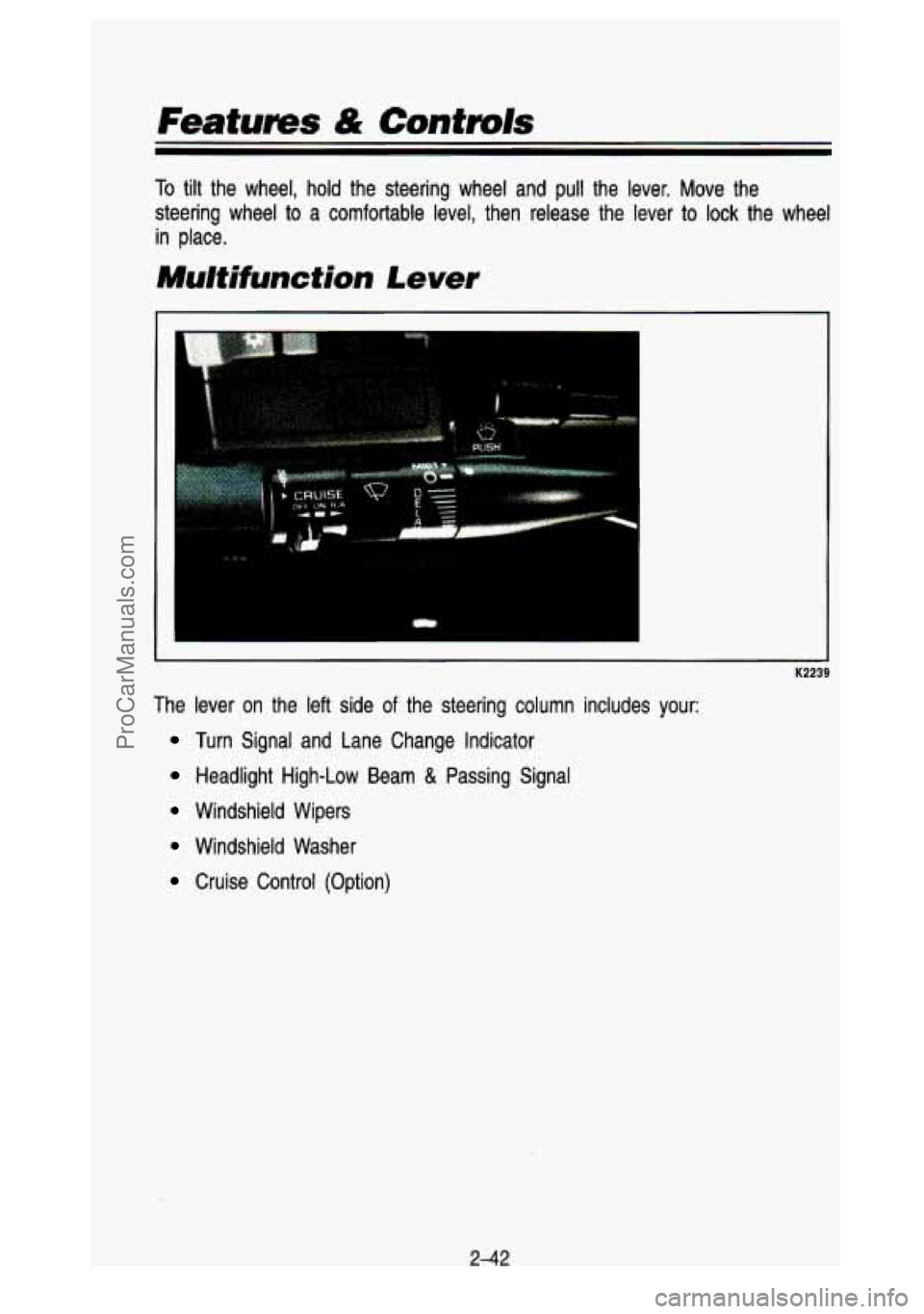
Mu/tifunction Lever
The lever on the left side of the steering column includes your:
Turn Signal and Lane Change Indicator
Headlight High-Low Beam & Passing Signal
Windshield Wipers
Windshield Washer
Cruise Control (Option)
2-42
ProCarManuals.com
Page 111 of 436
 and two downward \
(for Left)
positions. These positions allow you to signal a turn
or a")
Turn Signa/ and Lane Change Indicator
(I
The turn signal has two upward (for Right) and two downward \
(for Left)
positions. These positions allow you to signal a turn
or a lane change.
To signal a turn, move the lever all the way up or down. When the turn is
finished, the lever will return automatically.
A green arrow on the instrument panel will flash in the direction of the turn
or lane change.
To signal a lane change, just raise
or lower the lever until the green arrow
starts
to flash. Hold it there until you complete your lane change. The lever
will return by itself when you release it.
As you signal a turn or a lane change, if the arrows flash twice as fast as
normal, a signal bulb may be burned out and other drivers won't see your
turn signal.
If a bulb is burned out, replace
it to help avoid an accident. If the green
arrows don't go on at all when you signal a turn, check the \
fuse (see "Fuses" in the Index) and for burned-out bulbs.
Operation of Lighfs
Although your vehicle's lighting system (headlights, parking lig\
hts, fog lamps,
side marker lights and taillights) meet all applicable federal \
lighting
requirements, certain states and provinces may apply their own lighting
regulations that may require special attention before you operat\
e these lights.
For example, some jurisdictions may require that you operate your l\
ower
243
ProCarManuals.com
Page 112 of 436

Features & Controls
beam lights with fog lamps at all times, or that headlights b\
e turned on
whenever you must use your windshield wipers.
In addition, most jurisdictions
prohibit driving solely with parking lights, especially at dawn \
or dusk. It is
recommended that you check with your own state or provincial h\
ighway
authority for applicable lighting regulations.
Headight High-Low Beam
- K2242
To change the headlights from low beam to high or high to low, \
pull the turn
signal lever all the way toward you. Then release
it. When the high beams
are on, this blue light
on the instrument panel also will be on.
2-44
ProCarManuals.com
Page 122 of 436
Push the right side of the switch with the 0 symbol on it to turn off your
lights.
Turn the dial at the right of the
off switch to adjust interior lights. Turning the
dial
all the way up turns on the interior lights.
You can switch your headlights from high to low beam by pulling o\
n the turn
signal/high beam lever.
A circuit breaker protects your headlights. If you have an electrical overload,
your headlights will flicker on and
off. Have your headlight wiring checked
right away
if this happens.
Headlights-On Reminder
A buzzer will sound when your headlights are turned on and your ignition is
in Off, LOCK or Acc.
Fog Lamps
Use your optional fog lamps for better vision in foggy or misty conditions.
Your fog lamps will operate with your low beam headlights or parking li\
ghts
on,
and go off when the high beam headlamps are on. Switching to low
beam headlights or parking lights will let you use the fog la\
mps again.
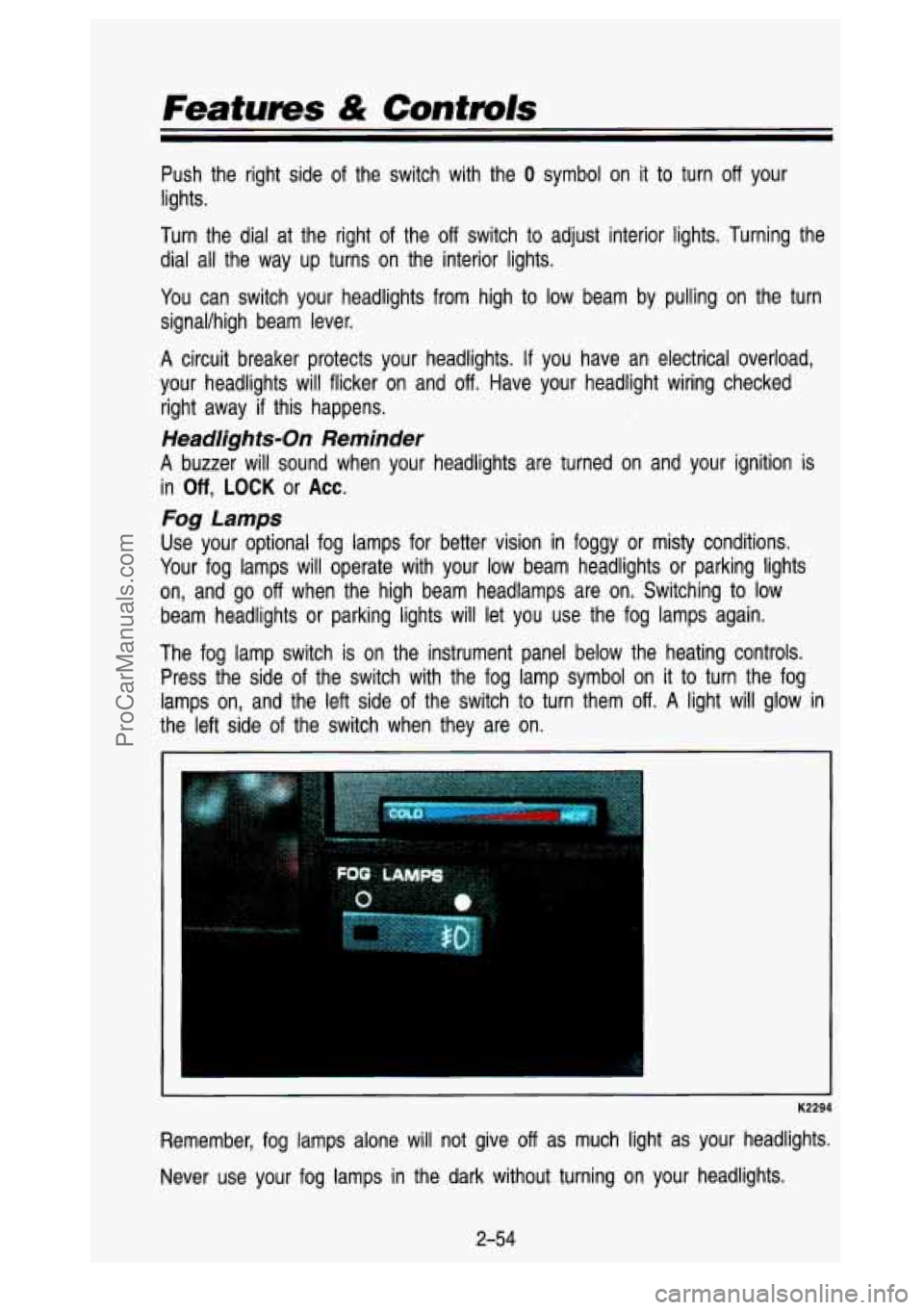
The fog lamp switch is on the instrument panel below the heating controls.
Press the side of the switch with the fog lamp symbol on
it to turn the fog
lamps on, and the left side of the switch
to turn them off. A light will glow in
the left side of the switch when they are on.
K2294
Remember, fog lamps alone will not give off as much light as your headlights.
Never use your fog lamps in the dark without turning on your headlights.
2-54
ProCarManuals.com
Page 146 of 436
.
If you have the Sport Performance Model (RPO B4U), your")
Features & Controls
Tachometer
If you have a tachometer, it displays the engine speed in revolut\
ions per
minute (rpm).
If you have the Sport Performance Model (RPO B4U), your tachometer
reading will go
to 6,000 RPM.
'I I Do not operate the engine with the tachometer in the red area, your
engine
or other parts could be damagec' I
Damage to your engine or vehicle caused by operating the engine in 1
red area isn't covered by your vehicle warranty.
Warning and lndicator Lights
This section describes the warning lights and gages that are o\
n your vehicle.
The pictures
will help you locate them.
Warning lights and gages can signal that something is wrong be\
fore
it
becomes serious enough to cause expensive repair or replacement. Paying
attention
to your warning lights and gages could also save you or others from
injury.
Warning lights go on when there may be or
is a problem with one of your
vehicle's functions.
As you will see in the details on the next few pages,
some warning lights come on briefly when you turn the ignition\
key just
to let
2-78
ProCarManuals.com
Page 154 of 436

Features & Contmls
beam headlights. For more details about high beams, see “Hea\
dlight High-Low Beam Changer” earlier in this section.
Turn Signal and Lane Change Indicator
K2444
These lights, with the green arrows, are on each side of the instrument
cluster. The signal indicator will come on whenever
you signal a turn or lane
change. See “Turn and Lane Change Signal” earlier in this section,
2-86
ProCarManuals.com
Page 176 of 436
Comfort Controls & Audio Systems
AmSt
The AmSt button is just below the PWR button. Push this when you tune to
an AM station that broadcasts in stereo. Your
STEREO light will come on
when you’re receiving AM stereo.
If you push AmSt and there is no more
noise,
it means the station is weak. You’ll hear the station better if you don’t
use
AmSt. Just push the AmSt button again to cancel stereo.
NOTE: Your Delco system may be able to receive C-QUAM@ stereo
broadcasts. Many AM stations around the country use C-QUAM@ to produce
stereo, though some do not. C-QUAM@ is a registered trademark
of Motorola
Inc. If your Delco system can get C-QUAM@ signals, your
STEREO light will
come on when you are receiving stereo.
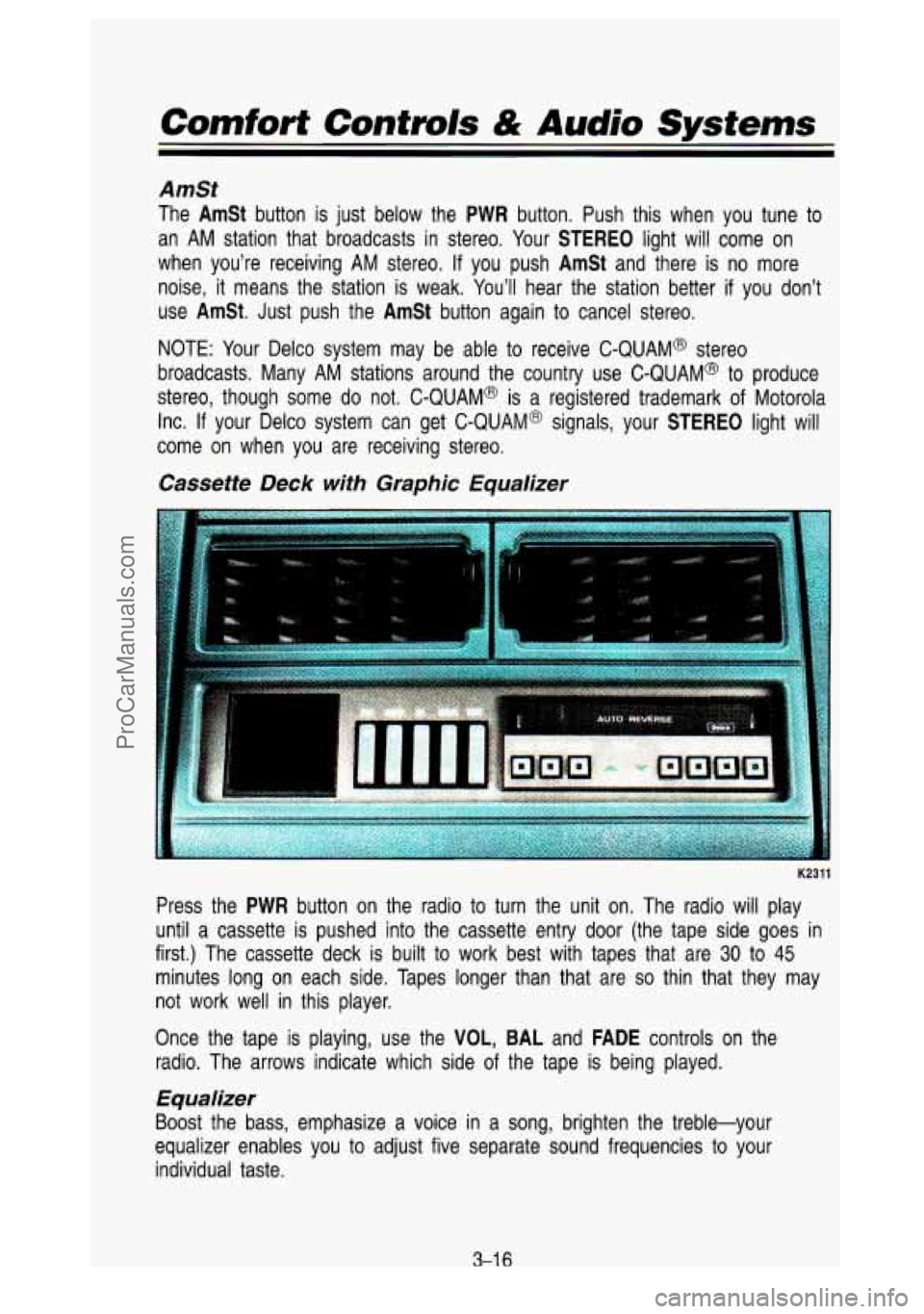
Cassette Deck with Graphic Equalizer
K2311
Press the PWR button on the radio to turn the unit on. The radio will play
until a cassette is pushed into the cassette entry door (the \
tape side goes in
first.) The cassette deck is built to work best with tapes that are
30 to 45
minutes long on each side. Tapes longer than that are so thin that they may
not work well in this player.
Once the tape is playing, use the
VOL, BAL and FADE controls on the
radio. The arrows indicate which side
of the tape is being played.
Equalizer
Boost the bass, emphasize a voice in a song, brighten the treble-your
equalizer enables you to adjust five separate sound frequencies \
to your
individual taste.
3-1 6
ProCarManuals.com
Page 187 of 436
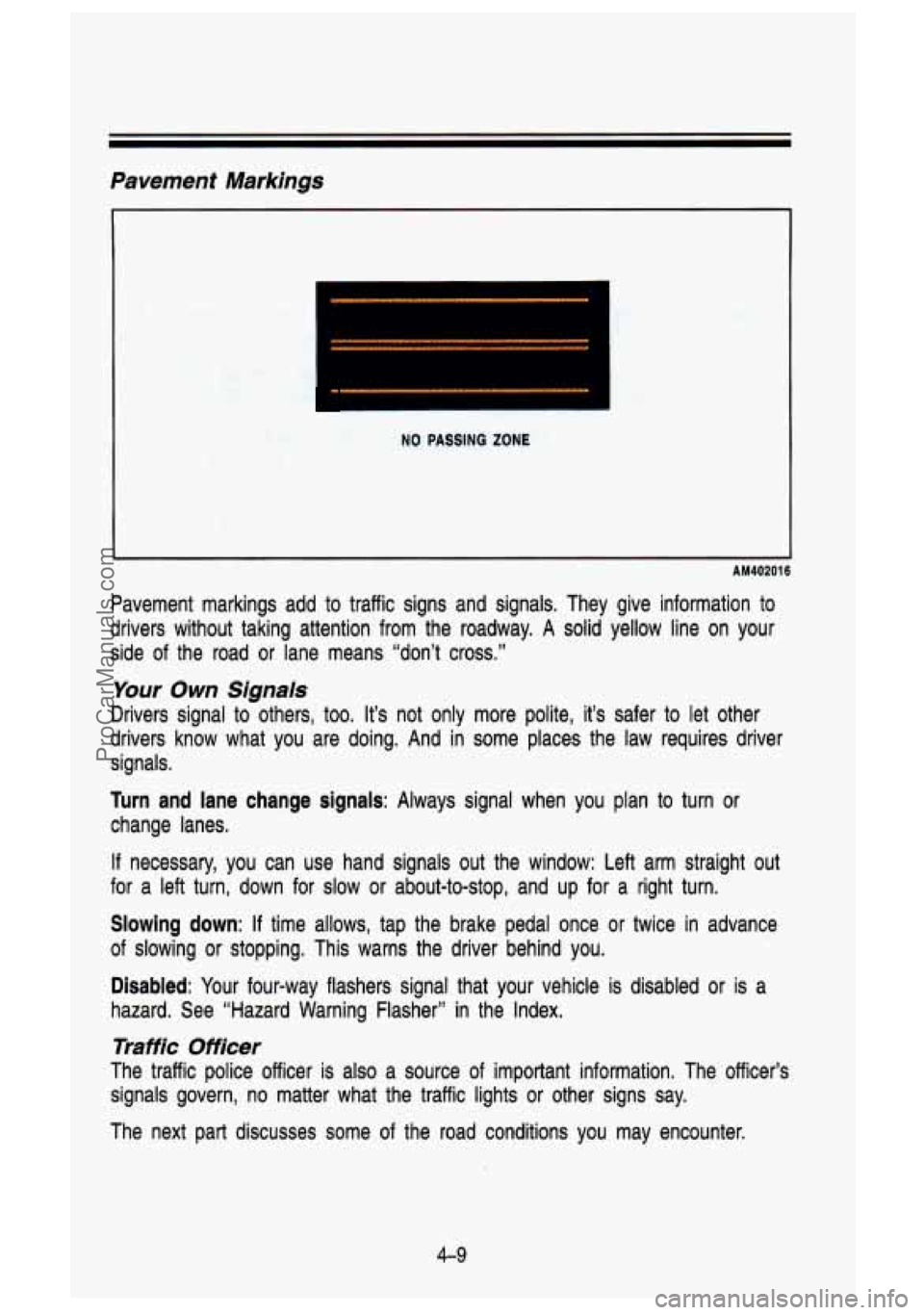
Pavement Markings
NO PASSING ZONE
AM40201 6
Pavement markings add to traffic signs and signals. They give information to
drivers without taking attention from the roadway. A solid yellow line on your
side
of the road or lane means “don’t cross.”
Your Own Signals
Drivers signal to others, too. It’s not only more polite, it’s safer to let other
drivers know what you are doing. And in some places the law requires driver
signals.
Turn and lane change signals: Always signal when you plan to turn or
change lanes.
If necessary, you can use hand signals out the window: Left arm \
straight out
for a left turn, down for
slow or about-to-stop, and up for a right turn.
Slowing down: If time allows, tap the brake pedal once or twice in advance
of slowing or stopping. This warns the driver behind you.
Disabled: Your four-way flashers signal that your vehicle is disabled or is a
hazard. See “Hazard Warning Flasher” in the Index.
Traffic Officer
The traffic police officer is also a source of important informaaon. The officer’s
signals govern, no matter what the traffic lights or other sig\
ns say.
The next part discusses some of the road conditions you may e\
ncounter.
4-9
ProCarManuals.com