fog light GMC SIERRA 2003 Owner's Manual
[x] Cancel search | Manufacturer: GMC, Model Year: 2003, Model line: SIERRA, Model: GMC SIERRA 2003Pages: 408, PDF Size: 2.58 MB
Page 134 of 408
Fog Lamps
You can use your vehicle’s fog lamps for better vision in
foggy or misty conditions.
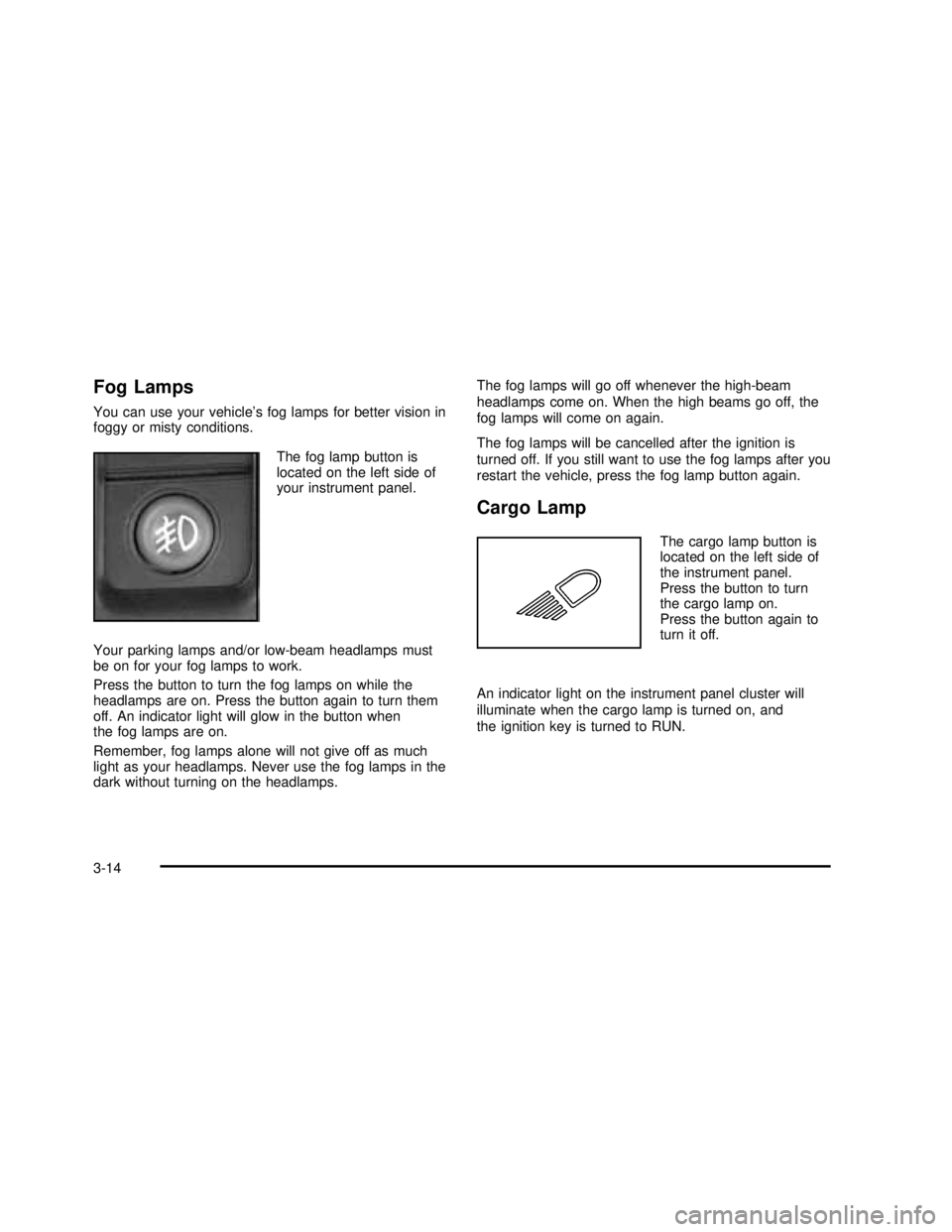
The fog lamp button is
located on the left side of
your instrument panel.
Your parking lamps and/or low-beam headlamps must
be on for your fog lamps to work.
Press the button to turn the fog lamps on while the
headlamps are on. Press the button again to turn them
off. An indicator light will glow in the button when
the fog lamps are on.
Remember, fog lamps alone will not give off as much
light as your headlamps. Never use the fog lamps in the
dark without turning on the headlamps.The fog lamps will go off whenever the high-beam
headlamps come on. When the high beams go off, the
fog lamps will come on again.
The fog lamps will be cancelled after the ignition is
turned off. If you still want to use the fog lamps after you
restart the vehicle, press the fog lamp button again.
Cargo Lamp
The cargo lamp button is
located on the left side of
the instrument panel.
Press the button to turn
the cargo lamp on.
Press the button again to
turn it off.
An indicator light on the instrument panel cluster will
illuminate when the cargo lamp is turned on, and
the ignition key is turned to RUN.
3-14
2003 - Sierra Denali
Page 140 of 408

9(Off):Press this button to turn off the entire climate
control system. Outside air will still enter the vehicle, and
will be directed to thefloor. This direction can be changed
by pressing the mode button. The temperature can also
be adjusted using either temperature knob. Press the up
or down arrows on the fan switch, the defrost button, the
AUTO button, or the air conditioning button to turn the
system on when it is off.
Manual Operation
You may manually adjust the air delivery mode or fan
speed.
w9x(Fan):The switch with the fan symbol allows
you to manually adjust the fan speed. Press the up
arrow to increase fan speed and the down arrow
to decrease fan speed.
Pressing this button when the system is off will turn the
system on.
C(Mode):Press this button to manually change the
direction of the airflow in your vehicle; keep pressing the
button until the desired mode appears on the display.
If you press the mode button to select an air delivery
mode, the display will change to show you the selected
air mode delivery. The display will then show the
current status of the system. When the system is turned
off, the display will go blank after displaying the
current status of the system.
H(Panel):This setting will deliver air to the
instrument panel outlets.
)(Bi-Level):This setting will deliver warmer air to the
floor and cooler air to the instrument panel outlets.
6(Floor):This setting will deliver air to thefloor
outlets.
-(Defog):See“Defogging and Defrosting”later in
this section.
@(Recirculation):Press this button to limit the
amount of outside air entering your vehicle. The light on
the recirculation button will glow. This is helpful when you
are trying to limit odors entering your vehicle and for
maximum air conditioning performance in hot weather.
Press this button again to allow outside air to enter the
vehicle. The light on the recirculation button will go off.
Pressing this button also cancels the auto recirculation
feature. To resume the auto recirculation function, press
the AUTO button. Each time the vehicle is started, the
system will revert to the auto recirculation function.
If you select recirculation while in defrost, defog orfloor,
the light in the button willflash and then go out to let you
know that this is not allowed. This is normal and helps to
prevent fogging.
3-20
2003 - Sierra Denali
Page 143 of 408
Rear Window Defogger
If your vehicle has this feature, the lines you see on the
rear window warm the glass. The rear window
defogger uses a warming grid to remove fog from the
rear window.
<(Rear):Press this button to turn the rear window
defogger on or off. An indicator light in the button
will come on to let you know that the rear window
defogger is activated.
The rear window defogger will turn off about 10 minutes
after the button is pressed. If you need additional
warming time, press the button again.
If your vehicle is equipped with heated mirrors this
button will activate them.
Notice:Don’t use a razor blade or something else
sharp on the inside of the rear window. If you
do, you could cut or damage the defogger and the
repairs would not be covered by your warranty.
Do not attach a temporary vehicle license, tape, a
decal or anything similar to the defogger grid.
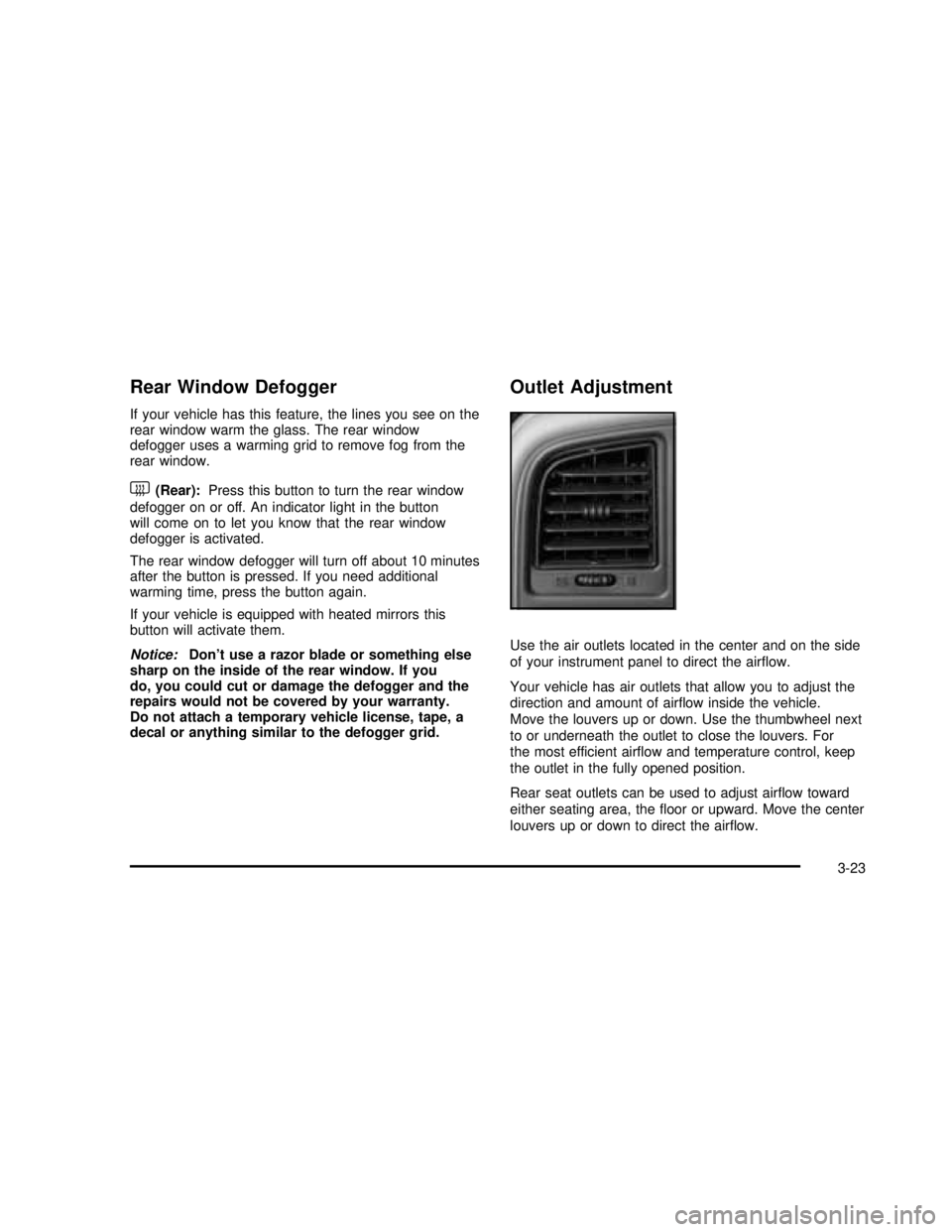
Outlet Adjustment
Use the air outlets located in the center and on the side
of your instrument panel to direct the airflow.
Your vehicle has air outlets that allow you to adjust the
direction and amount of airflow inside the vehicle.
Move the louvers up or down. Use the thumbwheel next
to or underneath the outlet to close the louvers. For
the most efficient airflow and temperature control, keep
the outlet in the fully opened position.
Rear seat outlets can be used to adjust airflow toward
either seating area, thefloor or upward. Move the center
louvers up or down to direct the airflow.
3-23
2003 - Sierra Denali
Page 144 of 408

Operation Tips
•
Keep the hood and front air inlets free of ice, snow,
or any other obstruction (such as leaves). The
heater and defroster will work far better, reducing
the chance of fogging the inside of your windows.
•Keep the air path under the front seats clear
of objects. This helps air to circulate throughout your
vehicle.
•Adding outside equipment to the front of your
vehicle, such as hood-air deflectors, etc., may affect
the performance of the heating and air conditioning
system. Check with your dealer before adding
equipment to the outside of your vehicle.
Warning Lights, Gages and
Indicators
This part describes the warning lights and gages that
may be on your vehicle. The pictures will help you
locate them.
Warning lights and gages can signal that something is
wrong before it becomes serious enough to cause
an expensive repair or replacement. Paying attention to
your warning lights and gages could also save you
or others from injury.Warning lights come on when there may be or is a
problem with one of your vehicle’s functions. As you will
see in the details on the next few pages, some
warning lights come on briefly when you start the
engine just to let you know they’re working. If you are
familiar with this section, you should not be alarmed
when this happens.
Gages can indicate when there may be or is a problem
with one of your vehicle’s functions. Often gages
and warning lights work together to let you know when
there’s a problem with your vehicle.
When one of the warning lights comes on and stays on
when you are driving, or when one of the gages
shows there may be a problem, check the section that
tells you what to do about it. Please follow this
manual’s advice. Waiting to do repairs can be
costly–and even dangerous. So please get to know
your warning lights and gages. They’re a big help.
Your vehicle also has a driver information system that
works along with the warning lights and gages. See
Driver Information Center (DIC) on page 3-42.
3-24
2003 - Sierra Denali
Page 358 of 408

Fuses Usage
IGN 1 Ignition Relay
PCM 1 Powertrain Control Module
ETC/ECMElectronic Throttle Control,
Electronic Brake Controller
IGN EInstrument Panel Cluster, Air
Conditioning Relay, Turn
Signal/Hazard Switch, Starter
Relay
RTD Ride Control
TRL B/U Backup Lamps Trailer Wiring
PCM BPowertrain Control Module,
Fuel Pump
F/PMP Fuel Pump (Relay)
B/U LPBack-up Lamps, Automatic
Transmission Shift Lock
Control System
RR DEFOG Rear Window Defogger
HDLP-HI Headlamp High Beam Relay
PRIME Not Used
02B Oxygen Sensors
SIRSupplemental Inflatable
Restraint System
FRT PARKFront Parking Lamps,
Sidemarker Lamps
DRLDaytime Running Lamps
(Relay)Fuses Usage
SEO IGN Rear Defog Relay
TBC IGN1 Truck Body Controller Ignition
HI HDLP-LT High Beam Headlamp-Left
LH HID Not Used
DRL Daytime Running Lamps
IPC/DICInstrument Panel
Cluster/Driver Information
Center
HVAC/ECAS Climate Control Controller
CIG LTR Cigarette Lighter
HI HDLP-RT High Beam Headlamp-Right
HDLP-LOW Headlamp Low Beam Relay
A/C COMP Air Conditioning Compressor
A/C COMPAir Conditioning Compressor
Relay
RR WPR Not Used
RADIO Audio System
SEO B1Mid Bussed Electrical Center,
Rear Heated Seats,
HomeLink
LO HDLP-LT Headlamp Low Beam-Left
BTSIBrake Transmission Shift
Interlock System
CRANK Starting System
LO HDLP-RT Headlamp Low Beam-Right
5-98
2003 - Sierra Denali
Page 394 of 408

Cleaning the Windshield and Wiper Blades.........5-86
Cleaning Tires................................................5-87
Cleaning Vinyl................................................5-83
Cleaning Wood Panels....................................5-84
Climate Control System
Dual Automatic............................................3-18
Compact Disc Changer Errors..........................3-75
Compact Disc Messages..................................3-70
Compass Calibration.......................................2-30
Compass Variance..........................................2-29
Content Theft-Deterrent....................................2-13
Control of a Vehicle.......................................... 4-5
Coolant
Engine Temperature Gage............................3-36
Heater, Engine............................................2-18
Surge Tank Pressure Cap.............................5-26
Cooling System..............................................5-29
Cruise Control.................................................. 3-8
Cruise Control Light........................................3-40
Cupholder(s)..................................................2-39
Current and Past Model Order Forms................7-10
Customer Assistance Information
Courtesy Transportation
.................................. 7-7
Customer Assistance for Text Telephone (TTY)
Users
....................................................... 7-3
Customer Assistance Offices
........................... 7-4
Customer Satisfaction Procedure
..................... 7-2
GM Mobility Program for Persons with
Disabilities
................................................ 7-5
Reporting Safety Defects to General Motors
...... 7-9Customer Assistance Information (cont.)
Reporting Safety Defects to the Canadian
Government.............................................. 7-9
Reporting Safety Defects to the United States
Government.............................................. 7-8
Roadside Assistance Program......................... 7-5
Service Publications Ordering Information......... 7-9
D
Daytime Running Lamps..................................3-13
Defensive Driving............................................. 4-2
Defogging and Defrosting.................................3-22
Doing Your Own Service Work........................... 5-3
Dome Lamps .................................................3-16
Door
Locks.......................................................... 2-6
Power Door Locks......................................... 2-7
Programmable Automatic Door Locks............... 2-7
Rear Doors.................................................. 2-9
Driver
Position, Safety Belt.....................................1-12
DRIVER DOOR AJAR.....................................3-56
Driver Information Center (DIC).........................3-42
DIC Operation and Displays..........................3-42
DIC Warnings and Messages........................3-51
Driving
At Night.....................................................4-30
City ...........................................................4-35
Defensive..................................................... 4-2
4
2003 - Sierra Denali
Page 396 of 408

F
Filter
Engine Air Cleaner......................................5-18
Finding a PTY Station (RDS and XM™) .............3-61
Finding a Station............................................3-59
Finish Care....................................................5-85
Finish Damage...............................................5-87
Fixed Mast Antenna........................................3-78
Flash-To-Pass Feature....................................... 3-7
Flat Tire........................................................5-64
Flat Tire, Changing.........................................5-65
Fluid
Automatic Transmission................................5-20
Power Steering...........................................5-34
Windshield Washer......................................5-35
FM Stereo.....................................................3-76
Fog Lamps ....................................................3-14
Folding the Rear Seat....................................... 1-6
Following Distance..........................................4-58
Footnotes........................................................ 6-5
Front Axle......................................................5-47
Front Reading Lamps
......................................3-15
Fuel
............................................................... 5-4
Additives
...................................................... 5-6
California Fuel
.............................................. 5-5
Filling a Portable Fuel Container
..................... 5-9
Filling Your Tank
........................................... 5-7
Fuels in Foreign Countries
.............................. 5-6
Gage
.........................................................3-41Fuel (cont.)
Gasoline Octane........................................... 5-4
Gasoline Specifications.................................. 5-5
Low Warning Light.......................................3-41
System Inspection.......................................6-14
Fuel Information Button....................................3-44
FUEL LEVEL LOW.........................................3-54
Fuses
Fuses and Circuit Breakers...........................5-91
Windshield Wiper.........................................5-91
G
Gage
Engine Coolant Temperature.........................3-36
Fuel..........................................................3-41
Oil Pressure...............................................3-40
Speedometer..............................................3-26
Tachometer.................................................3-26
Transmission Temperature.............................3-36
Voltmeter Gage...........................................3-33
Garage Door Opener.......................................2-35
Gasoline
Octane........................................................ 5-4
Specifications............................................... 5-5
Gate Operator and Canadian Programming........2-37
Getting Familiar with Off-Road Driving................4-20
Glove Box.....................................................2-39
GM Mobility Program for Persons with
Disabilities.................................................... 7-5
6
2003 - Sierra Denali