heating GMC TERRAIN 2010 Owner's Manual
[x] Cancel search | Manufacturer: GMC, Model Year: 2010, Model line: TERRAIN, Model: GMC TERRAIN 2010Pages: 16, PDF Size: 0.29 MB
Page 4 of 16
4
Remote Keyless Entry Transmitter
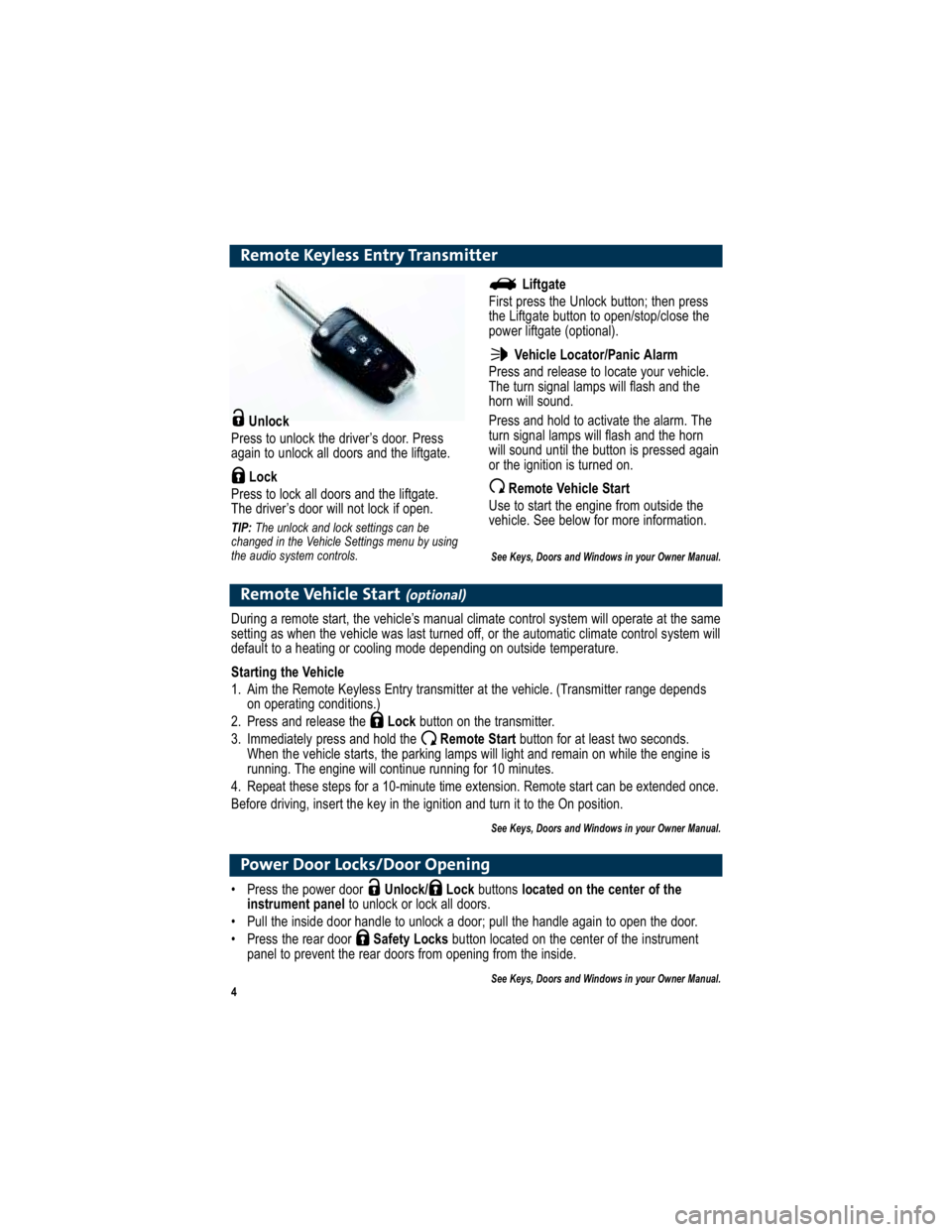
Unlock
Press to unlock the driver’s door. Press
again to unlock all doors and the liftgate.
Lock
Press to lock all doors and the liftgate.
The driver’s door will not lock if open.
TIP: The unlock and lock settings can be
changed in the Vehicle Settings menu by using
the audio system controls.
Remote Vehicle Start(optional)
During a remote start, the vehicle’s manual climate control sy stem will operate at the same
setting as when the vehicle was last turned off, or the automa tic climate control system will
default to a heating or cooling mode depending on outside temperature.
Starting the Vehicle
1. Aim the Remote Keyless Entry transmitter at the vehicle. (Trans mitter range depends
on operating conditions.)
2. Press and release the Lockbutton on the transmitter.
3. Immediately press and hold the Remote Start button for at least two seconds.
When the vehicle starts, the parking lamps will light and rem ain on while the engine is
running. The engine will continue running for 10 minutes.
4. Repeat these steps for a 10-minute time extension . Remote start can be extended once.
Before driving, insert the key in the ignition and turn it to the On position.
See Keys, Doors and Windows in your Owner Manual.
Liftgate
First press the Unlock button; then press
the Liftgate button to open/stop/close the
power liftgate (optional).
Vehicle Locator/Panic Alarm
Press and release to locate your vehicle.
The turn signal lamps will flash and the
horn will sound.
Press and hold to activate the alarm. The
turn signal lamps will flash and the horn
will sound until the button is pressed again
or the ignition is turned on.
Remote Vehicle Start
Use to start the engine from outside the
vehicle. See below for more information.
See Keys, Doors and Windows in your Owner Manual.
Power Door Locks/Door Opening
Press the power door Unlock/ Lock buttons located on the center of the
instrument panel to unlock or lock all doors.
Pull the inside door handle to unlock a door; pull the h andle again to open the door.
Press the rear door Safety Locksbutton located on the center of the instrument
panel to prevent the rear doors from opening from the inside.
See Keys, Doors and Windows in your Owner Manual.