phone HONDA CIVIC COUPE 2014 9.G Navigation Manual
[x] Cancel search | Manufacturer: HONDA, Model Year: 2014, Model line: CIVIC COUPE, Model: HONDA CIVIC COUPE 2014 9.GPages: 441
Page 253 of 441
252
uuBluetooth ® HandsFreeLink ®u HFL Menus
Features
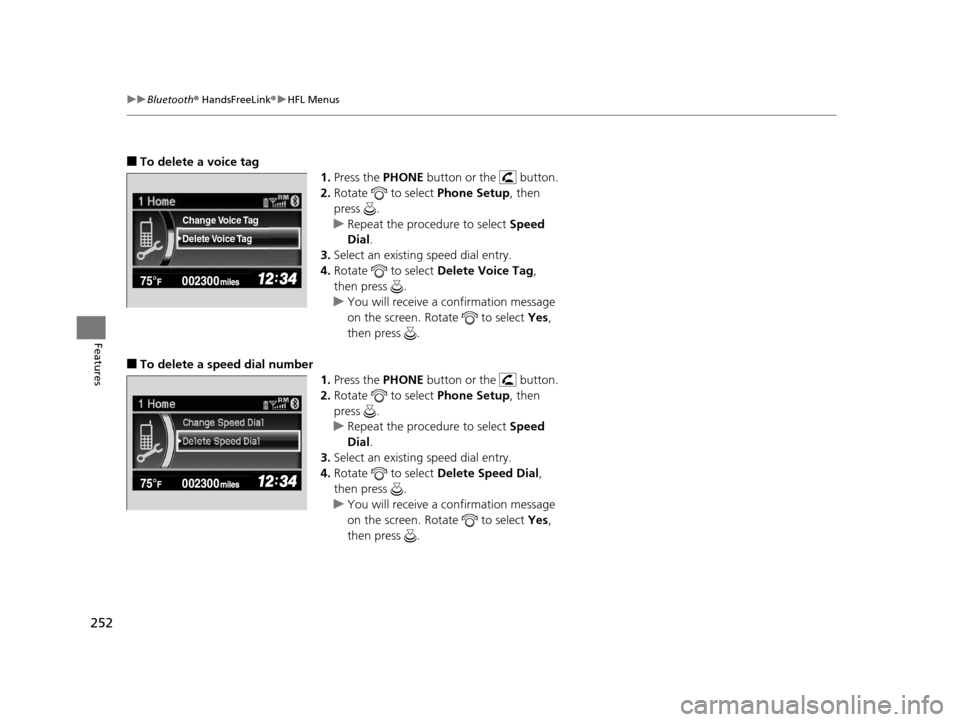
■To delete a voice tag
1.Press the PHONE button or the button.
2. Rotate to select Phone Setup, then
press .
u Repeat the procedure to select Speed
Dial .
3. Select an existing speed dial entry.
4. Rotate to select Delete Voice Tag,
then press .
u You will receive a confirmation message
on the screen. Rotate to select Yes,
then press .
■To delete a speed dial number 1.Press the PHONE button or the button.
2. Rotate to select Phone Setup, then
press .
u Repeat the procedure to select Speed
Dial .
3. Select an existing speed dial entry.
4. Rotate to select Delete Speed Dial,
then press .
u You will receive a confirmation message
on the screen. Rotate to select Yes,
then press .
Delete Voice Tag Change Voice Tag
14 CIVIC 2D_SI-31TS86210.book 252 ページ 2014年1月29日 水曜日 午後8時9分
Page 254 of 441
Continued253
uuBluetooth ® HandsFreeLink ®u HFL Menus
Features
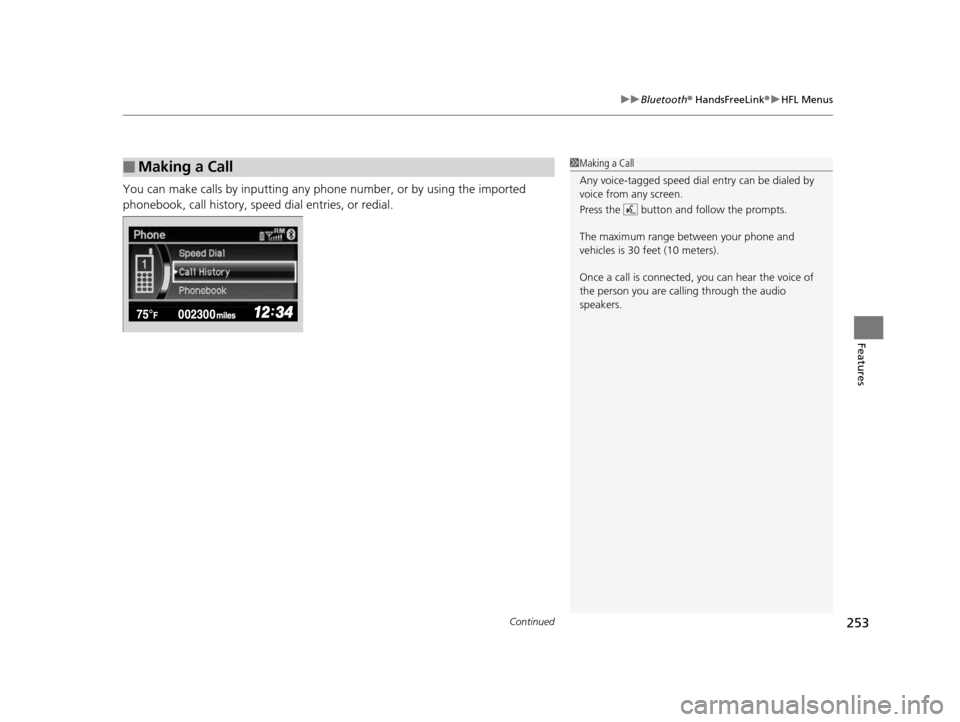
You can make calls by inputting any phone number, or by using the imported
phonebook, call history, speed dial entries, or redial.
■Making a Call1Making a Call
Any voice-tagged speed dial entry can be dialed by
voice from any screen.
Press the button and follow the prompts.
The maximum range be tween your phone and
vehicles is 30 fe et (10 meters).
Once a call is connected, you can hear the voice of
the person you are call ing through the audio
speakers.
14 CIVIC 2D_SI-31TS86210.book 253 ページ 2014年1月29日 水曜日 午後8時9分
Page 255 of 441
uuBluetooth ® HandsFreeLink ®u HFL Menus
254
Features
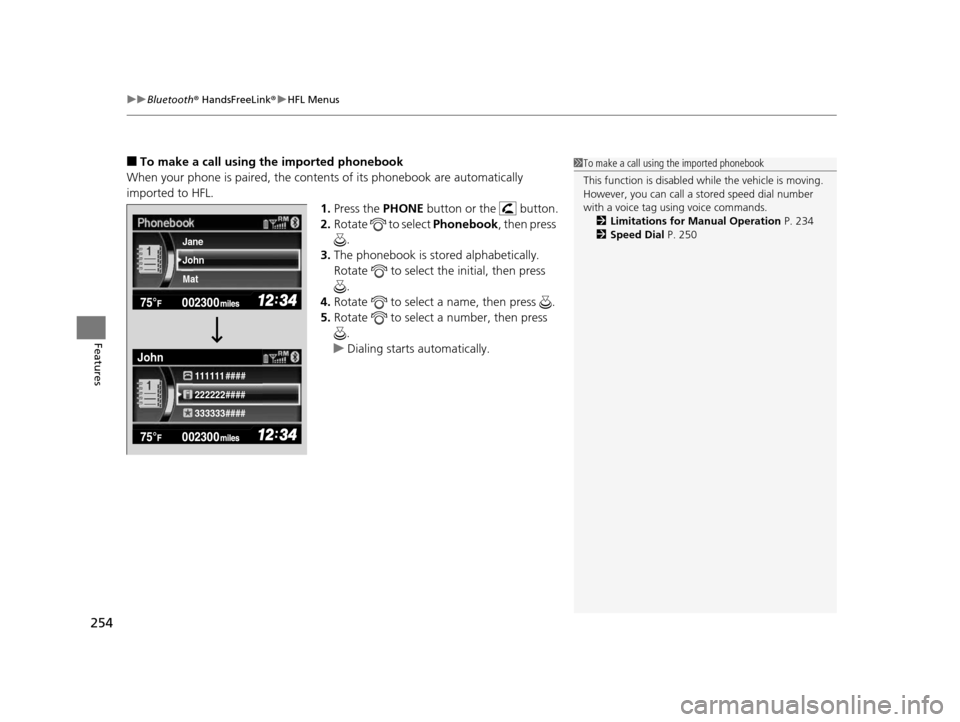
■To make a call using the imported phonebook
When your phone is paired, the contents of its phonebook are automatically
imported to HFL. 1.Press the PHONE button or the button.
2. Rotate to select Phonebook, then press
.
3. The phonebook is stored alphabetically.
Rotate to select the initial, then press
.
4. Rotate to select a name, then press .
5. Rotate to select a number, then press
.
u Dialing starts automatically.1To make a call using the imported phonebook
This function is disabled while the vehicle is moving.
However, you can call a stored speed dial number
with a voice tag using voice commands.
2 Limitations for Manual Operation P. 234
2 Speed Dial P. 250
222222#### 111111 ####
333333####
John Jane
Mat
John
14 CIVIC 2D_SI-31TS86210.book 254 ページ 2014年1月29日 水曜日 午後8時9分
Page 256 of 441
Continued255
uuBluetooth ® HandsFreeLink ®u HFL Menus
Features
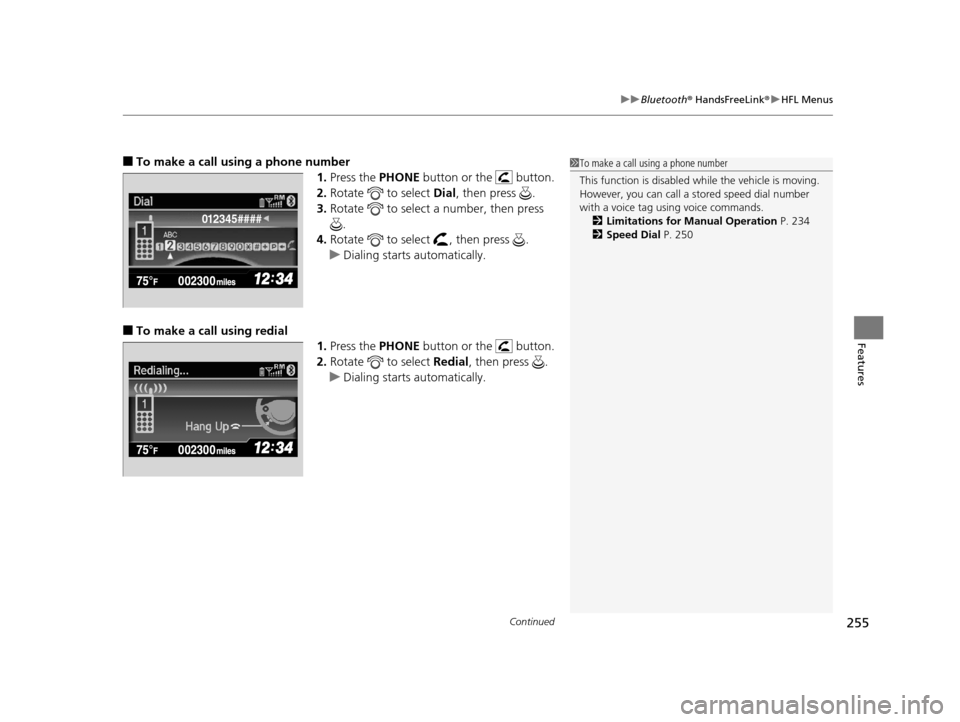
■To make a call using a phone number
1.Press the PHONE button or the button.
2. Rotate to select Dial, then press .
3. Rotate to select a number, then press
.
4. Rotate to select , then press .
u Dialing starts automatically.
■To make a call using redial
1.Press the PHONE button or the button.
2. Rotate to select Redial, then press .
u Dialing starts automatically.
1To make a call using a phone number
This function is disabled while the vehicle is moving.
However, you can call a stored speed dial number
with a voice tag using voice commands.
2 Limitations for Manual Operation P. 234
2 Speed Dial P. 250
012345####
14 CIVIC 2D_SI-31TS86210.book 255 ページ 2014年1月29日 水曜日 午後8時9分
Page 257 of 441
uuBluetooth ® HandsFreeLink ®u HFL Menus
256
Features
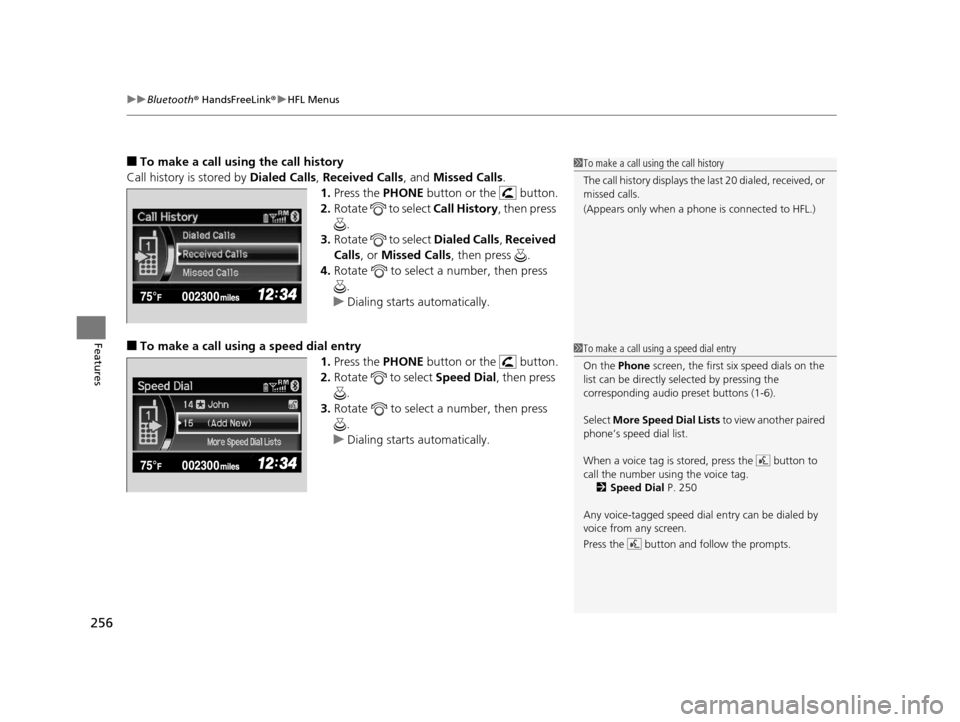
■To make a call usin g the call history
Call history is stored by Dialed Calls, Received Calls , and Missed Calls .
1. Press the PHONE button or the button.
2. Rotate to select Call History, then press
.
3. Rotate to select Dialed Calls , Received
Calls , or Missed Calls, then press .
4. Rotate to select a number, then press
.
u Dialing starts automatically.
■To make a call using a speed dial entry
1.Press the PHONE button or the button.
2. Rotate to select Speed Dial, then press
.
3. Rotate to select a number, then press
.
u Dialing starts automatically.
1To make a call using the call history
The call history disp lays the last 20 dialed, received, or
missed calls.
(Appears only when a phone is connected to HFL.)
1 To make a call using a speed dial entry
On the Phone screen, the first six speed dials on the
list can be directly selected by pressing the
corresponding audio preset buttons (1-6).
Select More Speed Dial Lists to view another paired
phone’s speed dial list.
When a voice tag is stored, press the button to
call the number using the voice tag. 2 Speed Dial P. 250
Any voice-tagged speed dial entry can be dialed by
voice from any screen.
Press the button and follow the prompts.
14 CIVIC 2D_SI-31TS86210.book 256 ページ 2014年1月29日 水曜日 午後8時9分
Page 259 of 441
uuBluetooth ® HandsFreeLink ®u HFL Menus
258
Features
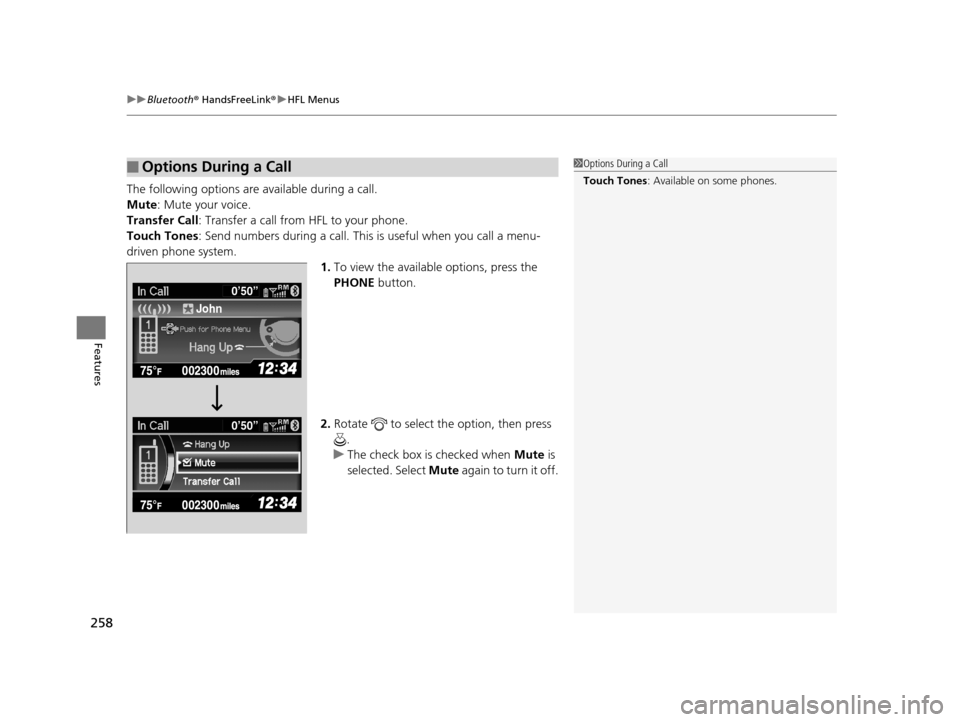
The following options are available during a call.
Mute : Mute your voice.
Transfer Call : Transfer a call fro m HFL to your phone.
Touch Tones: Send numbers during a call. This is useful when you call a menu-
driven phone system. 1.To view the availabl e options, press the
PHONE button.
2. Rotate to select the option, then press
.
u The check box is checked when Mute is
selected. Select Mute again to turn it off.
■Options During a Call1Options During a Call
Touch Tones : Available on some phones.
John0’50”
0’50”
14 CIVIC 2D_SI-31TS86210.book 258 ページ 2014年1月29日 水曜日 午後8時9分
Page 260 of 441
Continued259
uuBluetooth ® HandsFreeLink ®u HFL Menus
Features
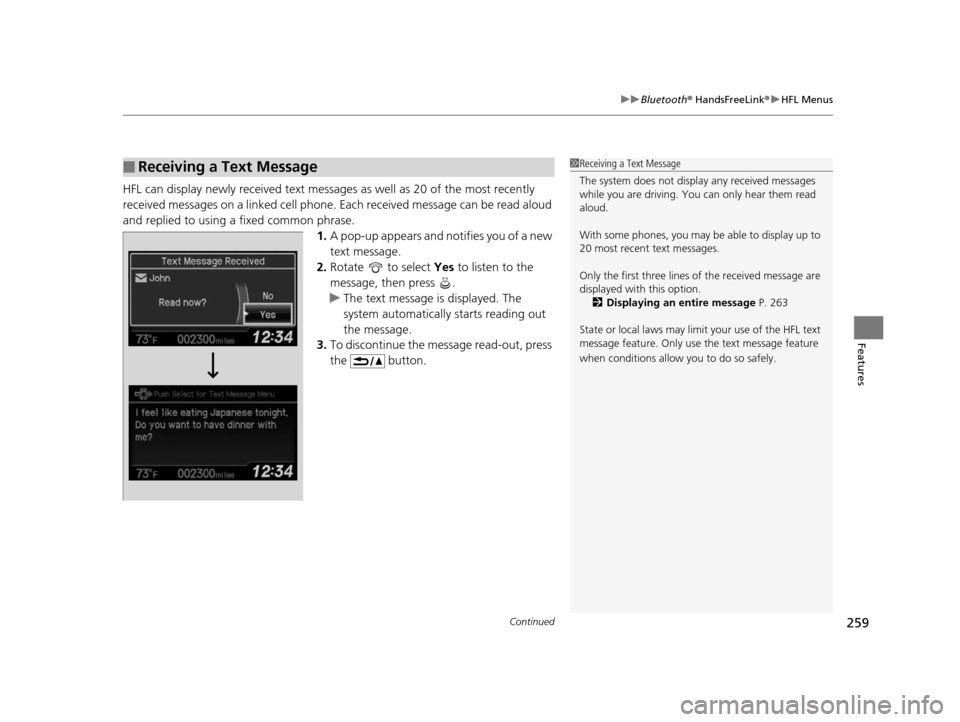
HFL can display newly received text messages as well as 20 of the most recently
received messages on a linked cell phone. Each received message can be read aloud
and replied to using a fixed common phrase. 1.A pop-up appears and notifies you of a new
text message.
2. Rotate to select Yes to listen to the
message, then press .
u The text message is displayed. The
system automatically starts reading out
the message.
3. To discontinue the message read-out, press
the button.
■Receiving a Text Message1Receiving a Text Message
The system does not display any received messages
while you are driving. You can only hear them read
aloud.
With some phones, you may be able to display up to
20 most recent text messages.
Only the first three lines of the received message are
displayed with this option.
2 Displaying an entire message P. 263
State or local laws may limit your use of the HFL text
message feature. Only use the text message feature
when conditions allow you to do so safely.
14 CIVIC 2D_SI-31TS86210.book 259 ページ 2014年1月29日 水曜日 午後8時9分
Page 261 of 441
uuBluetooth ® HandsFreeLink ®u HFL Menus
260
Features
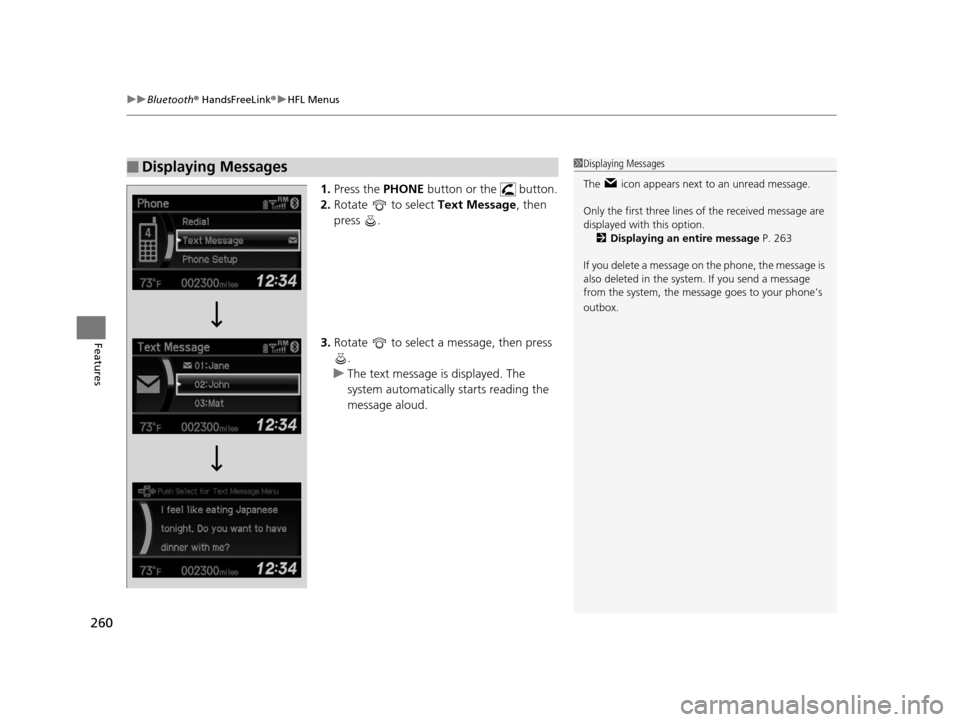
1. Press the PHONE button or the button.
2. Rotate to select Text Message, then
press .
3. Rotate to select a message, then press
.
u The text message is displayed. The
system automatically starts reading the
message aloud.
■Displaying Messages1Displaying Messages
The icon appears next to an unread message.
Only the first three lines of the received message are
displayed with this option.
2 Displaying an entire message P. 263
If you delete a message on the phone, the message is
also deleted in the system. If you send a message
from the system, the message goes to your phone’s
outbox.
14 CIVIC 2D_SI-31TS86210.book 260 ページ 2014年1月29日 水曜日 午後8時9分
Page 262 of 441
Continued261
uuBluetooth ® HandsFreeLink ®u HFL Menus
Features
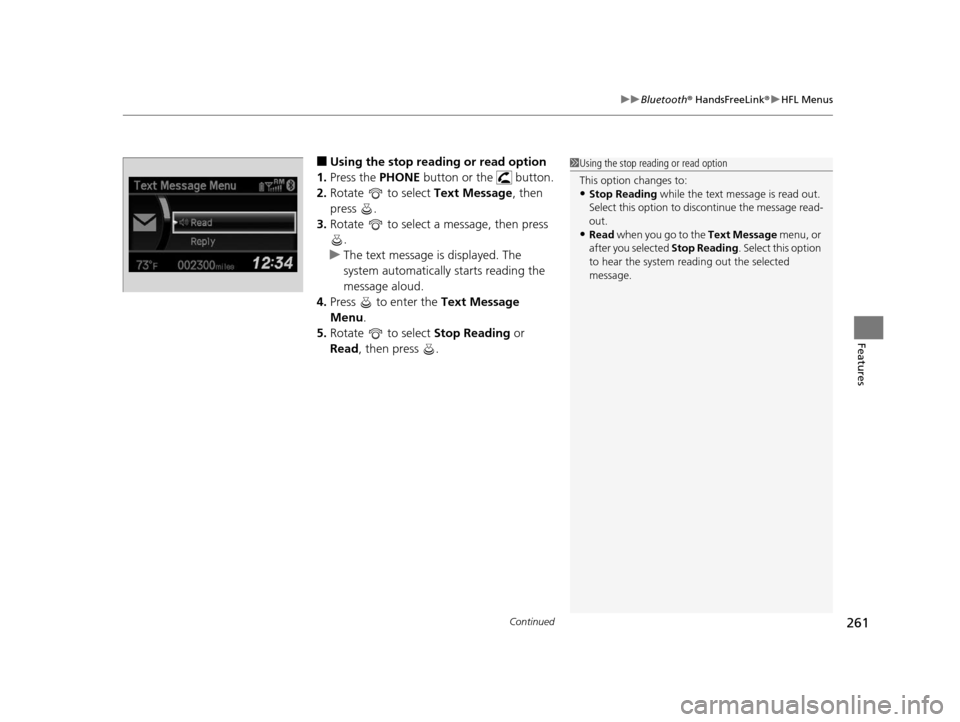
■Using the stop reading or read option
1. Press the PHONE button or the button.
2. Rotate to select Text Message, then
press .
3. Rotate to select a message, then press
.
u The text message is displayed. The
system automatically starts reading the
message aloud.
4. Press to enter the Text Message
Menu .
5. Rotate to select Stop Reading or
Read , then press .1Using the stop reading or read option
This option changes to:
•Stop Reading while the text message is read out.
Select this option to discontinue the message read-
out.
•Read when you go to the Text Message menu, or
after you selected Stop Reading. Select this option
to hear the system re ading out the selected
message.
14 CIVIC 2D_SI-31TS86210.book 261 ページ 2014年1月29日 水曜日 午後8時9分
Page 263 of 441
uuBluetooth ® HandsFreeLink ®u HFL Menus
262
Features
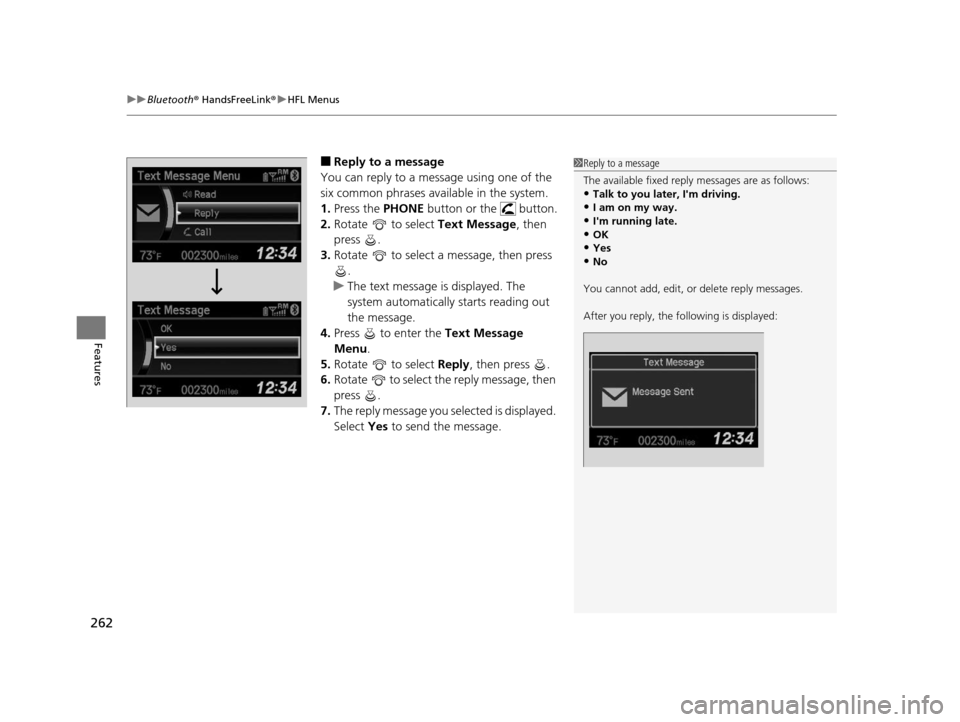
■Reply to a message
You can reply to a message using one of the
six common phrases available in the system.
1. Press the PHONE button or the button.
2. Rotate to select Text Message, then
press .
3. Rotate to select a message, then press
.
u The text message is displayed. The
system automatically starts reading out
the message.
4. Press to enter the Text Message
Menu.
5. Rotate to select Reply, then press .
6. Rotate to select the reply message, then
press .
7. The reply message you selected is displayed.
Select Yes to send the message.1Reply to a message
The available fixed reply messages are as follows:
•Talk to you later, I'm driving.
•I am on my way.
•I'm running late.•OK
•Yes
•No
You cannot add, edit, or delete reply messages.
After you reply, the fo llowing is displayed:
14 CIVIC 2D_SI-31TS86210.book 262 ページ 2014年1月29日 水曜日 午後8時9分