audio HONDA ODYSSEY 2023 Manual PDF
[x] Cancel search | Manufacturer: HONDA, Model Year: 2023, Model line: ODYSSEY, Model: HONDA ODYSSEY 2023Pages: 707, PDF Size: 23.9 MB
Page 308 of 707
uuAudio System Basic Operation uPlaying SiriusXM ® Radio*
306
Features
You can receive traffic and weather information.
1. Select Settings .
2. Select Traffic & Weather Setup .
3. Select Selected City .
4. Select the region.
u When you do not want to rece ive the information, select Reset Location.
■Traffic and Weather Information1Traffic and Weather Information
The traffic and weather information function at
SiriusXM ® mode only.
23 US ODYSSEY-31THR6500.book 306 ページ 2022年1月24日 月曜日 午前11時35分
Page 309 of 707
Continued307
uuAudio System Basic Operation uPlaying SiriusXM ® Radio*
Features
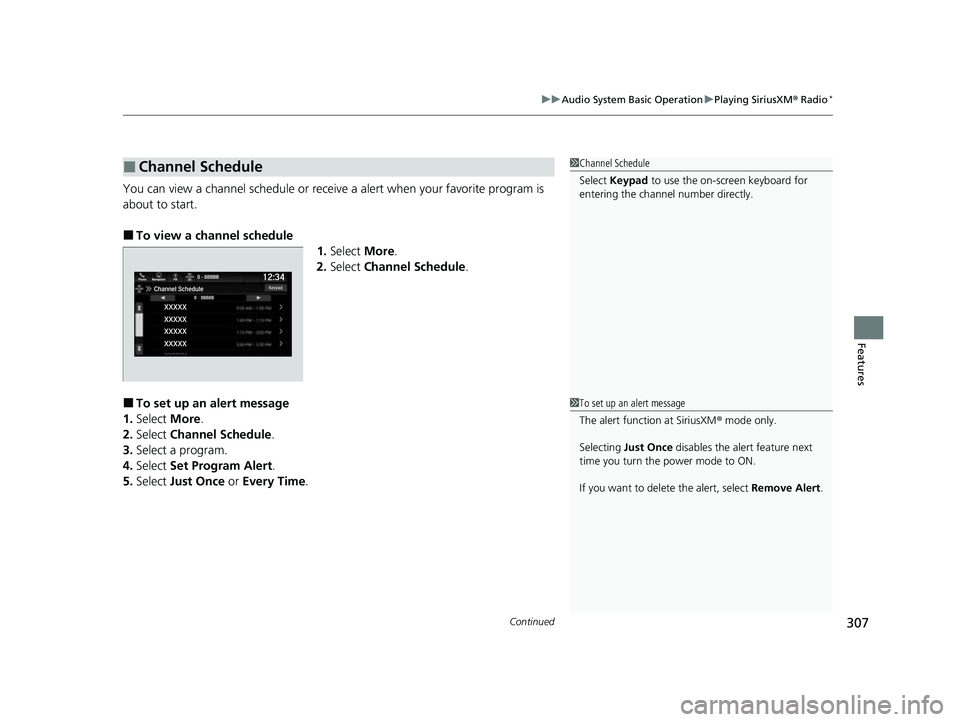
You can view a channel schedule or receive a alert when your favorite program is
about to start.
■To view a channel schedule
1.Select More.
2. Select Channel Schedule .
■To set up an alert message
1. Select More.
2. Select Channel Schedule .
3. Select a program.
4. Select Set Program Alert .
5. Select Just Once or Every Time .
■Channel Schedule1Channel Schedule
Select Keypad to use the on-screen keyboard for
entering the channel number directly.
1To set up an alert message
The alert function at SiriusXM ® mode only.
Selecting Just Once disables the alert feature next
time you turn the power mode to ON.
If you want to delete the alert, select Remove Alert.
23 US ODYSSEY-31THR6500.book 307 ページ 2022年1月24日 月曜日 午前11時35分
Page 310 of 707
308
uuAudio System Basic Operation uPlaying SiriusXM ® Radio*
Features
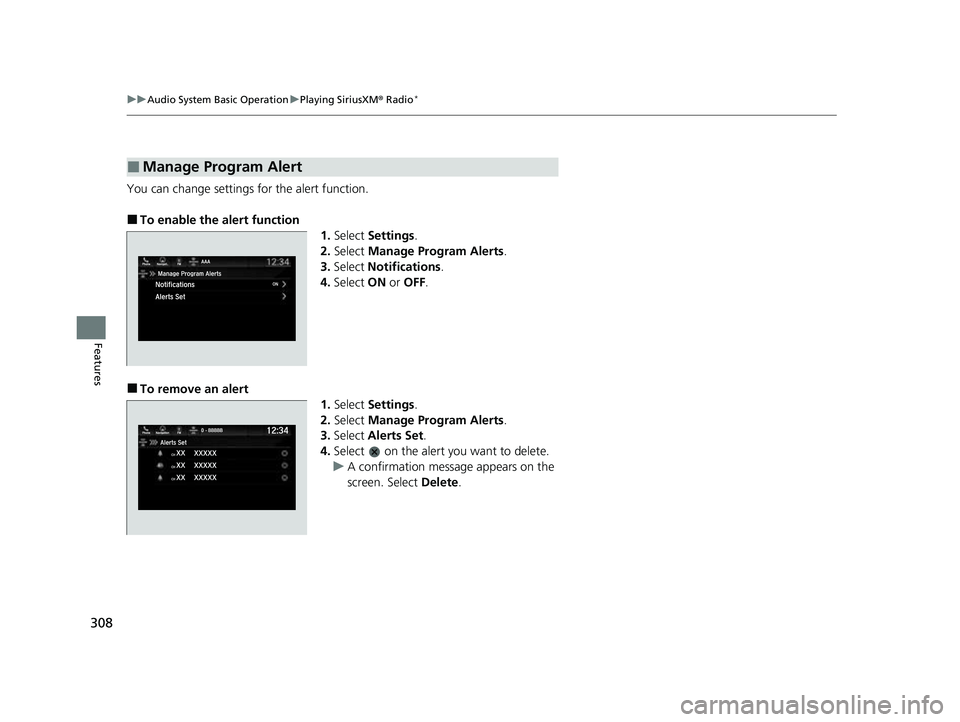
You can change settings for the alert function.
■To enable the alert function
1.Select Settings .
2. Select Manage Program Alerts .
3. Select Notifications .
4. Select ON or OFF .
■To remove an alert
1.Select Settings .
2. Select Manage Program Alerts .
3. Select Alerts Set .
4. Select on the alert you want to delete.
u A confirmation message appears on the
screen. Select Delete.
■Manage Program Alert
23 US ODYSSEY-31THR6500.book 308 ページ 2022年1月24日 月曜日 午前11時35分
Page 311 of 707
309
uuAudio System Basic Operation uPlaying SiriusXM ® Radio*
Features
Sample each channel on the selected mode for 10 seconds.
1. Select More.
2. Select Scan.
You can change a scan mode by the following procedure.
1. Select Settings .
2. Select Scan Mode .
3. Select Channel or Preset .
To turn off scan, select Stop.
■Scan1Scan
The “Scan Songs in Preset s” function is based on
TuneScan
TM technology of SiriusXM ®.
The “Featured Channels ” function is based on
Featured Favorites
TM technology of SiriusXM ®.
TuneScan
TM and Featured FavoritesTM are registered
trademarks of SiriusXM ® Radio, Inc.
23 US ODYSSEY-31THR6500.book 309 ページ 2022年1月24日 月曜日 午前11時35分
Page 312 of 707
310
uuAudio System Basic Operation uPlaying an iPod
Features
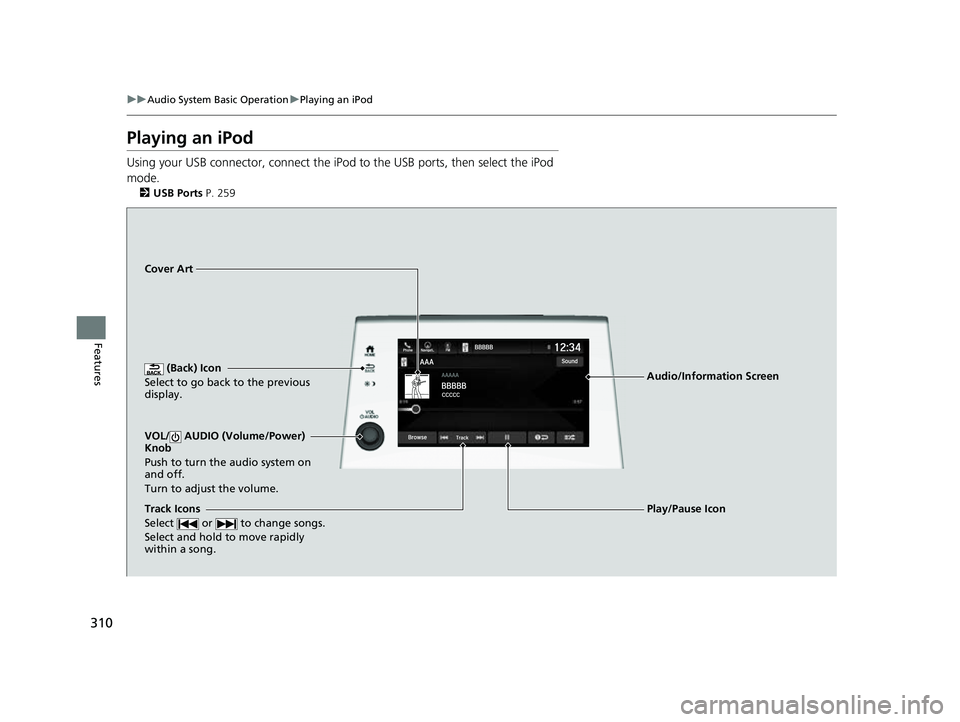
Playing an iPod
Using your USB connector, connect the iPod to the USB ports, then select the iPod
mode.
2 USB Ports P. 259
(Back) Icon
Select to go back to the previous
display.
Track Icons
Select or to change songs.
Select and hold to move rapidly
within a song.
VOL/ AUDIO (Volume/Power)
Knob
Push to turn the audio system on
and off.
Turn to adjust the volume.
Cover Art
Audio/Information Screen
Play/Pause Icon
23 US ODYSSEY-31THR6500.book 310 ページ 2022年1月24日 月曜日 午前11時35分
Page 313 of 707
Continued311
uuAudio System Basic Operation uPlaying an iPod
Features
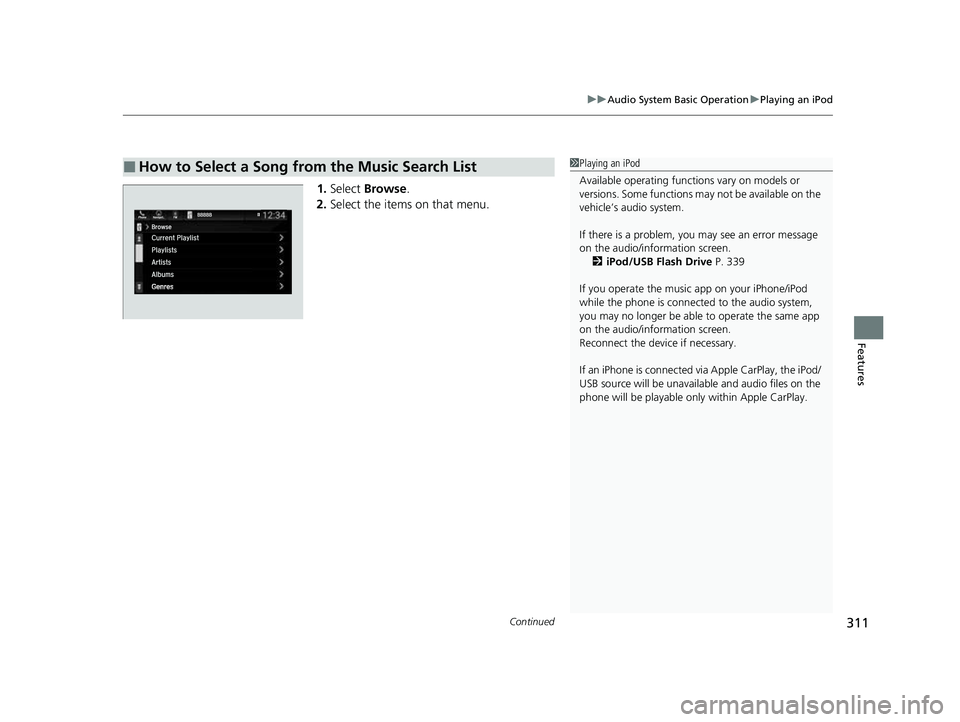
1. Select Browse .
2. Select the items on that menu.
■How to Select a Song from the Music Search List1Playing an iPod
Available operating functi ons vary on models or
versions. Some functions ma y not be available on the
vehicle’s audio system.
If there is a problem, you may see an error message
on the audio/information screen. 2 iPod/USB Flash Drive P. 339
If you operate the musi c app on your iPhone/iPod
while the phone is connected to the audio system,
you may no longer be able to operate the same app
on the audio/information screen.
Reconnect the devi ce if necessary.
If an iPhone is connected vi a Apple CarPlay, the iPod/
USB source will be unavailable and audio files on the
phone will be playable onl y within Apple CarPlay.
23 US ODYSSEY-31THR6500.book 311 ページ 2022年1月24日 月曜日 午前11時35分
Page 314 of 707
uuAudio System Basic Operation uPlaying an iPod
312
Features
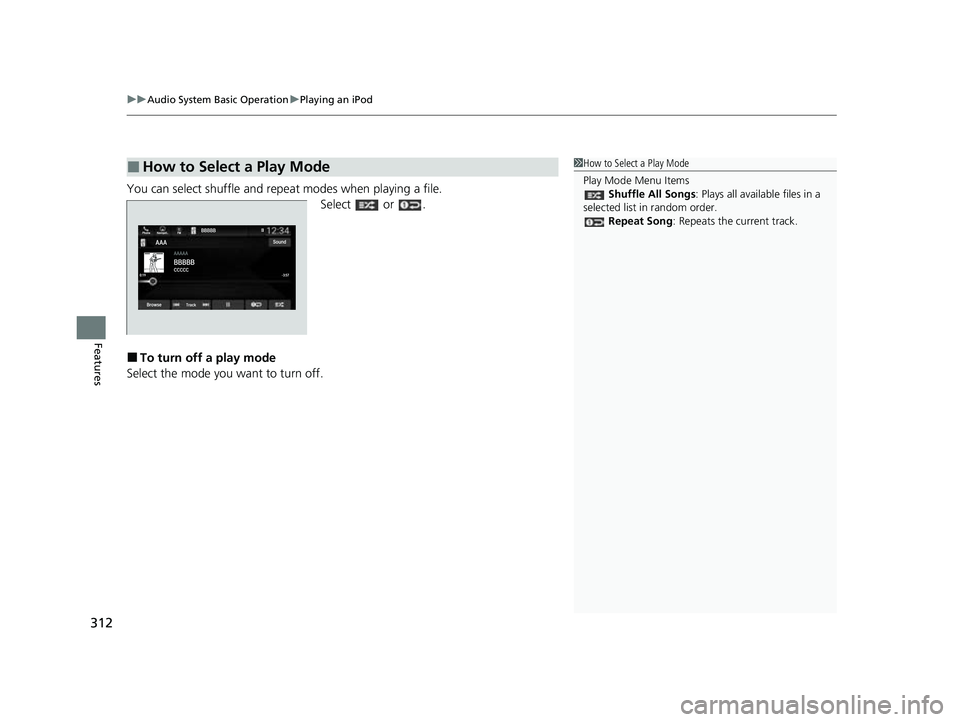
You can select shuffle and repeat modes when playing a file.
Select or .
■To turn off a play mode
Select the mode you want to turn off.
■How to Select a Play Mode1 How to Select a Play Mode
Play Mode Menu Items
Shuffle All Songs : Plays all available files in a
selected list in random order. Repeat Song : Repeats the current track.
23 US ODYSSEY-31THR6500.book 312 ページ 2022年1月24日 月曜日 午前11時35分
Page 315 of 707
313
uuAudio System Basic Operation uPlaying a USB Flash Drive
Continued
Features
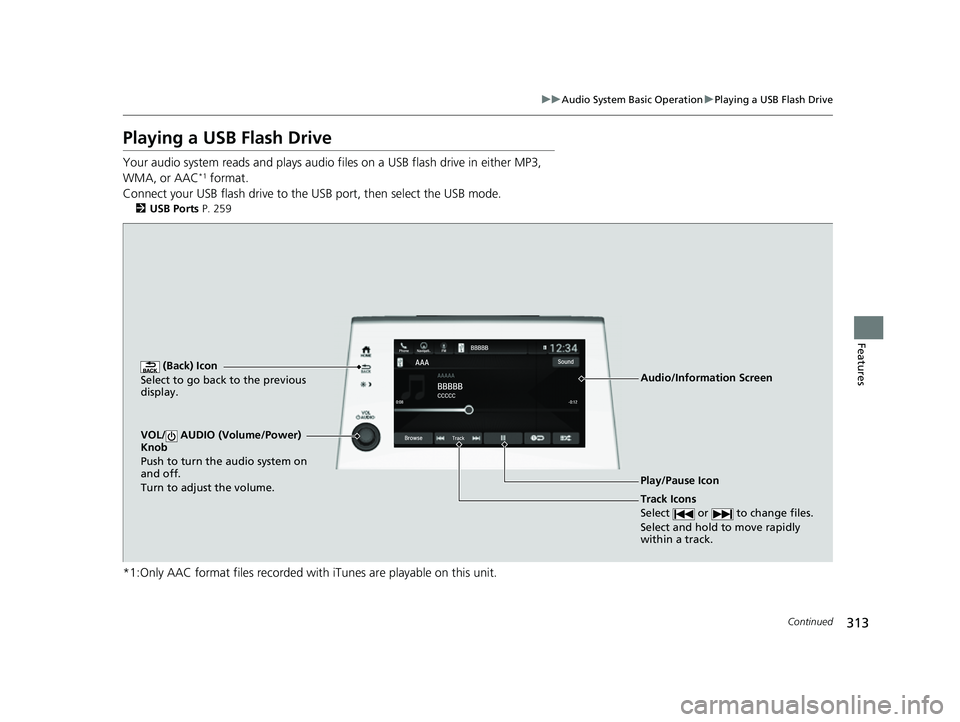
Playing a USB Flash Drive
Your audio system reads and plays audio f iles on a USB flash drive in either MP3,
WMA, or AAC*1 format.
Connect your USB flash drive to the USB port, then select the USB mode.
2 USB Ports P. 259
*1:Only AAC format files recorded with iTunes are playable on this unit.
AAAAAAAA
CCCCCBBBBB
BBBBB
BrowseTrack
Phone Navigati.. FMSound
0:08 -0:12
AAAAAAAAAAA
CCCCCCCCBBBBBB
BBBBBBBBBBBBBBB
BrowseTrack
PhoneNavigati..FMSound
0:08-0:121
(Back) Icon
Select to go back to the previous
display.
Track Icons
Select or to change files.
Select and hold to move rapidly
within a track.
VOL/ AUDIO (Volume/Power)
Knob
Push to turn the audio system on
and off.
Turn to adjust the volume.
Audio/Information Screen
Play/Pause Icon
23 US ODYSSEY-31THR6500.book 313 ページ 2022年1月24日 月曜日 午前11時35分
Page 316 of 707
uuAudio System Basic Operation uPlaying a USB Flash Drive
314
Features
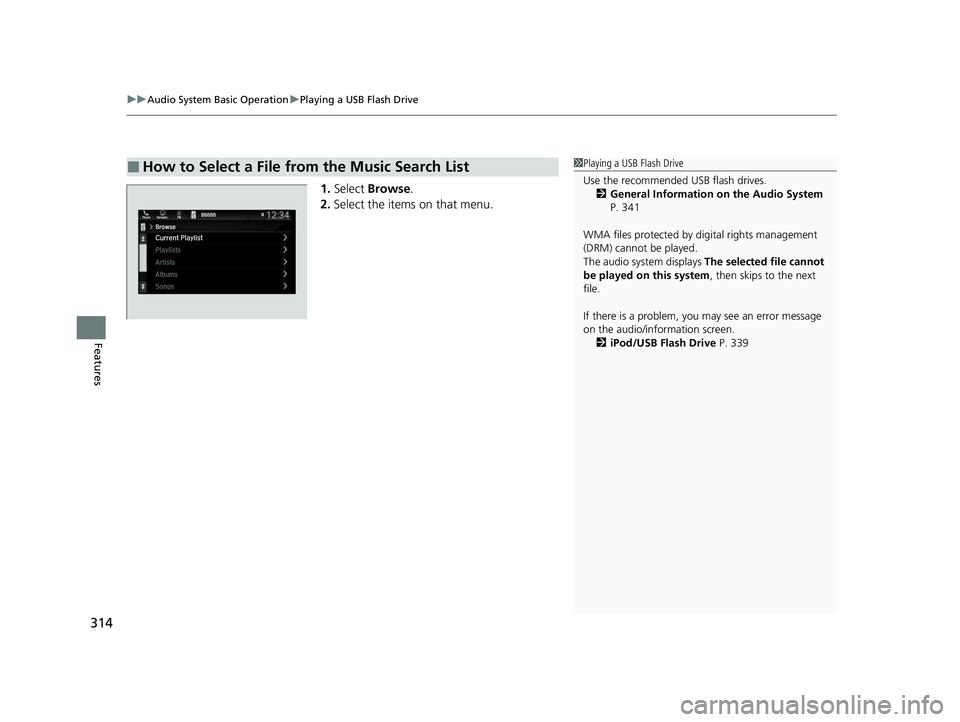
1. Select Browse .
2. Select the items on that menu.
■How to Select a File from the Music Search List1Playing a USB Flash Drive
Use the recommended USB flash drives.
2 General Information on the Audio System
P. 341
WMA files protected by di gital rights management
(DRM) cannot be played.
The audio system displays The selected file cannot
be played on this system , then skips to the next
file.
If there is a problem, you may see an error message
on the audio/information screen. 2 iPod/USB Flash Drive P. 339
23 US ODYSSEY-31THR6500.book 314 ページ 2022年1月24日 月曜日 午前11時35分
Page 317 of 707
315
uuAudio System Basic Operation uPlaying a USB Flash Drive
Features
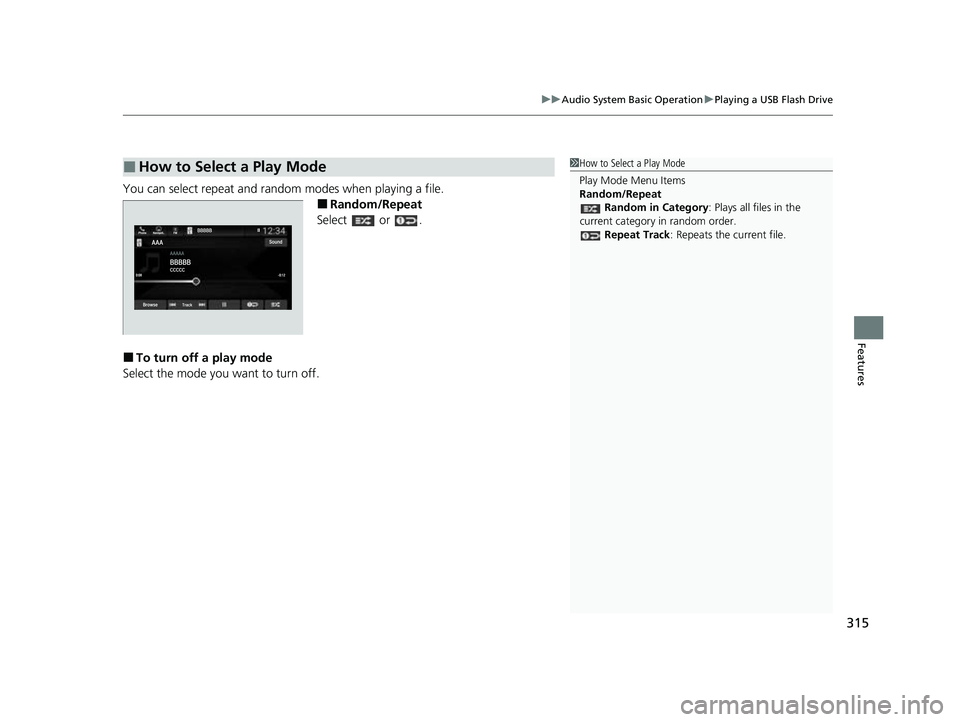
You can select repeat and random modes when playing a file.
■Random/Repeat
Select or .
■To turn off a play mode
Select the mode you want to turn off.
■How to Select a Play Mode1 How to Select a Play Mode
Play Mode Menu Items
Random/Repeat
Random in Category : Plays all files in the
current category in random order. Repeat Track : Repeats the current file.
23 US ODYSSEY-31THR6500.book 315 ページ 2022年1月24日 月曜日 午前11時35分