ECO mode Hyundai Accent 2006 User Guide
[x] Cancel search | Manufacturer: HYUNDAI, Model Year: 2006, Model line: Accent, Model: Hyundai Accent 2006Pages: 599, PDF Size: 17.59 MB
Page 133 of 599
1
FEATURES OF YOUR HYUNDAI
119
1
FEATURES OF YOUR HYUNDAI
119
1
FEATURES OF YOUR HYUNDAI
119
1
FEATURES OF YOUR HYUNDAI
119
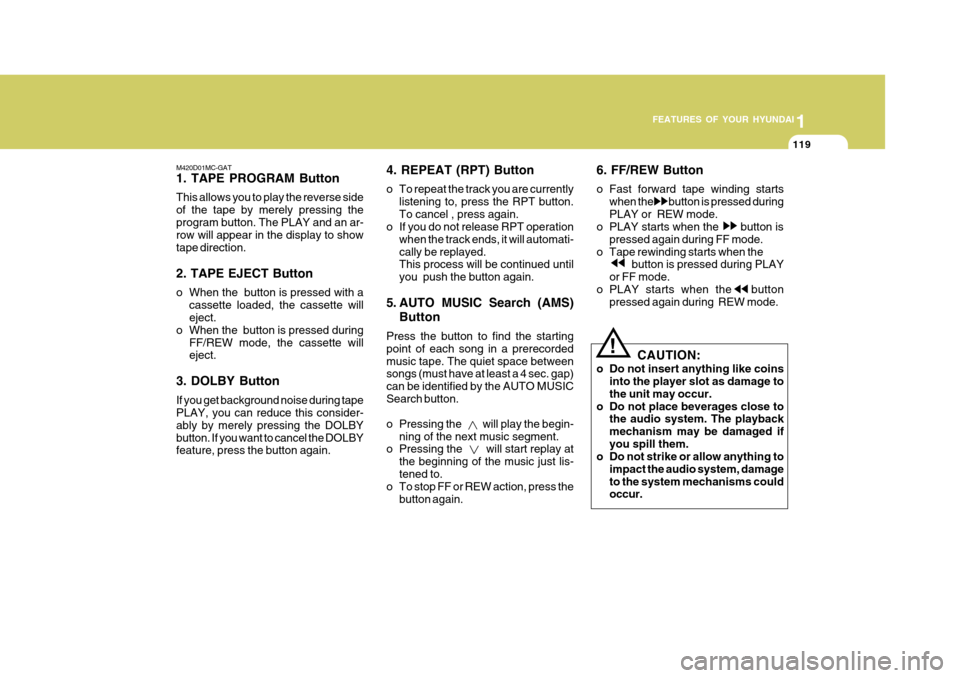
M420D01MC-GAT 1. TAPE PROGRAM Button This allows you to play the reverse side of the tape by merely pressing theprogram button. The PLAY and an ar- row will appear in the display to show tape direction. 2. TAPE EJECT Button
o When the button is pressed with a cassette loaded, the cassette will eject.
o When the button is pressed during
FF/REW mode, the cassette willeject.
3. DOLBY Button If you get background noise during tape PLAY, you can reduce this consider- ably by merely pressing the DOLBYbutton. If you want to cancel the DOLBY feature, press the button again. 4. REPEAT (RPT) Button
o To repeat the track you are currently
listening to, press the RPT button. To cancel , press again.
o If you do not release RPT operation
when the track ends, it will automati-cally be replayed. This process will be continued until you push the button again.
5. AUTO MUSIC Search (AMS) Button
Press the button to find the startingpoint of each song in a prerecordedmusic tape. The quiet space between songs (must have at least a 4 sec. gap) can be identified by the AUTO MUSICSearch button.
o Pressing the will play the begin- ning of the next music segment.
o Pressing the will start replay at
the beginning of the music just lis- tened to.
o To stop FF or REW action, press the
button again. 6. FF/REW Button
o Fast forward tape winding starts
when the button is pressed during PLAY or REW mode.
o PLAY starts when the button is
pressed again during FF mode.
o Tape rewinding starts when the button is pressed during PLAY
or FF mode.
o PLAY starts when the button pressed again during REW mode.
! CAUTION:
o Do not insert anything like coins into the player slot as damage to the unit may occur.
o Do not place beverages close to the audio system. The playbackmechanism may be damaged ifyou spill them.
o Do not strike or allow anything to
impact the audio system, damageto the system mechanisms could occur.
Page 134 of 599
1FEATURES OF YOUR HYUNDAI
120
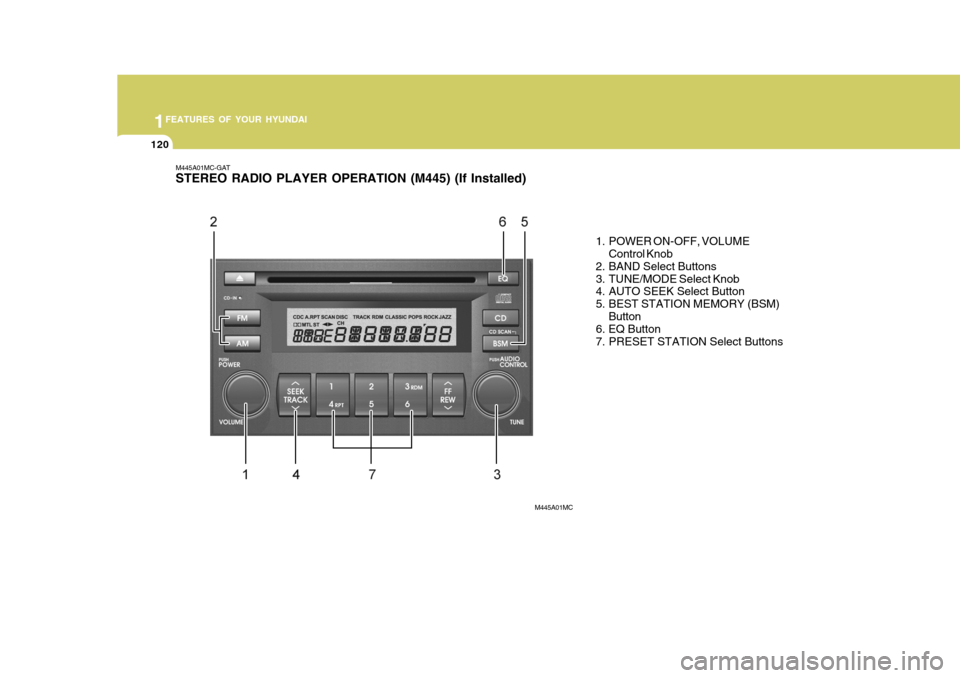
M445A01MC-GAT STEREO RADIO PLAYER OPERATION (M445) (If Installed)
1. POWER ON-OFF, VOLUMEControl Knob
2. BAND Select Buttons
3. TUNE/MODE Select Knob
4. AUTO SEEK Select Button
5. BEST STATION MEMORY (BSM)
Button
6. EQ Button
7. PRESET STATION Select Buttons
M445A01MC
Page 135 of 599
1
FEATURES OF YOUR HYUNDAI
121
1
FEATURES OF YOUR HYUNDAI
121
1
FEATURES OF YOUR HYUNDAI
121
1
FEATURES OF YOUR HYUNDAI
121
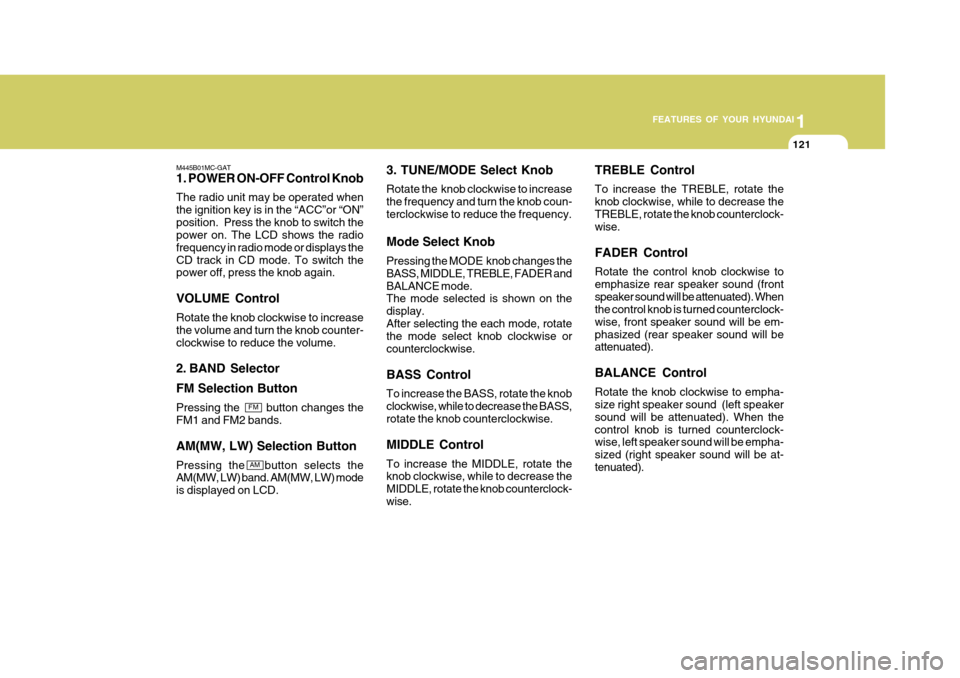
M445B01MC-GAT 1. POWER ON-OFF Control Knob The radio unit may be operated when the ignition key is in the “ACC”or “ON”position. Press the knob to switch the power on. The LCD shows the radio frequency in radio mode or displays theCD track in CD mode. To switch the power off, press the knob again. VOLUME Control Rotate the knob clockwise to increase the volume and turn the knob counter-clockwise to reduce the volume.
2. BAND Selector FM Selection Button Pressing the button changes the FM1 and FM2 bands. AM(MW, LW) Selection Button Pressing the button selects the AM(MW, LW) band. AM(MW, LW) mode is displayed on LCD. 3. TUNE/MODE Select Knob Rotate the knob clockwise to increase the frequency and turn the knob coun-terclockwise to reduce the frequency. Mode Select Knob Pressing the MODE knob changes the BASS, MIDDLE, TREBLE, FADER andBALANCE mode. The mode selected is shown on the display.After selecting the each mode, rotate the mode select knob clockwise or counterclockwise. BASS Control To increase the BASS, rotate the knob clockwise, while to decrease the BASS, rotate the knob counterclockwise. MIDDLE Control To increase the MIDDLE, rotate the knob clockwise, while to decrease the MIDDLE, rotate the knob counterclock-wise.TREBLE Control To increase the TREBLE, rotate the knob clockwise, while to decrease theTREBLE, rotate the knob counterclock- wise. FADER Control Rotate the control knob clockwise to emphasize rear speaker sound (frontspeaker sound will be attenuated). When the control knob is turned counterclock- wise, front speaker sound will be em-phasized (rear speaker sound will be attenuated). BALANCE Control Rotate the knob clockwise to empha- size right speaker sound (left speaker sound will be attenuated). When thecontrol knob is turned counterclock- wise, left speaker sound will be empha- sized (right speaker sound will be at-tenuated).
FM
AM
Page 136 of 599
1FEATURES OF YOUR HYUNDAI
122
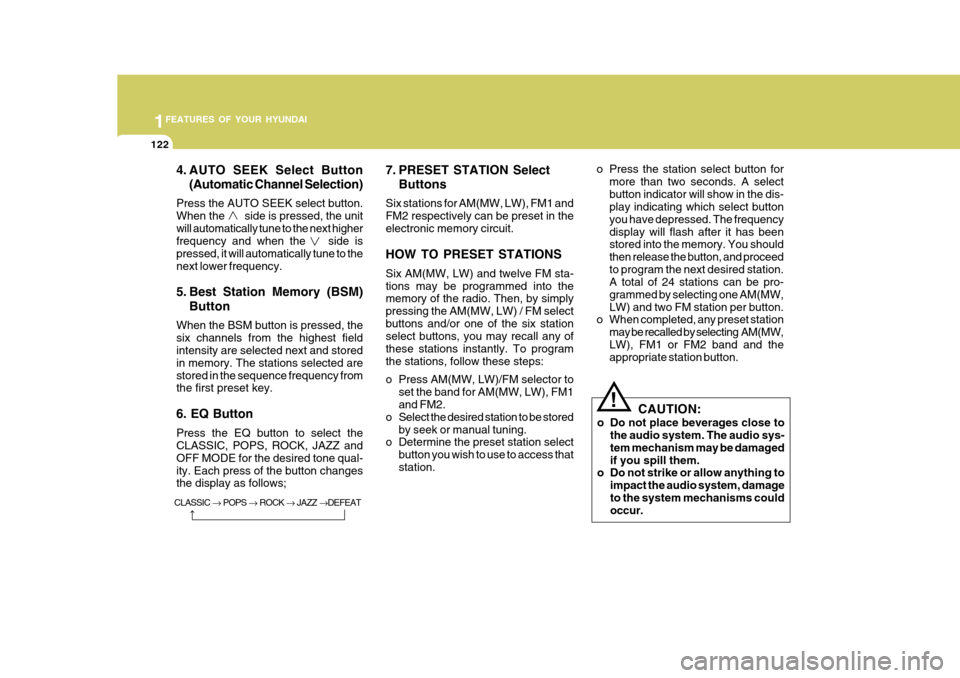
4. AUTO SEEK Select Button(Automatic Channel Selection)
Press the AUTO SEEK select button. When the side is pressed, the unitwill automatically tune to the next higher frequency and when the side is pressed, it will automatically tune to thenext lower frequency.
5. Best Station Memory (BSM) Button
When the BSM button is pressed, the six channels from the highest field intensity are selected next and stored in memory. The stations selected arestored in the sequence frequency from the first preset key. 6. EQ Button Press the EQ button to select the CLASSIC, POPS, ROCK, JAZZ and OFF MODE for the desired tone qual-ity. Each press of the button changes the display as follows; 7. PRESET STATION Select
Buttons
Six stations for AM(MW, LW), FM1 and FM2 respectively can be preset in theelectronic memory circuit. HOW TO PRESET STATIONS Six AM(MW, LW) and twelve FM sta- tions may be programmed into the memory of the radio. Then, by simply pressing the AM(MW, LW) / FM selectbuttons and/or one of the six station select buttons, you may recall any of these stations instantly. To programthe stations, follow these steps:
o Press AM(MW, LW)/FM selector to set the band for AM(MW, LW), FM1 and FM2.
o Select the desired station to be stored by seek or manual tuning.
o Determine the preset station select
button you wish to use to access that station. o Press the station select button for
more than two seconds. A selectbutton indicator will show in the dis- play indicating which select button you have depressed. The frequencydisplay will flash after it has been stored into the memory. You should then release the button, and proceedto program the next desired station. A total of 24 stations can be pro- grammed by selecting one AM(MW,LW) and two FM station per button.
o When completed, any preset station
may be recalled by selecting AM(MW,LW), FM1 or FM2 band and the appropriate station button.
! CAUTION:
o Do not place beverages close to the audio system. The audio sys- tem mechanism may be damagedif you spill them.
o Do not strike or allow anything to
impact the audio system, damageto the system mechanisms could occur.
CLASSIC POPS ROCK JAZZ DEFEAT
Page 142 of 599
1FEATURES OF YOUR HYUNDAI
128
5. EQ Button Press the EQ button to select the CLAS- SIC, POPS, ROCK, JAZZ and OFFMODE for the desired tone quality. Each press of the button changes the display as follows;
6. AUTO SEEK Select Button(Automatic Channel Selection)
Press the AUTO SEEK select button. When the side is pressed, the unit will automatically tune to the next higherfrequency and when the side is pressed, it will automatically tune to the next lower frequency. 7. TUNE (Manual) Select Knob Rotate the knob clockwise to increase the frequency and turn the knob coun- terclockwise to reduce the frequency.
8. PRESET STATION Select But- tons
Six stations for AM(MW, LW), FM1 and FM2 respectively can be preset in theelectronic memory circuit. HOW TO PRESET STATIONS Six AM(MW, LW) and twelve FM sta- tions may be programmed into thememory of the radio. Then, by simply pressing the band select button and/or one of the six station select buttons,you may recall any of these stations instantly. To program the stations, fol- low these steps:
o Press AM(MW, LW)/FM selector to
set the band for AM(MW, LW), FM1 and FM2.
o Select the desired station to be stored
by seek or manual tuning.
o Determine the preset station select button you wish to use to access thatstation.
o Press the station select button for more than two seconds. Beep soundwill be heard while depressing thebutton. You should then release the button, and proceed to program the next desired station. A total of 24stations can be programmed by se- lecting one AM(MW, LW) and two FM station per button. o When completed, any preset station
may be recalled by selecting AM(MW,LW), FM1 or FM2 band and the appropriate station button.
! CAUTION:
o Do not place beverages close to the audio system. The playback mechanism may be damaged if you spill them.
o Do not strike or allow anything to impact the audio system, damageto the system mechanisms couldoccur.CLASSIC POPS ROCK JAZZ DEFEAT
Page 144 of 599
1FEATURES OF YOUR HYUNDAI
130
M455D01MC-GAT 1. TAPE PROGRAM Button
o This allows you to play the reverseside of the tape by merely depress- ing the program button. An arrow will appear in the display to show tape direction.
o Push the TAPE button to turn on that function without pushing power ON/OFF control knob.
2. TAPE EJECT Button
o When the
button is pressed with a
cassette loaded, the cassette will eject.
o When the
button is pressed during
FF/REW mode, the cassette will eject.
3. AUTO MUSIC Search (AMS) Button
Press the button to find the startingpoint of each song in a prerecorded music tape. The quiet space betweensongs (must have at least 4 sec. gap) can be identified by the AUTO MUSIC SEARCH button. o Pressing the
button will play the
beginning of the next music seg- ment.
o Pressing the
button will start re-
play at the beginning of the music just listened to.
4. FF/REW Button
o Forward tape winding starts when the FF button is pressed during PLAY or REW mode.
o Tape PLAY starts when the FF but- ton is pressed again during FF mode.
o Tape rewinding starts when the REW
button is pressed during PLAY or FF mode.
o Tape PLAY starts when the REW
button pressed again during REWmode.
5. REPEAT (RPT) Button
o To repeat the track you are currently listening to, press the RPT button. To cancel, press again.
o If you do not release RPT operation when the track ends, it will automati-cally be replayed. This process will be continued untilyou push the button again or turn thepower OFF then ON.
6. DOLBY Button If you get background noise during tape PLAY, you can reduce this consider- ably by merely pressing the DOLBY button. If you want to cancel the DOLBYfeature, press the button again. 7. EQ Button Press the EQ button to select the CLAS- SIC, POPS, ROCK, JAZZ and OFFMODE for the desired tone quality. Each press of the button changes the display as follows; NOTE :
o To assure proper operation of the unit, keep the vehicle interior tem- perature within a normal range by using the vehicle's air condition- ing or heating system.
CLASSIC
POPS ROCK JAZZ DEFEAT
Page 148 of 599
1FEATURES OF YOUR HYUNDAI
134
o To listen the music within the se-lected folder in random order, press the RDM button within a second. To cancel, press it again or or turn the power OFF then ON. (MP3 CD only)
6. BOOKMARK (MARK) Button When the CD player unit is operating, the desired track on the disc can bebookmarked by using the MARK button.(MP3 CD only)
o Press the MARK button for more than 0.8 seconds to bookmark the desired track.“M” will be displayed on the LCD and “MEMORY No.” will display for ap- proximately five seconds.To play a bookmarked track, press the MARK button within 0.8 seconds and select the bookmarked track toplay.
o To erase a bookmarked track, press
the MARK button for more than 0.8seconds. The unit will beep once when the bookmark is erased. 7. SCROLL Button When the CD is playing, you can scroll through long file names by pressing theDOLBY button for approximately one second. The file name will appear on the LCD for about three seconds. 8. EQ Button Press the EQ button to select the CLAS- SIC, POPS, ROCK, JAZZ and OFF MODE for the desired tone quality. Each press of the button changes thedisplay as follows; 9. CD EJECT Button When the
button is pressed with a CD
loaded, the CD will eject. Forcing to eject : To force to eject a CD, press this button for more than 3 sec-onds. (Do this only when a CD is jammed and you can not eject it in the normal way -e.g.) in case that you have inserted 2 CDs by mistake) 10. CD SCAN Button
o To playback the first 10 seconds of
each track, press the CD SCAN button more than 0.8 seconds.
o To playback the first 10 seconds of
each track in the selected folder,press the CD SCAN button within 0.8 seconds. (MP3 CD only)
o Press the CD SCAN button again within 10 sec. when you have reachedthe desired track.
11. FILE SEARCH Knob (TUNE Select Knob)
o You can skip the track by turning the FILE SEARCH knob clockwise or counterclockwise.After selecting the desired track, press the FILE SEARCH knob to playback the track.If you do not press the FILE SEARCH knob within five seconds, the search will stop.
CLASSIC
POPS ROCK JAZZ DEFEAT
Page 152 of 599
1FEATURES OF YOUR HYUNDAI
138
5. Best Station Memory (BSM)Button
When the BSM button is pressed, the six channels from the highest field in-tensity are selected next and stored in memory. The stations selected are stored in the sequence frequency fromthe first preset key. 6. EQ Button Press the EQ button to select the CLAS- SIC, POPS, ROCK, JAZZ and OFF MODE for the desired tone quality. Each press of the button changes thedisplay as follows;
7. PRESET STATION Select Buttons
Six stations for AM(MW, LW), FM1 and FM2 respectively can be preset in theelectronic memory circuit. HOW TO PRESET STATIONS Six AM(MW, LW) and twelve FM sta- tions may be programmed into thememory of the radio. Then, by simply pressing the AM(MW, LW) / FM select button and/or one of the six stationselect buttons, you may recall any of these stations instantly. To program the stations, follow these steps:
o Press AM(MW, LW)/FM selector to
set the band for AM(MW, LW), FM1 and FM2.
o Select the desired station to be stored
by seek or manual tuning.
o Determine the preset station select button you wish to use to accessthat station.
o Press the station select button for more than two seconds. A selectbutton indicator will show in the dis-play indicating which select button you have depressed. The frequency display will flash after it has beenstored into the memory. You should then release the button, and proceed to program the next desired station.A total of 24 stations can be pro- grammed by selecting one AM(MW, LW) and two FM station per button. o When completed, any preset station
may be recalled by selecting AM(MW, LW), FM1 or FM2 band and the appropriate station button.
! CAUTION:
o Do not place beverages close to the audio system. The audio sys- tem mechanism may be damagedif you spill them.
o Do not strike or allow anything to
impact the audio system, damageto the system mechanisms could occur.
CLASSIC POPS ROCK JAZZ DEFEAT
Page 154 of 599
1FEATURES OF YOUR HYUNDAI
140
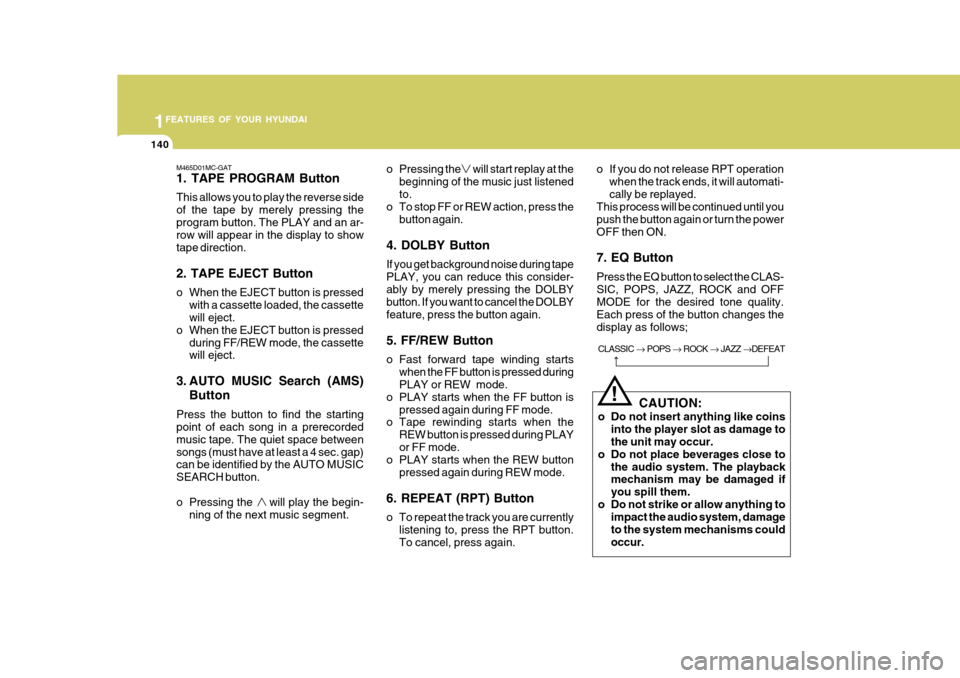
M465D01MC-GAT 1. TAPE PROGRAM Button This allows you to play the reverse side of the tape by merely pressing theprogram button. The PLAY and an ar- row will appear in the display to show tape direction. 2. TAPE EJECT Button
o When the EJECT button is pressedwith a cassette loaded, the cassette will eject.
o When the EJECT button is pressed
during FF/REW mode, the cassettewill eject.
3. AUTO MUSIC Search (AMS) Button
Press the button to find the startingpoint of each song in a prerecorded music tape. The quiet space betweensongs (must have at least a 4 sec. gap) can be identified by the AUTO MUSIC SEARCH button.
o Pressing the will play the begin- ning of the next music segment. o Pressing the will start replay at the
beginning of the music just listened to.
o To stop FF or REW action, press the
button again.
4. DOLBY Button If you get background noise during tape PLAY, you can reduce this consider-ably by merely pressing the DOLBY button. If you want to cancel the DOLBY feature, press the button again. 5. FF/REW Button
o Fast forward tape winding starts when the FF button is pressed during PLAY or REW mode.
o PLAY starts when the FF button is
pressed again during FF mode.
o Tape rewinding starts when the
REW button is pressed during PLAY or FF mode.
o PLAY starts when the REW button
pressed again during REW mode.
6. REPEAT (RPT) Button
o To repeat the track you are currently listening to, press the RPT button. To cancel, press again. o If you do not release RPT operation
when the track ends, it will automati-cally be replayed.
This process will be continued until youpush the button again or turn the powerOFF then ON. 7. EQ Button Press the EQ button to select the CLAS- SIC, POPS, JAZZ, ROCK and OFF MODE for the desired tone quality. Each press of the button changes thedisplay as follows;
CLASSIC POPS ROCK JAZZ DEFEAT
!
CAUTION:
o Do not insert anything like coins into the player slot as damage to the unit may occur.
o Do not place beverages close to the audio system. The playbackmechanism may be damaged if you spill them.
o Do not strike or allow anything to impact the audio system, damageto the system mechanisms couldoccur.
Page 157 of 599
1
FEATURES OF YOUR HYUNDAI
143
1
FEATURES OF YOUR HYUNDAI
143
1
FEATURES OF YOUR HYUNDAI
143
1
FEATURES OF YOUR HYUNDAI
143
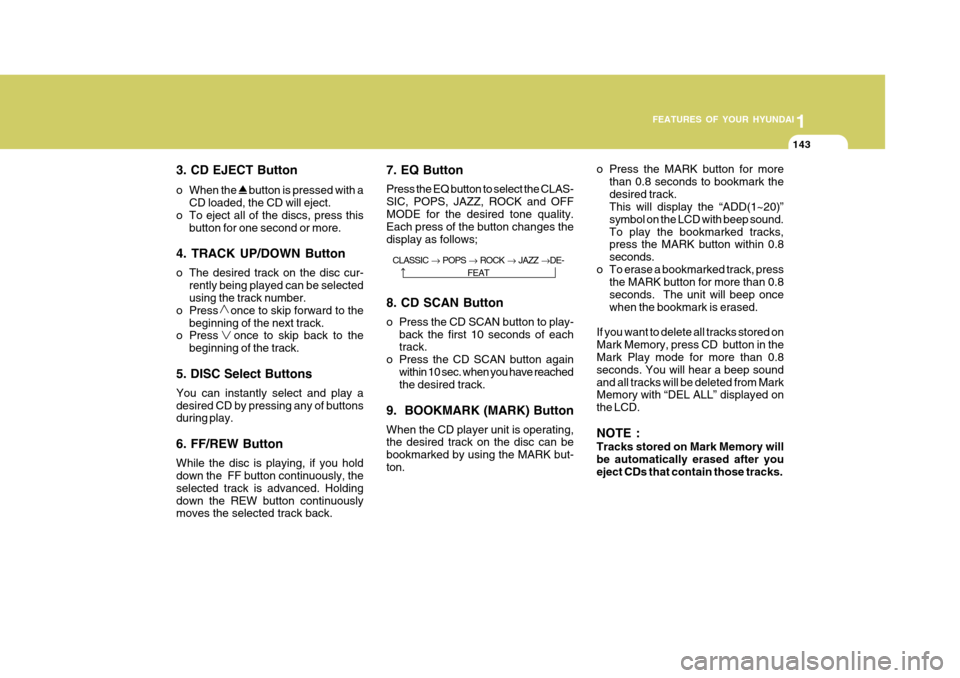
3. CD EJECT Button
o When the
button is pressed with a
CD loaded, the CD will eject.
o To eject all of the discs, press this
button for one second or more.
4. TRACK UP/DOWN Button
o The desired track on the disc cur- rently being played can be selected using the track number.
o Press once to skip forward to the beginning of the next track.
o Press once to skip back to the
beginning of the track.
5. DISC Select Buttons You can instantly select and play a desired CD by pressing any of buttons during play. 6. FF/REW Button While the disc is playing, if you hold down the FF button continuously, the selected track is advanced. Holdingdown the REW button continuously moves the selected track back. 7. EQ Button Press the EQ button to select the CLAS- SIC, POPS, JAZZ, ROCK and OFFMODE for the desired tone quality. Each press of the button changes the display as follows; 8. CD SCAN Button
o Press the CD SCAN button to play-
back the first 10 seconds of each track.
o Press the CD SCAN button again
within 10 sec. when you have reachedthe desired track.
9. BOOKMARK (MARK) Button When the CD player unit is operating, the desired track on the disc can be bookmarked by using the MARK but-ton. o Press the MARK button for more
than 0.8 seconds to bookmark thedesired track. This will display the “ADD(1~20)” symbol on the LCD with beep sound.To play the bookmarked tracks, press the MARK button within 0.8 seconds.
o To erase a bookmarked track, press the MARK button for more than 0.8seconds. The unit will beep oncewhen the bookmark is erased.
If you want to delete all tracks stored onMark Memory, press CD button in the Mark Play mode for more than 0.8 seconds. You will hear a beep soundand all tracks will be deleted from Mark Memory with “DEL ALL” displayed on the LCD. NOTE : Tracks stored on Mark Memory will be automatically erased after you eject CDs that contain those tracks.
CLASSIC POPS ROCK JAZZ DE-
FEAT