display Hyundai Azera 2017 User Guide
[x] Cancel search | Manufacturer: HYUNDAI, Model Year: 2017, Model line: Azera, Model: Hyundai Azera 2017Pages: 520, PDF Size: 16.33 MB
Page 137 of 520
Features of your vehicle
58
4
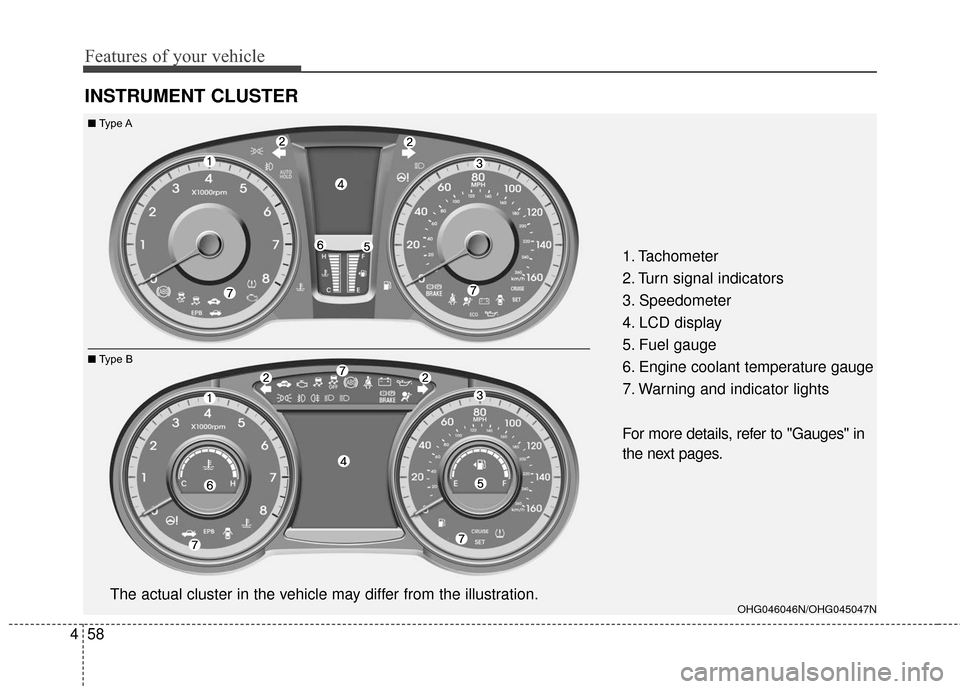
INSTRUMENT CLUSTER
1. Tachometer
2. Turn signal indicators
3. Speedometer
4. LCD display
5. Fuel gauge
6. Engine coolant temperature gauge
7. Warning and indicator lights
For more details, refer to "Gauges" in
the next pages.
OHG046046N/OHG045047NThe actual cluster in the vehicle may differ from the illustration.
■ Type A
■ Type B
Page 140 of 520
461
Features of your vehicle
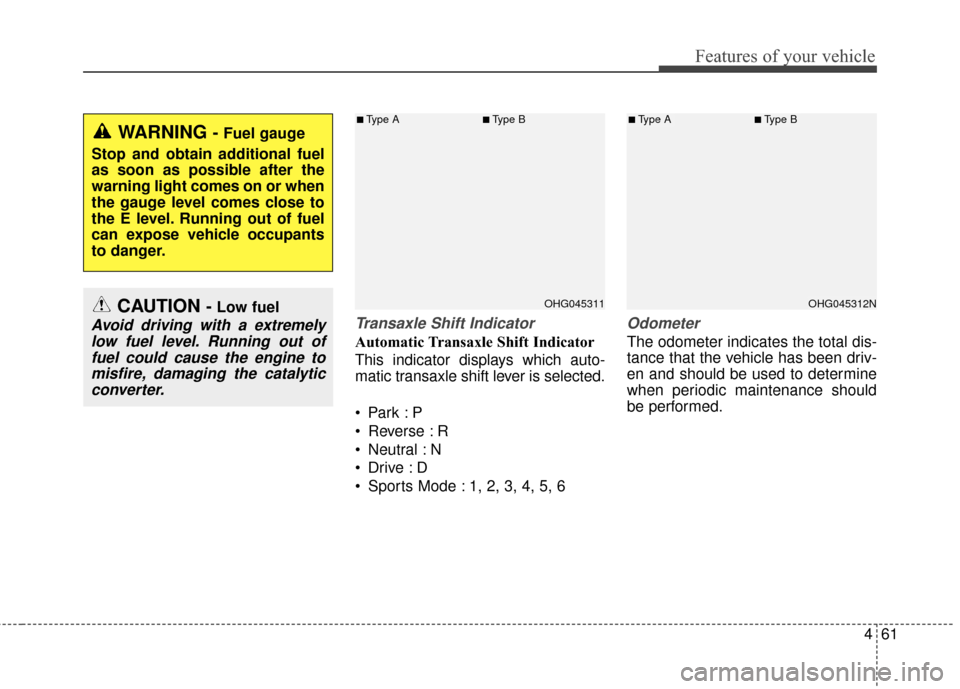
Transaxle Shift Indicator
Automatic Transaxle Shift Indicator
This indicator displays which auto-
matic transaxle shift lever is selected.
Reverse : R
Neutral : N
Sports Mode : 1, 2, 3, 4, 5, 6
Odometer
The odometer indicates the total dis-
tance that the vehicle has been driv-
en and should be used to determine
when periodic maintenance should
be performed.
CAUTION - Low fuel
Avoid driving with a extremelylow fuel level. Running out offuel could cause the engine tomisfire, damaging the catalyticconverter.
WARNING - Fuel gauge
Stop and obtain additional fuel
as soon as possible after the
warning light comes on or when
the gauge level comes close to
the E level. Running out of fuel
can expose vehicle occupants
to danger.
OHG045311
■Type A■Type B
OHG045312N
■Type A■Type B
Page 141 of 520
Features of your vehicle
62
4
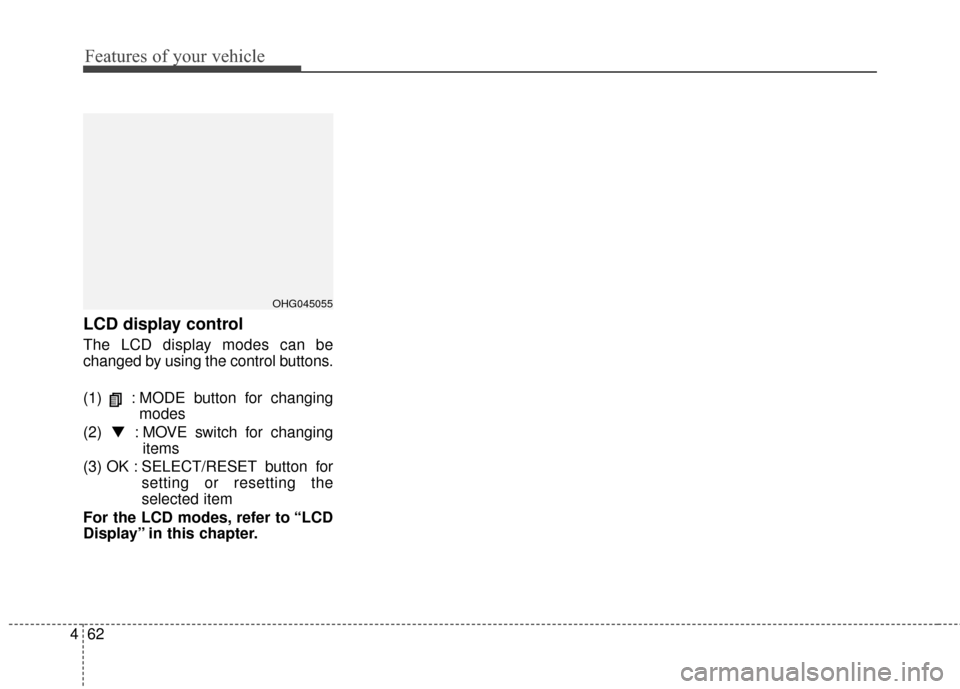
LCD display control
The LCD display modes can be
changed by using the control buttons.
(1) : MODE button for changing
modes
(2) ▼ : MOVE switch for changing
items
(3) OK : SELECT/RESET button for setting or resetting the
selected item
For the LCD modes, refer to “LCD
Display” in this chapter.
OHG045055
Page 142 of 520
463
Features of your vehicle
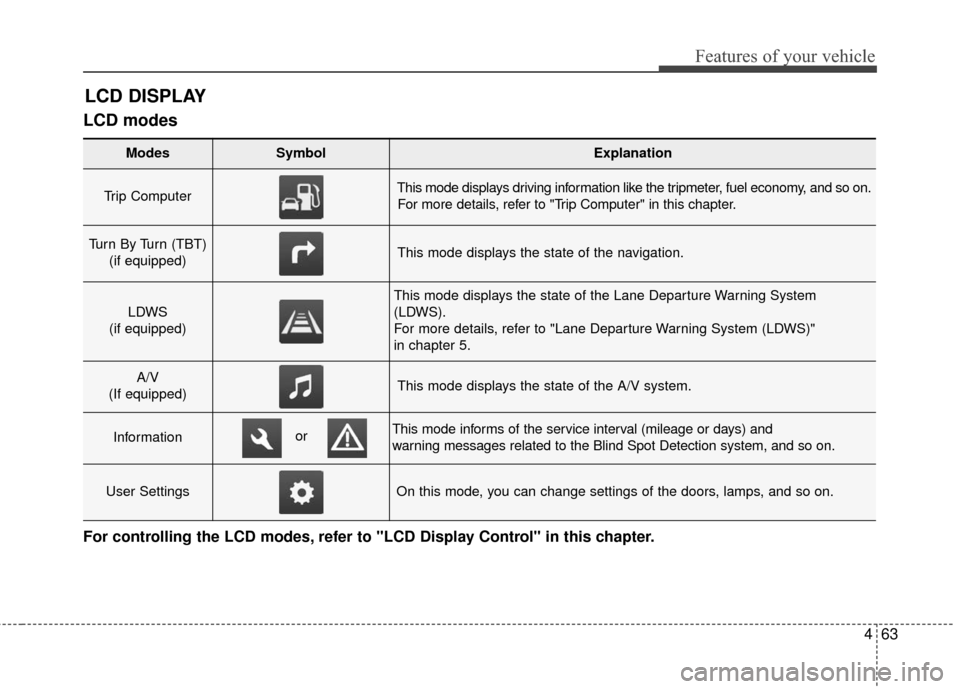
LCD modes
LCD DISPLAY
For controlling the LCD modes, refer to "LCD Display Control" in this chapter.
Modes SymbolExplanation
Trip Computer This mode displays driving information like the tripmeter, fuel economy, and so on.For more details, refer to "Trip Computer" in this chapter.
Turn By Turn (TBT) (if equipped)This mode displays the state of the navigation.
LDWS
(if equipped)
This mode displays the state of the Lane Departure Warning System
(LDWS).
For more details, refer to "Lane Departure Warning System (LDWS)"
in chapter 5.
A/V
(If equipped)This mode displays the state of the A/V system.
InformationThis mode informs of the service interval (mileage or days) and
warning messages related to the Blind Spot Detection system, and so on.
User SettingsOn this mode, you can change settings of the doors, lamps, and so on.
or
Page 143 of 520
Features of your vehicle
64
4
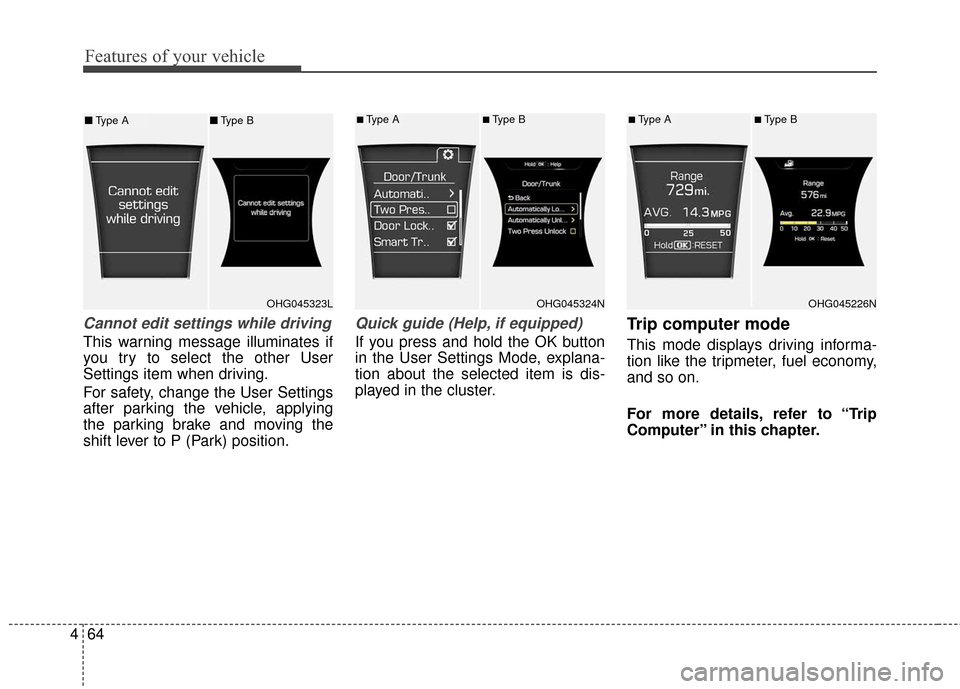
Cannot edit settings while driving
This warning message illuminates if
you try to select the other User
Settings item when driving.
For safety, change the User Settings
after parking the vehicle, applying
the parking brake and moving the
shift lever to P (Park) position.
Quick guide (Help, if equipped)
If you press and hold the OK button
in the User Settings Mode, explana-
tion about the selected item is dis-
played in the cluster.
Trip computer mode
This mode displays driving informa-
tion like the tripmeter, fuel economy,
and so on.
For more details, refer to “Trip
Computer” in this chapter.
OHG045323LOHG045324N
■Type A■Type B
OHG045226N
■Type A■Type B■ Type A ■Type B
Page 144 of 520
465
Features of your vehicle
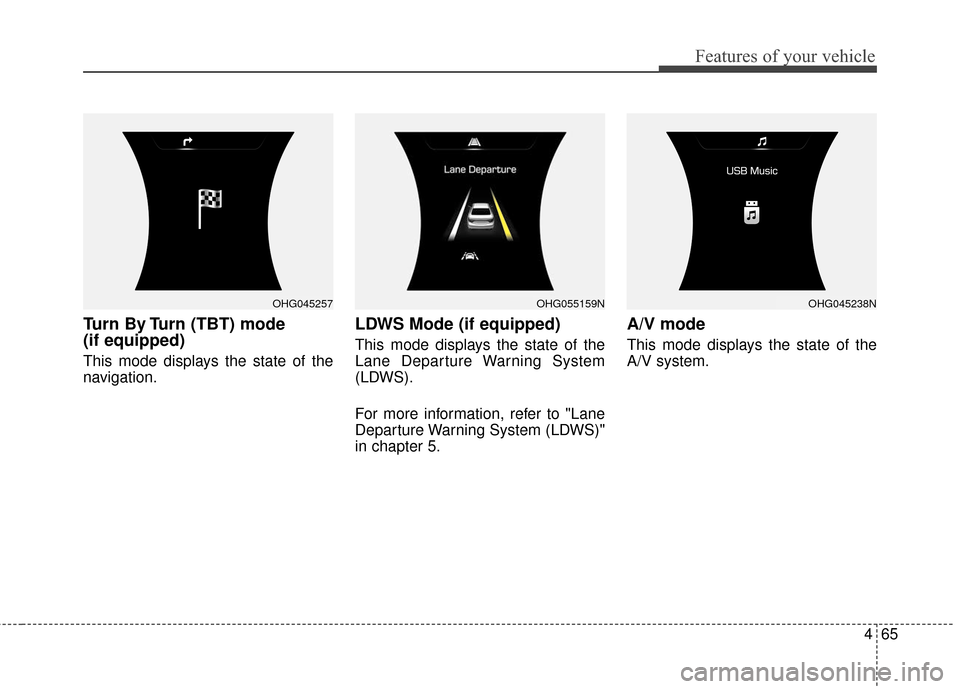
Turn By Turn (TBT) mode
(if equipped)
This mode displays the state of the
navigation.
LDWS Mode (if equipped)
This mode displays the state of the
Lane Departure Warning System
(LDWS).
For more information, refer to "Lane
Departure Warning System (LDWS)"
in chapter 5.
A/V mode
This mode displays the state of the
A/V system.
OHG045257OHG045238NOHG055159N
Page 145 of 520
Features of your vehicle
66
4
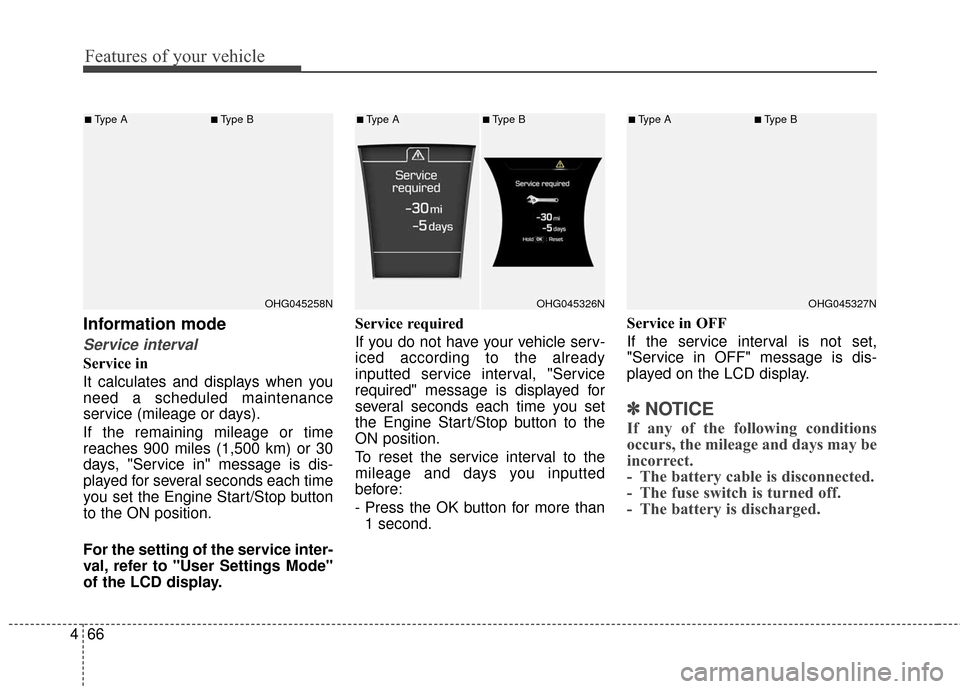
Information mode
Service interval
Service in
It calculates and displays when you
need a scheduled maintenance
service (mileage or days).
If the remaining mileage or time
reaches 900 miles (1,500 km) or 30
days, "Service in" message is dis-
played for several seconds each time
you set the Engine Start/Stop button
to the ON position.
For the setting of the service inter-
val, refer to "User Settings Mode"
of the LCD display. Service required
If you do not have your vehicle serv-
iced according to the already
inputted service interval, "Service
required" message is displayed for
several seconds each time you set
the Engine Start/Stop button to the
ON position.
To reset the service interval to the
mileage and days you inputted
before:
- Press the OK button for more than
1 second. Service in OFF
If the service interval is not set,
"Service in OFF" message is dis-
played on the LCD display.
✽ ✽
NOTICE
If any of the following conditions
occurs, the mileage and days may be
incorrect.
- The battery cable is disconnected.
- The fuse switch is turned off.
- The battery is discharged.
OHG045258N
■Type A■Type B
OHG045326N
■Type A■Type B
OHG045327N
■Type A■Type B
Page 146 of 520
467
Features of your vehicle
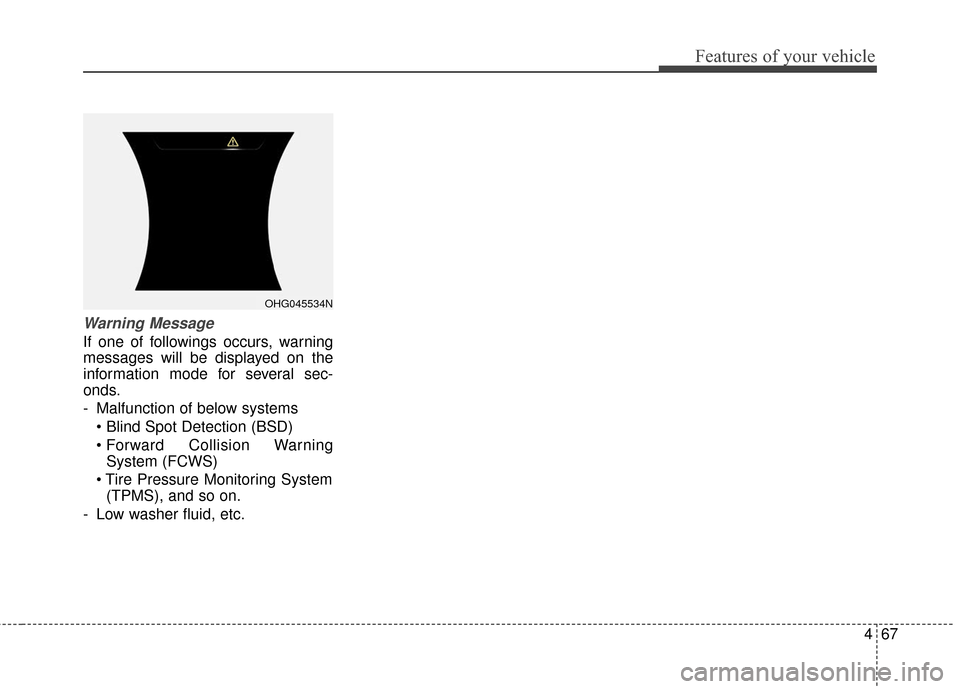
Warning Message
If one of followings occurs, warning
messages will be displayed on the
information mode for several sec-
onds.
- Malfunction of below systems
Collision WarningSystem (FCWS)
(TPMS), and so on.
- Low washer fluid, etc.
OHG045534N
Page 152 of 520
473
Features of your vehicle
TRIP COMPUTER
Overview
Description
The trip computer is a microcomput-
er-controlled driver information sys-
tem that displays information related
to driving.
✽ ✽NOTICE
Some driving information stored in
the trip computer (for example
Average Vehicle Speed) resets if the
battery is disconnected.
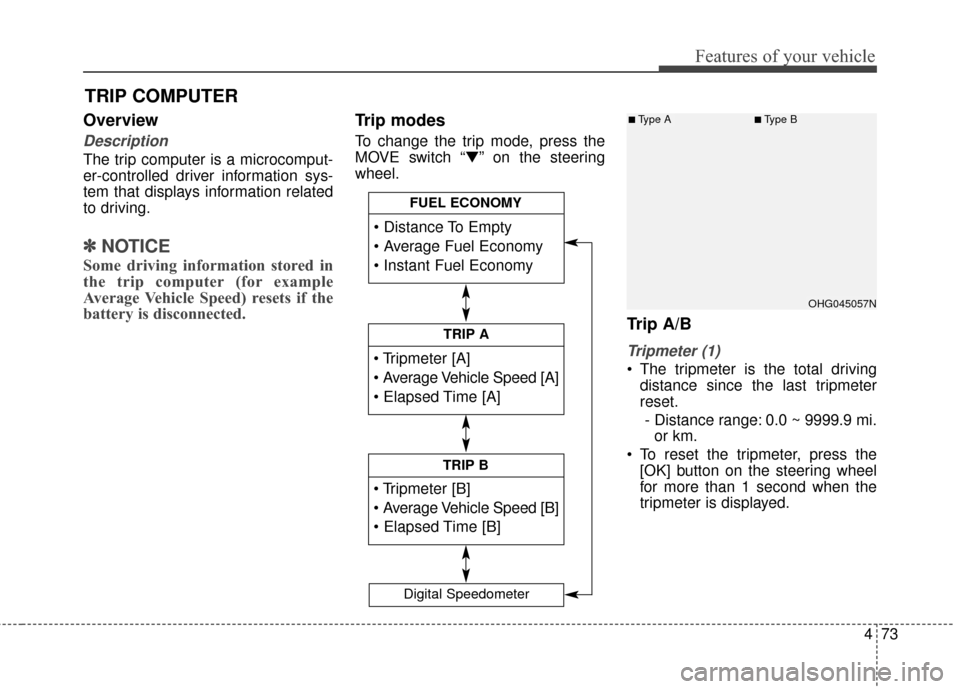
Trip modes
To change the trip mode, press the
MOVE switch “▼” on the steering
wheel.
Trip A/B
Tripmeter (1)
The tripmeter is the total driving
distance since the last tripmeter
reset.
- Distance range: 0.0 ~ 9999.9 mi. or km.
To reset the tripmeter, press the [OK] button on the steering wheel
for more than 1 second when the
tripmeter is displayed.
TRIP A
TRIP B
FUEL ECONOMY
Digital Speedometer
OHG045057N
■Type A■Type B
Page 153 of 520
Features of your vehicle
74
4
Average Vehicle Speed (2)
The average vehicle speed is cal-
culated by the total driving dis-
tance and driving time since the
last average vehicle speed reset.
- Speed range: 0 ~ 999 MPH or km/h
To reset the average vehicle speed, press the [OK] button on the steer-
ing wheel for more than 1 second
when the average vehicle speed is
displayed.
✽ ✽ NOTICE
• The average vehicle speed is not dis-
played if the driving distance is less
than 0.19 miles (300 meters) or the
driving time is less than 10 seconds
since the Engine Start/Stop button is
turned to ON.
• Even if the vehicle is not in motion, the average vehicle speed
keeps calculating while the engine
is running.
Elapsed Time (3)
The elapsed time is the total driv-
ing time since the last elapsed time
reset.
- Time range (hh:mm): 00:00 ~ 99:59
To reset the elapsed time, press the [OK] button on the steering
wheel for more than 1 second
when the elapsed time is dis-
played.
✽ ✽ NOTICE
Even if the vehicle is not in motion,
the elapsed time keeps calculating
while the engine is running.Fuel economy
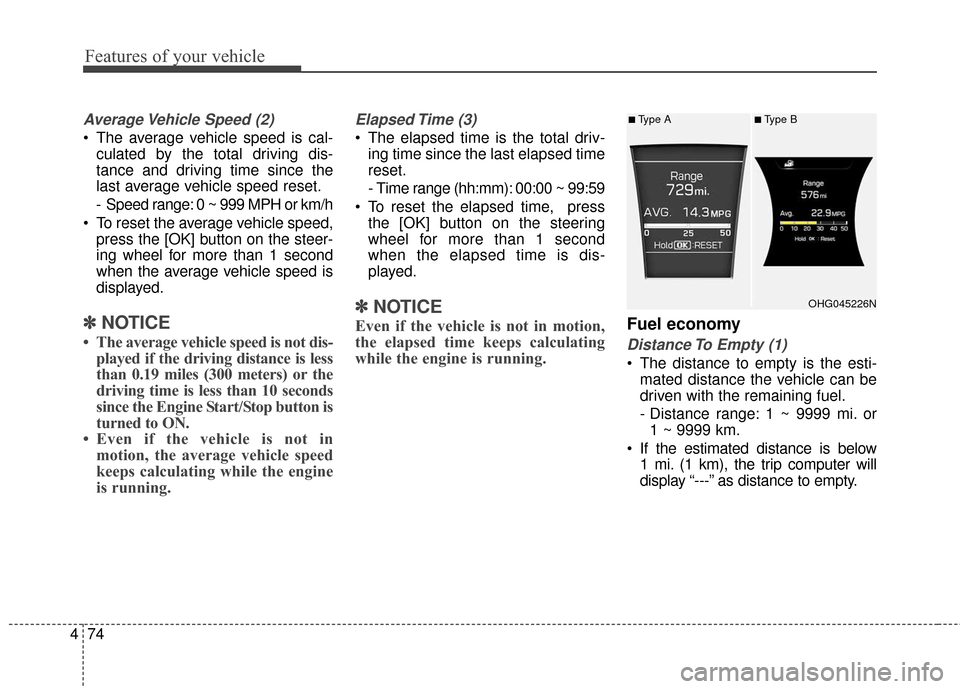
Distance To Empty (1)
The distance to empty is the esti-
mated distance the vehicle can be
driven with the remaining fuel.
- Distance range: 1 ~ 9999 mi. or1 ~ 9999 km.
If the estimated distance is below 1 mi. (1 km), the trip computer will
display “---” as distance to empty.
OHG045226N
■Type A■Type B