ECO mode Hyundai Elantra 2006 User Guide
[x] Cancel search | Manufacturer: HYUNDAI, Model Year: 2006, Model line: Elantra, Model: Hyundai Elantra 2006Pages: 277, PDF Size: 10.18 MB
Page 129 of 277
1
FEATURES OF YOUR HYUNDAI
115
H260B03E-AAT
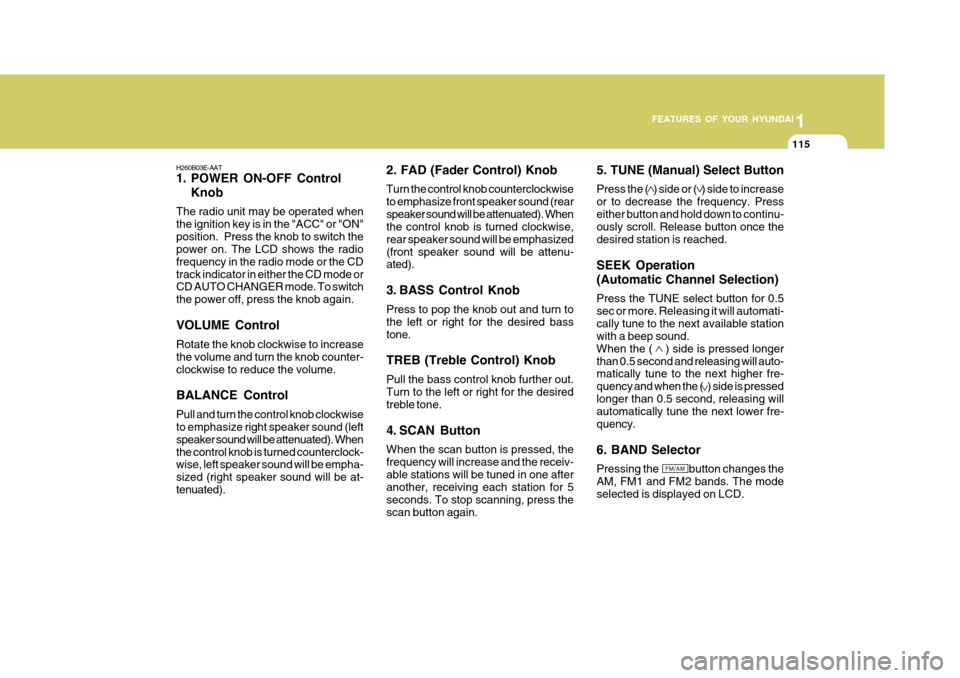
1. POWER ON-OFF Control Knob
The radio unit may be operated when the ignition key is in the "ACC" or "ON"position. Press the knob to switch the power on. The LCD shows the radio frequency in the radio mode or the CDtrack indicator in either the CD mode or CD AUTO CHANGER mode. To switch the power off, press the knob again. VOLUME Control Rotate the knob clockwise to increase the volume and turn the knob counter-clockwise to reduce the volume. BALANCE Control Pull and turn the control knob clockwise to emphasize right speaker sound (left speaker sound will be attenuated). Whenthe control knob is turned counterclock- wise, left speaker sound will be empha- sized (right speaker sound will be at-tenuated). 2. FAD (Fader Control) Knob Turn the control knob counterclockwise to emphasize front speaker sound (rearspeaker sound will be attenuated). When the control knob is turned clockwise, rear speaker sound will be emphasized(front speaker sound will be attenu- ated).
3. BASS Control Knob Press to pop the knob out and turn to the left or right for the desired basstone. TREB (Treble Control) Knob Pull the bass control knob further out. Turn to the left or right for the desired treble tone.
4. SCAN Button When the scan button is pressed, the frequency will increase and the receiv-able stations will be tuned in one after another, receiving each station for 5 seconds. To stop scanning, press thescan button again.5. TUNE (Manual) Select Button Press the ( ) side or ( ) side to increase or to decrease the frequency. Presseither button and hold down to continu- ously scroll. Release button once the desired station is reached. SEEK Operation (Automatic Channel Selection) Press the TUNE select button for 0.5 sec or more. Releasing it will automati-cally tune to the next available station with a beep sound. When the ( ) side is pressed longerthan 0.5 second and releasing will auto- matically tune to the next higher fre- quency and when the ( ) side is pressedlonger than 0.5 second, releasing will automatically tune the next lower fre- quency. 6. BAND Selector Pressing the button changes the AM, FM1 and FM2 bands. The mode selected is displayed on LCD.
FM/AM
Page 138 of 277
1FEATURES OF YOUR HYUNDAI
124
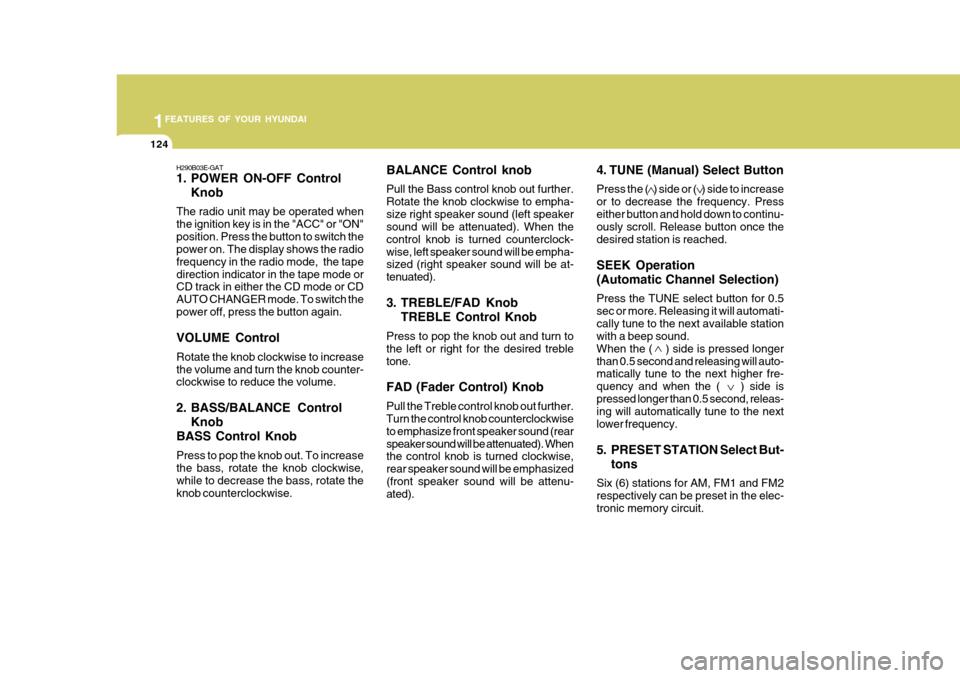
BALANCE Control knob Pull the Bass control knob out further. Rotate the knob clockwise to empha-size right speaker sound (left speaker sound will be attenuated). When the control knob is turned counterclock-wise, left speaker sound will be empha- sized (right speaker sound will be at- tenuated).
3. TREBLE/FAD KnobTREBLE Control Knob
Press to pop the knob out and turn to the left or right for the desired trebletone. FAD (Fader Control) Knob Pull the Treble control knob out further. Turn the control knob counterclockwise to emphasize front speaker sound (rearspeaker sound will be attenuated). When the control knob is turned clockwise, rear speaker sound will be emphasized(front speaker sound will be attenu- ated).
H290B03E-GAT
1. POWER ON-OFF Control
Knob
The radio unit may be operated when the ignition key is in the "ACC" or "ON"position. Press the button to switch the power on. The display shows the radio frequency in the radio mode, the tapedirection indicator in the tape mode or CD track in either the CD mode or CD AUTO CHANGER mode. To switch thepower off, press the button again. VOLUME Control Rotate the knob clockwise to increase the volume and turn the knob counter- clockwise to reduce the volume.
2. BASS/BALANCE Control Knob
BASS Control Knob Press to pop the knob out. To increase the bass, rotate the knob clockwise, while to decrease the bass, rotate theknob counterclockwise. 4. TUNE (Manual) Select Button Press the ( ) side or ( ) side to increase or to decrease the frequency. Presseither button and hold down to continu- ously scroll. Release button once the desired station is reached. SEEK Operation (Automatic Channel Selection) Press the TUNE select button for 0.5 sec or more. Releasing it will automati-cally tune to the next available station with a beep sound. When the ( ) side is pressed longerthan 0.5 second and releasing will auto- matically tune to the next higher fre- quency and when the ( ) side ispressed longer than 0.5 second, releas- ing will automatically tune to the next lower frequency.
5. PRESET STATION Select But-
tons
Six (6) stations for AM, FM1 and FM2 respectively can be preset in the elec-tronic memory circuit.
Page 139 of 277
1
FEATURES OF YOUR HYUNDAI
125
FM/AM
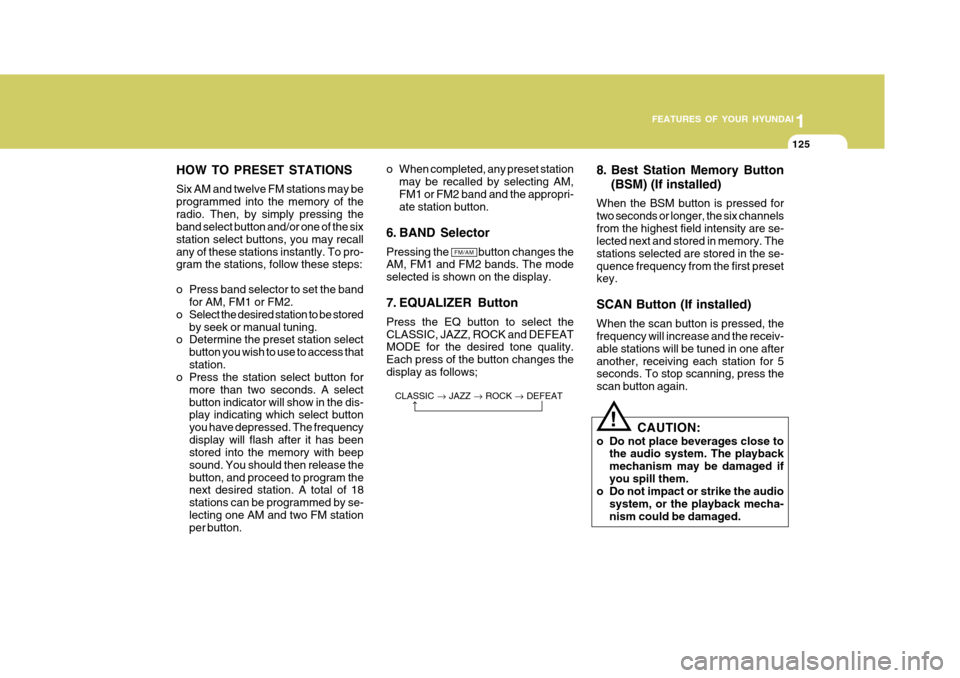
HOW TO PRESET STATIONS Six AM and twelve FM stations may be programmed into the memory of theradio. Then, by simply pressing the band select button and/or one of the six station select buttons, you may recallany of these stations instantly. To pro- gram the stations, follow these steps:
o Press band selector to set the band
for AM, FM1 or FM2.
o Select the desired station to be stored by seek or manual tuning.
o Determine the preset station select
button you wish to use to access that station.
o Press the station select button for
more than two seconds. A selectbutton indicator will show in the dis- play indicating which select button you have depressed. The frequencydisplay will flash after it has been stored into the memory with beep sound. You should then release thebutton, and proceed to program the next desired station. A total of 18 stations can be programmed by se-lecting one AM and two FM station per button. 8. Best Station Memory Button
(BSM) (If installed)
When the BSM button is pressed for two seconds or longer, the six channelsfrom the highest field intensity are se- lected next and stored in memory. The stations selected are stored in the se-quence frequency from the first preset key. SCAN Button (If installed) When the scan button is pressed, the frequency will increase and the receiv- able stations will be tuned in one afteranother, receiving each station for 5 seconds. To stop scanning, press the scan button again.
o When completed, any preset station
may be recalled by selecting AM,FM1 or FM2 band and the appropri- ate station button.
6. BAND Selector Pressing the button changes the AM, FM1 and FM2 bands. The mode selected is shown on the display.
7. EQUALIZER Button Press the EQ button to select the CLASSIC, JAZZ, ROCK and DEFEAT MODE for the desired tone quality. Each press of the button changes thedisplay as follows;
CLASSIC JAZZ ROCK DEFEAT
!
CAUTION:
o Do not place beverages close to the audio system. The playback mechanism may be damaged ifyou spill them.
o Do not impact or strike the audio
system, or the playback mecha-nism could be damaged.
Page 141 of 277
1
FEATURES OF YOUR HYUNDAI
127
H290D02O-GAT
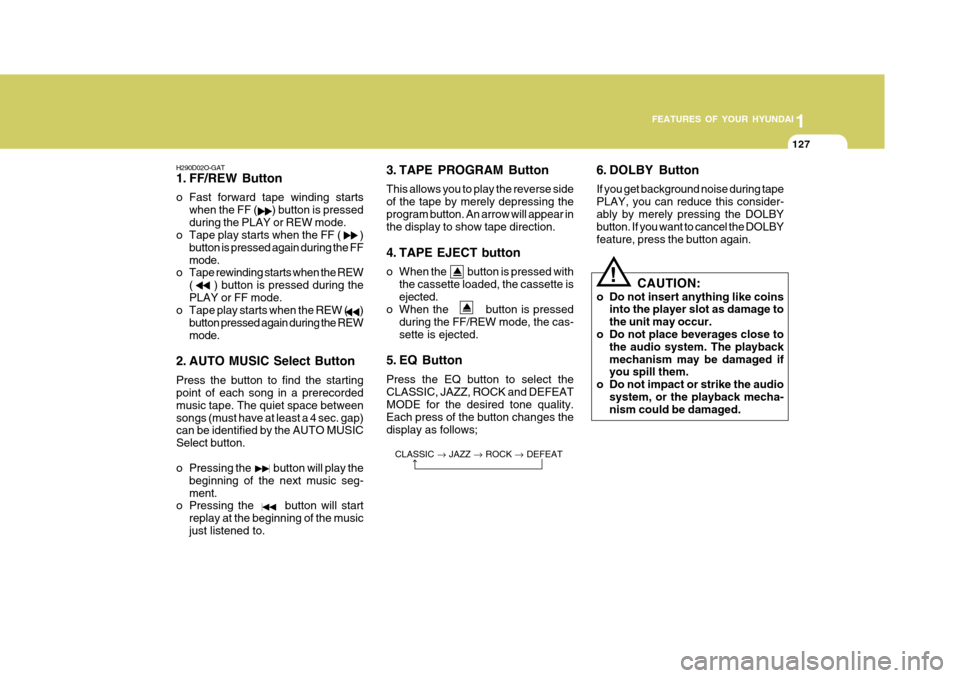
1. FF/REW Button
o Fast forward tape winding starts when the FF ( ) button is pressed during the PLAY or REW mode.
o Tape play starts when the FF ( )
button is pressed again during the FFmode.
o Tape rewinding starts when the REW
( ) button is pressed during thePLAY or FF mode.
o Tape play starts when the REW ( )
button pressed again during the REWmode.
2. AUTO MUSIC Select Button Press the button to find the starting point of each song in a prerecorded music tape. The quiet space betweensongs (must have at least a 4 sec. gap) can be identified by the AUTO MUSIC Select button.
o Pressing the button will play the beginning of the next music seg- ment.
o Pressing the button will start
replay at the beginning of the musicjust listened to. 3. TAPE PROGRAM Button This allows you to play the reverse side of the tape by merely depressing theprogram button. An arrow will appear in the display to show tape direction.
4. TAPE EJECT button
o When the button is pressed with
the cassette loaded, the cassette is ejected.
o When the button is pressed
during the FF/REW mode, the cas-sette is ejected.
5. EQ Button Press the EQ button to select the CLASSIC, JAZZ, ROCK and DEFEAT MODE for the desired tone quality. Each press of the button changes thedisplay as follows; 6. DOLBY Button If you get background noise during tape PLAY, you can reduce this consider-ably by merely pressing the DOLBY button. If you want to cancel the DOLBY feature, press the button again.
CLASSIC JAZZ ROCK DEFEAT
!
CAUTION:
o Do not insert anything like coins into the player slot as damage to the unit may occur.
o Do not place beverages close to the audio system. The playbackmechanism may be damaged if you spill them.
o Do not impact or strike the audio system, or the playback mecha-nism could be damaged.
Page 143 of 277
1
FEATURES OF YOUR HYUNDAI
129
H290F02O-GAT
1. CD Select Button
o Insert the CD with the label facing upward.
o Insert the CD to start CD playback, during radio operation or cassette tape playing.
o When a disc is in the CD deck, if you
press the CD button the CD playerwill begin playing even if the radio or cassette player is being used.
o The CD player can be used when the ignition switch is in either the "ON" or"ACC" position.
2. FF/REW ( / ) If you want to fast forward or reverse through the compact disc track, push and hold in the FF ( ) or REW ( ) button.When you release the button, the com- pact disc player will resume playing. 3. TRACK UP/DOWN
o The desired track on the disc cur-
rently being played can be selected using the track number.
o Press button once to skip for- ward to the beginning of the nexttrack. Press button once to skipback to the beginning of the track.
4. REPEAT
o To repeat the track you are currently listening to, press the RPT button. To cancel , press again.
o If you do not release RPT operation when the track ends, it will automati- cally be replayed.This process will be continued until you push the button again.
5. EQUALIZER Button Press the EQ button to select the CLASSIC, JAZZ, ROCK and DEFEAT MODE for the desired tone quality.Each press of the button changes the display as follows; 6. CD EJECT Button When the button is pressed with a CD loaded, the CD will eject.
7. SCAN Button (If installed)
o Press the SCAN button to playback
the first 10 seconds of each track.
o Press the SCAN button again within
10 sec. for the desired track.
NOTE:
o To assure proper operation of the unit, keep the vehicle interior tem- perature within a normal range by using the vehicle's air condition-ing or heating system.
o When replacing the fuse, replace
it with a fuse having the correctcapacity.
o The preset station frequencies are
all erased when the car battery isdisconnected. Therefore, all data will have to be set again if this should occur.
o Do not add any oil to the rotating parts. Keep magnets, screwdriv-ers and other metallic objects awayfrom the tape mechanism and head.
CLASSIC
JAZZ ROCK DEFEAT
Page 146 of 277
1FEATURES OF YOUR HYUNDAI
132
B290H03E-GAT The CD auto changer is located in the left side of the trunk.
o To use the CD auto changer.
1. Open the sliding lid of the CD autochanger.
2. To eject the compact disc maga-
zine, press the EJECT button lo- cated inside the CD auto changer.
3. Insert the discs into the magazine.
4. Push the magazine into the CD auto changer and close the sliding lid.
o The CD auto changer can be used when the ignition switch is in either"ON" or "ACC" position.
1. CD CHANGER Select Button When the CD changer magazine con- tains discs, press the CD/CDC buttonand the CD changer can be used even if the radio or cassette player is being used. The Hyundai CD changer canhold up to eight discs. The disc number will be lit, and the track number, and elapsed time will be displayed. 2. DISC Select Button To select the CD you want, push to change the disc number. 3. TRACK UP/DOWN
o The desired track on the disc cur-
rently being played can be selected using the track number.
o Press once to skip forward to the beginning of the next track.Press once to skip back to thebeginning of the track.
4. FF/REW ( / ) If you want to fast forward or reverse through the compact disc track, push and hold in the FF ( ) or REW ( ) button.When you release the button, the com- pact disc player will resume playing. 5. REPEAT
o To repeat the track you are currently
listening to, press the RPT button. To cancel , press again.
o If you do not release RPT operation
when the track ends, it will automati-cally be replayed. This process will be continued until you push the button again.
6. SCAN Button (If installed)
o Press the SCAN button to playback the first 10 seconds of each track.
o Press the SCAN button again within
10 sec. When you have reached the desired track.
7. EQ Button Press the EQ button to select the CLASSIC, JAZZ, ROCK and DEFEAT MODE for the desired tone quality. Each press of the button changes thedisplay as follows; CLASSIC JAZZ ROCK DEFEAT
TUNE
DISC
Page 169 of 277
2 DRIVING YOUR HYUNDAI
16
If the indicator remains lit even after the engine has been started, haveyour car checked by an authorized Hyundai dealer. NOTE:
1) When the TCS-OFF indicator il-luminates, traction control is au- tomatically deactivated for safety.
2) This warning function is not pro- vided when the driver selects theTCS-OFF mode.
4) When moving out of the mud or
fresh snow, pressing the accel- erator pedal may not cause the engine speed to increase due to TCS operation.
C310D01O-AAT Indicators and Warning The TCS indicators should illuminate when the ignition key is turned to "ON"or "START" but should go out after three seconds. If the indicators do not illuminate, orthe TCS or TCS-OFF indicator does not go out after 3 seconds, have it checked by an authorized dealer. Should there be any unusual condi- tions in the device while driving, TCS-OFF indicator illuminates as a warn- ing. If TCS-OFF indicator illuminates, pullyour car to a safe place and stop the engine. Then, start the engine again to checkif the TCS-OFF indicator goes out.
!
C130A01A-AAT Good braking practices WARNING:
Nothing should be carried on top of the shelf panel behind the rear seat.If there were an accident or a sud- den stop, such objects could move forward and cause damage to thevehicle or injure the occupants.
o After being parked, check to be sure the parking brake is not engaged and that the parking brake indicatorlight is out before driving away.
o Driving through water may get the
brakes wet. They can also get wetwhen the car is washed. Wet brakes can be dangerous! Your car will not stop as quickly if the brakes are wet.Wet brakes may cause the car to pull to one side. To dry the brakes, apply the brakes lightly until thebraking action returns to normal, taking care to keep the car under control at all times. If the brakingaction does not return to normal, stop as soon as it is safe to do so and call your Hyundai dealer forassistance.
Page 170 of 277
2
DRIVING YOUR HYUNDAI
17DRIVING FOR ECONOMY
C140A01A-GAT You can save fuel and get more kilo- meters from your car if you follow these suggestions:
o Drive smoothly. Accelerate at a moderate rate. Don't make "jack- rabbit" starts or full-throttle shiftsand maintain a steady cruising speed. Don't race between stop- lights. Try to adjust your speed tothat of the other traffic so you don't have to change speeds unneces- sarily. Avoid heavy traffic wheneverpossible. Always maintain a safe distance from other vehicles so you can avoidunnecessary braking. This also re- duces brake wear.
o Drive at a moderate speed. The faster you drive, the more fuel yourcar uses. Driving at a moderate speed, especially on the highway, isone of the most effective ways to reduce fuel consumption.
o Don't "ride" the brake or clutch pedal. This can increase fuel consumptionand also increase wear on these
o Don't coast down hills with the car
out of gear. This is extremely haz- ardous. Keep the car in gear at all times, use the brakes to slow down, then shift to a lower gear so thatengine braking will help you main- tain a safe speed.
o Don't "ride" the brake pedal. Rest- ing your foot on the brake pedalwhile driving can be dangerous be- cause it can result in the brakesoverheating and losing their effec- tiveness. It also increases the wear of the brake components.
o If a tire goes flat while you are driving, apply the brakes gently andkeep the car pointed straight aheadwhile you slow down. When you are moving slowly enough for it to be safe to do so, pull off the road andstop in a safe place.
o If your car is equipped with an auto-
matic transaxle, don't let your carcreep forward. To avoid creeping forward, keep your foot on the brake pedal when the car is stopped.
o Use caution when parking on a hill. Engage the parking brake and placethe gear selector lever in "P" (auto-matic transaxle) or in first or reverse gear (manual transaxle). If your caris facing downhill, turn the frontwheels into the curb to help keep the car from rolling. If your car is facing uphill, turn the front wheels awayfrom the curb to help keep the car from rolling. If there is no curb or if it is requiredby other conditions to keep the car from rolling, block the wheels.
o Under some conditions your park- ing brake can freeze in the engagedposition. This is most likely to hap- pen when there is an accumulationof snow or ice around or near the rear brakes or if the brakes are wet. If there is a risk that the parkingbrake may freeze, apply it only tem- porarily while you put the gear se- lector lever in "P" (automatic) or infirst or reverse gear (manual transaxle) and block the rear wheels so the car cannot roll. Then releasethe parking brake.
o Do not hold the vehicle on the up-
grade with the accelerator pedal.This can cause the transmission to overheat. Always use the brake pedal or parking brake.