chapter Hyundai Genesis 2016 Owner's Guide
[x] Cancel search | Manufacturer: HYUNDAI, Model Year: 2016, Model line: Genesis, Model: Hyundai Genesis 2016Pages: 503, PDF Size: 12.94 MB
Page 170 of 503
3-76
Convenient features of your vehicle
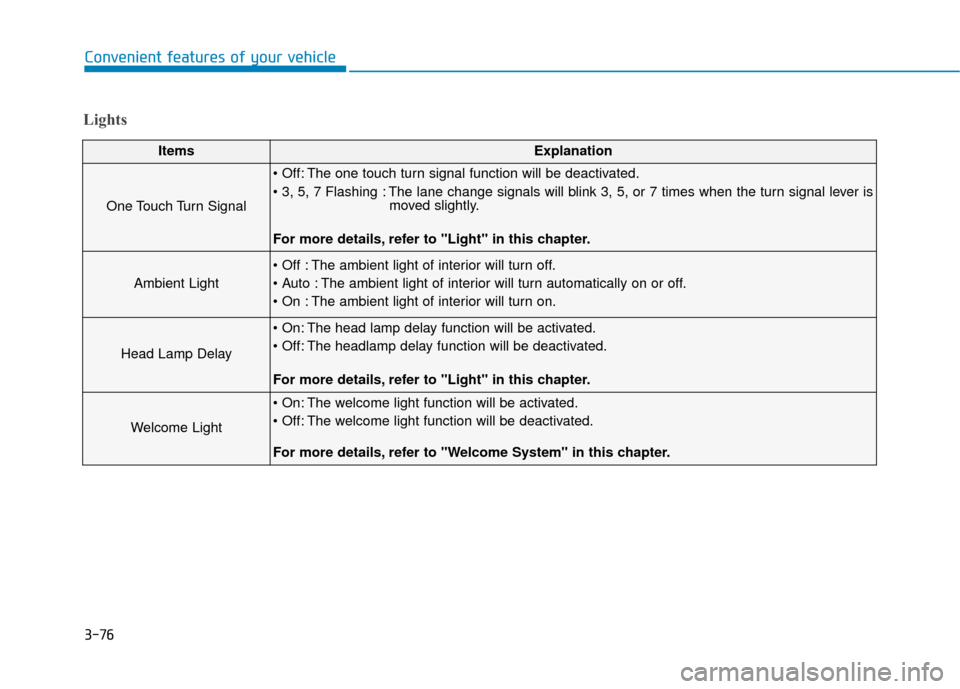
Lights
ItemsExplanation
One Touch Turn Signal
The one touch turn signal function will be deactivated.
The lane change signals will blink 3, 5, or 7 times when the turn signal lever ismoved slightly.
For more details, refer to "Light" in this chapter.
Ambient Light
The ambient light of interior will turn off.
The ambient light of interior will turn automatically on or off.
The ambient light of interior will turn on.
Head Lamp Delay
The head lamp delay function will be activated.
The headlamp delay function will be deactivated.
For more details, refer to "Light" in this chapter.
Welcome Light
The welcome light function will be activated.
The welcome light function will be deactivated.
For more details, refer to "Welcome System" in this chapter.
Page 172 of 503
3-78
Convenient features of your vehicle
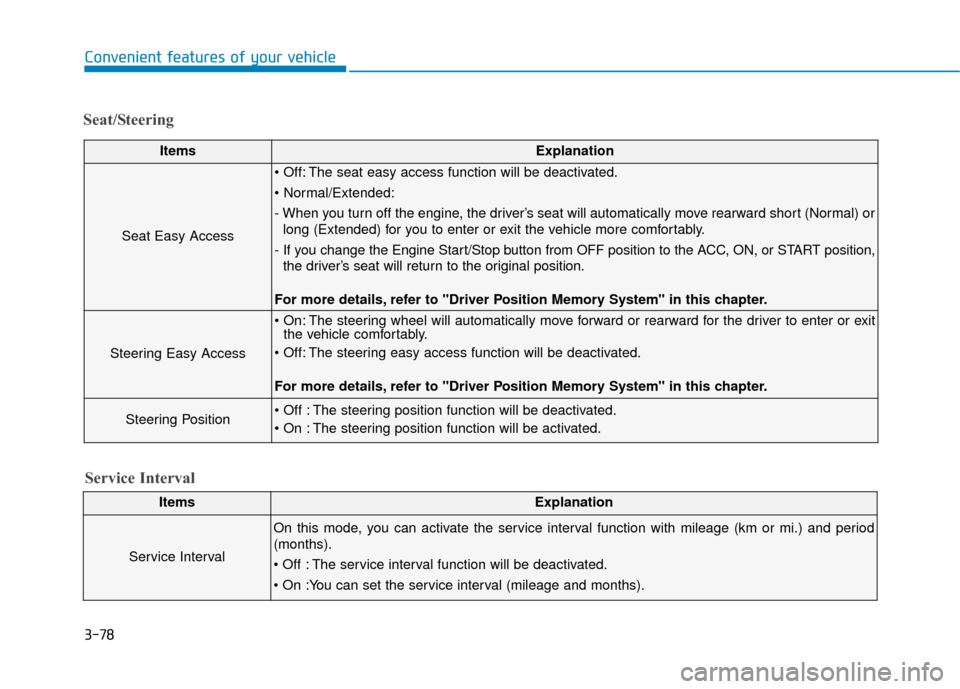
Seat/Steering
ItemsExplanation
Seat Easy Access
The seat easy access function will be deactivated.
- When you turn off the engine, the driver’s seat will automatically move rearward short (Normal) orlong (Extended) for you to enter or exit the vehicle more comfortably.
- If you change the Engine Start/Stop button from OFF position to the ACC, ON, or START position, the driver’s seat will return to the original position.
For more details, refer to "Driver Position Memory System" in this chapter.
Steering Easy Access
The steering wheel will automatically move forward or rearward for the driver to enter or exit the vehicle comfortably.
The steering easy access function will be deactivated.
For more details, refer to "Driver Position Memory System" in this chapter.
Steering Position The steering position function will be deactivated.
The steering position function will be activated.
ItemsExplanation
Service Interval
On this mode, you can activate the service interval function with mileage (km or mi.) and period
(months).
The service interval function will be deactivated.
Service Interval
Page 173 of 503
3-79
Convenient features of your vehicle
3
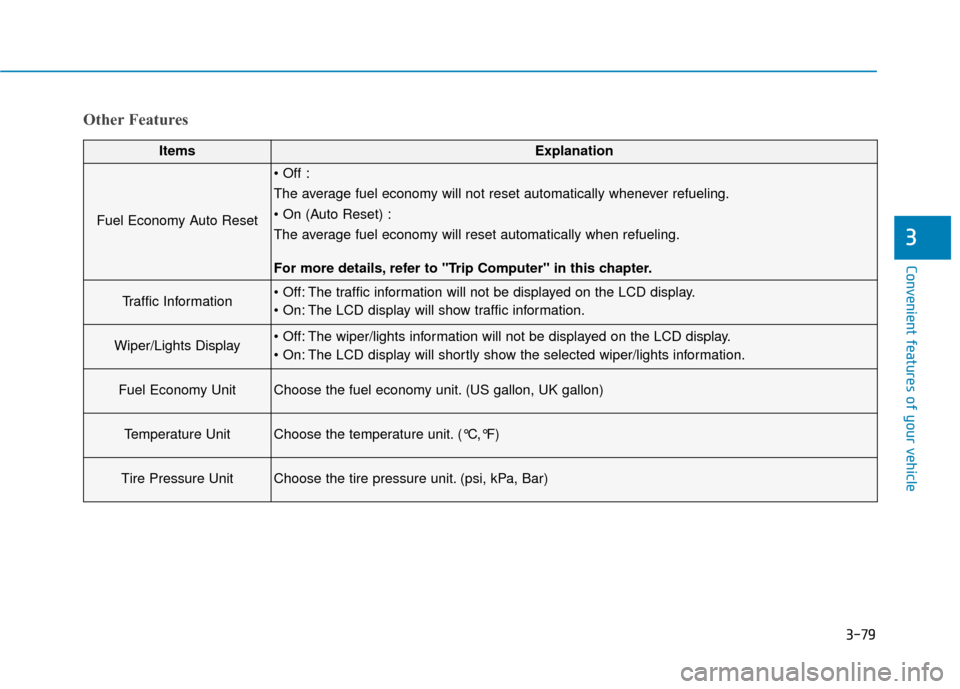
Other Features
ItemsExplanation
Fuel Economy Auto Reset
The average fuel economy will not reset automatically whenever refueling.
The average fuel economy will reset automatically when refueling.
For more details, refer to "Trip Computer" in this chapter.
Traffic Information The traffic information will not be displayed on the LCD display.
The LCD display will show traffic information.
Wiper/Lights Display The wiper/lights information will not be displayed on the LCD display.
The LCD display will shortly show the selected wiper/lights information.
Fuel Economy UnitChoose the fuel economy unit. (US gallon, UK gallon)
Temperature UnitChoose the temperature unit. (°C,°F)
Tire Pressure UnitChoose the tire pressure unit. (psi, kPa, Bar)
Page 177 of 503
3-83
Convenient features of your vehicle
3
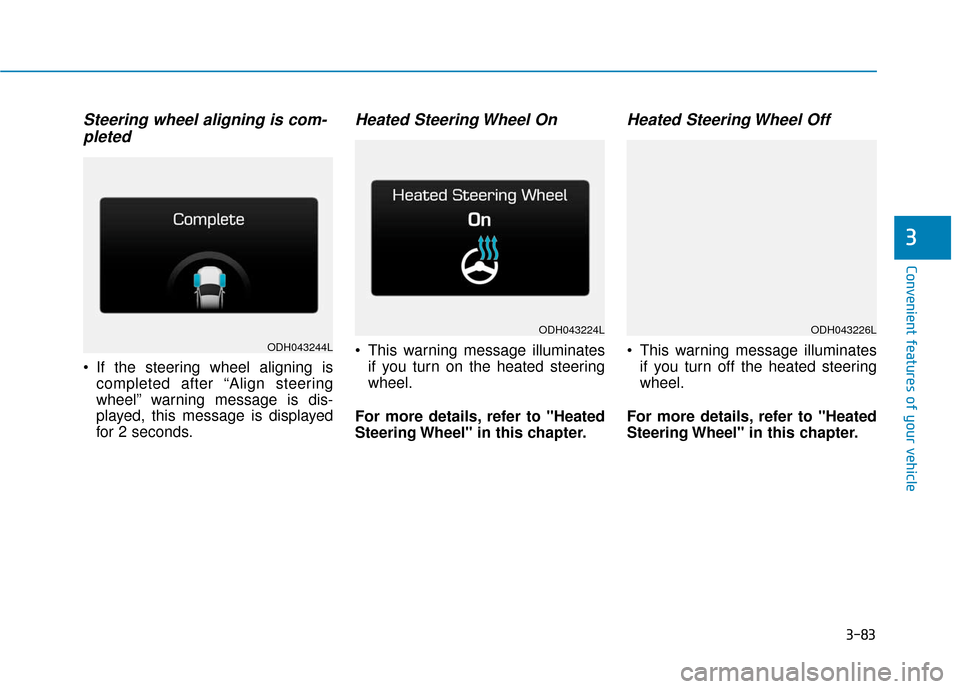
Steering wheel aligning is com-pleted
If the steering wheel aligning is
completed after “Align steering
wheel” warning message is dis-
played, this message is displayed
for 2 seconds.
Heated Steering Wheel On
This warning message illuminatesif you turn on the heated steering
wheel.
For more details, refer to "Heated
Steering Wheel" in this chapter.
Heated Steering Wheel Off
This warning message illuminates if you turn off the heated steering
wheel.
For more details, refer to "Heated
Steering Wheel" in this chapter.ODH043244L
ODH043224LODH043226L
Page 179 of 503
3-85
Convenient features of your vehicle
3
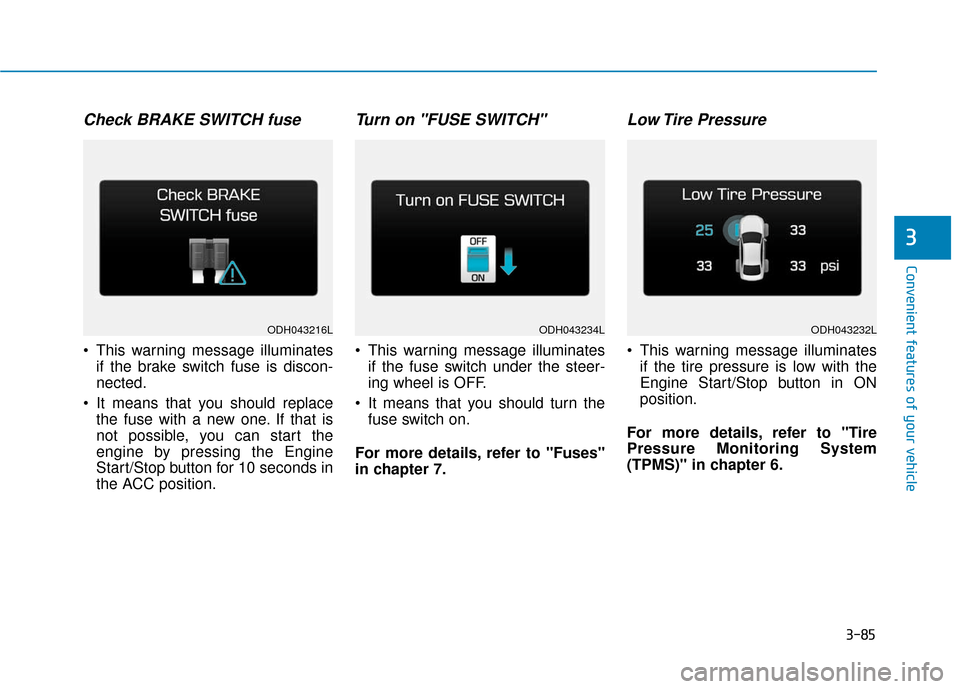
Check BRAKE SWITCH fuse
This warning message illuminatesif the brake switch fuse is discon-
nected.
It means that you should replace the fuse with a new one. If that is
not possible, you can start the
engine by pressing the Engine
Start/Stop button for 10 seconds in
the ACC position.
Turn on "FUSE SWITCH"
This warning message illuminatesif the fuse switch under the steer-
ing wheel is OFF.
It means that you should turn the fuse switch on.
For more details, refer to "Fuses"
in chapter 7.
Low Tire Pressure
This warning message illuminates if the tire pressure is low with the
Engine Start/Stop button in ON
position.
For more details, refer to "Tire
Pressure Monitoring System
(TPMS)" in chapter 6.
ODH043216LODH043234LODH043232L
Page 180 of 503
3-86
Convenient features of your vehicle
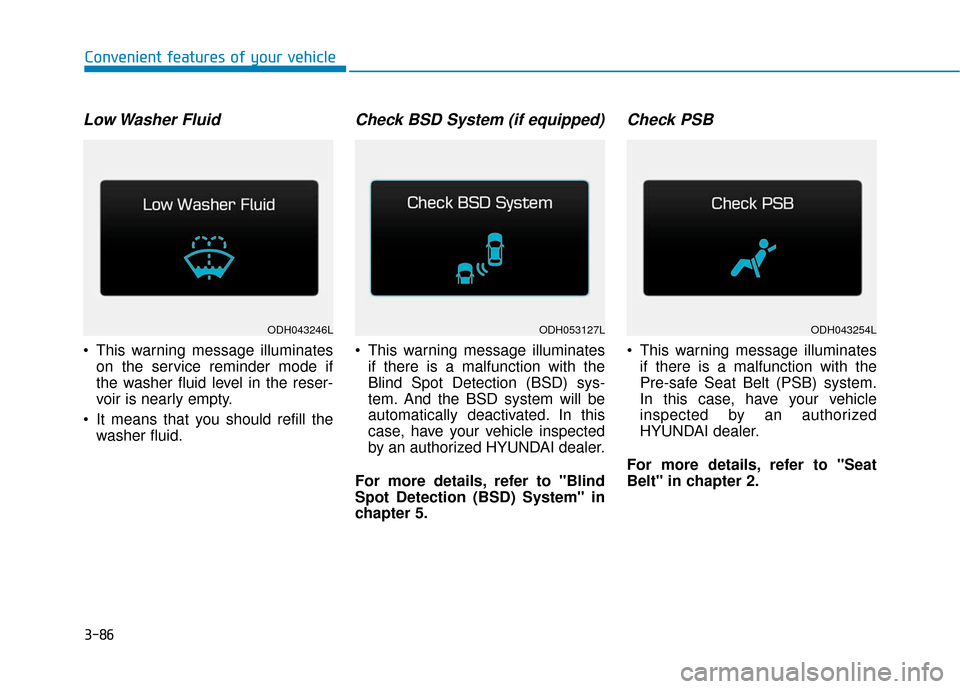
Low Washer Fluid
This warning message illuminateson the service reminder mode if
the washer fluid level in the reser-
voir is nearly empty.
It means that you should refill the washer fluid.
Check BSD System (if equipped)
This warning message illuminatesif there is a malfunction with the
Blind Spot Detection (BSD) sys-
tem. And the BSD system will be
automatically deactivated. In this
case, have your vehicle inspected
by an authorized HYUNDAI dealer.
For more details, refer to "Blind
Spot Detection (BSD) System" in
chapter 5.
Check PSB
This warning message illuminates if there is a malfunction with the
Pre-safe Seat Belt (PSB) system.
In this case, have your vehicle
inspected by an authorized
HYUNDAI dealer.
For more details, refer to "Seat
Belt" in chapter 2.
ODH043246LODH043254LODH053127L
Page 181 of 503
3-87
Convenient features of your vehicle
3
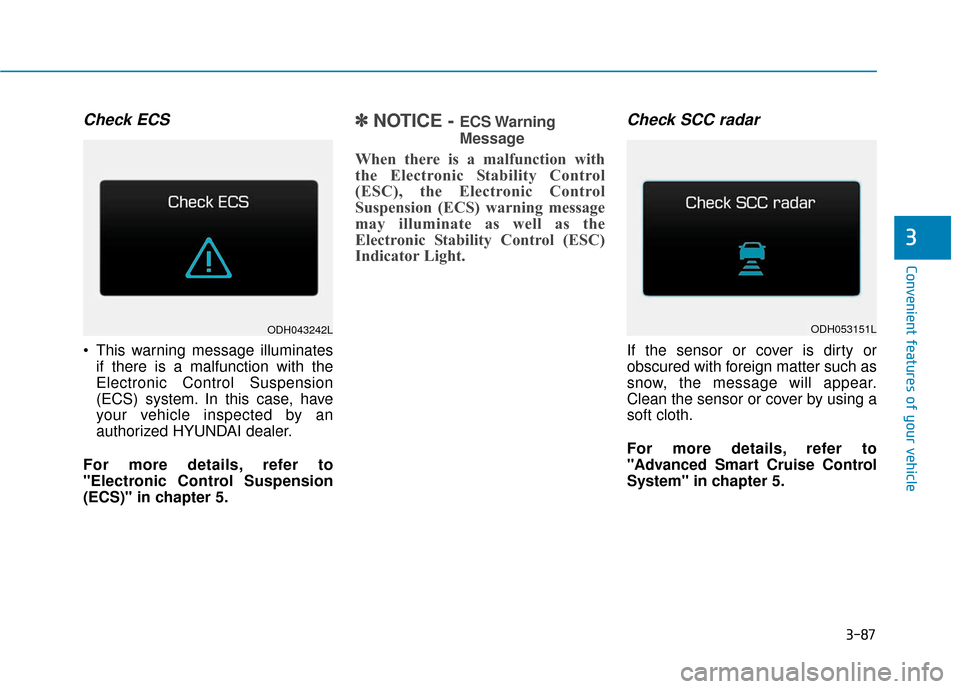
Check ECS
This warning message illuminatesif there is a malfunction with the
Electronic Control Suspension
(ECS) system. In this case, have
your vehicle inspected by an
authorized HYUNDAI dealer.
For more details, refer to
"Electronic Control Suspension
(ECS)" in chapter 5.
✽ ✽ NOTICE - ECS Warning
Message
When there is a malfunction with
the Electronic Stability Control
(ESC), the Electronic Control
Suspension (ECS) warning message
may illuminate as well as the
Electronic Stability Control (ESC)
Indicator Light.
Check SCC radar
If the sensor or cover is dirty or
obscured with foreign matter such as
snow, the message will appear.
Clean the sensor or cover by using a
soft cloth.
For more details, refer to
"Advanced Smart Cruise Control
System" in chapter 5.
ODH043242LODH053151L
Page 182 of 503
3-88
Convenient features of your vehicle
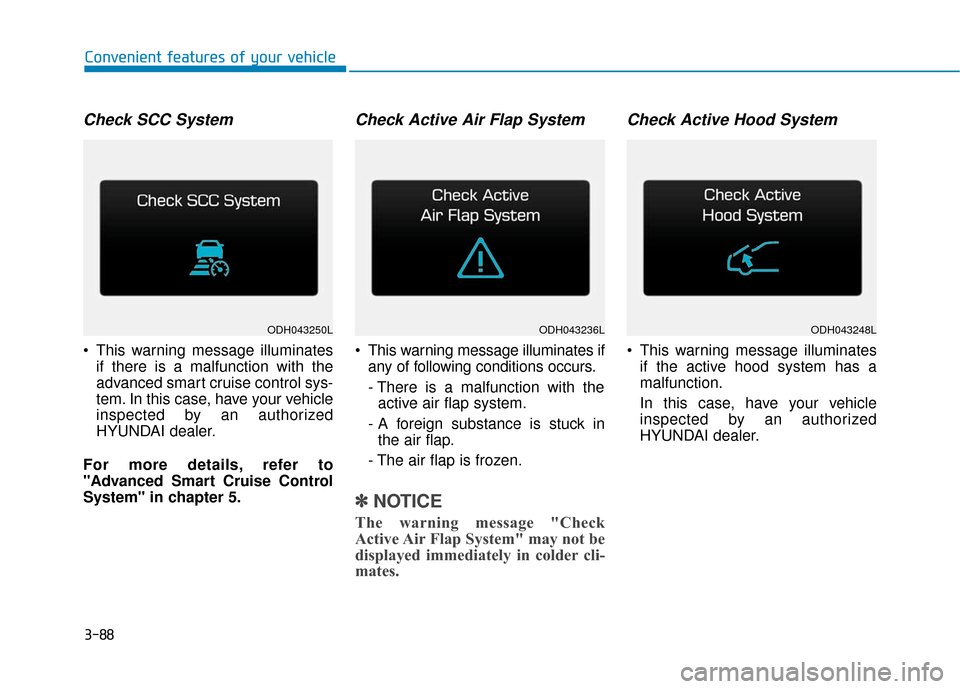
Check SCC System
This warning message illuminatesif there is a malfunction with the
advanced smart cruise control sys-
tem. In this case, have your vehicle
inspected by an authorized
HYUNDAI dealer.
For more details, refer to
"Advanced Smart Cruise Control
System" in chapter 5.
Check Active Air Flap System
This warning message illuminates if any of following conditions occurs.
- There is a malfunction with theactive air flap system.
- A foreign substance is stuck in the air flap.
- The air flap is frozen.
✽ ✽ NOTICE
The warning message "Check
Active Air Flap System" may not be
displayed immediately in colder cli-
mates.
Check Active Hood System
This warning message illuminates
if the active hood system has a
malfunction.
In this case, have your vehicle
inspected by an authorized
HYUNDAI dealer.
ODH043236LODH043248LODH043250L
Page 183 of 503
3-89
Convenient features of your vehicle
3
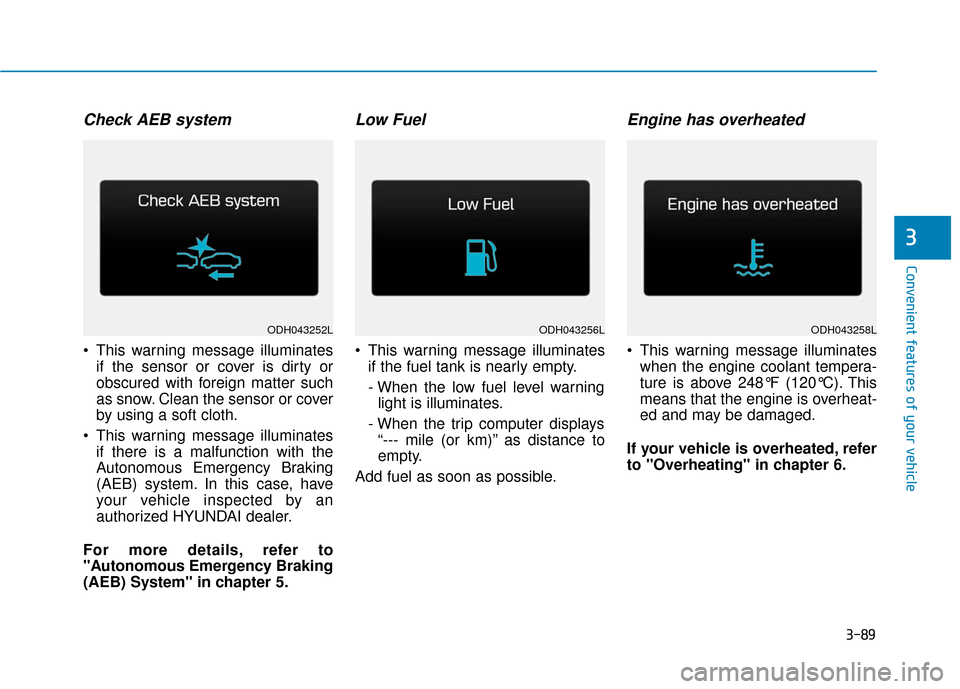
Check AEB system
This warning message illuminatesif the sensor or cover is dirty or
obscured with foreign matter such
as snow. Clean the sensor or cover
by using a soft cloth.
This warning message illuminates if there is a malfunction with the
Autonomous Emergency Braking
(AEB) system. In this case, have
your vehicle inspected by an
authorized HYUNDAI dealer.
For more details, refer to
"Autonomous Emergency Braking
(AEB) System" in chapter 5.
Low Fuel
This warning message illuminates if the fuel tank is nearly empty.
- When the low fuel level warninglight is illuminates.
- When the trip computer displays “--- mile (or km)” as distance to
empty.
Add fuel as soon as possible.
Engine has overheated
This warning message illuminates when the engine coolant tempera-
ture is above 248°F (120°C). This
means that the engine is overheat-
ed and may be damaged.
If your vehicle is overheated, refer
to "Overheating" in chapter 6.
ODH043256LODH043258LODH043252L
Page 184 of 503
3-90
Convenient features of your vehicle
Overview
Description
The trip computer is a microcomput-
er-controlled driver information sys-
tem that displays information related
to driving.
✽ ✽NOTICE
Some driving information stored in
the trip computer (for example
Average Vehicle Speed) resets if the
battery is disconnected.
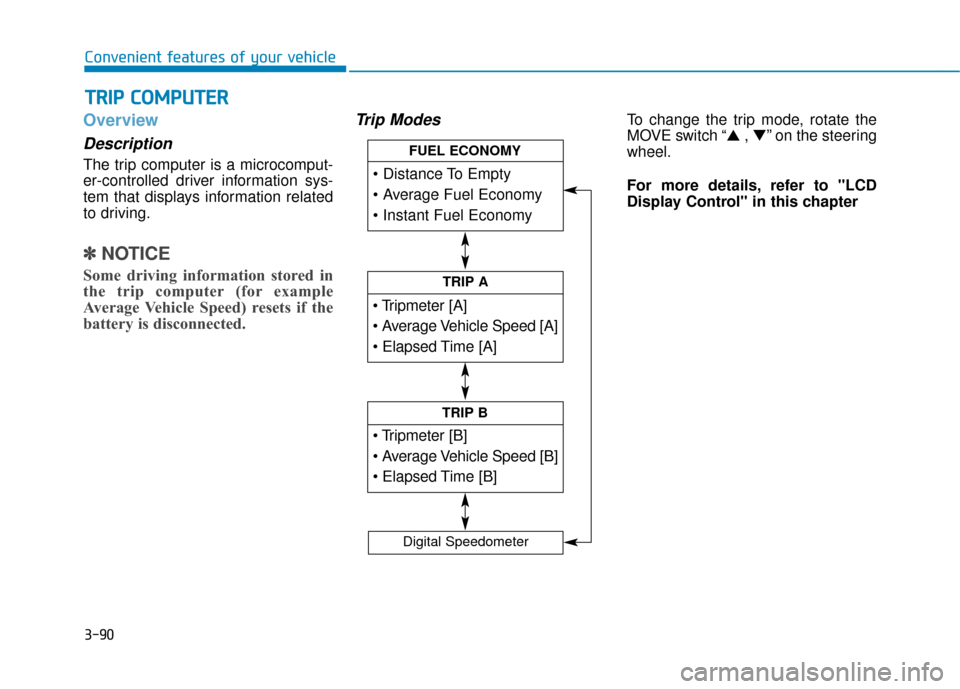
Trip ModesTo change the trip mode, rotate the
MOVE switch “▲ , ▼” on the steering
wheel.
For more details, refer to "LCD
Display Control" in this chapter
T T R
R I
IP
P
C
C O
O M
M P
PU
U T
TE
ER
R
TRIP A
TRIP B
FUEL ECONOMY
Digital Speedometer