Features of your vehicle
50
4
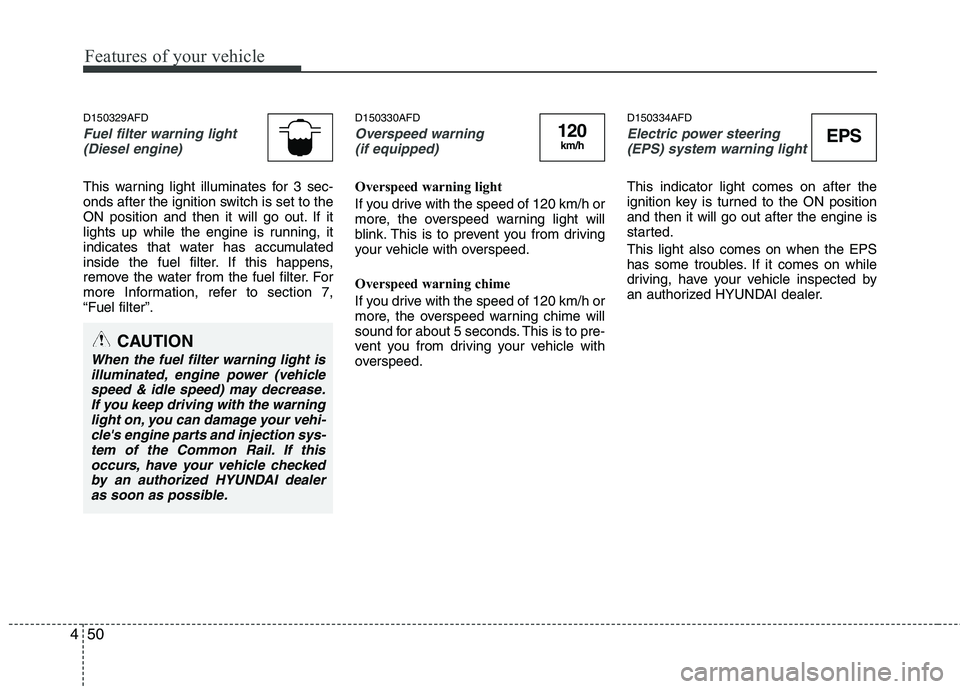
D150329AFD
Fuel filter warning light
(Diesel engine)
This warning light illuminates for 3 sec-
onds after the ignition switch is set to the
ON position and then it will go out. If it
lights up while the engine is running, it
indicates that water has accumulated
inside the fuel filter. If this happens,
remove the water from the fuel filter. For
more Information, refer to section 7,“Fuel filter”. D150330AFD
Overspeed warning
(if equipped)
Overspeed warning light
If you drive with the speed of 120 km/h or
more, the overspeed warning light will
blink. This is to prevent you from driving
your vehicle with overspeed.
Overspeed warning chime
If you drive with the speed of 120 km/h or
more, the overspeed warning chime will
sound for about 5 seconds. This is to pre-
vent you from driving your vehicle with
overspeed. D150334AFD
Electric power steering
(EPS) system warning light
This indicator light comes on after the
ignition key is turned to the ON positionand then it will go out after the engine is
started. This light also comes on when the EPS
has some troubles. If it comes on while
driving, have your vehicle inspected by
an authorized HYUNDAI dealer.
EPS120km/h
CAUTION
When the fuel filter warning light is illuminated, engine power (vehicle
speed & idle speed) may decrease.If you keep driving with the warninglight on, you can damage your vehi-cle's engine parts and injection sys-
tem of the Common Rail. If thisoccurs, have your vehicle checked by an authorized HYUNDAI dealer as soon as possible.
Features of your vehicle
104
4
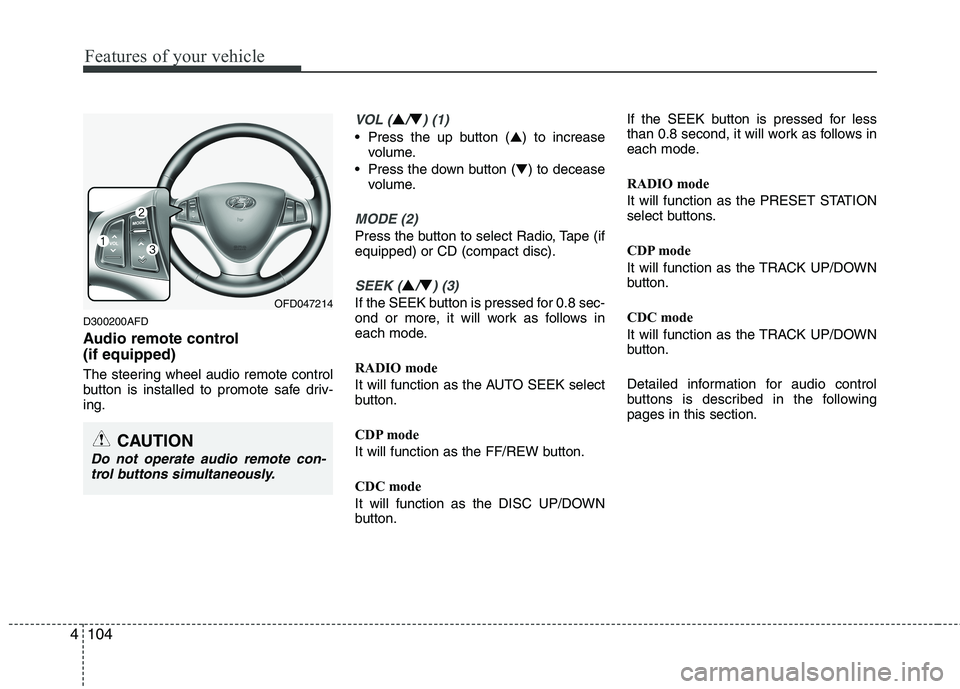
D300200AFD
Audio remote control (if equipped)
The steering wheel audio remote control
button is installed to promote safe driv-ing.
VOL (▲/▼) (1)
• Press the up button ( ▲) to increase
volume.
Press the down button ( ▼) to decease
volume.
MODE (2)
Press the button to select Radio, Tape (if equipped) or CD (compact disc).
SEEK (▲/▼) (3)
If the SEEK button is pressed for 0.8 sec-
ond or more, it will work as follows in
each mode.
RADIO mode
It will function as the AUTO SEEK select
button.
CDP mode
It will function as the FF/REW button.
CDC mode
It will function as the DISC UP/DOWN
button. If the SEEK button is pressed for less
than 0.8 second, it will work as follows in
each mode.
RADIO mode
It will function as the PRESET STATION
select buttons.
CDP mode
It will function as the TRACK UP/DOWN
button.
CDC mode
It will function as the TRACK UP/DOWN
button.
Detailed information for audio control
buttons is described in the followingpages in this section.OFD047214
CAUTION
Do not operate audio remote con-
trol buttons simultaneously.