tyre Hyundai Ioniq Plug-in Hybrid 2019 Owner's Manual - RHD (UK, Australia)
[x] Cancel search | Manufacturer: HYUNDAI, Model Year: 2019, Model line: Ioniq Plug-in Hybrid, Model: Hyundai Ioniq Plug-in Hybrid 2019Pages: 599, PDF Size: 17.32 MB
Page 57 of 599
F2
Modification to the original vehicle specification may invalidate the manufacturers warranty and may adverse-
ly affect the safety and durability of the vehicle.
Components which are subject to modification or are added to the original vehicle specification without the
express approval of the manufacturer and result in consequential loss or damage are not covered by the vehi-
cle manufacturers warranty.
Particular attention is drawn to the fitment of replacement road wheels having a different specification to those
installed in production. The electric power assisted steering system is specifically programmed to operate only
with the road wheels fitted during production. The installation of alternative specification road wheels may result
in the replacement road wheels fouling the vehicle body resulting in tyre damage and compromised safety. The
installation of after market wheels on vehicles equipped with TPMS may result in wheel balancing difficulties
or malfunction of the TPMS system.
We recommend that you contact a HYUNDAI authorised repairer before non original specification road wheels
are installed.
This vehicle is fitted with electronically controlled fuel injection or other \
micro processor controlled equipment.
It is possible for incorrectly installed two way radio equipment including mobile telephones to adversely affect
these systems.
Before radio equipment of this kind is installed, we recommend that you contact your HYUNDAI authorised
repairer for recommendation regarding the suitability of the particular radio equipment concerned and the rec-
ommended method of installation and equipment location. Incorrectly installed or unsuitable equipment which
gives rise to incorrect functioning of or damage to electronic vehicle components will not fall within the scope
of the vehicle manufacturers warranty.
CAUTION: MODIFICATIONS TO ORIGINAL VEHICLE SPECIFICATION
TWO WAY RADIO INSTALLATION
Page 68 of 599
1-2
E
EX
X T
TE
ER
R I
IO
O R
R
O
O V
VE
ER
R V
V I
IE
E W
W
(
( I
I)
)
-
-
H
H Y
Y B
BR
RI
ID
D
V
V E
EH
H I
IC
C L
LE
E
Your vehicle at a glance
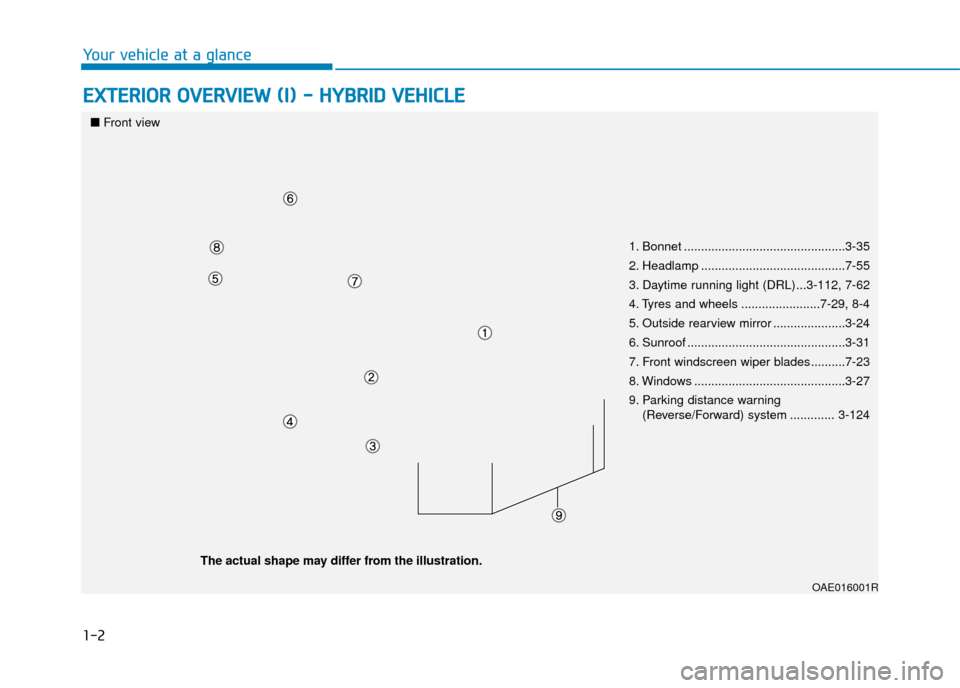
1. Bonnet ...............................................3-35
2. Headlamp ..........................................7-55
3. Daytime running light (DRL)...3-112, 7-62
4. Tyres and wheels .......................7-29, 8-4
5. Outside rearview mirror .....................3-24
6. Sunroof ..............................................3-31
7. Front windscreen wiper blades ..........7-23
8. Windows ............................................3-27
9. Parking distance warning
(Reverse/Forward) system ............. 3-124
OAE016001R
■Front view
The actual shape may differ from the illustration.
Page 73 of 599
1-7
Your vehicle at a glance
1
E
EX
X T
TE
ER
R I
IO
O R
R
O
O V
VE
ER
R V
V I
IE
E W
W
(
( I
I)
)
-
-
P
P L
LU
U G
G-
-I
IN
N
H
H Y
Y B
BR
RI
ID
D
V
V E
EH
H I
IC
C L
LE
E
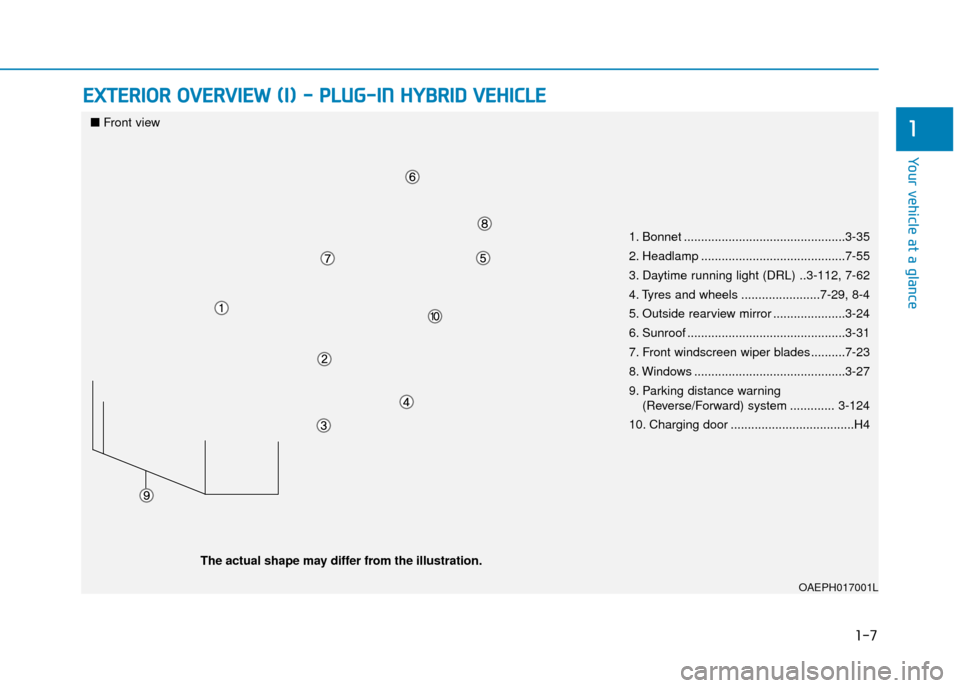
1. Bonnet ...............................................3-35
2. Headlamp ..........................................7-55
3. Daytime running light (DRL) ..3-112, 7-62
4. Tyres and wheels .......................7-29, 8-4
5. Outside rearview mirror .....................3-24
6. Sunroof ..............................................3-31
7. Front windscreen wiper blades ..........7-23
8. Windows ............................................3-27
9. Parking distance warning
(Reverse/Forward) system ............. 3-124
10. Charging door ....................................H4
OAEPH017001L
■ Front view
The actual shape may differ from the illustration.
Page 80 of 599
2-3
Safety system of your vehicle
NEVER let the use of a mobile devicedistract you from driving. You have a
responsibility to your passengers and
others on the road to always drive
safely, with your hands on the wheel
as well as your eyes and attention on
the road.Control your speed
Excessive speed is a major factor in
crash injuries and deaths. Generally,
the higher the speed, the greater the
risk, but serious injuries can also
occur at lower speeds. Never drive
faster than is safe for current condi-
tions, regardless of the maximum
speed posted.
Keep your vehicle in safe condi-
tion
Having a tyre blowout or a mechanical
failure can be extremely hazardous. To
reduce the possibility of such prob-
lems, check your tyre pressures and
condition frequently, and perform all
regularly scheduled maintenance.
2
Page 205 of 599
3-59
Convenient features of your vehicle
3
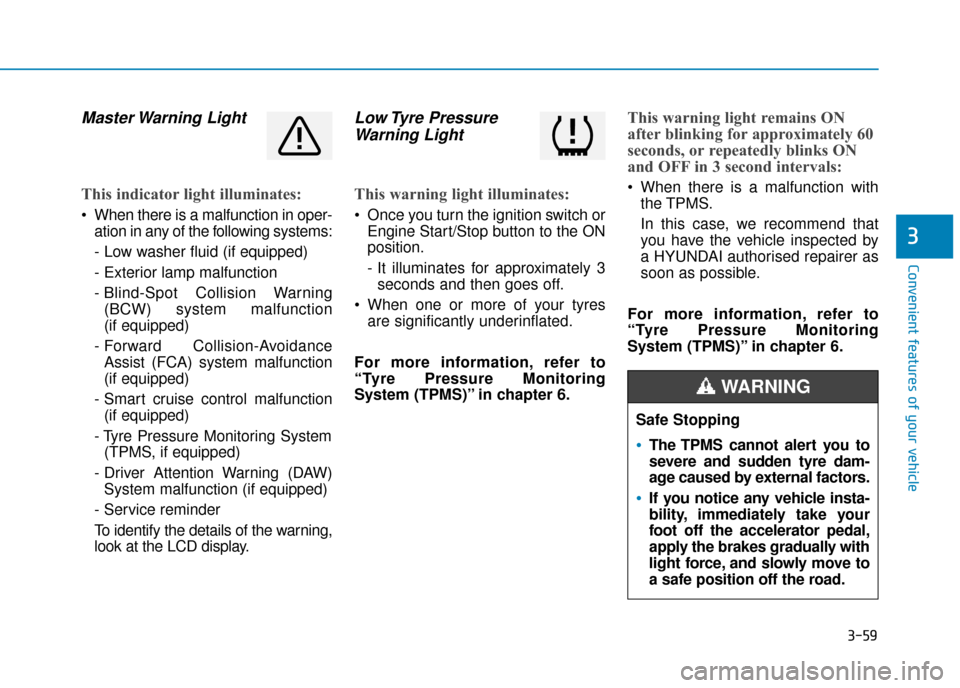
Master Warning Light
This indicator light illuminates:
When there is a malfunction in oper-ation in any of the following systems:
- Low washer fluid (if equipped)
- Exterior lamp malfunction
- Blind-Spot Collision Warning(BCW) system malfunction
(if equipped)
- Forward Collision-Avoidance Assist (FCA) system malfunction
(if equipped)
- Smart cruise control malfunction (if equipped)
- Tyre Pressure Monitoring System (TPMS, if equipped)
- Driver Attention Warning (DAW) System malfunction (if equipped)
- Service reminder
To identify the details of the warning,
look at the LCD display.
Low Tyre Pressure Warning Light
This warning light illuminates:
Once you turn the ignition switch or
Engine Start/Stop button to the ON
position.
- It illuminates for approximately 3seconds and then goes off.
When one or more of your tyres are significantly underinflated.
For more information, refer to
“Tyre Pressure Monitoring
System (TPMS)” in chapter 6.
This warning light remains ON
after blinking for approximately 60
seconds, or repeatedly blinks ON
and OFF in 3 second intervals:
When there is a malfunction with the TPMS.
In this case, we recommend that
you have the vehicle inspected by
a HYUNDAI authorised repairer as
soon as possible.
For more information, refer to
“Tyre Pressure Monitoring
System (TPMS)” in chapter 6.
Safe Stopping
The TPMS cannot alert you to
severe and sudden tyre dam-
age caused by external factors.
If you notice any vehicle insta-
bility, immediately take your
foot off the accelerator pedal,
apply the brakes gradually with
light force, and slowly move to
a safe position off the road.
WARNING
Page 214 of 599
3-68
Convenient features of your vehicle
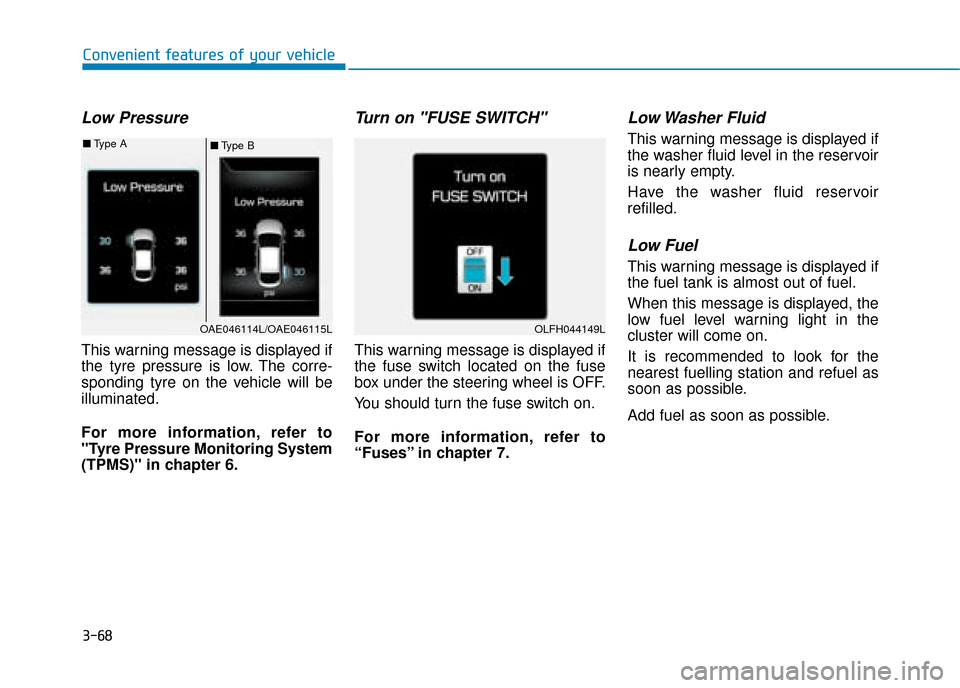
Low Pressure
This warning message is displayed if
the tyre pressure is low. The corre-
sponding tyre on the vehicle will be
illuminated.
For more information, refer to
"Tyre Pressure Monitoring System
(TPMS)" in chapter 6.
Turn on "FUSE SWITCH"
This warning message is displayed if
the fuse switch located on the fuse
box under the steering wheel is OFF.
You should turn the fuse switch on.
For more information, refer to
“Fuses” in chapter 7.
Low Washer Fluid
This warning message is displayed if
the washer fluid level in the reservoir
is nearly empty.
Have the washer fluid reservoir
refilled.
Low Fuel
This warning message is displayed if
the fuel tank is almost out of fuel.
When this message is displayed, the
low fuel level warning light in the
cluster will come on.
It is recommended to look for the
nearest fuelling station and refuel as
soon as possible.
Add fuel as soon as possible.
■Type B
■
Type A
OAE046114L/OAE046115LOLFH044149L
Page 230 of 599
3-84
Convenient features of your vehicle
Service required
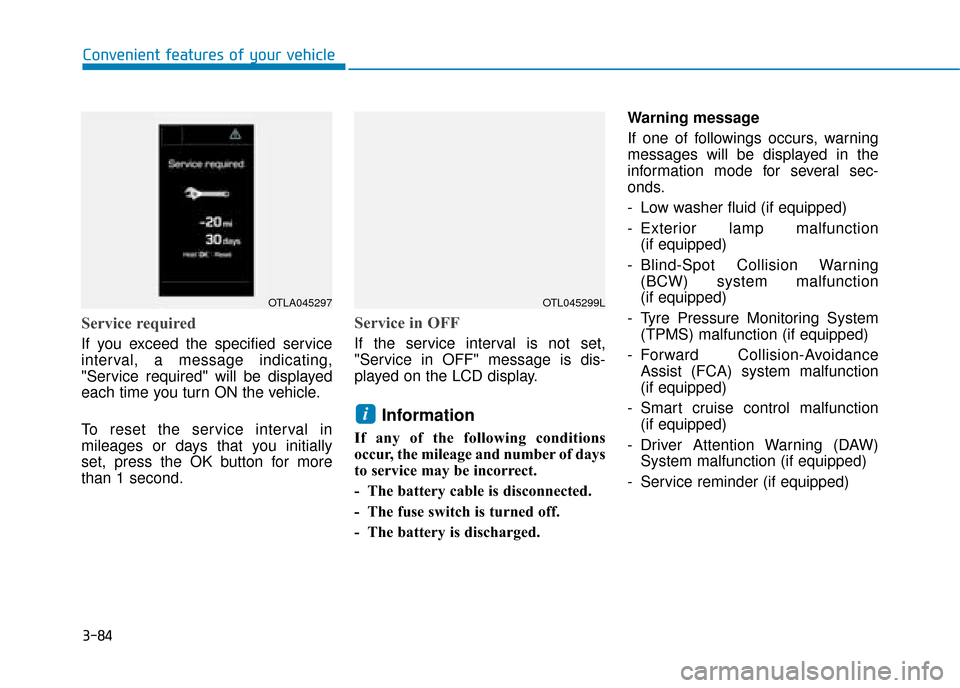
If you exceed the specified service
interval, a message indicating,
"Service required" will be displayed
each time you turn ON the vehicle.
To reset the service interval in
mileages or days that you initially
set, press the OK button for more
than 1 second.
Service in OFF
If the service interval is not set,
"Service in OFF" message is dis-
played on the LCD display.
Information
If any of the following conditions
occur, the mileage and number of days
to service may be incorrect.
- The battery cable is disconnected.
- The fuse switch is turned off.
- The battery is discharged.Warning message
If one of followings occurs, warning
messages will be displayed in the
information mode for several sec-
onds.
- Low washer fluid (if equipped)
- Exterior lamp malfunction
(if equipped)
- Blind-Spot Collision Warning (BCW) system malfunction
(if equipped)
- Tyre Pressure Monitoring System (TPMS) malfunction (if equipped)
- Forward Collision-Avoidance Assist (FCA) system malfunction
(if equipped)
- Smart cruise control malfunction (if equipped)
- Driver Attention Warning (DAW) System malfunction (if equipped)
- Service reminder (if equipped)
i
OTLA045297OTL045299L
Page 235 of 599
3-89
Convenient features of your vehicle
3
- Off: The average fuel economy willnot reset automatically whenever
refuelling.
- After Ignition: When the engine has been OFF for 4 hours or longer the
average fuel economy will reset
automatically.
- After Refuelling: The average fuel economy will reset automatically
after adding 1.6 gallons (6 litres) of
fuel or more and after driving speed
exceeds 1 mph (1 km/h).
For more information, refer to
"Trip Computer" in this chapter.
To select the fuel economy unit.
(km/L, L/100, MPG)
To select the temperature unit.
(°C,°F)
To select the tyre pressure unit.
(psi, kPa, bar)
To select language.
8. Reset
You can reset the menus in the User
Settings Mode. All menus in the User
Settings Mode are reset to factory
settings, except language and serv-
ice interval.
Page 236 of 599
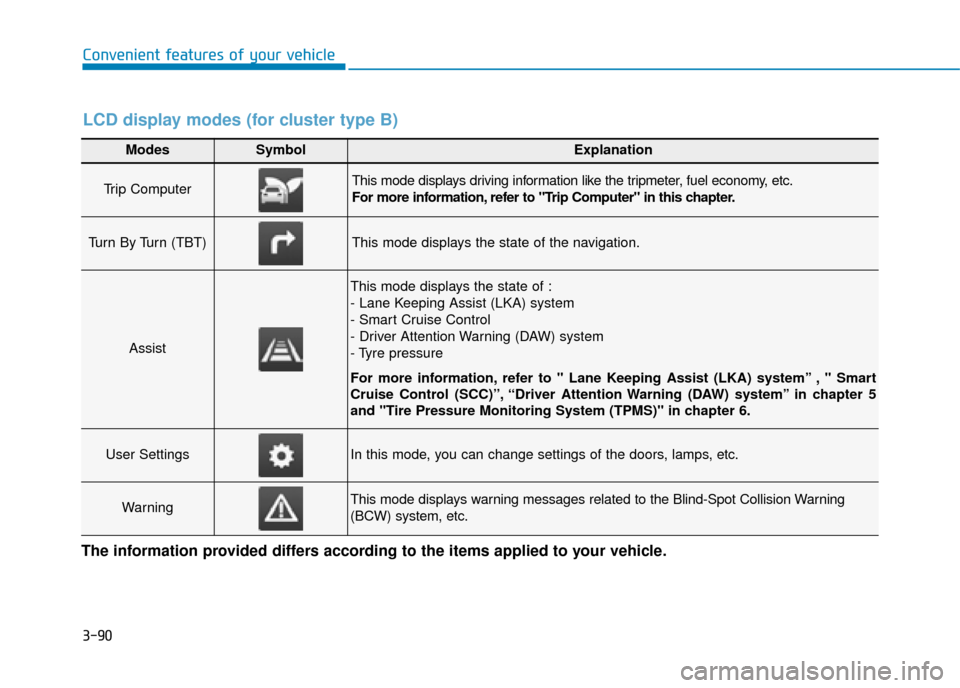
3-90
Convenient features of your vehicle
Modes SymbolExplanation
Trip Computer This mode displays driving information like the tripmeter, fuel economy, etc.
For more information, refer to "Trip Computer" in this chapter.
Turn By Turn (TBT)This mode displays the state of the navigation.
Assist
This mode displays the state of :
- Lane Keeping Assist (LKA) system
- Smart Cruise Control
- Driver Attention Warning (DAW) system
- Tyre pressure
For more information, refer to " Lane Keeping Assist (LKA) system” , " Smart
Cruise Control (SCC)”, “Driver Attention Warning (DAW) system” in chapter 5
and "Tire Pressure Monitoring System (TPMS)" in chapter 6.
User SettingsIn this mode, you can change settings of the doors, lamps, etc.
WarningThis mode displays warning messages related to the Blind-Spot Collision Warning
(BCW) system, etc.
The information provided differs according to the items applied to your vehicle.
LCD display modes (for cluster type B)
Page 238 of 599
3-92
Convenient features of your vehicle
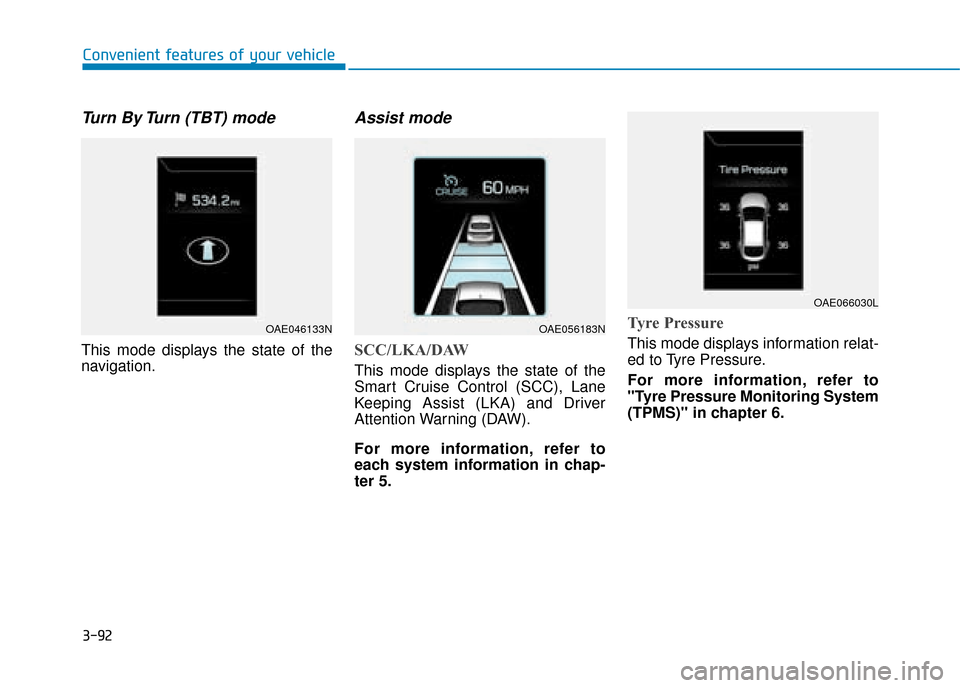
Turn By Turn (TBT) mode
This mode displays the state of the
navigation.
Assist mode
SCC/LKA/DAW
This mode displays the state of the
Smart Cruise Control (SCC), Lane
Keeping Assist (LKA) and Driver
Attention Warning (DAW).
For more information, refer to
each system information in chap-
ter 5.
Tyre Pressure
This mode displays information relat-
ed to Tyre Pressure.
For more information, refer to
"Tyre Pressure Monitoring System
(TPMS)" in chapter 6.
OAE046133NOAE056183N
OAE066030L