start HYUNDAI KONA 2022 Owners Manual
[x] Cancel search | Manufacturer: HYUNDAI, Model Year: 2022, Model line: KONA, Model: HYUNDAI KONA 2022Pages: 579, PDF Size: 35.31 MB
Page 370 of 579
Driver assistance system
7-38
OTM070097N
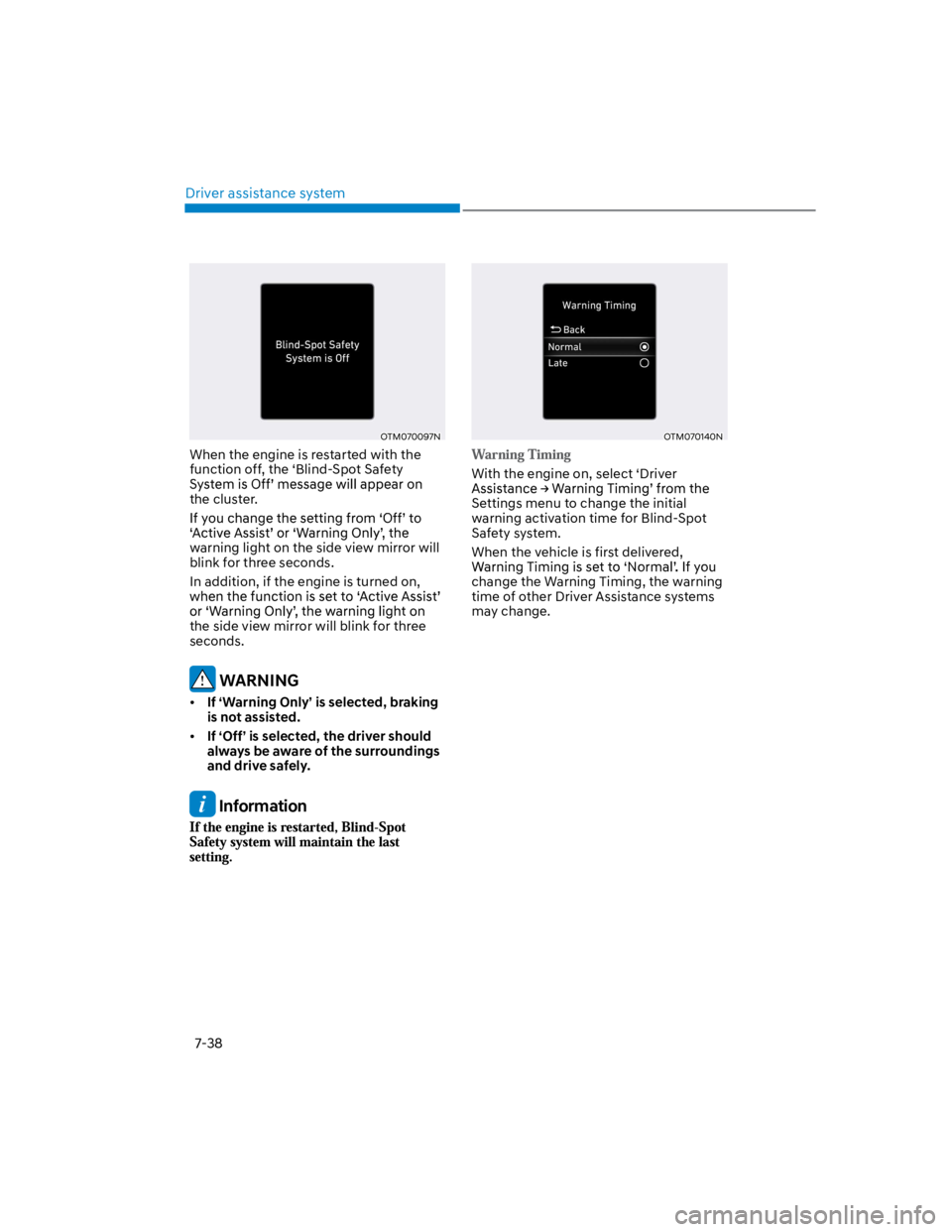
When the engine is restarted with the
function off, the ‘Blind-Spot Safety
the cluster.
warning light on the side view mirror will
blink for three seconds.
In addition, if the engine is turned on,
the side view mirror will blink for three
seconds.
WARNING
If ‘Warning Only’ is selected, braking
is not assisted.
If ‘Off’ is selected, the driver should
always be aware of the surroundings
and drive safely.
Information
OTM070140N
With the engine on, select ‘Driver
Settings menu to change the initial
warning activation time for Blind-Spot
Safety system.
When the vehicle is first delivered,
change the Warning Timing, the warning
time of other Driver Assistance systems
may change.
Page 376 of 579
Driver assistance system
7-44
Blind- Spot Safety system
malfunction and limitation
Blind- Spot Safety system
malfunction
OTM070099N
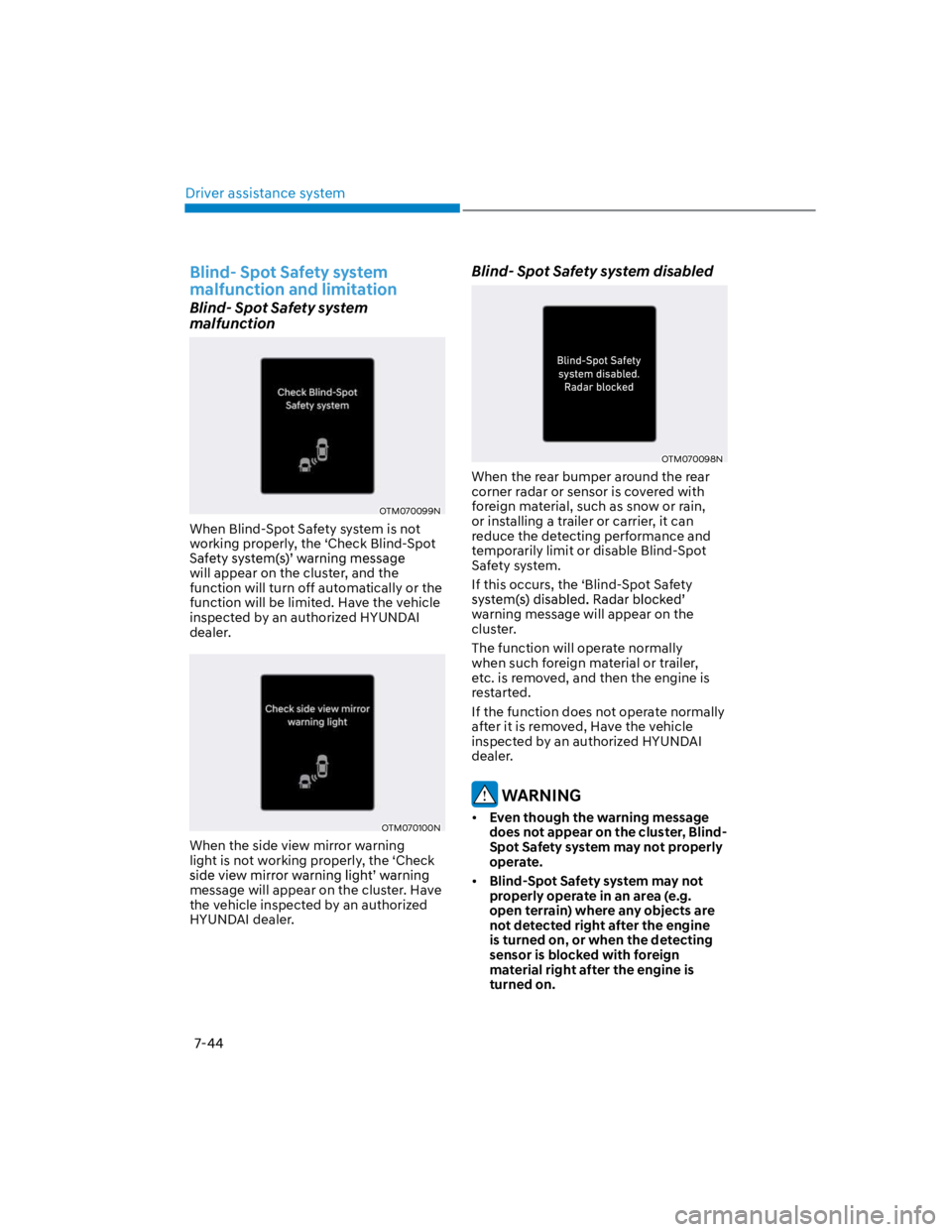
When Blind-Spot Safety system is not
working properly, the ‘Check Blind-Spot
will appear on the cluster, and the
function will turn off automatically or the
function will be limited. Have the vehicle
inspected by an authorized HYUNDAI
dealer.
OTM070100N
When the side view mirror warning
light is not working properly, the ‘Check
message will appear on the cluster. Have
the vehicle inspected by an authorized
HYUNDAI dealer.
Blind- Spot Safety system disabled
OTM070098N
When the rear bumper around the rear
corner radar or sensor is covered with
foreign material, such as snow or rain,
or installing a trailer or carrier, it can
reduce the detecting performance and
temporarily limit or disable Blind-Spot
Safety system.
If this occurs, the ‘Blind-Spot Safety
warning message will appear on the
cluster.
The function will operate normally
when such foreign material or trailer,
etc. is removed, and then the engine is
restarted.
If the function does not operate normally
after it is removed, Have the vehicle
inspected by an authorized HYUNDAI
dealer.
WARNING
Even though the warning message
does not appear on the cluster, Blind-
Spot Safety system may not properly
operate.
Blind-Spot Safety system may not
properly operate in an area (e.g.
open terrain) where any objects are
not detected right after the engine
is turned on, or when the detecting
sensor is blocked with foreign
material right after the engine is
turned on.
Page 377 of 579

07
7-45
CAUTION
Turn off Blind-Spot Safety system to
install a trailer, carrier, etc., or remove
the trailer, carrier, etc. to use Blind-Spot
Safety system.
Limitations of Blind- Spot Safety
system
Blind-Spot Safety system may not
operate normally, or the function
may operate unexpectedly under the
following circumstances:
There is inclement weather, such as
heavy snow, heavy rain, etc.
The rear corner radar is covered with
snow, rain, dirt, etc.
The temperature around the rear
corner radar is high or low
Driving on a highway (or motorway)
ramp
The road pavement (or the peripheral
ground) abnormally contains metallic
components (i.e. possibly due to
subway construction)
There is a fixed object near the
vehicle, such as sound barriers,
guardrails, central dividers, entry
barriers, street lamps, signs,
tunnels, walls, etc. (including double
structures)
Driving in large areas where there are
few vehicles or structures (i.e. desert,
meadow, suburb, etc.)
Driving through a narrow road where
trees or grass are overgrown
Driving on a wet road surface, such as
a puddle on the road
The other vehicle drives very close
behind your vehicle, or the other
vehicle passes by your vehicle in close
proximity
The speed of the other vehicle is very
fast that it passes by your vehicle in a
short time
Your vehicle passes by the other
vehicle
Your vehicle changes lane
Your vehicle has started at the same
time as the vehicle next to you and
has accelerated
The vehicle in the next lane moves
two lanes away from you, or when the
vehicle two lanes away moves to the
next lane from you
A trailer or carrier is installed around
the rear corner radar
The bumper around the rear corner
radar is covered with objects, such as
a bumper sticker, bumper guard, bike
rack, etc.
The bumper around the rear corner
radar is impacted, damaged or the
radar is out of position
Your vehicle height is low or high
due to heavy loads, abnormal tire
pressure, etc.
Blind-Spot Safety system may not
operate normally, or the function
may operate unexpectedly when the
following objects are detected:
A motorcycle or bicycle is detected
A vehicle such as a flat trailer is
detected
A big vehicle such as a bus or truck is
detected
A moving obstacle such as a
pedestrian, animal, shopping cart or a
baby stroller is detected
A vehicle with low height such as a
sports car is detected
Page 380 of 579
Driver assistance system
7-48
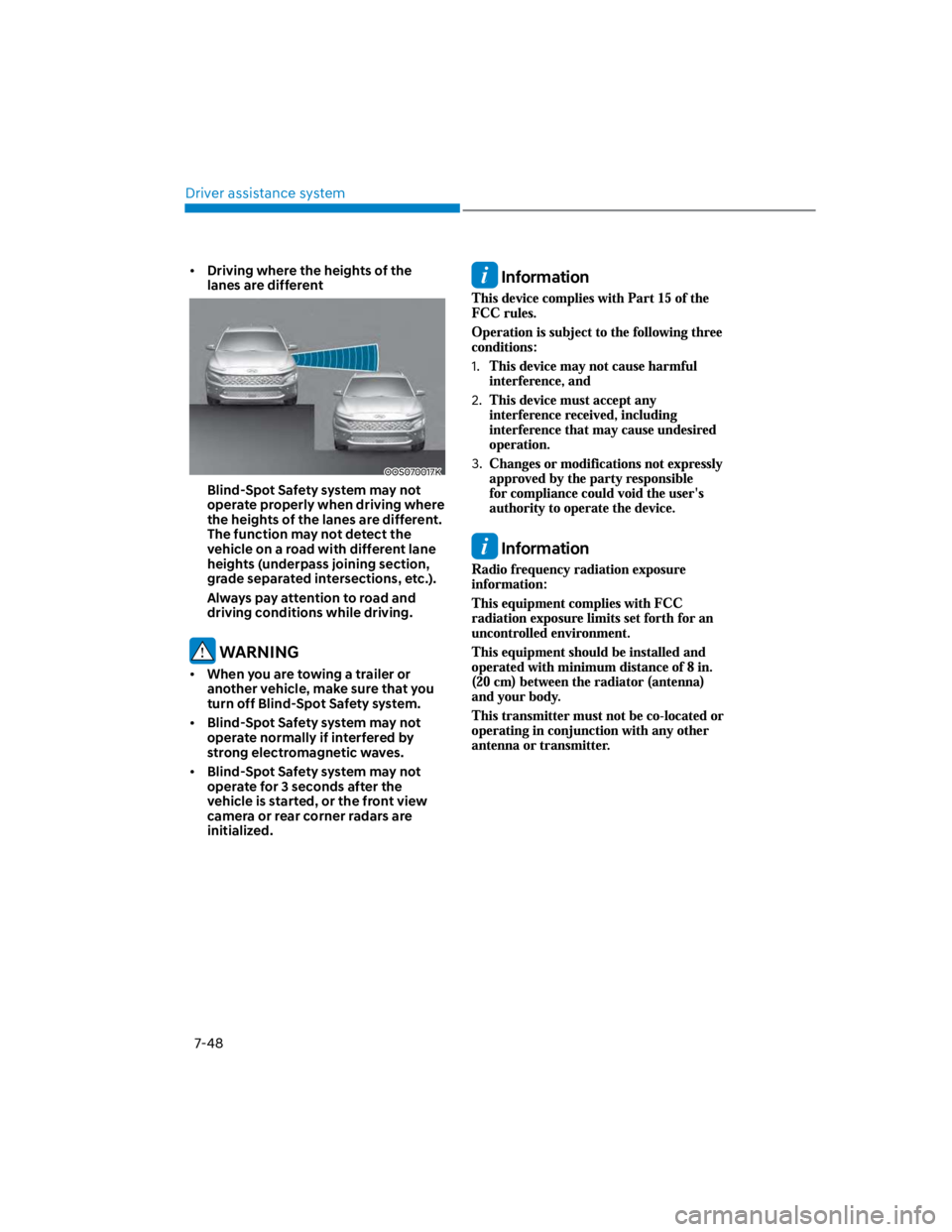
Driving where the heights of the
lanes are different
OOS070017K
Blind-Spot Safety system may not
operate properly when driving where
the heights of the lanes are different.
The function may not detect the
vehicle on a road with different lane
heights (underpass joining section,
grade separated intersections, etc.).
Always pay attention to road and
driving conditions while driving.
WARNING
When you are towing a trailer or
another vehicle, make sure that you
turn off Blind-Spot Safety system.
Blind-Spot Safety system may not
operate normally if interfered by
strong electromagnetic waves.
Blind-Spot Safety system may not
operate for 3 seconds after the
vehicle is started, or the front view
camera or rear corner radars are
initialized.
Information
1.
2.
3.
Information
Page 385 of 579
07
7-53
Safe Exit Warning disabled
OTM070098N
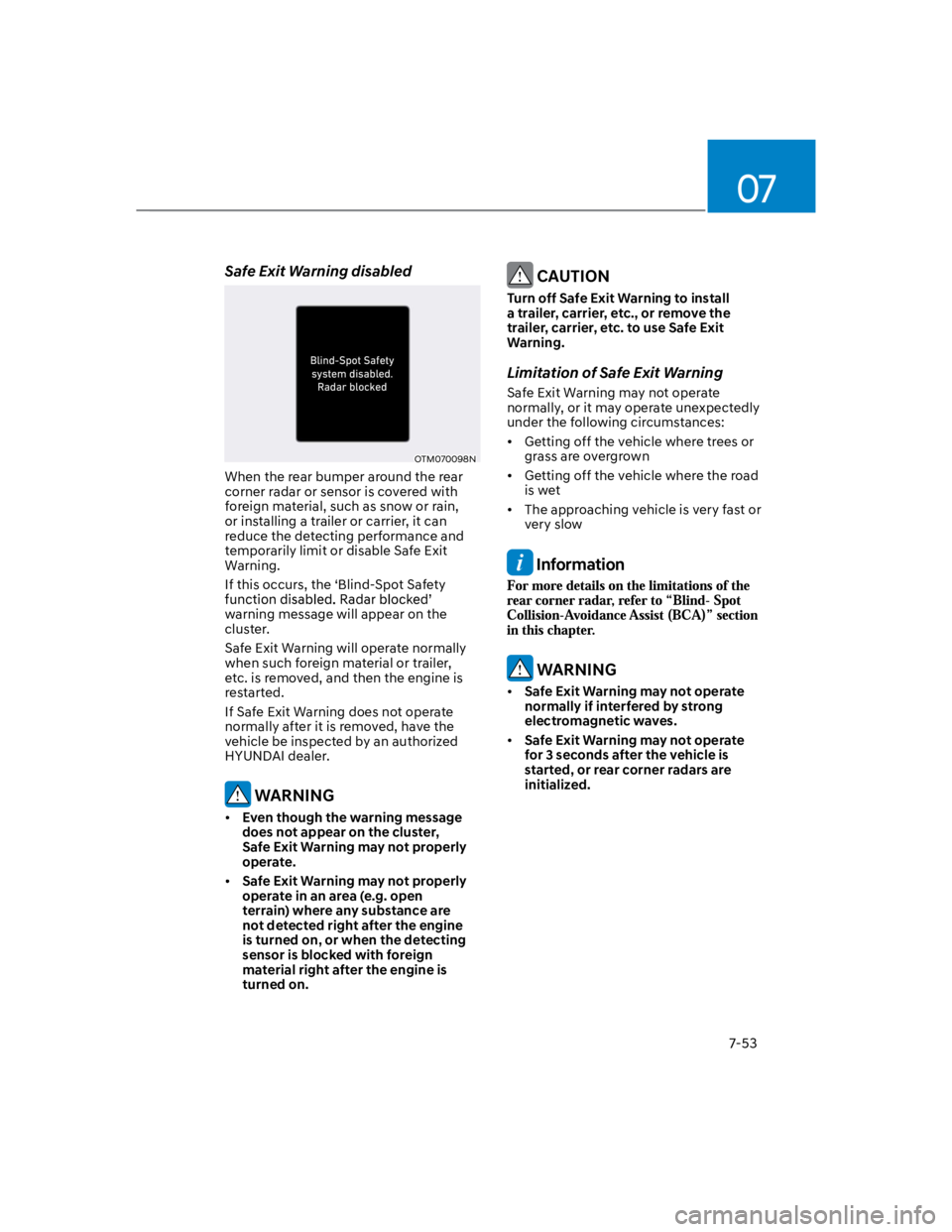
When the rear bumper around the rear
corner radar or sensor is covered with
foreign material, such as snow or rain,
or installing a trailer or carrier, it can
reduce the detecting performance and
temporarily limit or disable Safe Exit
Warning.
If this occurs, the ‘Blind-Spot Safety
warning message will appear on the
cluster.
Safe Exit Warning will operate normally
when such foreign material or trailer,
etc. is removed, and then the engine is
restarted.
If Safe Exit Warning does not operate
normally after it is removed, have the
vehicle be inspected by an authorized
HYUNDAI dealer.
WARNING
Even though the warning message
does not appear on the cluster,
Safe Exit Warning may not properly
operate.
Safe Exit Warning may not properly
operate in an area (e.g. open
terrain) where any substance are
not detected right after the engine
is turned on, or when the detecting
sensor is blocked with foreign
material right after the engine is
turned on.
CAUTION
Turn off Safe Exit Warning to install
a trailer, carrier, etc., or remove the
trailer, carrier, etc. to use Safe Exit
Warning.
Limitation of Safe Exit Warning
Safe Exit Warning may not operate
normally, or it may operate unexpectedly
under the following circumstances:
Getting off the vehicle where trees or
grass are overgrown
Getting off the vehicle where the road
is wet
The approaching vehicle is very fast or
very slow
Information
WARNING
Safe Exit Warning may not operate
normally if interfered by strong
electromagnetic waves.
Safe Exit Warning may not operate
for 3 seconds after the vehicle is
started, or rear corner radars are
initialized.
Page 404 of 579
Driver assistance system
7-72
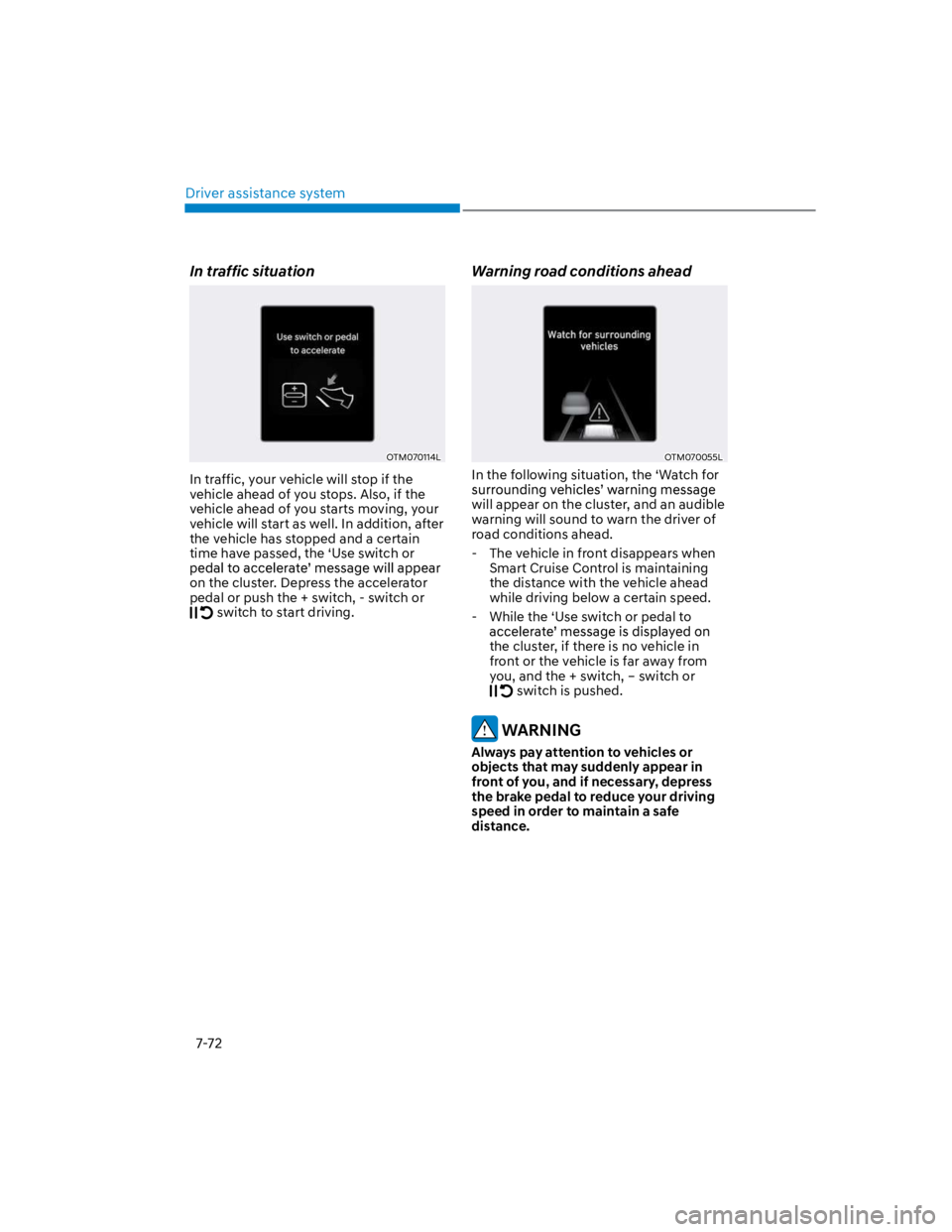
In traffic situation
OTM070114L
In traffic, your vehicle will stop if the
vehicle ahead of you stops. Also, if the
vehicle ahead of you starts moving, your
vehicle will start as well. In addition, after
the vehicle has stopped and a certain
time have passed, the ‘Use switch or
on the cluster. Depress the accelerator
pedal or push the + switch, - switch or
switch to start driving.
Warning road conditions ahead
OTM070055L
In the following situation, the ‘Watch for
will appear on the cluster, and an audible
warning will sound to warn the driver of
road conditions ahead.
- The vehicle in front disappears when
Smart Cruise Control is maintaining
the distance with the vehicle ahead
while driving below a certain speed.
- While the ‘Use switch or pedal to
the cluster, if there is no vehicle in
front or the vehicle is far away from
you, and the + switch, – switch or
switch is pushed.
WARNING
Always pay attention to vehicles or
objects that may suddenly appear in
front of you, and if necessary, depress
the brake pedal to reduce your driving
speed in order to maintain a safe
distance.
Page 415 of 579
07
7-83
Information
Depending on the curve ahead on the
highway, the vehicle will decelerate,
and after passing the curve, the
vehicle will accelerate to Smart Cruise
Control set speed.
Vehicle deceleration time may differ
depending on the vehicle speed
and the degree of the curve on the
road. The higher the driving speed,
deceleration will start faster.
Highway Set Speed Auto Change
function will operate when Smart
Cruise Control set speed and the
highway speed limit is matched.
While Highway Set Speed Auto
Change function is operating, when
the highway speed limit changes,
Smart Cruise Control set speed
automatically changes to the changed
speed limit.
If Smart Cruise Control set speed is
adjusted different from the speed
limit, Highway Set Speed Auto Change
function will be in the standby state.
If Highway Set Speed Auto Change
function has changed to the standby
state by driving on a road other than
the highway main road, Highway Set
Speed Auto Change function will
operate again when you drive on the
main road again without setting the
set speed.
If Highway Set Speed Auto Change
function has changed to the standby
state by depressing the brake pedal
or pressing the switch on the
steering wheel, press the switch
to restart the function.
Highway Set Speed Auto Change
function does not operate on highway
interchanges or junctions.
Information
Page 416 of 579

Driver assistance system
7-84
Limitations of Navigation-based
Smart Cruise Control
Navigation-based Smart Cruise Control
may not operate normally under the
following circumstances:
The navigation is not working properly
Map information is not transmitted
due to infotainment system's
abnormal operation
Speed limit and road information in
the navigation is not updated
The map information and the actual
road is different because of real-time
GPS data or map information error
The navigation searches for a route
while driving
GPS signals are blocked in areas such
as a tunnel
The navigation is updated while
driving
A road that divides into two or more
roads and joins again
The driver goes off course the route
set in the navigation
The route to the destination is
changed or canceled by resetting the
navigation
The vehicle enters a service station or
rest area
Android Auto or Car Play is operating
The navigation cannot detect the
current vehicle position (ex: elevated
roads including overpass adjacent to
general roads or nearby roads exist in
a parallel way)
The navigation is being updated while
driving
The navigation is being restarted while
driving
The speed limit of some sections
changes according to the road
situations
Driving on a road under construction
Driving on a road that is controlled
There is bad weather, such as heavy
rain, heavy snow, etc.
Driving on a road that is sharply
curved
Page 427 of 579
07
7-95
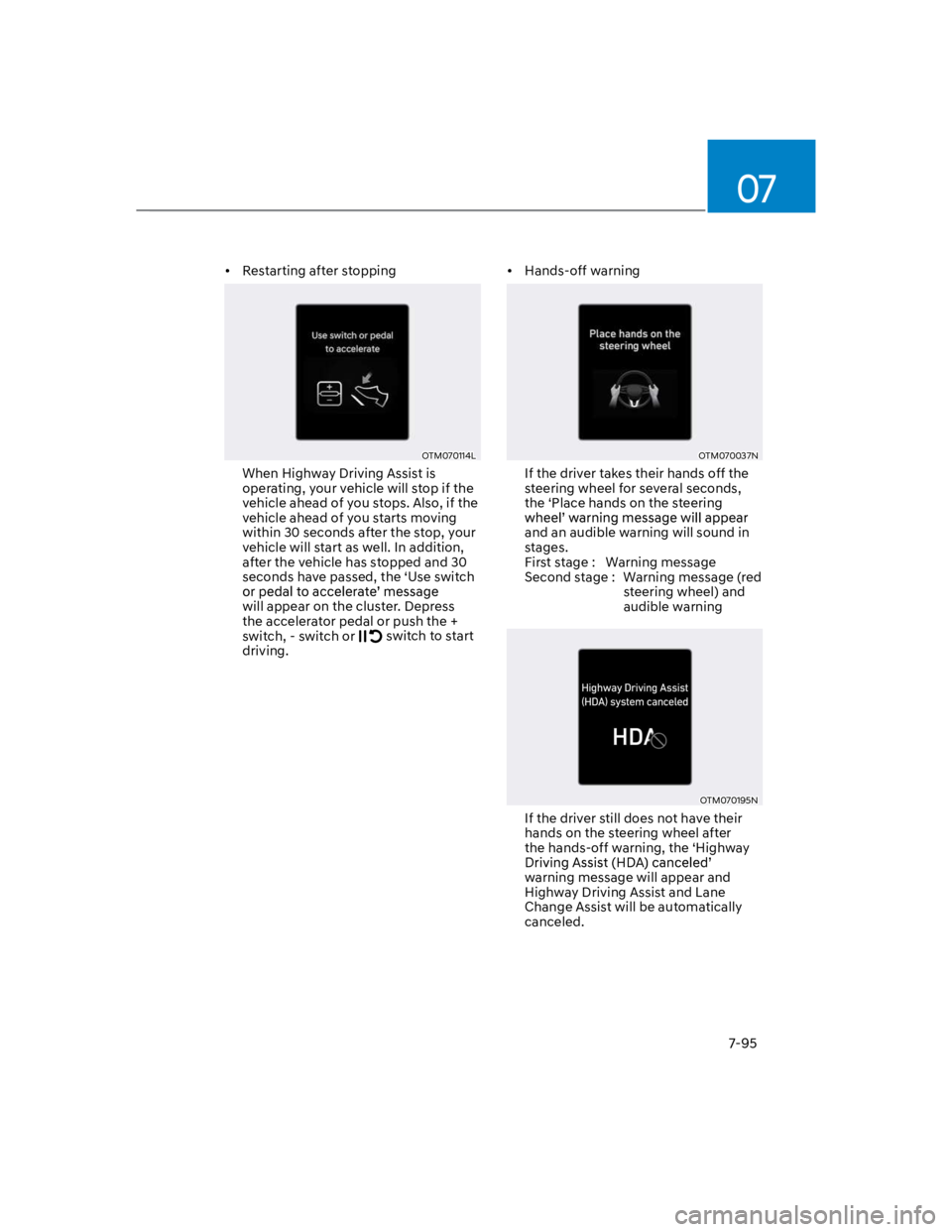
Restarting after stopping
OTM070114L
When Highway Driving Assist is
operating, your vehicle will stop if the
vehicle ahead of you stops. Also, if the
vehicle ahead of you starts moving
within 30 seconds after the stop, your
vehicle will start as well. In addition,
after the vehicle has stopped and 30
seconds have passed, the ‘Use switch
will appear on the cluster. Depress
the accelerator pedal or push the +
switch, - switch or switch to start
driving.
Hands-off warning
OTM070037N
If the driver takes their hands off the
steering wheel for several seconds,
the ‘Place hands on the steering
and an audible warning will sound in
stages.
First stage : Warning message
Second stage : Warning message (red
steering wheel) and
audible warning
OTM070195N
If the driver still does not have their
hands on the steering wheel after
the hands-off warning, the ‘Highway
warning message will appear and
Highway Driving Assist and Lane
Change Assist will be automatically
canceled.
Page 428 of 579
Driver assistance system
7-96
Highway Driving Assist standby
When Smart Cruise Control is
temporarily canceled while Highway
Driving Assist is operating, Highway
Driving Assist will be in the standby state.
At this time, Lane Following Assist will
operate normally.
Highway Driving Assist
malfunction and limitation
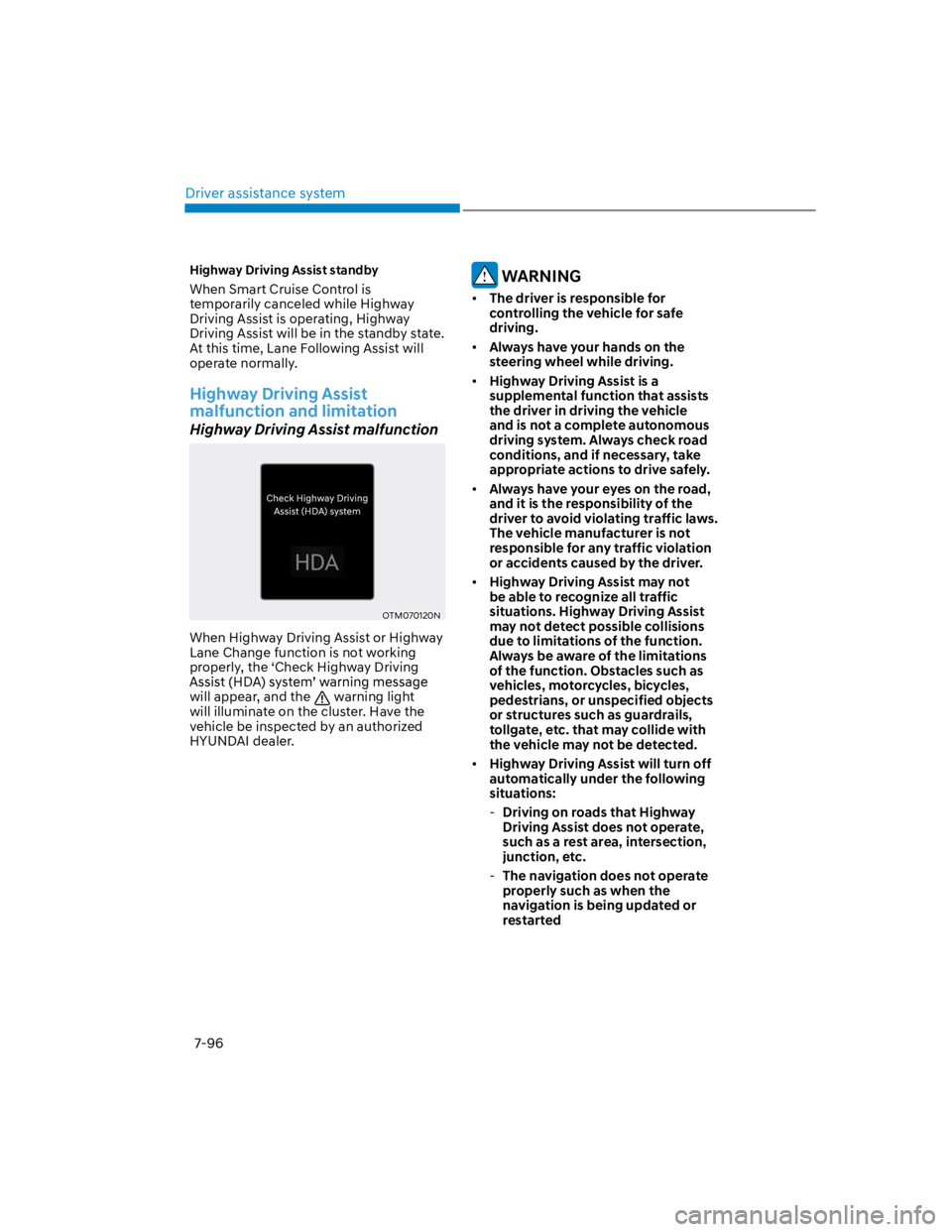
Highway Driving Assist malfunction
OTM070120N
When Highway Driving Assist or Highway
Lane Change function is not working
properly, the ‘Check Highway Driving
will appear, and the warning light
will illuminate on the cluster. Have the
vehicle be inspected by an authorized
HYUNDAI dealer.
WARNING
The driver is responsible for
controlling the vehicle for safe
driving.
Always have your hands on the
steering wheel while driving.
Highway Driving Assist is a
supplemental function that assists
the driver in driving the vehicle
and is not a complete autonomous
driving system. Always check road
conditions, and if necessary, take
appropriate actions to drive safely.
Always have your eyes on the road,
and it is the responsibility of the
driver to avoid violating traffic laws.
The vehicle manufacturer is not
responsible for any traffic violation
or accidents caused by the driver.
Highway Driving Assist may not
be able to recognize all traffic
situations. Highway Driving Assist
may not detect possible collisions
due to limitations of the function.
Always be aware of the limitations
of the function. Obstacles such as
vehicles, motorcycles, bicycles,
pedestrians, or unspecified objects
or structures such as guardrails,
tollgate, etc. that may collide with
the vehicle may not be detected.
Highway Driving Assist will turn off
automatically under the following
situations:
-Driving on roads that Highway
Driving Assist does not operate,
such as a rest area, intersection,
junction, etc.
-The navigation does not operate
properly such as when the
navigation is being updated or
restarted