parking sensors Hyundai Kona EV 2019 Owner's Manual
[x] Cancel search | Manufacturer: HYUNDAI, Model Year: 2019, Model line: Kona EV, Model: Hyundai Kona EV 2019Pages: 540, PDF Size: 21.84 MB
Page 197 of 540
![Hyundai Kona EV 2019 Owners Manual 3-113
Convenient features of your vehicle
3
Parking Distance Warning
(Reverse) System (if equipped)
[A] : Sensor
The Parking Distance Warning
(Reverse) system assists the driver
when backing up the ve](/img/35/16246/w960_16246-196.png "Hyundai Kona EV 2019 Owners Manual 3-113
Convenient features of your vehicle
3
Parking Distance Warning
(Reverse) System (if equipped)
[A] : Sensor
The Parking Distance Warning
(Reverse) system assists the driver
when backing up the ve")
3-113
Convenient features of your vehicle
3
Parking Distance Warning
(Reverse) System (if equipped)
[A] : Sensor
The Parking Distance Warning
(Reverse) system assists the driver
when backing up the vehicle by
chiming if any object is sensed with-
in approximately 50 in (120 cm)
behind the vehicle.
This system is a supplemental sys-
tem that senses objects within the
range and location of the sensors, it
cannot detect objects in other areas
where sensors are not installed.
Operation of the ParkingDistance Warning (Reverse)system
Operating condition
This system will activate when
backing up with the POWER button
in the ON position. However, if the
vehicle speed exceeds 3 mph
(5km/h), the system may not detect
objects.
If the vehicle speed exceeds 6 mph (10 km/h), the system will not warn
you even though objects are
detected.
When more than two objects are sensed at the same time, the clos-
est one will be recognized first.
OOSEV048400N
ALWAYS look around your vehi-
cle to make sure there are not
any objects or obstacles before
moving the vehicle in any direc-
tion to prevent a collision.
Always pay close attention
when the vehicle is driven close
to objects, particularly pedestri-
ans, and especially children.
Be aware that some objects
may not be visible on the
screen or be detected by the
sensors, due to the objects
distance, size or material, all of
which can limit the effective-
ness of the sensor.
WARNING
Page 198 of 540
3-114
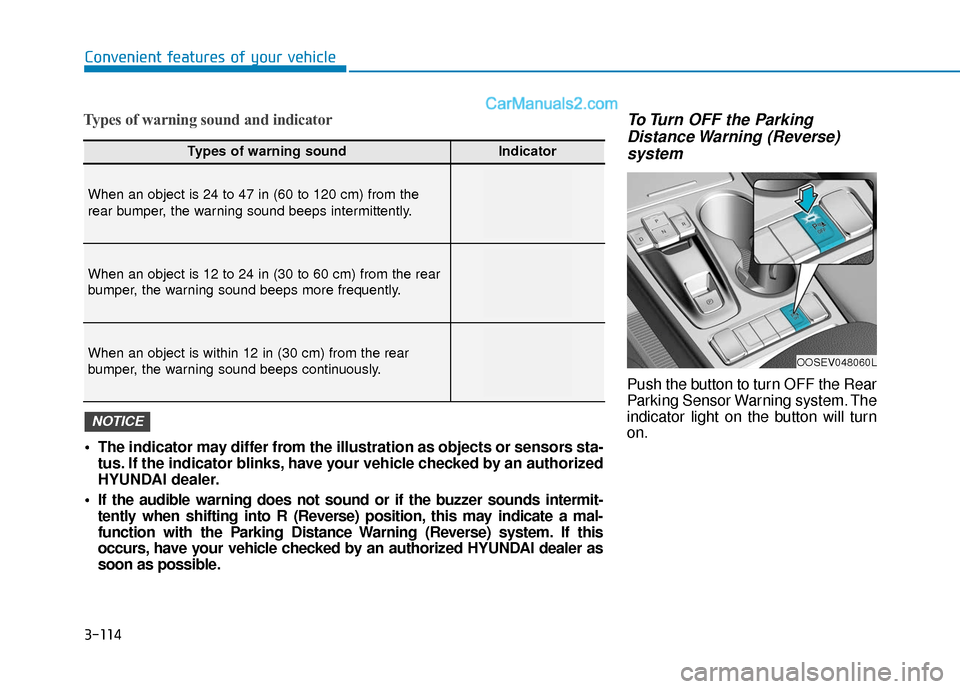
Types of warning sound and indicatorTo Turn OFF the ParkingDistance Warning (Reverse)system
Push the button to turn OFF the Rear
Parking Sensor Warning system. The
indicator light on the button will turn
on.
Convenient features of your vehicle
Types of warning soundIndicator
When an object is 24 to 47 in (60 to 120 cm) from the
rear bumper, the warning sound beeps intermittently.
When an object is 12 to 24 in (30 to 60 cm) from the rear
bumper, the warning sound beeps more frequently.
When an object is within 12 in (30 cm) from the rear
bumper, the warning sound beeps continuously.
The indicator may differ from the illustration as objects or sensors sta-
tus. If the indicator blinks, have your vehicle checked by an authorized
HYUNDAI dealer.
If the audible warning does not sound or if the buzzer sounds intermit- tently when shifting into R (Reverse) position, this may indicate a mal-
function with the Parking Distance Warning (Reverse) system. If this
occurs, have your vehicle checked by an authorized HYUNDAI dealer as
soon as possible.
NOTICE
OOSEV048060L
Page 200 of 540
3-116
Convenient features of your vehicle
Parking Distance Warning(Reverse) system Precautions
The Parking Distance Warning
(Reverse) system may not operate
consistently in some circum-
stances depending on the speed of
the vehicle and the shapes of the
objects detected.
The Parking Distance Warning (Reverse) system may malfunction
if the vehicle bumper height or sen-
sor installation has been modified
or damaged. Any non-factory
installed equipment or accessories
may also interfere with the sensor
performance.
The sensor may not recognize objects less than 12 in. (30 cm)
from the sensor, or it may sense an
incorrect distance. Use caution.
When the sensor is blocked with snow, dirt, debris, or ice, the rear
parking assist system may be inop-
erative until the snow or ice melts,
or the debris is removed. Use a
soft cloth to wipe debris away from
the sensor. Do not push, scratch or strike the
sensor with any hard objects that
could damage the surface of the
sensor. Sensor damage could occur.
Do not spray the sensors or its sur- rounding area directly with a high
pressure washer. Doing so may
cause the sensors to fail to operate
normally.
Extreme caution should always
be taken to avoid accidents or
vehicle injuries. Do not solely
rely on the Parking Distance
Warning (Reverse) system.
Always drive safely and cau-
tiously, especially when back-
ing up in reverse.
WARNING
Page 302 of 540
5-69
Driving your vehicle
5
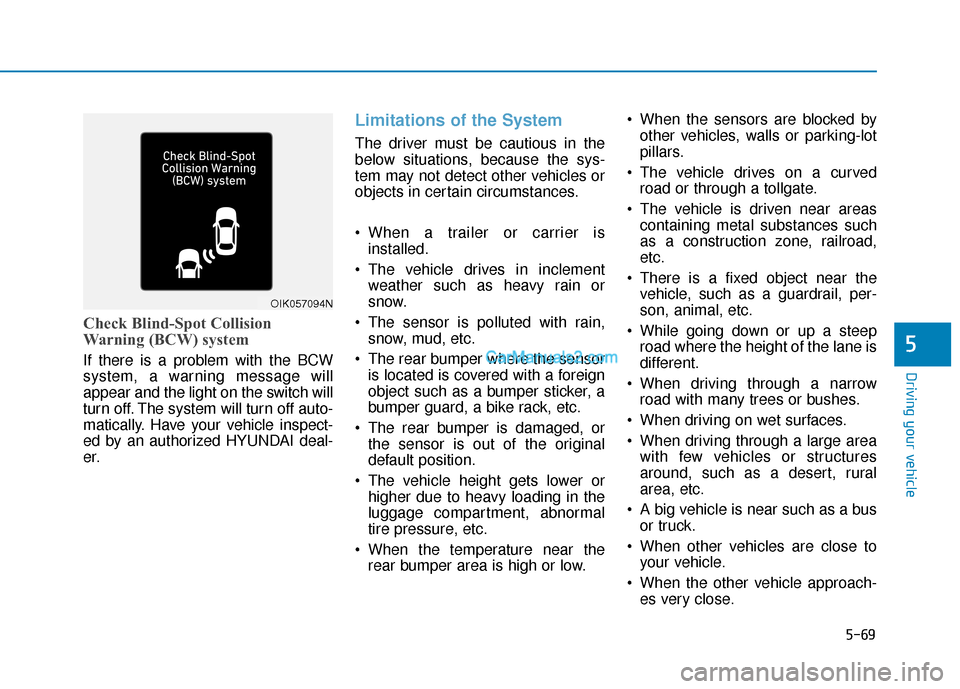
Check Blind-Spot Collision
Warning (BCW) system
If there is a problem with the BCW
system, a warning message will
appear and the light on the switch will
turn off. The system will turn off auto-
matically. Have your vehicle inspect-
ed by an authorized HYUNDAI deal-
er.
Limitations of the System
The driver must be cautious in the
below situations, because the sys-
tem may not detect other vehicles or
objects in certain circumstances.
When a trailer or carrier isinstalled.
The vehicle drives in inclement weather such as heavy rain or
snow.
The sensor is polluted with rain, snow, mud, etc.
The rear bumper where the sensor is located is covered with a foreign
object such as a bumper sticker, a
bumper guard, a bike rack, etc.
The rear bumper is damaged, or the sensor is out of the original
default position.
The vehicle height gets lower or higher due to heavy loading in the
luggage compartment, abnormal
tire pressure, etc.
When the temperature near the rear bumper area is high or low. When the sensors are blocked by
other vehicles, walls or parking-lot
pillars.
The vehicle drives on a curved road or through a tollgate.
The vehicle is driven near areas containing metal substances such
as a construction zone, railroad,
etc.
There is a fixed object near the vehicle, such as a guardrail, per-
son, animal, etc.
While going down or up a steep road where the height of the lane is
different.
When driving through a narrow road with many trees or bushes.
When driving on wet surfaces.
When driving through a large area with few vehicles or structures
around, such as a desert, rural
area, etc.
A big vehicle is near such as a bus or truck.
When other vehicles are close to your vehicle.
When the other vehicle approach- es very close.
OIK057094N