lock HYUNDAI KONA EV 2021 Repair Manual
[x] Cancel search | Manufacturer: HYUNDAI, Model Year: 2021, Model line: KONA EV, Model: HYUNDAI KONA EV 2021Pages: 478, PDF Size: 32.83 MB
Page 278 of 478
5-43
Driving your vehicle
5
ESC operation
ESC ON condition
When the POWER button is in the
ON position, the ESC and the ESC
OFF indicator lights illuminate for
approximately three seconds. After
both lights go off, the ESC is
enabled.
When operating
When the ESC is in opera-
tion, the ESC indicator light
blinks:
conditions which may lock the
wheels, you may hear sounds from
the brakes, or feel a corresponding
sensation in the brake pedal. This is
normal and it means your ESC is
active.
cle may not respond to the acceler-
ator as it does under routine condi-
tions.
when the ESC activates, the Cruise
Control automatically disengages.
The Cruise Control can be reen-
gaged when the road conditions
allow.See "Cruise Control System"
later in this chapter.
ESC OFF condition
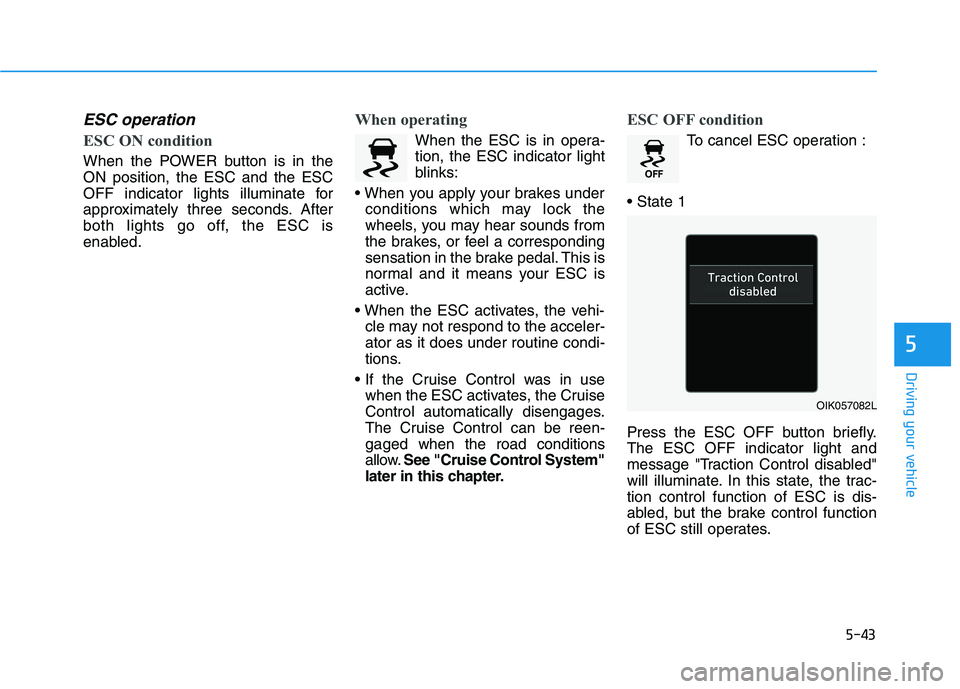
To cancel ESC operation :
Press the ESC OFF button briefly.
The ESC OFF indicator light and
message "Traction Control disabled"
will illuminate. In this state, the trac-
tion control function of ESC is dis-
abled, but the brake control function
of ESC still operates.
OIK057082L
Page 290 of 478
5-55
Driving your vehicle
5
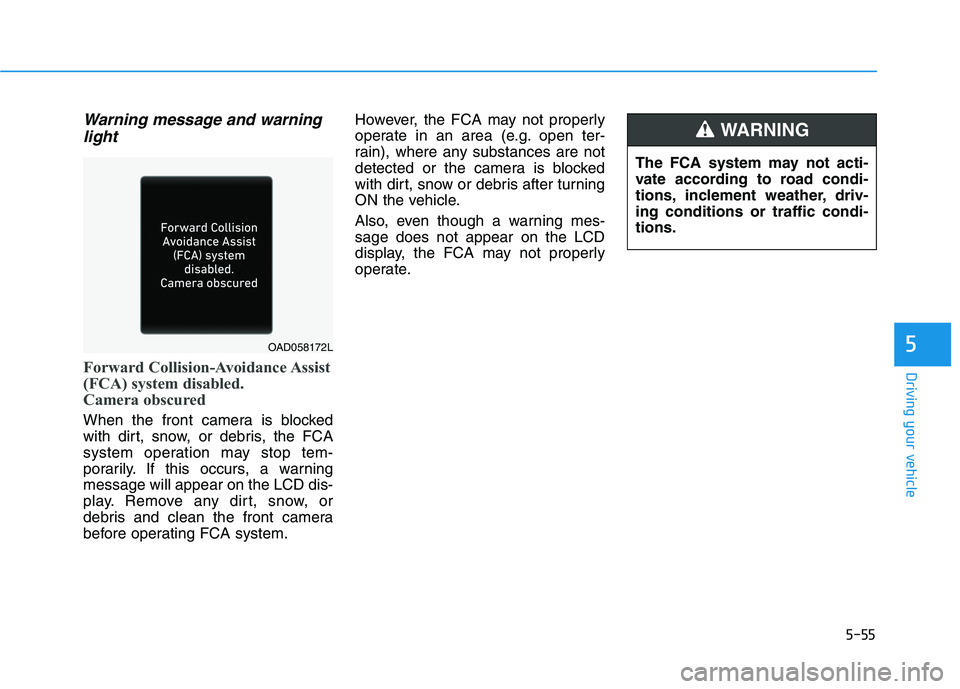
Warning message and warning
light
Forward Collision-Avoidance Assist
(FCA) system disabled.
Camera obscured
When the front camera is blocked
with dirt, snow, or debris, the FCA
system operation may stop tem-
porarily. If this occurs, a warning
message will appear on the LCD dis-
play. Remove any dirt, snow, or
debris and clean the front camera
before operating FCA system.However, the FCA may not properly
operate in an area (e.g. open ter-
rain), where any substances are not
detected or the camera is blocked
with dirt, snow or debris after turning
ON the vehicle.
Also, even though a warning mes-
sage does not appear on the LCD
display, the FCA may not properly
operate.
OAD058172L
The FCA system may not acti-
vate according to road condi-
tions, inclement weather, driv-
ing conditions or traffic condi-
tions.
WARNING
Page 293 of 478
5-58
Driving your vehicle
Detecting vehicles
The sensor may be limited when:
The camera is blocked with a for-
eign object or debris
The camera lens is contaminated
due to tinted, filmed or coated
windshield, damaged glass, or
stuck of foreign matter (sticker,
bug, etc.) on the glass
Inclement weather such as heavy
rain or snow obscures the field of
view of the camera
The vehicle is on unpaved or
uneven rough surfaces, or road
with sudden gradient changes.
The camera sensor recognition is
limited
The vehicle in front is too small to
be detected (for example a motor-
cycle or a bicycle, etc.)
The camera does not recognize
the entire vehicle in front.
The vehicle in front is an oversize
vehicle or trailer that is too big to
be detected by the camera recog-
nition system (for example a tractor
trailer, etc.) The camera's field of view is not
well illuminated (either too dark or
too much reflection or too much
backlight that obscures the field of
view)
The vehicle in front does not have
their rear lights properly turned ON
The outside brightness changes
suddenly, for example when enter-
ing or exiting a tunnel
Light coming from a street light or
an oncoming vehicle is reflected on
a wet road surface such as a pud-
dle in the road
The field of view in front is
obstructed by sun glare
The vehicle drives inside a build-
ing, such as a basement parking
lot
The adverse road conditions cause
excessive vehicle vibrations while
driving
The camera is damaged.
The brightness outside is too low
such as when the headlamps are
not on at night or the vehicle is
going through a tunnel. The shadow is on the road by a
median strip, trees, etc.
The vehicle drives through a toll-
gate.
The windshield glass is fogged up;
a clear view of the road is obstruct-
ed
The rear part of the vehicle in front
is not normally visible (for example,
the vehicle is spinning or the vehi-
cle is overturned)
The sensor recognition changes
suddenly when passing over a
speed bump
The vehicle in front is driving errat-
ically
The vehicle in front is moving verti-
cally to the driving direction
The vehicle in front is stopped ver-
tically
The vehicle in front is driving
towards your vehicle or reversing
You are on a roundabout and the
vehicle in front circles
Page 302 of 478
5-67
Driving your vehicle
5
Information
• The warning chime will turn off
when:
- The detected vehicle moves out of
the sensing area or
- when the vehicle is right behind
your vehicle or
- when the vehicle is not approach-
ing your vehicle or
- when the other vehicle slows down.
• The system may not operate proper-
ly due to other factors or circum-
stances. Always pay attention to
your surrounding.
• If the sensing area near the rear
bumper is blocked by either a wall
or barrier or by a parked vehicle,
the system sensing area may be
reduced. The system may not work prop-
erly when the bumper has been
damaged, or if the rear bumper
has been replaced or repaired.
The sensing range differs some-
what according to the width of
the road. When the road is nar-
row, the system may detect
other vehicles in the next lane.
The system may turn off due to
strong electromagnetic waves.
NOTICE
i
With the system activated, the
warning light on the outer
side view mirror will illumi-
nate whenever a vehicle is
detected at the rear side by
the system.
To avoid accidents, do not
focus only on the warning
light and neglect to see the
surrounding of the vehicle.
Drive safely even though the
vehicle is equipped with a
Blind-Spot Collision Warning
(BCW) system and Rear Cross-
Traffic Collision Warning
(RCCW) system. Do not solely
rely on the system but check
your surrounding before
changing lanes or backing the
vehicle up.
The system may not alert the
driver in some conditions so
always check your surround-
ings while driving.
WARNING The Blind-Spot Collision
Warning (BCW) system and
Rear Cross-Traffic Collision
Warning (RCCW) system are
not a substitute for proper
and safe driving practices.
Always drive safely and use
caution when changing lanes
or backing up your vehicle.
The Blind-Spot Collision
Warning (BCW) system and
Rear Cross-Traffic Collision
Warning (RCCW) system may
not detect every object along-
side the vehicle.
Page 303 of 478
5-68
Driving your vehicle
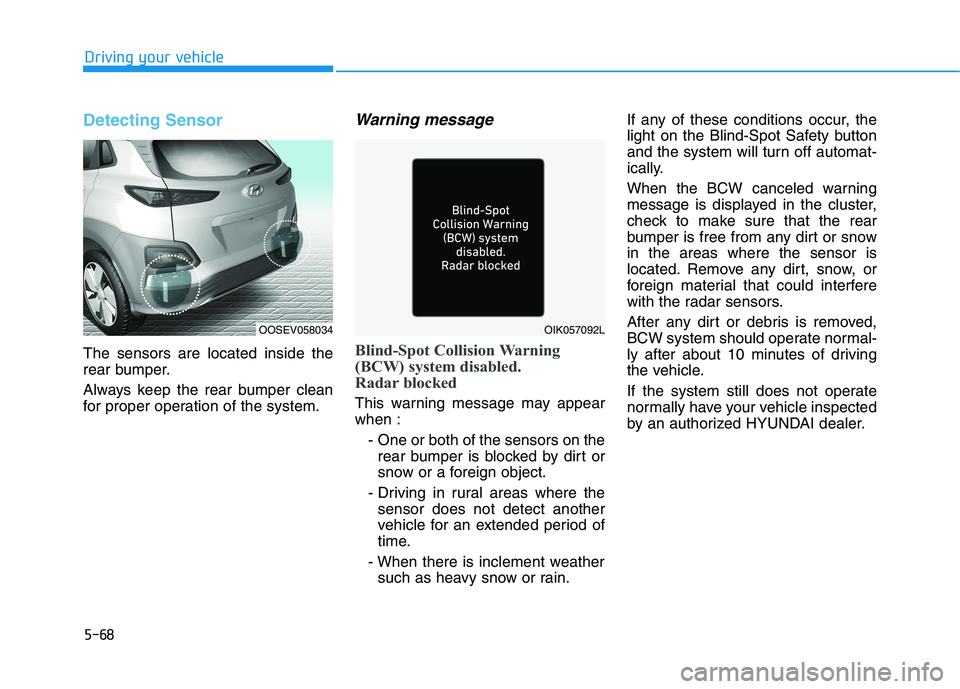
Detecting Sensor
The sensors are located inside the
rear bumper.
Always keep the rear bumper clean
for proper operation of the system.
Warning message
Blind-Spot Collision Warning
(BCW) system disabled.
Radar blocked
This warning message may appear
when :
- One or both of the sensors on the
rear bumper is blocked by dirt or
snow or a foreign object.
- Driving in rural areas where the
sensor does not detect another
vehicle for an extended period of
time.
- When there is inclement weather
such as heavy snow or rain.If any of these conditions occur, the
light on the Blind-Spot Safety button
and the system will turn off automat-
ically.
When the BCW canceled warning
message is displayed in the cluster,
check to make sure that the rear
bumper is free from any dirt or snow
in the areas where the sensor is
located. Remove any dirt, snow, or
foreign material that could interfere
with the radar sensors.
After any dirt or debris is removed,
BCW system should operate normal-
ly after about 10 minutes of driving
the vehicle.
If the system still does not operate
normally have your vehicle inspected
by an authorized HYUNDAI dealer.
OIK057092LOOSEV058034
Page 304 of 478
5-69
Driving your vehicle
5
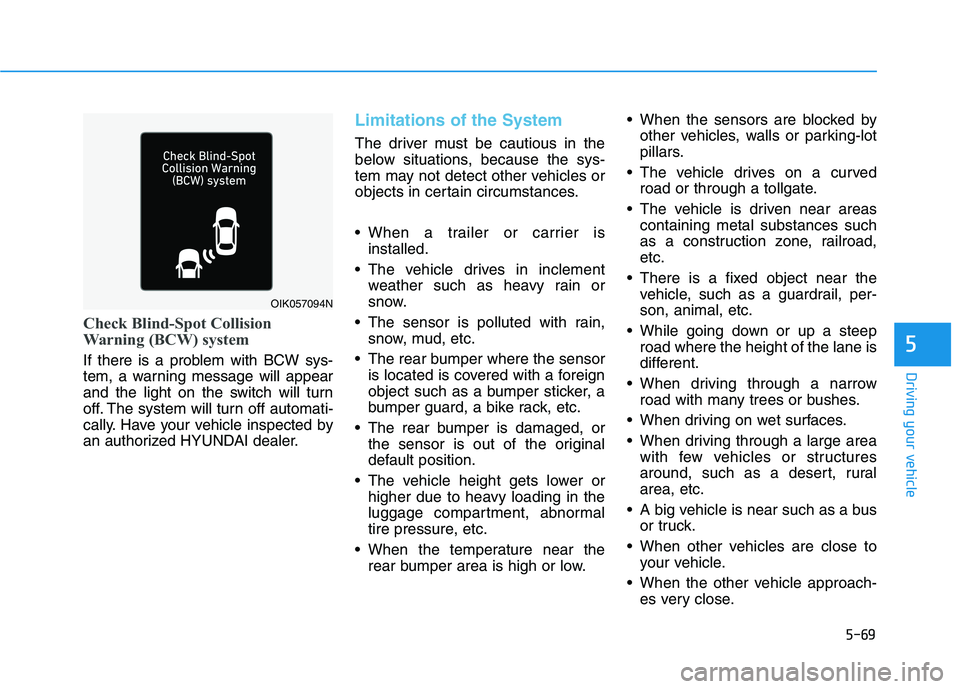
Check Blind-Spot Collision
Warning (BCW) system
If there is a problem with BCW sys-
tem, a warning message will appear
and the light on the switch will turn
off. The system will turn off automati-
cally. Have your vehicle inspected by
an authorized HYUNDAI dealer.
Limitations of the System
The driver must be cautious in the
below situations, because the sys-
tem may not detect other vehicles or
objects in certain circumstances.
When a trailer or carrier is
installed.
The vehicle drives in inclement
weather such as heavy rain or
snow.
The sensor is polluted with rain,
snow, mud, etc.
The rear bumper where the sensor
is located is covered with a foreign
object such as a bumper sticker, a
bumper guard, a bike rack, etc.
The rear bumper is damaged, or
the sensor is out of the original
default position.
The vehicle height gets lower or
higher due to heavy loading in the
luggage compartment, abnormal
tire pressure, etc.
When the temperature near the
rear bumper area is high or low. When the sensors are blocked by
other vehicles, walls or parking-lot
pillars.
The vehicle drives on a curved
road or through a tollgate.
The vehicle is driven near areas
containing metal substances such
as a construction zone, railroad,
etc.
There is a fixed object near the
vehicle, such as a guardrail, per-
son, animal, etc.
While going down or up a steep
road where the height of the lane is
different.
When driving through a narrow
road with many trees or bushes.
When driving on wet surfaces.
When driving through a large area
with few vehicles or structures
around, such as a desert, rural
area, etc.
A big vehicle is near such as a bus
or truck.
When other vehicles are close to
your vehicle.
When the other vehicle approach-
es very close.
OIK057094N
Page 318 of 478
5-83
Driving your vehicle
5
Driving on a steep grade, over a hill,
or when driving on a curved road.
The adverse road conditions cause
excessive vehicle vibrations while
driving.
The surrounding of the inside rear
view mirror temperature is high
due to direct sunlight, etc.
When front visibility is poor
The windshield or the camera lens
is blocked with dirt or debris.
The windshield glass is fogged up; a
clear view of the road is obstructed.
Placing objects on the dashboard,
etc.
The sensor cannot detect the lane
because of fog, heavy rain or snow.LKA Function Change
The driver can change LKA to Lane
Departure Warning from the LCD dis-
play. Go to the 'User Settings →
Driver Assistance →Lane Safety →
Lane Departure Warning/LKA/Active
LKA.
Lane Departure Warning
LDW mode alerts the driver with a
visual warning and a warning alarm
when the system detects the vehicle
departing the lane. The steering
wheel will not be controlled.
LKA
LKA mode guides the driver to help
keep the vehicle within the lanes. It
rarely controls the steering wheel,
when the vehicle drives well inside
the lanes. However, it starts to con-
trol the steering wheel, when the
vehicle is about to deviate out of the
lanes.
Active LKA
Active LKA mode provides more fre-
quent steering wheel control in com-
parison with the Standard LKA
mode. Active LKA can reduce the dri-
ver’s fatigue to assist the steering for
maintaining the vehicle in the middle
of the lane.
Page 332 of 478
5-97
Driving your vehicle
5
To temporarily accelerate with
Smart Cruise Control on
If you want to speed up temporarily
when the Smart Cruise Control is on,
depress the accelerator pedal.
Increased speed will not interfere
with Smart Cruise Control operation
or change the set speed.
To return to the set speed, take your
foot off the accelerator pedal.
If you push the switch down (SET-) at
increased speed, the cruising speed
will be set again pedal.
Smart Cruise Control set speed
will be temporarily canceled
when:
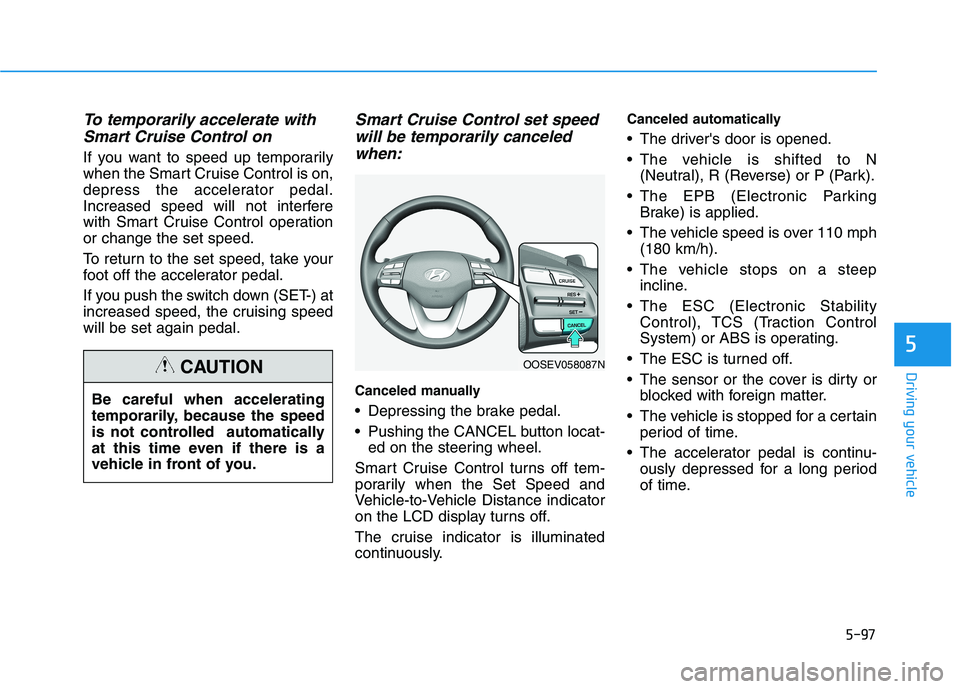
Canceled manually
Depressing the brake pedal.
Pushing the CANCEL button locat-
ed on the steering wheel.
Smart Cruise Control turns off tem-
porarily when the Set Speed and
Vehicle-to-Vehicle Distance indicator
on the LCD display turns off.
The cruise indicator is illuminated
continuously.
Canceled automatically
The driver's door is opened.
The vehicle is shifted to N
(Neutral), R (Reverse) or P (Park).
The EPB (Electronic Parking
Brake) is applied.
The vehicle speed is over 110 mph
(180 km/h).
The vehicle stops on a steep
incline.
The ESC (Electronic Stability
Control), TCS (Traction Control
System) or ABS is operating.
The ESC is turned off.
The sensor or the cover is dirty or
blocked with foreign matter.
The vehicle is stopped for a certain
period of time.
The accelerator pedal is continu-
ously depressed for a long period
of time. Be careful when accelerating
temporarily, because the speed
is not controlled automatically
at this time even if there is a
vehicle in front of you.
CAUTIONOOSEV058087N
Page 338 of 478
5-103
Driving your vehicle
5
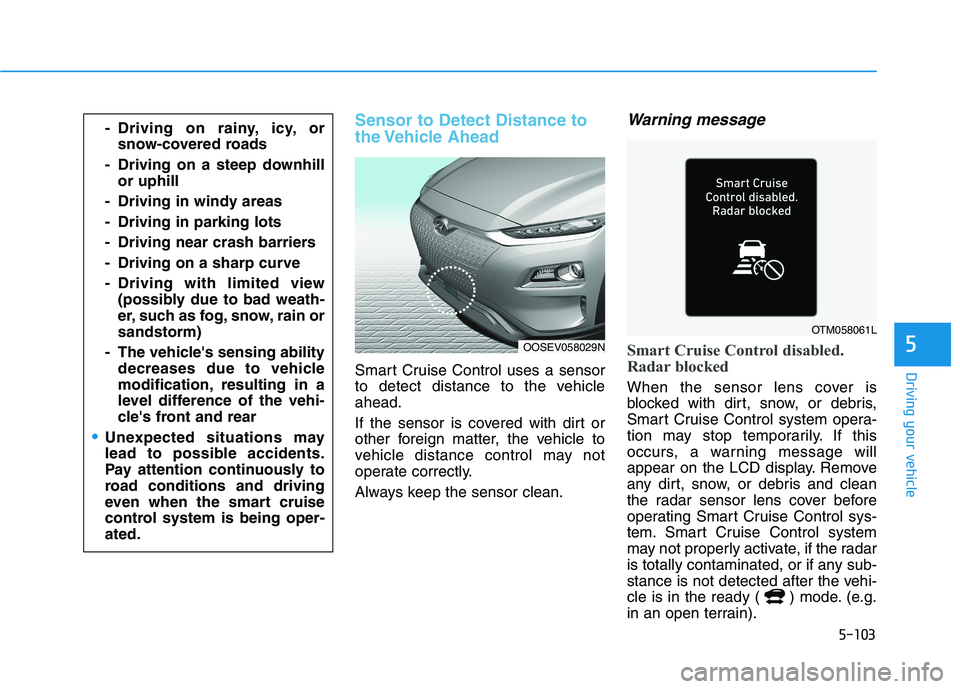
Sensor to Detect Distance to
the Vehicle Ahead
Smart Cruise Control uses a sensor
to detect distance to the vehicle
ahead.
If the sensor is covered with dirt or
other foreign matter, the vehicle to
vehicle distance control may not
operate correctly.
Always keep the sensor clean.
Warning message
Smart Cruise Control disabled.
Radar blocked
When the sensor lens cover is
blocked with dirt, snow, or debris,
Smart Cruise Control system opera-
tion may stop temporarily. If this
occurs, a warning message will
appear on the LCD display. Remove
any dirt, snow, or debris and clean
the radar sensor lens cover before
operating Smart Cruise Control sys-
tem. Smart Cruise Control system
may not properly activate, if the radar
is totally contaminated, or if any sub-
stance is not detected after the vehi-
cle is in the ready ( ) mode. (e.g.
in an open terrain).
- Driving on rainy, icy, or
snow-covered roads
- Driving on a steep downhill
or uphill
- Driving in windy areas
- Driving in parking lots
- Driving near crash barriers
- Driving on a sharp curve
- Driving with limited view
(possibly due to bad weath-
er, such as fog, snow, rain or
sandstorm)
- The vehicle's sensing ability
decreases due to vehicle
modification, resulting in a
level difference of the vehi-
cle's front and rear
Unexpected situations may
lead to possible accidents.
Pay attention continuously to
road conditions and driving
even when the smart cruise
control system is being oper-
ated.
OOSEV058029N
OTM058061L
Page 339 of 478
5-104
Driving your vehicle
Information
For the SCC operation is temporarily
stopped if the radar is blocked, but
you wish to use conventional cruise
control mode (speed only control func-
tion), you must convert to the Cruise
Control mode (refer to "To convert to
Cruise Control mode" in the following
page).
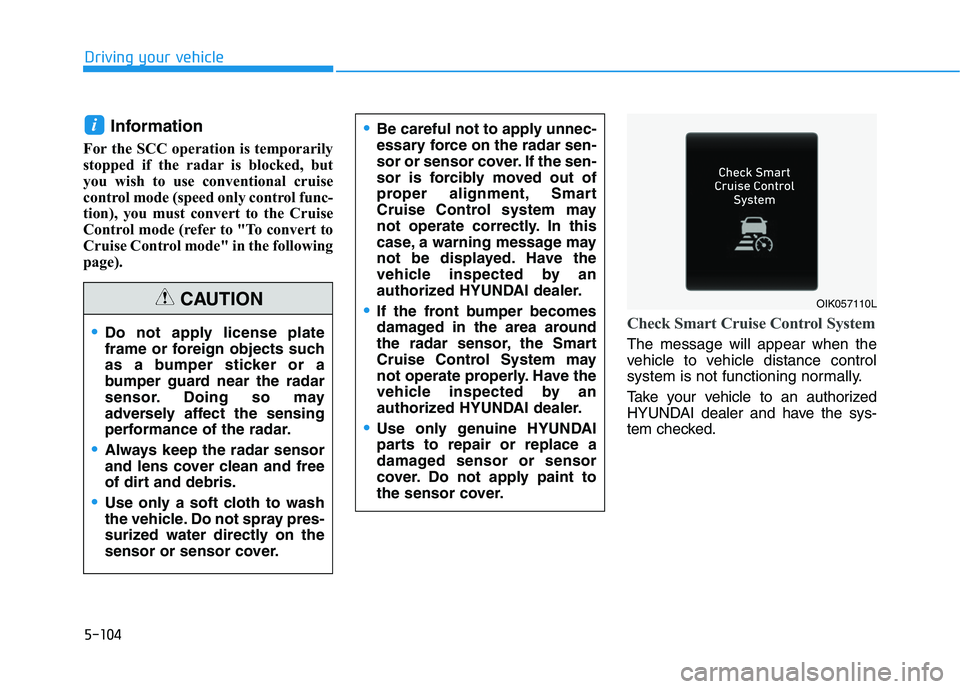
Check Smart Cruise Control System
The message will appear when the
vehicle to vehicle distance control
system is not functioning normally.
Take your vehicle to an authorized
HYUNDAI dealer and have the sys-
tem checked.
i
Do not apply license plate
frame or foreign objects such
as a bumper sticker or a
bumper guard near the radar
sensor. Doing so may
adversely affect the sensing
performance of the radar.
Always keep the radar sensor
and lens cover clean and free
of dirt and debris.
Use only a soft cloth to wash
the vehicle. Do not spray pres-
surized water directly on the
sensor or sensor cover.
CAUTIONOIK057110L
Be careful not to apply unnec-
essary force on the radar sen-
sor or sensor cover. If the sen-
sor is forcibly moved out of
proper alignment, Smart
Cruise Control system may
not operate correctly. In this
case, a warning message may
not be displayed. Have the
vehicle inspected by an
authorized HYUNDAI dealer.
If the front bumper becomes
damaged in the area around
the radar sensor, the Smart
Cruise Control System may
not operate properly. Have the
vehicle inspected by an
authorized HYUNDAI dealer.
Use only genuine HYUNDAI
parts to repair or replace a
damaged sensor or sensor
cover. Do not apply paint to
the sensor cover.