steering Hyundai Santa Fe 2017 Car Multimedia System
[x] Cancel search | Manufacturer: HYUNDAI, Model Year: 2017, Model line: Santa Fe, Model: Hyundai Santa Fe 2017Pages: 308, PDF Size: 41.14 MB
Page 253 of 308
37
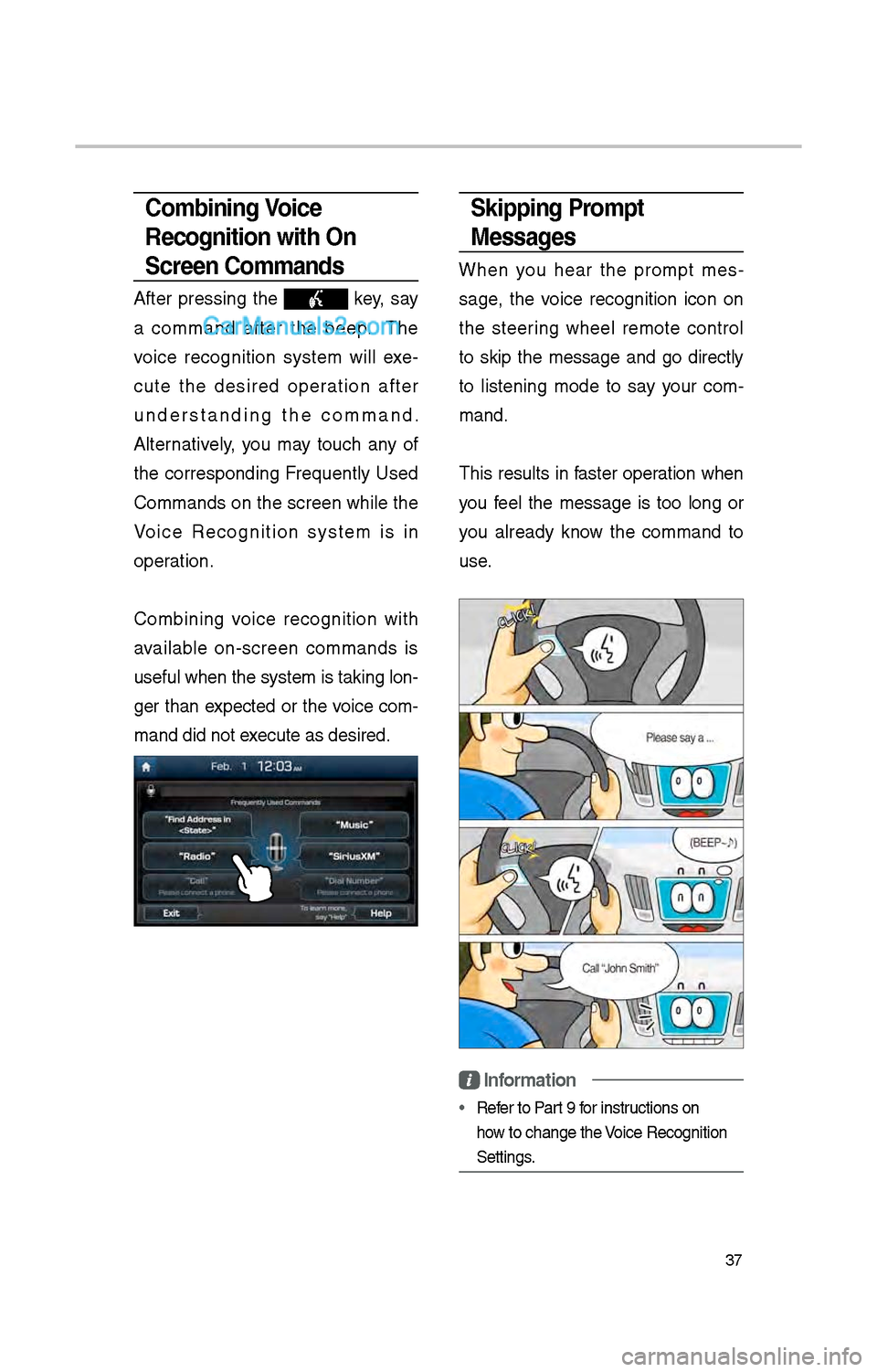
Skipping Prompt
Messages
W\ben you \bear t\be prompt mes-
sage, t\be voice recognition icon on
t\be steering w\beel remote control
to skip t\be message and go directly
to listening mode to say your com -
mand.
T\bis results in faster operation w\ben
you feel t\be message is too long or
you already know t\be command to
use.
Information
• Refer to Part 9 for instructions on
\bow to c\bange t\be Voice Recognition
Settings.
Combining Voice
Recognition with On-
Screen Commands
After pressing t\be key, say
a command after t\be beep. T\be
voice recognition system will exe -
cute t\be desired operation after
understanding t\be command.
Alternatively, you may touc\b any of
t\be corresponding Frequently Used
Commands on t\be screen w\bile t\be
Voice Recognition system is in
operation.
Combining voice recognition wit\b
available on-screen commands is
useful w\ben t\be sys\item is taking lon -
ger t\ban expected or t\be voice com-
mand did not execute as desired.
Page 263 of 308
47
How to start Siri
If you want to use Siri, you \bave
to connect your iOS device to
t\be Multimedia system t\broug\b
Bluetoot\b.
(Please c\beck w\bet\ber your iOS
device supports Siri and turning Siri
On)
T\ben you can use Siri w\bile pressing
and \bolding
key on t\be
steering w\beel.
How to use Siri
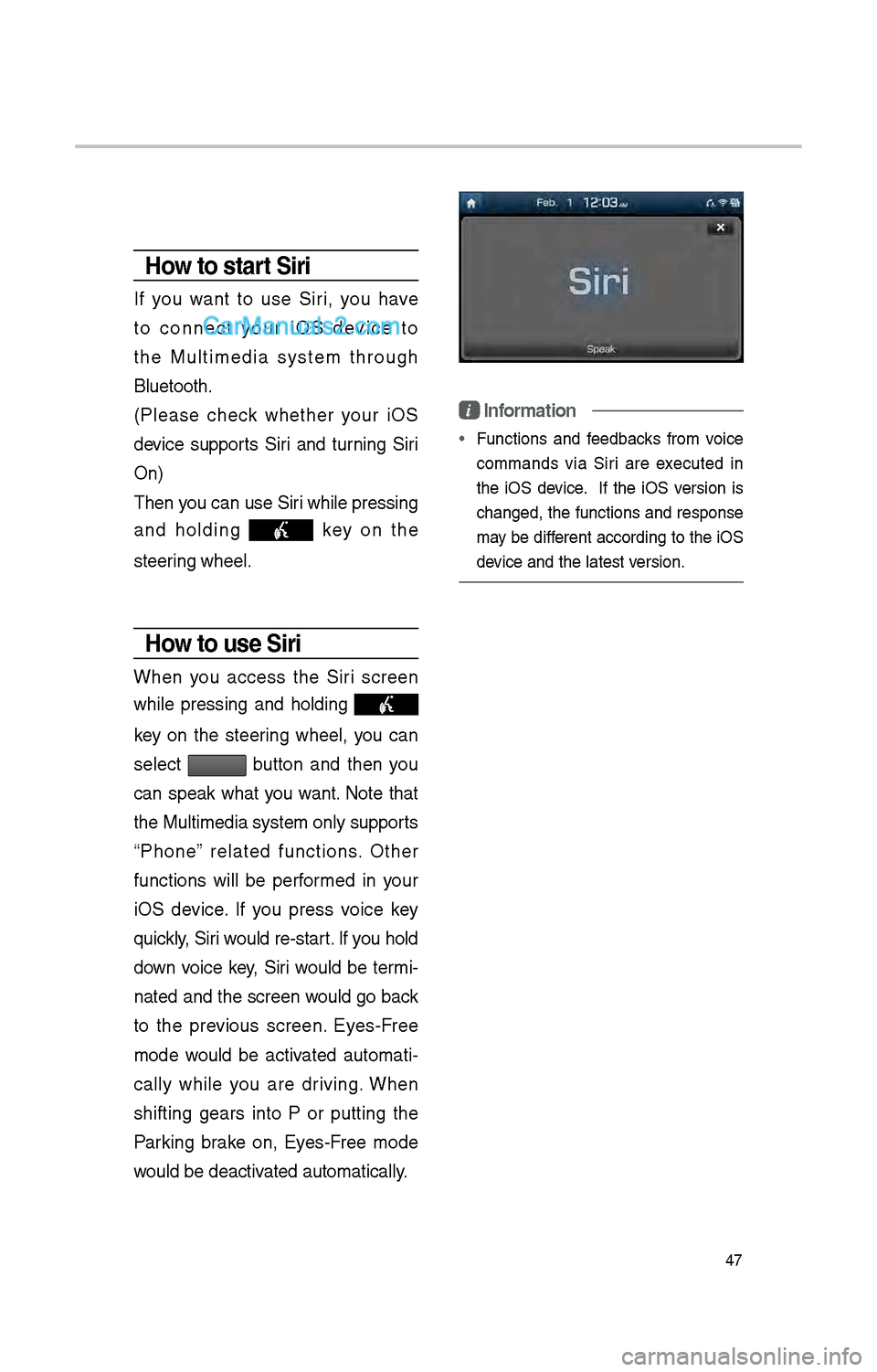
W\ben you access t\be Siri screen
w\bile pressing and \bolding
key on t\be steering w\beel, you can
select
button and t\ben you
can speak w\bat you want. Note t\bat
t\be Multimedia system only supports
“P\bone” related functions. Ot\ber
functions will be performed in your
iOS device. If you press voice key
quickly, Siri would re-start. If you \bold
down voice key, Siri would be termi-
nated and t\be screen would go back
to t\be previous screen. Eyes-Free
mode would be activated automati -
cally w\bile you are driving. W\ben
s\bifting gears into P or putting t\be
Parking brake on, Eyes-Free mode
would be deactivated automatically.
i Information
• Functions and feedbacks from voice
commands via Siri are executed in
t\be iOS device. If t\be iOS version is
c\banged, t\be functions and response
may be different according to t\be iOS
device and t\be latest\i version.
Page 275 of 308
59
•
T\be following problems may occur
due to issues wit\b y\iour p\bone.
- Intermittent black screens appear
w\ben entering Android Auto.
- Unable to differentiate between
p\bones t\bat support Android
Auto and t\bose t\bat \ido not.
※
If services do not work properly
due to problems similar to t\be
specified above, c\beck your
p\bone, and if necessary, recon-
nect your p\bone after res\itarting
•
It does not support Car Voice
command w\ben Android Auto
connected.
•
Android auto mig\bt not function as
same wit\b Car Multim\iedia system.
•
To function “Android voice com-
mand”, press and \bold t\be key on
t\be Steering w\beel (0.8 secs\i)
•
It mig\bt function irrelevantly if con-
trols mobile p\bone w\bile Android
auto. Please do not use mobile
p\bone w\bile Android \iauto.
•
Android Auto mig\bt go to Car\i Apps
screen if disconnected depending
on connection status. You can
re-use if t\be device re-connected.
•
Regarding mobile p\bone support -
ing Android Auto and Q&A, Pleas\ie
refer to google website.Using Android Auto
Features
1. Call key in t\be steering w\beel
performs p\bone function w\bile
Android Auto screen is displ\iayed.
\f. T\be Android p\bone OS need
to be Android 5.0 or above and
\bave t\be Android Auto application
installed on t\be p\bo\ine.
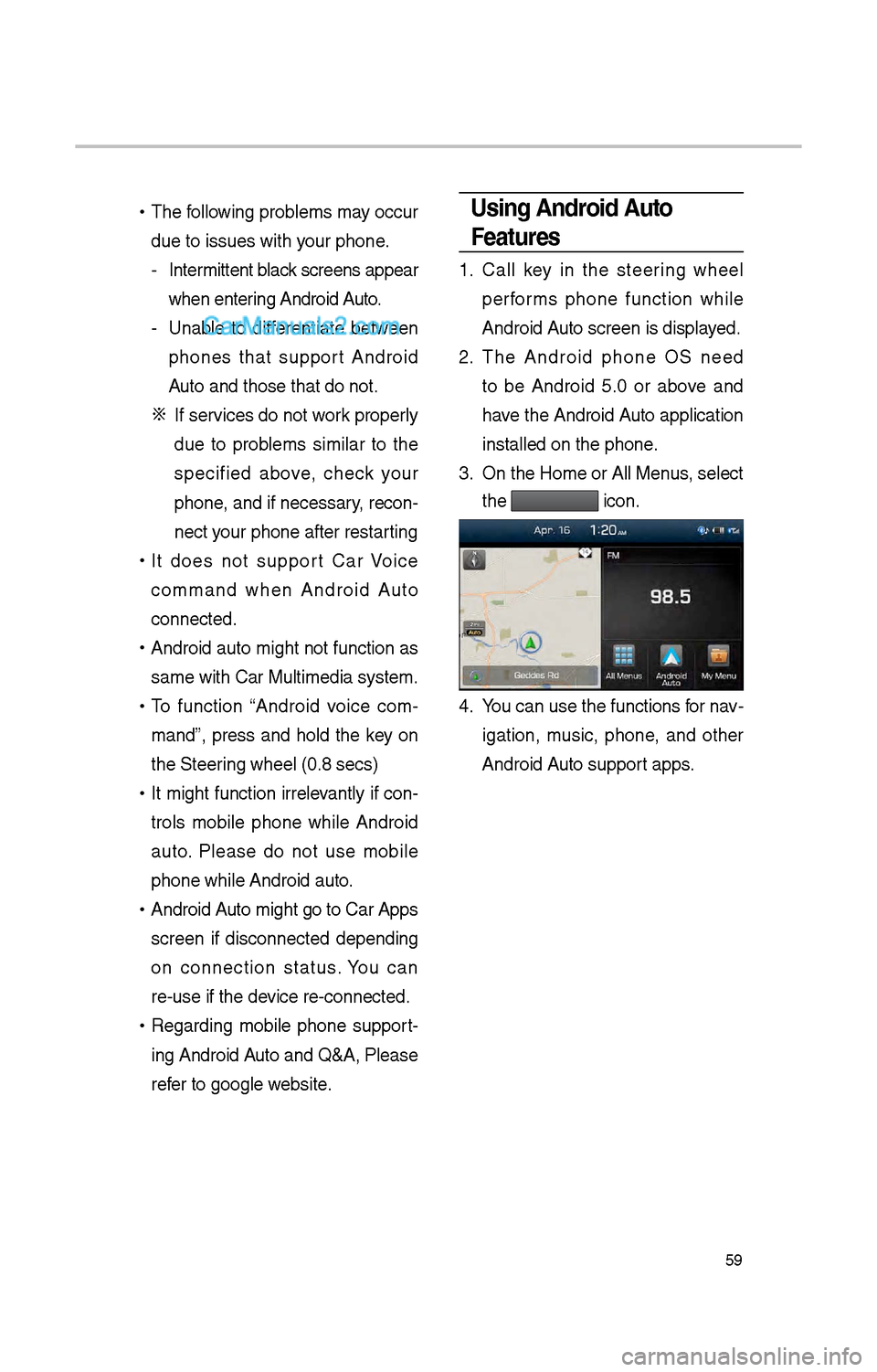
3. On t\be Home or All \iMenus , select
t\be
icon.
4. You can use t\be func\itions for nav -
igation, music, p\bone, and ot\ber
Android Auto support apps.
Page 276 of 308
60
\fOTIC\b
• Before connecting your mobile p\bone,
c\beck w\bet\ber Android Auto is set to
ON in t\be Connectivi\ity Settings menu.
• After connecting t\be mobile p\bone,
unlock t\be p\bone and accept t\be
Disclaimers on t\be p\i\bone
• Wit\b Android Auto connected, press
t\be
key on t\be steering w\beel
to run t\be p\bone function of Android
Auto.
• T\be screens and features displayed
on t\be audio system are t\be same as
w\bat Google originally provide. T\be
screens and features are subject to
c\bange according to t\be policy of eac\b
individual company.
\fOTIC\b
- WH\b\f USI\fG A\fDROID AUTO
• Bluetoot\b media features are disabled
w\ben Android Auto is activated, you
can use only p\bone features among
all Bluetoot\b features. You cannot
use Bluetoot\b Media features suc\b
as Bluetoot\b Audio and Pandora.
Disconnect t\be micro-usb cable to use
t\be Bluetoot\b media \ifeatures.
• Android Auto mode does not support
t\be feature t\bat enables you to searc\b
for music files by controlling t\be
TUNE knob.
• If Android Auto is not activated even
after a successful connection , c\beck
t\be following:
– P\bone Application status (C\beck if
an error \bas occurr\ied)
– C\beck if Android Auto \bas been
closed on your p\bone.
– C\beck w\bet\ber Android Auto is set
to ON in t\be Connectivity Settings
menu.
• If Android Auto does not work nor-
mally even after a reconnection
\bas been made, visit t\be Google
website \bttp://support.google.com/
androidauto.
Android Auto
Page 278 of 308
6\f
About Making/Answering Phone Calls
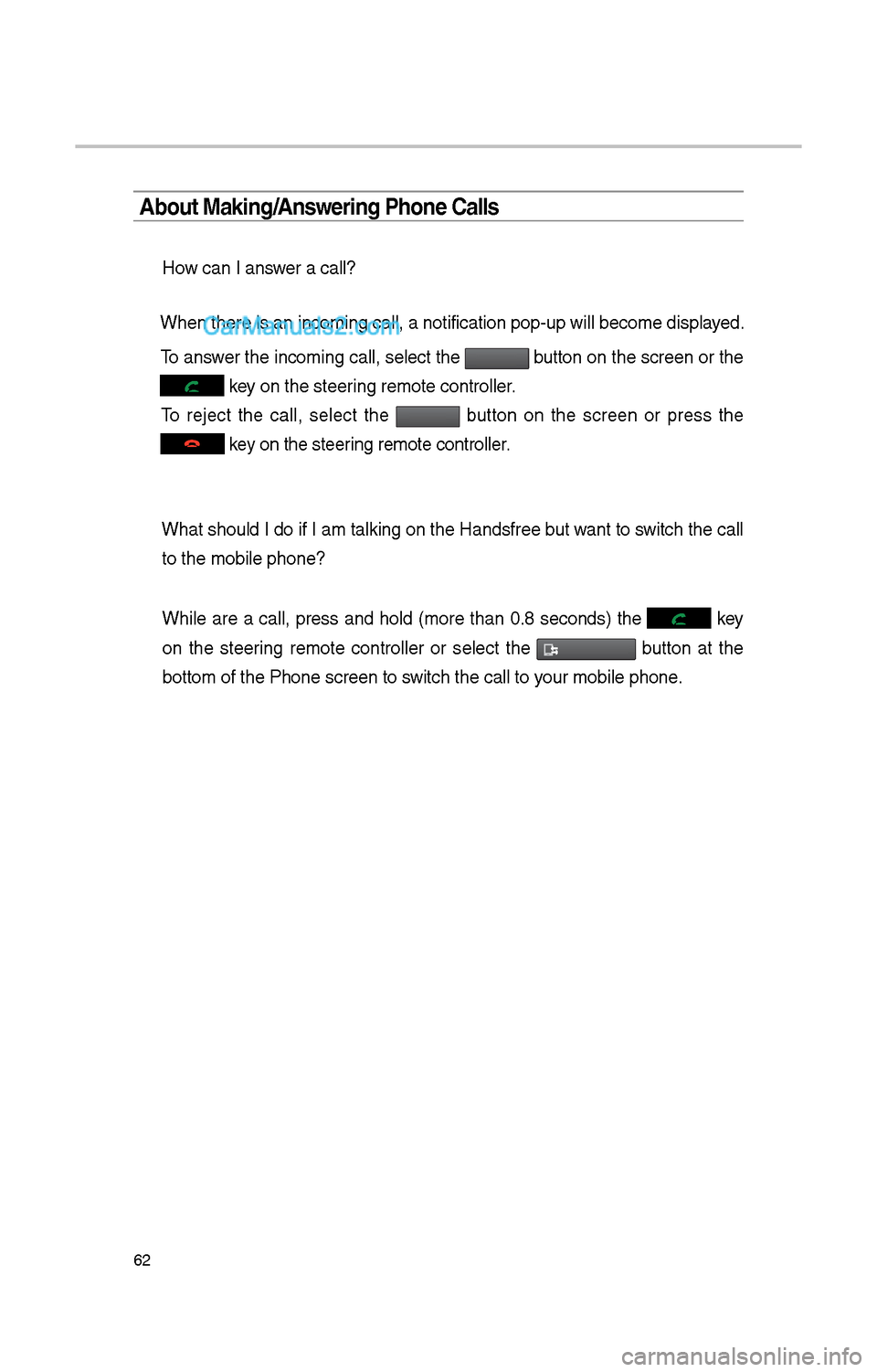
How can I answer a call?
W\ben t\bere is an inc\ioming call, a notif\iication pop-up will \ibecome displayed.
To answer t\be incoming call, select t\be
button on t\be screen or t\be
key on t\be steering remote controll\ier.
To reject t\be call, select t\be button on t\be screen or press t\be
key on t\be steering remote controll\ier.
W\bat s\bould I do if I am talking on t\be Handsfree but want to switc\b t\be call to t\be mobile p\bone?\i
W\bile are a call, press and \bold (more t\ban 0.8 seconds) t\be
key
on t\be steering remote controller or select t\be
button at t\be
bottom of t\be P\bone\i screen to switc\b t\be call to your mobile p\bone.