engine HYUNDAI SANTA FE HYBRID 2021 Owners Manual
[x] Cancel search | Manufacturer: HYUNDAI, Model Year: 2021, Model line: SANTA FE HYBRID, Model: HYUNDAI SANTA FE HYBRID 2021Pages: 598, PDF Size: 66.6 MB
Page 348 of 598
Driving your vehicle
6-64
Driving the vehicle after it has been
parked on a hill
1. With the gear in P (Park), apply your
brakes and hold the brake pedal down
while you:• Start your engine;
• Shift into gear; and
• Release the parking brake.
2. Slowly remove your foot from the
brake pedal.
3. Drive slowly until the trailer is clear of
the chocks.
4. Stop and have someone pick up and
store the chocks.
Maintenance when towing a
trailer
Your vehicle will need service more
often when you regularly pull a trailer.
Important items to pay particular
attention to include engine oil,
transmission fluid, axle lubricant and
cooling system fluid. Brake condition
is another important item to frequently
check. If you’re trailering, it’s a good
idea to review these items before
you start your trip. Don’t forget to
also maintain your trailer and hitch.
Follow the maintenance schedule that
accompanied your trailer and check it
periodically. Preferably, conduct the
check at the start of each day’s driving.
Most importantly, all hitch nuts and bolts
should be tight.
NOTICE
To prevent vehicle damage:
• Due to higher load during trailer
usage, overheating might occur on
hot days or during uphill driving.
If the coolant gauge indicates
over-heating, switch off the air
conditioner and stop the vehicle in a
safe area to cool down the engine.
• Do not switch off the engine while
the coolant gauge indicates over-
heating.
(Keep the engine idle to cool down
the engine)
• When towing check transmission
fluid more frequently.
• If your vehicle is not equipped with
an air conditioner, you should install
a condenser fan to improve engine
performance when towing a trailer.
Page 357 of 598
Driver assistance system
7-4
System settings
Setting functions for the system
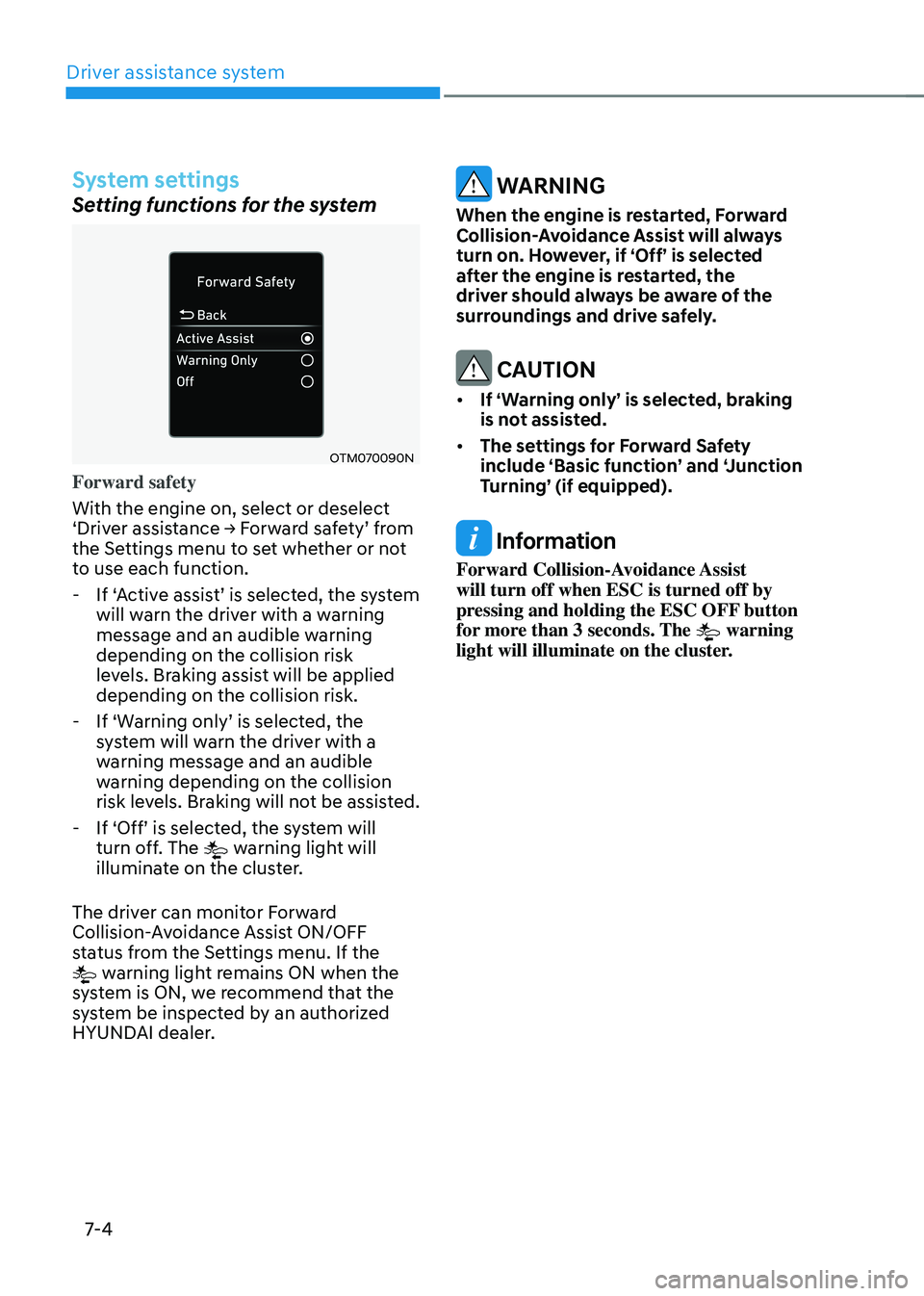
OTM070090N
Forward safety
With the engine on, select or deselect
‘Driver assistance → Forward safety’ from the Settings menu to set whether or not
to use each function.
-If ‘Active assist’ is selected, the system will warn the driver with a warning
message and an audible warning
depending on the collision risk
levels. Braking assist will be applied
depending on the collision risk.
-If ‘Warning only’ is selected, the system will warn the driver with a
warning message and an audible
warning depending on the collision
risk levels. Braking will not be assisted.
-If ‘Off’ is selected, the system will turn off. The warning light will
illuminate on the cluster.
The driver can monitor Forward
Collision-Avoidance Assist ON/OFF
status from the Settings menu. If the
warning light remains ON when the
system is ON, we recommend that the
system be inspected by an authorized
HYUNDAI dealer.
WARNING
When the engine is restarted, Forward
Collision-Avoidance Assist will always
turn on. However, if ‘Off’ is selected
after the engine is restarted, the
driver should always be aware of the
surroundings and drive safely.
CAUTION
• If ‘Warning only’ is selected, braking
is not assisted.
• The settings for Forward Safety
include ‘Basic function’ and ‘Junction
Turning’ (if equipped).
Information
Forward Collision-Avoidance Assist
will turn off when ESC is turned off by
pressing and holding the ESC OFF button
for more than 3 seconds. The
warning
light will illuminate on the cluster.
Page 358 of 598
07
7-5
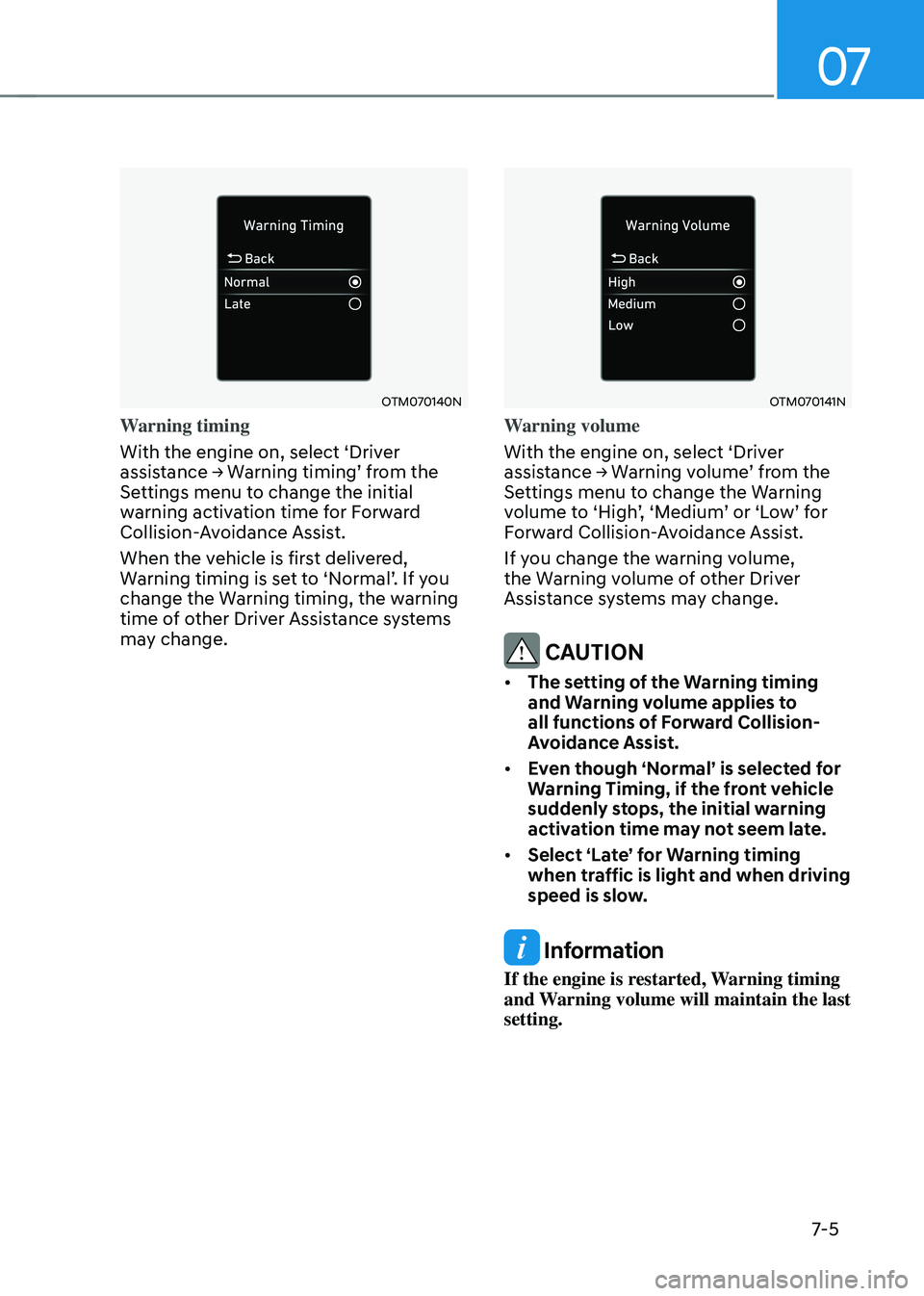
OTM070140N
Warning timing
With the engine on, select ‘Driver
assistance → Warning timing’ from the Settings menu to change the initial
warning activation time for Forward
Collision-Avoidance Assist.
When the vehicle is first delivered,
Warning timing is set to ‘Normal’. If you change the Warning timing, the warning
time of other Driver Assistance systems
may change.
OTM070141N
Warning volume
With the engine on, select ‘Driver
assistance → Warning volume’ from the Settings menu to change the Warning volume to ‘High’, ‘Medium’ or ‘Low’ for Forward Collision-Avoidance Assist.
If you change the warning volume,
the Warning volume of other Driver
Assistance systems may change.
CAUTION
• The setting of the Warning timing
and Warning volume applies to
all functions of Forward Collision-
Avoidance Assist.
• Even though ‘Normal’ is selected for
Warning Timing, if the front vehicle
suddenly stops, the initial warning
activation time may not seem late.
• Select ‘Late’ for Warning timing
when traffic is light and when driving
speed is slow.
Information
If the engine is restarted, Warning timing
and Warning volume will maintain the last
setting.
Page 364 of 598
07
7-11
System disabled
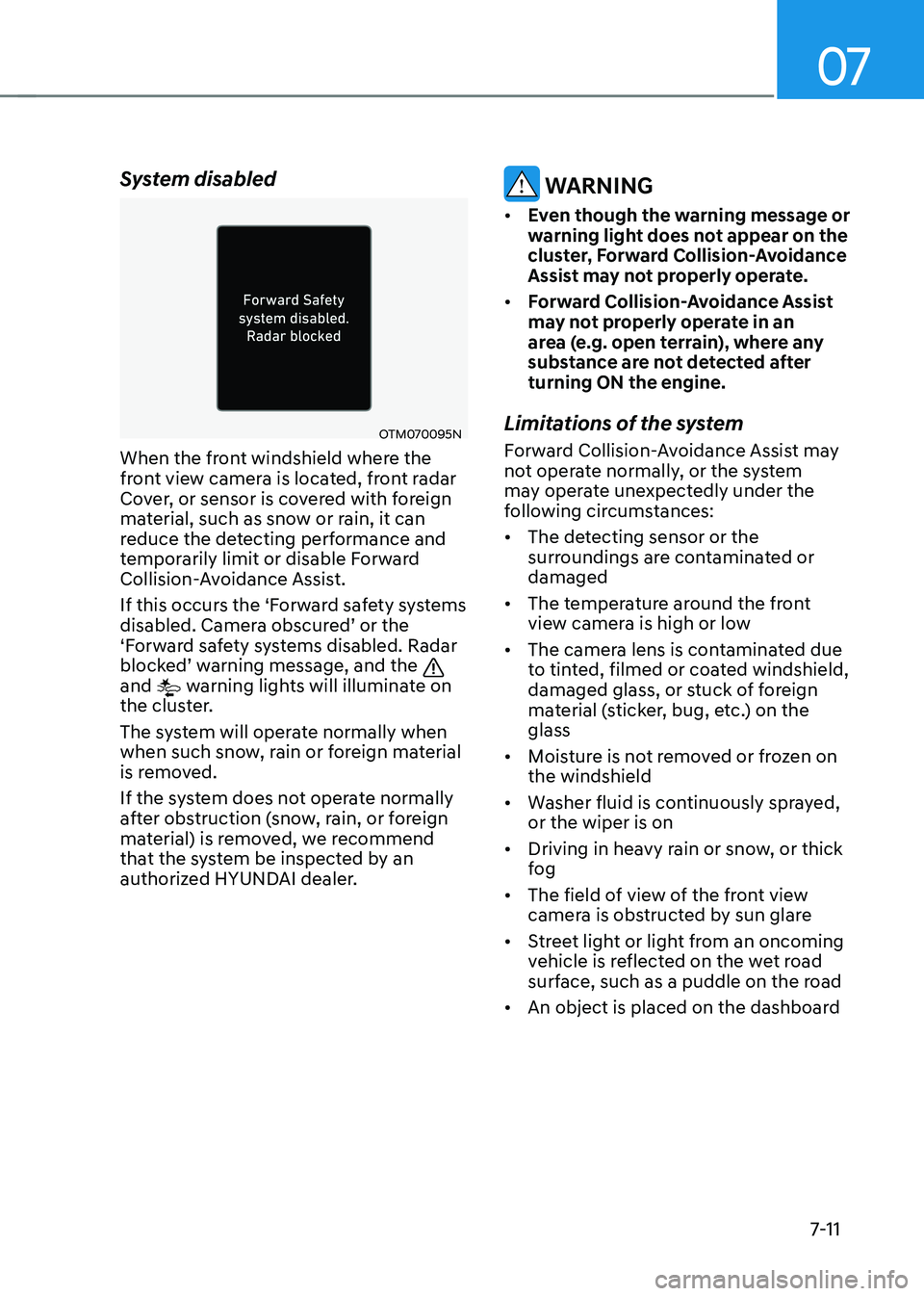
OTM070095N
When the front windshield where the
front view camera is located, front radar
Cover, or sensor is covered with foreign
material, such as snow or rain, it can
reduce the detecting performance and
temporarily limit or disable Forward
Collision-Avoidance Assist.
If this occurs the ‘Forward safety systems
disabled. Camera obscured’ or the ‘Forward safety systems disabled. Radar blocked’ warning message, and the
and warning lights will illuminate on
the cluster.
The system will operate normally when
when such snow, rain or foreign material
is removed.
If the system does not operate normally
after obstruction (snow, rain, or foreign
material) is removed, we recommend
that the system be inspected by an
authorized HYUNDAI dealer.
WARNING
• Even though the warning message or
warning light does not appear on the
cluster, Forward Collision-Avoidance
Assist may not properly operate.
• Forward Collision-Avoidance Assist
may not properly operate in an
area (e.g. open terrain), where any
substance are not detected after
turning ON the engine.
Limitations of the system
Forward Collision-Avoidance Assist may
not operate normally, or the system
may operate unexpectedly under the
following circumstances:
• The detecting sensor or the
surroundings are contaminated or
damaged
• The temperature around the front
view camera is high or low
• The camera lens is contaminated due
to tinted, filmed or coated windshield,
damaged glass, or stuck of foreign
material (sticker, bug, etc.) on the
glass
• Moisture is not removed or frozen on
the windshield
• Washer fluid is continuously sprayed,
or the wiper is on
• Driving in heavy rain or snow, or thick
fog
• The field of view of the front view
camera is obstructed by sun glare
• Street light or light from an oncoming
vehicle is reflected on the wet road
surface, such as a puddle on the road
• An object is placed on the dashboard
Page 371 of 598
Driver assistance system7-18
Lane Keeping Assist is designed to help
detect lane markings (or road edges)
while driving over a certain speed. The
system will warn the driver if the vehicle
leaves the lane without using the turn
signal, or will automatically assist the
driver’s steering to help prevent the vehicle from departing the lane.
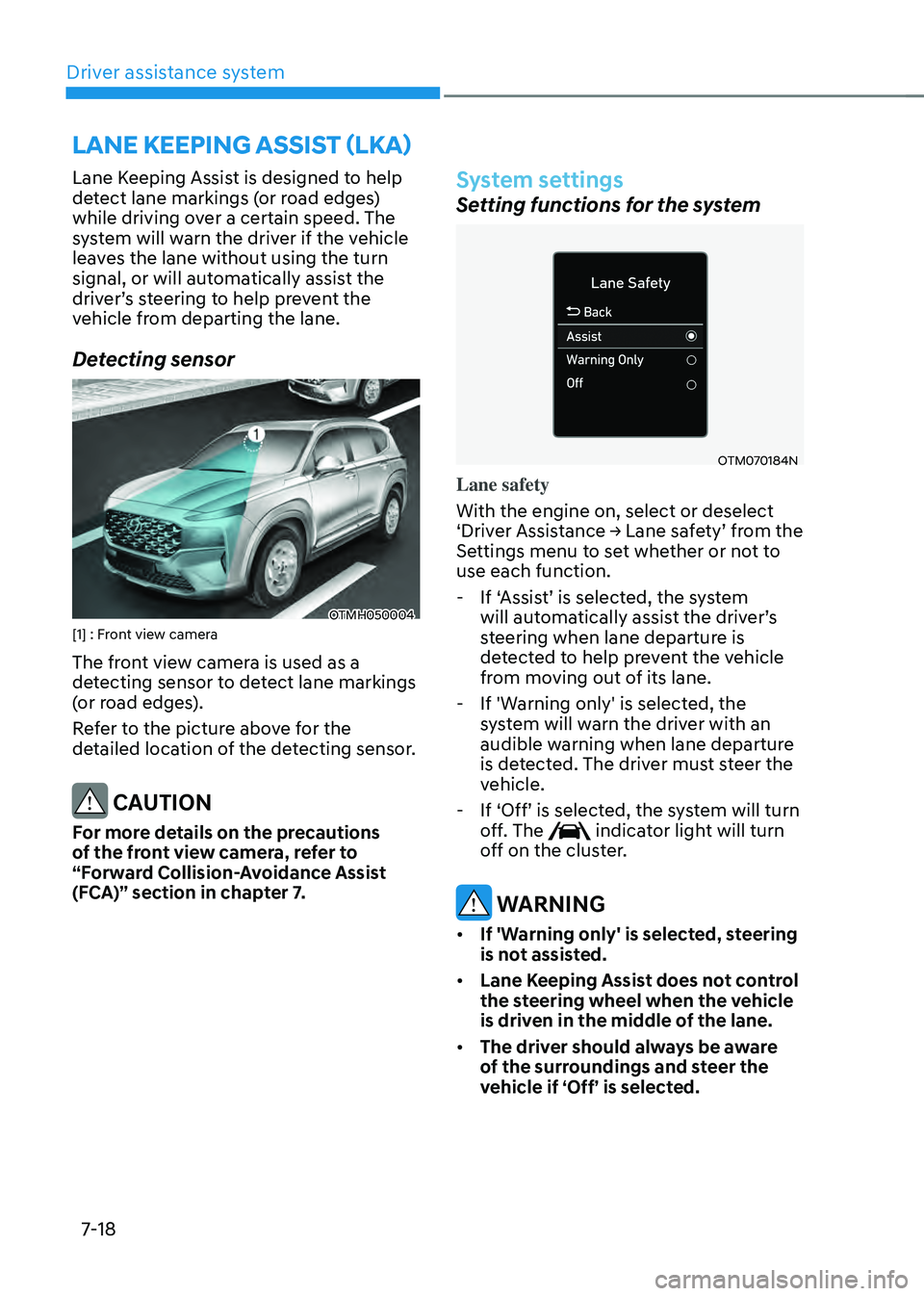
Detecting sensor
OTMH050004[1] : Front view camera
The front view camera is used as a
detecting sensor to detect lane markings
(or road edges).
Refer to the picture above for the
detailed location of the detecting sensor.
CAUTION
For more details on the precautions
of the front view camera, refer to
“Forward Collision-Avoidance Assist
(FCA)” section in chapter 7.
System settings
Setting functions for the system
OTM070184N
Lane safety
With the engine on, select or deselect
‘Driver Assistance → Lane safety’ from the Settings menu to set whether or not to
use each function.
-If ‘Assist’ is selected, the system will automatically assist the driver’s steering when lane departure is
detected to help prevent the vehicle
from moving out of its lane.
- If 'Warning only' is selected, the
system will warn the driver with an
audible warning when lane departure
is detected. The driver must steer the
vehicle.
-If ‘Off’ is selected, the system will turn off. The indicator light will turn
off on the cluster.
WARNING
• If 'Warning only' is selected, steering
is not assisted.
• Lane Keeping Assist does not control
the steering wheel when the vehicle
is driven in the middle of the lane.
• The driver should always be aware
of the surroundings and steer the
vehicle if ‘Off’ is selected.
LANE KEEPING ASSIST (LKA)
Page 372 of 598
07
7-19
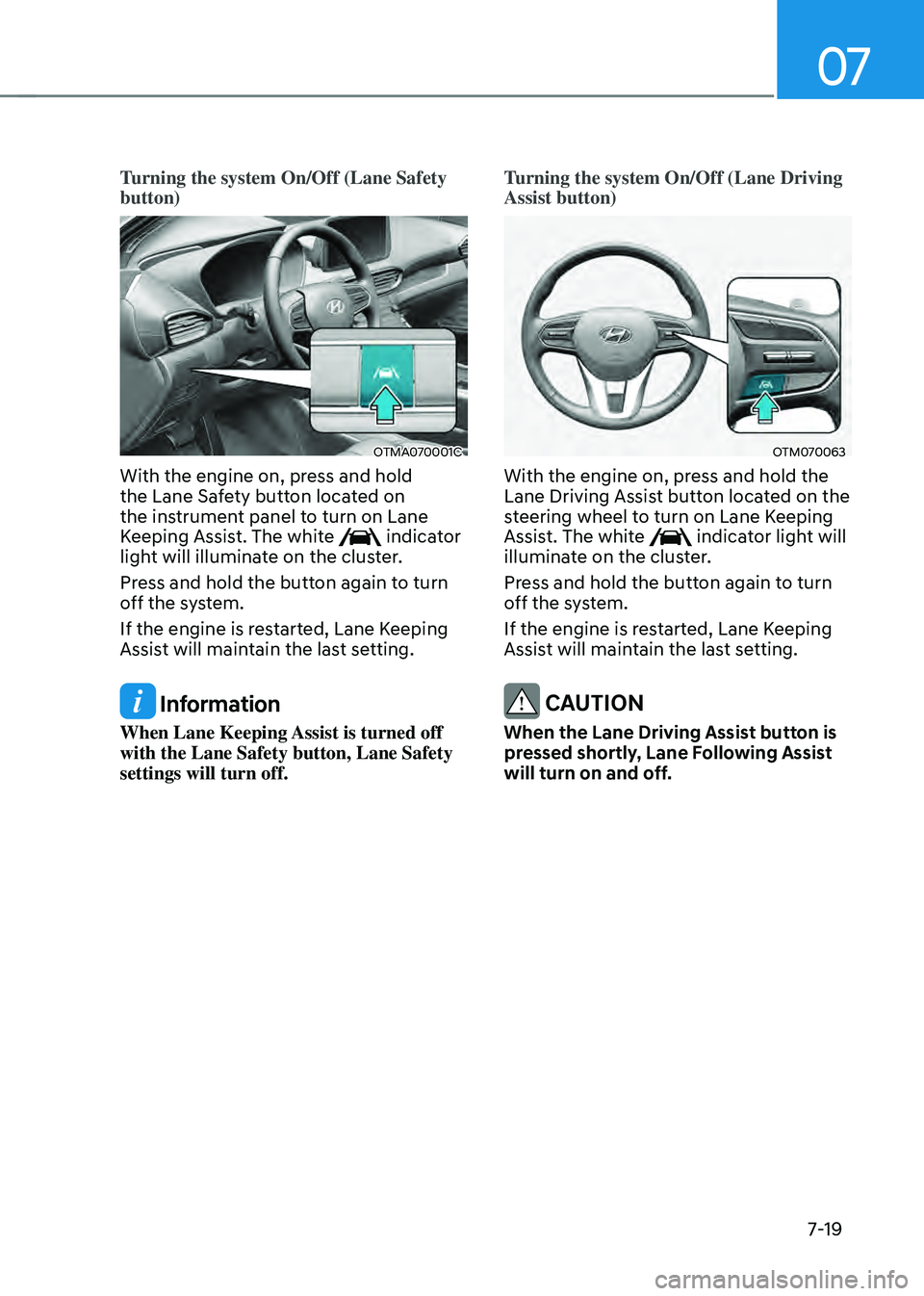
Turning the system On/Off (Lane Safety
button)
OTMA070001C
With the engine on, press and hold
the Lane Safety button located on
the instrument panel to turn on Lane
Keeping Assist. The white
indicator
light will illuminate on the cluster.
Press and hold the button again to turn
off the system.
If the engine is restarted, Lane Keeping
Assist will maintain the last setting.
Information
When Lane Keeping Assist is turned off
with the Lane Safety button, Lane Safety
settings will turn off. Turning the system On/Off (Lane Driving
Assist button)
OTM070063
With the engine on, press and hold the
Lane Driving Assist button located on the
steering wheel to turn on Lane Keeping
Assist. The white
indicator light will
illuminate on the cluster.
Press and hold the button again to turn
off the system.
If the engine is restarted, Lane Keeping
Assist will maintain the last setting.
CAUTION
When the Lane Driving Assist button is
pressed shortly, Lane Following Assist
will turn on and off.
Page 373 of 598
Driver assistance system
7-20
OTM070141N
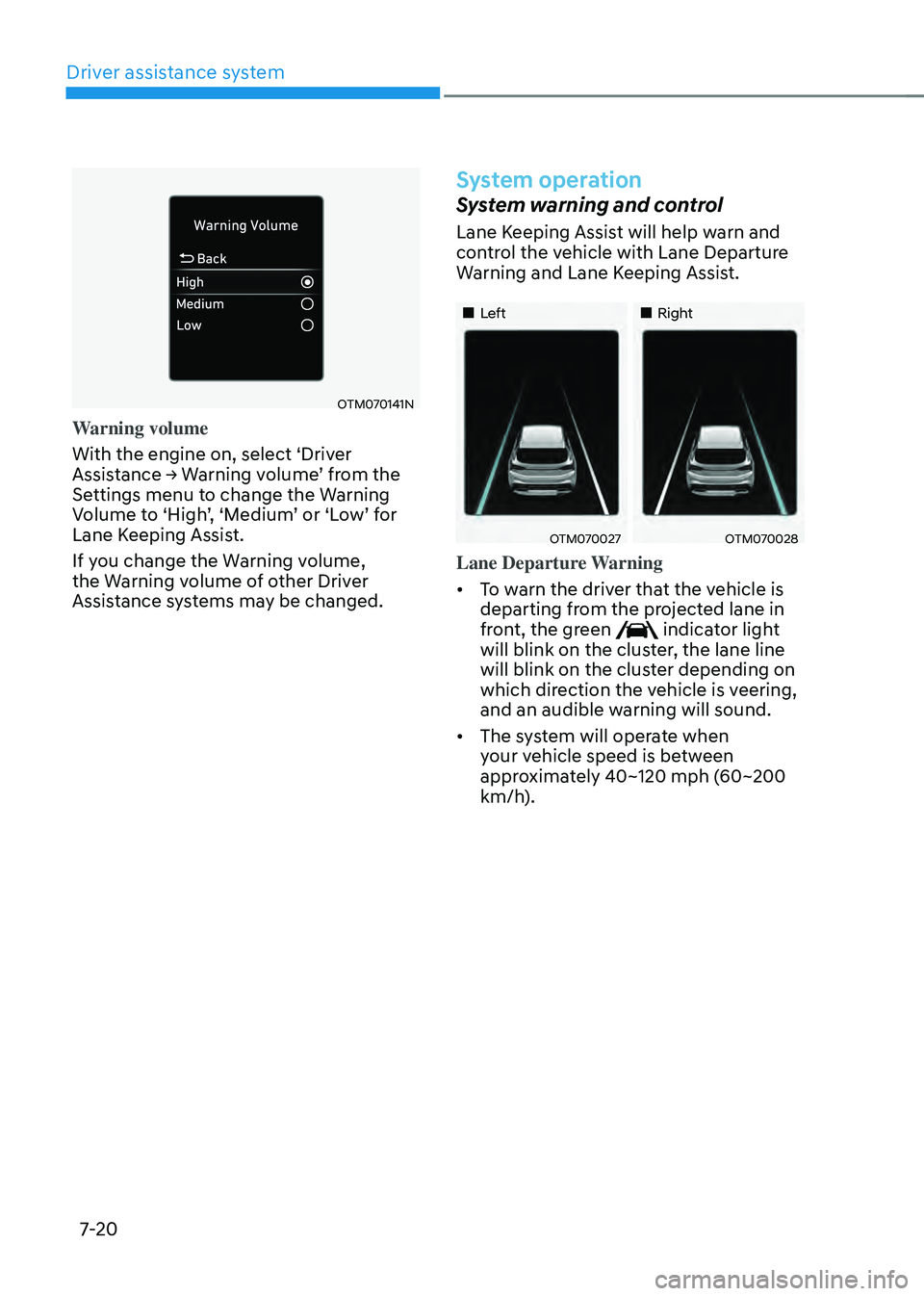
Warning volume
With the engine on, select ‘Driver
Assistance → Warning volume’ from the Settings menu to change the Warning Volume to ‘High’, ‘Medium’ or ‘Low’ for Lane Keeping Assist.
If you change the Warning volume,
the Warning volume of other Driver
Assistance systems may be changed.
System operation
System warning and control
Lane Keeping Assist will help warn and
control the vehicle with Lane Departure
Warning and Lane Keeping Assist.
„„Left„„Right
OTM070027OTM070028
Lane Departure Warning
• To warn the driver that the vehicle is
departing from the projected lane in
front, the green
indicator light
will blink on the cluster, the lane line
will blink on the cluster depending on
which direction the vehicle is veering,
and an audible warning will sound.
• The system will operate when
your vehicle speed is between
approximately 40~120 mph (60~200
km/h).
Page 380 of 598
07
7-27
• If the rear corner radars have been
replaced or repaired, we recommend
that the vehicle be inspected by an
authorized HYUNDAI dealer.
• Use only genuine parts to repair the
rear bumper where the rear corner
radar is located.
• Do not apply license plate frame or
objects, such as a bumper sticker,
film or a bumper guard near the rear
corner radar.
• The system may not work properly
if the bumper has been replaced, or
the surroundings of the rear corner
radar has been damaged or paint has
been applied.
• If a trailer, carrier, etc. is installed,
it may adversely affect the
performance of the rear corner radar
or the system may not operate.
For more details on the precautions
of the front view camera, refer to
“Forward Collision-Avoidance Assist
(FCA)” section in chapter 7.System settings
Setting functions for the system
OTM070096N
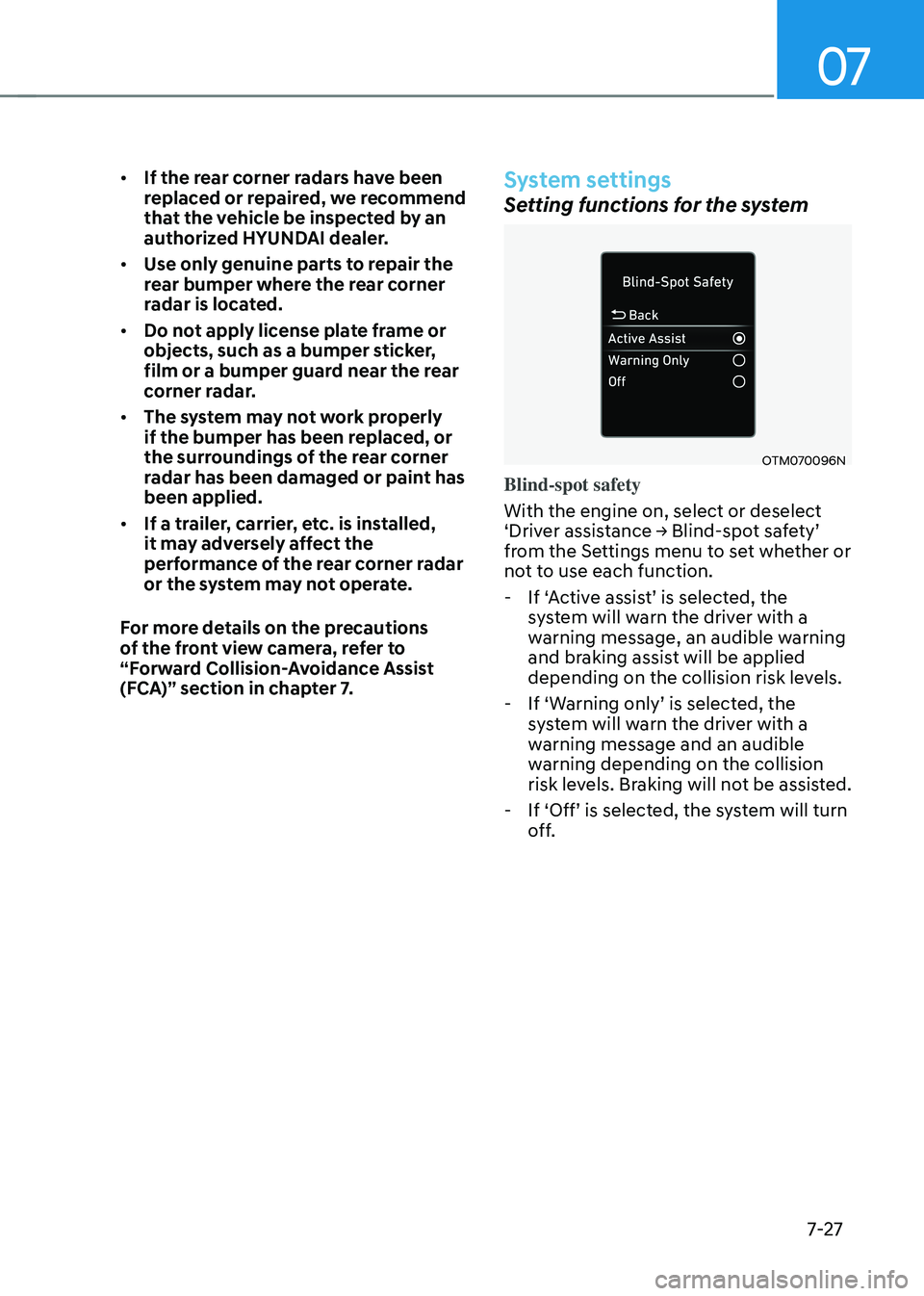
Blind-spot safety
With the engine on, select or deselect
‘Driver assistance → Blind-spot safety’ from the Settings menu to set whether or
not to use each function.
-If ‘Active assist’ is selected, the system will warn the driver with a
warning message, an audible warning
and braking assist will be applied
depending on the collision risk levels.
-If ‘Warning only’ is selected, the system will warn the driver with a
warning message and an audible
warning depending on the collision
risk levels. Braking will not be assisted.
-If ‘Off’ is selected, the system will turn off.
Page 381 of 598
Driver assistance system
7-28
OTM070097N
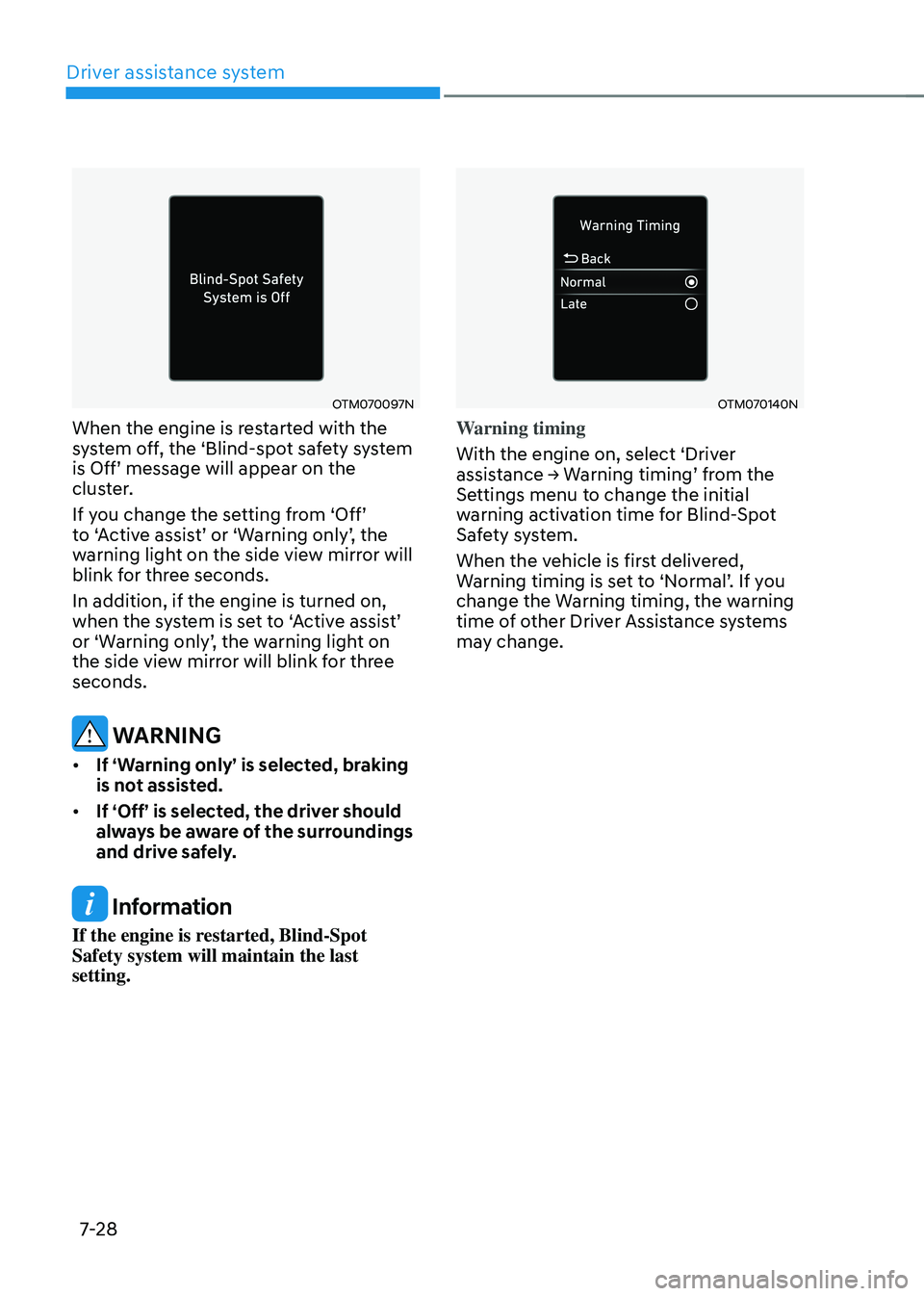
When the engine is restarted with the
system off, the ‘Blind-spot safety system
is Off’ message will appear on the cluster.
If you change the setting from ‘Off’ to ‘Active assist’ or ‘Warning only’, the warning light on the side view mirror will
blink for three seconds.
In addition, if the engine is turned on,
when the system is set to ‘Active assist’ or ‘Warning only’, the warning light on the side view mirror will blink for three
seconds.
WARNING
• If ‘Warning only’ is selected, braking
is not assisted.
• If ‘Off’ is selected, the driver should
always be aware of the surroundings
and drive safely.
Information
If the engine is restarted, Blind-Spot
Safety system will maintain the last
setting.
OTM070140N
Warning timing
With the engine on, select ‘Driver
assistance → Warning timing’ from the Settings menu to change the initial
warning activation time for Blind-Spot
Safety system.
When the vehicle is first delivered,
Warning timing is set to ‘Normal’. If you change the Warning timing, the warning
time of other Driver Assistance systems
may change.
Page 382 of 598
07
7-29
OTM070141N
Warning volume
With the engine on, select ‘Driver
assistance → Warning volume’ from the Settings menu to change the Warning volume to ‘High’, ‘Medium’ or ‘Low’ for Blind-Spot Safety system.
If you change the Warning volume,
the warning volume of other Driver
Assistance systems may change.
CAUTION
• The setting of the Warning timing
and Warning volume applies to all
functions of the Blind-Spot Safety
system.
• Even though ‘Normal’ is selected
for Warning timing, if the vehicles
approaches at high speed, the initial
warning activation time may seem
late.
• Select ‘Late’ for Warning timing
when traffic is light and when driving
speed is slow.
System operation
System warning and control
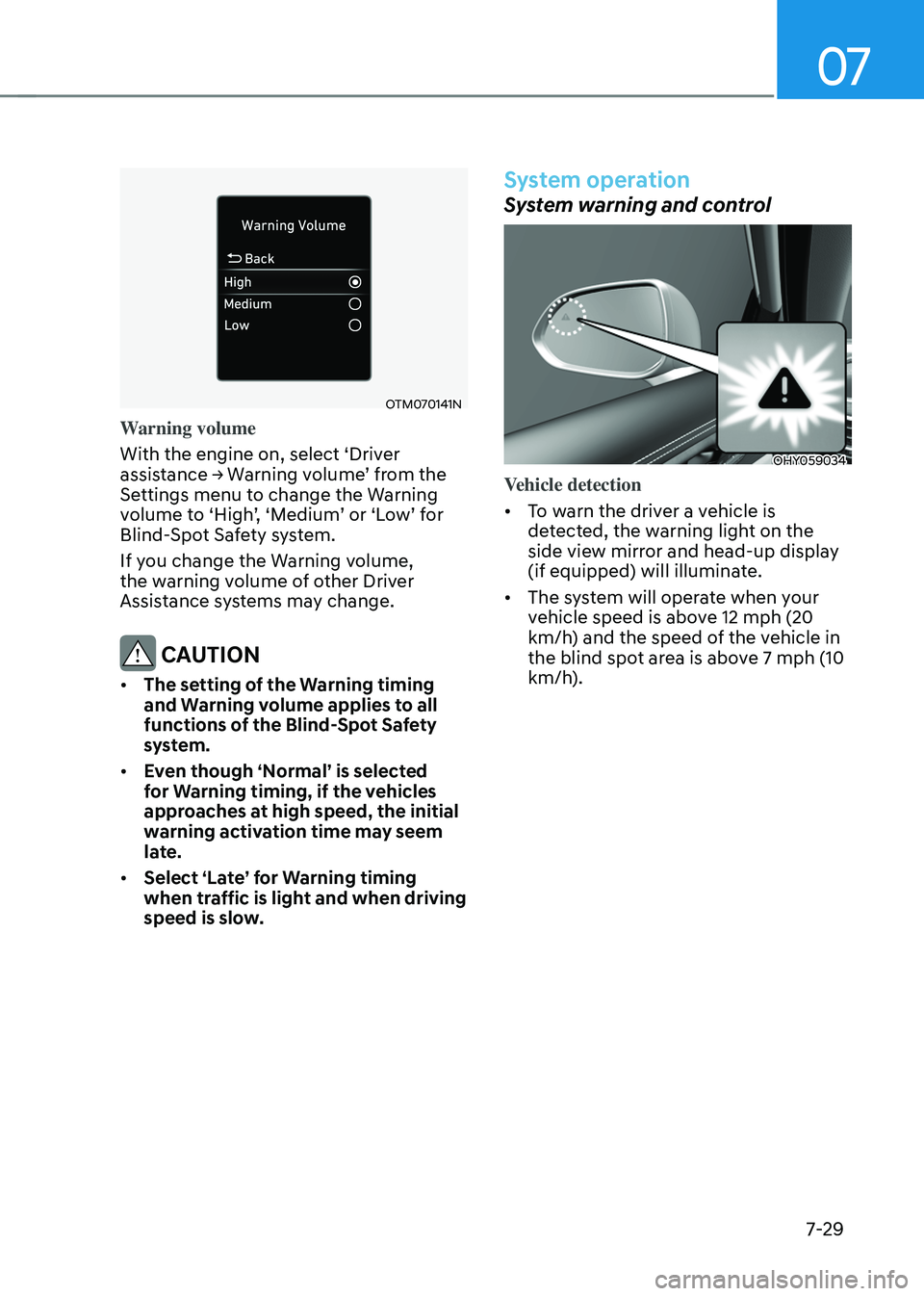
OHY059034
Vehicle detection
• To warn the driver a vehicle is
detected, the warning light on the
side view mirror and head-up display
(if equipped) will illuminate.
• The system will operate when your
vehicle speed is above 12 mph (20
km/h) and the speed of the vehicle in
the blind spot area is above 7 mph (10
km/h).