warning light Hyundai Terracan 2005 Owner's Guide
[x] Cancel search | Manufacturer: HYUNDAI, Model Year: 2005, Model line: Terracan, Model: Hyundai Terracan 2005Pages: 539, PDF Size: 18.03 MB
Page 191 of 539
3 WHAT TO DO IN AN EMERGENCY
4IF THE ENGINE OVERHEATS
!
5. Start the engine in the car with the
discharged battery using the nor- mal starting procedure. After the engine starts, leave the jumper cables connected and let the enginerun at fast idle or about 2000 rpm for several minutes.
6. carefully remove the jumper cables in the reverse order of attachment.
If you do not know why your battery became discharged (because the lights were left on, etc.), have the charging system checked by your Hyundaidealer. D030A02HP-AAT If your temperature gauge indicates overheating, you experience a loss of power, or hear loud pinging or knock- ing, the engine is probably too hot. Ifthis happens to you, you should:
1. Pull off the road and stop as soon as
it is safe to do so.
2. Place the gear selector lever in "P"
(automatic), or neutral (manual transmission) and set the parking brake. If the air conditioning is on, turn it off.
3. If engine coolant is running out un- der the car or steam is coming outfrom under the hood, stop the en-gine. Do not open the hood until the engine coolant has stopped running or the steaming has stopped. If thereis no visible loss of coolant and no steam, leave the engine running and check to be sure the enginecooling fan is operating. If the fan is not running, turn the engine off. 4. Check to see if the water pump drive
belt is missing. If it is not missing, check to see that it is tight. If the drive belt seems to be satisfactory, check for engine coolant leakingfrom the radiator, hoses or under the car. (If the air conditioning had been in use, it is normal for coldwater to be draining from it when you stop).
WARNING:
While the engine is running, keephands and clothing away from mov- ing parts such as the fan and drivebelts to prevent injury.
Page 199 of 539
3 WHAT TO DO IN AN EMERGENCY
12
!WARNING:
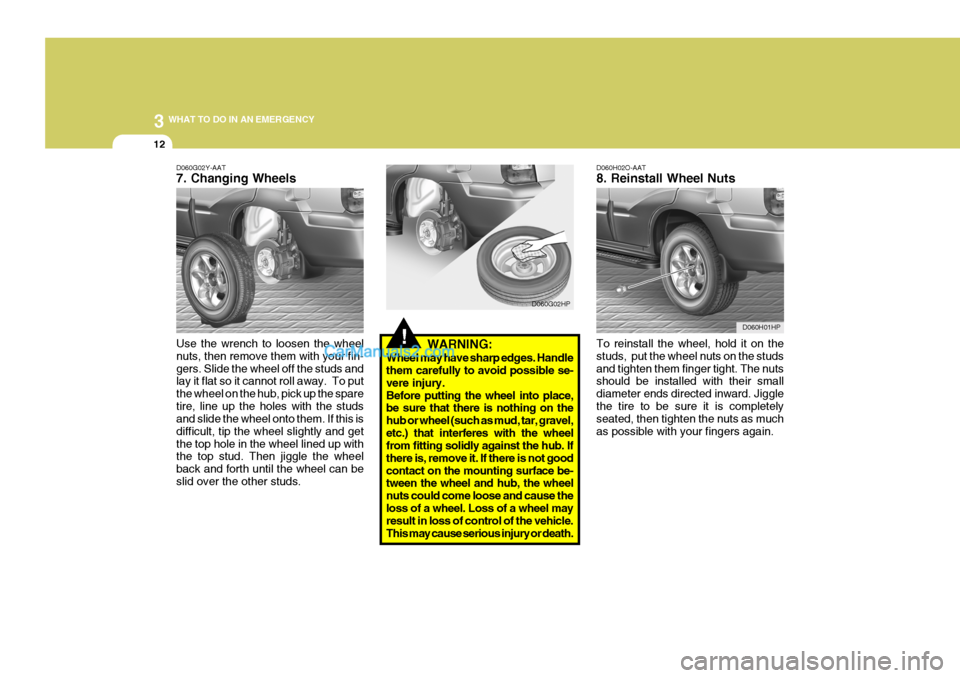
Wheel may have sharp edges. Handle them carefully to avoid possible se- vere injury.Before putting the wheel into place, be sure that there is nothing on the hub or wheel (such as mud, tar, gravel,etc.) that interferes with the wheel from fitting solidly against the hub. If there is, remove it. If there is not goodcontact on the mounting surface be- tween the wheel and hub, the wheel nuts could come loose and cause theloss of a wheel. Loss of a wheel may result in loss of control of the vehicle. This may cause serious injury or death. D060H02O-AAT 8. Reinstall Wheel Nuts To reinstall the wheel, hold it on the studs, put the wheel nuts on the studsand tighten them finger tight. The nuts should be installed with their small diameter ends directed inward. Jigglethe tire to be sure it is completely seated, then tighten the nuts as much as possible with your fingers again.
D060G02HP
D060H01HP
D060G02Y-AAT 7. Changing Wheels Use the wrench to loosen the wheel nuts, then remove them with your fin-gers. Slide the wheel off the studs and lay it flat so it cannot roll away. To put the wheel on the hub, pick up the sparetire, line up the holes with the studs and slide the wheel onto them. If this is difficult, tip the wheel slightly and getthe top hole in the wheel lined up with the top stud. Then jiggle the wheel back and forth until the wheel can beslid over the other studs.
D060G01HP
Page 255 of 539
6
DO-IT-YOURSELF MAINTENANCE
33
!
G210B01Y-GET
Checking the Battery
Keep the battery clean. Any evidence
of corrosion around the battery posts or terminals should be removed using a solution of household baking sodaand warm water. After the battery terminals are dry, cover them with a light coating of grease.
WARNING:Always read the followinginstructions carefullywhen handling a battery.Keep lighted cigarettesand all other flames orsparks away from the bat- tery. Hydrogen, which is a highly combustible gas, is always present in batterycells and may explode if ignited.Keep batteries out of the reach of children because batteries contain highly corrosive SULFURIC ACID.Do not allow battery acid to contact your skin, eyes, clothing or paint finish.If any electrolyte gets intoyour eyes, flush your eyeswith clean water for at least 15 minutes and get imme- diate medical attention. Ifpossible, continue to ap- ply water with a sponge or cloth until medical atten-tion is received.If electrolyte gets on yourskin, thoroughly wash thecontacted area.If you feel a pain or a burn-ing sensation, get medi- cal attention immediately. Wear eye protection when charging or working near a battery. Always provide ventilation when working in an en- closed space.o When lifting a plastic-cased bat- tery, excessive pressure on the case may cause battery acid toleak, resulting in personal in- jury. Lift with a battery carrier or with your hands on oppositecorners.
o Never attempt to charge the bat- tery when the battery cables are connected.
o The electrical ignition system works with high voltage. Never touch these componentswith the engine running or the ignition switched on.
Page 262 of 539
6 DO-IT-YOURSELF MAINTENANCE
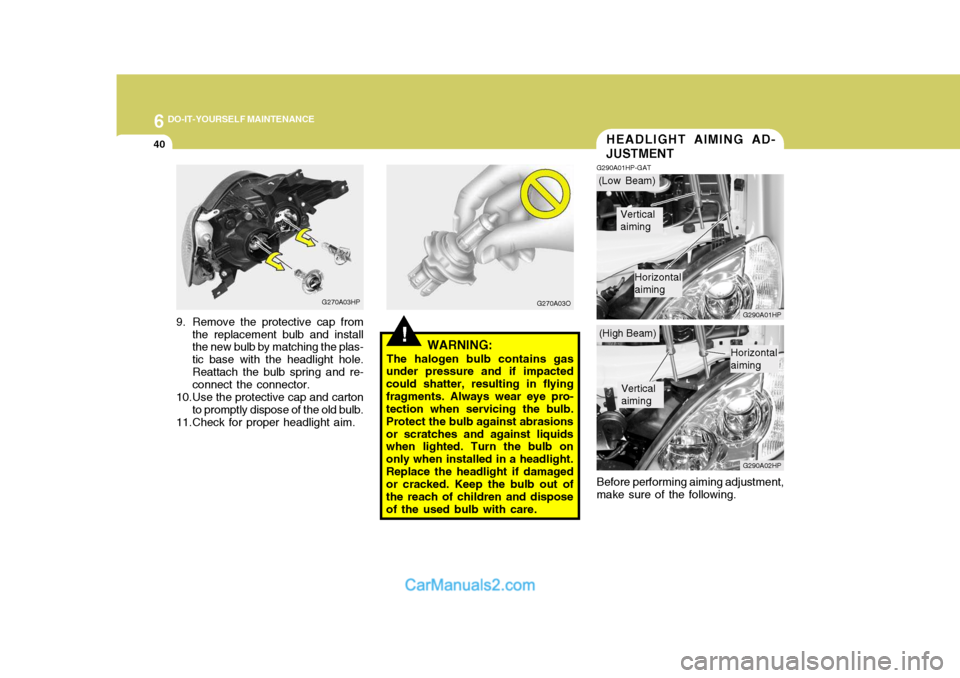
40HEADLIGHT AIMING AD- JUSTMENT
G290A01HP-GAT
G290A01HP G290A02HP
Before performing aiming adjustment,
make sure of the following.
!WARNING:
The halogen bulb contains gas
under pressure and if impacted could shatter, resulting in flyingfragments. Always wear eye pro- tection when servicing the bulb. Protect the bulb against abrasionsor scratches and against liquids when lighted. Turn the bulb on only when installed in a headlight.Replace the headlight if damaged or cracked. Keep the bulb out of the reach of children and disposeof the used bulb with care.
G270A03HP
9. Remove the protective cap from the replacement bulb and install the new bulb by matching the plas- tic base with the headlight hole.Reattach the bulb spring and re- connect the connector.
10.Use the protective cap and carton to promptly dispose of the old bulb.
11.Check for proper headlight aim. G270A03O(Low Beam)
(High Beam)
Vertical aiming
Horizontal aiming
Vertical aiming
Horizontal aiming
Page 265 of 539

6
DO-IT-YOURSELF MAINTENANCE
43BULB WATTAGES
Wattage55/55 5
21 8
10 55 55
Part Name
Headlight (Low/High Beam)Front Position Light Front Turn Signal Light Map Light Interior Light Front Fog Light Side Repeater Light Front Door Edge Warning Light (If Installed) Wattage
1016
21/5 2116 215
No.
9
1011 12 Part Name
Luggage Compartment Light High Mounted Rear Stop Light (If Installed) Rear Combination Light Stop/Tail Light Turn Signal Light Back-up Light Rear Fog Light (If Installed) License Plate Light
No.
1 2 3 4 5 6 7 8
G280A03HP-GAT
G280A01HP
Socket Type S8.5/8.5W-2
BAY 15d BA 15s
W2.1 x 9.5D
BA 15s
W2.1 x 9.5D
Socket Type
Px26d/P14.5S W2.1x9.5D
BA 15s
S8.5/8.5 S8.5/8.5 P22d
W2.1 x 9.5D W2.1 x 4.6D
Page 291 of 539
10INDEX
4
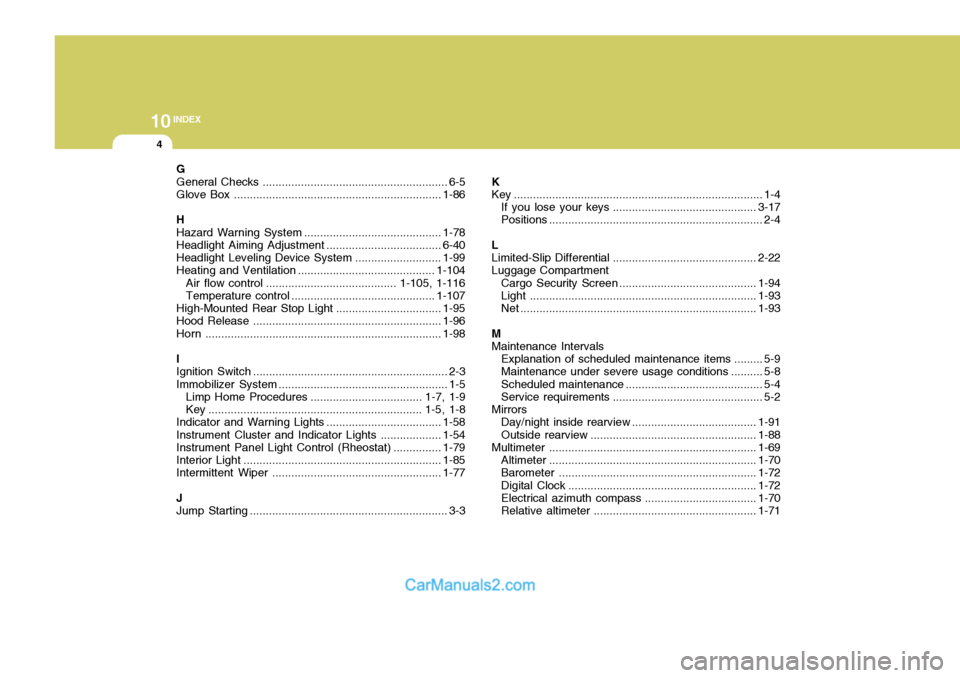
G General Checks .......................................................... 6-5
Glove Box ................................................................. 1-86
HHazard Warning Syst em ........................................... 1-78
Headlight Aiming Adjustment ....................................6-40
Headlight Leveling Device Syst em ...........................1-99
Heating and Ventilation ................. ......................... . 1-104
Air flow control ......................................... 1-105, 1-116 Temperature control ............................................. 1-107
High-Mounted Rear Stop Light ................................. 1-95
Hood Release ........................................................... 1-96
Horn .......................................................................... 1-98
IIgnition Sw itch ............................................................. 2-3
Immobilizer S ystem ..................................................... 1-5
Limp Home Procedures ................................... 1-7, 1-9
Key ................................................................... 1-5, 1-8
Indicator and Warning Lights.................................... 1-58
Instrument Cluster and Indicator Li ghts................... 1-54
Instrument Panel Light Control (Rheo stat)............... 1-79
Interior Light .............................................................. 1-85
Intermittent Wiper ..................................................... 1-77
J Jump Starting .............................................................. 3-3 K
Key .............................................................................. 1-4
If you lose your keys ............................................. 3-17
Positions ................................................................... 2-4
L Limited-Slip D ifferential ............................................. 2-22
Luggage Compartment
Cargo Security Scr een ........................................... 1-94
Light ....................................................................... 1-93
Net .......................................................................... 1-93
M Maintenance Intervals Explanation of scheduled maintenance items ......... 5-9
Maintenance under severe usage conditions .......... 5-8 Scheduled maintenance ........................................... 5-4
Service requ irements............................................... 5-2
Mirrors Day/night inside rearview .......................................1-91
Outside rearview .................................................... 1-88
Multimet er ................................................................. 1-69
Altimeter ................................................................. 1-70
Barometer .............................................................. 1-72
Digital Clock ........................................................... 1-72
Electrical azi muth compass ................................... 1-70
Relative altimeter ................................................... 1-71
Page 293 of 539
10INDEX
6
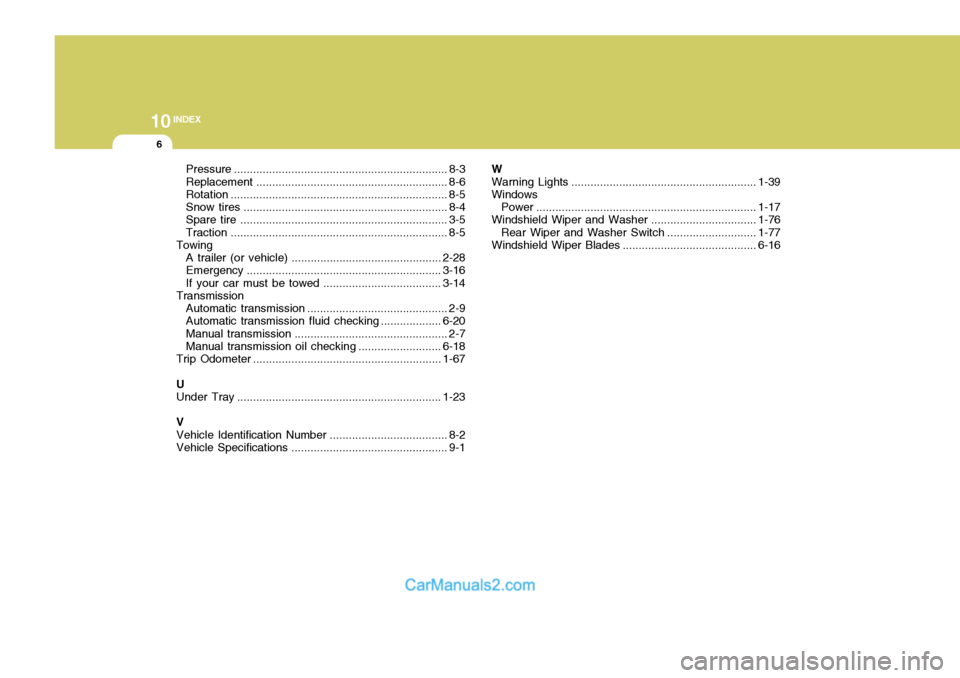
Pressure ................................................................... 8-3
Replacement ............................................................ 8-6
Rotation .................................................................... 8-5
Snow tires ................................................................ 8-4
Spare tire ................................................................. 3-5
Traction .................................................................... 8-5
Towing
A trailer (or vehicle) ............................................... 2-28
Emergency ............................................................. 3-16
If your car must be towed .....................................3-14
Transmission
Automatic transmission ............................................ 2-9
Automatic transmission fluid checking ...................6-20
Manual transmission ................................................ 2-7
Manual transmission oil checking .......................... 6-18
Trip Odometer ........................................................... 1-67
U Under T ray ................................................................ 1-23
V Vehicle Identification Number ..................................... 8-2
Vehicle Specifications ................................................. 9-1 WWarning Lights
.......................................................... 1-39
Windows
Power ..................................................................... 1-17
Windshield Wiper and Washer................................. 1-76
Rear Wiper and Washer Switch ............................1-77
Windshield Wiper Blades ..................... ..................... 6-16
Page 304 of 539
CAUTION:
When installing a container of liquid air freshener inside the vehicle, do not place it near the instrument cluster nor on the instrument panel pad surface. If there is any leakage from theair freshener onto these areas (Instrument cluster, instrument panel pad or air ventilator), it may damage these parts. If the liquid from air freshener does leak onto these areas, wash them with water immediately.!
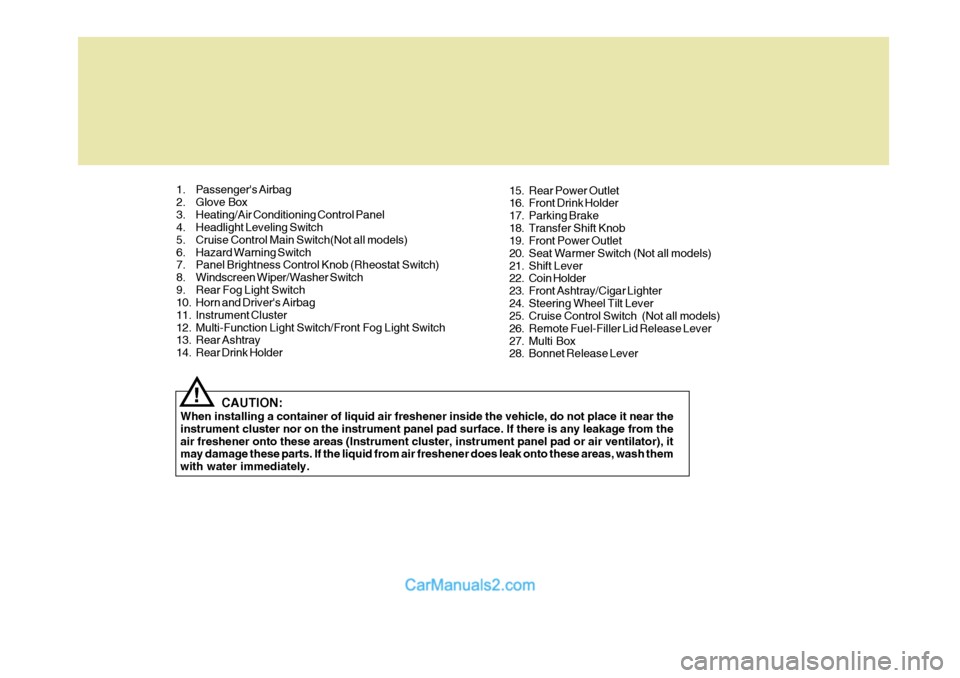
1. Passenger's Airbag
2. Glove Box
3. Heating/Air Conditioning Control Panel
4. Headlight Leveling Switch
5. Cruise Control Main Switch(Not all models)
6. Hazard Warning Switch
7. Panel Brightness Control Knob (Rheostat Switch)
8. Windscreen Wiper/Washer Switch
9. Rear Fog Light Switch
10. Horn and Driver's Airbag
11. Instrument Cluster
12. Multi-Function Light Switch/Front Fog Light Switch
13. Rear Ashtray
14. Rear Drink Holder
15. Rear Power Outlet
16. Front Drink Holder
17. Parking Brake
18. Transfer Shift Knob
19. Front Power Outlet
20. Seat Warmer Switch (Not all models)
21. Shift Lever
22. Coin Holder
23. Front Ashtray/Cigar Lighter
24. Steering Wheel Tilt Lever
25. Cruise Control Switch (Not all models)
26. Remote Fuel-Filler Lid Release Lever
27. Multi Box
28. Bonnet Release Lever
Page 305 of 539
YOUR VEHICLE AT A GLANCE
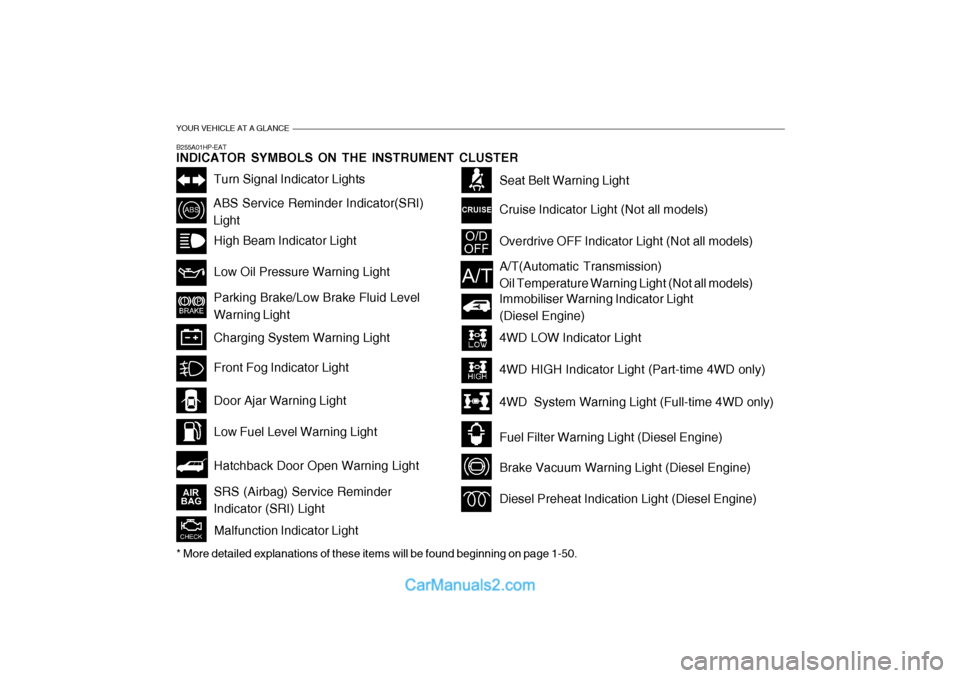
B255A01HP-EAT INDICATOR SYMBOLS ON THE INSTRUMENT CLUSTER
Turn Signal Indicator Lights
ABS Service Reminder Indicator(SRI) LightHigh Beam Indicator Light Low Oil Pressure Warning Light Parking Brake/Low Brake Fluid Level Warning Light Charging System Warning Light
Hatchback Door Open Warning Light
Door Ajar Warning Light Low Fuel Level Warning Light
Front Fog Indicator Light
Overdrive OFF Indicator Light (Not all models)
Immobiliser Warning Indicator Light (Diesel Engine)
Seat Belt Warning Light Cruise Indicator Light (Not all models)
Malfunction Indicator Light
A/T(Automatic Transmission) Oil Temperature Warning Light (Not all models)
4WD LOW Indicator Light 4WD HIGH Indicator Light (Part-time 4WD only)
4WD System Warning Light (Full-time 4WD only)
Fuel Filter Warning Light (Diesel Engine)
Brake Vacuum Warning Light (Diesel Engine)
Diesel Preheat Indication Light (Diesel Engine)
* More detailed explanations of these items will be found beginning on page 1-50.SRS (Airbag) Service Reminder Indicator (SRI) Light
Page 306 of 539
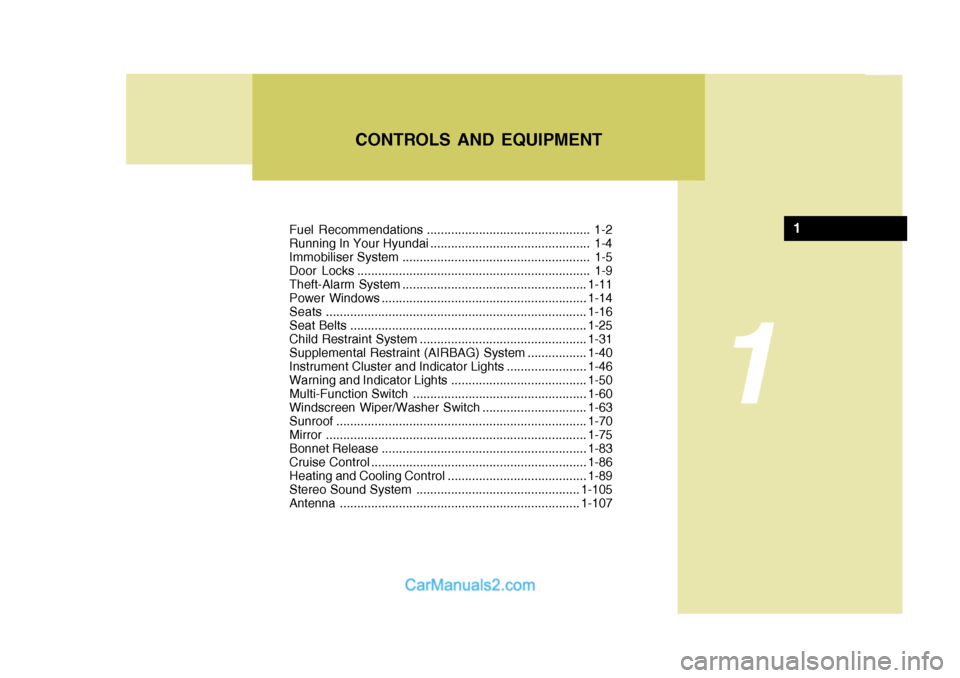
Fuel Recommendations ............................................... 1-2
Running In Your Hyundai .............................................. 1-4
Immobiliser System ...................................................... 1-5
Door Locks ................................................................... 1-9Theft-Alarm System ..................................................... 1-11
Power Windows ........................................................... 1-14
Seats ........................................................................... 1-16
Seat Belts .................................................................... 1-25
Child Restraint System ................................................ 1-31
Supplemental Restraint (AIRBAG) System .................1-40
Instrument Cluster and Indicator Lights .......................1-46
Warning and Indicator Lights....................................... 1-50
Multi-Function Switch .................................................. 1-60
Windscreen Wiper/Washer Switch ..............................1-63
Sunroof ........................................................................ 1-70
Mirror ........................................................................... 1-75
Bonnet Release ........................................................... 1-83
Cruise Co ntrol.............................................................. 1-86
Heating and Cooling Control .......... ..............................1-89
Stereo Sound System ............................................... 1-105
Antenna ..................................................................... 1-107
CONTROLS AND EQUIPMENT
1
1