light Hyundai Terracan 2005 Service Manual
[x] Cancel search | Manufacturer: HYUNDAI, Model Year: 2005, Model line: Terracan, Model: Hyundai Terracan 2005Pages: 539, PDF Size: 18.03 MB
Page 114 of 539
1FEATURES OF YOUR HYUNDAI
100
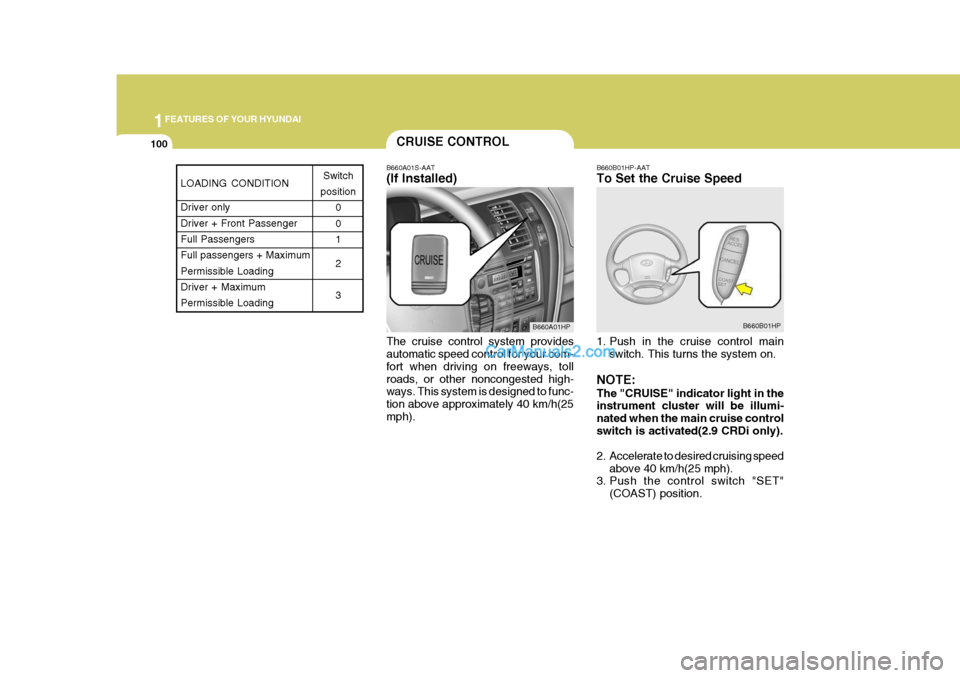
B660A01S-AAT (If Installed) The cruise control system provides automatic speed control for your com- fort when driving on freeways, tollroads, or other noncongested high- ways. This system is designed to func- tion above approximately 40 km/h(25mph). B660B01HP-AAT To Set the Cruise Speed
1. Push in the cruise control main
switch. This turns the system on.
NOTE: The "CRUISE" indicator light in the instrument cluster will be illumi- nated when the main cruise controlswitch is activated(2.9 CRDi only).
2. Accelerate to desired cruising speed above 40 km/h(25 mph).
3. Push the control switch "SET"
(COAST) position.
CRUISE CONTROL
B660A01HP B660B01HP
LOADING CONDITION Driver only Driver + Front PassengerFull Passengers Full passengers + Maximum Permissible LoadingDriver + Maximum Permissible LoadingSwitch
position 0 01 2 3
Page 115 of 539
1
FEATURES OF YOUR HYUNDAI
101
NOTE: The "CRUISE" indicator light in the instrument cluster will illuminate after you have set the vehicle speedat the desired speed (Gasoline En- gine Only).
4. Remove your foot from the accel-
erator pedal and the desired speed will automatically be maintained.
5. To increase speed, depress the accelerator pedal enough for thevehicle to exceed the preset speed.When you remove your foot from the accelerator pedal, the vehicle will return to the speed you haveset.
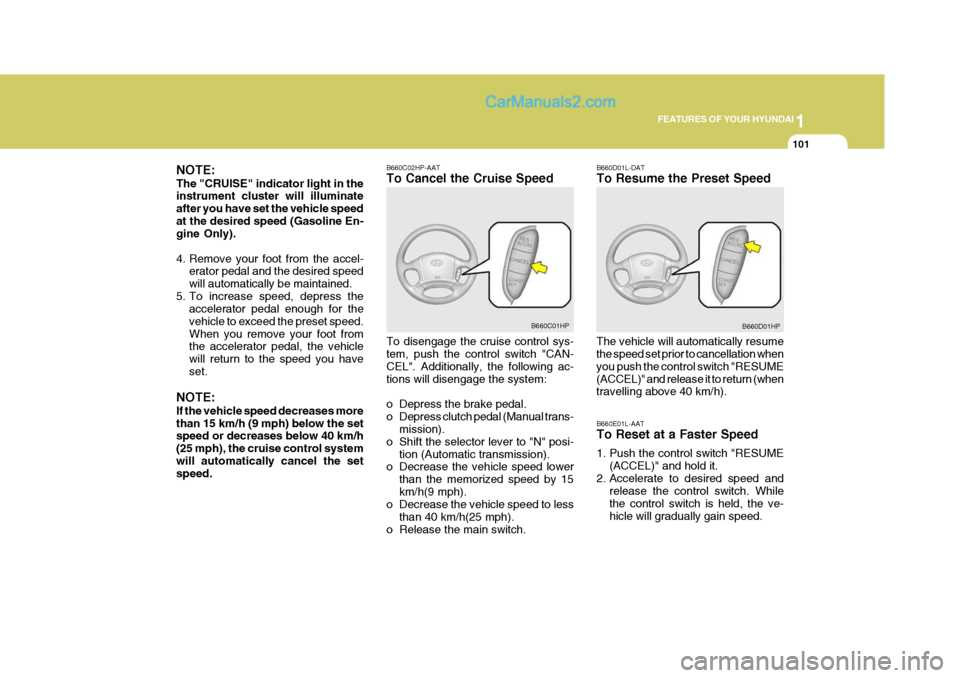
NOTE: If the vehicle speed decreases more than 15 km/h (9 mph) below the set speed or decreases below 40 km/h (25 mph), the cruise control systemwill automatically cancel the set speed. B660C02HP-AAT To Cancel the Cruise Speed To disengage the cruise control sys- tem, push the control switch "CAN- CEL". Additionally, the following ac-tions will disengage the system:
o Depress the brake pedal.
o Depress clutch pedal (Manual trans-
mission).
o Shift the selector lever to "N" posi- tion (Automatic transmission).
o Decrease the vehicle speed lower
than the memorized speed by 15km/h(9 mph).
o Decrease the vehicle speed to less
than 40 km/h(25 mph).
o Release the main switch. B660D01L-DAT To Resume the Preset Speed
The vehicle will automatically resume the speed set prior to cancellation when you push the control switch "RESUME(ACCEL)" and release it to return (when travelling above 40 km/h).
B660C01HP
B660D01HP
B660E01L-AAT To Reset at a Faster Speed
1. Push the control switch "RESUME (ACCEL)" and hold it.
2. Accelerate to desired speed and release the control switch. While the control switch is held, the ve-hicle will gradually gain speed.
Page 124 of 539
1FEATURES OF YOUR HYUNDAI
110AIR CONDITIONING SYSTEM
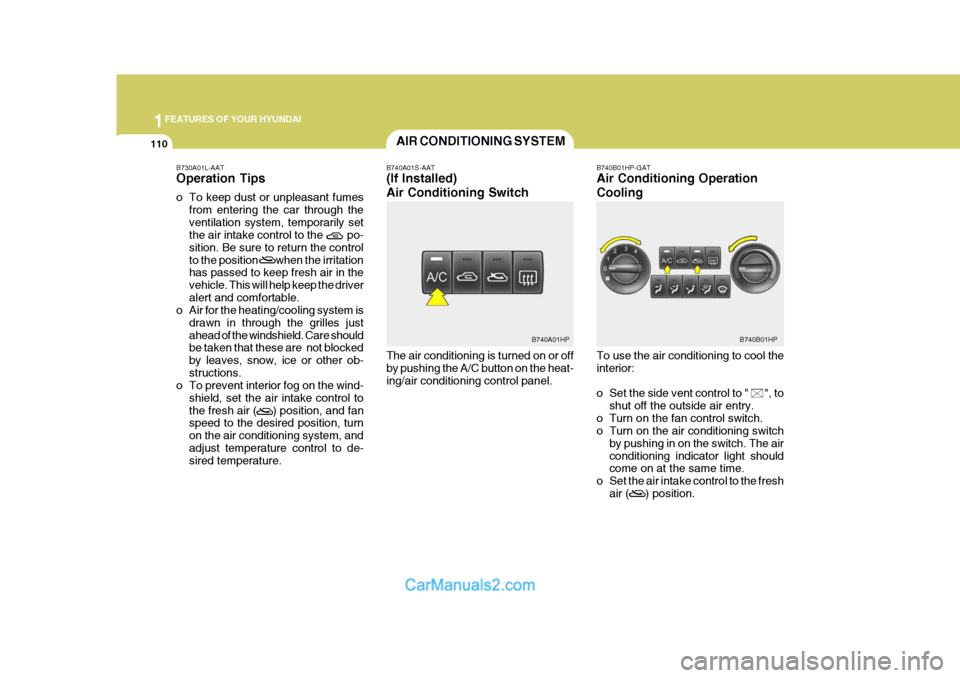
B740A01S-AAT (If Installed) Air Conditioning Switch The air conditioning is turned on or off by pushing the A/C button on the heat-ing/air conditioning control panel. B740B01HP-GAT Air Conditioning Operation Cooling To use the air conditioning to cool the interior:
o Set the side vent control to " ", to
shut off the outside air entry.
o Turn on the fan control switch.
o Turn on the air conditioning switch by pushing in on the switch. The air conditioning indicator light should come on at the same time.
o Set the air intake control to the fresh air ( ) position.
B730A01L-AAT Operation Tips
o To keep dust or unpleasant fumes
from entering the car through the ventilation system, temporarily set the air intake control to the po- sition. Be sure to return the controlto the position when the irritation has passed to keep fresh air in the vehicle. This will help keep the driveralert and comfortable.
o Air for the heating/cooling system is
drawn in through the grilles justahead of the windshield. Care should be taken that these are not blocked by leaves, snow, ice or other ob-structions.
o To prevent interior fog on the wind-
shield, set the air intake control tothe fresh air ( ) position, and fan speed to the desired position, turn on the air conditioning system, andadjust temperature control to de- sired temperature.
B740B01HPB740A01HP
Page 125 of 539
1
FEATURES OF YOUR HYUNDAI
111
o Set the temperature control to
"Cool". ("Cool" provides maximum cooling. The temperature may be moderated by moving the control toward "Warm".)
o Adjust the fan control to the desired speed. For greater cooling, turn thefan control to one of the higherspeeds or temporarily select the recirculate ( ) position on the air intake control. B740C01A-AAT De-Humidified Heating For dehumidified heating:
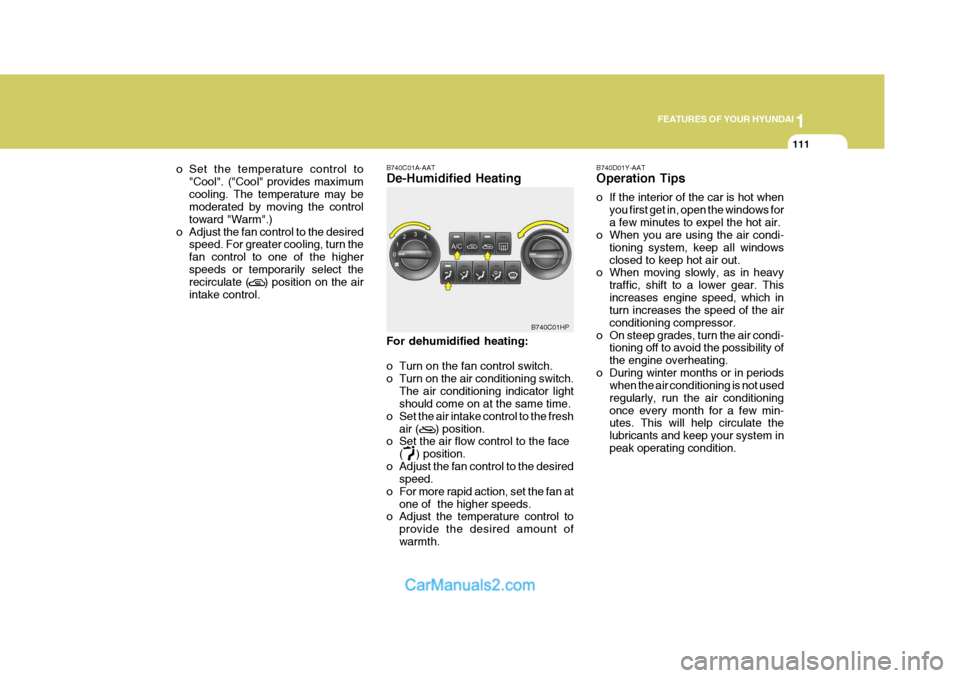
o Turn on the fan control switch.
o Turn on the air conditioning switch.
The air conditioning indicator light should come on at the same time.
o Set the air intake control to the fresh
air ( ) position.
o Set the air flow control to the face
( ) position.
o Adjust the fan control to the desired speed.
o For more rapid action, set the fan at
one of the higher speeds.
o Adjust the temperature control to
provide the desired amount of warmth.
B740C01HP
B740D01Y-AAT Operation Tips
o If the interior of the car is hot when
you first get in, open the windows for a few minutes to expel the hot air.
o When you are using the air condi-
tioning system, keep all windowsclosed to keep hot air out.
o When moving slowly, as in heavy
traffic, shift to a lower gear. Thisincreases engine speed, which in turn increases the speed of the air conditioning compressor.
o On steep grades, turn the air condi- tioning off to avoid the possibility ofthe engine overheating.
o During winter months or in periods when the air conditioning is not usedregularly, run the air conditioningonce every month for a few min- utes. This will help circulate the lubricants and keep your system inpeak operating condition.
Page 127 of 539
1
FEATURES OF YOUR HYUNDAI
113
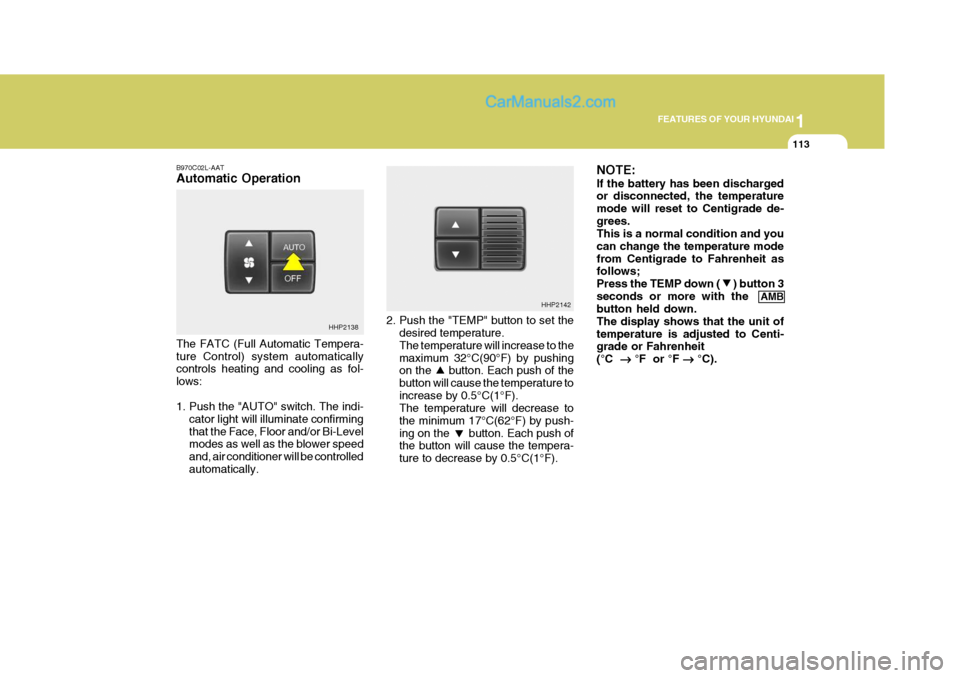
B970C02L-AAT Automatic Operation The FATC (Full Automatic Tempera- ture Control) system automatically controls heating and cooling as fol- lows:
1. Push the "AUTO" switch. The indi-
cator light will illuminate confirming that the Face, Floor and/or Bi-Level modes as well as the blower speed and, air conditioner will be controlledautomatically. 2. Push the "TEMP" button to set the
desired temperature. The temperature will increase to the maximum 32°C(90°F) by pushing on the button. Each push of the button will cause the temperature toincrease by 0.5°C(1°F). The temperature will decrease to the minimum 17°C(62°F) by push-ing on the button. Each push of the button will cause the tempera- ture to decrease by 0.5°C(1°F). NOTE: If the battery has been discharged or disconnected, the temperature mode will reset to Centigrade de-grees. This is a normal condition and you can change the temperature modefrom Centigrade to Fahrenheit as follows; Press the TEMP down ( ) button 3seconds or more with the
AMB
button held down.The display shows that the unit oftemperature is adjusted to Centi- grade or Fahrenheit (°C
°F or °F
°C).
HHP2138 HHP2142
Page 129 of 539
1
FEATURES OF YOUR HYUNDAI
115
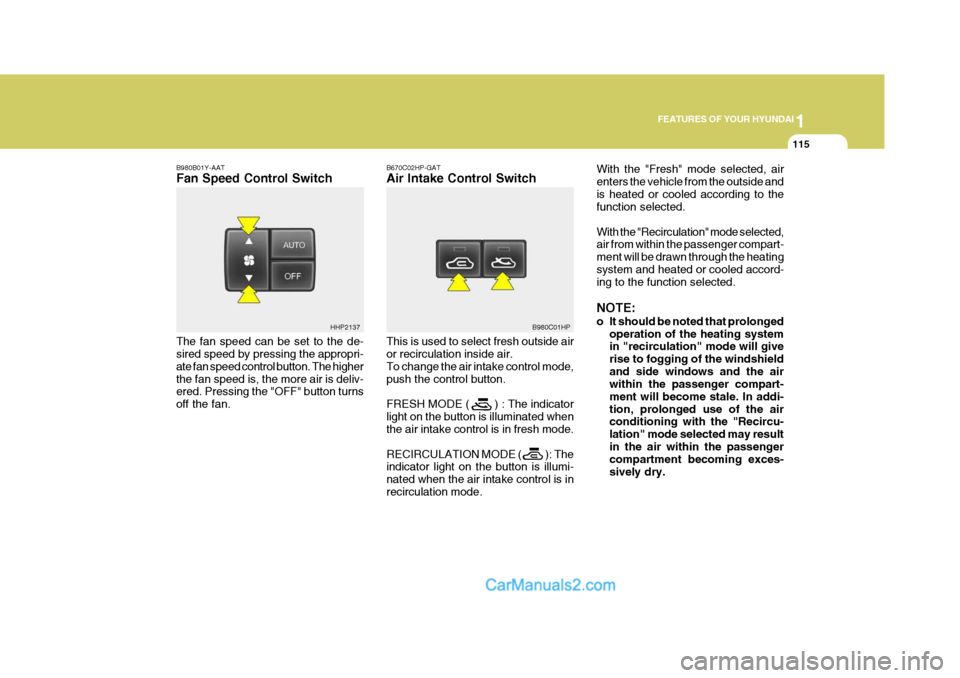
B980B01Y-AAT Fan Speed Control Switch The fan speed can be set to the de- sired speed by pressing the appropri- ate fan speed control button. The higherthe fan speed is, the more air is deliv- ered. Pressing the "OFF" button turns off the fan. B670C02HP-GAT Air Intake Control Switch This is used to select fresh outside air or recirculation inside air. To change the air intake control mode,push the control button. FRESH MODE ( ) : The indicator light on the button is illuminated when the air intake control is in fresh mode. RECIRCULATION MODE ( ): The indicator light on the button is illumi- nated when the air intake control is inrecirculation mode.With the "Fresh" mode selected, airenters the vehicle from the outside andis heated or cooled according to the function selected. With the "Recirculation" mode selected, air from within the passenger compart- ment will be drawn through the heatingsystem and heated or cooled accord- ing to the function selected. NOTE:
o It should be noted that prolonged
operation of the heating system in "recirculation" mode will give rise to fogging of the windshieldand side windows and the air within the passenger compart- ment will become stale. In addi-tion, prolonged use of the air conditioning with the "Recircu- lation" mode selected may resultin the air within the passenger compartment becoming exces- sively dry.
HHP2137
B980C01HP
Page 130 of 539
1FEATURES OF YOUR HYUNDAI
116
o When the ignition switch is
turned "ON", the air intake con- trol will change to ( ) mode (regardless of the switch posi- tion). This is normal operation.The air intake control operates in "AUTO" mode when turning the ignition to the "ON" positionif the "AUTO" mode was used before shutting off the engine.
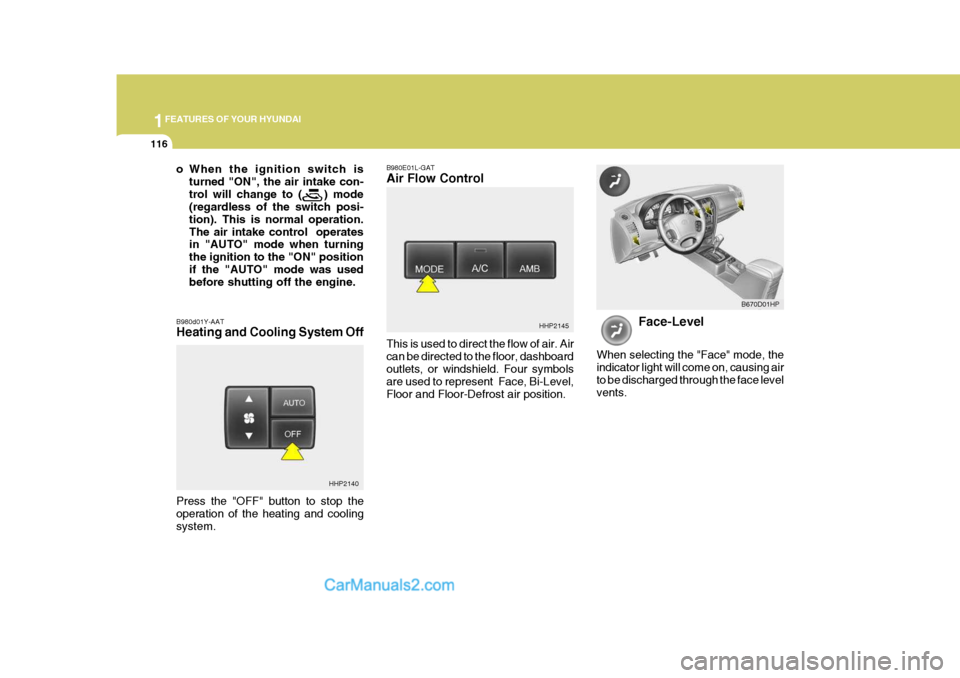
B980d01Y-AAT Heating and Cooling System Off B980E01L-GAT Air Flow Control This is used to direct the flow of air. Air can be directed to the floor, dashboardoutlets, or windshield. Four symbols are used to represent Face, Bi-Level, Floor and Floor-Defrost air position.
HHP2145
Face-Level
When selecting the "Face" mode, the indicator light will come on, causing airto be discharged through the face level vents. B670D01HP
HHP2140
Press the "OFF" button to stop the operation of the heating and coolingsystem.
Page 131 of 539
1
FEATURES OF YOUR HYUNDAI
117
Bi-Level
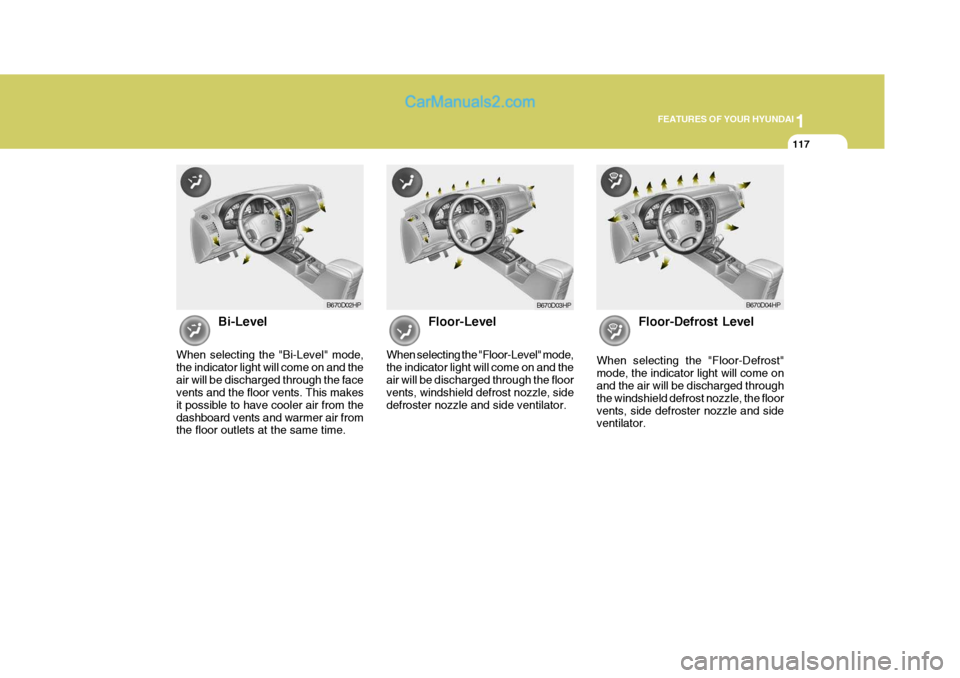
When selecting the "Bi-Level" mode, the indicator light will come on and theair will be discharged through the face vents and the floor vents. This makes it possible to have cooler air from thedashboard vents and warmer air from the floor outlets at the same time. Floor-Level
When selecting the "Floor-Level" mode, the indicator light will come on and theair will be discharged through the floor vents, windshield defrost nozzle, side defroster nozzle and side ventilator. Floor-Defrost Level
When selecting the "Floor-Defrost"mode, the indicator light will come on and the air will be discharged through the windshield defrost nozzle, the floorvents, side defroster nozzle and side ventilator.
B670D02HP B670D04HPB670D03HP
Page 153 of 539
1
FEATURES OF YOUR HYUNDAI
139CARE OF CASSETTE TAPES
B860A01A-AAT
B860A01HP
B860A01L
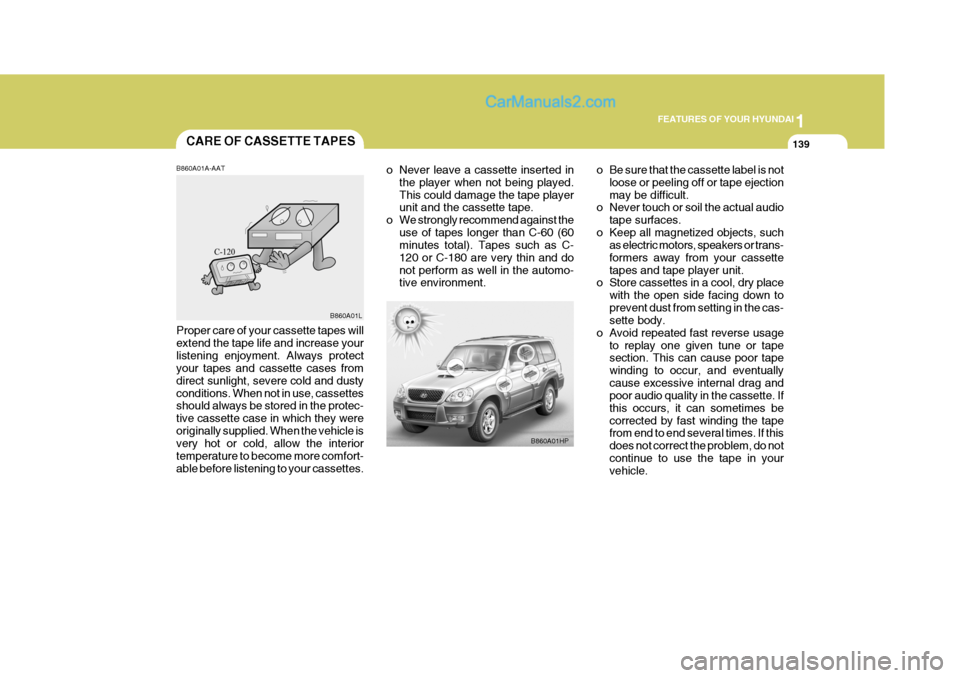
Proper care of your cassette tapes will extend the tape life and increase yourlistening enjoyment. Always protect your tapes and cassette cases from direct sunlight, severe cold and dustyconditions. When not in use, cassettes should always be stored in the protec- tive cassette case in which they wereoriginally supplied. When the vehicle is very hot or cold, allow the interior temperature to become more comfort-able before listening to your cassettes. o Never leave a cassette inserted in
the player when not being played.This could damage the tape player unit and the cassette tape.
o We strongly recommend against the
use of tapes longer than C-60 (60minutes total). Tapes such as C- 120 or C-180 are very thin and donot perform as well in the automo- tive environment. o Be sure that the cassette label is not
loose or peeling off or tape ejection may be difficult.
o Never touch or soil the actual audio
tape surfaces.
o Keep all magnetized objects, such as electric motors, speakers or trans-formers away from your cassettetapes and tape player unit.
o Store cassettes in a cool, dry place
with the open side facing down toprevent dust from setting in the cas- sette body.
o Avoid repeated fast reverse usage to replay one given tune or tapesection. This can cause poor tape winding to occur, and eventuallycause excessive internal drag and poor audio quality in the cassette. If this occurs, it can sometimes becorrected by fast winding the tape from end to end several times. If this does not correct the problem, do notcontinue to use the tape in your vehicle.
Page 158 of 539
2
DRIVING YOUR HYUNDAI
3
!
TO START THE ENGINEBEFORE STARTING THE ENGINE
C020A01A-AAT Before you start the engine, you should always:
1. Look around the vehicle to be sure
there are no flat tires, puddles of oil, water or other indications of possible trouble.
2. After entering the car, check to be sure the parking brake is engaged.
3. Check that all windows, and lights are clean.
4. Check that the interior and exterior
mirrors are clean and in position.
5. Check your seat, seatback and headrest to be sure they are in theirproper positions.
6. Lock all the doors.
7. Fasten your seat belt and be sure
that all other occupants have fas- tened theirs.
8. Turn off all lights and accessories
that are not needed.
9. When you turn the ignition switch to "ON", check that all appropriatewarning lights are operating andthat you have sufficient fuel.
10. Check the operation of warning
lights and all bulbs when key is inthe "ON" position. C030A01HP-GAT Combination Ignition Switch
o If your Hyundai is equipped with a
manual transmission, place the shift lever in neutral and depress the clutch pedal fully.
o If your Hyundai has an automatic transmission, place the shift lever in"P" (park).
o To start the engine, insert the igni- tion key and turn it to the "START"position. Release it as soon as the engine starts. Do not hold the key inthe "START" position for more than 15 seconds.
NOTE: For safety, the engine will not start if the shift lever is not in "P" or "N" Position (Automatic Transmission).
WARNING:
Your vehicle is equipped with tires designed to provide for safe ride and handling capability.Do not use a size and type of tire and wheel that is different from the one that was originally installed onyour vehicle. It can affect the safety and performance of your vehicle, which could lead to handling fail-ure or rollover and serious injury. When replacing the tires, be sure to equip all four tires with the tire andwheel of the same size, type, tread, brand and load-carrying capacity. If you nevertheless decide to equipyour vehicle with any tire/wheel combination not recommended by Hyundai for off-road driving, youshould not use these tires for high- way driving.