air INFINITI FX35 2004 Service Manual
[x] Cancel search | Manufacturer: INFINITI, Model Year: 2004, Model line: FX35, Model: INFINITI FX35 2004Pages: 4449, PDF Size: 99.66 MB
Page 743 of 4449
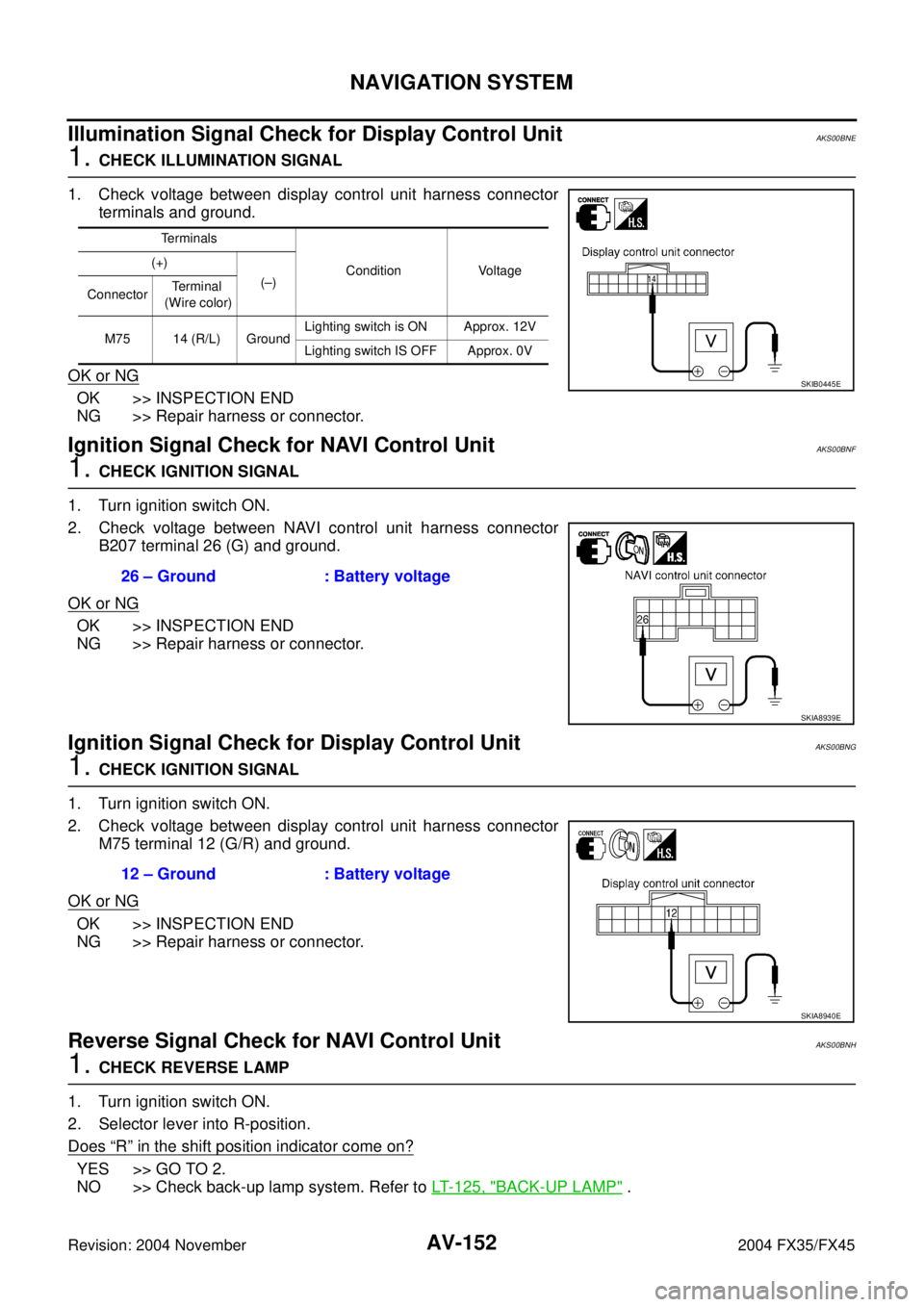
AV-152
NAVIGATION SYSTEM
Revision: 2004 November 2004 FX35/FX45
Illumination Signal Check for Display Control Unit AKS00BNE
1. CHECK ILLUMINATION SIGNAL
1. Check voltage between display control unit harness connector
terminals and ground.
OK or NG
OK >> INSPECTION END
NG >> Repair harness or connector.
Ignition Signal Check for NAVI Control UnitAKS00BNF
1. CHECK IGNITION SIGNAL
1. Turn ignition switch ON.
2. Check voltage between NAVI control unit harness connector
B207 terminal 26 (G) and ground.
OK or NG
OK >> INSPECTION END
NG >> Repair harness or connector.
Ignition Signal Check for Display Control UnitAKS00BNG
1. CHECK IGNITION SIGNAL
1. Turn ignition switch ON.
2. Check voltage between display control unit harness connector
M75 terminal 12 (G/R) and ground.
OK or NG
OK >> INSPECTION END
NG >> Repair harness or connector.
Reverse Signal Check for NAVI Control UnitAKS00BNH
1. CHECK REVERSE LAMP
1. Turn ignition switch ON.
2. Selector lever into R-position.
Does
“R” in the shift position indicator come on?
YES >> GO TO 2.
NO >> Check back-up lamp system. Refer to LT- 1 2 5 , "
BACK-UP LAMP" .
Terminals
Condition Voltage (+)
(–)
ConnectorTe r m i n a l
(Wire color)
M75 14 (R/L) GroundLighting switch is ON Approx. 12V
Lighting switch IS OFF Approx. 0V
SKIB0445E
26 – Ground : Battery voltage
SKIA8939E
12 – Ground : Battery voltage
SKIA8940E
Page 744 of 4449

NAVIGATION SYSTEM
AV-153
C
D
E
F
G
H
I
J
L
MA
B
AV
Revision: 2004 November 2004 FX35/FX45
2. CHECK REVERSE SIGNAL
1. With the selector lever in R-position, check voltage between
NAVI control unit and ground.
OK or NG
OK >> INSPECTION END
NG >> Repair harness or connector.
Reverse Signal Check for Display Control UnitAKS00BNI
1. CHECK REVERSE LAMP
1. Turn ignition switch ON.
2. Selector lever into R-position.
Does
“R” in the shift position indicator come on?
YES >> GO TO 2.
NO >> Check back-up lamp system. Refer to LT- 1 2 5 , "
BACK-UP LAMP" .
2. CHECK REVERSE SIGNAL
1. With the selector lever in R-position, check voltage between dis-
play control unit and ground.
OK or NG
OK >> INSPECTION END
NG >> Repair harness or cnnector.
When Malfunctioning Connection Between Display Control Unit and NAVI Con-
trol Unit
AKS00BNJ
1. CHECK NAVI CONTROL UNIT POWER SUPPLY AND GROUND CIRCUIT
1. Check NAVI control unit power supply and ground circuit. Refer to AV- 1 4 5 , "
Power Supply and Ground
Circuit Check for NAVI Control Unit" .
OK or NG
OK >> GO TO 2.
NG >> Repair malfunctioning parts.
Terminals
Condition Voltage (+)
(–)
ConnectorTe r m i n a l
(Wire color)
B207 27 (OR) GroundSelect
leverR-position Approx. 12V
Except R-
positionApprox. 0V
SKIA9498E
Terminals
Condition Voltage (+)
(–)
ConnectorTe r m i n a l
(Wire color)
M75 6 (OR) GroundSelect
leverR-position Approx. 12V
Except R-
positionApprox. 0V
SKIA8942E
Page 745 of 4449

AV-154
NAVIGATION SYSTEM
Revision: 2004 November 2004 FX35/FX45
2. CHECK HARNESS
1. Turn ignition switch OFF.
2. Disconnect NAVI control unit connector and display control unit connector.
3. Check continuity between NAVI control unit harness connector
B207 terminals 44 (L), 45(P) and display control unit harness
connector M76 terminals 32 (BR), 34 (Y).
4. Check continuity between NAVI control unit harness connector
B207 terminals 44 (L), 45 (P) and ground.
OK or NG
OK >> GO TO 3.
NG >> Repair harness or connector.
3. SELF-DIAGNOSIS OF DCU
1. Replace NAVI control unit.
2. Connect NAVI control unit connector and display control unit connector.
3. Turn ignition switch ON.
4. Start self-diagnosis of DCU, and check the self-diagnosis result.
OK or NG
OK >> INSPECTION END.
NG >> Replace display control unit.
When Malfunctioning Connection Between Display Control Unit and Audio UnitAKS00BNK
1. CHECK POWER SUPPLY AND GROUND CIRCUIT
Check audio unit power supply and ground circuit. Refer to AV- 3 9 , "
Power Supply Circuit Inspection" .
OK or NG
OK >> GO TO 2.
NG >> Repair malfunctioning parts.
2. CHECK HARNESS
1. Turn ignition switch OFF.
2. Disconnect audio unit connector and display control unit connector.
3. Check continuity between display control unit harness connector
M76 terminals 40 (LG), 42 (B/Y) and audio unit harness connec-
tor M60 terminals 23 (LG), 21 (B/Y).
4. Check continuity between display control unit harness connector
M76 terminals 40 (LG), 42 (B/Y) and ground.
OK or NG
OK >> GO TO 3.
NG >> Repair harness or connector.44 – 32 : Continuity should exist.
45 – 34 : Continuity should exist.
44, 45 – Ground : Continuity should not exist.
PKIA2873E
40 – 23 : Continuity should exist.
42 – 21 : Continuity should exist.
40, 42 – Ground : Continuity shold not exist.
PKIA2875E
Page 747 of 4449

AV-156
NAVIGATION SYSTEM
Revision: 2004 November 2004 FX35/FX45
6. CHECK COMMUNICATION SIGNAL (AUD–DCU)
1. Check signal between display control unit harness connector
M76 terminal 42 (B/Y) and ground with CONSULT-ll or oscillo-
scope.
OK or NG
OK >> Replace display control unit.
NG >> Replace audio unit.
When Malfunctioning Connection Between Display Control Unit and Display AKS00BNL
1. CHECK HARNESS
1. Disconnect display connector and display control unit connector.
2. Check continuity between display control unit harness connector
M76 terminals 36 (PU), 38 (LG) and Display harness connector
M63 terminals 11 (PU), 22 (LG).
3. Check continuity between display control unit harness connector
M76 terminals 36 (PU), 38 (LG) and ground.
OK or NG
OK >> GO TO 2.
NG >> Repair harness or connector.
2. CHECK DISPLAY
1. Connect display connector.
2. Turn ignition switch ON.
3. Check voltage between display control unit harness connector
M76 terminal 36 (PU) and ground.
OK or NG
OK >> GO TO 3.
NG >> Replace display.42 – Ground : Refer to AV- 1 2 3 , "
Terminals
and Reference Value for Dis-
play Control Unit" .
PKIA2879E
36 – 11 : Continuity shold exist.
38 – 22 : Continuity shold exist.
36, 38 – Ground : Continuity shold not exist.
PKIA2880E
36 – Ground : Approx. 4V
PKIA2881E
Page 750 of 4449

NAVIGATION SYSTEM
AV-159
C
D
E
F
G
H
I
J
L
MA
B
AV
Revision: 2004 November 2004 FX35/FX45
2. CHECK 2: DVD-ROM
Check removed DVD-ROM that there are dirt, scratch and warp.
OK or NG
OK >> GO TO 3.
NG >> Replace DVD-ROM map.
3. CHECK 3: DVD-ROM
Insert same DVD-ROM to make sure same diagnosis result is found as last self-diagnosis.
OK or NG
OK >> Replace NAVI control unit.
NG >> Replace DVD-ROM map.
If Connection Between NAVI Control Unit and GPS Antenna is MalfunctioningAKS00BNO
1. CHECK GPS ANTENNA
Check cable for GPS antenna by watching out to see that cable is malfunctioning.
OK or NG
OK >> GO TO 2.
NG >> Replace GPS antenna.
2. CHECK BY REPLACEMENT OF GPS ANTENNA
Replace other functional GPS antenna to try self-diagnosis again.
Result of self-diagnosis; Found same result?
YES >> Replace NAVI control unit.
NO >> Replace GPS antenna.
Color of RGB Image is Not Proper (NAVI Screen Looks Bluish)AKS00BNP
1. CHECK RGB HARNESS
1. Disconnect NAVI control unit connector and display control unit connector.
2. Check continuity between NAVI control unit harness connector terminals and display control unit harness
connector terminals.
3. Check continuity between NAVI control unit harness connector
terminals and ground.
OK or NG
OK >> GO TO 2.
NG >> Repair harness or connector.
Terminals
Continuity NAVI control unit Display control unit
ConnectorTerminal
(Wire color)ConnectorTerminal
(Wire color)
B20818 (R)
M7644 (R/W)
Ye s
17 45
Terminals
Continuity NAVI control unit
Ground Connector Terminal (Wire color)
B20818 (R)
No
17
PKIA2890E
Page 751 of 4449

AV-160
NAVIGATION SYSTEM
Revision: 2004 November 2004 FX35/FX45
2. CHECK RGB SIGNAL
1. Connect NAVI control unit connector and display control unit connector.
2. Turn ignition switch ON.
3. Display “Color bar” by “CONFIRMATION/ADJUSTMENT” mode.
4. Check signal between NAVI control unit harness connector
B208 terminal 18 (R) and 17 with CONSULT-ll or oscilloscope.
OK or NG
OK >> Replace display control unit.
NG >> Replace NAVI control unit.
Color of RGB Image is Not Proper (NAVI Screen Looks Reddish)AKS00BNQ
1. CHECK RGB HARNESS
1. Disconnect NAVI control unit connector and display control unit connector.
2. Check continuity between NAVI control unit harness connector terminals and display control unit harness
connector terminals.
3.
4. Check continuity between NAVI control unit harness connector
terminals and ground.
OK or NG
OK >> GO TO 2.
NG >> Repair harness or connector.18 – 17 : Refer to AV- 1 2 1 , "
Terminals
and Reference Value for
NAVI Control Unit" .
PKIA2891E
Terminals
Continuity NAVI control unit Display control unit
ConnectorTe r m i n a l
(Wire color)ConnectorTerminal
(Wire color)
B20821 (W)
M7646 (R/L)
Ye s
17 45
Terminals
Continuity NAVI control unit
Ground Connector Terminal (Wire color)
B20821 (W)
No
17
PKIA2892E
Page 752 of 4449

NAVIGATION SYSTEM
AV-161
C
D
E
F
G
H
I
J
L
MA
B
AV
Revision: 2004 November 2004 FX35/FX45
2. CHECK RGB SIGNAL
1. Connect NAVI control unit connector and display control unit connector.
2. Turn ignition switch ON.
3. Display “Color bar” by “CONFIRMATION/ADJUSTMENT” mode.
4. Check signal between NAVI control unit harness connector
M208 terminal 21 (W) and 17 with CONSULT-ll or oscilloscope.
OK or NG
OK >> Replace display control unit.
NG >> Replace NAVI control unit.
Color of RGB Image is Not Proper (NAVI Screen Looks Yellowish)AKS00BNR
1. CHECK RGB HARNESS
1. Disconnect NAVI control unit connector and display control unit connector.
2. Check continuity between NAVI control unit harness connector terminals and display control unit harness
connector terminals.
3. Check continuity between NAVI control unit harness connector
terminals and ground.
OK or NG
OK >> GO TO 2.
NG >> Repair harness or connector.21 – 17 : Refer to AV- 1 2 1 , "
Te r m i n a l s
and Reference Value for
NAVI Control Unit" .
PKIA2893E
Terminals
Continuity NAVI control unit Display control unit
ConnectorTerminal
(Wire color)ConnectorTe r m i n a l
(Wire color)
B20815 (B)
M7648 (B)
Ye s
17 45
Terminals
Continuity NAVI control unit
Ground Connector Termianls (Wire color)
B20815 (B)
No
17
PKIA2894E
Page 753 of 4449

AV-162
NAVIGATION SYSTEM
Revision: 2004 November 2004 FX35/FX45
2. CHECK RGB SIGNAL
1. Connect NAVI control unit connector and display control unit connector.
2. Turn ignition switch ON.
3. Display “Color bar” by “CONFIRMATION/ADJUSTMENT” mode.
4. Check signal between NAVI control unit harness connector
M208 terminal 15 (B) and 17 with CONSULT-ll or oscilloscope.
OK or NG
OK >> Replace display control unit.
NG >> Replace NAVI control unit.
Color of RGB Image is Not Proper (All screens Looks Bluish)AKS00BNS
1. CHECK RGB HARNESS
1. Disconnect display control unit connector and display connector.
2. Check continuity between display control unit harness connector terminals and display harness connector
terminals.
3. Check continuity between display control unit harness connector
terminals and ground.
OK or NG
OK >> GO TO 2.
NG >> Repair harness or connector.15 – 17 : Refer to AV- 1 2 1 , "
Terminals
and Reference Value for NAVI
Control Unit" .
PKIA2895E
Te r m i n a l s
Continuity Display control unit Display
ConnectorTerminal
(Wire color)ConnectorTe r m i n a l
(Wire color)
M7650 (L/R)
M6317 (L/R)
Ye s
47 7
Terminals
Continuity Display control unit
Ground Connector Terminal (Wire color)
M7650 (L/R)
No
47
PKIA2896E
Page 754 of 4449

NAVIGATION SYSTEM
AV-163
C
D
E
F
G
H
I
J
L
MA
B
AV
Revision: 2004 November 2004 FX35/FX45
2. CHECK RGB SIGNAL
1. Connect display control unit connector and display connector.
2. Turn ignition switch ON.
3. Display “Color bar” by “CONFIRMATION/ADJUSTMENT” mode.
4. Check signal between display control unit harness connector
M76 terminals 50 (L/R) and 47 with CONSULT-ll or oscilloscope.
OK or NG
OK >> Replace display.
NG >> Replace display control unit.
Color of RGB Image is Not Proper (All Screens Looks Reddish)AKS00BNT
1. CHECK RGB HARNESS
1. Disconnect display control unit connector and display connector.
2. Check continuity between display control unit harness connector terminals and display control unit har-
ness connector terminals.
3. Check continuity between display control unit harness connector
terminals and ground.
OK or NG
OK >> GO TO 2.
NG >> Repair harness or connector.50 – 47 : Refer to AV- 1 2 3 , "
Te r m i n a l s
and Reference Value for Dis-
play Control Unit" .
PKIA2897E
Terminals
Continuity Display control unit Display
ConnectorTerminal
(Wire color)ConnectorTe r m i n a l
(Wire color)
M7652 (L/W)
M636 (L/W)
Ye s
47 7
Terminals
Continuity Display control unit
Ground Connector Terminal
M7652 (L/W)
No
47
PKIA2898E
Page 755 of 4449

AV-164
NAVIGATION SYSTEM
Revision: 2004 November 2004 FX35/FX45
2. CHECK RGB SIGNAL
1. Connect display control unit connector and display connector.
2. Turn ignition switch ON.
3. Display “Color bar” by “CONFIRMATION/ADJUSTMENT” mode.
4. Check signal between display control unit harness connector
M76 terminal 52 (L/W) and 47 with CONSULT-ll or oscilloscope.
OK or NG
OK >> Replace display.
NG >> Replace display control unit.
Color of RGB Image is Not Proper (All Screens Looks Yellowish)AKS00BNU
1. CHECK RGB HARNESS
1. Disconnect display control unit connector and display connector.
2. Check continuity between display control unit harness connector terminals and display harness connector
terminals.
3. Check continuity between display control unit harness connector
terminals and ground.
OK or NG
OK >> GO TO 2.
NG >> Repair harness or connector.52 – 47 : Refer to AV- 1 2 3 , "
Terminals
and Reference Value for Dis-
play Control Unit" .
PKIA2899E
Terminals
Continuity Display control unit Display
ConnectorTerminal
(Wire color)ConnectorTerminal
(Wire color)
M7654 (L)
M6318 (L)
Ye s
47 7
Terminals
Continuity Display control unit
Ground Connector Terminal (Wire color)
M7654 (L)
No
47
PKIA2900E