display JEEP CHEROKEE 2015 KL / 5.G Workshop Manual
[x] Cancel search | Manufacturer: JEEP, Model Year: 2015, Model line: CHEROKEE, Model: JEEP CHEROKEE 2015 KL / 5.GPages: 772, PDF Size: 18.21 MB
Page 327 of 772
UNDERSTANDING YOUR INSTRUMENT PANEL
CONTENTS
!INSTRUMENT PANEL FEATURES..........328
!INSTRUMENT CLUSTER — BASE..........329
!INSTRUMENT CLUSTER — PREMIUM......330
!INSTRUMENT CLUSTER DESCRIPTIONS.....331
!ELECTRONIC VEHICLE INFORMATION CENTER
(EVIC)...............................340
▫Oil Change Reset.....................351
▫EVIC Red Telltales.....................352
▫EVIC Yellow Telltales...................354
▫EVIC Selectable Menu Items.............356
!DRIVER INFORMATION DISPLAY (DID)......362
▫Oil Change Reset.....................374
▫DID Red Telltales......................375
▫DID Yellow Telltales....................378
▫DID Selectable Menu Items..............380
!Uconnect® SETTINGS....................384
▫Buttons On The Faceplate................385
▫Buttons On The Touchscreen..............386
▫Customer Programmable Features/Personal
Settings — Uconnect® 5.0 Settings.........386
4
Page 330 of 772
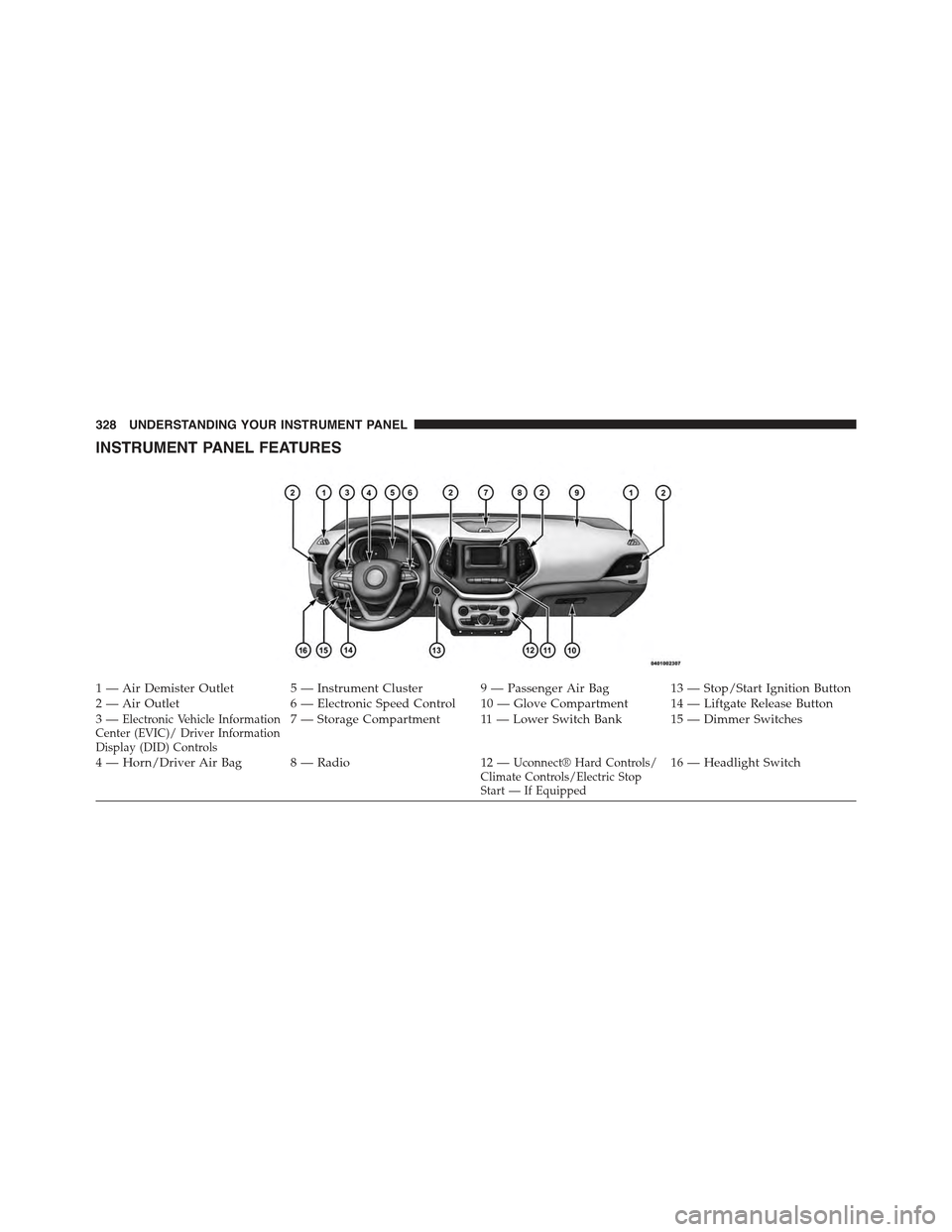
INSTRUMENT PANEL FEATURES
1 — Air Demister Outlet 5 — Instrument Cluster 9 — Passenger Air Bag 13 — Stop/Start Ignition Button2 — Air Outlet 6 — Electronic Speed Control 10 — Glove Compartment 14 — Liftgate Release Button3—Electronic Vehicle InformationCenter (EVIC)/ Driver InformationDisplay (DID) Controls
7—StorageCompartment 11—LowerSwitchBank 15—DimmerSwitches
4—Horn/DriverAirBag 8—Radio 12—Uconnect® Hard Controls/Climate Controls/Electric StopStart — If Equipped
16 — Headlight Switch
328 UNDERSTANDING YOUR INSTRUMENT PANEL
Page 335 of 772
The light also will turn on when the parking brake is
applied with the ignition switch in the ON/RUN posi-
tion.
NOTE:This light shows only that the parking brake is
applied. It does not show the degree of brake application.
If brake failure is indicated, immediate repair is
necessary.
6. Electronic Vehicle Information Center (EVIC) or
Driver Information Display (DID)
The odometer display shows the total distance the ve-
hicle has been driven.
U.S. Federal regulations require that upon transfer of
vehicle ownership, the seller certify to the purchaser the
correct mileage that the vehicle has been driven. If your
odometer needs to be repaired or serviced, the repair
technician should leave the odometer reading the same
as it was before the repair or service. If s/he cannot do so,
then the odometer must be set at zero, and a sticker must
be placed in the door jamb stating what the mileage was
before the repair or service. It is a good idea for you to
make a record of the odometer reading before the repair/
service, so that you can be sure that it is properly reset, or
that the door jamb sticker is accurate if the odometer
must be reset at zero.
When the appropriate conditions exist, this display
shows the EVIC/DID messages. Refer to “Electronic
Vehicle Information Center (EVIC)” or “Driver Informa-
tion Display (DID” as equipped located in “Understand-
ing Your Instrument Panel.”
7. Anti-Lock Brake (ABS) Light
This light monitors the Anti-Lock Brake System
(ABS). The light will turn on when the ignition
switch is turned to the ON/RUN position and
may stay on for as long as four seconds.
4
UNDERSTANDING YOUR INSTRUMENT PANEL 333
Page 336 of 772
If the ABS light remains on or turns on while driving, it
indicates that the Anti-Lock portion of the brake system
is not functioning and that service is required. However,
the conventional brake system will continue to operate
normally if the BRAKE warning light is not on.
If the ABS light is on, the brake system should be serviced
as soon as possible to restore the benefits of Anti-Lock
brakes. If the ABS light does not turn on when the
ignition switch is turned to the ON/RUN position, have
the light inspected by an authorized dealer.
8. ECO Light
This light is activated via hard button on the center stack
to display your driving habits.
9. Electronic Stability Control (ESC) Activation/
Malfunction Indicator Light — If Equipped
The “ESC Activation/Malfunction Indicator
Light” in the instrument cluster will come on
when the ignition switch is turned to the
ON/RUN position. It should go out with the
engine running. If the “ESC Activation/Malfunction In-
dicator Light” comes on continuously with the engine
running, a malfunction has been detected in the ESC
system. If this light remains on after several ignition
cycles, and the vehicle has been driven several miles
(kilometers) at speeds greater than 30 mph (48 km/h), see
your authorized dealer as soon as possible to have the
problem diagnosed and corrected.
334 UNDERSTANDING YOUR INSTRUMENT PANEL
Page 342 of 772
19. Vehicle Security Light
This light will flash rapidly for approximately
15 – seconds when the vehicle security alarm is
arming. The light will flash at a slower speed
continuously after the alarm is set. The security
light will also come on for about three seconds when the
ignition is first turned on.
ELECTRONIC VEHICLE INFORMATION CENTER
(EVIC)
The EVIC displays are located in the center portion of the
cluster and consists of eight sections:1. Electronic Park Brake Failure — If Equipped
This telltale indicates that there is an Electronic
Park Brake Fault. Please see your authorized
dealer for assistance.
340 UNDERSTANDING YOUR INSTRUMENT PANEL
Page 345 of 772
4. EVIC Display Area
The EVIC display area will normally display the main
menu or the screens of a selected feature of the main
menu. The EVIC display area also displays “pop up”
messages that consist of approximately 60 possible warn-
ing or information messages. These pop up messages fall
into several categories:
•Five Second Stored Messages
When the appropriate conditions occur, this type of
message takes control of the main display area for
five seconds and then returns to the previous screen.
Most of the messages of this type are then stored (as
long as the condition that activated it remains active)
and can be reviewed from the “Messages” main
menu item. As long as there is a stored message, an
“i” will be displayed in the EVIC’s compass/outside
temp line. Examples of this message type are “Right
Front Turn Signal Lamp Out” and “Low Tire Pres-
sure”.
•Unstored Messages
This message type is displayed indefinitely or until
the condition that activated the message is cleared.
Examples of this message type are “Turn Signal On”
(if a turn signal is left on) and “Lights On” (if driver
leaves the vehicle).
•Unstored Messages Until RUN
These messages deal primarily with the Remote Start
feature. This message type is displayed until the
ignition is in the RUN state. Examples of this message
type are “Remote Start Aborted - Door Ajar” and
“Press Brake Pedal and Push Button to Start”.
•Five Second Unstored Messages
When the appropriate conditions occur, this type of
message takes control of the main display area for
five seconds and then returns to the previous screen.
An example of this message type is “Automatic High
Beams On”.
4
UNDERSTANDING YOUR INSTRUMENT PANEL 343
Page 346 of 772
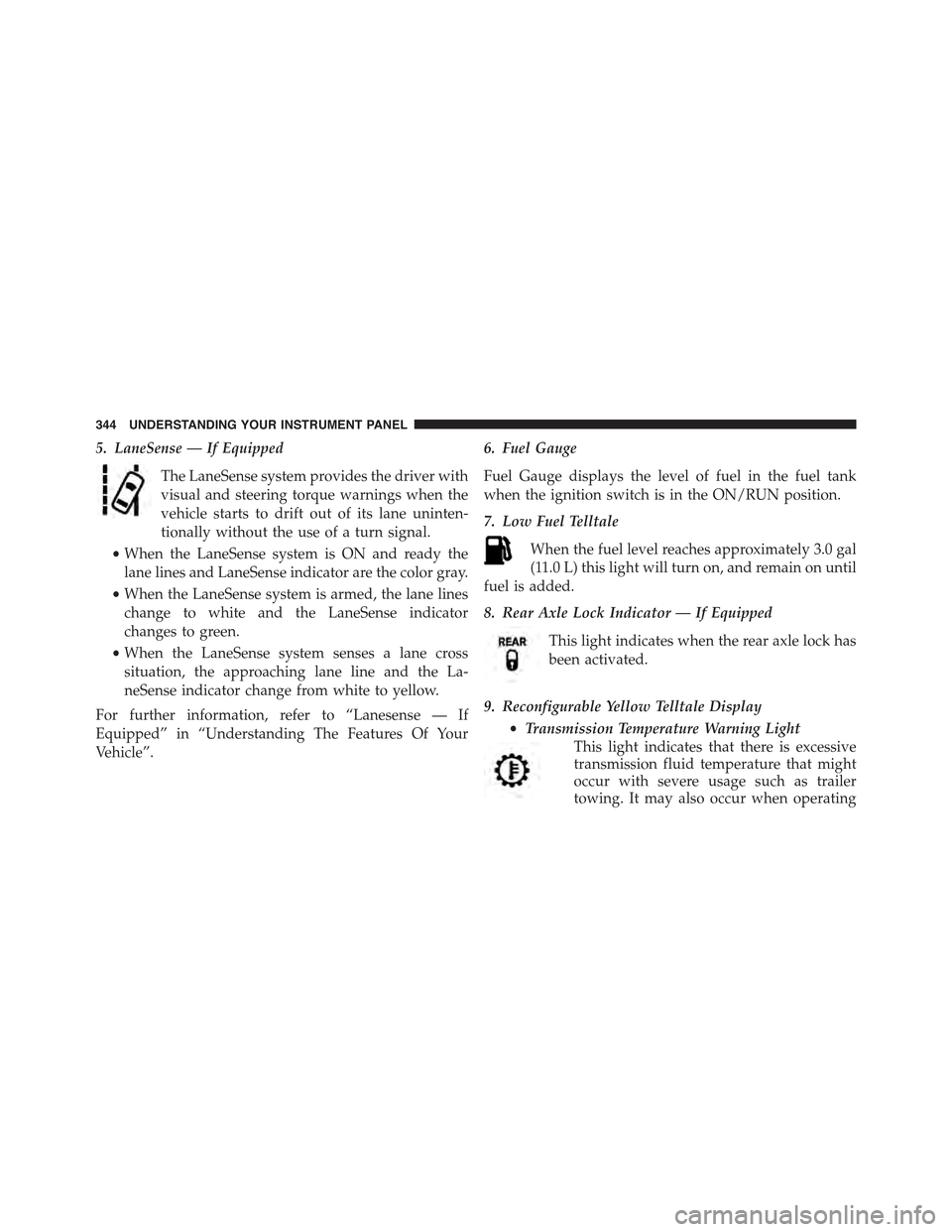
5. LaneSense — If Equipped
The LaneSense system provides the driver with
visual and steering torque warnings when the
vehicle starts to drift out of its lane uninten-
tionally without the use of a turn signal.
•When the LaneSense system is ON and ready the
lane lines and LaneSense indicator are the color gray.
•When the LaneSense system is armed, the lane lines
change to white and the LaneSense indicator
changes to green.
•When the LaneSense system senses a lane cross
situation, the approaching lane line and the La-
neSense indicator change from white to yellow.
For further information, refer to “Lanesense — If
Equipped” in “Understanding The Features Of Your
Vehicle”.
6. Fuel Gauge
Fuel Gauge displays the level of fuel in the fuel tank
when the ignition switch is in the ON/RUN position.
7. Low Fuel Telltale
When the fuel level reaches approximately 3.0 gal
(11.0 L) this light will turn on, and remain on until
fuel is added.
8. Rear Axle Lock Indicator — If Equipped
This light indicates when the rear axle lock has
been activated.
9. Reconfigurable Yellow Telltale Display
•Transmission Temperature Warning Light
This light indicates that there is excessive
transmission fluid temperature that might
occur with severe usage such as trailer
towing. It may also occur when operating
344 UNDERSTANDING YOUR INSTRUMENT PANEL
Page 348 of 772
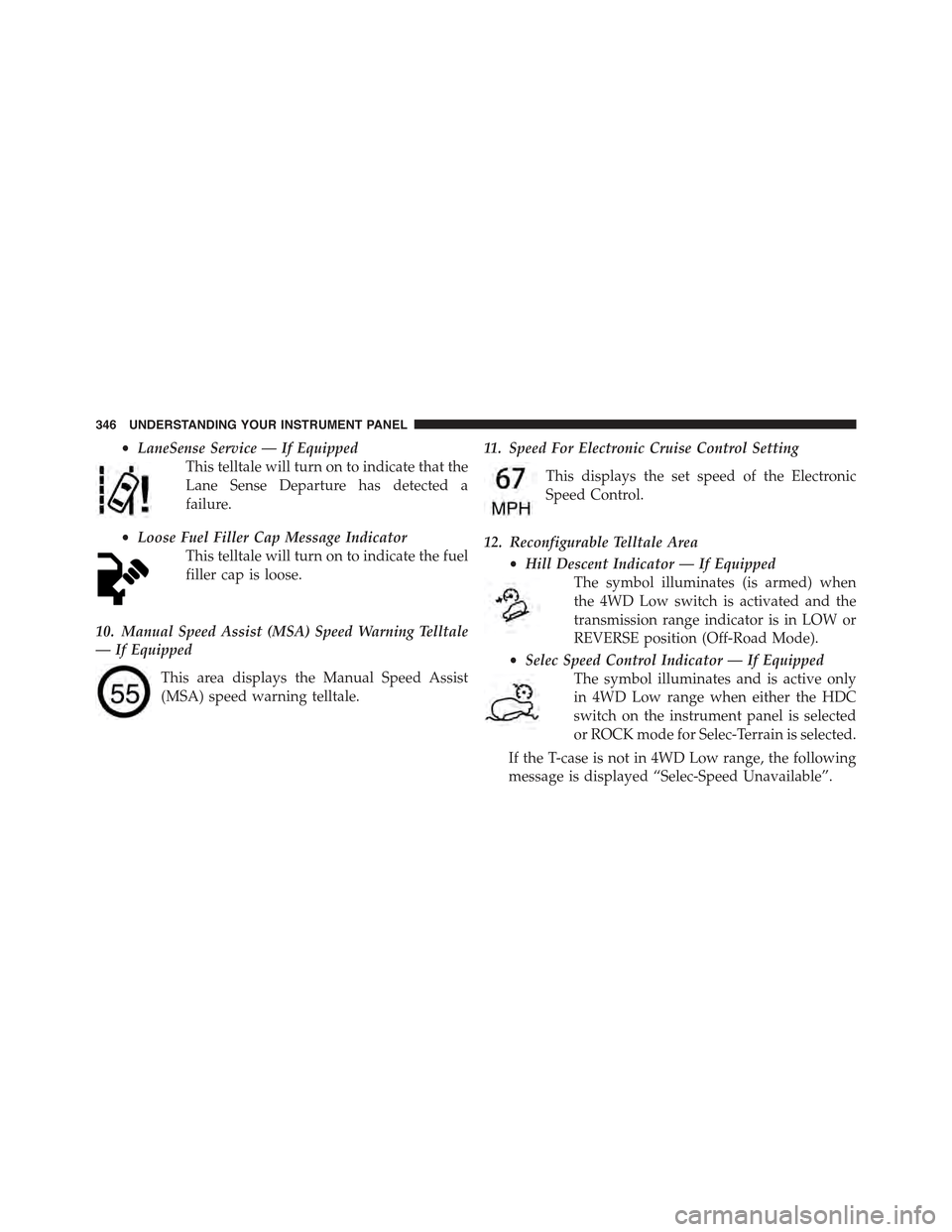
•LaneSense Service — If Equipped
This telltale will turn on to indicate that the
Lane Sense Departure has detected a
failure.
•Loose Fuel Filler Cap Message Indicator
This telltale will turn on to indicate the fuel
filler cap is loose.
10. Manual Speed Assist (MSA) Speed Warning Telltale
— If Equipped
This area displays the Manual Speed Assist
(MSA) speed warning telltale.
11. Speed For Electronic Cruise Control Setting
This displays the set speed of the Electronic
Speed Control.
12. Reconfigurable Telltale Area
•Hill Descent Indicator — If Equipped
The symbol illuminates (is armed) when
the 4WD Low switch is activated and the
transmission range indicator is in LOW or
REVERSE position (Off-Road Mode).
•Selec Speed Control Indicator — If Equipped
The symbol illuminates and is active only
in 4WD Low range when either the HDC
switch on the instrument panel is selected
or ROCK mode for Selec-Terrain is selected.
If the T-case is not in 4WD Low range, the following
message is displayed “Selec-Speed Unavailable”.
346 UNDERSTANDING YOUR INSTRUMENT PANEL
Page 349 of 772
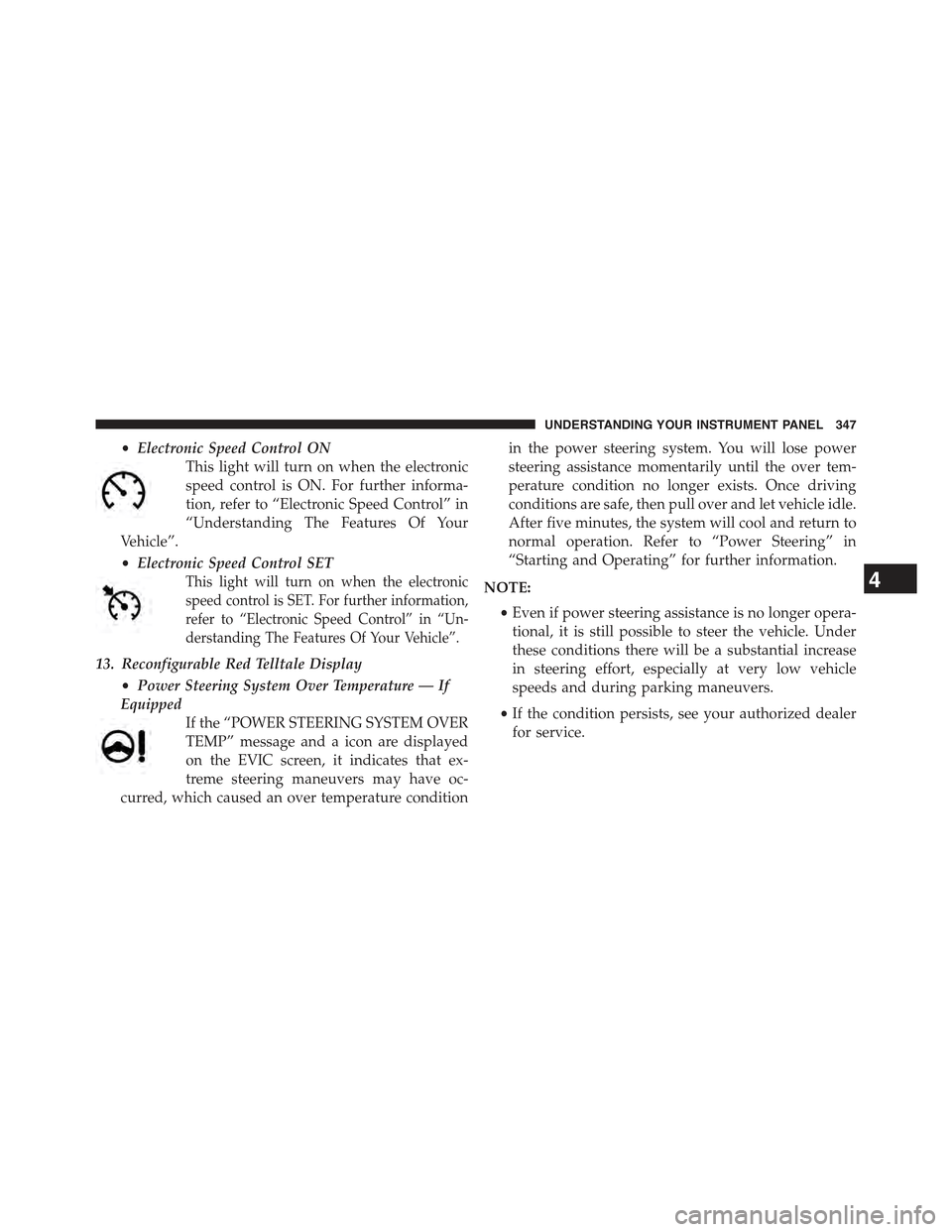
•Electronic Speed Control ON
This light will turn on when the electronic
speed control is ON. For further informa-
tion, refer to “Electronic Speed Control” in
“Understanding The Features Of Your
Vehicle”.
•Electronic Speed Control SET
This light will turn on when the electronic
speed control is SET. For further information,
refer to “Electronic Speed Control” in “Un-
derstanding The Features Of Your Vehicle”.
13. Reconfigurable Red Telltale Display
•Power Steering System Over Temperature — If
Equipped
If the “POWER STEERING SYSTEM OVER
TEMP” message and a icon are displayed
on the EVIC screen, it indicates that ex-
treme steering maneuvers may have oc-
curred, which caused an over temperature condition
in the power steering system. You will lose power
steering assistance momentarily until the over tem-
perature condition no longer exists. Once driving
conditions are safe, then pull over and let vehicle idle.
After five minutes, the system will cool and return to
normal operation. Refer to “Power Steering” in
“Starting and Operating” for further information.
NOTE:
•Even if power steering assistance is no longer opera-
tional, it is still possible to steer the vehicle. Under
these conditions there will be a substantial increase
in steering effort, especially at very low vehicle
speeds and during parking maneuvers.
•If the condition persists, see your authorized dealer
for service.
4
UNDERSTANDING YOUR INSTRUMENT PANEL 347
Page 353 of 772
WARNING!(Continued)
Vehicle”. Follow the warnings under the Cooling
System Pressure Cap paragraph.
Oil Change Reset
Oil Change Due
Your vehicle is equipped with an engine oil change
indicator system. The “Oil Change Due” message will
display in the EVIC for five seconds after a single chime
has sounded, to indicate the next scheduled oil change
interval. The engine oil change indicator system is duty
cycle based, which means the engine oil change interval
may fluctuate, dependent upon your personal driving
style.
Unless reset, this message will continue to display each
time you turn the ignition is cycled to the ON/RUN
position. To turn off the message temporarily, push and
release the OK button. To reset the oil change indicator
system (after performing the scheduled maintenance)
refer to the following procedure.
1. Without pushing the brake pedal, push the ENGINE
START/STOP button and cycle the ignition to the
ON/RUN position (do not start the engine.)
2. Fully push the accelerator pedal, slowly, three times
within 10 seconds.
3. Without pushing the brake pedal, push the ENGINE
START/STOP button once to return the ignition to the
OFF/LOCK position.
NOTE:If the indicator message illuminates when you
start the vehicle, the oil change indicator system did not
reset. If necessary, repeat this procedure.
4
UNDERSTANDING YOUR INSTRUMENT PANEL 351