display JEEP CHEROKEE 2015 KL / 5.G Repair Manual
[x] Cancel search | Manufacturer: JEEP, Model Year: 2015, Model line: CHEROKEE, Model: JEEP CHEROKEE 2015 KL / 5.GPages: 772, PDF Size: 18.21 MB
Page 359 of 772
Speedometer
Push and release the UP or DOWN arrow
button until the Speedometer Menu item is
highlighted in the EVIC. Push the OK button to
change the speedometer scale from mph
to km/h (or vice versa).
Vehicle Info (Customer Information Features)
Push and release the UP or DOWN arrow button until
the Vehicle Info Menu item is highlighted in the EVIC.
Push and release the RIGHT/LEFT arrow button to cycle
through the Vehicle Info sub-menus, follow the prompts
on each screen as needed.
Tire Pressure
Push and release the UP or DOWN arrow button until
“Tire Pressure” is highlighted in the EVIC. Push and
release the RIGHT arrow button and one of the following
will be displayed:
If tire pressure is OK for all tires a vehicle ICON is displayed
with tire pressure values in each corner of the ICON.
If one or more tires have low pressure, “Inflate Tire To
XX” is displayed with the vehicle ICON and the tire
pressure values in each corner of the ICON with the
pressure value of the low tire displayed in a different
color than the other tire pressure value.
If the Tire Pressure system requires service, “Service Tire
Pressure System” is displayed.
Tire PSI is an information only function and cannot be
reset. Push and release the LEFT arrow button to return
to the main menu.
4
UNDERSTANDING YOUR INSTRUMENT PANEL 357
Page 360 of 772
Refer to “Tire Pressure Monitoring System (TPMS)”
under “Starting and Operating” for further information.
Coolant Temperature
Transmission Temp
Oil Temp
Oil Life
Battery Voltage
Driver Assist
Adaptive Cruise Control (ACC) Menu
The EVIC displays the current ACC system settings. The
information displayed depends on ACC system status.
Push the ADAPTIVE CRUISE CONTROL (ACC) ON/
OFF button (located on the steering wheel) until one of
the following displays in the EVIC:
Adaptive Cruise Control Off
When ACC is deactivated, the display will read “Adap-
tive Cruise Control Off.”
Adaptive Cruise Control Ready
When ACC is activated but the vehicle speed setting has
not been selected, the display will read “Adaptive Cruise
Control Ready.”
Push and release the SET + or the SET- button (located on
the steering wheel) and the following will display in the
EVIC:
ACC SET
When ACC is set, the set speed will display in the
instrument cluster.
358 UNDERSTANDING YOUR INSTRUMENT PANEL
Page 361 of 772
The ACC screen may display once again if any ACC
activity occurs, which may include any of the following:
•Distance Setting Change
•System Cancel
•Driver Override
•System Off
•ACC Proximity Warning
•ACC Unavailable Warning
•The DID will return to the last display selected after
five seconds of no ACC display activity.
For further information, refer to “Adaptive Cruise Con-
trol (ACC) — If Equipped” in “Understanding The
Features Of Your Vehicle”.
LaneSense
The EVIC displays the current LaneSense system set-
tings. The information displayed depends on LaneSense
system status and the conditions that need to be met. For
further information, refer to “LaneSense — If Equipped”
in “Understanding The Features Of Your Vehicle”.
Fuel Economy
Push and release the UP or DOWN arrow button until
the Fuel Economy Menu item is highlighted. Push and
Hold the OK button to reset feature.
•Range
•Average Fuel Economy
•Current Fuel Economy (MPG or L/100 km)
4
UNDERSTANDING YOUR INSTRUMENT PANEL 359
Page 362 of 772
Trip Info
Push and release the UP or DOWN arrow button until
the Trip Menu item is highlighted in the EVIC (Toggle left
or right to select Trip A or Trip B). The Trip information
will display the following:
•Distance
•Average Fuel Economy
•Elapsed Time
Hold the OK button to reset feature information.
Audio
Push and release the UP or DOWN arrow button until
the Audio Menu item is highlighted in the EVIC.
Stored Messages
Screen Setup
Push and release the UP or DOWN arrow
button until the Screen Setup Menu item is
highlighted in the EVIC. Push and release the OK button
to enter the sub-menus and follow the prompts on the
screen as needed. The Screen Setup feature allows you to
change what information is displayed in the instrument
cluster as well as the location that information is dis-
played.
360 UNDERSTANDING YOUR INSTRUMENT PANEL
Page 364 of 772
•Trip B
•Audio Information
•None
Restore To Defaults (Restores All Settings To Default
Settings)
•OK
•Cancel
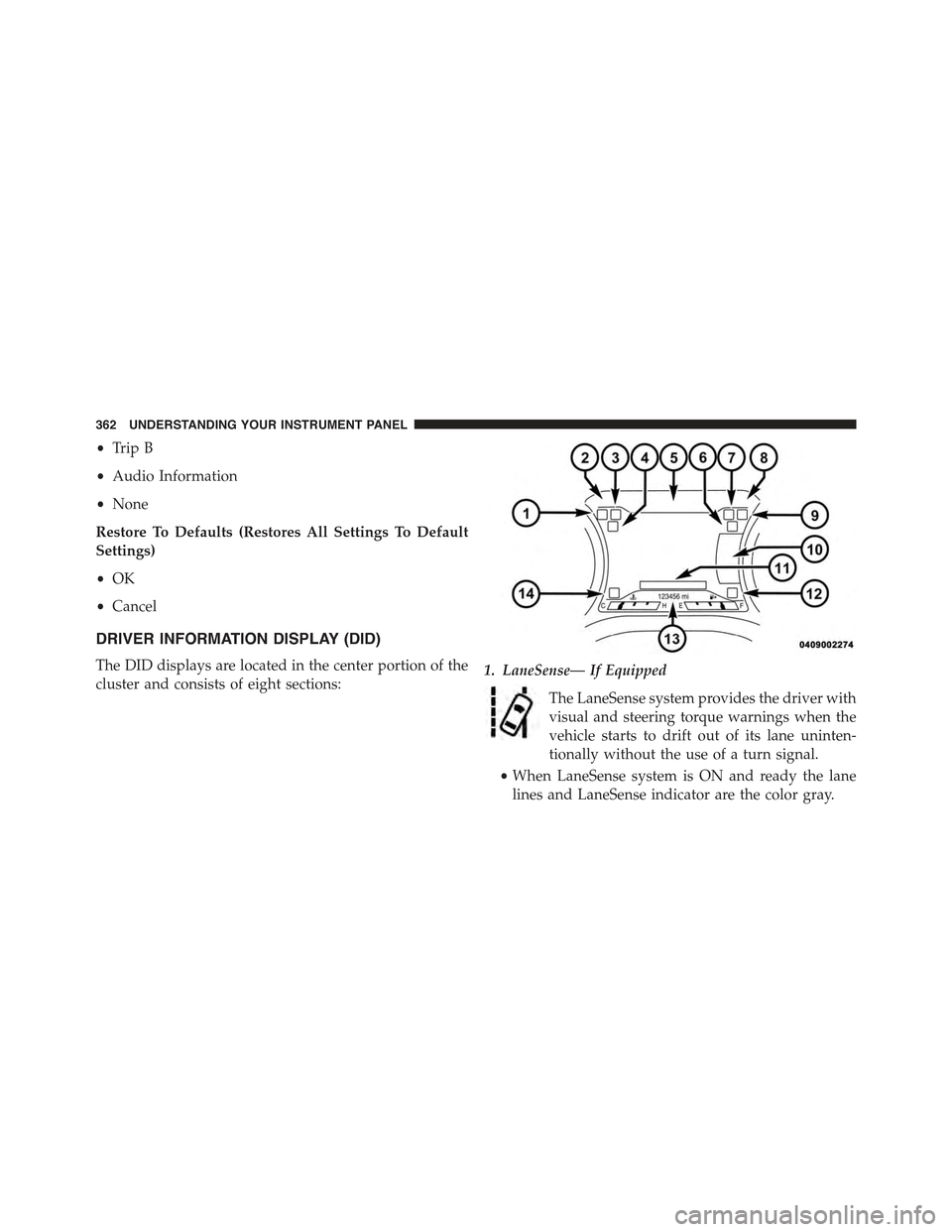
DRIVER INFORMATION DISPLAY (DID)
The DID displays are located in the center portion of the
cluster and consists of eight sections:1. LaneSense— If Equipped
The LaneSense system provides the driver with
visual and steering torque warnings when the
vehicle starts to drift out of its lane uninten-
tionally without the use of a turn signal.
•When LaneSense system is ON and ready the lane
lines and LaneSense indicator are the color gray.
362 UNDERSTANDING YOUR INSTRUMENT PANEL
Page 365 of 772
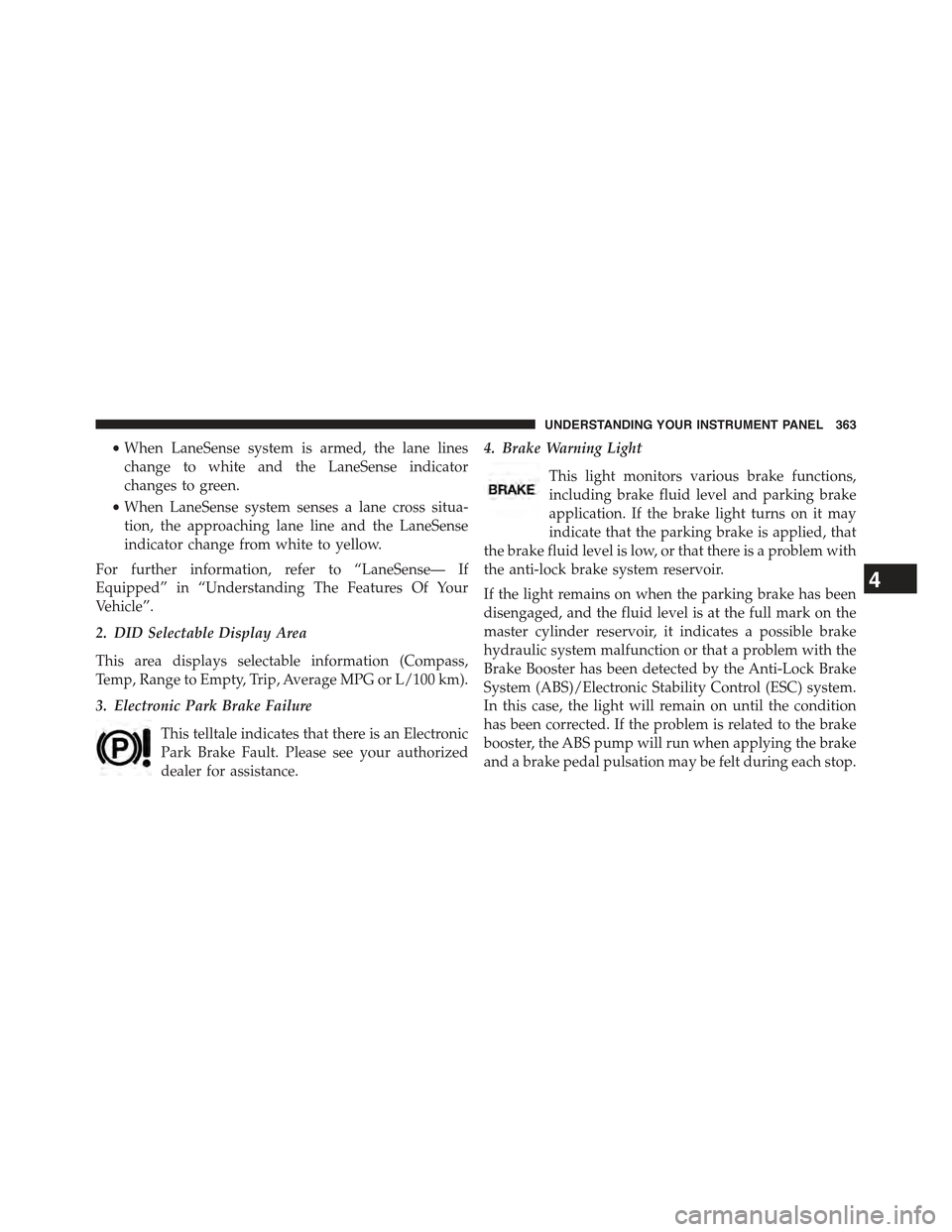
•When LaneSense system is armed, the lane lines
change to white and the LaneSense indicator
changes to green.
•When LaneSense system senses a lane cross situa-
tion, the approaching lane line and the LaneSense
indicator change from white to yellow.
For further information, refer to “LaneSense— If
Equipped” in “Understanding The Features Of Your
Vehicle”.
2. DID Selectable Display Area
This area displays selectable information (Compass,
Temp, Range to Empty, Trip, Average MPG or L/100 km).
3. Electronic Park Brake Failure
This telltale indicates that there is an Electronic
Park Brake Fault. Please see your authorized
dealer for assistance.
4. Brake Warning Light
This light monitors various brake functions,
including brake fluid level and parking brake
application. If the brake light turns on it may
indicate that the parking brake is applied, that
the brake fluid level is low, or that there is a problem with
the anti-lock brake system reservoir.
If the light remains on when the parking brake has been
disengaged, and the fluid level is at the full mark on the
master cylinder reservoir, it indicates a possible brake
hydraulic system malfunction or that a problem with the
Brake Booster has been detected by the Anti-Lock Brake
System (ABS)/Electronic Stability Control (ESC) system.
In this case, the light will remain on until the condition
has been corrected. If the problem is related to the brake
booster, the ABS pump will run when applying the brake
and a brake pedal pulsation may be felt during each stop.
4
UNDERSTANDING YOUR INSTRUMENT PANEL 363
Page 367 of 772
The light also will turn on when the parking brake is
applied with the ignition switch in the ON/RUN posi-
tion.
NOTE:This light shows only that the parking brake is
applied. It does not show the degree of brake application.
5. Driver Information Display (DID)
The DID display area will normally display the main
menu or the screens of a selected feature of the main
menu. The DID display area also displays “pop up”
messages that consist of approximately 60 possible warn-
ing or information messages. These pop up messages fall
into several categories:
•Five Second Stored Messages
When the appropriate conditions occur, this type of
message takes control of the main display area for
five seconds and then returns to the previous screen.
Most of the messages of this type are then stored (as
long as the condition that activated it remains active)
and can be reviewed from the “Messages” main
menu item. As long as there is a stored message, an
“i” will be displayed in the middle of the DID’s top
line. Examples of this message type are “Right Front
Turn Signal Lamp Out” and “Low Tire Pressure”.
•Unstored Messages
This message type is displayed indefinitely or until
the condition that activated the message is cleared.
Examples of this message type are “Turn Signal On”
(if a turn signal is left on) and “Lights On” (if driver
leaves the vehicle).
•Unstored Messages Until RUN
These messages deal primarily with the Remote Start
feature. This message type is displayed until the
ignition is in the RUN state. Examples of this message
type are “Remote Start Aborted - Door Ajar” and
“Press Brake Pedal and Push Button to Start”.
4
UNDERSTANDING YOUR INSTRUMENT PANEL 365
Page 368 of 772
•Five Second Unstored Messages
When the appropriate conditions occur, this type of
message takes control of the main display area for
five seconds and then returns to the previous screen.
An example of this message type is “Automatic High
Beams On”.
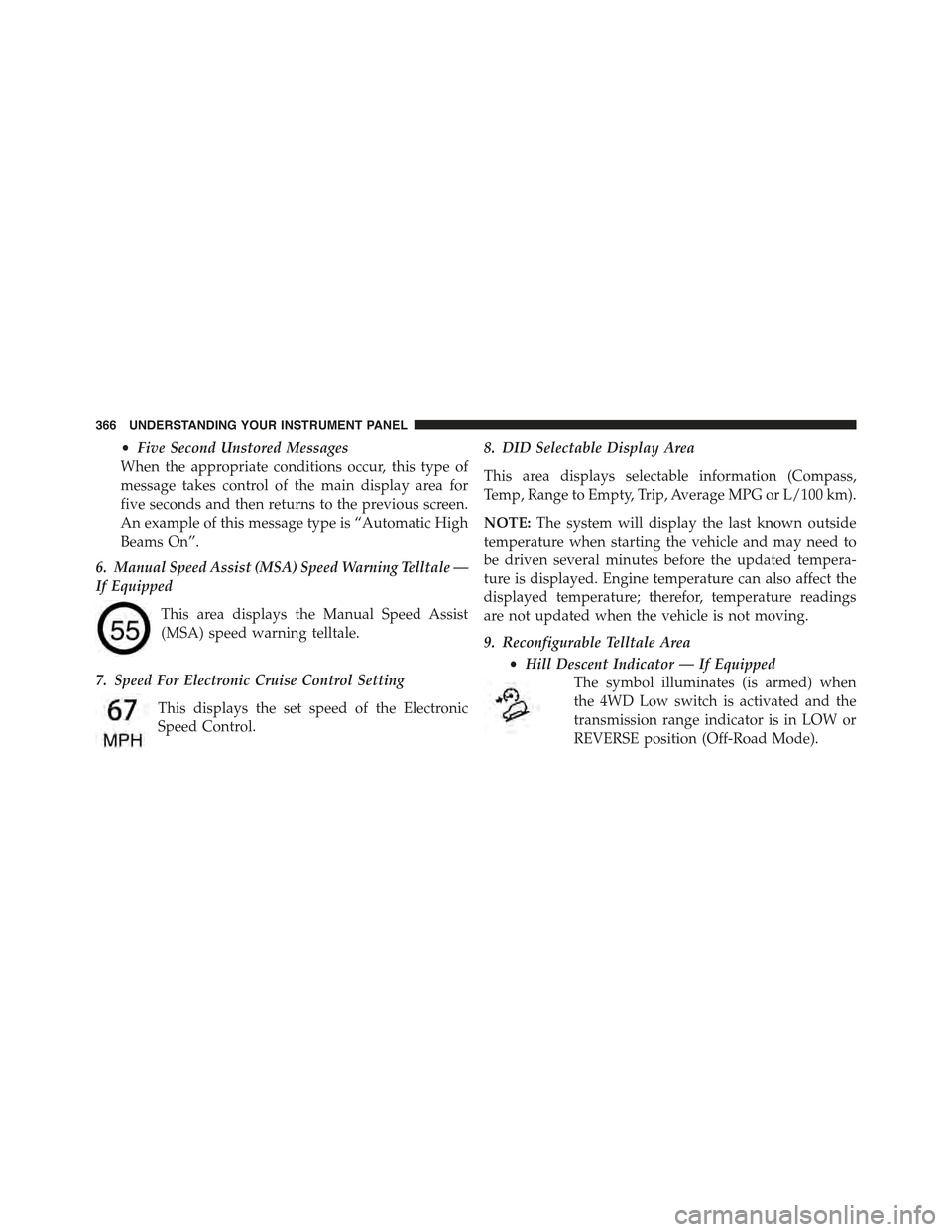
6. Manual Speed Assist (MSA) Speed Warning Telltale —
If Equipped
This area displays the Manual Speed Assist
(MSA) speed warning telltale.
7. Speed For Electronic Cruise Control Setting
This displays the set speed of the Electronic
Speed Control.
8. DID Selectable Display Area
This area displays selectable information (Compass,
Temp, Range to Empty, Trip, Average MPG or L/100 km).
NOTE:The system will display the last known outside
temperature when starting the vehicle and may need to
be driven several minutes before the updated tempera-
ture is displayed. Engine temperature can also affect the
displayed temperature; therefor, temperature readings
are not updated when the vehicle is not moving.
9. Reconfigurable Telltale Area
•Hill Descent Indicator — If Equipped
The symbol illuminates (is armed) when
the 4WD Low switch is activated and the
transmission range indicator is in LOW or
REVERSE position (Off-Road Mode).
366 UNDERSTANDING YOUR INSTRUMENT PANEL
Page 369 of 772
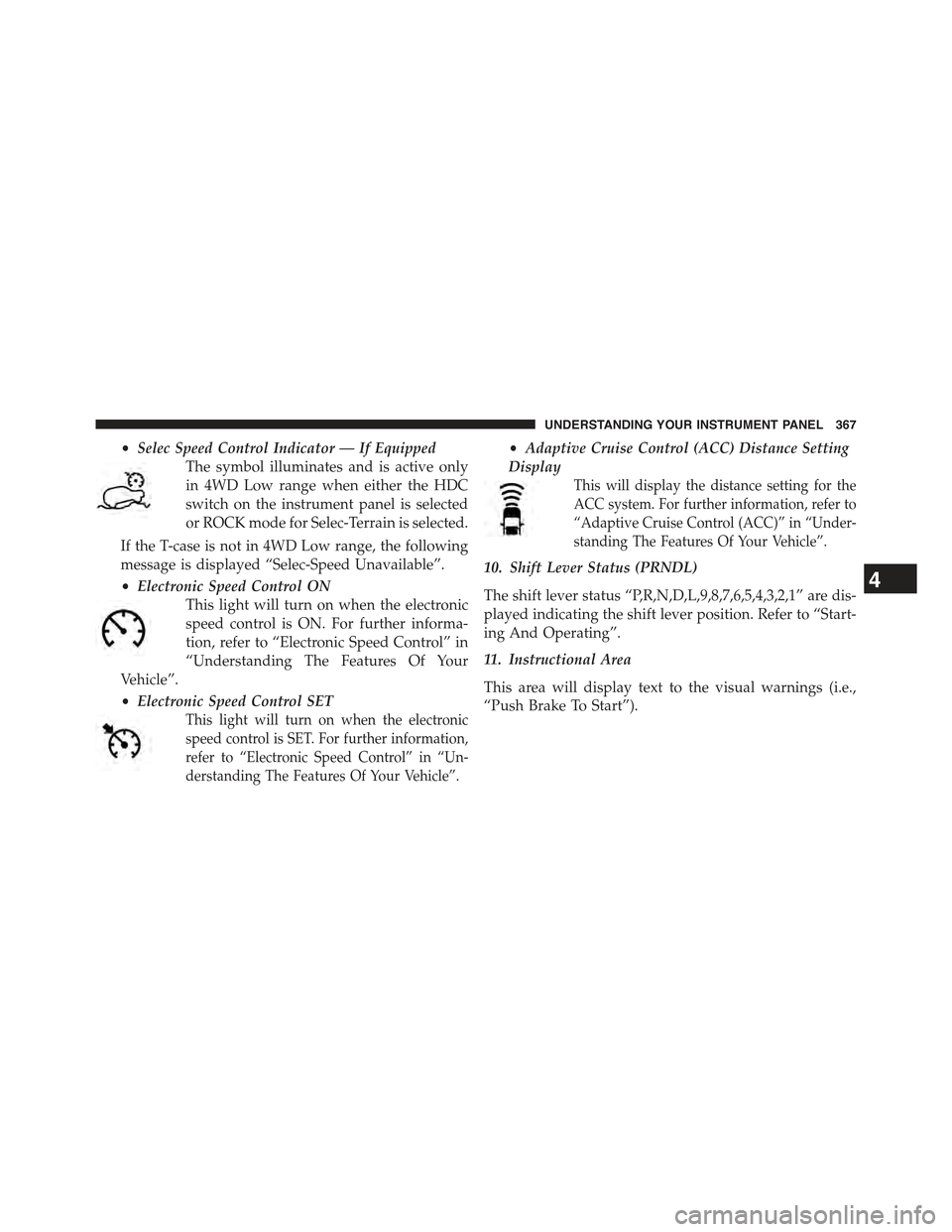
•Selec Speed Control Indicator — If Equipped
The symbol illuminates and is active only
in 4WD Low range when either the HDC
switch on the instrument panel is selected
or ROCK mode for Selec-Terrain is selected.
If the T-case is not in 4WD Low range, the following
message is displayed “Selec-Speed Unavailable”.
•Electronic Speed Control ON
This light will turn on when the electronic
speed control is ON. For further informa-
tion, refer to “Electronic Speed Control” in
“Understanding The Features Of Your
Vehicle”.
•Electronic Speed Control SET
This light will turn on when the electronic
speed control is SET. For further information,
refer to “Electronic Speed Control” in “Un-
derstanding The Features Of Your Vehicle”.
•Adaptive Cruise Control (ACC) Distance Setting
Display
This will display the distance setting for the
ACC system. For further information, refer to
“Adaptive Cruise Control (ACC)” in “Under-
standing The Features Of Your Vehicle”.
10. Shift Lever Status (PRNDL)
The shift lever status “P,R,N,D,L,9,8,7,6,5,4,3,2,1” are dis-
played indicating the shift lever position. Refer to “Start-
ing And Operating”.
11. Instructional Area
This area will display text to the visual warnings (i.e.,
“Push Brake To Start”).
4
UNDERSTANDING YOUR INSTRUMENT PANEL 367
Page 370 of 772
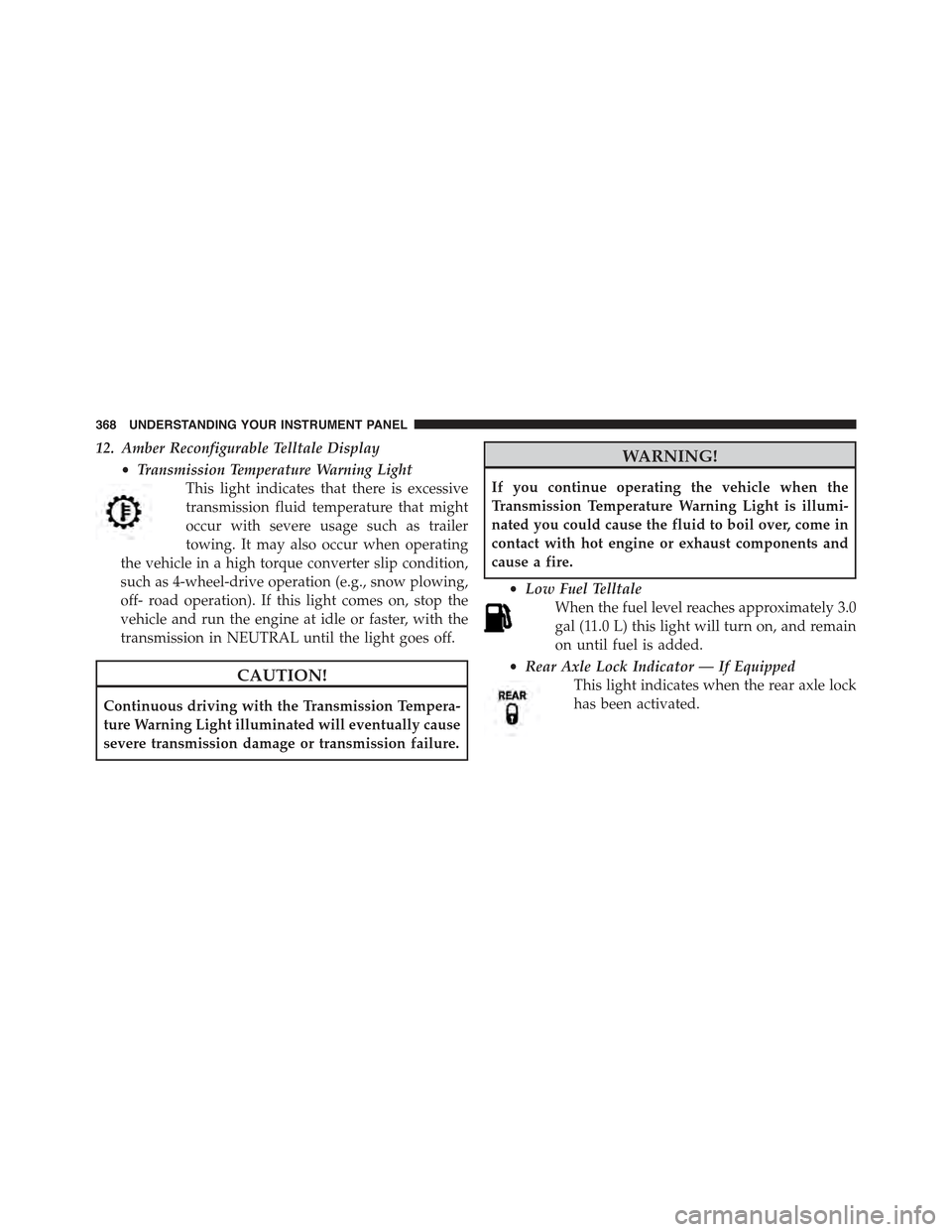
12. Amber Reconfigurable Telltale Display
•Transmission Temperature Warning Light
This light indicates that there is excessive
transmission fluid temperature that might
occur with severe usage such as trailer
towing. It may also occur when operating
the vehicle in a high torque converter slip condition,
such as 4-wheel-drive operation (e.g., snow plowing,
off- road operation). If this light comes on, stop the
vehicle and run the engine at idle or faster, with the
transmission in NEUTRAL until the light goes off.
CAUTION!
Continuous driving with the Transmission Tempera-
ture Warning Light illuminated will eventually cause
severe transmission damage or transmission failure.
WARNING!
If you continue operating the vehicle when the
Transmission Temperature Warning Light is illumi-
nated you could cause the fluid to boil over, come in
contact with hot engine or exhaust components and
cause a fire.
•Low Fuel Telltale
When the fuel level reaches approximately 3.0
gal (11.0 L) this light will turn on, and remain
on until fuel is added.
•Rear Axle Lock Indicator — If Equipped
This light indicates when the rear axle lock
has been activated.
368 UNDERSTANDING YOUR INSTRUMENT PANEL