transmission JEEP GRAND CHEROKEE 2016 WK2 / 4.G User Guide
[x] Cancel search | Manufacturer: JEEP, Model Year: 2016, Model line: GRAND CHEROKEE, Model: JEEP GRAND CHEROKEE 2016 WK2 / 4.GPages: 276, PDF Size: 10.84 MB
Page 3 of 276
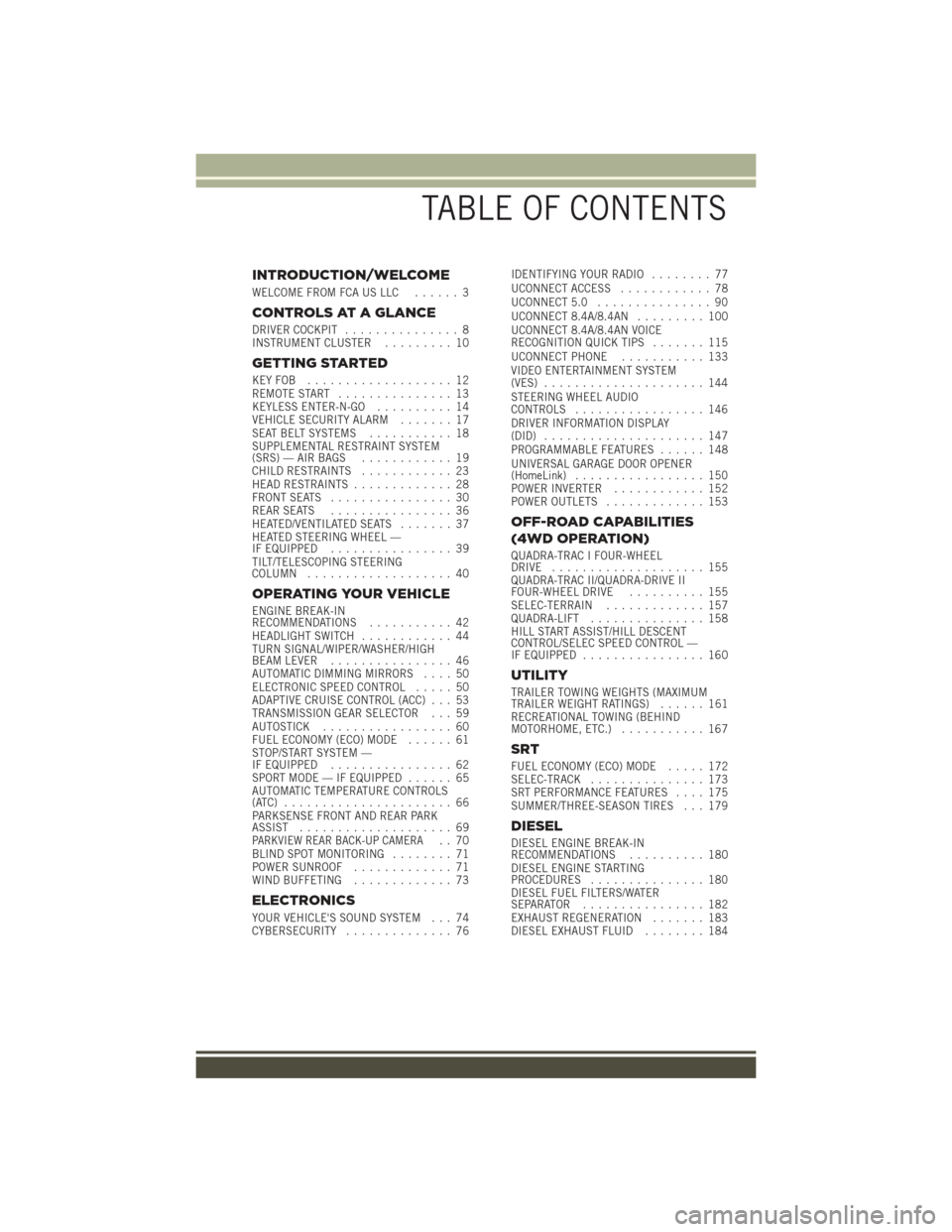
INTRODUCTION/WELCOME
WELCOME FROM FCA US LLC...... 3
CONTROLS AT A GLANCE
DRIVER COCKPIT............... 8
INSTRUMENT CLUSTER ......... 10
GETTING STARTED
KEYFOB ................... 12
REMOTE START............... 13
KEYLESS ENTER-N-GO .......... 14
VEHICLE SECURITY ALARM ....... 17
SEAT BELT SYSTEMS ........... 18
SUPPLEMENTAL RESTRAINT SYSTEM
(SRS) — AIR BAGS ............ 19
CHILD RESTRAINTS ............ 23
HEAD RESTRAINTS ............. 28
FRONT SEATS ................ 30
REAR SEATS ................ 36
HEATED/VENTILATED SEATS ....... 37
HEATED STEERING WHEEL —
IF EQUIPPED ................ 39
TILT/TELESCOPING STEERING
COLUMN ................... 40
OPERATING YOUR VEHICLE
ENGINE BREAK-IN
RECOMMENDATIONS ........... 42
HEADLIGHT SWITCH ............ 44
TURN SIGNAL/WIPER/WASHER/HIGH
BEAM LEVER ................ 46
AUTOMATIC DIMMING MIRRORS .... 50
ELECTRONIC SPEED CONTROL ..... 50
ADAPTIVE CRUISE CONTROL (ACC) . . . 53
TRANSMISSION GEAR SELECTOR . . . 59
AUTOSTICK ................. 60
FUEL ECONOMY (ECO) MODE ...... 61
STOP/START SYSTEM —
IF EQUIPPED ................ 62
SPORT MODE — IF EQUIPPED ...... 65
AUTOMATIC TEMPERATURE CONTROLS
(ATC) ...................... 66
PARKSENSE FRONT AND REAR PARK
ASSIST .................... 69
PARKVIEW REAR BACK-UP CAMERA.. 70
BLIND SPOT MONITORING ........ 71
POWER SUNROOF ............. 71
WIND BUFFETING ............. 73
ELECTRONICS
YOUR VEHICLE'S SOUND SYSTEM . . . 74
CYBERSECURITY.............. 76 IDENTIFYING YOUR RADIO
........ 77
UCONNECT ACCESS ............ 78
UCONNECT 5.0 ............... 90
UCONNECT 8.4A/8.4AN ......... 100
UCONNECT 8.4A/8.4AN VOICE
RECOGNITION QUICK TIPS ....... 115
UCONNECT PHONE ........... 133
VIDEO ENTERTAINMENT SYSTEM
(VES) ..................... 144
STEERING WHEEL AUDIO
CONTROLS ................. 146
DRIVER INFORMATION DISPLAY
(DID) ..................... 147
PROGRAMMABLE FEATURES ...... 148
UNIVERSAL GARAGE DOOR OPENER
(HomeLink) ................. 150
POWER INVERTER ............ 152
POWER OUTLETS ............. 153
OFF-ROAD CAPABILITIES
(4WD OPERATION)
QUADRA-TRAC I FOUR-WHEEL
DRIVE .................... 155
QUADRA-TRAC II/QUADRA-DRIVE II
FOUR-WHEEL DRIVE .......... 155
SELEC-TERRAIN ............. 157
QUADRA-LIFT ............... 158
HILL START ASSIST/HILL DESCENT
CONTROL/SELEC SPEED CONTROL —
IF EQUIPPED ................ 160
UTILITY
TRAILER TOWING WEIGHTS (MAXIMUM
TRAILER WEIGHT RATINGS) ...... 161
RECREATIONAL TOWING (BEHIND
MOTORHOME, ETC.) ........... 167
SRT
FUEL ECONOMY (ECO) MODE ..... 172
SELEC-TRACK ............... 173
SRT PERFORMANCE FEATURES .... 175
SUMMER/THREE-SEASON TIRES . . . 179
DIESEL
DIESEL ENGINE BREAK-IN
RECOMMENDATIONS .......... 180
DIESEL ENGINE STARTING
PROCEDURES ............... 180
DIESEL FUEL FILTERS/WATER
SEPARATOR ................ 182
EXHAUST REGENERATION ....... 183
DIESEL EXHAUST FLUID ........ 184
TABLE OF CONTENTS
Page 6 of 276
VEHICLES SOLD IN CANADA
With respect to any vehicles sold in Canada, the name FCA US LLC shall be deemed
to be deleted and the name FCA Canada Inc. used in substitution (excluding legal
lines).
WARNING!
• Pedals that cannot move freely can cause loss of vehicle control and increasethe risk of serious personal injury.
• Always make sure that objects cannot fall into the driver foot well while the
vehicle is moving. Objects can become trapped under the brake pedal and
accelerator pedal causing a loss of vehicle control.
• Failure to properly follow floor mat installation or mounting can cause inter-
ference with the brake pedal and accelerator pedal operation causing loss of
control of the vehicle.
• Never leave children alone in a vehicle, or with access to an unlocked vehicle.
Allowing children to be in a vehicle unattended is dangerous for a number of
reasons. A child or others could be seriously or fatally injured. Children should
be warned not to touch the parking brake, brake pedal or the transmission gear
selector.
• Do not leave the key fob in or near the vehicle, or in a location accessible to
children. A child could operate power windows, other controls, or move the
vehicle.
• Never use the ‘PARK’ position as a substitute for the parking brake. Always
apply the parking brake fully when parked to guard against vehicle movement
and possible injury or damage.
• Refer to your Owner's Manual on the DVD for further details.
INTRODUCTION/WELCOME
4
Page 8 of 276
WARNING!
• Pedals that cannot move freely can cause loss of vehicle control and increasethe risk of serious personal injury.
• Always make sure that objects cannot fall into the driver foot well while the
vehicle is moving. Objects can become trapped under the brake pedal and
accelerator pedal causing a loss of vehicle control.
• Failure to properly follow floor mat installation or mounting can cause inter-
ference with the brake pedal and accelerator pedal operation causing loss of
control of the vehicle.
• Never use the ‘PARK’ position as a substitute for the parking brake. Always
apply the parking brake fully when parked to guard against vehicle movement
and possible injury or damage.
• When leaving the vehicle, always make sure the keyless ignition node is in the
“OFF” mode, remove the Key Fob from the vehicle and lock the vehicle.
• Never leave children alone in a vehicle, or with access to an unlocked vehicle.
Allowing children to be in a vehicle unattended is dangerous for a number of
reasons. A child or others could be seriously or fatally injured. Children should
be warned not to touch the parking brake, brake pedal or the transmission gear
selector.
• Do not leave the key fob in or near the vehicle, or in a location accessible to
children, and do not leave the ignition of a vehicle equipped with Keyless
Enter-N-Go in the ACC or ON/RUN mode. A child could operate power
windows, other controls, or move the vehicle.
• Refer to your Owner's Manual on the DVD for further details.
INTRODUCTION/WELCOME
6
Page 18 of 276
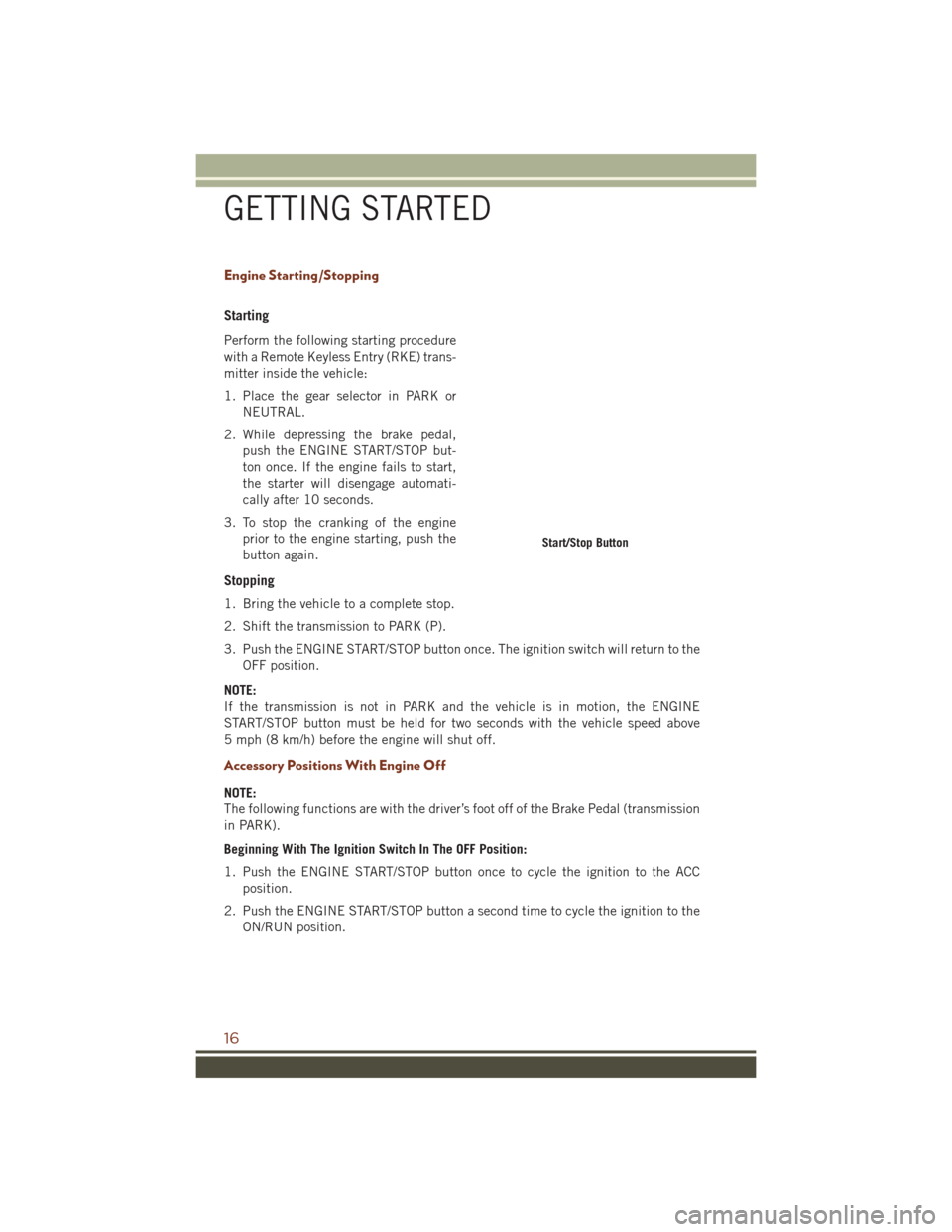
Engine Starting/Stopping
Starting
Perform the following starting procedure
with a Remote Keyless Entry (RKE) trans-
mitter inside the vehicle:
1. Place the gear selector in PARK orNEUTRAL.
2. While depressing the brake pedal, push the ENGINE START/STOP but-
ton once. If the engine fails to start,
the starter will disengage automati-
cally after 10 seconds.
3. To stop the cranking of the engine prior to the engine starting, push the
button again.
Stopping
1. Bring the vehicle to a complete stop.
2. Shift the transmission to PARK (P).
3. Push the ENGINE START/STOP button once. The ignition switch will return to theOFF position.
NOTE:
If the transmission is not in PARK and the vehicle is in motion, the ENGINE
START/STOP button must be held for two seconds with the vehicle speed above
5 mph (8 km/h) before the engine will shut off.
Accessory Positions With Engine Off
NOTE:
The following functions are with the driver’s foot off of the Brake Pedal (transmission
in PARK).
Beginning With The Ignition Switch In The OFF Position:
1. Push the ENGINE START/STOP button once to cycle the ignition to the ACC position.
2. Push the ENGINE START/STOP button a second time to cycle the ignition to the ON/RUN position.
Start/Stop Button
GETTING STARTED
16
Page 19 of 276
3. Push the ENGINE START/STOP button a third time to return the ignition to theOFF position.
NOTE:
If the ignition is left in the ACC or ON/
RUN (engine not running) position and
the transmission is in PARK, the system
will automatically time out after 30 min-
utes of inactivity, and the ignition is re-
turned to the OFF position.
VEHICLE SECURITY ALARM
The Vehicle Security Alarm monitors the vehicle doors for unauthorized entry and the
ignition for unauthorized operation. While the Vehicle Security Alarm is armed,
interior switches for door locks and decklid release are disabled. If something triggers
the alarm, the Vehicle Security Alarm will provide the following audible and visible
signals: the horn will pulse, the park lamps and/or turn signals will flash, and the
Vehicle Security Light in the instrument cluster will flash.
To A r m
Cycle the Keyless Enter-N-Go START/STOP button until the button display indicates
that the vehicle ignition is “OFF.” Push the power door lock switch while the door is
open, push the Key Fob LOCK button, or with one of the Key Fobs located outside the
vehicle and within 5 ft (1.5 m) of the driver's and passenger front door handles, push
the Keyless Enter-N-Go LOCK button located on the door handle.
NOTE:
After pushing the Keyless Enter-N-Go LOCK button, you must wait two seconds
before you can lock or unlock the vehicle via the door handle.
To Disarm
Push the Key Fob UNLOCK button or with one of the Key Fobs located outside the
vehicle and within 5 ft (1.5 m) of the driver's and passenger front door handles. Grab
the Keyless Enter-N-Go door handle and enter the vehicle, then push the Keyless
Enter-N-Go START/STOP button (requires at least one valid Key Fob in the vehicle).
Ignition Positions
GETTING STARTED
17
Page 44 of 276
ENGINE BREAK-IN RECOMMENDATIONS
3.6L Engine Break-In
For vehicles equipped with the 3.6L, use the following engine break-in recommendations:
A long break-in period is not required for the drivetrain (engine, transmission, clutch,
and rear axle) in your new vehicle.
Drive moderately during the first 300 miles (500 km). After the initial 60 miles
(100 km), speeds up to 50 or 55 mph (80 or 90 km/h) are desirable.
While cruising, brief full-throttle acceleration within the limits of local traffic laws
contributes to a good break-in. However, wide-open throttle acceleration in low gear
can be detrimental and should be avoided.
The engine oil, transmission fluid, and axle lubricant installed at the factory is
high-quality and energy-conserving. Oil, fluid, and lubricant changes should be
consistent with anticipated climate and conditions under which vehicle operations
will occur. For the recommended viscosity and quality grades, refer to “Maintenance
Procedures” in “Maintaining Your Vehicle”.
CAUTION!
Never use Non-Detergent Oil or Straight Mineral Oil in the engine or damage may
result.
NOTE:
A new engine may consume some oil during its first few thousand miles (kilometers)
of operation. This should be considered a normal part of the break-in and not
interpreted as an indication of difficulty. Please check your oil level with the engine
oil indicator often during the break in period. Add oil as required.
5.7L Engine Break-In
For vehicles equipped with the 5.7L, use the following engine break-in recommendations:
A long break-in period is not required for the drivetrain (engine, transmission, clutch,
and rear axle) in your new vehicle.
Drive moderately during the first 300 miles (500 km). After the initial 60 miles
(100 km), speeds up to 50 or 55 mph (80 or 90 km/h) are desirable.
While cruising, brief full-throttle acceleration within the limits of local traffic laws
contributes to a good break-in. However, wide-open throttle acceleration in low gear
can be detrimental and should be avoided.
The engine oil, transmission fluid, and axle lubricant installed at the factory is
high-quality and energy-conserving. Oil, fluid, and lubricant changes should be
consistent with anticipated climate and conditions under which vehicle operations
will occur. For the recommended viscosity and quality grades, refer to “Maintenance
Procedures” in “Maintaining Your Vehicle”.
OPERATING YOUR VEHICLE
42
Page 51 of 276
The Rain Sensing system has protection features for the wiper blades and arms, and
will not operate under the following conditions:
•Low Ambient Temperature — When the ignition is first turned ON, the Rain Sensing
system will not operate until the wiper switch is moved, vehicle speed is greater
than 0 mph (0 km/h), or the outside temperature is greater than 32°F (0°C).
• Transmission In NEUTRAL Position — When the ignition is ON, and the automatic
transmission is in the NEUTRAL position, the Rain Sensing system will not operate
until the wiper switch is moved, vehicle speed is greater than 3 mph (5 km/h), or
the gear selector is moved out of the NEUTRAL position.
Remote Start Mode Inhibit — On vehicles equipped with Remote Starting system, Rain
Sensing wipers are not operational when the vehicle is in the remote start mode.
Once the operator is in the vehicle and has placed the ignition switch in the RUN
position, rain sensing wiper operation can resume, if it has been selected, and no
other inhibit conditions (mentioned previously) exist.
Rear Window Wiper/Washer
The rear wiper/washer controls are located on the multifunction lever on the left side
of the steering column. The rear wiper/washer is operated by rotating a switch,
located at the middle of the lever.
Rotate the center portion of the lever upward to the first detent for intermittent
operation and to the second detent for continuous rear wiper operation.
Rotating the center portion upward once more will activate the washer pump which
will continue to operate as long as the switch is held. Upon release of the switch, the
wipers will resume the continuous rear wiper operation. When this rotary control is in
the OFF position, rotating it downward will activate the rear washer pump which will
continue to operate as long as the switch is held. Once the switch is released it will
return to the OFF position and the wipers will cycle several times before returning to
the parked position.
NOTE:
As a protective measure, the pump will stop if the switch is held for more than 20
seconds. Once the switch is released the pump will resume normal operation.
If the rear wiper is operating when the ignition is turned OFF, the wiper will
automatically return to the “park” position.
OPERATING YOUR VEHICLE
49
Page 54 of 276
To Decrease Speed
When the Electronic Speed Control is set, you can decrease speed by pushing the
SET-button.
The drivers preferred units can be selected through the instrument panel settings if
equipped. Refer to “Understanding Your Instrument Panel” in the Owner’s Manual
on the DVD for more information. The speed increment shown is dependant on the
chosen speed unit of U.S. (mph) or Metric (km/h):
U.S. Speed (mph)
• Pushing the SET -button once will result in a 1 mph decrease in set speed. Each
subsequent tap of the button results in a decrease of 1 mph.
• If the button is continually pushed, the set speed will continue to decrease until the button is released, then the new set speed will be established.
Metric Speed (km/h)
• Pushing the SET -button once will result in a 1 km/h decrease in set speed. Each
subsequent tap of the button results in a decrease of 1 km/h.
• If the button is continually pushed, the set speed will continue to decrease until the button is released, then the new set speed will be established.
To Accelerate For Passing
Press the accelerator as you would normally. When the pedal is released, the vehicle
will return to the set speed.
Using Electronic Speed Control On Hills
The transmission may downshift on hills to maintain the vehicle set speed.
NOTE:
The Electronic Speed Control system maintains speed up and down hills. A slight
speed change on moderate hills is normal.
On steep hills, a greater speed loss or gain may occur so it may be preferable to drive
without Electronic Speed Control.
WARNING!
Electronic Speed Control can be dangerous where the system cannot maintain a
constant speed. Your vehicle could go too fast for the conditions, and you could
lose control and have an accident. Do not use Electronic Speed Control in heavy
traffic or on roads that are winding, icy, snow-covered or slippery.
OPERATING YOUR VEHICLE
52
Page 61 of 276
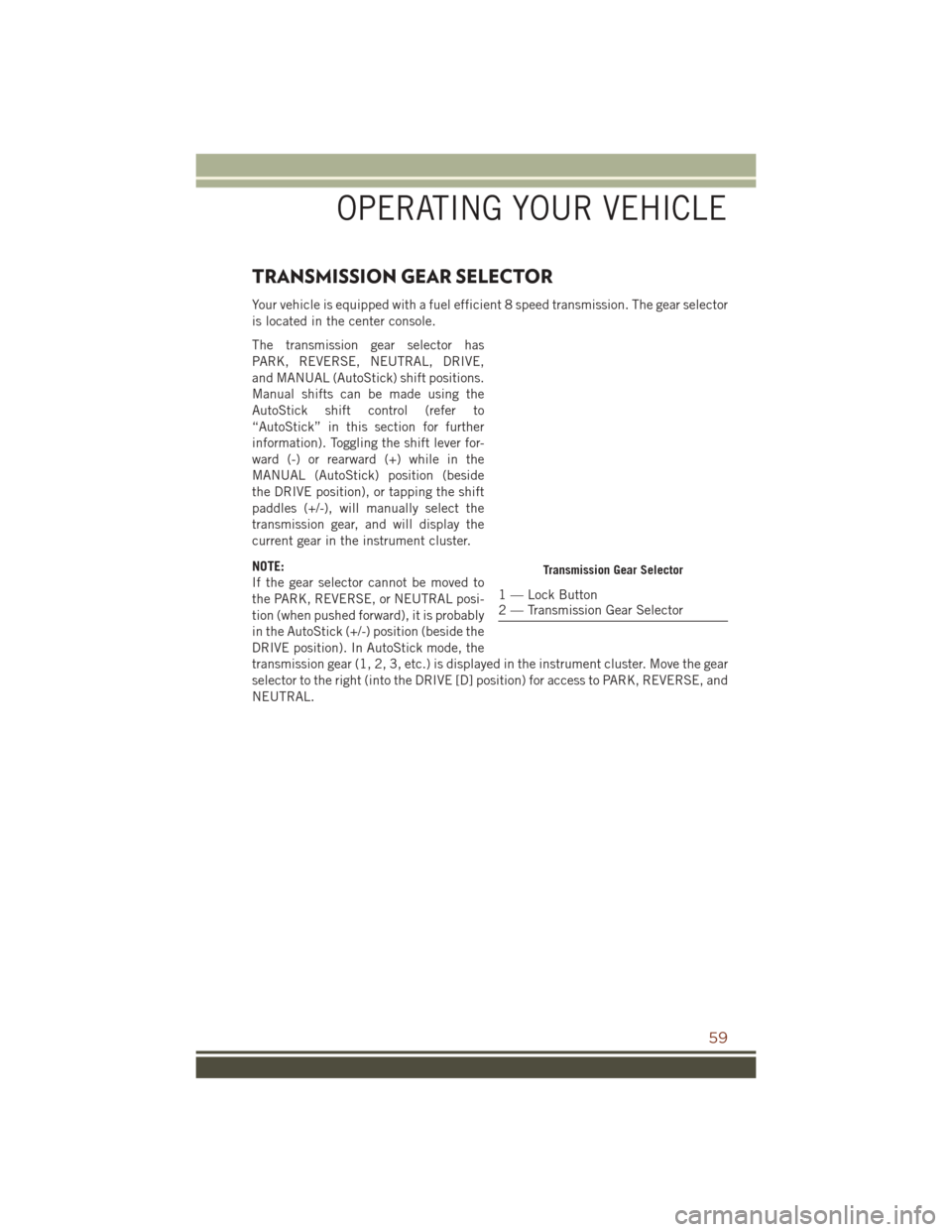
TRANSMISSION GEAR SELECTOR
Your vehicle is equipped with a fuel efficient 8 speed transmission. The gear selector
is located in the center console.
The transmission gear selector has
PARK, REVERSE, NEUTRAL, DRIVE,
and MANUAL (AutoStick) shift positions.
Manual shifts can be made using the
AutoStick shift control (refer to
“AutoStick” in this section for further
information). Toggling the shift lever for-
ward (-) or rearward (+) while in the
MANUAL (AutoStick) position (beside
the DRIVE position), or tapping the shift
paddles (+/-), will manually select the
transmission gear, and will display the
current gear in the instrument cluster.
NOTE:
If the gear selector cannot be moved to
the PARK, REVERSE, or NEUTRAL posi-
tion (when pushed forward), it is probably
in the AutoStick (+/-) position (beside the
DRIVE position). In AutoStick mode, the
transmission gear (1, 2, 3, etc.) is displayed in the instrument cluster. Move the gear
selector to the right (into the DRIVE [D] position) for access to PARK, REVERSE, and
NEUTRAL.
Transmission Gear Selector
1 — Lock Button
2 — Transmission Gear Selector
OPERATING YOUR VEHICLE
59
Page 62 of 276
AUTOSTICK
AutoStick is a driver-interactive transmission feature providing manual shift control,
giving you more control of the vehicle. AutoStick allows you to maximize engine
braking, eliminate undesirable upshifts and downshifts, and improve overall vehicle
performance. This system can also provide you with more control during passing, city
driving, cold slippery conditions, mountain driving, trailer towing, and many other
situations.
Operation
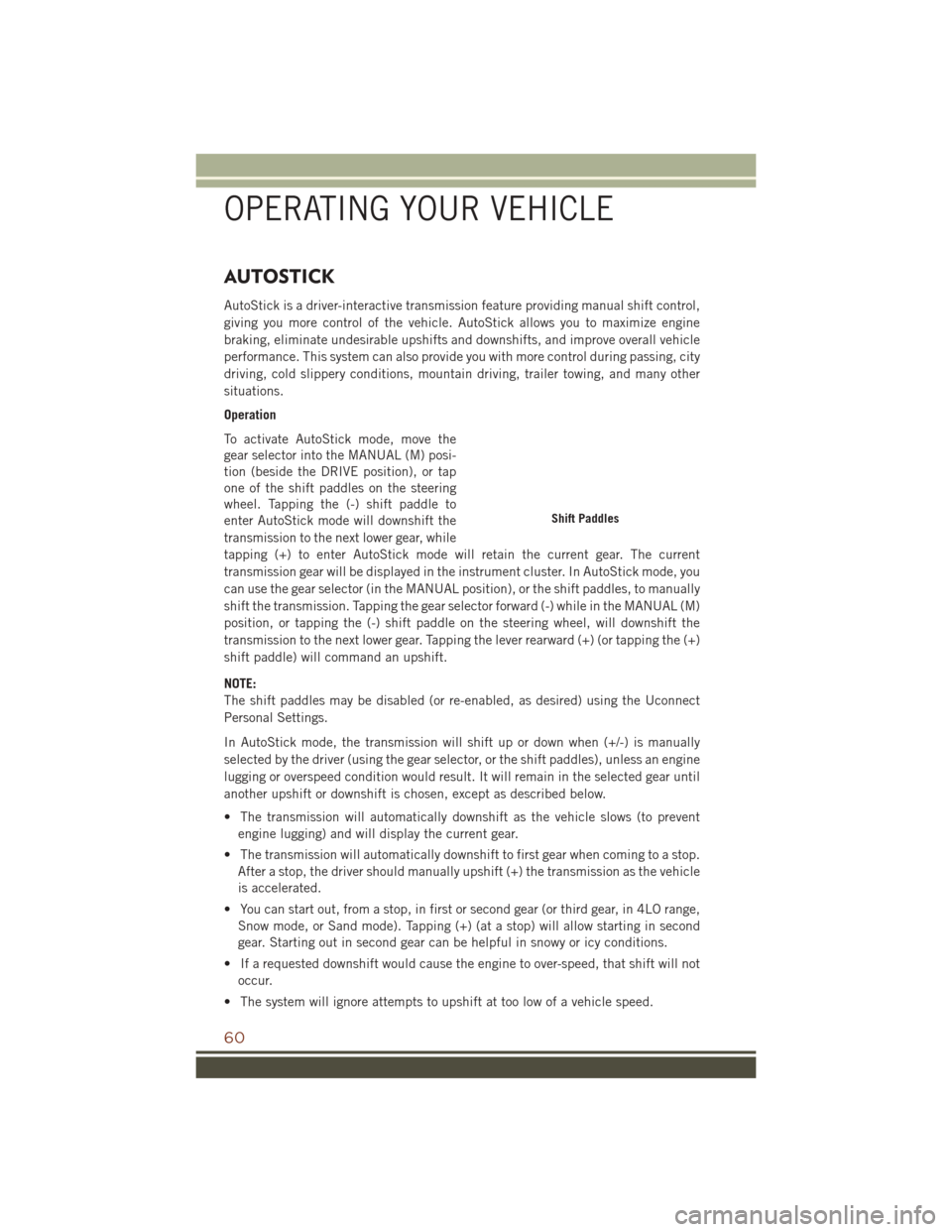
To activate AutoStick mode, move the
gear selector into the MANUAL (M) posi-
tion (beside the DRIVE position), or tap
one of the shift paddles on the steering
wheel. Tapping the (-) shift paddle to
enter AutoStick mode will downshift the
transmission to the next lower gear, while
tapping (+) to enter AutoStick mode will retain the current gear. The current
transmission gear will be displayed in the instrument cluster. In AutoStick mode, you
can use the gear selector (in the MANUAL position), or the shift paddles, to manually
shift the transmission. Tapping the gear selector forward (-) while in the MANUAL (M)
position, or tapping the (-) shift paddle on the steering wheel, will downshift the
transmission to the next lower gear. Tapping the lever rearward (+) (or tapping the (+)
shift paddle) will command an upshift.
NOTE:
The shift paddles may be disabled (or re-enabled, as desired) using the Uconnect
Personal Settings.
In AutoStick mode, the transmission will shift up or down when (+/-) is manually
selected by the driver (using the gear selector, or the shift paddles), unless an engine
lugging or overspeed condition would result. It will remain in the selected gear until
another upshift or downshift is chosen, except as described below.
• The transmission will automatically downshift as the vehicle slows (to preventengine lugging) and will display the current gear.
• The transmission will automatically downshift to first gear when coming to a stop. After a stop, the driver should manually upshift (+) the transmission as the vehicle
is accelerated.
• You can start out, from a stop, in first or second gear (or third gear, in 4LO range, Snow mode, or Sand mode). Tapping (+) (at a stop) will allow starting in second
gear. Starting out in second gear can be helpful in snowy or icy conditions.
• If a requested downshift would cause the engine to over-speed, that shift will not occur.
• The system will ignore attempts to upshift at too low of a vehicle speed.
Shift Paddles
OPERATING YOUR VEHICLE
60