service KIA CARENS RHD 2017 User Guide
[x] Cancel search | Manufacturer: KIA, Model Year: 2017, Model line: CARENS RHD, Model: KIA CARENS RHD 2017Pages: 723, PDF Size: 40.8 MB
Page 165 of 723

469
Features of your vehicle
Service in OFF
If the service interval is not set,
“Service in OFF” message is dis-
played on the LCD display (for type A).
✽✽NOTICE
If any of the following conditions
occurs, the mileage and days may be
incorrect.
- The battery cable is disconnected.
- The fuse switch is turned off.
- The battery is discharged.
User Settings Mode
Description
On this mode, you can change set-
ting of the doors, lamps, and so on.
Driving Assist (if equipped)
Rear Cross Traffic Alert (if equipped) : If this item is checked,
the rear cross traffic alert function
will be activated.
❈ For more details, refer to "Blind SpotDetection System" in chapter 6.
BSD (Blind Spot Detection)Sound (if equipped) : If this item
checked, the blind spot detection
sound will be activated.
❈ For more details, refer to "Blind SpotDetection System" in chapter 6.
ORP046315L
ORP046317L
WARNING
Do not adjust the User Setting
whilst driving. You may lose
your steering control and cause
severe personal injury or acci-dents.
Page 167 of 723
471
Features of your vehicle
Service interval
Service Interval : On this mode,
you can activate the service inter-
val function with mileage (km or
mi.) and period (months).
- Off : The service interval function will be deactivated.
- On : You can set the service inter- val (mileage and months).
Other Features
Fuel Economy Auto Reset
- Off : The average fuel economy will not reset automatically whenever refuelling.
- On (Auto Reset) : The average fuel economy will reset automaticallywhen refuelling.
❈ For more details, refer to “Trip
Computer” in this chapter.
Temperature Unit : Choose the
temperature unit. (°C,°F)
Language
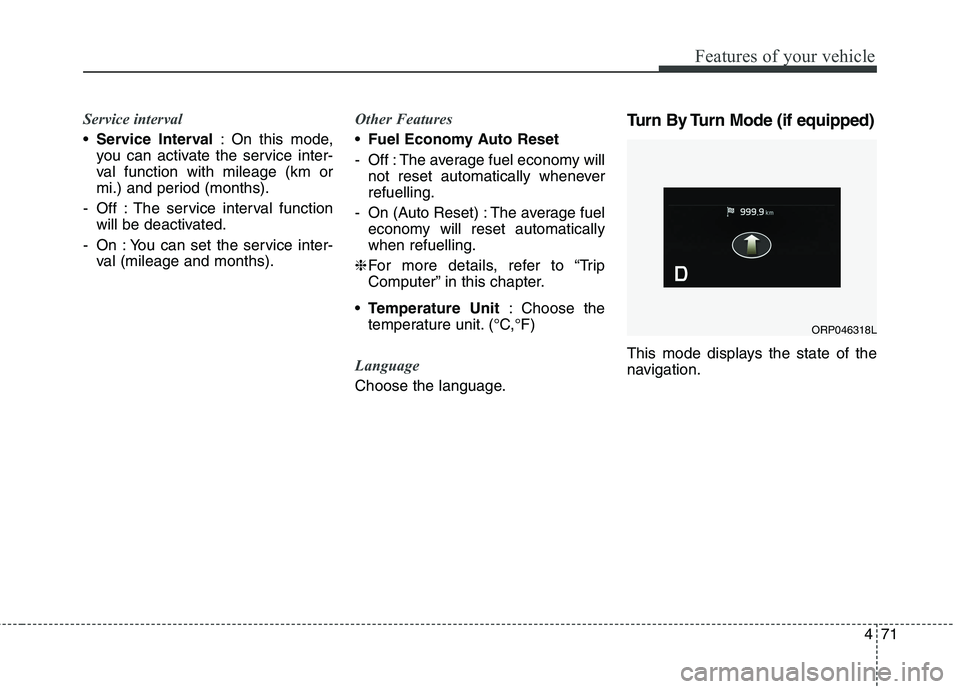
Choose the language. Turn By Turn Mode (if equipped)
This mode displays the state of the
navigation.
ORP046318L
Page 172 of 723
Features of your vehicle
76
4
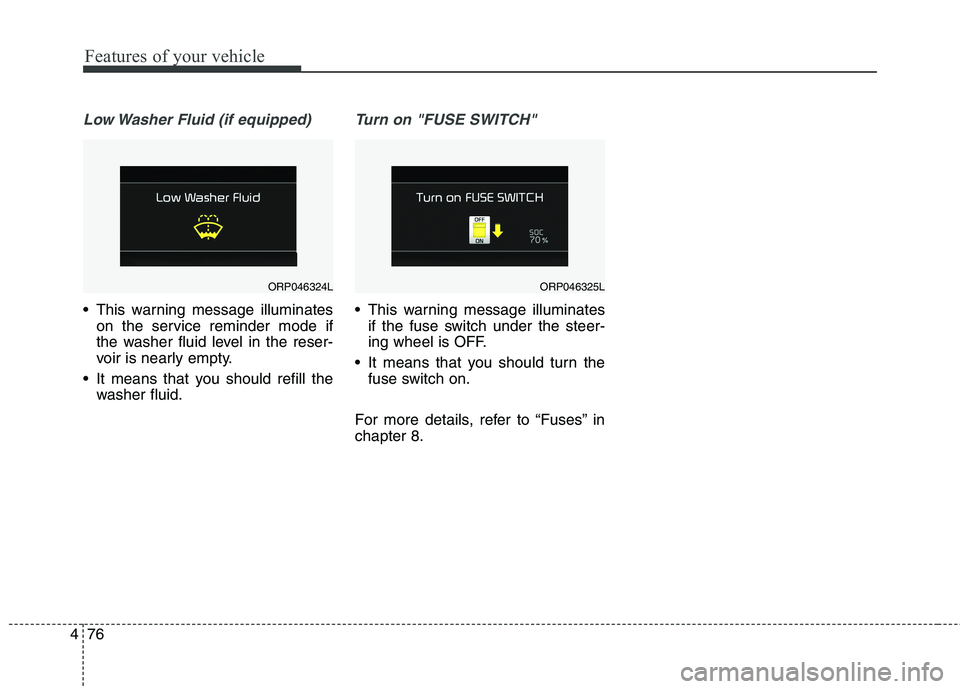
Low Washer Fluid (if equipped)
This warning message illuminates
on the service reminder mode if
the washer fluid level in the reser-
voir is nearly empty.
It means that you should refill the washer fluid.
Turn on "FUSE SWITCH"
This warning message illuminatesif the fuse switch under the steer-
ing wheel is OFF.
It means that you should turn the fuse switch on.
For more details, refer to “Fuses” inchapter 8.
ORP046324LORP046325L
Page 173 of 723

477
Features of your vehicle
Overview
Description
The trip computer is a microcomput-
er-controlled driver information sys-
tem that displays information related
to driving.
✽✽NOTICE
Some driving information stored in
the trip computer (for example
Average Vehicle Speed) resets if the
battery is disconnected.
Trip Modes (Type A) Trip Modes (Type B)
TRIP COMPUTER
To change the trip mode, press the
TRIP button .
To change the trip mode, press the
MOVE button .
Tripmeter A
Tripmeter B
Distance To Empty
Average Fuel Economy
Instant Fuel Economy
Average Vehicle Speed
Elapsed Time
Service mode
User settings
Accumulate Info
Digital speedometer
Drive Info
TRIP
Page 186 of 723
Features of your vehicle
90
4
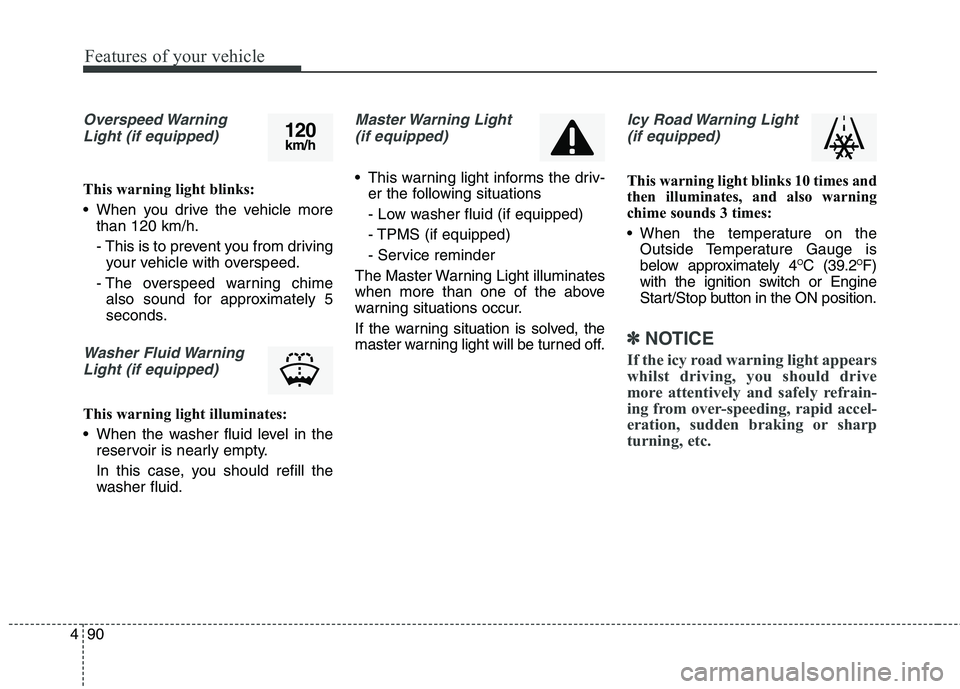
Overspeed Warning
Light (if equipped)
This warning light blinks:
When you drive the vehicle more than 120 km/h.
- This is to prevent you from drivingyour vehicle with overspeed.
- The overspeed warning chime also sound for approximately 5
seconds.
Washer Fluid Warning
Light (if equipped)
This warning light illuminates:
When the washer fluid level in the reservoir is nearly empty.
In this case, you should refill the
washer fluid.
Master Warning Light
(if equipped)
This warning light informs the driv- er the following situations
- Low washer fluid (if equipped)
- TPMS (if equipped)
- Service reminder
The Master Warning Light illuminates
when more than one of the above
warning situations occur.
If the warning situation is solved, the
master warning light will be turned off.
Icy Road Warning Light (if equipped)
This warning light blinks 10 times and
then illuminates, and also warning
chime sounds 3 times:
When the temperature on the Outside Temperature Gauge is
below approximately 4 O
C (39.2 O
F)
with the ignition switch or Engine
Start/Stop button in the ON position.
✽✽ NOTICE
If the icy road warning light appears
whilst driving, you should drive
more attentively and safely refrain-
ing from over-speeding, rapid accel-
eration, sudden braking or sharp
turning, etc.
120 km/h
Page 243 of 723
4147
Features of your vehicle
✽✽NOTICE
When using the air conditioning system, monitor the temperature
gauge closely whilst driving up
hills or in heavy traffic when out-
side temperatures are high. Air
conditioning system operation
may cause engine overheating.
Continue to use the blower fan but
turn the air conditioning system
off if the temperature gauge indi-
cates engine overheating.
When opening the windows in humid weather air conditioning
may create water droplets inside
the vehicle. Since excessive water
droplets may cause damage to
electrical equipment, air condi-
tioning should only be used with
the windows closed.Air conditioning system operation tips
If the vehicle has been parked indirect sunlight during hot weather,
open the windows for a short time
to let the hot air inside the vehicle
escape.
Use air conditioning to reduce humidity and moisture inside the
vehicle on rainy or humid days.
During air conditioning system operation, you may occasionallynotice a slight change in enginespeed as the air conditioning com-
pressor cycles. This is a normal
system operation characteristic.
Use the air conditioning system every month only for a few minutes
to ensure maximum system per-
formance.CAUTION
The refrigerant system should
only be serviced by trainedand certified technicians toinsure proper and safe opera-tion.
The refrigerant system should be serviced in a well-ventilat-ed place.
The air conditioning evapora- tor (cooling coil) shall neverbe repaired or replaced withone removed from a used or salvaged vehicle and newreplacement MAC evaporatorsshall be certified (and labeled) as meeting SAE StandardJ2842.
Page 256 of 723
Features of your vehicle
160
4
Air conditioning (if equipped)
Kia Air Conditioning Systems are
filled with environmentally friendly
refrigerant*.
1. Start the engine. Push the air con-
ditioning button.
2. Set the mode to the position.
3. Set the air intake control to the outside air or recirculated air posi- tion.
4. Adjust the fan speed control and temperature control to maintain
maximum comfort.
*: Your vehicle is filled with R-134a or R-1234yf according to the regula-
tion in your country at the time of
producing. You can find out which
air conditioning refrigerant is
applied to your vehicle at the label
inside of bonnet. Refer to chapter 9
for more detail location of air con-
ditioning refrigerant label.
✽✽ NOTICE
When using the air conditioning system, monitor the temperature
gauge closely whilst driving up
hills or in heavy traffic when out-
side temperatures are high. Air
conditioning system operation
may cause engine overheating.
Continue to use the blower fan but
turn the air conditioning system
off if the temperature gauge indi-
cates engine overheating.
When opening the windows in humid weather air conditioning
may create water droplets inside
the vehicle. Since excessive water
droplets may cause damage to
electrical equipment, air condi-
tioning should only be used with
the windows closed.CAUTION
The refrigerant system should
only be serviced by trainedand certified technicians toinsure proper and safe opera-tion.
The refrigerant system should be serviced in a well-ventilat-ed place.
The air conditioning evapora- tor (cooling coil) shall neverbe repaired or replaced withone removed from a used or salvaged vehicle and newreplacement MAC evaporatorsshall be certified (and labeled) as meeting SAE StandardJ2842.
Page 292 of 723
59
Audio system
(Continued) If you want to change the posi- tion of device installation,please inquire with your place of purchase or service mainte-nance centre. Technicalexpertise is required to install or disassemble the device.
Turn on the car ignition before using this device. Do not oper-ate the audio system for longperiods of time with the igni- tion turned off as such opera-tions may lead to battery dis-charge.
Do not subject the device to severe shock or impact. Directpressure onto the front side ofthe monitor may cause damageto the LCD or touch screen.
(Continued)(Continued) When cleaning the device, make sure to turn off thedevice and use a dry and smooth cloth. Never usetough materials, chemicalcloths, or solvents (alcohol,benzene, thinners, etc.) as such materials may damagethe device panel or causecolour/quality deterioration
Do not place beverages close to the audio system. Spillingbeverages may lead to systemmalfunction.
In case of product malfunc- tion, please contact your placeof purchase or After Service centre.
Placing the audio system with- in an electromagnetic environ-ment may result in noise inter-ference.
Page 337 of 723
Audio system
54
5
✽✽
NOTICE - USING THE
Bluetooth®Wireless Technology
MOBILE PHONE
Do not use a mobile phone or per- form Bluetooth®
Wireless
Technology settings (e.g. pairing a
phone) whilst driving.
Some Bluetooth®
Wireless
Technology -enabled phones may
not be recognized by the system or
fully compatible with the system.
Before using Bluetooth®
Wireless
Technology related features of the
audio system, refer your phone’s
User’s Manual for phone-side
Bluetooth ®
Wireless Technology
operations.
The phone must be paired to the audio system to use Bluetooth®
Wireless Technology related fea-
tures.
You will not be able to use the hands-free feature when your
phone (in the car) is outside of the
mobile service area (e.g. in a tun-
nel, in a underground, in a moun-
tainous area, etc.). (Continued)(Continued)
If the mobile phone signal is poor
or the vehicles interior noise is too
loud, it may be difficult to hear the
other person’s voice during a call.
Do not place the phone near or inside metallic objects, otherwise
communications with Bluetooth®
Wireless Technology system or
mobile service stations can be dis-
turbed.
Whilst a phone is connected through Bluetooth®
Wireless
Technology your phone may dis-
charge quicker than usual for
additional Bluetooth®
Wireless
Technology-related operations.
Some mobile phones or other devices may cause interference
noise or malfunction to audio sys-
tem. In this case, store the device
in a different location may resolve
the condition.
Phone contact names should be saved in English or they may not
be displayed correctly. (Continued)(Continued)
If Priority is set upon vehicle igni-
tion(IGN/ACC ON), the
Bluetooth ®
Wireless Technology
phone will be automatically con-
nected.
Even if you are outside, the
Bluetooth ®
Wireless Technology
phone will be automatically con-
nected once you are in the vicinity
of the vehicle.
If you do not want automatic
Bluetooth ®
Wireless Technology
connection, turn the Bluetooth®
Wireless Technology feature off.
The hands-free call volume and quality may differ depending on
the mobile phone type.
Bluetooth ®
Wireless Technology
features can be used only when the
mobile phone has been paired and
connected with the device. For
more information on pairing and
connecting Bluetooth®
Wireless
Technology enabled mobile
phones, refer to the “Phone Setup”
section. (Continued)
Page 462 of 723
627
Driving your vehicle
For smooth operation, depress thebrake pedal when shifting from N(Neutral) to a forward or reverse gear.Transaxle ranges
The indicator lights in the instrument
cluster displays the shift lever posi-
tion when the ignition switch is in theON position.
P (Park)
Always come to a complete stop
before shifting into P (Park). This
position locks the transaxle and pre-
vents the front wheels from rotating.
WARNING - Automatic
transaxle
Always check the surrounding areas near your vehicle for
people, especially children,
before shifting a vehicle into
D (Drive) or R (Reverse).
Before leaving the driver’s seat, always make sure the
shift lever is in the P (Park)
position; then set the parking
brake fully and shut the engine
off. Unexpected and sudden
vehicle movement can occur if
these precautions are not fol-
lowed in the order identified.
Do not use the engine brake (shifting from a high gear to
lower gear) rapidly on slip-
pery roads.
The vehicle may slip causing an accident.
CAUTION
To avoid damage to your
transaxle, do not acceleratethe engine in R (Reverse) orany forward gear position withthe brakes on.
When stopped on an upgrade, do not hold the vehicle sta-tionary with engine power.Use the service brake or theparking brake.
Do not shift from N (Neutral) or P (Park) into D (Drive), or R(Reverse) when the engine isabove idle speed.
WARNING
Shifting into P (Park) whilst the vehicle is in motion will
cause the drive wheels to lock
which will cause you to lose
control of the vehicle.
Do not use the P (Park) posi- tion in place of the parking
brake. Always make sure the
shift lever is latched in the P
(Park) position and set the
parking brake fully.
Never leave a child unattend- ed in a vehicle.