ESP KIA K900 2020 Workshop Manual
[x] Cancel search | Manufacturer: KIA, Model Year: 2020, Model line: K900, Model: KIA K900 2020Pages: 593, PDF Size: 14.99 MB
Page 389 of 593
5123
Driving your vehicle
The system responds to curveslocated on the destination set in
the navigation. If the destination is
not set, the system will respond to
road information of the expected
route.✽ ✽ NOTICE
• Navigation-based Smart Cruise
Control is limited in other coun-
tries.
• The system may not operate due to the existence of leading vehicles
and the driving situations of the
vehicle.
• The system operates regardless of whether the sharp curve warning
appears on the navigation, but the
time gap could occur between the
warning and system operation.
• The navigation only provides curve information within permit-
ted speed ranges so that the system
may not decrease its speed during
extreme over-speed driving.
• The system is not designed to work on highways other than mentioned
as a controlled access road.
• The system automatically cancels when you leave the highway. (Continued)(Continued)
• Highway Driving Assist and
Navigation-based Smart Cruise
Control uses the same “AUTO”
symbol that indicates the status of
the system. Therefore, even if the
Navigation-based Cruise Control
is off, the “AUTO” symbol may be
displayed.
• If there is a problem with Navigation-based Smart Cruise
Control, the system cannot be acti-
vated in the AVN system screen,
and the “AUTO” symbol will turn
off. However, if Highway Driving
Assist is activated, the “AUTO”
symbol will be displayed.
• After you pass through a tollgate on a highway, the system operates
based on the first lane. If you enter
one of the other lanes, the system
might not properly decelerate.
• If you over speed, the system may not decelerate the vehicle in a
curve.
• Deceleration by the system may not be sufficient if the driver accel-
erates while the system is operat-
ing, (Continued)
Page 391 of 593
5125
Driving your vehicle
✽ ✽NOTICE
This device complies with Part 15 of
the FCC rules.
Operation is subject to the following
three conditions:
1. This device may not cause harm-
ful interference, and
2. This device must accept any inter- ference received, including inter-
ference that may cause undesired
operation.
3. Changes or modifications not expressly approved by the party
responsible for compliance could
void the user's authority to oper-
ate the device.
✽ ✽ NOTICE
Radio frequency radiation exposure
information:
This equipment complies with FCC
radiation exposure limits set forth
for an uncontrolled environment.
This equipment should be installed
and operated with minimum dis-
tance of 8 in. (20 cm) between the
radiator (antenna) and your body.
This transmitter must not be co-
located or operating in conjunction
with any other antenna or transmit-
ter.
Page 400 of 593
Driving your vehicle
134
5
When ECO mode is activated:
The acceleration response may be
slightly reduced if the accelerator
pedal is depressed moderately.
The air conditioner performance may be limited.
The shift pattern of the automatic transmission may change.
The engine noise may get louder.
The above situations are normal
conditions when ECO mode is acti-
vated to improve fuel efficiency. Limitation of ECO mode operation:
If the following conditions occur while
ECO mode is operating, the system
operation is limited even though
there is no change in the ECO indi-
cator.
When the coolant temperature is
low:
The system will be limited until
engine performance becomes nor-
mal.
When driving up a hill: The system will be limited to gain
power when driving uphill because
engine torque is restricted.
When driving the vehicle with the automatic transmission gear shift
lever in manual mode.
The system will be limited accord-
ing to the shift location.CUSTOM mode
In CUSTOM mode, the
driver can select sepa-
rate modes and com-
bine them on the AVN
System screen.
Engine/Transmission: ECO/COM- FORT/ SPORT/SNOW
Steering wheel: COMFORT/ SPORT
Suspension: COMFORT+/COM- FORT/SPORT
All-Wheel Drive (AWD) system: ECO/COMFORT/SPORT
For more information, refer to the
separately supplied AVN System
manual.
When CUSTOM mode is selected by pressing the DRIVE MODE but-
ton, the CUSTOM mode indicator
will illuminate.
CUSTOM
Page 401 of 593
5135
Driving your vehicle
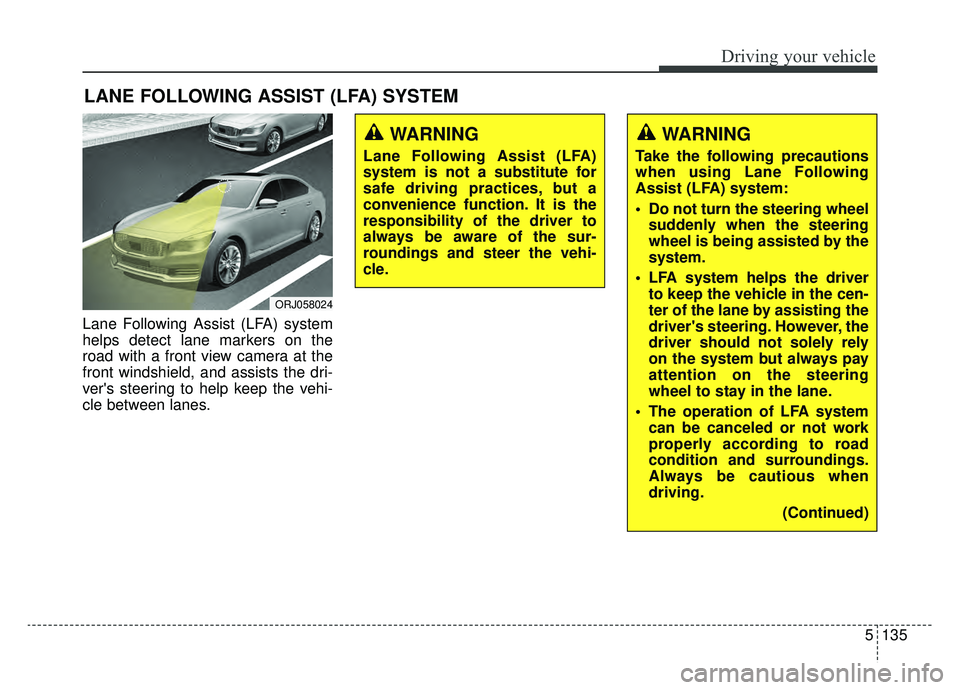
Lane Following Assist (LFA) system
helps detect lane markers on the
road with a front view camera at the
front windshield, and assists the dri-
ver's steering to help keep the vehi-
cle between lanes.
LANE FOLLOWING ASSIST (LFA) SYSTEM
ORJ058024
WARNING
Lane Following Assist (LFA)
system is not a substitute for
safe driving practices, but a
convenience function. It is the
responsibility of the driver to
always be aware of the sur-
roundings and steer the vehi-
cle.
WARNING
Take the following precautions
when using Lane Following
Assist (LFA) system:
Do not turn the steering wheelsuddenly when the steering
wheel is being assisted by the
system.
LFA system helps the driver to keep the vehicle in the cen-
ter of the lane by assisting the
driver's steering. However, the
driver should not solely rely
on the system but always pay
attention on the steering
wheel to stay in the lane.
The operation of LFA system can be canceled or not work
properly according to road
condition and surroundings.
Always be cautious when
driving.
(Continued)
Page 404 of 593
Driving your vehicle
138
5
Driving Convenience systems can-
celed
If the driver still does not have their
hands on the steering wheel after the
message "Keep hands on steering
wheel", LFA system will be canceled.
However, if the Smart Cruise Control
is reactivated manually by the driver,
the Lane Following Assist System
will reactivate.
To activate Smart Cruise control,
refer to "Smart Cruise Control
with Stop and Go" in chapter 5.
✽ ✽
NOTICE
• Even though the steering is assist-
ed by the system, the driver may
control the steering wheel.
• The steering wheel may feel heav- ier when the steering wheel is
assisted by the system than when it
is not.
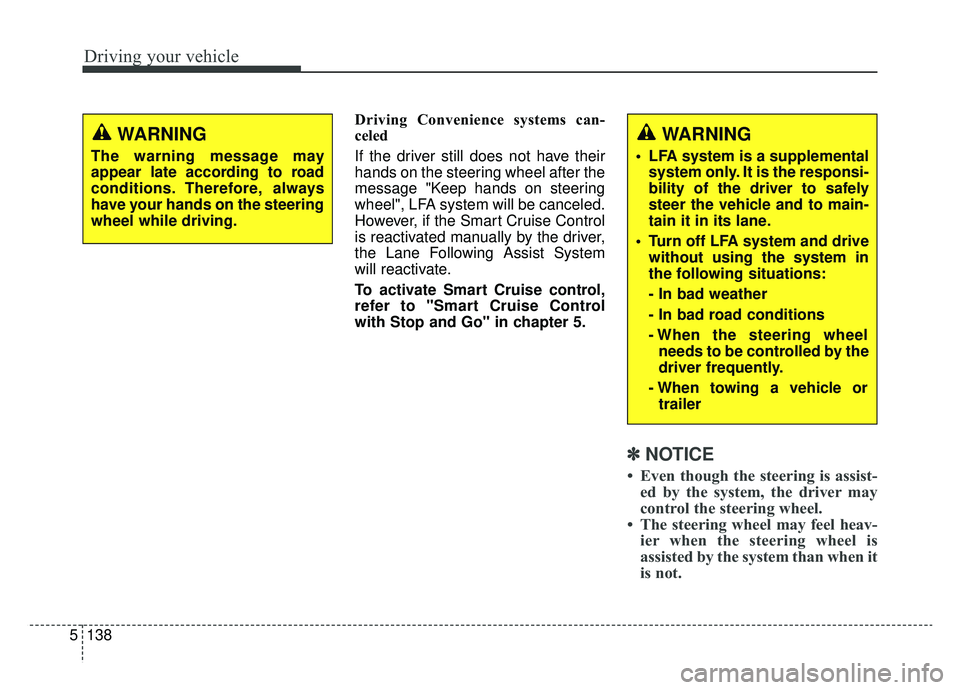
WARNING
The warning message may
appear late according to road
conditions. Therefore, always
have your hands on the steering
wheel while driving.
WARNING
LFA system is a supplemental
system only. It is the responsi-
bility of the driver to safely
steer the vehicle and to main-
tain it in its lane.
Turn off LFA system and drive without using the system in
the following situations:
- In bad weather
- In bad road conditions
- When the steering wheelneeds to be controlled by the
driver frequently.
- When towing a vehicle or trailer
Page 408 of 593
Driving your vehicle
142
5
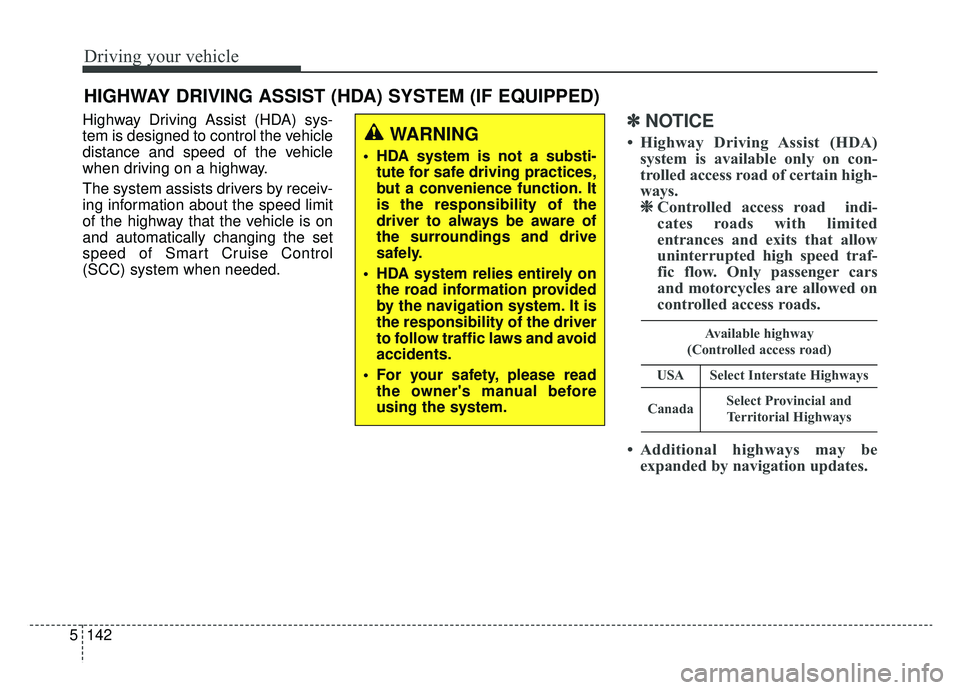
Highway Driving Assist (HDA) sys-
tem is designed to control the vehicle
distance and speed of the vehicle
when driving on a highway.
The system assists drivers by receiv-
ing information about the speed limit
of the highway that the vehicle is on
and automatically changing the set
speed of Smart Cruise Control
(SCC) system when needed.✽ ✽
NOTICE
• Highway Driving Assist (HDA)
system is available only on con-
trolled access road of certain high-
ways.❈ ❈ Controlled access road indi-
cates roads with limited
entrances and exits that allow
uninterrupted high speed traf-
fic flow. Only passenger cars
and motorcycles are allowed on
controlled access roads.
• Additional highways may be expanded by navigation updates.
HIGHWAY DRIVING ASSIST (HDA) SYSTEM (IF EQUIPPED)
WARNING
HDA system is not a substi-
tute for safe driving practices,
but a convenience function. It
is the responsibility of the
driver to always be aware of
the surroundings and drive
safely.
HDA system relies entirely on the road information provided
by the navigation system. It is
the responsibility of the driver
to follow traffic laws and avoid
accidents.
For your safety, please read the owner's manual before
using the system.
Available highway
(Controlled access road)
USASelect Interstate Highways
CanadaSelect Provincial and Territorial Highways
Page 414 of 593
Driving your vehicle
148
5
* Refer to “Smart Cruise Control
(SCC) system” on page 5-100 for
cautions and warnings about vehi-
cle to vehicle distance control and
front radar.
* Refer to “Lane Following Assist (LFA) system” on page 5-135 for
cautions and warnings about
steering control and front camera. This device complies with Part 15
of the FCC rules.
Operation is subject to the following
three conditions:
1. This device may not cause harm-
ful interference, and
2. This device must accept any inter- ference received, including inter-
ference that may cause undesired
operation.
3. Changes or modifications not expressly approved by the party
responsible for compliance could
void the user's authority to operate
the device.Radio frequency radiation
exposure information:
This equipment complies with FCC
radiation exposure limits set forth for
an uncontrolled environment.
This equipment should be installed
and operated with a minimum dis-
tance of 8 in (20 cm) between the
radio (antenna) and your body.
This transmitter must not be colocat-
ed or operating in conjunction with
any other antenna or transmitter.
Page 419 of 593
5153
Driving your vehicle
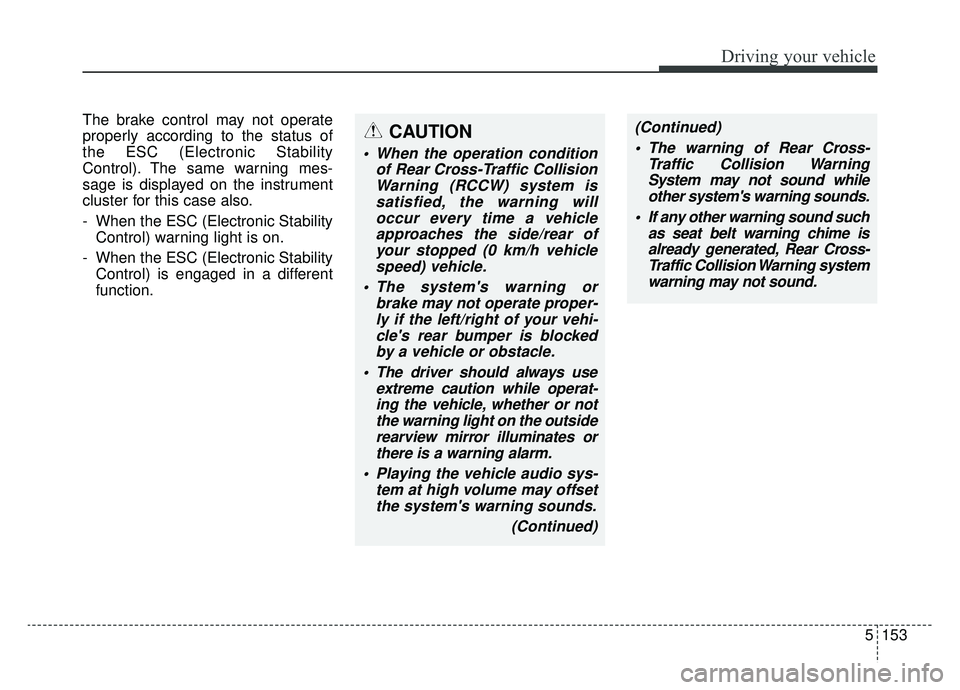
The brake control may not operate
properly according to the status of
the ESC (Electronic Stability
Control). The same warning mes-
sage is displayed on the instrument
cluster for this case also.
- When the ESC (Electronic StabilityControl) warning light is on.
- When the ESC (Electronic Stability Control) is engaged in a different
function.CAUTION
When the operation condition of Rear Cross-Traffic CollisionWarning (RCCW) system issatisfied, the warning willoccur every time a vehicleapproaches the side/rear ofyour stopped (0 km/h vehiclespeed) vehicle.
The system's warning or brake may not operate proper-ly if the left/right of your vehi-cle's rear bumper is blockedby a vehicle or obstacle.
The driver should always use extreme caution while operat-ing the vehicle, whether or notthe warning light on the outsiderearview mirror illuminates orthere is a warning alarm.
Playing the vehicle audio sys- tem at high volume may offsetthe system's warning sounds.
(Continued)
(Continued) The warning of Rear Cross- Traffic Collision WarningSystem may not sound whileother system's warning sounds.
If any other warning sound such as seat belt warning chime isalready generated, Rear Cross-Traffic Collision Warning systemwarning may not sound.
Page 420 of 593

Driving your vehicle
154
5
Detecting Sensor
The rear radars are the sensors
inside the rear bumper for detecting
the side/rear areas. Always keep the
rear bumper clean for proper opera-
tion of the system.
(Continued)
Rear Cross-Traffic Collision-
Avoidance Assist (RCCA) sys-
tem is not a substitute for safe
driving practices, but a con-
venience function only. It is
the responsibility of the driver
to always drive cautiously to
prevent unexpected and sud-
den situations from occur-
ring. Pay attention to the road
conditions at all times.WARNING
Drive safely even though thevehicle is equipped with a
Rear Cross-Traffic Collision
Warning (RCCW) system and
Rear Cross-Traffic Collision-
Avoidance Assist (RCCA) sys-
tem. Do not solely rely on the
system but check your sur-
rounding when backing the
vehicle up.
The driver is responsible for accurate brake control.
Always pay extreme caution while driving. The Rear Cross-
Traffic Collision Warning
(RCCW) system and Rear
Cross-Traffic Collision-
Avoidance Assist (RCCA) sys-
tem may not operate properly
or unnecessarily operate in
accordance with your driving
situations.
(Continued)
ORJ058035
Page 427 of 593
5161
Driving your vehicle
Your vehicle's fuel economy depends
mainly on your style of driving, where
you drive and when you drive.
Each of these factors affects how
many miles (kilometers) you can get
from a gallon (liter) of fuel. To operate
your vehicle as economically as pos-
sible, use the following driving sug-
gestions to help save money in both
fuel and repairs:
Drive smoothly. Accelerate at amoderate rate. Don't make "jack-
rabbit" starts or full-throttle shifts
and maintain a steady cruising
speed. Don't race between stop-
lights. Try to adjust your speed to
the traffic so you don't have to
change speeds unnecessarily.
Avoid heavy traffic whenever pos-
sible. Always maintain a safe dis-
tance from other vehicles so you
can avoid unnecessary braking.
This also reduces brake wear.
Drive at a moderate speed. The faster you drive, the more fuel your
vehicle uses. Driving at a moderate
speed, especially on the highway,
is one of the most effective ways to
reduce fuel consumption. Don't "ride" the brake pedal. This
can increase fuel consumption and
also increase wear on these com-
ponents. In addition, driving with
your foot resting on the brake pedal
may cause the brakes to overheat,
which reduces their effectiveness
and may lead to more serious con-
sequences.
Take care of your tires. Keep them inflated to the recommended pres-
sure. Incorrect inflation, either too
much or too little, results in unnec-
essary tire wear. Check the tire
pressures at least once a month.
Be sure that the wheels are aligned correctly. Improper align-
ment can result from hitting curbs
or driving too fast over irregular
surfaces. Poor alignment causes
faster tire wear and may also result
in other problems as well as
greater fuel consumption. Keep your vehicle in good condi-
tion. For better fuel economy and
reduced maintenance costs, main-
tain your vehicle in accordance
with the maintenance schedule in
chapter 7. If you drive your vehicle
in severe conditions, more frequent
maintenance is required (see
chapter 7 for details).
Keep your vehicle clean. For maxi- mum service, your vehicle should
be kept clean and free of corrosive
materials. It is especially important
that mud, dirt, ice, etc. not be
allowed to accumulate on the
underside of the vehicle. This extra
weight can result in increased fuel
consumption and also contribute to
corrosion.
Travel lightly. Don't carry unneces- sary weight in your vehicle. Weight
reduces fuel economy.
Don't let the engine idle longer than necessary. If you are waiting
(and not in traffic), turn off your
engine and restart only when
you're ready to go.
ECONOMICAL OPERATION