radio KIA VENGA 2016 User Guide
[x] Cancel search | Manufacturer: KIA, Model Year: 2016, Model line: VENGA, Model: KIA VENGA 2016Pages: 404, PDF Size: 21.96 MB
Page 195 of 404
4121
Features of your vehicle
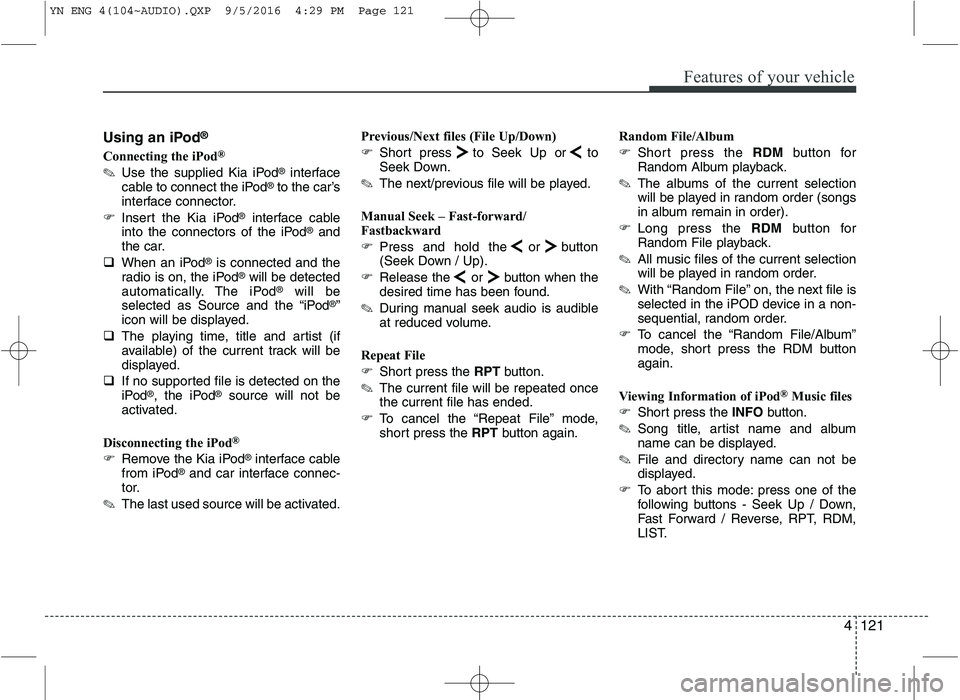
Using an iPod®
Connecting the iPod ®
✎ Use the supplied Kia iPod ®
interface
cable to connect the iPod ®
to the car’s
interface connector.
Insert the Kia iPod ®
interface cable
into the connectors of the iPod ®
and
the car.
When an iPod ®
is connected and the
radio is on, the iPod ®
will be detected
automatically. The iPod ®
will be
selected as Source and the “iPod ®
”
icon will be displayed.
The playing time, title and artist (if
available) of the current track will be
displayed.
If no supported file is detected on the
iPod ®
, the iPod ®
source will not be
activated.
Disconnecting the iPod ®
Remove the Kia iPod ®
interface cable
from iPod ®
and car interface connec-
tor.
✎ The last used source will be activated. Previous/Next files (File Up/Down)
Short press to Seek Up or to
Seek Down.
✎ The next/previous file will be played.
Manual Seek – Fast-forward/
Fastbackward
Press and hold the or button
(Seek Down / Up).
Release the or button when the
desired time has been found.
✎ During manual seek audio is audible
at reduced volume.
Repeat File
Short press the RPTbutton.
✎ The current file will be repeated once the current file has ended.
To cancel the “Repeat File” mode,
short press the RPTbutton again. Random File/Album
Short press the RDMbutton for
Random Album playback.
✎ The albums of the current selection
will be played in random order (songs
in album remain in order).
Long press the RDMbutton for
Random File playback.
✎ All music files of the current selection
will be played in random order.
✎ With “Random File” on, the next file is
selected in the iPOD device in a non-
sequential, random order.
To cancel the “Random File/Album”
mode, short press the RDM buttonagain.
Viewing Information of iPod ®
Music files
Short press the INFObutton.
✎ Song title, artist name and album
name can be displayed.
✎ File and directory name can not be
displayed.
To abort this mode: press one of the
following buttons - Seek Up / Down,
Fast Forward / Reverse, RPT, RDM,
LIST.
YN ENG 4(104~AUDIO).QXP 9/5/2016 4:29 PM Page 121
Page 207 of 404
4133
Features of your vehicle
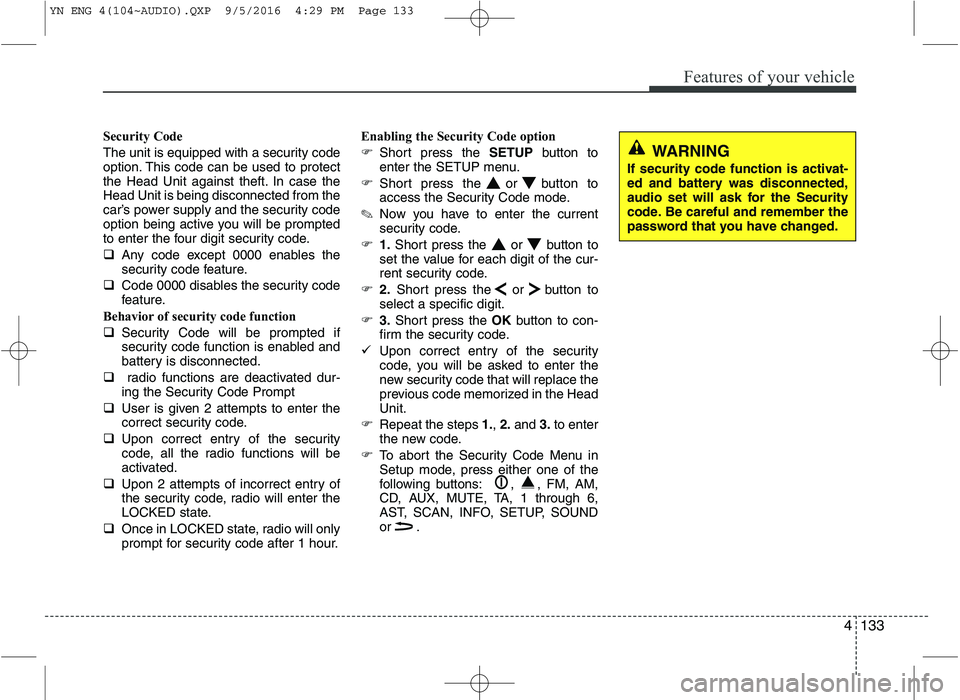
Security Code
The unit is equipped with a security code
option. This code can be used to protect
the Head Unit against theft. In case theHead Unit is being disconnected from the
car’s power supply and the security code
option being active you will be prompted
to enter the four digit security code.
Any code except 0000 enables the
security code feature.
Code 0000 disables the security code
feature.
Behavior of security code function
Security Code will be prompted if
security code function is enabled and
battery is disconnected.
radio functions are deactivated dur-
ing the Security Code Prompt
User is given 2 attempts to enter the
correct security code.
Upon correct entry of the security
code, all the radio functions will be
activated.
Upon 2 attempts of incorrect entry of
the security code, radio will enter the
LOCKED state.
Once in LOCKED state, radio will only
prompt for security code after 1 hour. Enabling the Security Code option
Short press the SETUPbutton to
enter the SETUP menu.
Short press the or button to
access the Security Code mode.
✎ Now you have to enter the current
security code.
1.Short press the or button to
set the value for each digit of the cur-
rent security code.
2.Short press the or button to
select a specific digit.
3.Short press the OKbutton to con-
firm the security code.
Upon correct entry of the security
code, you will be asked to enter the
new security code that will replace the
previous code memorized in the HeadUnit.
Repeat the steps 1., 2. and 3.to enter
the new code.
To abort the Security Code Menu in
Setup mode, press either one of the
following buttons: , , FM, AM,
CD, AUX, MUTE, TA, 1 through 6,
AST, SCAN, INFO, SETUP, SOUND
or .
WARNING
If security code function is activat-
ed and battery was disconnected,
audio set will ask for the Security
code. Be careful and remember the
password that you have changed.
YN ENG 4(104~AUDIO).QXP 9/5/2016 4:29 PM Page 133
Page 208 of 404
Features of your vehicle
134
4
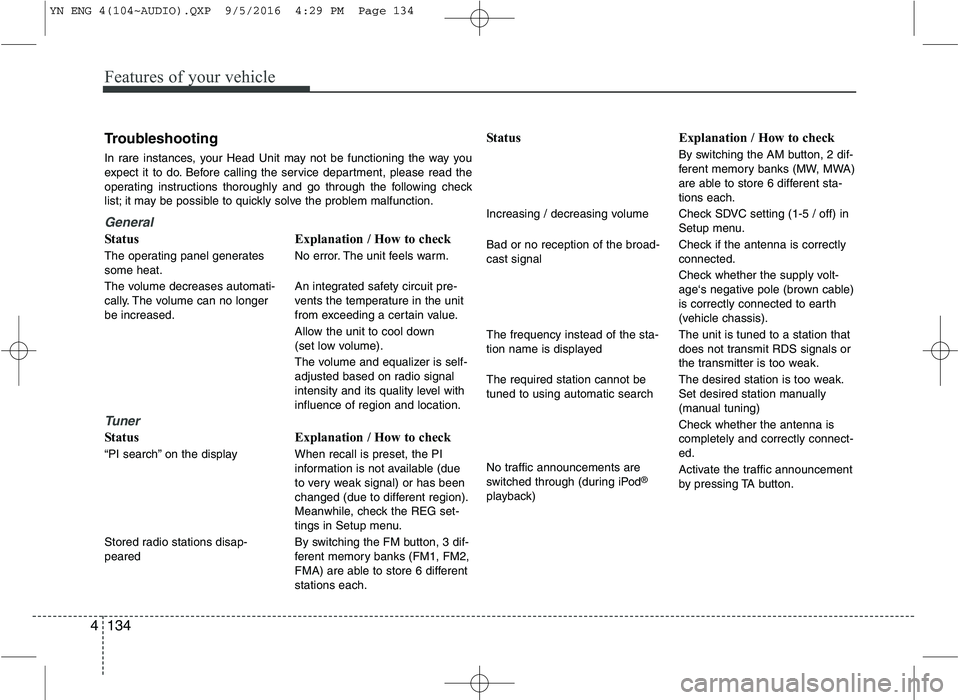
Troubleshooting
In rare instances, your Head Unit may not be functioning the way you
expect it to do. Before calling the service department, please read the
operating instructions thoroughly and go through the following check
list; it may be possible to quickly solve the problem malfunction.
General
Status
The operating panel generates some heat.
The volume decreases automati-
cally. The volume can no longerbe increased.
Tuner
Status
“PI search” on the display
Stored radio stations disap- peared Explanation / How to check
No error. The unit feels warm.
An integrated safety circuit pre-
vents the temperature in the unit
from exceeding a certain value.
Allow the unit to cool down
(set low volume).
The volume and equalizer is self-
adjusted based on radio signal
intensity and its quality level withinfluence of region and location.
Explanation / How to check When recall is preset, the PI
information is not available (due
to very weak signal) or has been
changed (due to different region).
Meanwhile, check the REG set-
tings in Setup menu.
By switching the FM button, 3 dif-
ferent memory banks (FM1, FM2,
FMA) are able to store 6 differentstations each. Status
Increasing / decreasing volume Bad or no reception of the broad- cast signal The frequency instead of the sta-
tion name is displayed The required station cannot be tuned to using automatic search
No traffic announcements are
switched through (during iPod
®
playback) Explanation / How to check
By switching the AM button, 2 dif-
ferent memory banks (MW, MWA)
are able to store 6 different sta-tions each.
Check SDVC setting (1-5 / off) in
Setup menu.
Check if the antenna is correctly connected.
Check whether the supply volt-
age‘s negative pole (brown cable)
is correctly connected to earth
(vehicle chassis). The unit is tuned to a station that
does not transmit RDS signals or
the transmitter is too weak.
The desired station is too weak.
Set desired station manually
(manual tuning)
Check whether the antenna is completely and correctly connect-ed.
Activate the traffic announcement
by pressing TA button.
YN ENG 4(104~AUDIO).QXP 9/5/2016 4:29 PM Page 134
Page 209 of 404
4135
Features of your vehicle
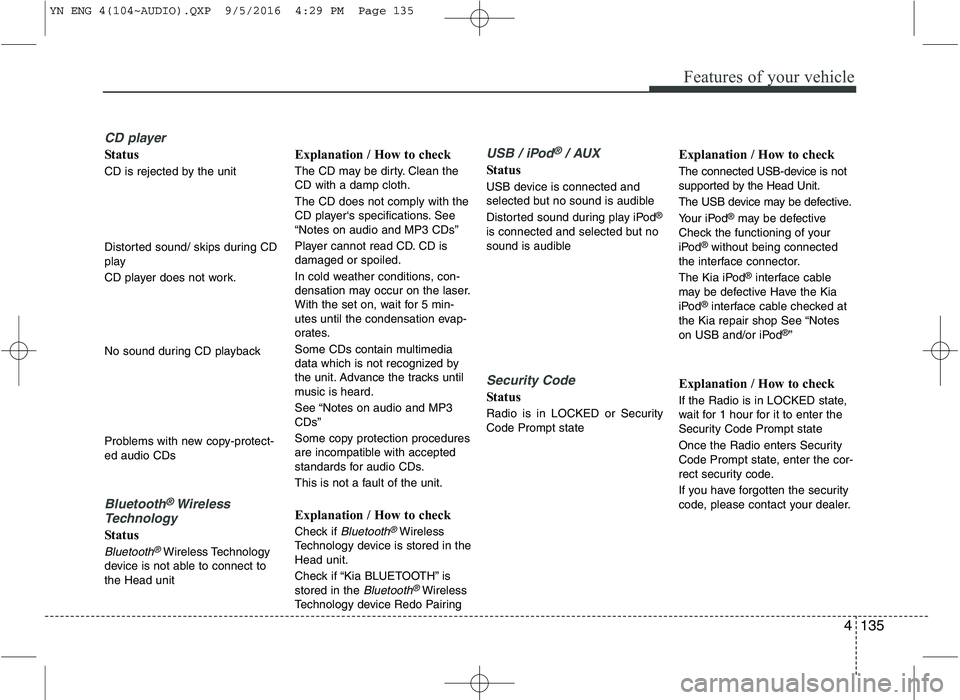
CD player
Status
CD is rejected by the unit
Distorted sound/ skips during CD
play
CD player does not work.
No sound during CD playback
Problems with new copy-protect- ed audio CDs
Bluetooth®Wireless
Technology
Status
Bluetooth®Wireless Technology
device is not able to connect to the Head unit Explanation / How to check
The CD may be dirty. Clean the CD with a damp cloth. The CD does not comply with the
CD player‘s specifications. See“Notes on audio and MP3 CDs”
Player cannot read CD. CD is damaged or spoiled.
In cold weather conditions, con-
densation may occur on the laser.
With the set on, wait for 5 min-
utes until the condensation evap-
orates.
Some CDs contain multimedia
data which is not recognized by
the unit. Advance the tracks until
music is heard.
See “Notes on audio and MP3 CDs”
Some copy protection procedures
are incompatible with accepted
standards for audio CDs.
This is not a fault of the unit.
Explanation / How to check
Check if
Bluetooth®Wireless
Technology device is stored in the Head unit.
Check if “Kia BLUETOOTH” is stored in the
Bluetooth®Wireless
Technology device Redo Pairing
USB / iPod®/ AUX
Status
USB device is connected and
selected but no sound is audible
Distorted sound during play iPod ®
is connected and selected but no
sound is audible
Security Code
Status
Radio is in LOCKED or Security Code Prompt state Explanation / How to check
The connected USB-device is not
supported by the Head Unit.
The USB device may be defective.
Your iPod
®
may be defective
Check the functioning of your
iPod ®
without being connected
the interface connector.
The Kia iPod ®
interface cable
may be defective Have the Kia
iPod ®
interface cable checked at
the Kia repair shop See “Notes
on USB and/or iPod ®
”
Explanation / How to check
If the Radio is in LOCKED state,
wait for 1 hour for it to enter the
Security Code Prompt state
Once the Radio enters Security
Code Prompt state, enter the cor-
rect security code.
If you have forgotten the security
code, please contact your dealer.
YN ENG 4(104~AUDIO).QXP 9/5/2016 4:29 PM Page 135
Page 210 of 404
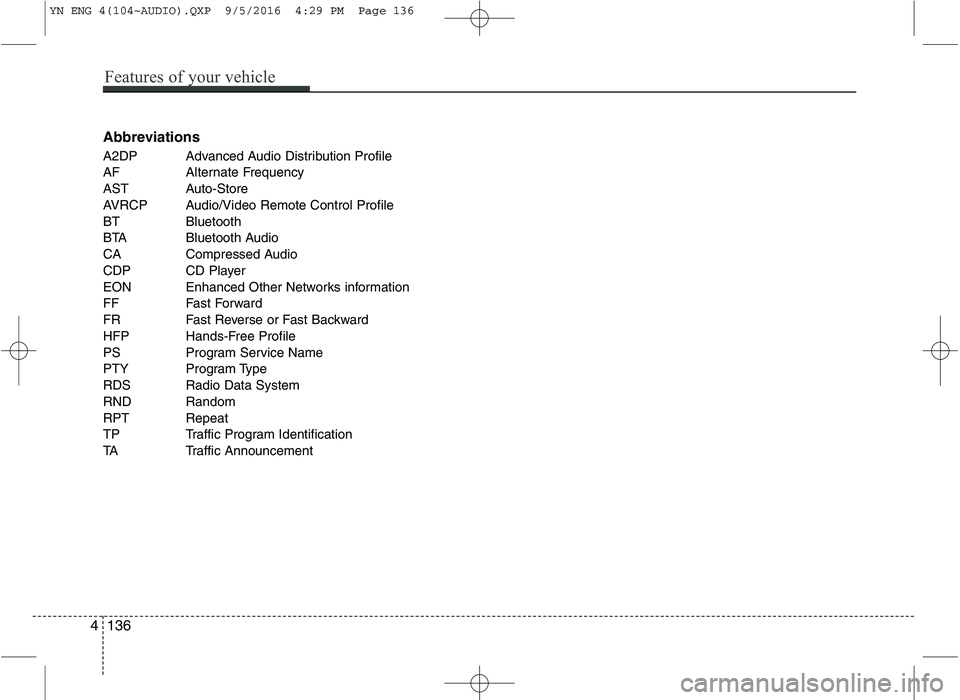
Abbreviations
A2DP Advanced Audio Distribution Profile
AF Alternate Frequency
AST Auto-Store
AVRCP Audio/Video Remote Control Profile
BT Bluetooth
BTA Bluetooth Audio
CA Compressed Audio
CDP CD Player
EON Enhanced Other Networks information
FF Fast Forward
FR Fast Reverse or Fast Backward
HFP Hands-Free Profile
PS Program Service Name
PTY Program Type
RDS Radio Data System
RND Random
RPT Repeat
TP Traffic Program Identification
TA Traffic Announcement
4 136
Features of your vehicle
YN ENG 4(104~AUDIO).QXP 9/5/2016 4:29 PM Page 136
Page 395 of 404
811
Specifications & Consumer information
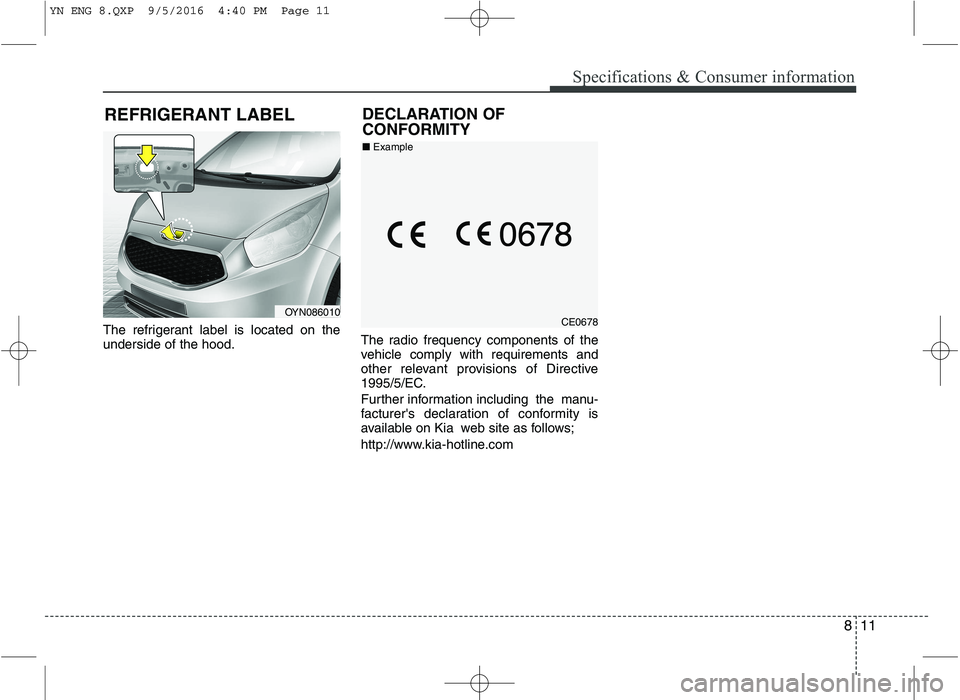
The refrigerant label is located on the underside of the hood.The radio frequency components of the
vehicle comply with requirements and
other relevant provisions of Directive
1995/5/EC.
Further information including the manu-
facturer's declaration of conformity is
available on Kia web site as follows;
http://www.kia-hotline.comCE0678
■
Example
DECLARATION OF CONFORMITY
OYN086010
REFRIGERANT LABEL
YN ENG 8.QXP 9/5/2016 4:40 PM Page 11