USB Lexus CT200h 2017 Owner's Manual (in English)
[x] Cancel search | Manufacturer: LEXUS, Model Year: 2017, Model line: CT200h, Model: Lexus CT200h 2017Pages: 640, PDF Size: 17.94 MB
Page 4 of 640
TABLE OF CONTENTS4
CT200h_OM_OM76215U_(U)
5-1. Basic OperationsAudio system types .................. 256
Using the steering wheel audio switches ......................... 258
AUX port/USB port................ 259
5-2. Using the audio system Optimal use of the audio system ........................................... 261
5-3. Using the radio Radio operation ......................... 263
5-4. Playing audio CDs and MP3/WMA discs
CD player operation ............... 269
5-5. Using an external device Listening to an iPod ................... 276
Listening to a USB memory device.......................................... 282
Using the AUX port ................ 287 5-6. Using Bluetooth
® devices
Bluetooth
® audio/phone....... 288
Using the steering wheel switches...................................... 295
Registering a Bluetooth
®
audio system for the
first time...................................... 296
Registering a Bluetooth
®
phone for the first time.......... 297
5-7. Setup menu Setting up a Bluetooth
®
enabled portable player...... 298
Bluetooth
® audio system
setup ............................................ 302
Setting a cellular phone.......... 303
Security and system setup..... 306
Using the phone book ............ 309
5-8. Bluetooth
® Audio
Operating a Bluetooth
®
enabled portable player........314
5-9. Bluetooth
® Phone
Making a phone call...................316
Receiving a phone call ............. 318
Speaking on th e phone.............319
5-10. Bluetooth
®
Bluetooth®.................................. 320
5Audio system
Page 5 of 640
5
1
9 8
7
6 4 3
2
CT200h_OM_OM76215U_(U)
10
5
5-11. Basic Operations (Lexus Display Audio System)
Lexus Display Audio System ........................................ 324
Steering wheel audio switches...................................... 329
USB/AUX ports ........................ 330
5-12. Setup (Lexus Display Audio System)
Setup menu ................................. 332
General settings ........................ 333
Voice settings.............................. 336
Display settings ...........................337
5-13. Using the audio system (Lexus Display Audio System)
Selecting the audio source ......................................... 338
Optimal use of the audio system ......................................... 339
Audio settings.............................340
Audio menu screen operation ................................... 342
5-14. Using the radio (Lexus Display Audio System)
Radio operation ......................... 345
5-15. Playing an audio CD and MP3/WMA/AAC discs
(Lexus Display Audio System)
CD player operation .................351 5-16. Using an external device
(Lexus Display Audio System)
Listening to an iPod ...................357
Using USB memory device.......................................... 360
Using the AUX port ................ 364
5-17. Connecting Bluetooth
®
(Lexus Display Audio System)
Steps for using Bluetooth
®
devices........................................ 365
Registering a Bluetooth
®
device...........................................367
Selecting a Bluetooth
®
device.......................................... 368
Connecting a Bluetooth
®
audio player.............................. 369
Connecting a Bluetooth
®
phone ...........................................370
Displaying a Bluetooth
®
device details ............................. 371
Detailed Bluetooth
®
settings ........................................372
5-18. Bluetooth
® Audio
(Lexus Display Audio System)
Listening to Bluetooth
®
Audio ...........................................373
Page 6 of 640
TABLE OF CONTENTS6
CT200h_OM_OM76215U_(U)
5-19. Bluetooth® Phone (Lexus
Display Audio System)
Using a Bluetooth
®
Phone ...........................................375
Making a call ................................ 377
Receiving a call ...........................379
Speaking on the phone...........380
Using a Bluetooth
®
phone message....................... 382
Using the steering wheel switches...................................... 384
Bluetooth
® phone settings ...385
5-20.Phonebook (Lexus Display Audio System)
Contact settings ........................ 387
Messaging setting..................... 390
5-21. Bluetooth
® (Lexus
Display Audio System)
What to do if... (Troubleshooting).................... 391
Bluetooth
®.................................. 394
5-22.Other function (Lexus Display Audio System)
“Information” screen ................ 399
USB photo .................................... 401
Weather information ............... 403
Voice command system ......... 404
Mobile Assistant........................408
LEXUS Enform Remote ......... 410 6-1. Using the air conditioning
system and defogger
Automatic air conditioning system (Vehicles with a
navigation system or Lexus
Display Audio System) ........... 414
Automatic air conditioning system (Vehicles without a
navigation system or Lexus
Display Audio System) ..........422
Heated steering wheel/ seat heaters ............................... 429
• Heated steering wheel ...... 430
• Seat heaters ........................... 430
6-2. Using the interior lights Interior lights list ...........................431• Personal/interior light main switch ...............................431
•Front personal/ interior lights .......................... 432
• Rear interior light ................. 432
6Interior features
Page 253 of 640

253
CT200h_OM_OM76215U_(U)
5Audio system
5-1. Basic OperationsAudio system types .................. 256
Using the steering wheel audio switches .........................258
AUX port/USB port................ 259
5-2. Using the audio system Optimal use of the audio system ........................................... 261
5-3. Using the radio Radio operation ......................... 263
5-4. Playing audio CDs and MP3/WMA discs
CD player operation................ 269
5-5. Using an external device Listening to an iPod ................... 276
Listening to a USB memory device .......................................... 282
Using the AUX port................. 287
Page 254 of 640

254
CT200h_OM_OM76215U_(U)
5-6. Using Bluetooth® devices
Bluetooth
® audio/phone ...... 288
Using the steering wheel switches ......................................295
Registering a Bluetooth
®
audio system for the
first time ...................................... 296
Registering a Bluetooth
®
phone for the first time ......... 297
5-7. Setup menu Setting up a Bluetooth
®
enabled portable player ..... 298
Bluetooth
® audio system
setup ........................................... 302
Setting a cellular phone ......... 303
Security and system setup .... 306
Using the phone book ............ 309
5-8. Bluetooth
® Audio
Operating a Bluetooth
®
enabled portable player ....... 314
5-9. Bluetooth
® Phone
Making a phone call .................. 316
Receiving a phone call ............. 318
Speaking on the phone ............ 319
5-10. Bluetooth
®
Bluetooth®.................................. 320 5-11. Basic Operations
(Lexus Display Audio System)
Lexus Display Audio System......................................... 324
Steering wheel audio switches ...................................... 329
USB/AUX ports ........................330
5-12. Setup (Lexus Display Audio System)
Setup menu.................................. 332
General settings ........................ 333
Voice settings.............................. 336
Display settings .......................... 337
5-13. Using the audio system (Lexus Display Audio System)
Selecting the audio source .........................................338
Optimal use of the audio system ......................................... 339
Audio settings .............................340
Audio menu screen operation ................................... 342
5-14. Using the radio (Lexus Display Audio System)
Radio operation ......................... 345
5-15. Playing an audio CD and MP3/WMA/AAC discs
(Lexus Display Audio System)
CD player operation................. 351
Page 255 of 640

255
CT200h_OM_OM76215U_(U)
Audio system5
5-16. Using an external device (Lexus Display Audio System)
Listening to an iPod................... 357
Using USB memory device ......................................... 360
Using the AUX port .................364
5-17. Connecting Bluetooth
®
(Lexus Display Audio System)
Steps for using Bluetooth
®
devices ........................................365
Registering a Bluetooth
®
device .......................................... 367
Selecting a Bluetooth
®
device ......................................... 368
Connecting a Bluetooth
®
audio player ..............................369
Connecting a Bluetooth
®
phone........................................... 370
Displaying a Bluetooth
®
device details..............................371
Detailed Bluetooth
®
settings ........................................ 372
5-18. Bluetooth
® Audio
(Lexus Display Audio System)
Listening to Bluetooth
®
Audio ........................................... 373 5-19. Bluetooth
® Phone (Lexus
Display Audio System)
Using a Bluetooth
®
Phone .......................................... 375
Making a call ................................377
Receiving a call .......................... 379
Speaking on the phone .......... 380
Using a Bluetooth
®
phone message ....................... 382
Using the steering wheel switches ......................................384
Bluetooth
® phone settings ...385
5-20.Phonebook (Lexus Display Audio System)
Contact settings ........................ 387
Messaging setting .....................390
5-21. Bluetooth
® (Lexus
Display Audio System)
What to do if... (Troubleshooting) .................... 391
Bluetooth
®.................................. 394
5-22.Other function (Lexus Display Audio System)
“Information” sc reen ................ 399
USB photo .................................... 401
Weather information................ 403
Voice command system ......... 404
Mobile Assistant ....................... 408
LEXUS Enform Remote.......... 410
Page 258 of 640

258
CT200h_OM_OM76215U_(U)5-1. Basic Operations
Using the steering wheel audio switches
Volume switch:
• Press: Increases/decreases vol- ume
• Press and hold: Continuously increases/decreases volume
Radio mode: • Press: Selects a radio station
• Press and hold: Seeks up/down
CD, MP3/WMA disc, Bluetooth
®, iPod or USB mode:
• Press: Selects a track/file/song
• Press and hold: Selects a folder or album (MP3/WMA disc, Bluetooth
®,
iPod or USB)
“MODE” switch: • Press: Turns the power on, selects an audio source
• Press and hold: Turns the power off
■Canceling automatic select ion of a radio station
Press the “ ” or “” button again.
Some audio features can be controlled using the switches on the steering
wheel.
Operation may differ depending on th e type of audio system or navigation
system. For details, refer to the manual provided with the audio system or nav-
igation system.
1
2
WA R N I N G
■To reduce the risk of an accident
Exercise care when operating the audio switches on the steering wheel.
3
Page 259 of 640

259
CT200h_OM_OM76215U_(U)5-1. Basic Operations
5
Audio system
AUX port/USB port
■iPod
Press down and release the lid.
Open the cover and connect an
iPod using an iPod cable.
Turn on the power of the iPod if it is
not turned on.
■USB memoryPress down and release the lid.
Open the cover and connect the USB memory device.
Turn on the power of the USB memory device if it is not turned on.
■Portable audio playerPress down and release the lid.
Open the cover and connect the portable audio player.
Turn on the power of the portable audio player if it is not turned on.
Connect an iPod, USB memory device or portable audio player to the AUX
port/USB port as indicated below. Press the “CD•AUX” button to select
“iPod”, “USB” or “AUX”.
Connecting using the AUX port/USB port
1
2
1
2
1
2
Page 282 of 640

282
CT200h_OM_OM76215U_(U)5-5. Using an external device
Listening to a USB memory device
P. 2 5 9
Connecting a USB memory enables you to enjoy music from the vehicle
speakers. Press the “CD•AUX” button to select “USB”.
Connecting a USB memory
Control panel
Displaying text message
Repeat play
Search play
“TUNE•SEL” knob
File selection
Playback Folder selection
File selection
Random play
Power/volume knob
Press: Turning the audio system on or
off
Turn: Adjusting the volume
1
2
3
4
5
6
7
8
9
Page 283 of 640
CT200h_OM_OM76215U_(U)
2835-5. Using an external device
5
Audio system
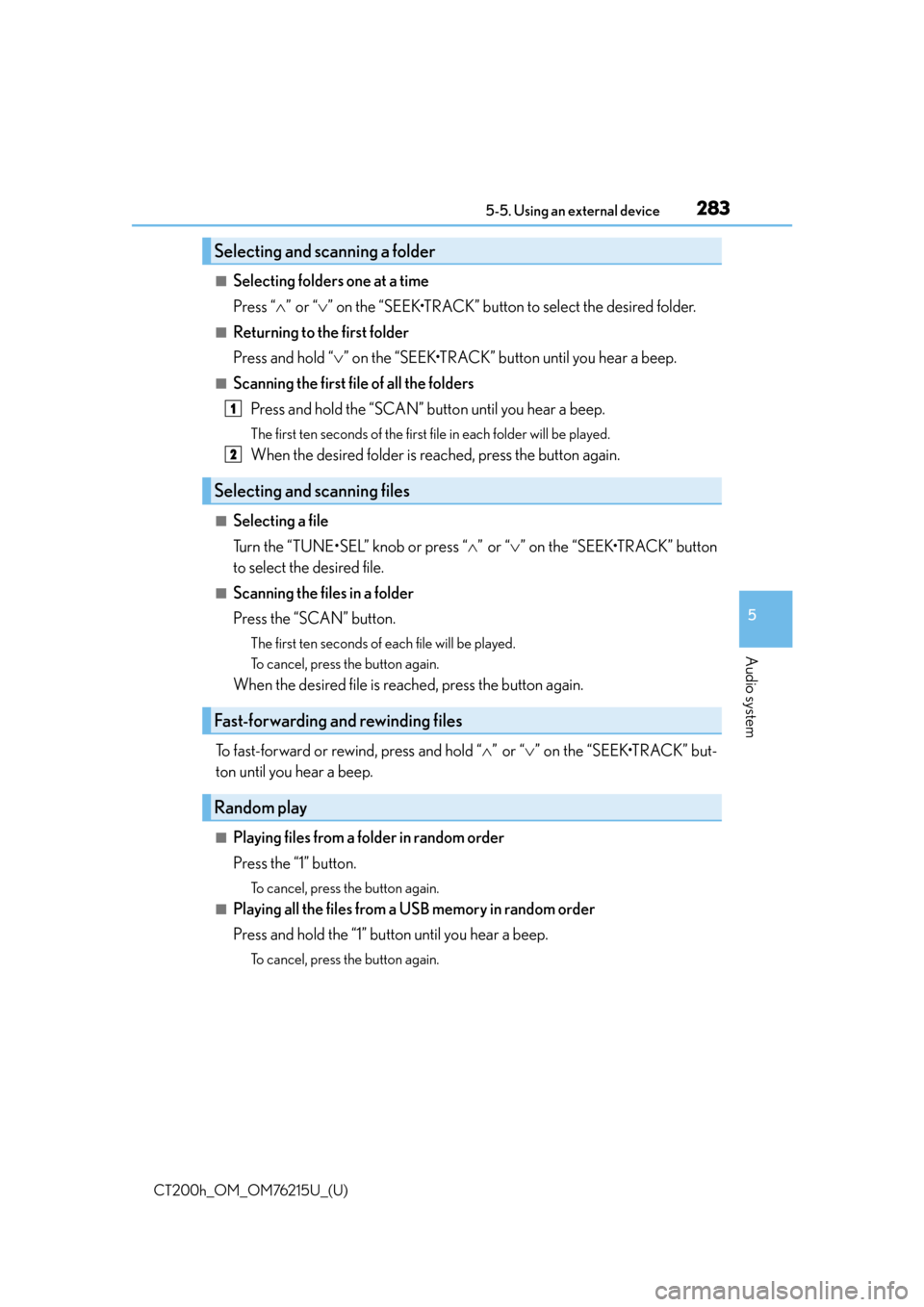
■Selecting folders one at a time
Press “”or “ ” on the “SEEK•TRACK” button to select the desired folder.
■Returning to the first folder
Press and hold “ ” on the “SEEK•TRACK” button until you hear a beep.
■Scanning the first file of all the folders
Press and hold the “SCAN” button until you hear a beep.
The first ten seconds of the first f ile in each folder will be played.
When the desired folder is reached, press the button again.
■Selecting a file
Turn the “TUNE•SEL” knob or press “ ”or “ ” on the “SEEK•TRACK” button
to select the desired file.
■Scanning the files in a folder
Press the “SCAN” button.
The first ten seconds of each file will be played.
To cancel, press the button again.
When the desired file is reached, press the button again.
To fast-forward or rewind, press and hold “ ”or “ ” on the “SEEK•TRACK” but-
ton until you hear a beep.
■Playing files from a folder in random order
Press the “1” button.
To cancel, press the button again.
■Playing all the files from a USB memory in random order
Press and hold the “1” button until you hear a beep.
To cancel, press the button again.
Selecting and scanning a folder
Selecting and scanning files
Fast-forwarding and rewinding files
Random play
1
2