audio Lexus ES350 2016 s / Manual PDF
[x] Cancel search | Manufacturer: LEXUS, Model Year: 2016, Model line: ES350, Model: Lexus ES350 2016Pages: 576, PDF Size: 8.3 MB
Page 312 of 576

3125-6. Using an external device
ES350_OM_OM33B64U_(U)
●MP3, WMA and AAC files
MP3 (MPEG Audio LAYER 3) is a standard audio compression format.
Files can be compressed to approximately 1 / 10 of their original size using MP3 com-
pression.
WMA (Windows Media Audio) is a Microsoft audio compression format. This format
compresses audio data to a size smaller than that of the MP3 format.
AAC is short for Advanced Audio Coding an d refers to an audio compression tech-
nology standard used with MPEG2 and MPEG4.
MP3, WMA and AAC file and media/formats compatibility are limited.
●MP3 file compatibility
• Compatible standards MP3 (MPEG1 AUDIO LAYERIII, MPEG2 AUDIO LAYERIII)
• Compatible sampling frequencies MPEG1 AUDIO LAYERIII: 32, 44.1, 48 (kHz)
MPEG2 AUDIO LAYERIII: 16, 22.05, 24 (kHz)
• Compatible bit rates (compatible with VBR) MPEG1 AUDIO LAYERIII: 32-320 (kbps)
MPEG2 AUDIO LAYERIII: 8-160 (kbps)
• Compatible channel modes: stereo, joint stereo, dual channel and monaural
●WMA file compatibility
• Compatible standards WMA Ver. 7, 8, 9 (only compatible with Window Media Audio Standard)
• Compatible sampling frequencies
32, 44.1, 48 (kHz)
• Compatible bit rates (only compat ible with 2-channel playback)
Ver. 7, 8: CBR 48-192 (kbps)
Ver. 9: CBR 48-320 (kbps)
●AAC file compatibility
• Compatible standards
MPEG4 /AAC-LC
• Compatible sampling frequencies
11.025/12 /16/22.05/24 /32 /44.1 /48 (kHz)
• Compatible bit rates 16-320 (kbps)
• Compatible channel modes: 1 ch and 2 ch
●File names
The only files that can be recognized as MP3/WMA/AAC and played are those with
the extension .mp3, .wma or .m4a.
Page 313 of 576

ES350_OM_OM33B64U_(U)
3135-6. Using an external device
5
Lexus Display Audio system
●ID3, WMA and AAC tags
ID3 tags can be added to MP3 files, making it possible to record the track title, artist
name, etc.
The system is compatible with ID3 Ver. 1.0, 1.1, and Ver. 2.2, 2.3 ID3 tags. (The number
of characters is based on ID3 Ver. 1.0 and 1.1.)
WMA tags can be added to WMA files, making it possible to record the track title and
artist name in the same way as with ID3 tags.
AAC tags can be added to AAC files, making it possible to record the track title and
artist name in the same way as with ID3 tags.
●MP3, WMA and AAC playback
• When a device containing MP3, WMA or AAC files is connected, all files in the
USB memory device are checked. Once the file check is finished, the first MP3,
WMA or AAC file is played. To make the file check finish more quickly, we recom-
mend that you do not include any files ot her than MP3, WMA or AAC files or cre-
ate any unnecessary folders.
• When a USB memory device is connected and the audio source is changed to USB memory mode, the USB memory device will start playing the first file in the first
folder. If the same device is removed and reconnected (and the contents have not
been changed), the USB memory device will resume play from the same point in
which it was last used.
●Extensions
If the file extensions .mp3, .wma and .m4a are used for files other than MP3, WMA
and AAC files, they will be skipped (not played).
●Playback
• To play MP3 files with steady sound quality, we recommend a fixed bit rate of at least
128 kbps and a sampling frequency of 44.1 kHz.
• There is a wide variety of freeware and other encoding software for MP3, WMA and AAC files on the market, and depending on the status of the encoding and the
file format, poor sound qualit y or noise at the start of playback may result. In some
cases, playback may not be possible at all.
• Microsoft, Windows, and Windows Medi a are the registered trademarks of
Microsoft Corporation in the U.S.A. and other countries.
NOTICE
■To prevent damage to the USB memory device or its terminals
●Do not leave the USB memory device in the vehicle. The temperature inside the vehi-
cle may become high.
●Do not push down on or apply unnecessary pressure to the USB memory device
while it is connected.
●Do not insert foreign objects into the port.
Page 314 of 576
314
ES350_OM_OM33B64U_(U)5-6. Using an external device
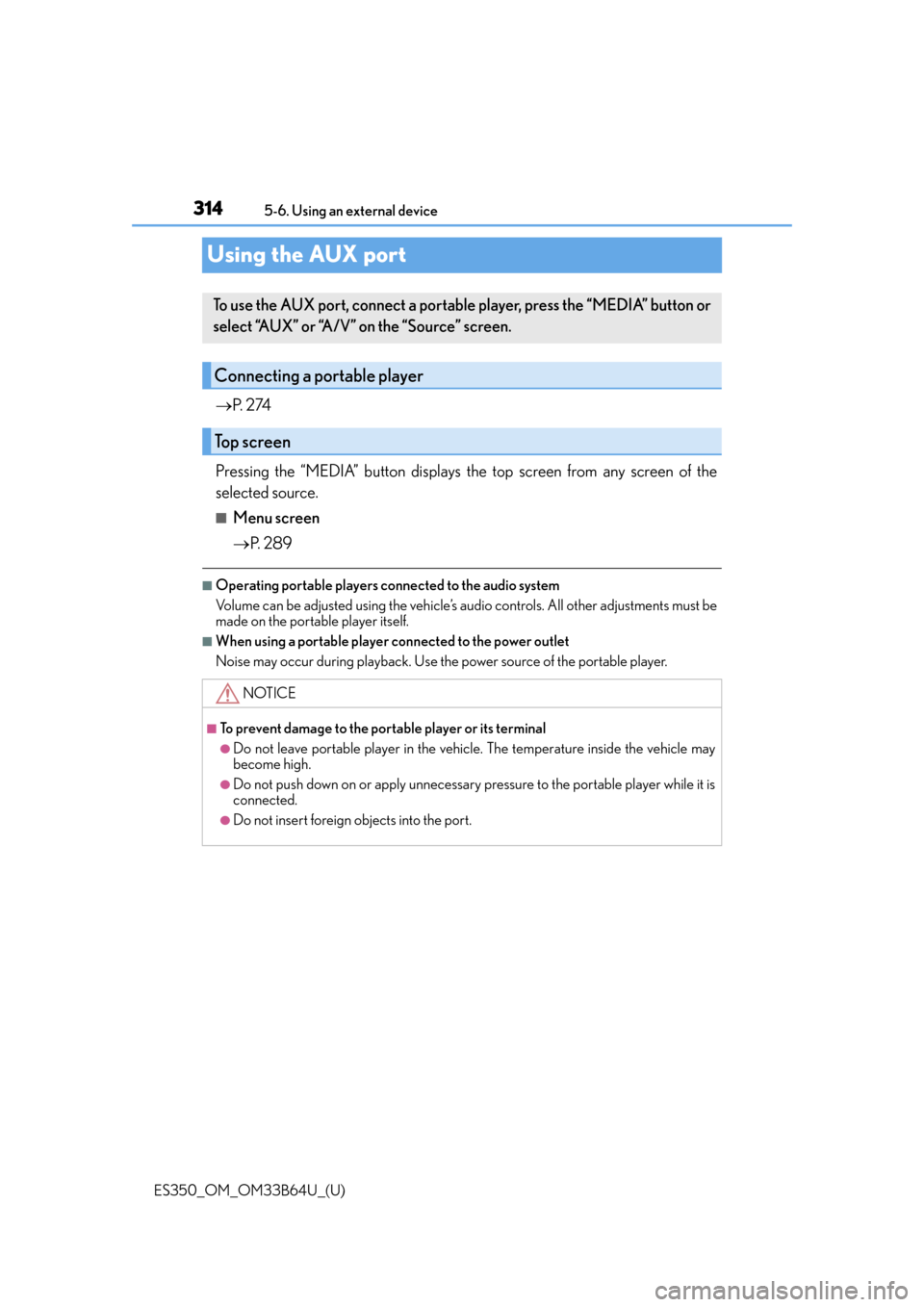
Using the AUX port
P. 2 74
Pressing the “MEDIA” button displays the top screen from any screen of the
selected source.
■Menu screen
P. 2 8 9
■Operating portable players connected to the audio system
Volume can be adjusted using the vehicle’s audio controls. All other adjustments must be
made on the portable player itself.
■When using a portable player connected to the power outlet
Noise may occur during playback. Use the power source of the portable player.
To use the AUX port, connect a portable player, press the “MEDIA” button or
select “AUX” or “A/V” on the “Source” screen.
Connecting a portable player
Top screen
NOTICE
■To prevent damage to the portable player or its terminal
●Do not leave portable player in the vehicl e. The temperature inside the vehicle may
become high.
●Do not push down on or apply unnecessary pressure to the portable player while it is
connected.
●Do not insert foreign objects into the port.
Page 315 of 576
315
ES350_OM_OM33B64U_(U)5-7. Connecting Bluetooth
®
5
Lexus Display Audio system
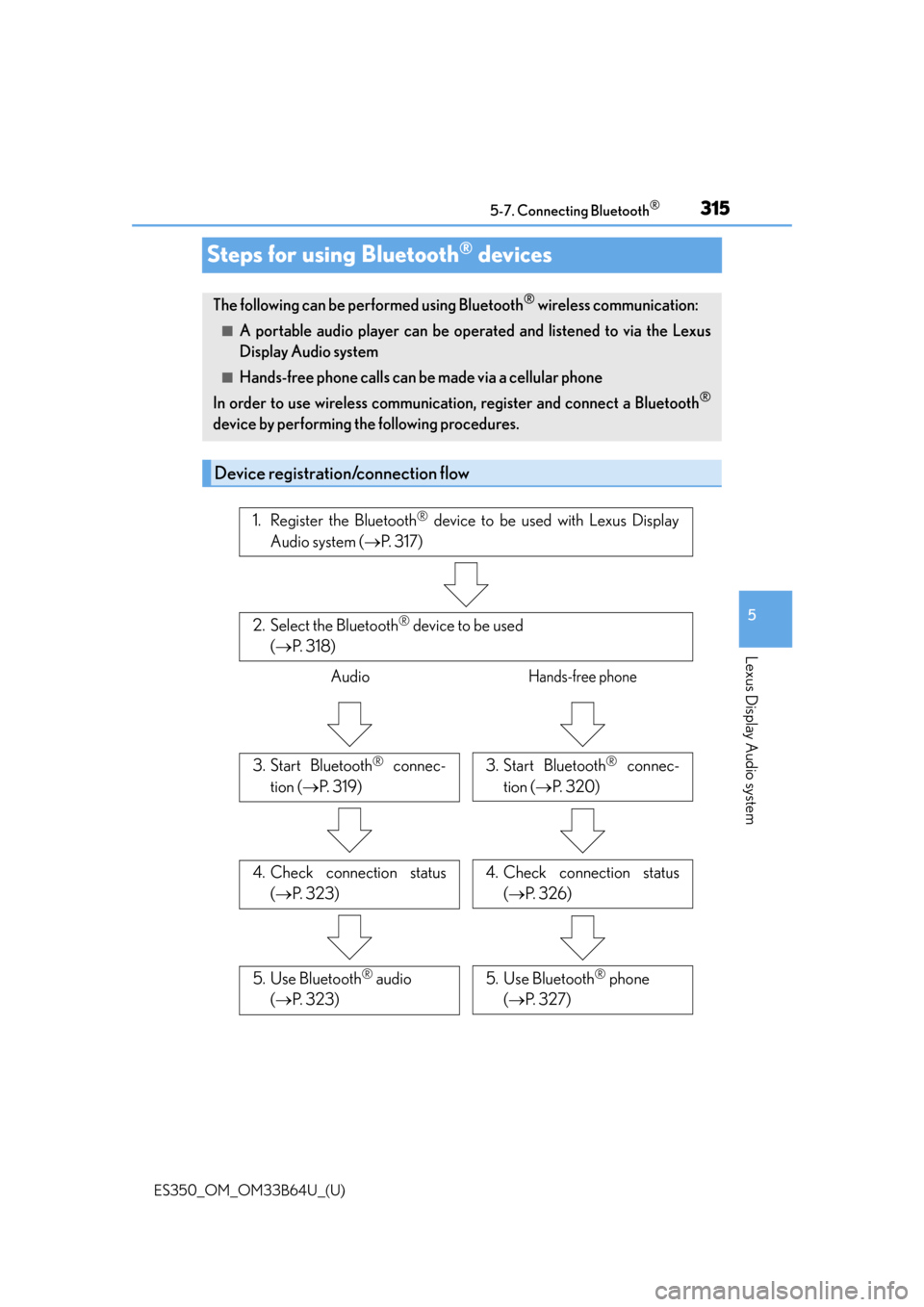
Steps for using Bluetooth® devices
The following can be performed using Bluetooth® wireless communication:
■A portable audio player can be operated and listened to via the Lexus
Display Audio system
■Hands-free phone calls can be
made via a cellular phone
In order to use wireless communication, register and connect a Bluetooth
®
device by performing the following procedures.
Device registration/connection flow
1. Register the Bluetooth® device to be used with Lexus Display
Audio system ( P. 3 1 7 )
2. Select the Bluetooth® device to be used
( P. 3 1 8 )
AudioHands-free phone
3. Start Bluetooth® connec-
tion ( P. 3 1 9 )3. Start Bluetooth® connec-
tion ( P. 3 2 0 )
4. Check connection status
( P. 3 2 3 )4. Check connection status
( P. 3 2 6 )
5. Use Bluetooth® audio
( P. 3 2 3 )5. Use Bluetooth® phone
( P. 3 2 7 )
Page 316 of 576

3165-7. Connecting Bluetooth®
ES350_OM_OM33B64U_(U)
Go to “Bluetooth* Setup”: “MENU” button “Setup” “Bluetooth*”
*: Bluetooth is a registered trademark of Bluetooth SIG, Inc.
■When displaying “Bluetooth* Setup” screen from the “Bluetooth* Audio” screen
Display the “Bluetooth
* Audio” screen. ( P. 323)
Move the controller to the left and select “Connect”.
■When displaying “Bluetooth* Setup” screen from the phone top screen
Display the phone top screen. ( P. 3 2 5 )
Move the controller to the left and select “Connect Phone”.
*: Bluetooth is a registered trademark of Bluetooth SIG, Inc.
“Bluetooth* Setup” screen
1
2
1
2
Page 317 of 576
317
ES350_OM_OM33B64U_(U)5-7. Connecting Bluetooth
®
5
Lexus Display Audio system
Registering a Bluetooth® device
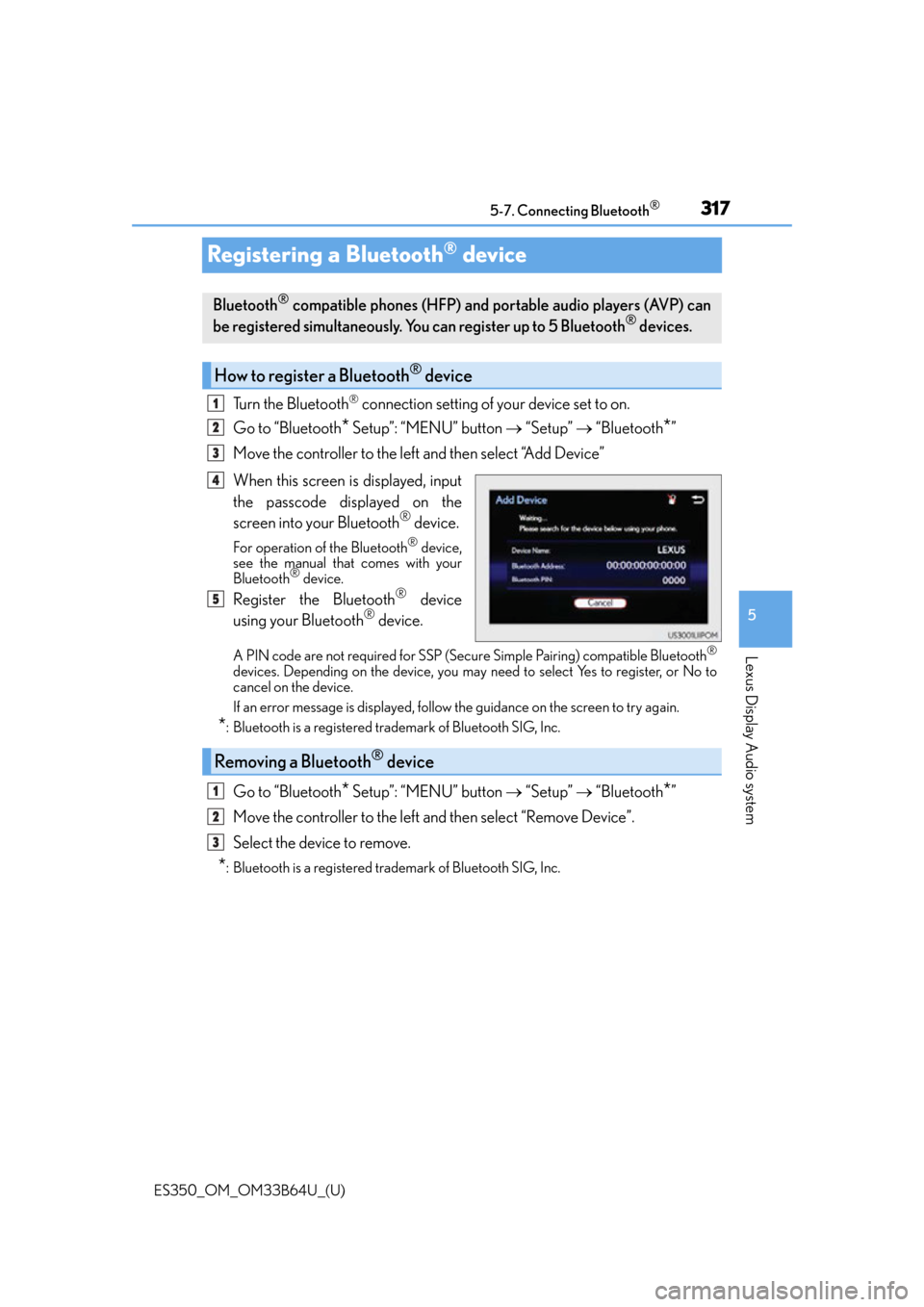
Turn the Bluetooth® connection setting of your device set to on.
Go to “Bluetooth
* Setup”: “MENU” button “Setup” “Bluetooth*”
Move the controller to the left and then select “Add Device”
When this screen is displayed, input
the passcode displayed on the
screen into your Bluetooth
® device.
For operation of the Bluetooth® device,
see the manual that comes with your
Bluetooth
® device.
Register the Bluetooth® device
using your Bluetooth® device.
A PIN code are not required for SSP (Secur e Simple Pairing) compatible Bluetooth®
devices. Depending on the device, you may need to select Yes to register, or No to
cancel on the device.
If an error message is displayed, follow the guidance on the screen to try again.
*: Bluetooth is a registered trademark of Bluetooth SIG, Inc.
Go to “Bluetooth* Setup”: “MENU” button “Setup” “Bluetooth*”
Move the controller to the left and then select “Remove Device”.
Select the device to remove.
*: Bluetooth is a registered trademark of Bluetooth SIG, Inc.
Bluetooth® compatible phones (HFP) and portable audio players (AVP) can
be registered simultaneously. You can register up to 5 Bluetooth® devices.
How to register a Bluetooth® device
1
2
3
4
5
Removing a Bluetooth® device
1
2
3
Page 318 of 576
318
ES350_OM_OM33B64U_(U)5-7. Connecting Bluetooth
®
Selecting a Bluetooth® device
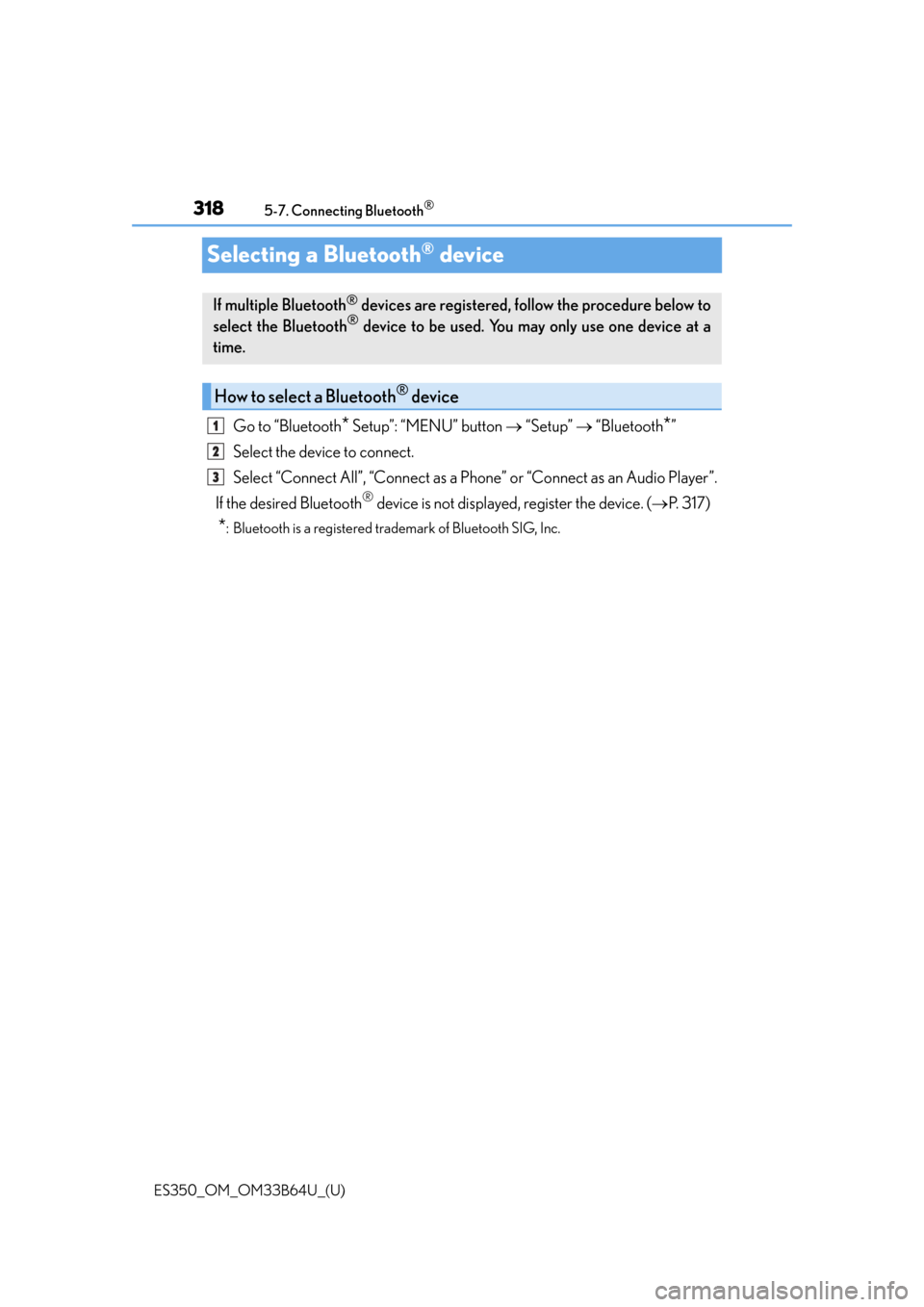
Go to “Bluetooth* Setup”: “MENU” button
“Setup” “Bluetooth*”
Select the device to connect.
Select “Connect All”, “Connect as a Ph one” or “Connect as an Audio Player”.
If the desired Bluetooth
® device is not displayed, register the device. ( P. 3 1 7 )
*: Bluetooth is a registered trademark of Bluetooth SIG, Inc.
If multiple Bluetooth® devices are registered, follow the procedure below to
select the Bluetooth® device to be used. You ma y only use one device at a
time.
How to select a Bluetooth® device
1
2
3
Page 319 of 576
319
ES350_OM_OM33B64U_(U)5-7. Connecting Bluetooth
®
5
Lexus Display Audio system
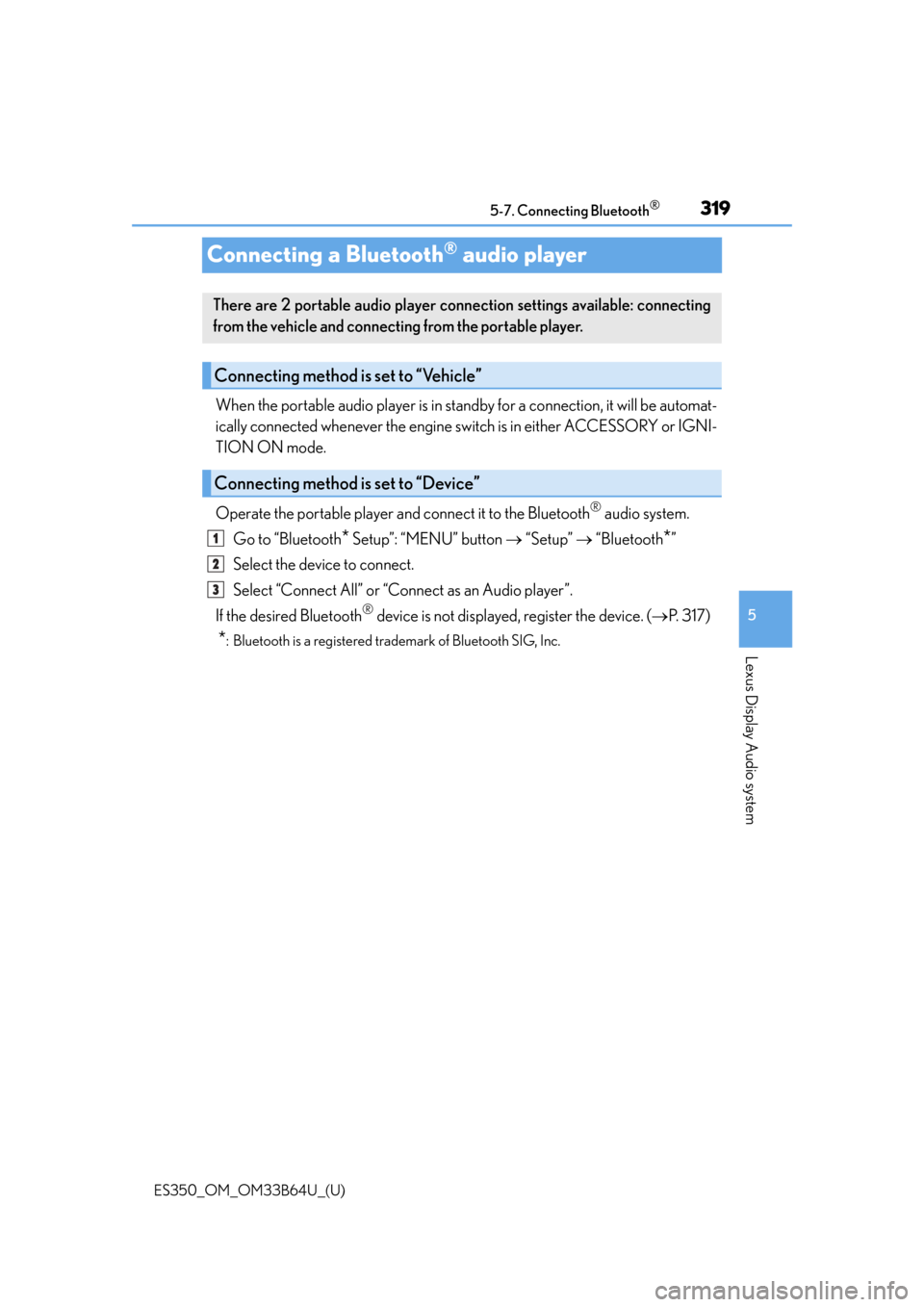
Connecting a Bluetooth® audio player
When the portable audio player is in st
andby for a connection, it will be automat-
ically connected whenever the engine sw itch is in either ACCESSORY or IGNI-
TION ON mode.
Operate the portable player and connect it to the Bluetooth
® audio system.
Go to “Bluetooth
* Setup”: “MENU” button “Setup” “Bluetooth*”
Select the device to connect.
Select “Connect All” or “Connect as an Audio player”.
If the desired Bluetooth
® device is not displayed, register the device. ( P. 3 1 7 )
*: Bluetooth is a registered trademark of Bluetooth SIG, Inc.
There are 2 portable audio player connection settings available: connecting
from the vehicle and connecting from the portable player.
Connecting method is set to “Vehicle”
Connecting method is set to “Device”
1
2
3
Page 320 of 576
320
ES350_OM_OM33B64U_(U)5-7. Connecting Bluetooth
®
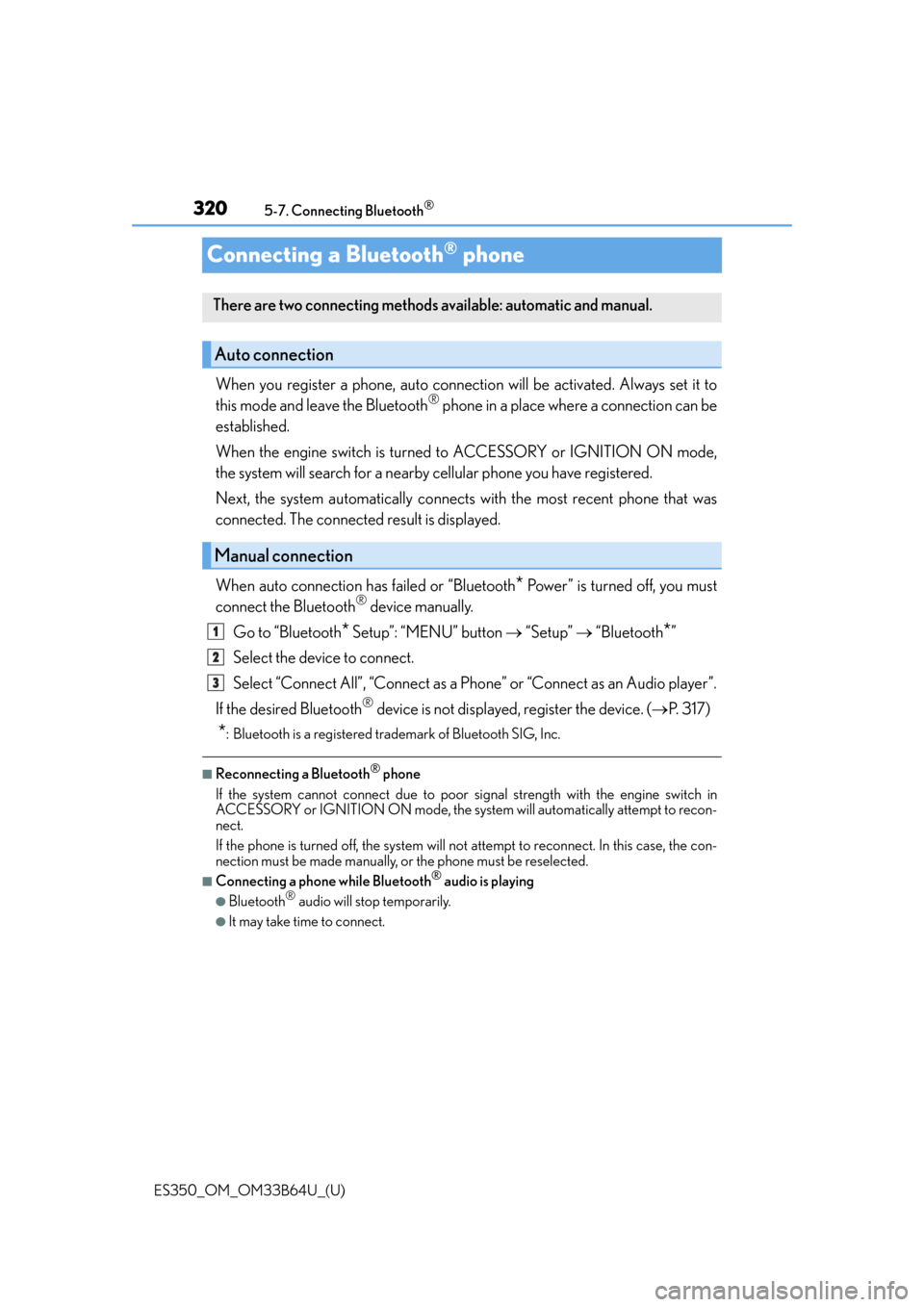
Connecting a Bluetooth® phone
When you register a phone, auto connection will be activated. Always set it to
this mode and leave the Bluetooth® phone in a place where a connection can be
established.
When the engine switch is turned to ACCESSORY or IGNITION ON mode,
the system will search for a nearby cellular phone you have registered.
Next, the system automatically connects with the most recent phone that was
connected. The connected result is displayed.
When auto connection has failed or “Bluetooth
* Power” is turned off, you must
connect the Bluetooth® device manually.
Go to “Bluetooth
* Setup”: “MENU” button “Setup” “Bluetooth*”
Select the device to connect.
Select “Connect All”, “Connect as a Ph one” or “Connect as an Audio player”.
If the desired Bluetooth
® device is not displayed, register the device. ( P. 3 1 7 )
*: Bluetooth is a registered trademark of Bluetooth SIG, Inc.
■Reconnecting a Bluetooth® phone
If the system cannot connect due to poor si gnal strength with the engine switch in
ACCESSORY or IGNITION ON mode, the syst em will automatically attempt to recon-
nect.
If the phone is turned off, the system will not attempt to reconnect. In this case, the con-
nection must be made manually, or the phone must be reselected.
■Connecting a phone while Bluetooth® audio is playing
●Bluetooth® audio will stop temporarily.
●It may take time to connect.
There are two connecting methods av ailable: automatic and manual.
Auto connection
Manual connection
1
2
3
Page 321 of 576
321
ES350_OM_OM33B64U_(U)5-7. Connecting Bluetooth
®
5
Lexus Display Audio system
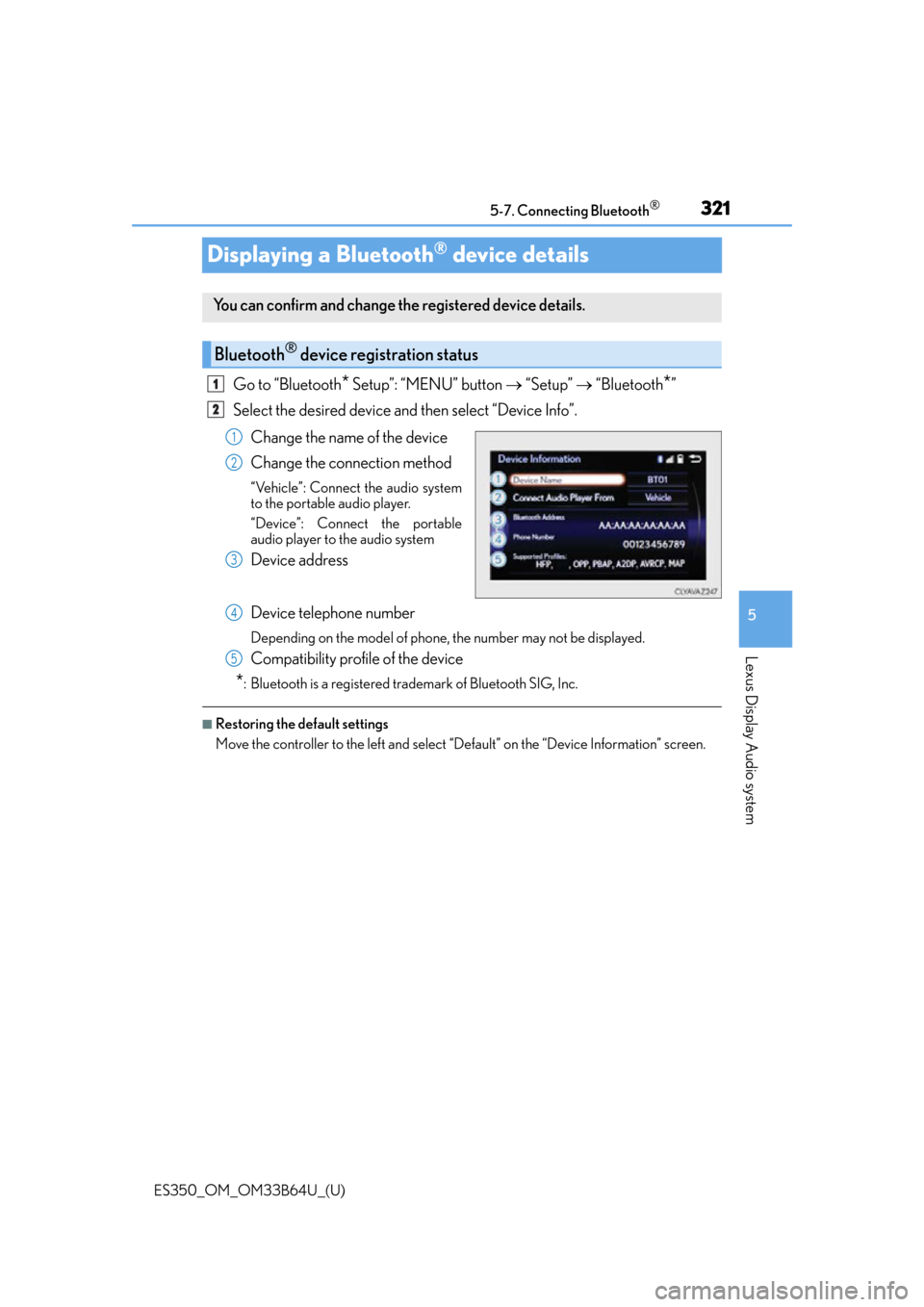
Displaying a Bluetooth® device details
Go to “Bluetooth* Setup”: “MENU” button
“Setup” “Bluetooth*”
Select the desired device and then select “Device Info”.
Change the name of the device
Change the connection method
“Vehicle”: Connect the audio system
to the portable audio player.
“Device”: Connect the portable
audio player to the audio system
Device address
Device telephone number
Depending on the model of phone, the number may not be displayed.
Compatibility profile of the device
*: Bluetooth is a registered trademark of Bluetooth SIG, Inc.
■Restoring the default settings
Move the controller to the left and select “Default” on the “Device Information” screen.
You can confirm and change th e registered device details.
Bluetooth® device registration status
1
2
1
2
3
4
5