Lexus GS250 2012 Service Manual
GS250 2012
Lexus
Lexus
https://www.carmanualsonline.info/img/36/13052/w960_13052-0.png
Lexus GS250 2012 Service Manual
Page 407 of 914
3975-1. Remote Touch screen
5
Interior features
GS350/250_EE (OM30C36E)
About startup or screen off images
The images file extension is JPG or JPEG.
The images file name, including the file extension, can be up to 32 charac-
ters.
Image files of 10 MB or less can be saved.
Up to 3 images can be downloaded.
Page 408 of 914
3985-1. Remote Touch screen
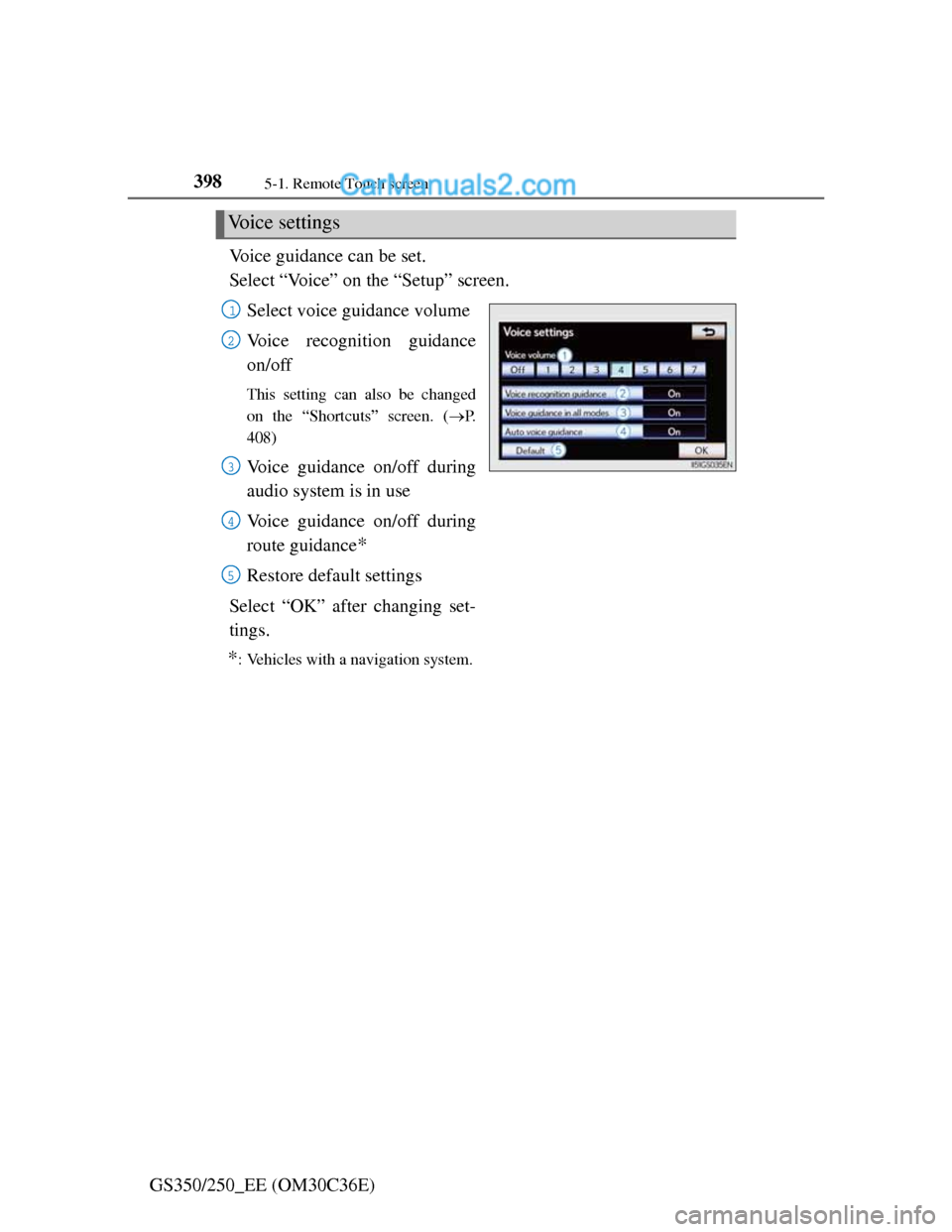
GS350/250_EE (OM30C36E)Voice guidance can be set.
Select “Voice” on the “Setup” screen.
Select voice guidance volume
Voice recognition guidance
on/off
This setting can also be changed
on the “Shortcuts” screen. (P.
408)
Voice guidance on/off during
audio system is in use
Voice guidance on/off during
route guidance
*
Restore default settings
Select “OK” after changing set-
tings.
*: Vehicles with a navigation system.
Voice settings
1
2
3
4
5
Page 409 of 914
3995-1. Remote Touch screen
5
Interior features
GS350/250_EE (OM30C36E)
Voice volume
The voice guidance volume can be adjusted or switched off.
Select “Voice” on the “Setup” screen.
Select the desired level.
Vehicle with a navigation sys-
tem: If voice guidance is not
needed, select “Off” to disable
the feature.
Select “OK”.
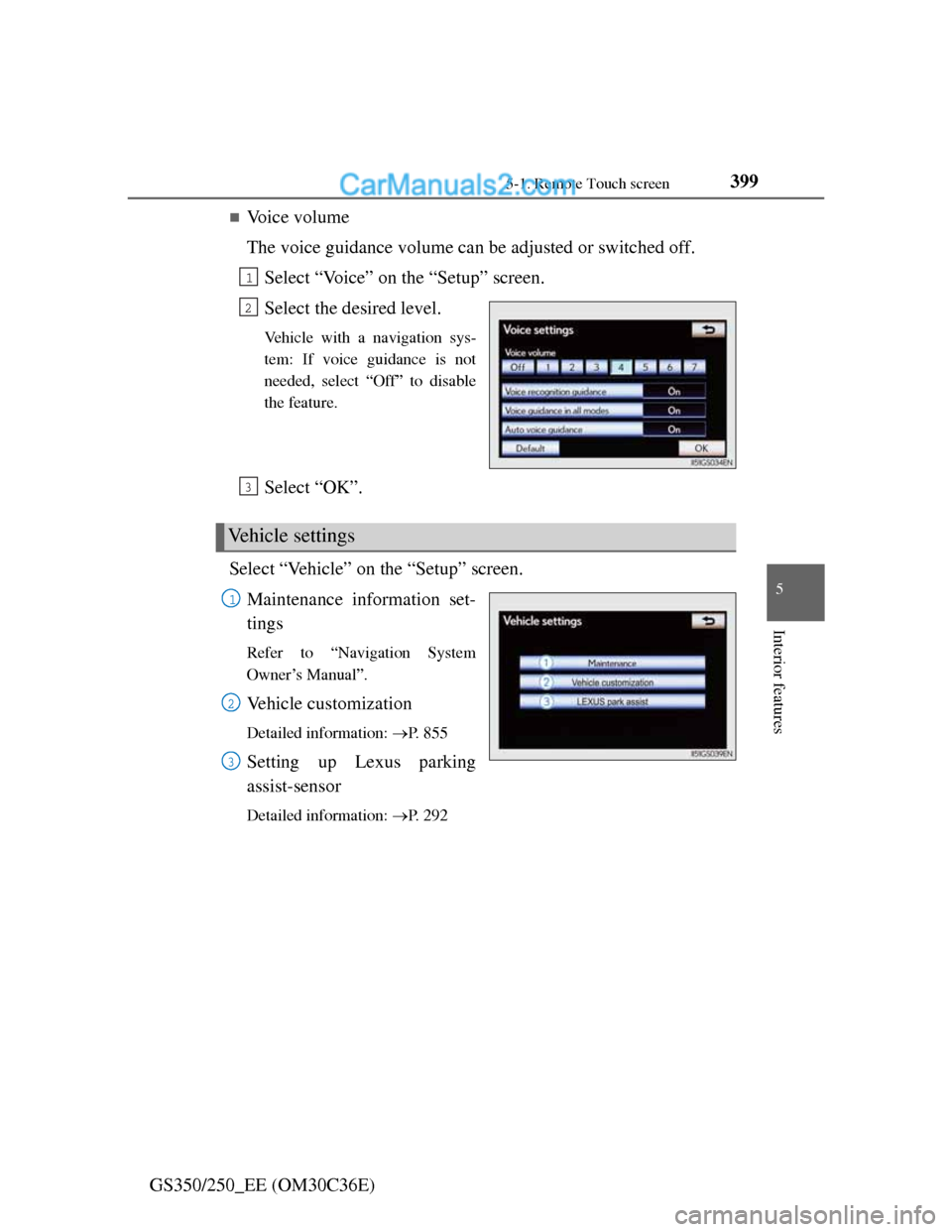
Select “Vehicle” on the “Setup” screen.
Maintenance information set-
tings
Refer to “Navigation System
Owner’s Manual”.
Vehicle customization
Detailed information: P. 8 5 5
Setting up Lexus parking
assist-sensor
Detailed information: P. 2 9 2
1
2
Vehicle settings
3
1
2
3
Page 410 of 914
4005-1. Remote Touch screen
GS350/250_EE (OM30C36E)Select “Telephone” on the “Setup” screen.
Sound settings
Detailed information: P. 5 7 6
Phonebook settings
Detailed information: P. 5 7 8
Message settings
Detailed information: P. 5 9 1
Telephone display settings
Detailed information: P. 5 9 5
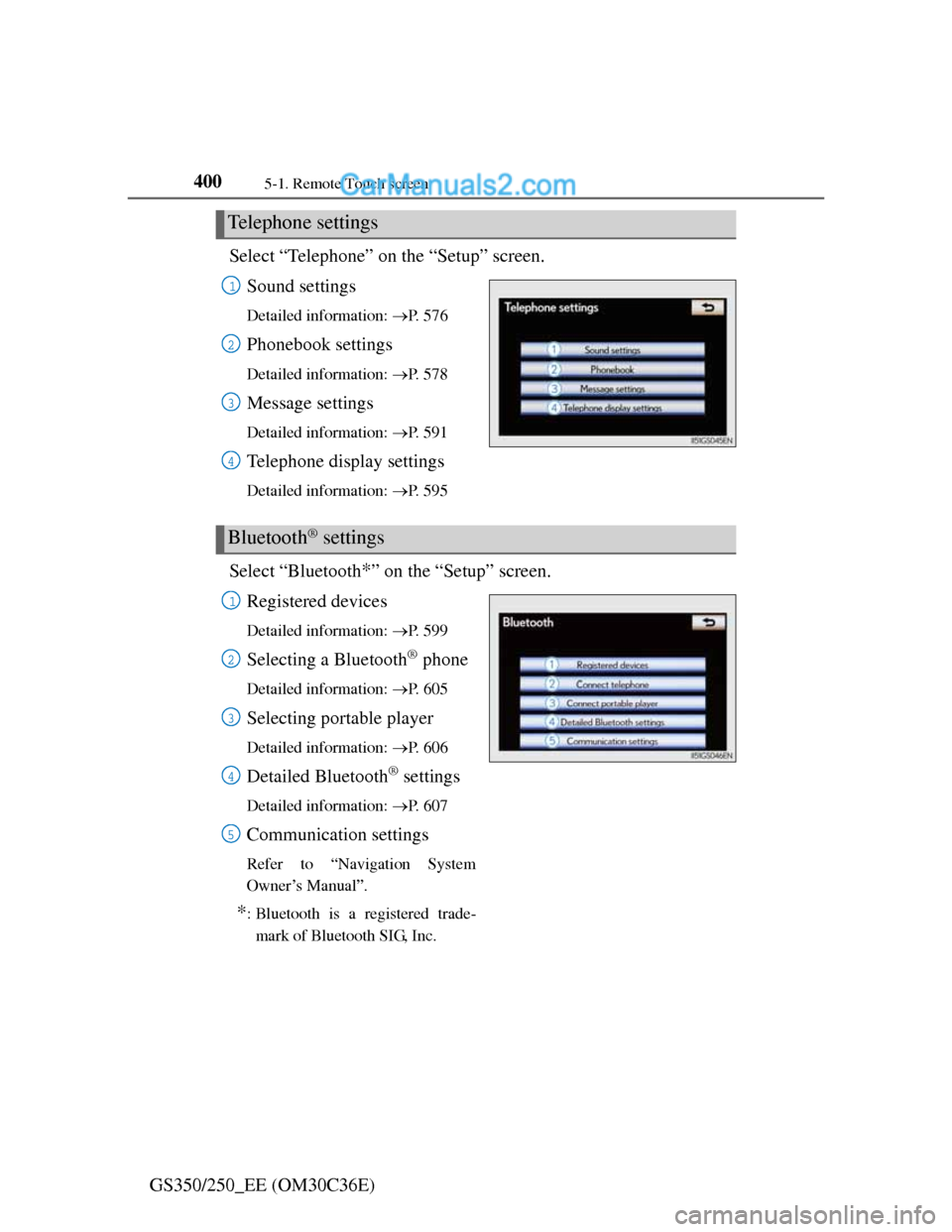
Select “Bluetooth*” on the “Setup” screen.
Registered devices
Detailed information: P. 5 9 9
Selecting a Bluetooth® phone
Detailed information: P. 6 0 5
Selecting portable player
Detailed information: P. 6 0 6
Detailed Bluetooth® settings
Detailed information: P. 6 0 7
Communication settings
Refer to “Navigation System
Owner’s Manual”.
*: Bluetooth is a registered trade-
mark of Bluetooth SIG, Inc.
Telephone settings
1
2
3
4
Bluetooth® settings
1
2
3
4
5
Page 411 of 914
401
5 5-1. Remote Touch screen
Interior features
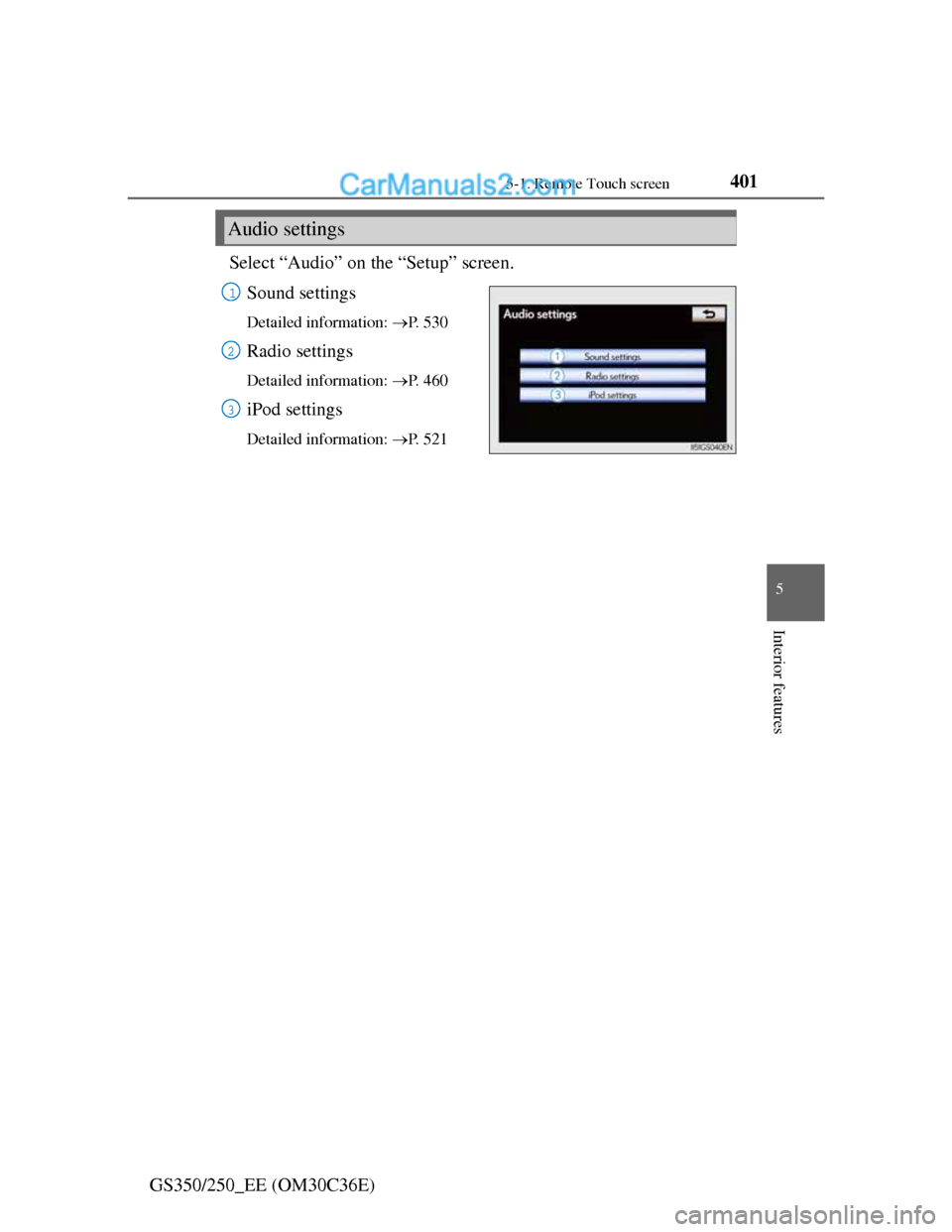
GS350/250_EE (OM30C36E)Select “Audio” on the “Setup” screen.
Sound settings
Detailed information: P. 5 3 0
Radio settings
Detailed information: P. 4 6 0
iPod settings
Detailed information: P. 5 2 1
Audio settings
1
2
3
Page 412 of 914
4025-1. Remote Touch screen
GS350/250_EE (OM30C36E)
Speech command system
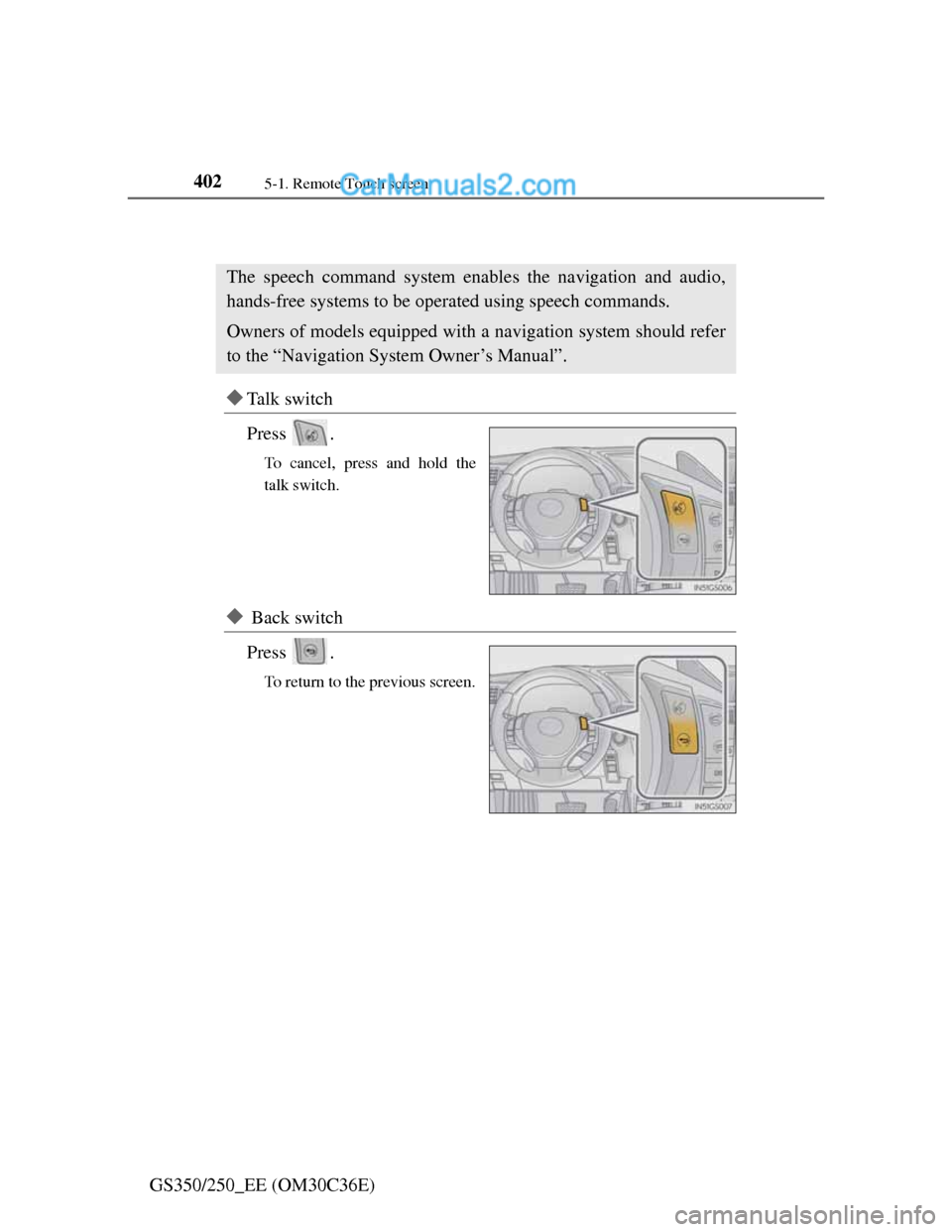
Ta l k s w i t c h
Press .
To cancel, press and hold the
talk switch.
Back switch
Press .
To return to the previous screen.
The speech command system enables the navigation and audio,
hands-free systems to be operated using speech commands.
Owners of models equipped with a navigation system should refer
to the “Navigation System Owner’s Manual”.
Page 413 of 914
4035-1. Remote Touch screen
5
Interior features
GS350/250_EE (OM30C36E)
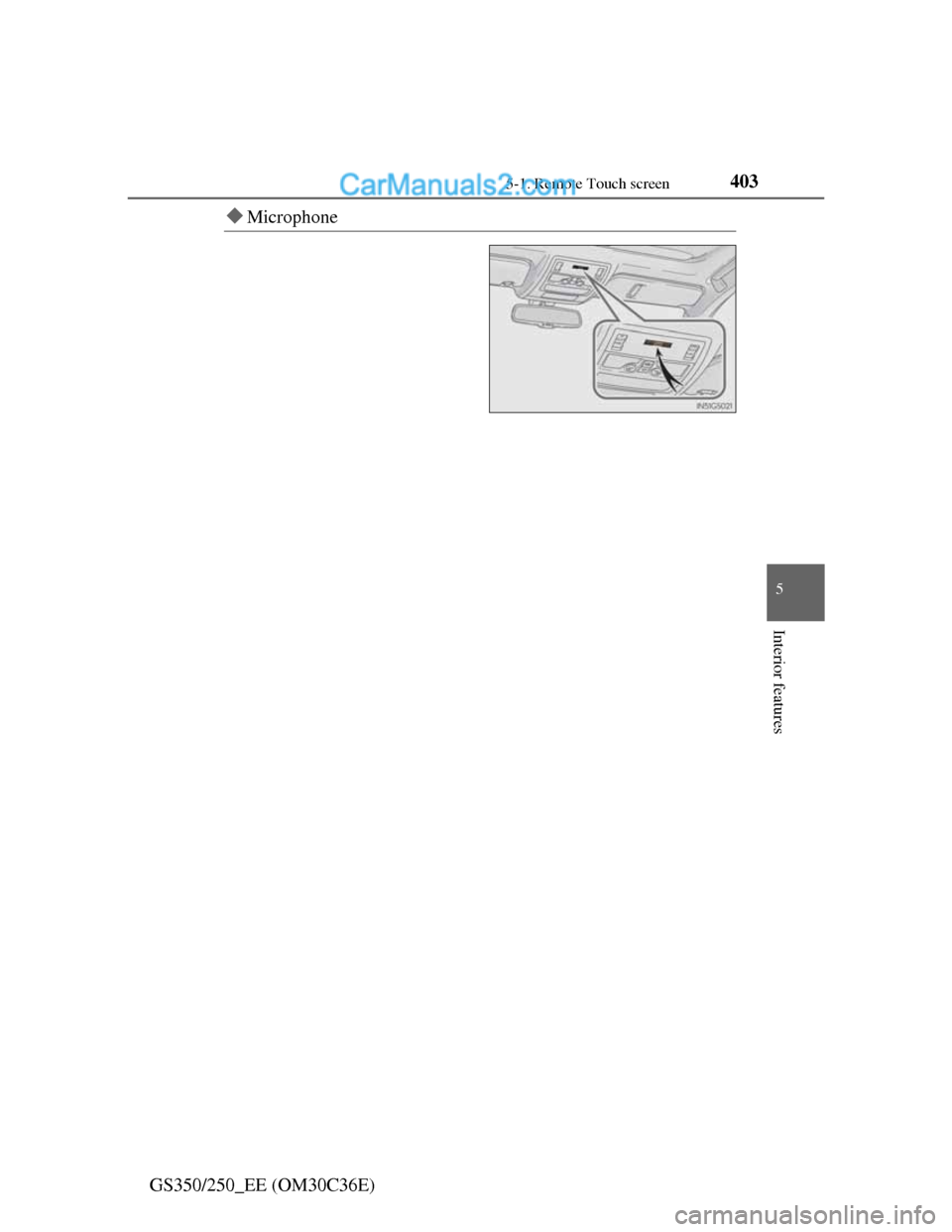
Microphone
Page 414 of 914
4045-1. Remote Touch screen
GS350/250_EE (OM30C36E)
Speech command system operation
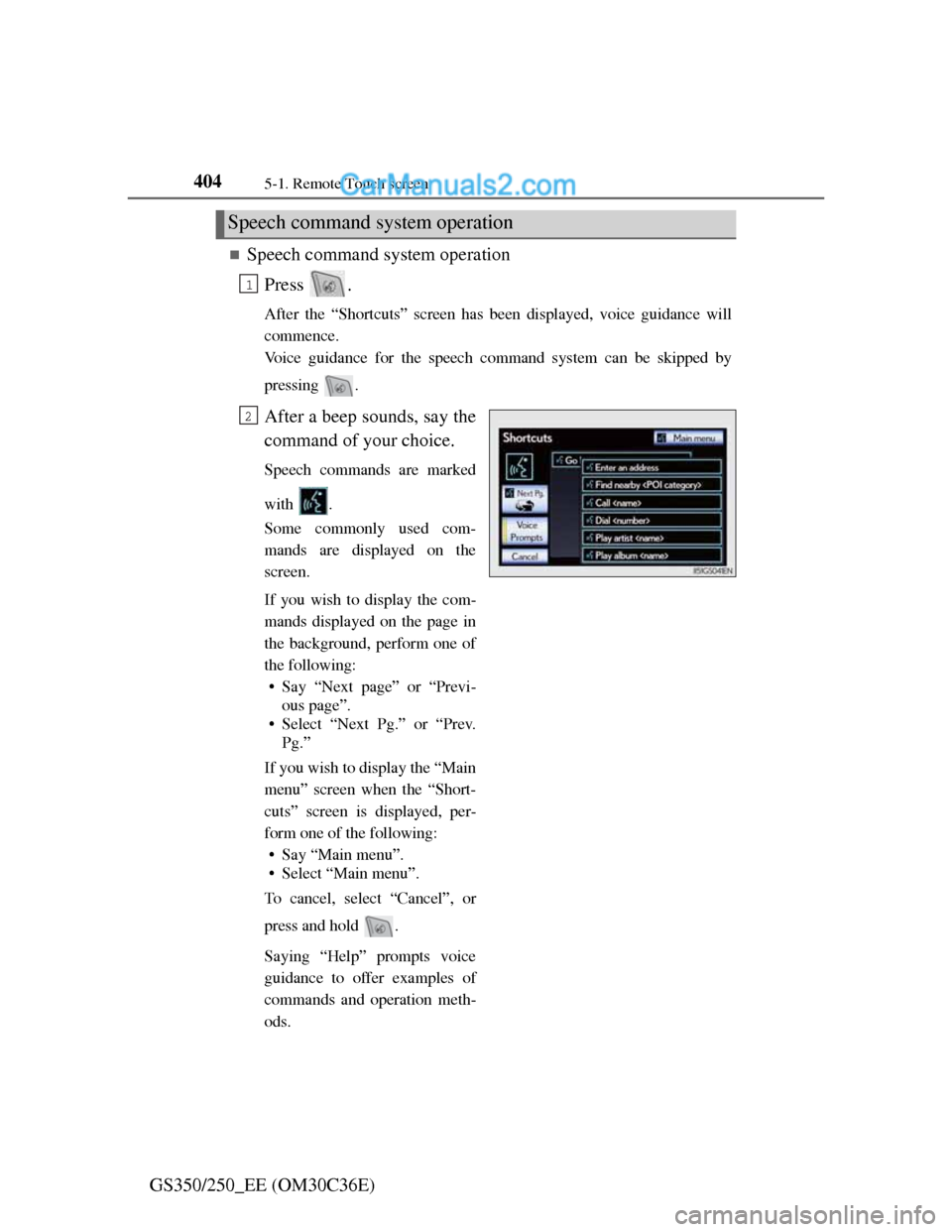
Press .
After the “Shortcuts” screen has been displayed, voice guidance will
commence.
Voice guidance for the speech command system can be skipped by
pressing .
After a beep sounds, say the
command of your choice.
Speech commands are marked
with .
Some commonly used com-
mands are displayed on the
screen.
If you wish to display the com-
mands displayed on the page in
the background, perform one of
the following:
• Say “Next page” or “Previ-
ous page”.
• Select “Next Pg.” or “Prev.
Pg.”
If you wish to display the “Main
menu” screen when the “Short-
cuts” screen is displayed, per-
form one of the following:
• Say “Main menu”.
• Select “Main menu”.
To cancel, select “Cancel”, or
press and hold .
Saying “Help” prompts voice
guidance to offer examples of
commands and operation meth-
ods.
Speech command system operation
1
2
Page 415 of 914
4055-1. Remote Touch screen
5
Interior features
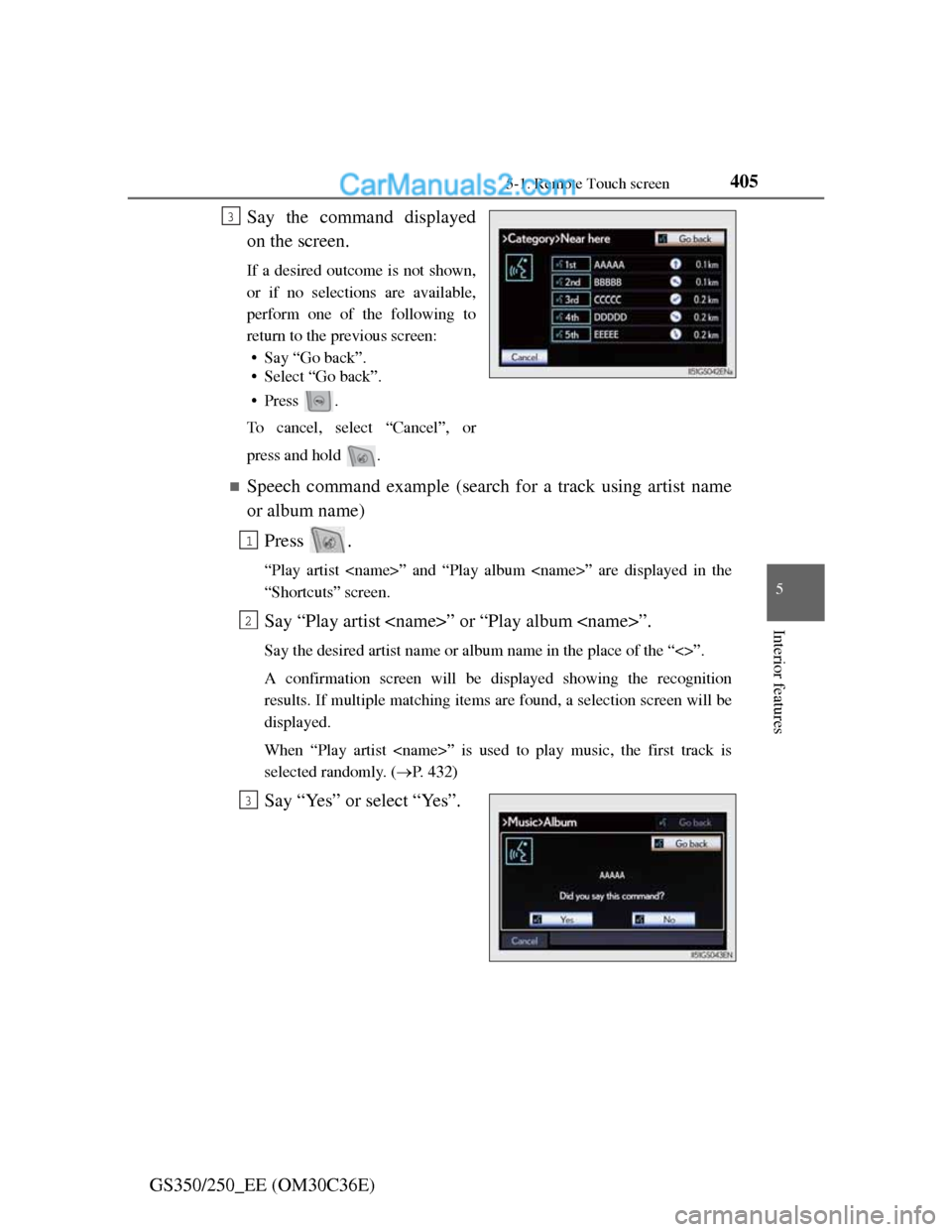
GS350/250_EE (OM30C36E)Say the command displayed
on the screen.
If a desired outcome is not shown,
or if no selections are available,
perform one of the following to
return to the previous screen:
• Say “Go back”.
• Select “Go back”.
•Press .
To cancel, select “Cancel”, or
press and hold .
Speech command example (search for a track using artist name
or album name)
Press .
“Play artist ” and “Play album ” are displayed in the
“Shortcuts” screen.
Say “Play artist ” or “Play album ”.
Say the desired artist name or album name in the place of the “<>”.
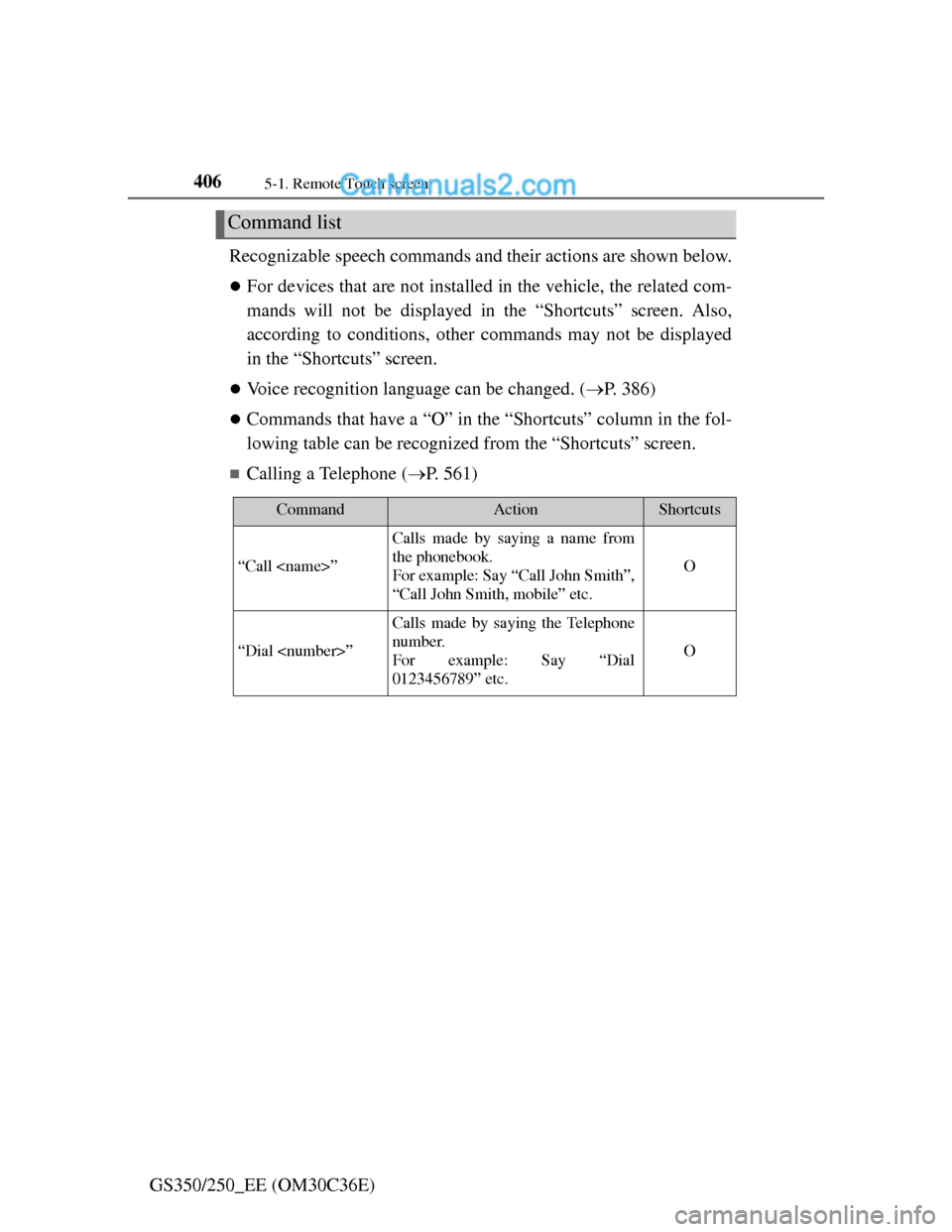
A confirmation screen will be displayed showing the recognition
results. If multiple matching items are found, a selection screen will be
displayed.
When “Play artist ” is used to play music, the first track is
selected randomly. (P. 432)
Say “Yes” or select “Yes”.
3
1
2
3
Page 416 of 914
4065-1. Remote Touch screen
GS350/250_EE (OM30C36E)Recognizable speech commands and their actions are shown below.
For devices that are not installed in the vehicle, the related com-
mands will not be displayed in the “Shortcuts” screen. Also,
according to conditions, other commands may not be displayed
in the “Shortcuts” screen.
Voice recognition language can be changed. (P. 386)
Commands that have a “O” in the “Shortcuts” column in the fol-
lowing table can be recognized from the “Shortcuts” screen.
Calling a Telephone (P. 561)
Command list
CommandActionShortcuts
“Call ”
Calls made by saying a name from
the phonebook.
For example: Say “Call John Smith”,
“Call John Smith, mobile” etc.
O
“Dial ”
Calls made by saying the Telephone
number.
For example: Say “Dial
0123456789” etc.
O