lock LEXUS RX270 2014 Owner's Manual
[x] Cancel search | Manufacturer: LEXUS, Model Year: 2014, Model line: RX270, Model: LEXUS RX270 2014Pages: 652, PDF Size: 48.98 MB
Page 38 of 652
38
1-2. Opening, closing and locking the doors
RX350/270_EE
■Note for the entry function
●Even when the electronic key is within the effective range (detection areas), the
system may not operate properly in the following cases:
• The electronic key is too close to the window or outside door handle, near the
ground, or in a high place when the doors are locked or unlocked.
• The electronic key is on the instrument panel, luggage cover or floor or in the
glove box.
●Do not leave the electronic key on top of the instrument panel or near the door
pockets when exiting the vehicle. Depending on the radio wave reception con-
ditions, it may be detected by the antenna outside the cabin and the door will
become lockable from the outside, possibly trapping the electronic key inside
the vehicle.
●As long as the electronic key is within the effective range, the doors may be
locked or unlocked by anyone. However, only the doors detecting the elec-
tronic key can be used to unlock the vehicle.
●The doors may lock or unlock if the electronic key is within the effective range
and a large amount of water splashes on the door handle, such as in the rain or
in a car wash. The doors will automatically be locked after approximately 30
seconds if a door is not opened and closed.
●If the wireless remote control is used to lock the doors when the electronic key
is near the vehicle, there is a possibility that the door may not be unlocked by the
entry function. (Use the wireless remote control to unlock the doors.)
RX350_270_EE_48D77E.book 38 ページ 2014年1月24日 金曜日 午前10時4分
Page 39 of 652
39
1-2. Opening, closing and locking the doors
1
Before driving
RX350/270_EE
■Notes for locking the doors
●Touching the door lock sensor while wearing gloves may delay or prevent lock
operation. Remove the gloves and touch the lock sensor again.
●If the door handle becomes wet while the electronic key is within the effective
range, the door may lock and unlock repeatedly. Place the key in a position 2 m
(6 ft.) or more separate from the vehicle while the vehicle is being washed. (Take
care to ensure that the key is not stolen.)
●If the electronic key is inside the vehicle and a door handle becomes wet during
a car wash, a message may be shown on the multi-information display and a
buzzer will sound outside the vehicle. To turn off the alarm, lock all the doors.
●The lock sensor may not work properly if it comes into contact with ice, snow,
mud, etc. Clean the lock sensor and attempt to operate it again, or use the lock
sensor on the lower part of the door handle.
●Fingernails may scrape against the door during operation of the door handle.
Be careful not to injure fingernails or damage the surface of the door.
■Notes for the unlocking function
●Gripping the door handle when wearing a glove may not unlock the door.
●A sudden approach to the effective range or door handle may prevent the
doors from being unlocked. In this case, return the door handle to the original
position and check that the doors unlock before pulling the door handle again.
●If there is another electronic key in the detection area, it may take slightly longer
to unlock the doors after the door handle is gripped.
■When the vehicle is not driven for extended periods
●To prevent theft of the vehicle, do not leave the electronic key within 2 m (6 ft.)
of the vehicle.
●The smart entry & start system can be deactivated in advance. (→P. 622)
■To operate the system properly
Make sure to carry the electronic key when operating the system. Do not get the
electronic key too close to the vehicle when operating the system from the outside
of the vehicle.
Depending on the position and holding condition of the electronic key, the key may
not be detected correctly and the system may not operate properly. (The alarm may
go off accidentally, or the door lock prevention function may not operate.)
RX350_270_EE_48D77E.book 39 ページ 2014年1月24日 金曜日 午前10時4分
Page 40 of 652
40
1-2. Opening, closing and locking the doors
RX350/270_EE
■If the smart entry & start system does not operate properly
●Locking and unlocking the doors: Use the mechanical key. (→P. 5 9 1 )
●Starting the engine: →P. 5 9 2
■Electronic key battery depletion
●The standard battery life is 1 to 2 years. (The card key battery life is about a year
and a half.)
●If the battery becomes low, an alarm will sound in the cabin when the engine
stops. (→P. 5 6 3 )
●As the electronic key always receives radio waves, the battery will become
depleted even if the electronic key is not used. The following symptoms indicate
that the electronic key battery may be depleted. Replace the battery when nec-
essary. (→P. 5 0 1 )
• The smart entry & start system or the wireless remote control does not oper-
ate.
• The detection area becomes smaller.
• The LED indicator on the key surface does not turn on.
●To avoid serious deterioration, do not leave the electronic key within 1 m (3 ft.) of
the following electrical appliances that produce a magnetic field:
•TVs
• Personal computers
• Cellular phones, cordless phones and battery chargers
• Recharging cellular phones or cordless phones
• Induction cookers
• Table lamps
■When the electronic key battery is fully depleted
→P. 5 0 1
■Customization
Settings (e.g. smart entry & start system) can be changed.
(Customizable features →P. 6 2 2 )
RX350_270_EE_48D77E.book 40 ページ 2014年1月24日 金曜日 午前10時4分
Page 41 of 652
41
1-2. Opening, closing and locking the doors
1
Before driving
RX350/270_EE
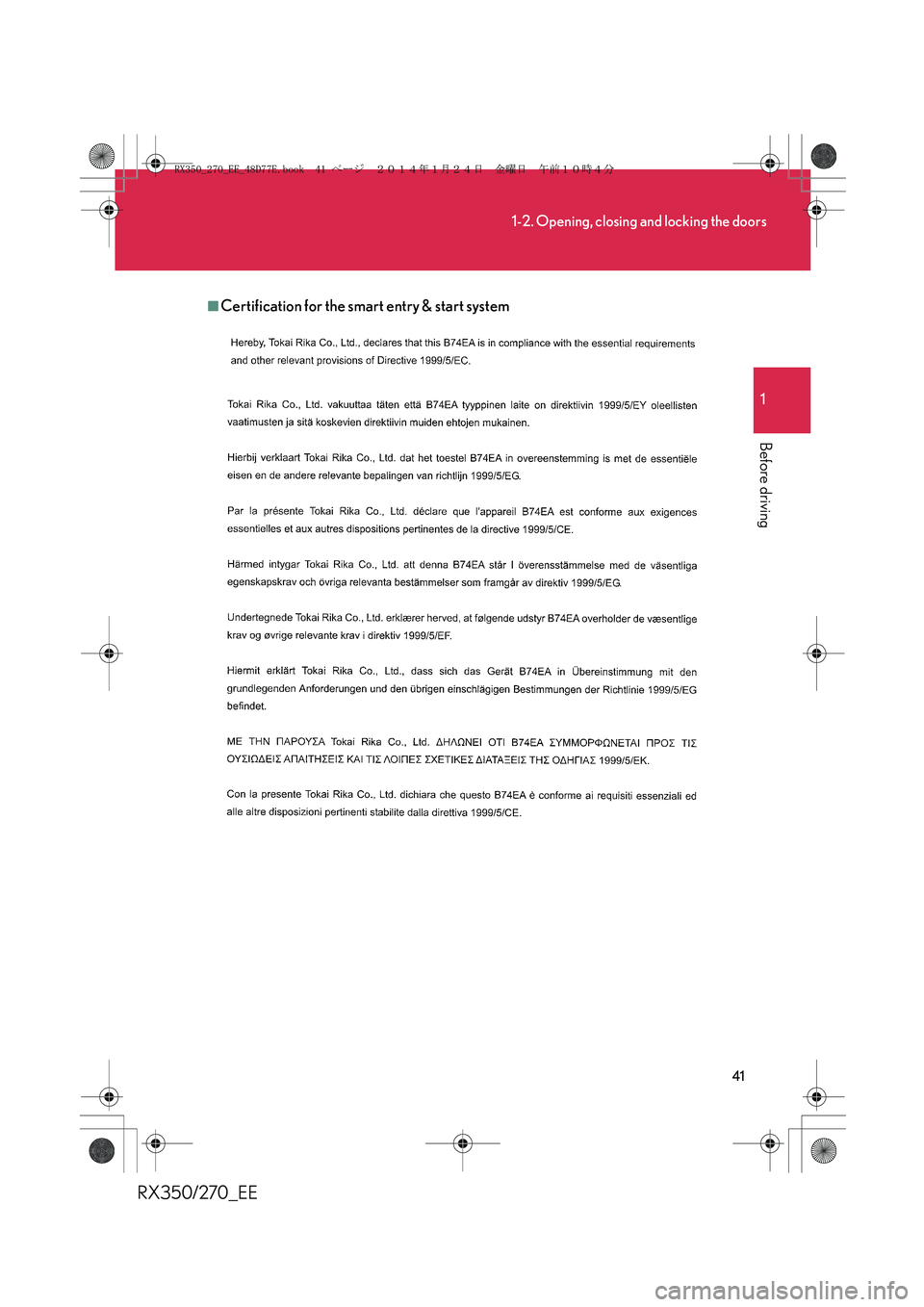
■Certification for the smart entry & start system
RX350_270_EE_48D77E.book 41 ページ 2014年1月24日 金曜日 午前10時4分
Page 42 of 652
42
1-2. Opening, closing and locking the doors
RX350/270_EE
RX350_270_EE_48D77E.book 42 ページ 2014年1月24日 金曜日 午前10時4分
Page 43 of 652
43
1-2. Opening, closing and locking the doors
1
Before driving
RX350/270_EE
RX350_270_EE_48D77E.book 43 ページ 2014年1月24日 金曜日 午前10時4分
Page 44 of 652
44
1-2. Opening, closing and locking the doors
RX350/270_EE
RX350_270_EE_48D77E.book 44 ページ 2014年1月24日 金曜日 午前10時4分
Page 45 of 652
45
1-2. Opening, closing and locking the doors
1
Before driving
RX350/270_EE
RX350_270_EE_48D77E.book 45 ページ 2014年1月24日 金曜日 午前10時4分
Page 46 of 652
46
1-2. Opening, closing and locking the doors
RX350/270_EE
RX350_270_EE_48D77E.book 46 ページ 2014年1月24日 金曜日 午前10時4分
Page 47 of 652
47
1-2. Opening, closing and locking the doors
1
Before driving
RX350/270_EE
-Replace only with the same or equivalent type recommended by the
manufacturer.
-Dispose of used batteries according to the local laws.
http://www.globaldenso.com/en/products/oem/index.html
RX350_270_EE_48D77E.book 47 ページ 2014年1月24日 金曜日 午前10時4分